view monthly breakdown
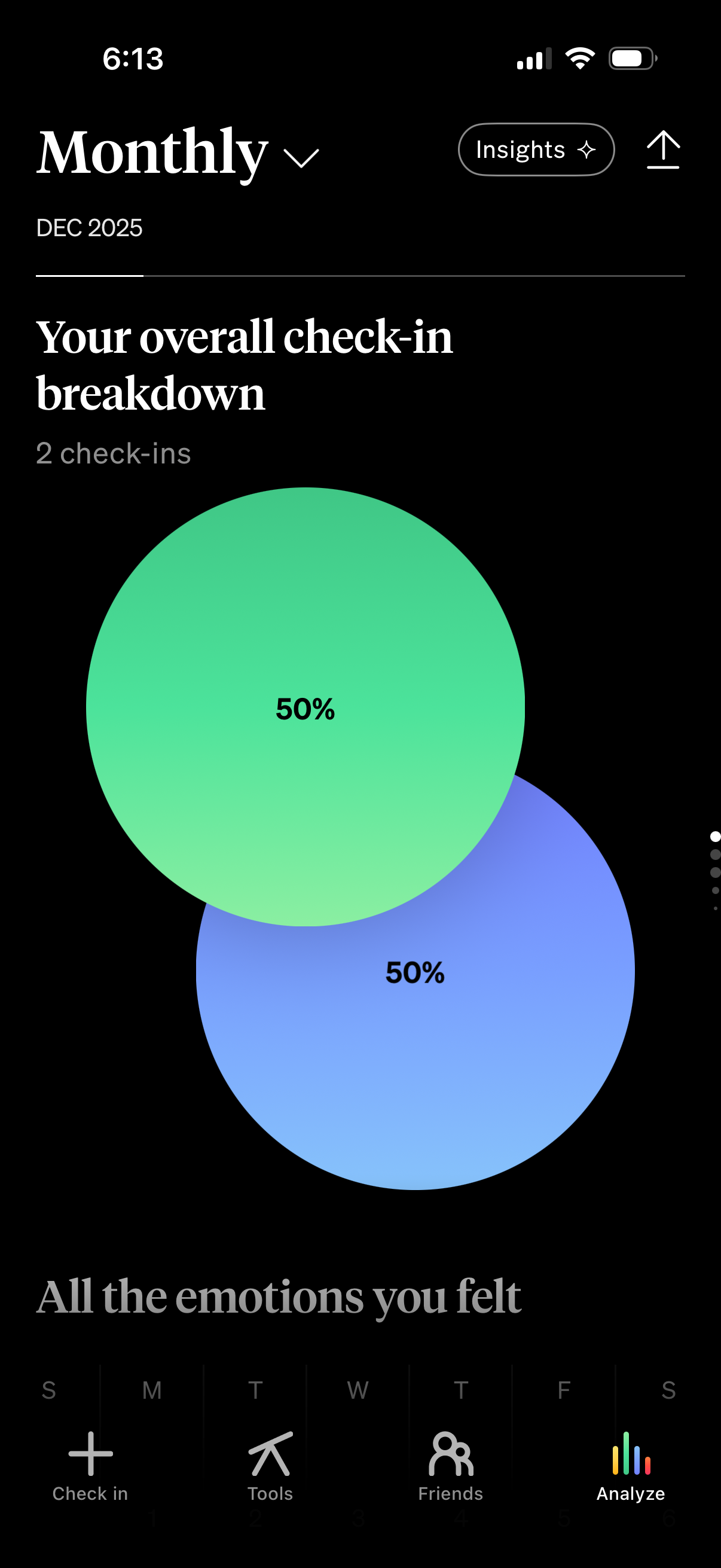
Monthly analytics screen showing an overall check-in breakdown for a selected month, visualized with overlapping percentage bubbles and a total check-in count. Includes controls to switch time period, open Insights, and navigate within the app’s bottom tabs (Check in, Tools, Friends, Analyze).

Consent opt-in screen asking whether to enable AI features, explaining that AI is optional, powered by OpenAI, and outlining data processing and zero data retention/privacy details. Primary actions let the user choose between “Enable AI features” or “Don’t Enable,” with an option to close the dialog.

Loading screen for a “monthly review” feature showing a progress percentage (5%) and “One moment please…” message, with an option to close via an X and a more actions menu. The design uses a full-screen gradient background with a central divider indicating the review is being prepared.

Monthly review landing screen that highlights the review period dates and invites the user to reflect on what went well or felt challenging this month. Primary action is a “Dive in” button to start the monthly reflection, with close and overflow menu options in the header.
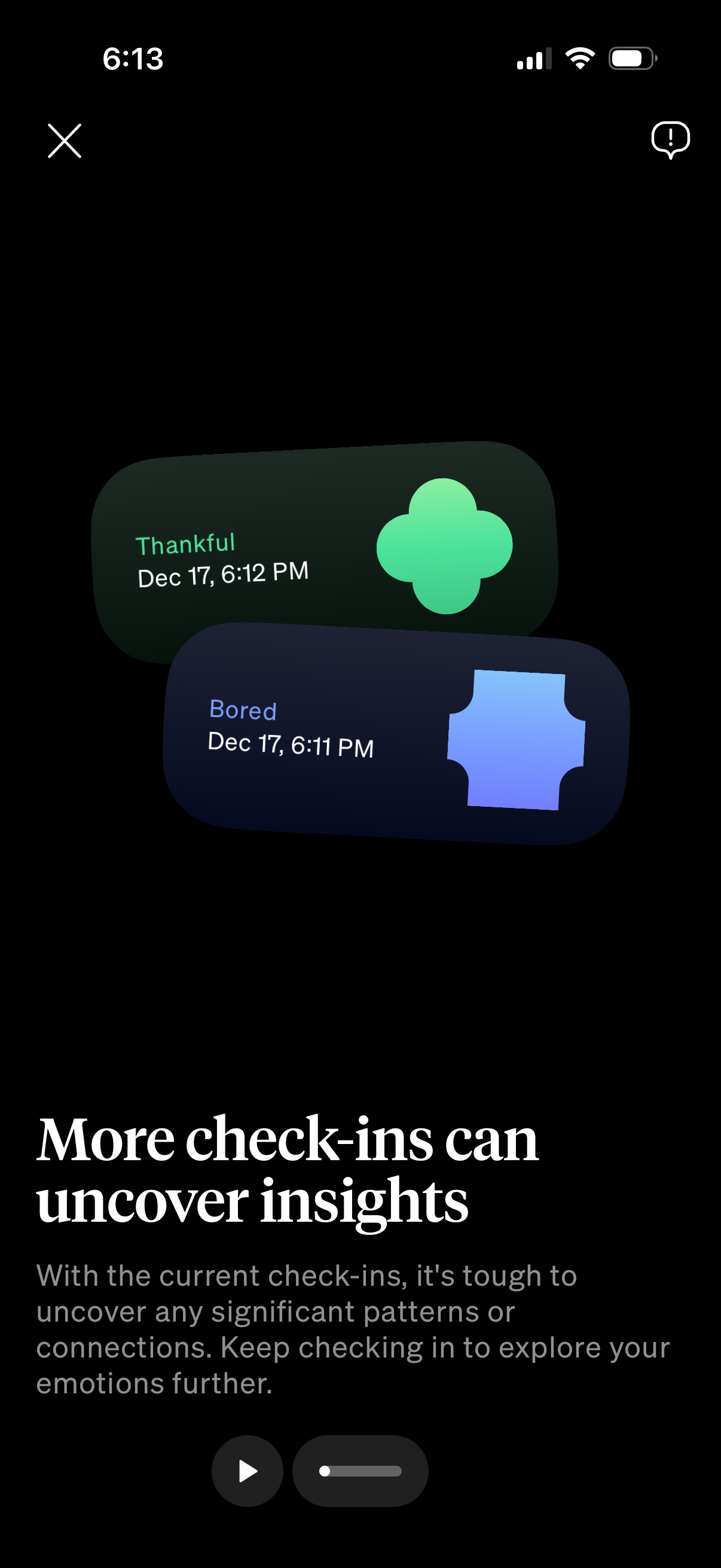
Insight/education screen in a mood tracking app explaining that more emotional check-ins are needed to uncover patterns, showing recent check-in cards with moods and timestamps (e. g.
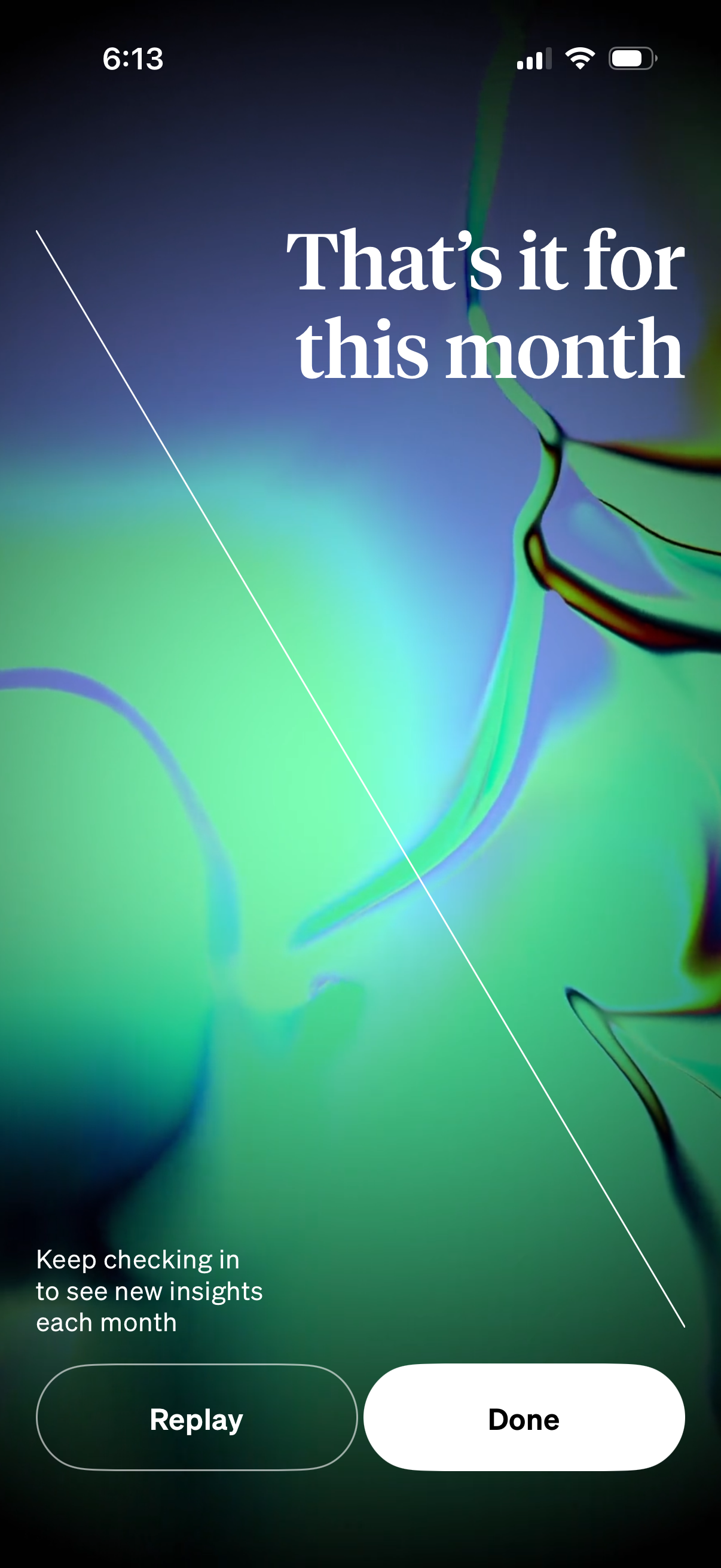
End-of-month insights recap screen with a message that the monthly summary has finished and a prompt to check back for new insights each month. Provides primary actions to Replay the recap or tap Done to exit.