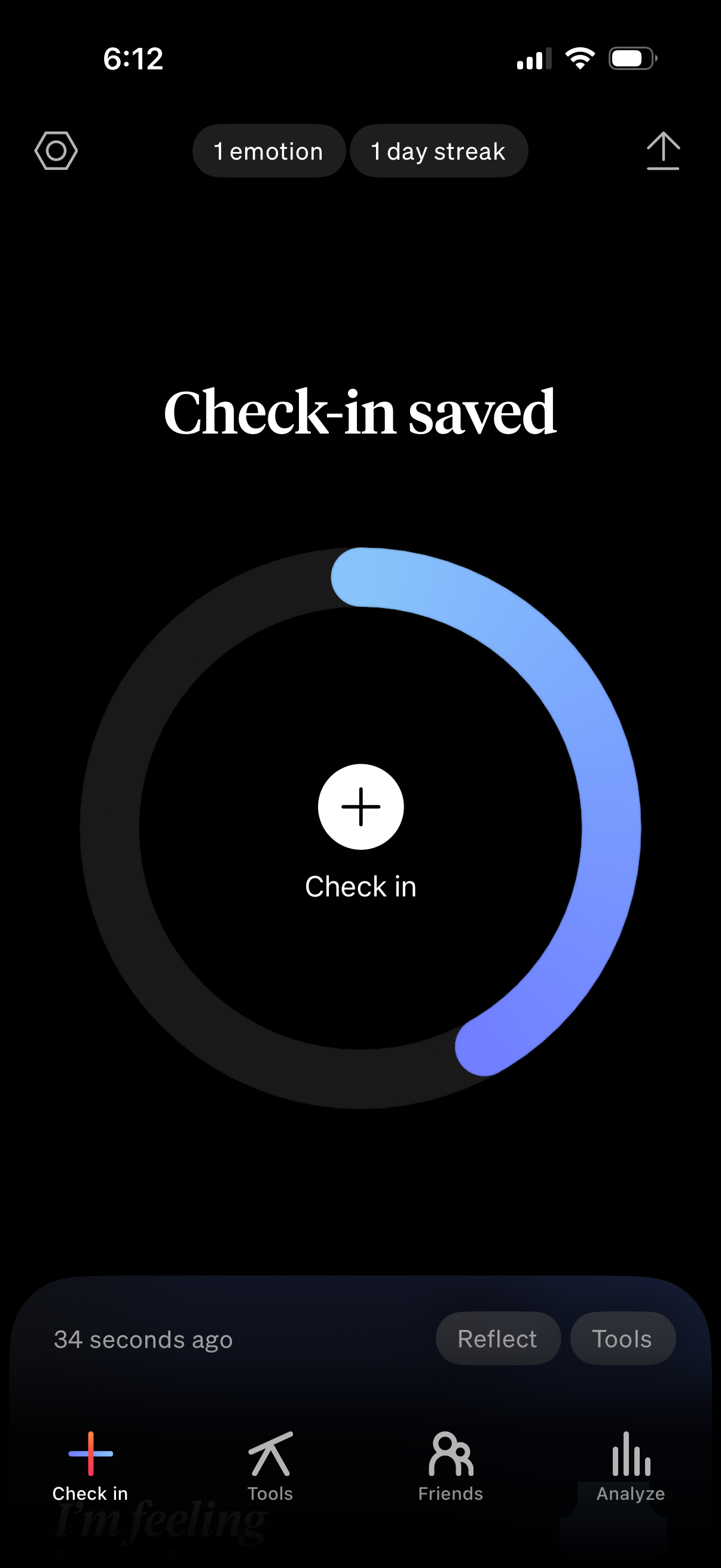
Mood tracking check-in confirmation screen showing “Check-in saved” with a circular progress ring indicating daily completion and streak status, and a central plus button to start another check-in. Bottom navigation provides access to Check in, Tools, Friends, and Analyze, with quick actions for Reflect and Tools.
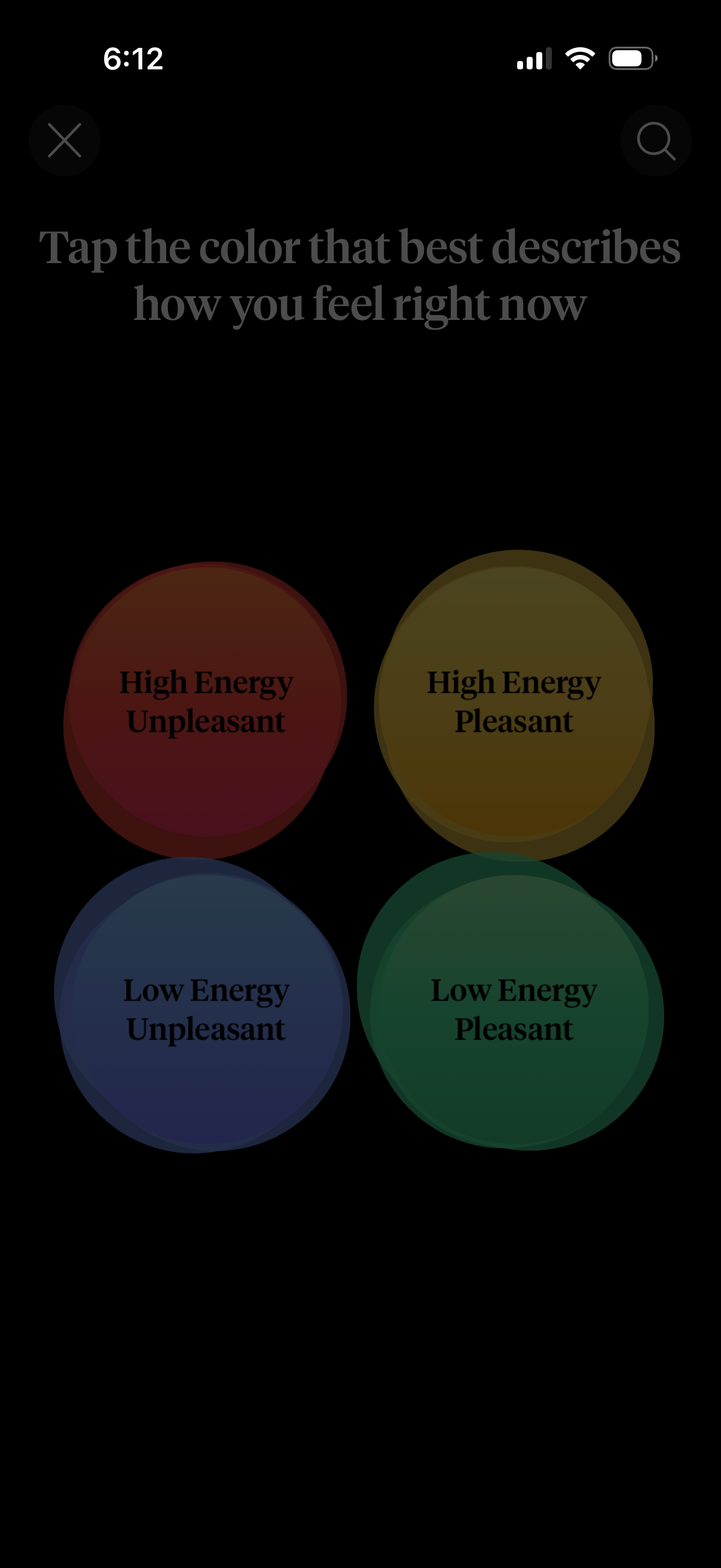
Mood check-in screen prompting the user to tap a color that best describes how they feel right now, using a 2x2 emotion grid for energy and pleasantness (high/low energy × pleasant/unpleasant). Includes four large selectable color buttons and top navigation controls like close and search.
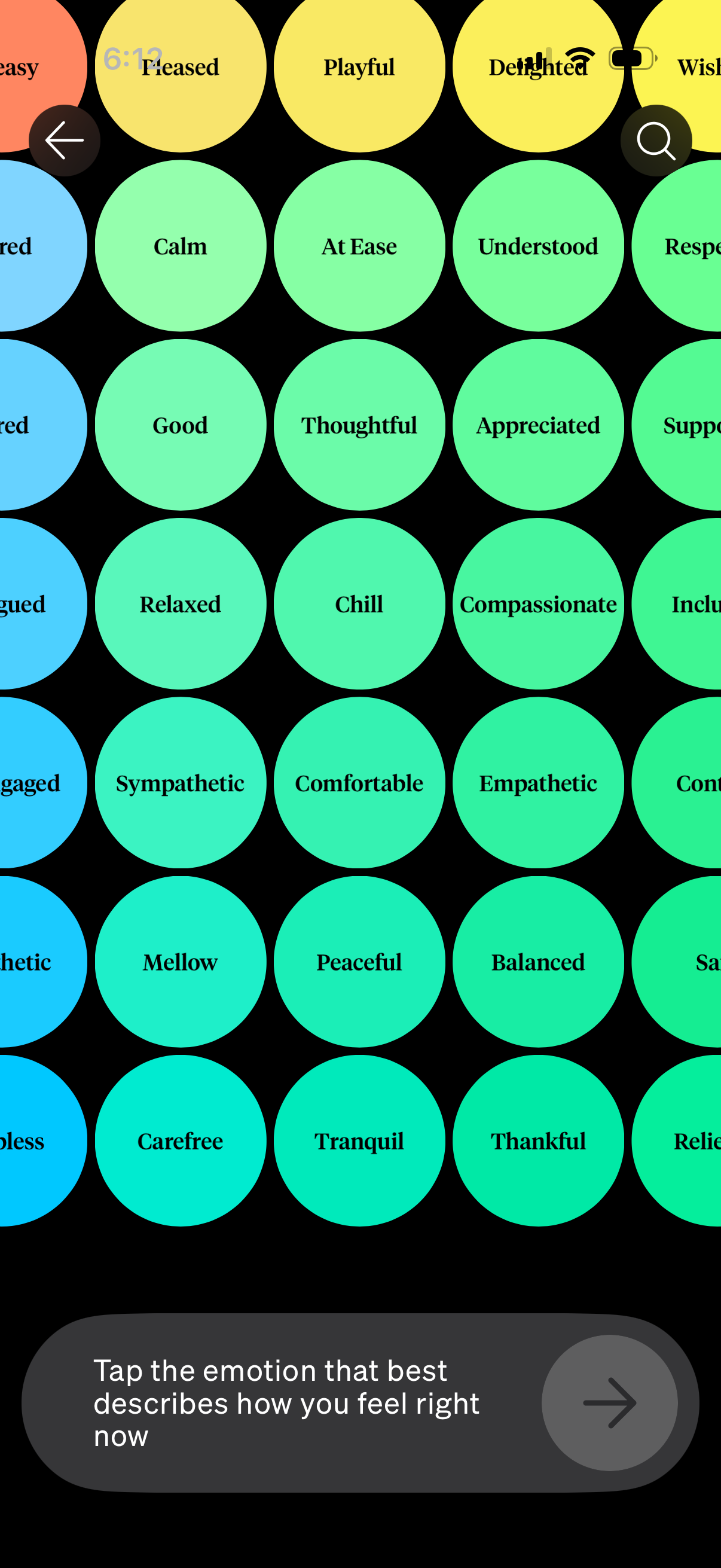
Mood check-in screen showing a grid of color-coded emotion tags (e. g.
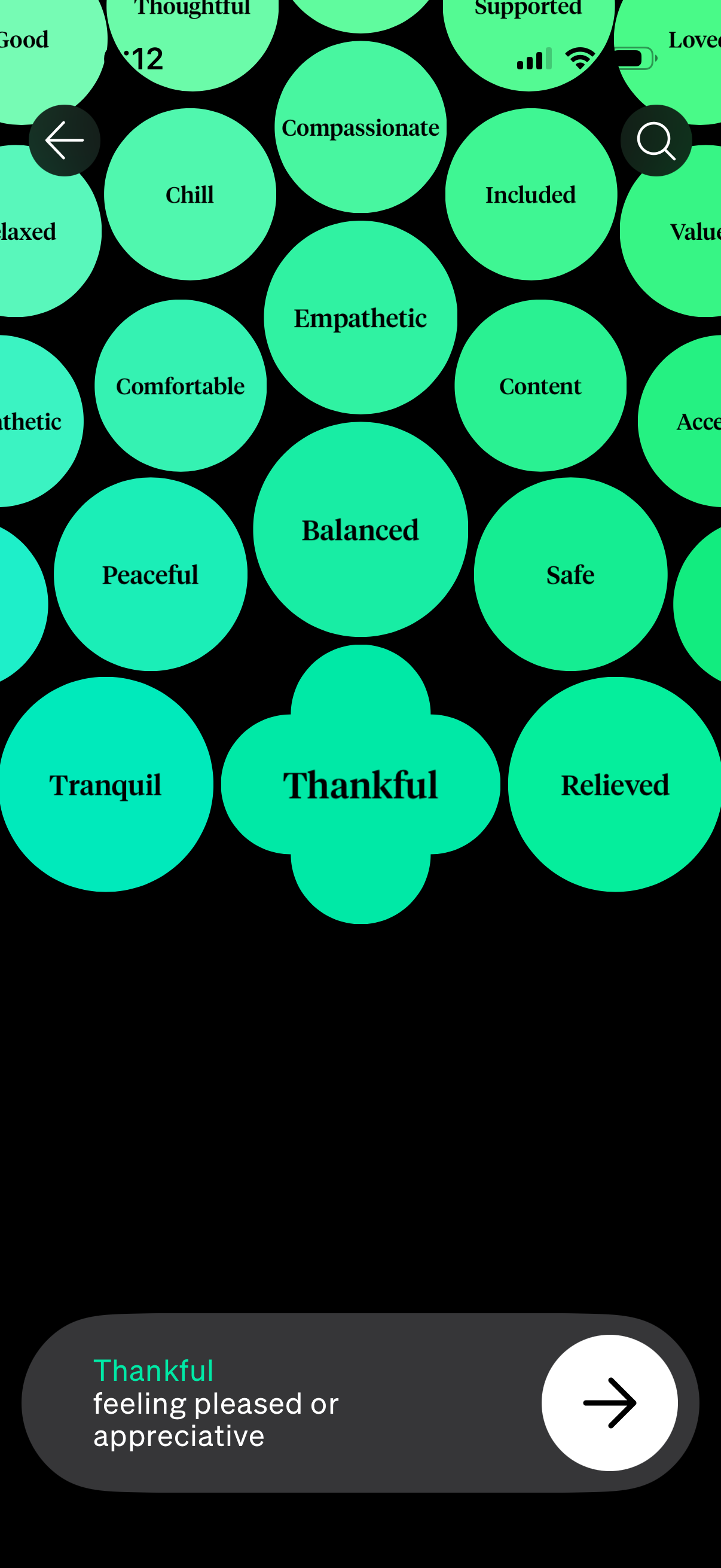
Mood and emotion selection screen showing a bubble cloud of feeling keywords (e. g.
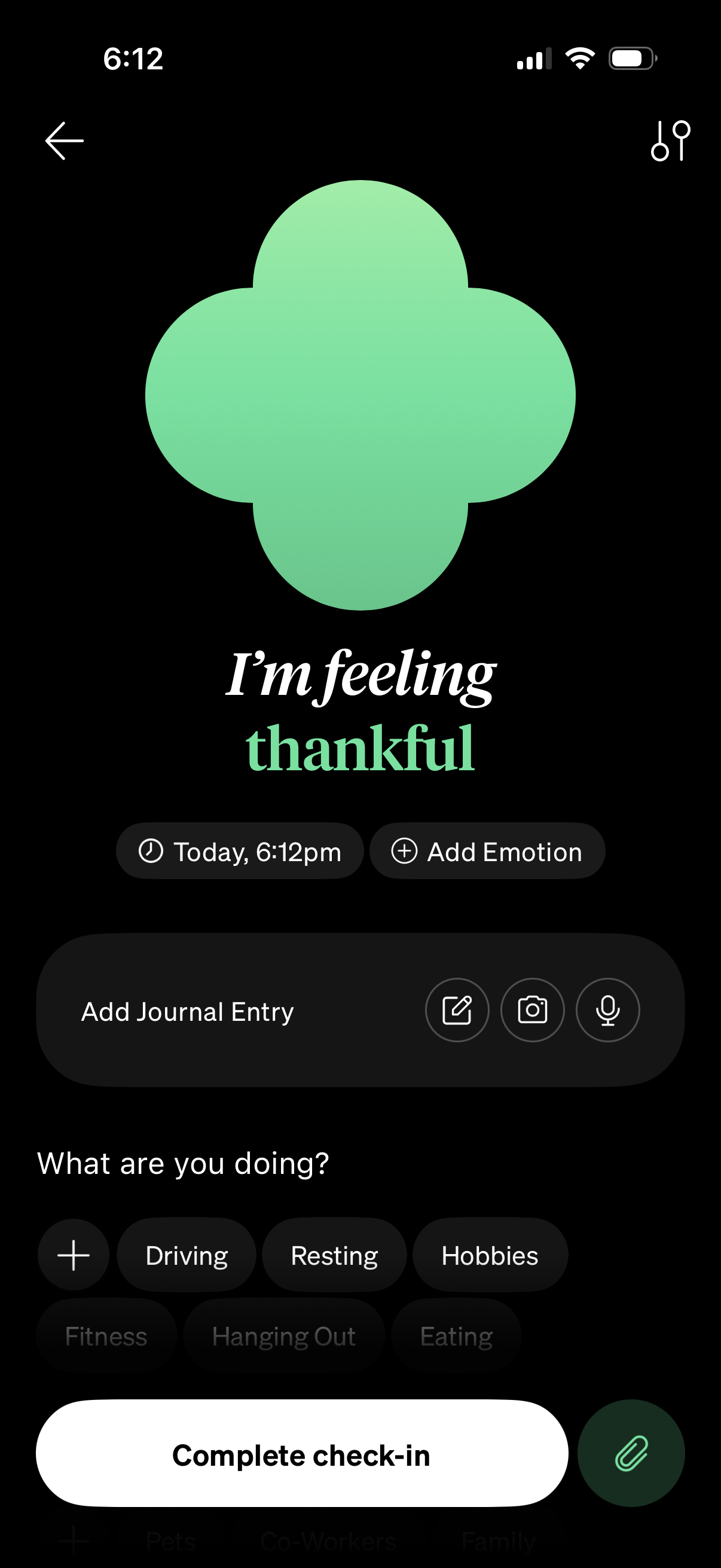
Mood check-in screen for a mental health or journaling app showing the selected emotion and timestamp, with options to add another emotion and add a journal entry via text, photo, or voice. Users can tag what they’re doing by selecting activity chips or adding a custom one, then tap a primary “Complete check-in” button to save.
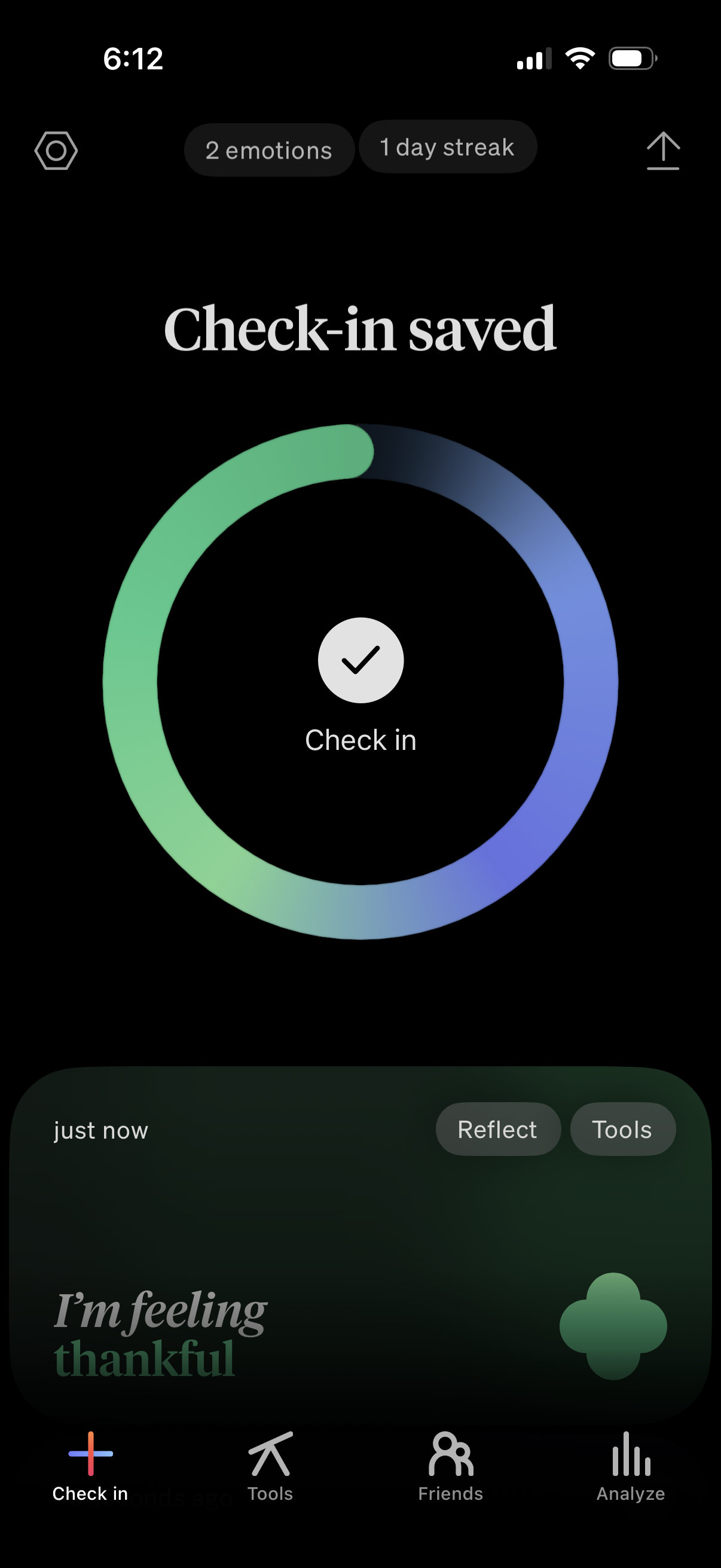
Mood tracking app confirmation screen showing a “Check-in saved” success state with a circular progress ring, checkmark, and indicators for number of emotions logged and current streak. The bottom area provides quick actions to Reflect or open Tools, plus a tab bar for navigating between Check in, Tools, Friends, and Analyze.