Your agent can search this library too. Lazyweb CLI →
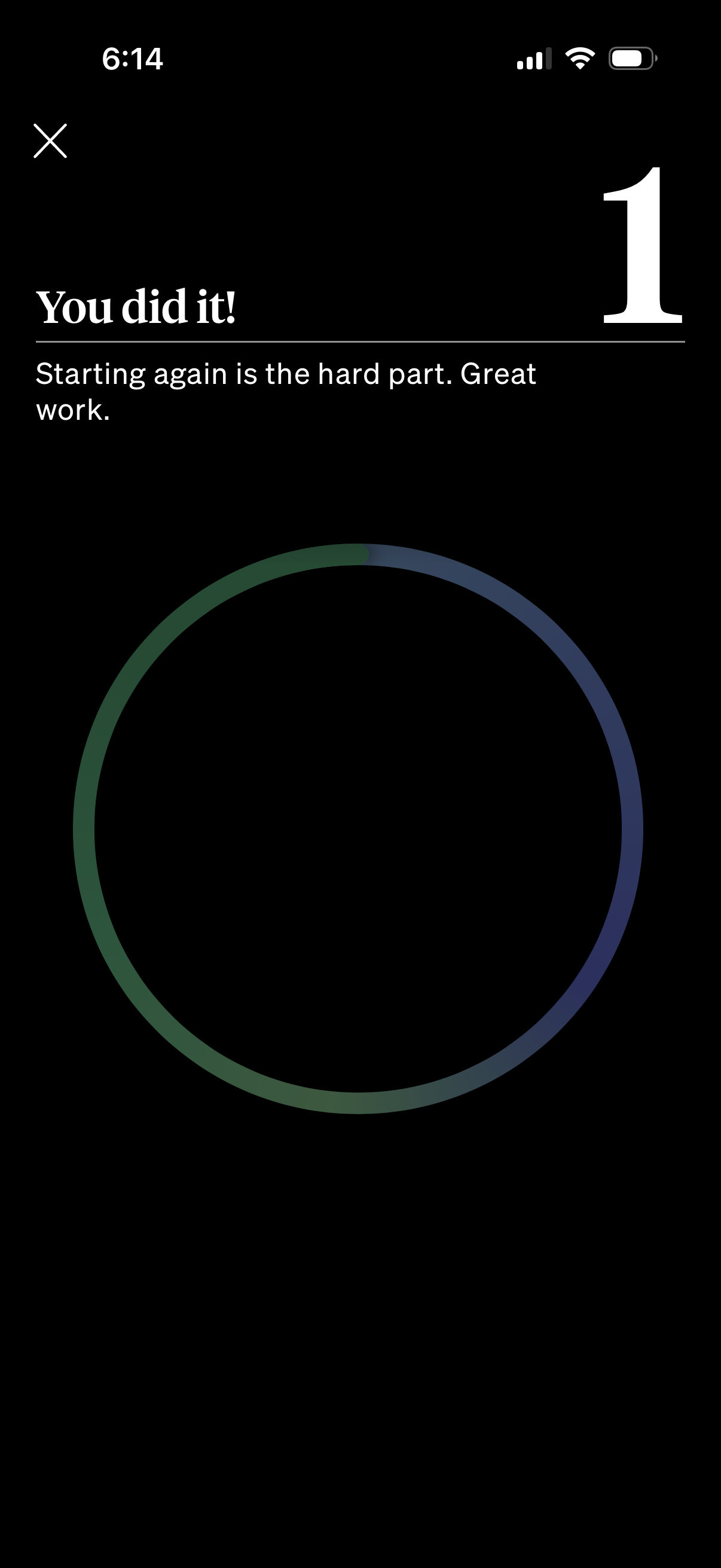
Completion/celebration screen for a habit or onboarding step showing “You did it
how-we-feel
Motivational milestone/completion screen in a habit or wellness app confirming a
how-we-feel
Educational onboarding slide in a mental health or emotion-tracking app explaini
how-we-feel
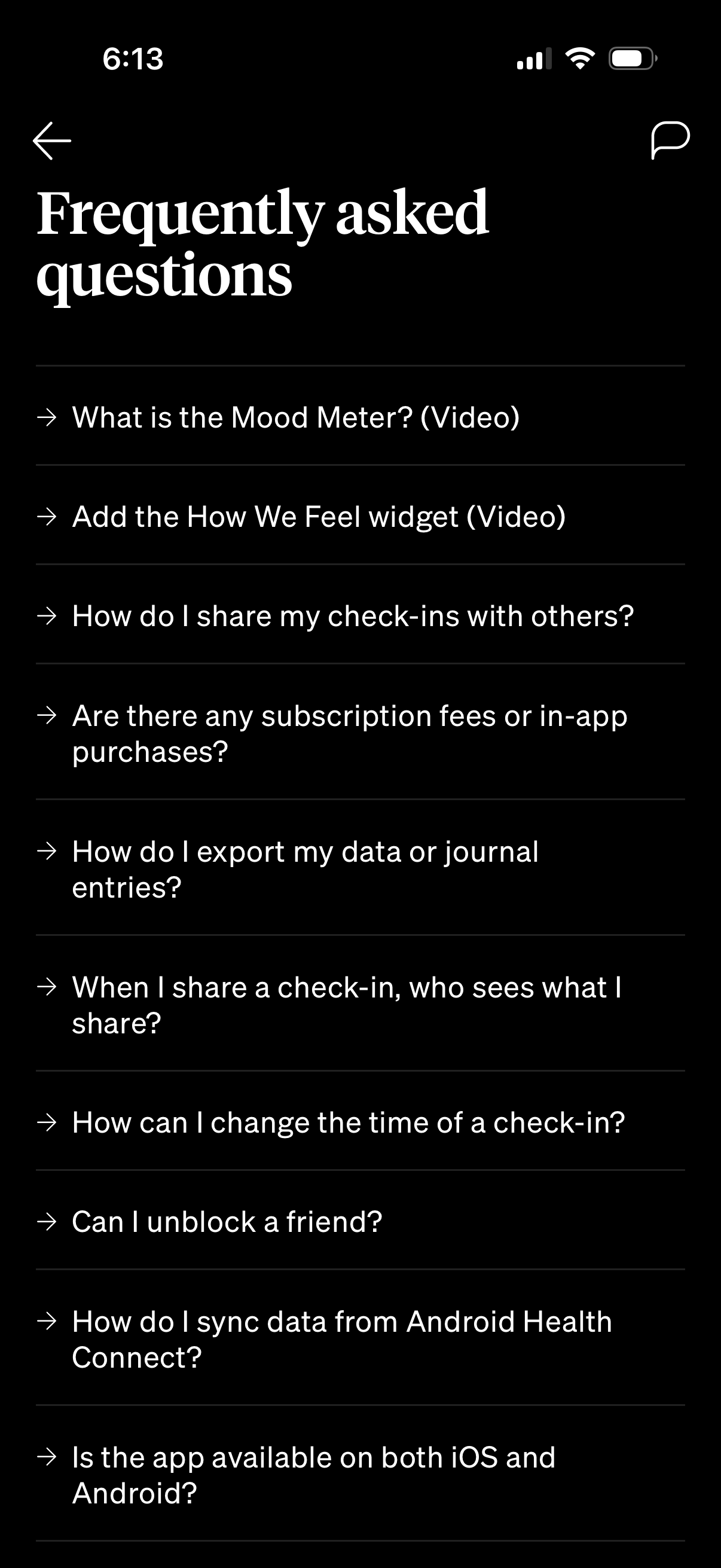
FAQ/help center screen showing a list of frequently asked questions in a mental
how-we-feel
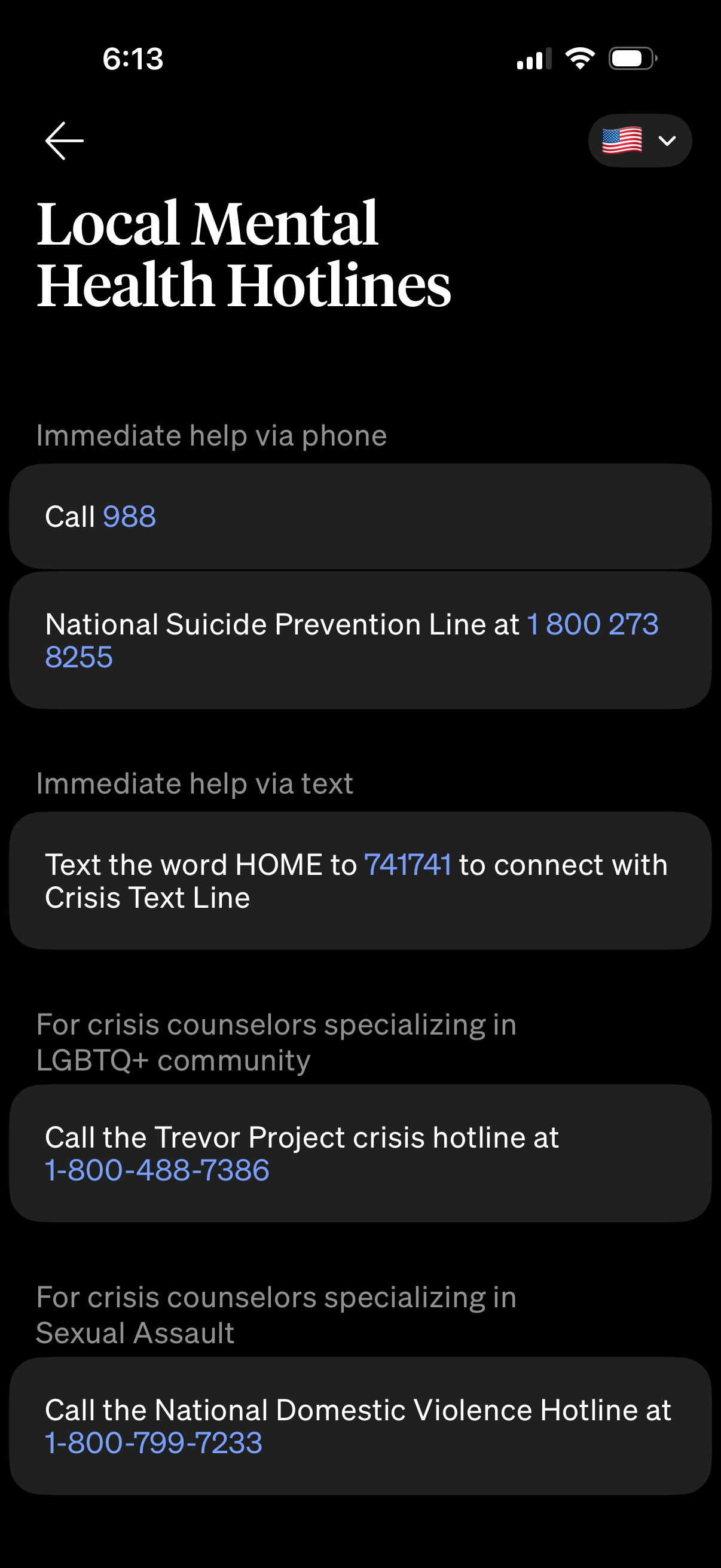
Crisis resources screen listing local mental health hotlines with one-tap action
how-we-feel
Research project enrollment screen explaining that de-identified wellbeing data
how-we-feel
Tool settings screen with a simple list of account maintenance actions, allowing
how-we-feel
AI settings screen for a wellness or mood-tracking app with a master toggle to e
how-we-feel
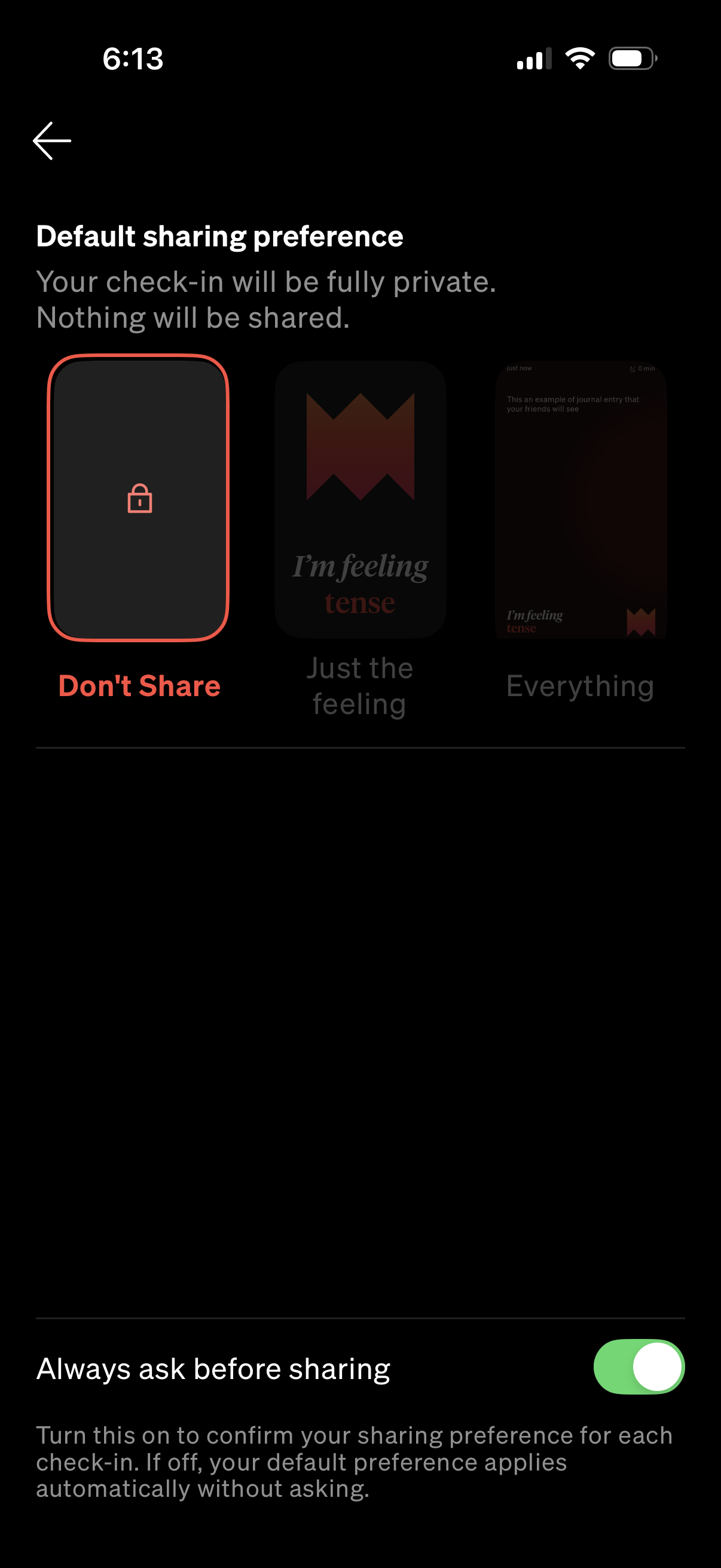
Privacy settings screen for selecting a default sharing preference for check-ins
how-we-feel
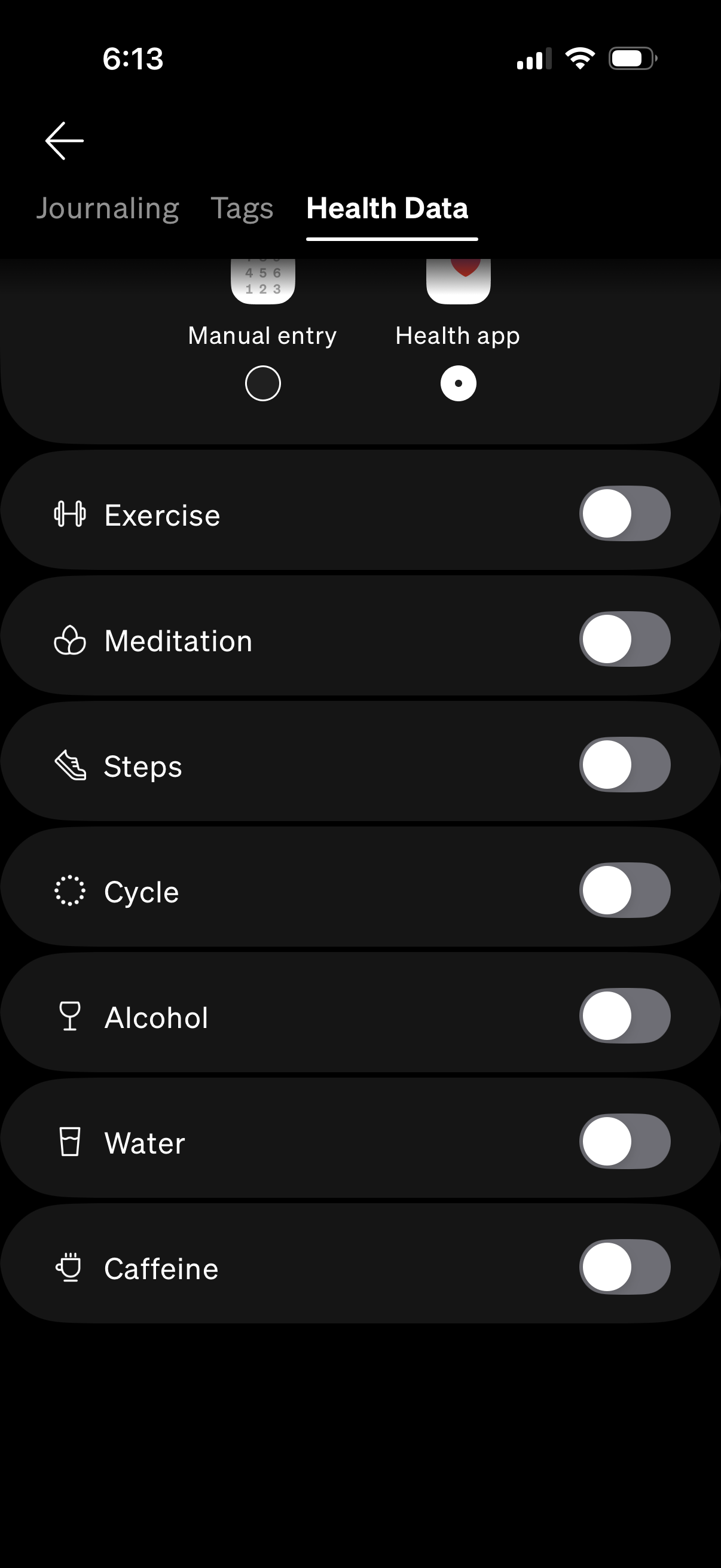
Health data settings screen for a wellness or habit tracker where users choose a
how-we-feel
Accessibility settings screen with a list of toggle switches to adjust experienc
how-we-feel
Security & Data settings screen where users can enable verification with Face ID
how-we-feel
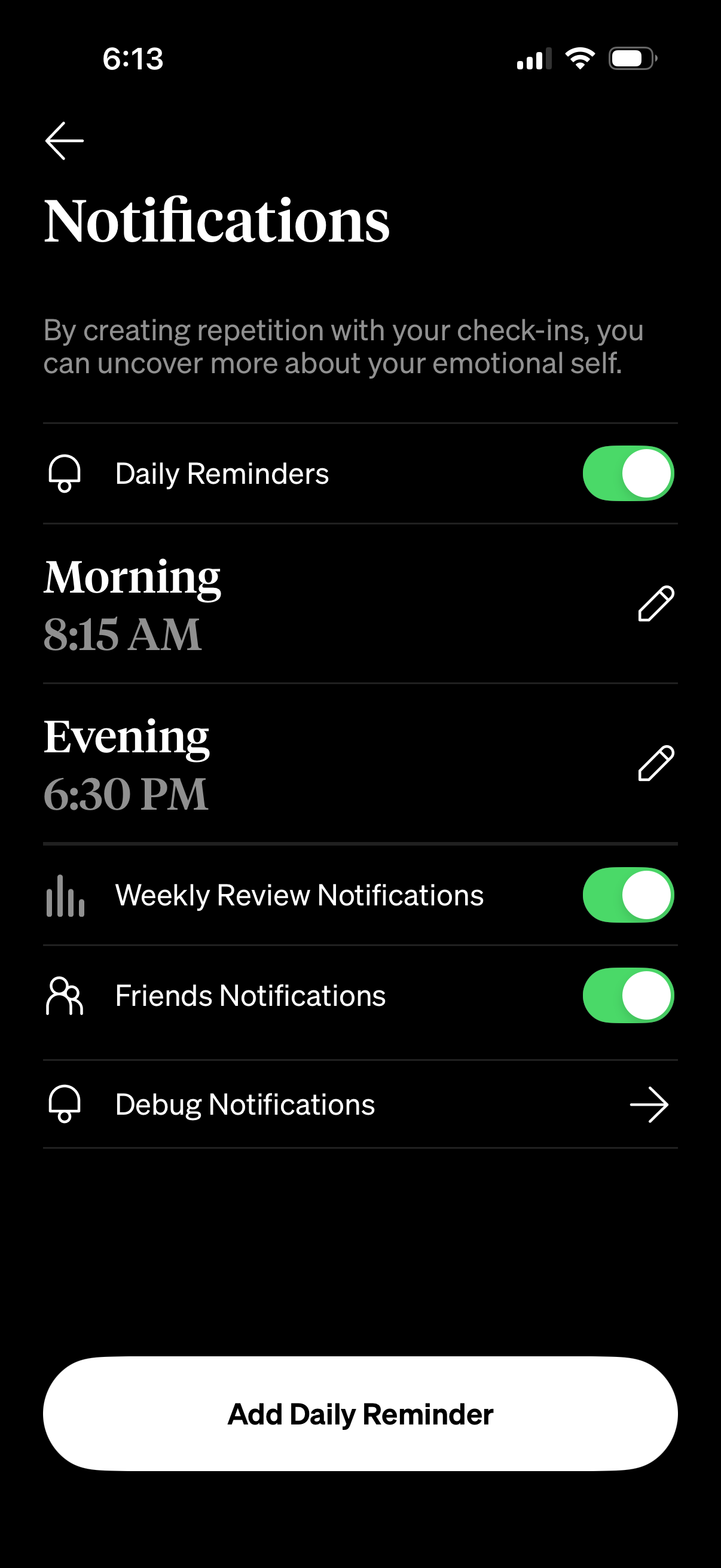
Notification settings screen for a wellness/check-in app where users can enable
how-we-feel
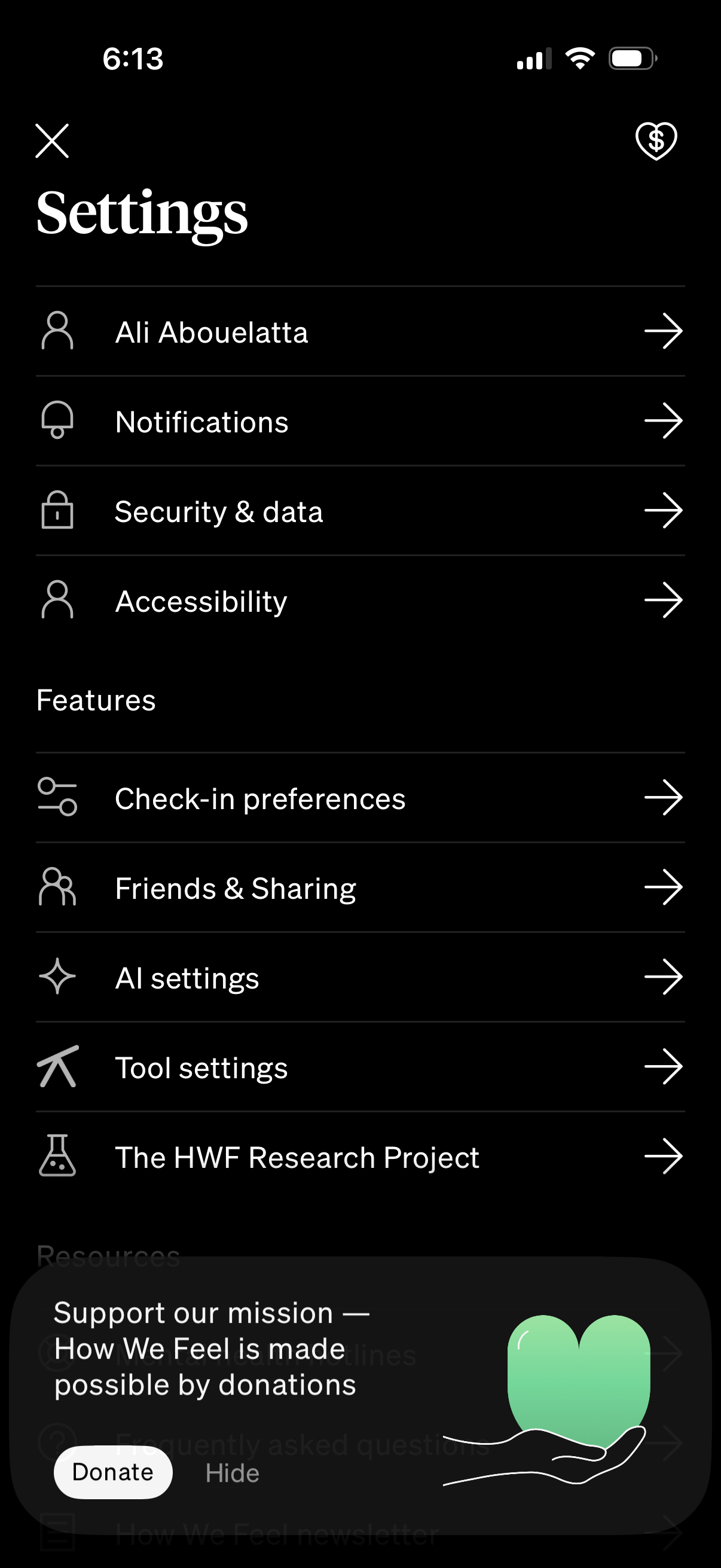
Settings hub screen in a mobile app showing a list of navigable options for prof
how-we-feel
iOS share sheet for a PDF export, showing file details and quick actions to shar
how-we-feel
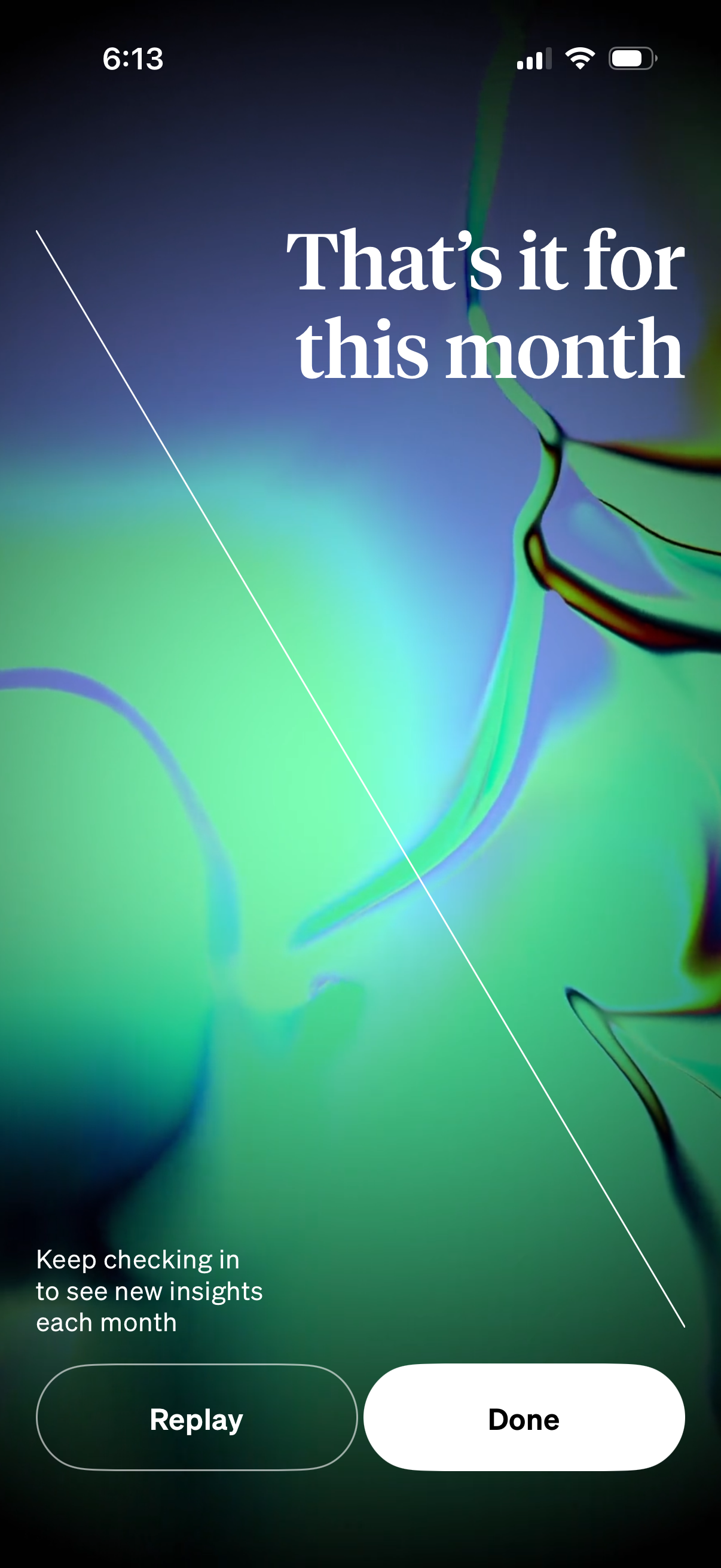
End-of-month insights recap screen with a message that the monthly summary has f
how-we-feel
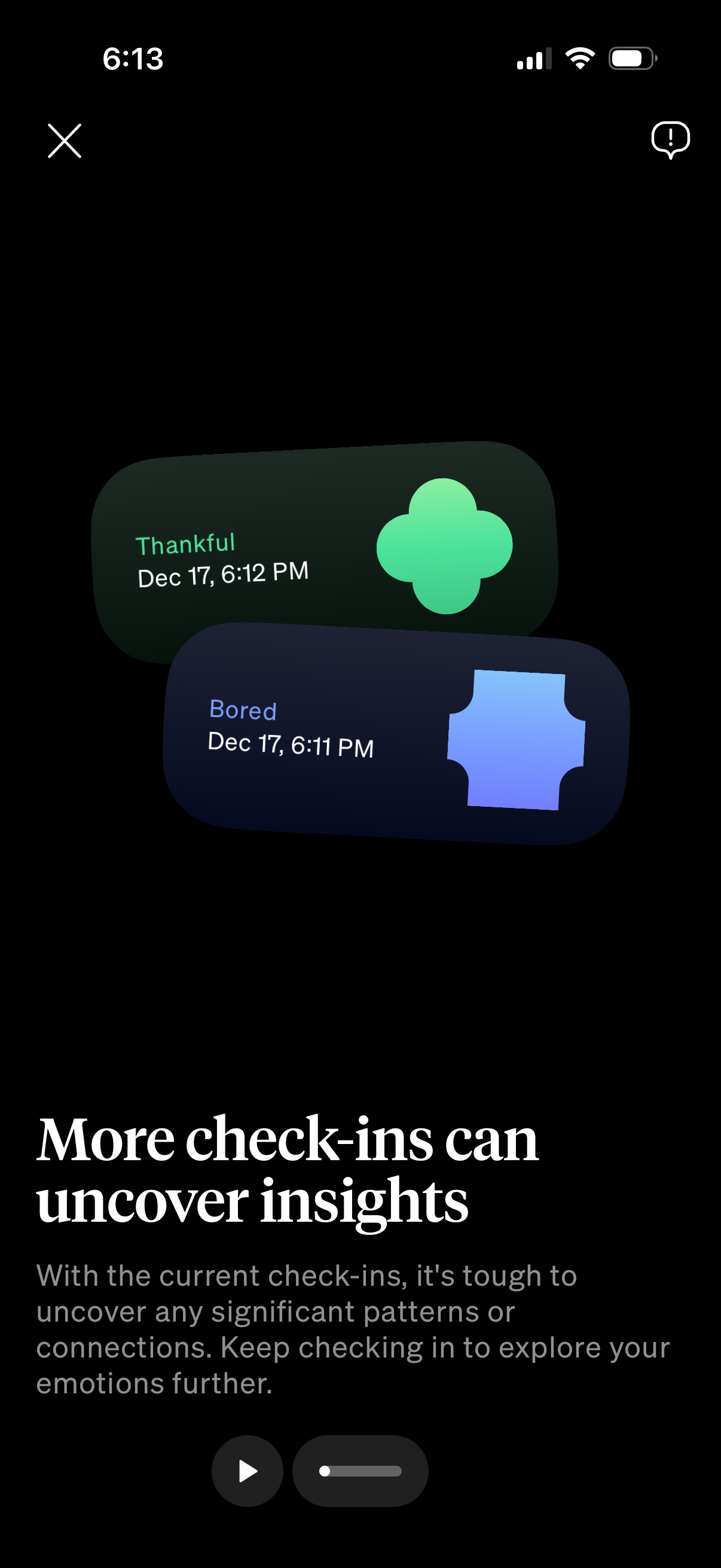
Insight/education screen in a mood tracking app explaining that more emotional c
how-we-feel
Monthly review landing screen that highlights the review period dates and invite
how-we-feel
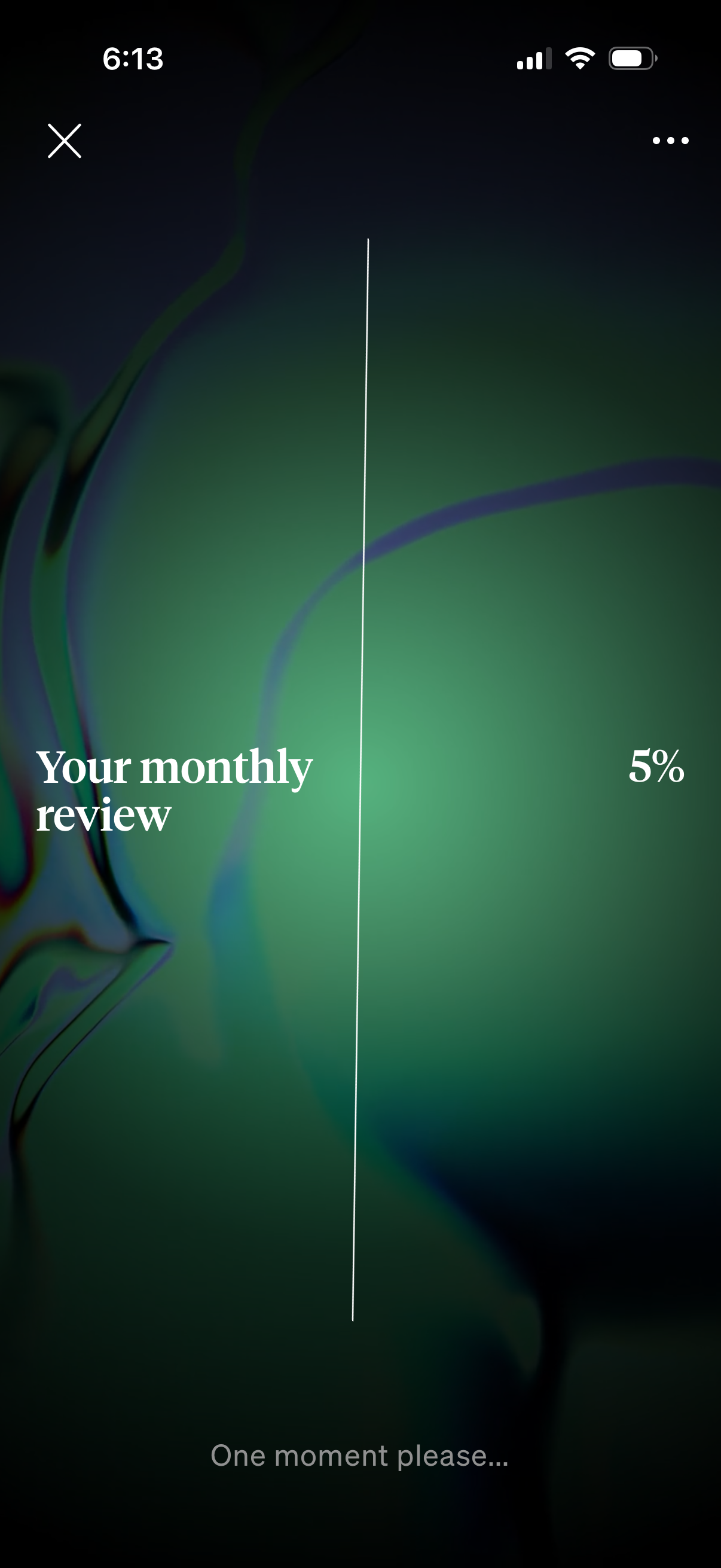
Loading screen for a “monthly review” feature showing a progress percentage (5%)
how-we-feel
Consent opt-in screen asking whether to enable AI features, explaining that AI i
how-we-feel
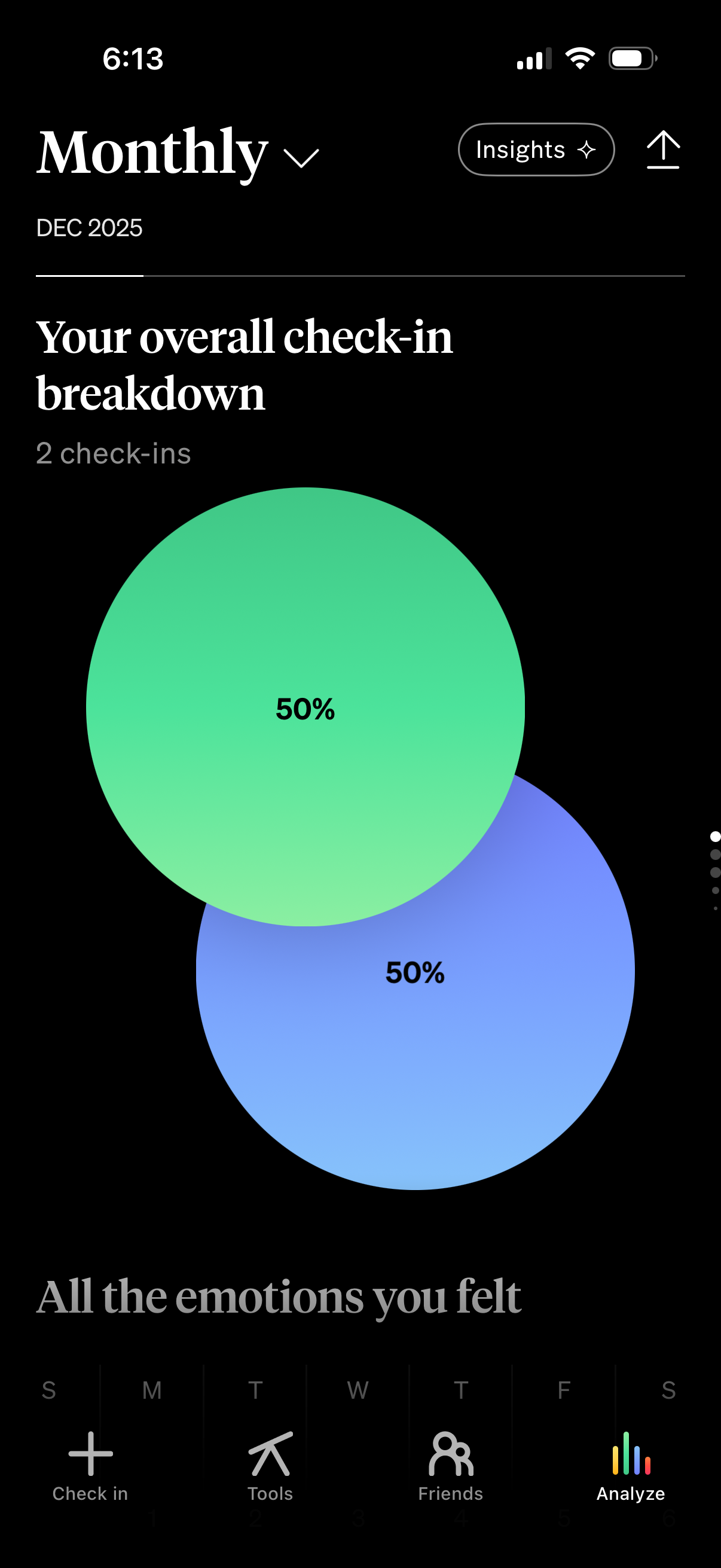
Monthly analytics screen showing an overall check-in breakdown for a selected mo
how-we-feel
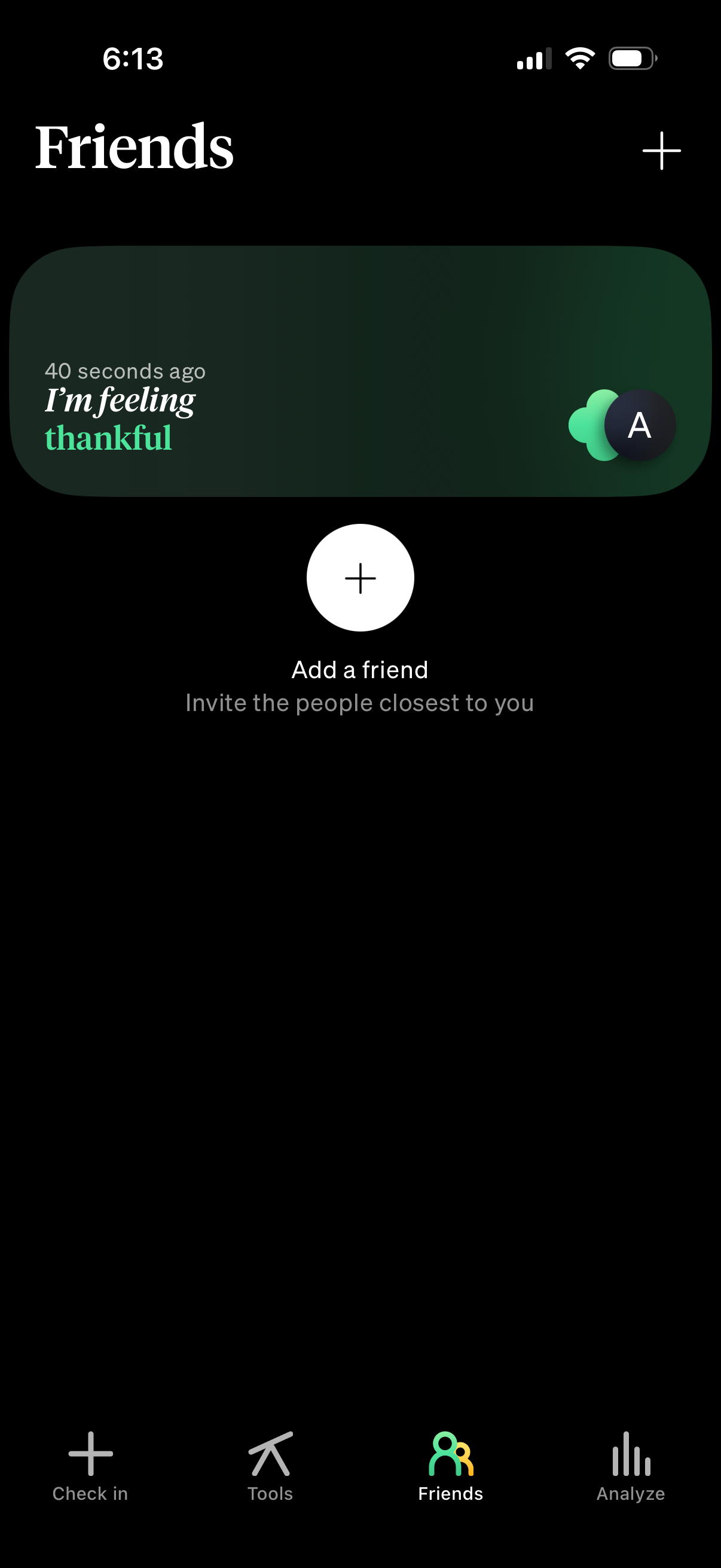
Friends tab showing a feed card with a friend’s recent mood/status update and ti
how-we-feel
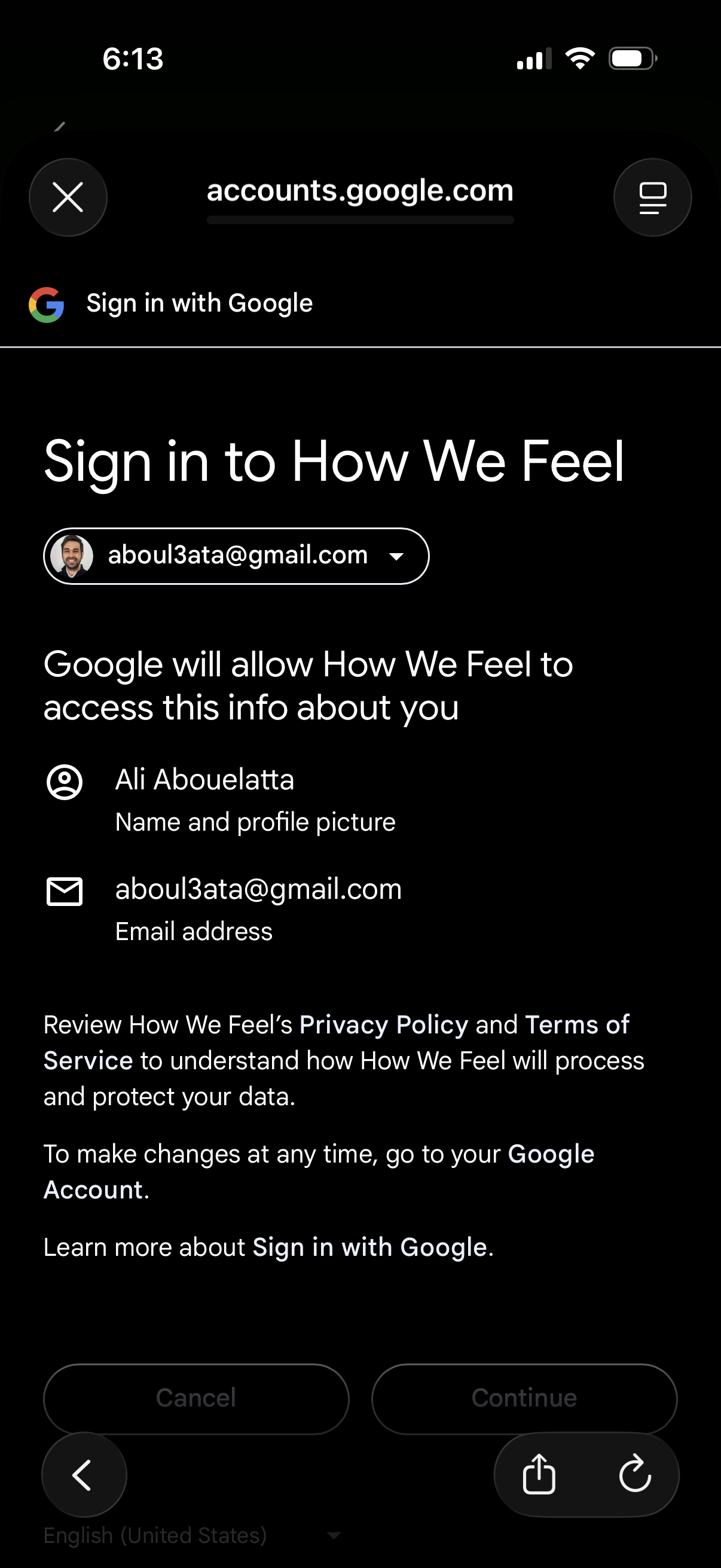
Google OAuth “Sign in with Google” consent screen for signing into an app, showi
how-we-feel
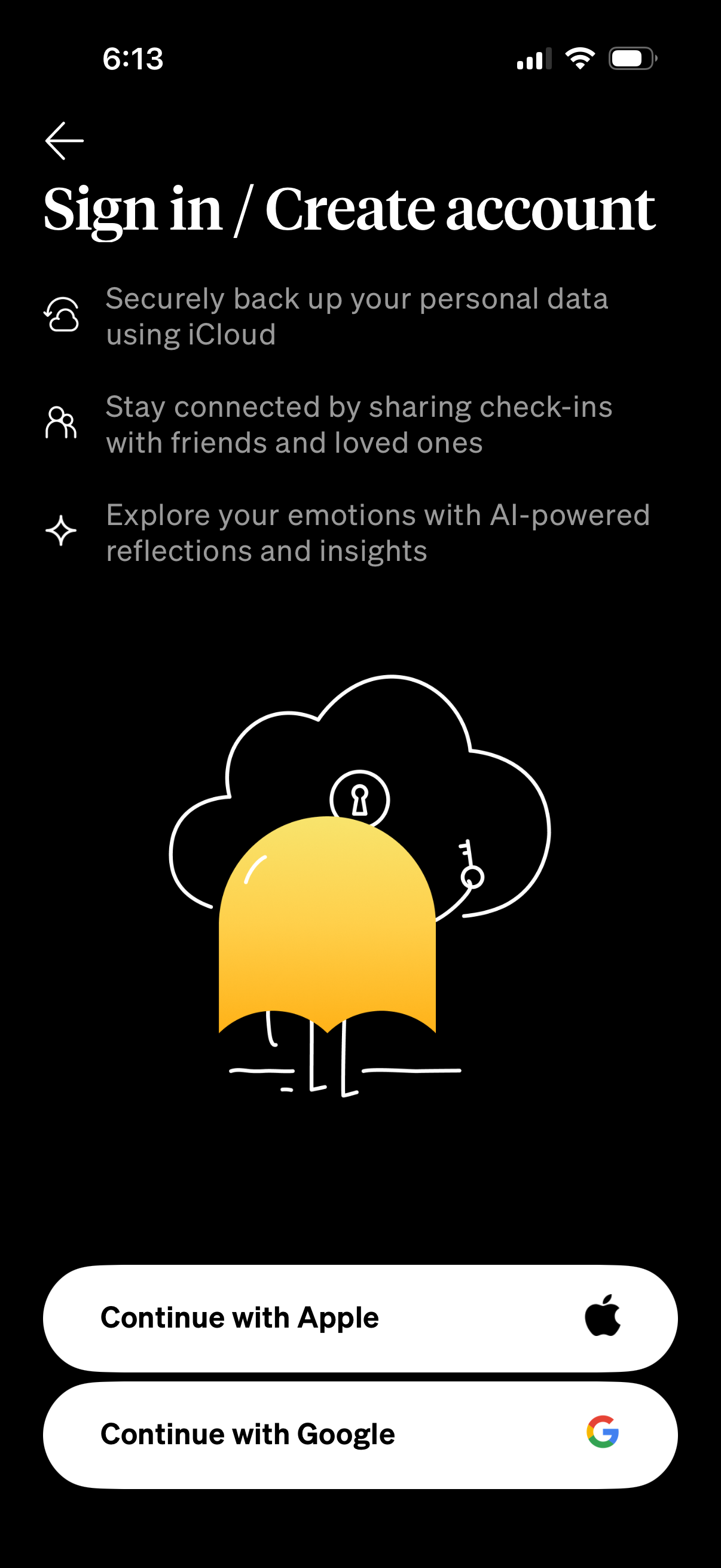
Sign in / create account screen for a mood-tracking app highlighting benefits li
how-we-feel
Sign in / create account onboarding screen explaining benefits like iCloud backu
how-we-feel
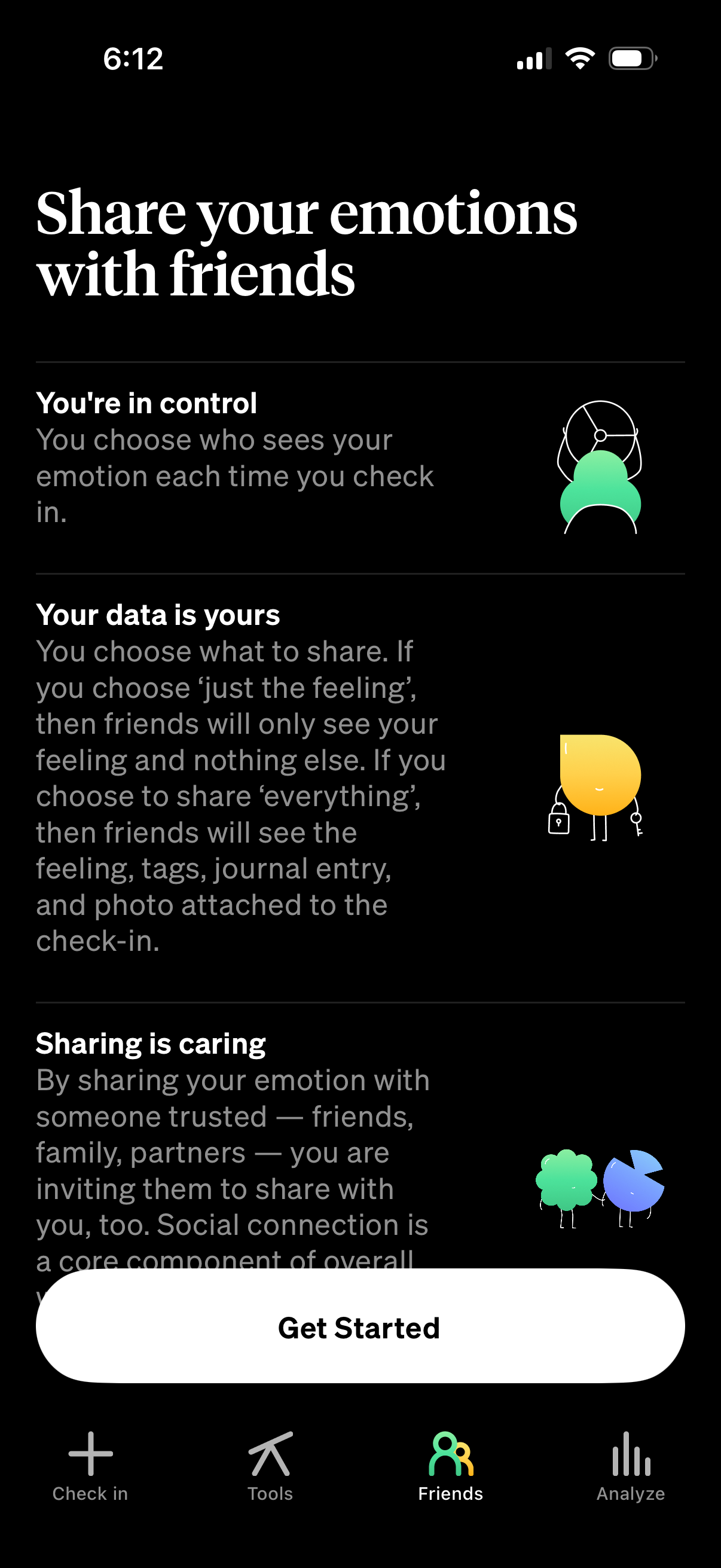
Onboarding explainer screen for a mood or emotion check-in app that encourages s
how-we-feel
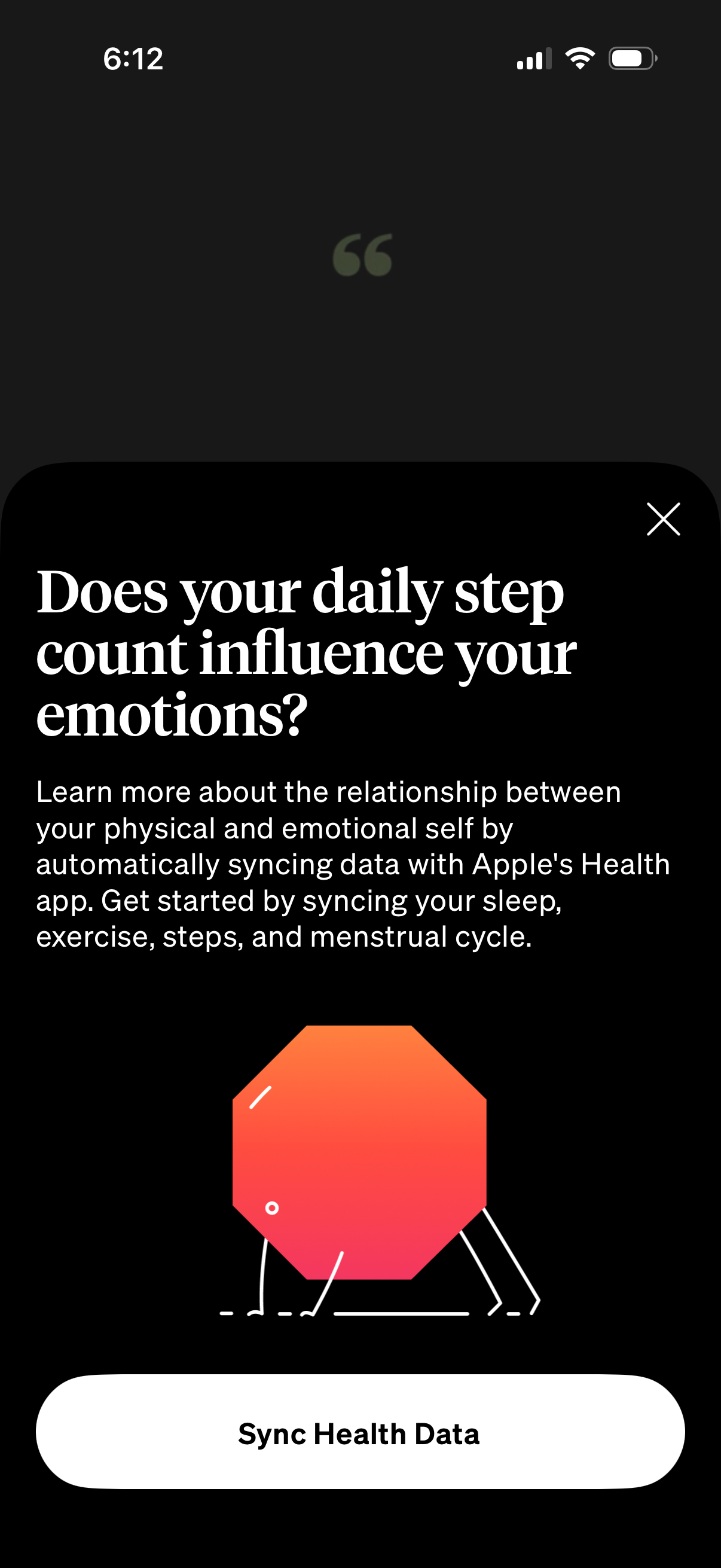
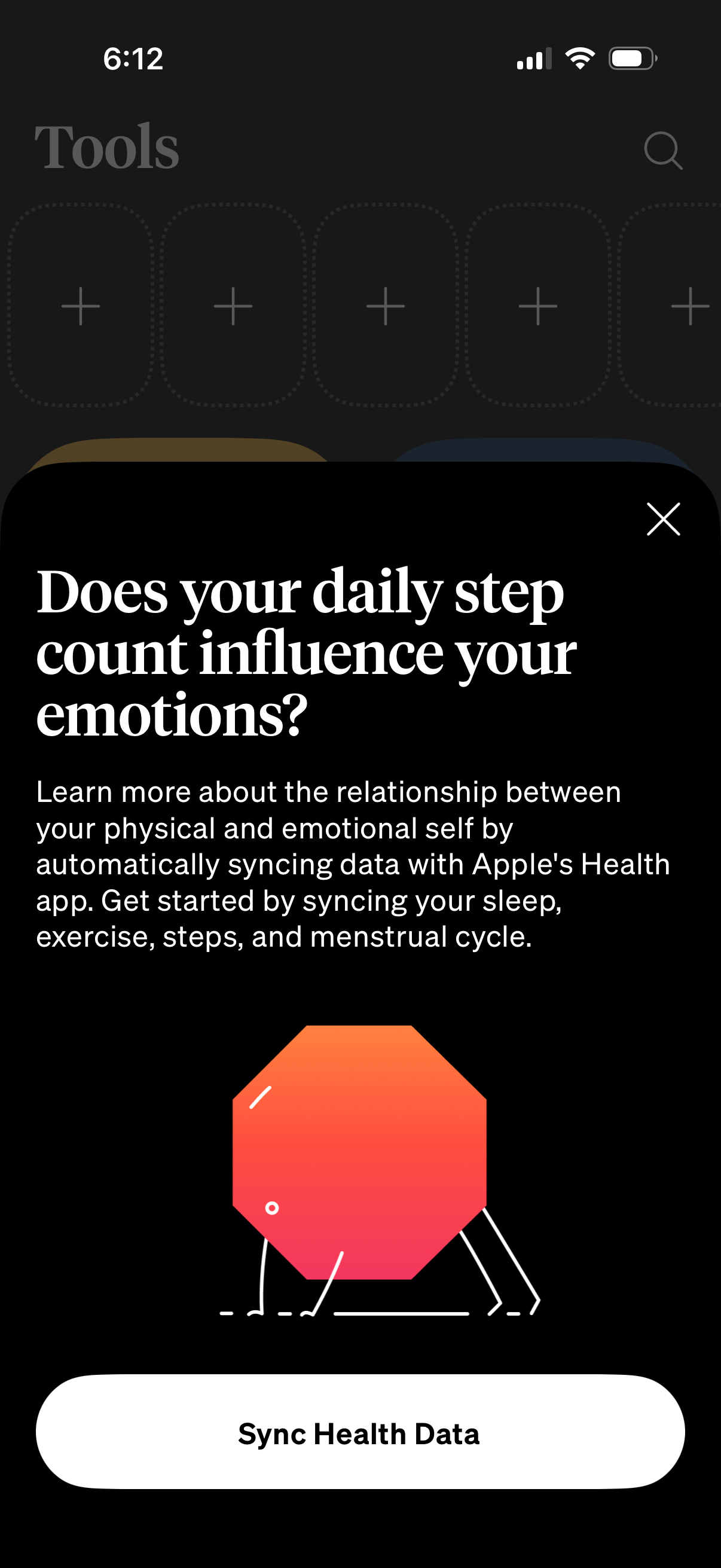
Modal onboarding prompt encouraging users to connect Apple Health to learn how p
how-we-feel
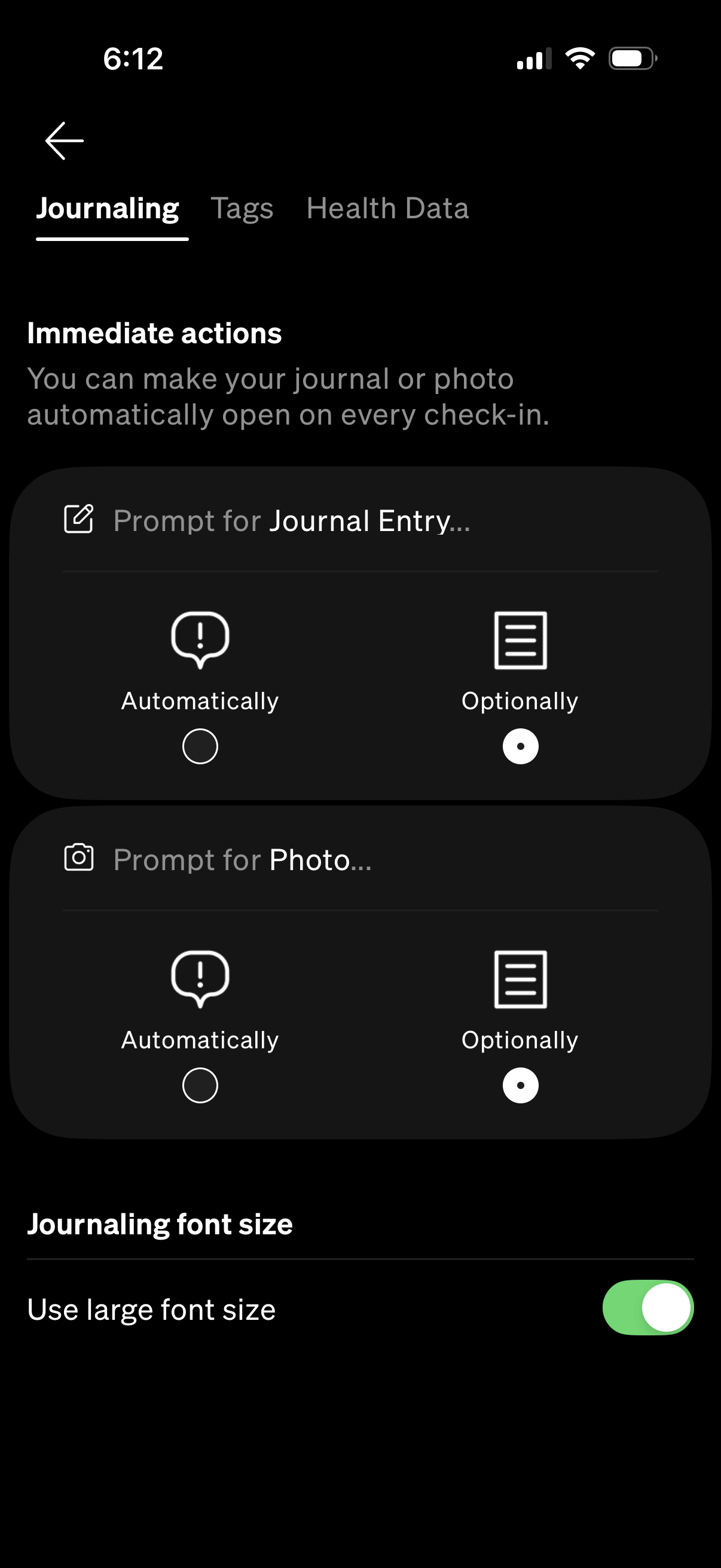
Settings screen for journaling in a wellness/check-in app, with tabs for Journal
how-we-feel
Tag selection screen for a journaling/health app with tabs for Journaling, Tags,
how-we-feel
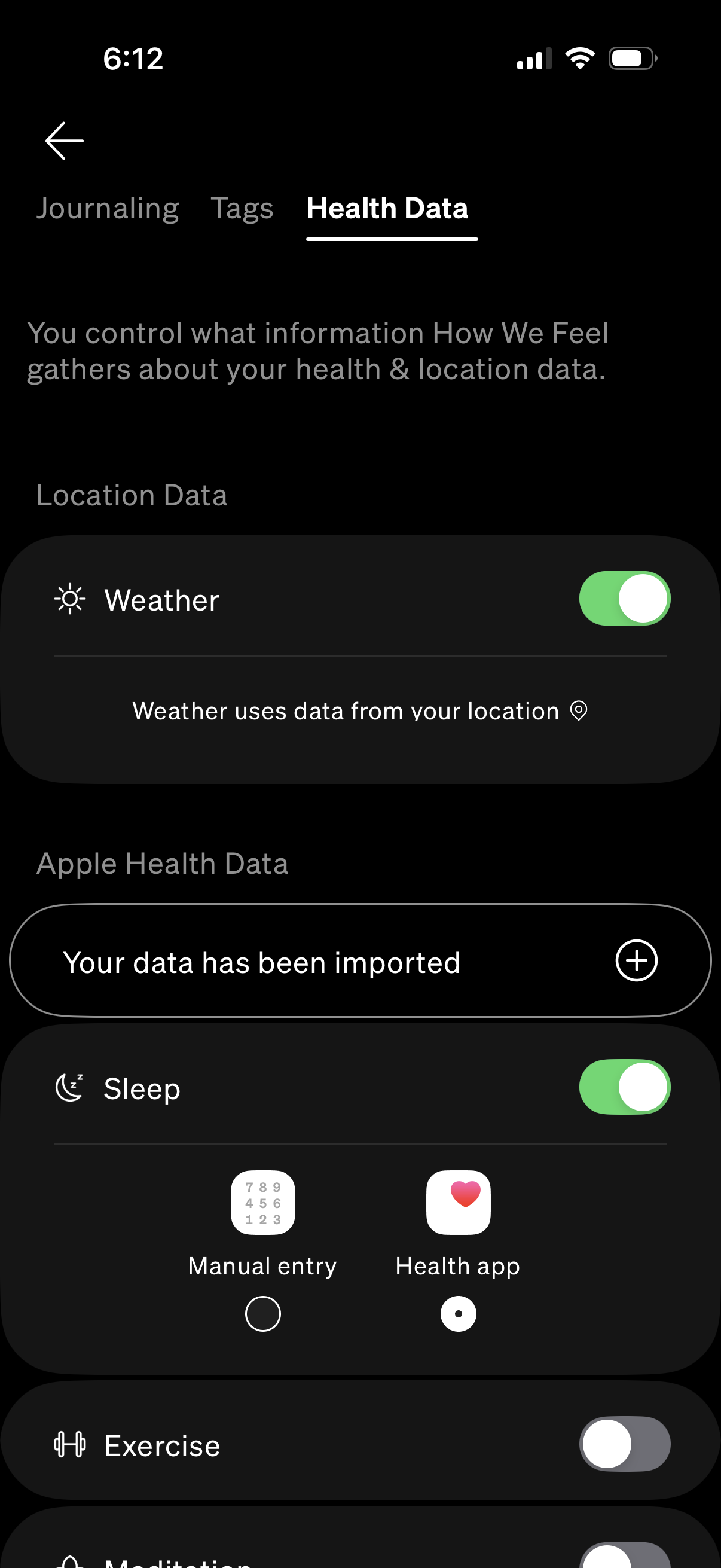
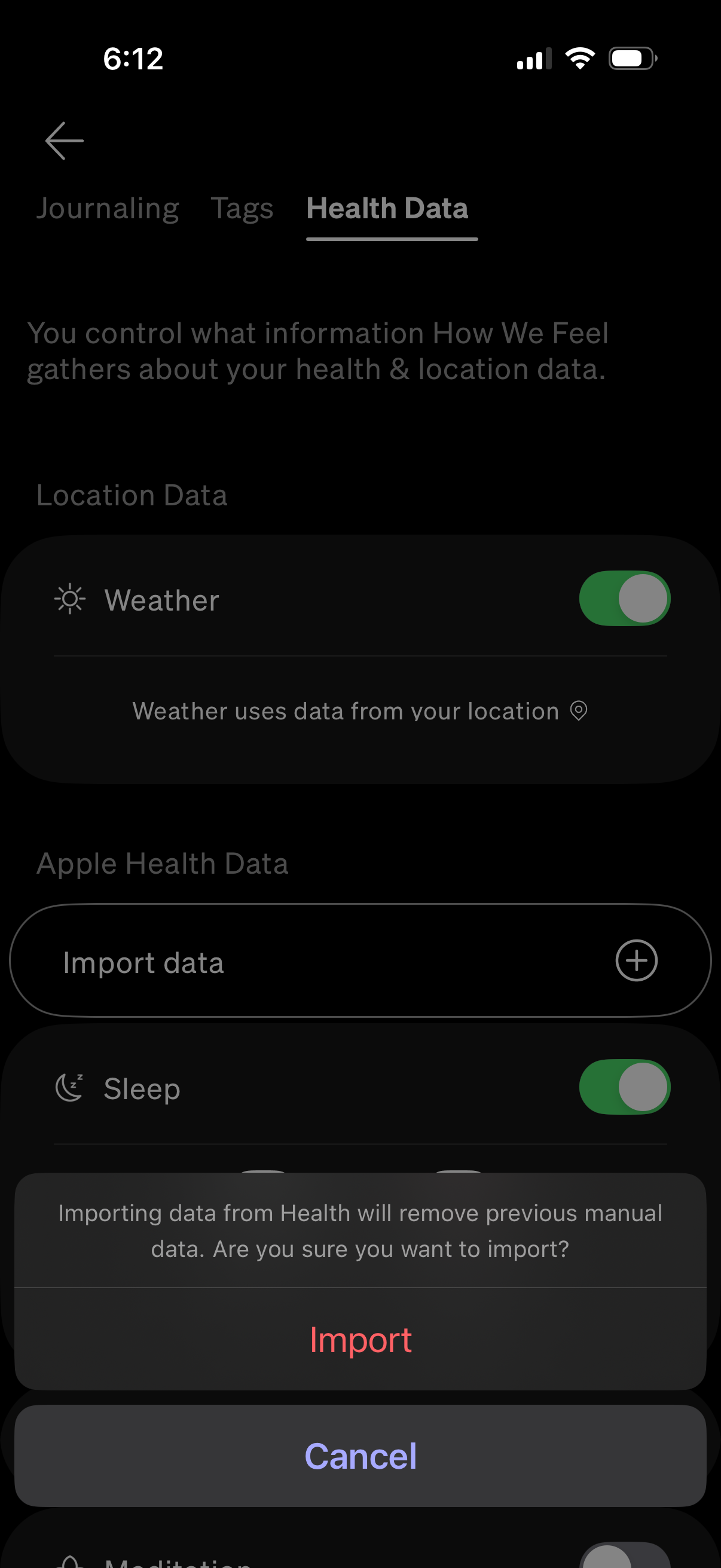
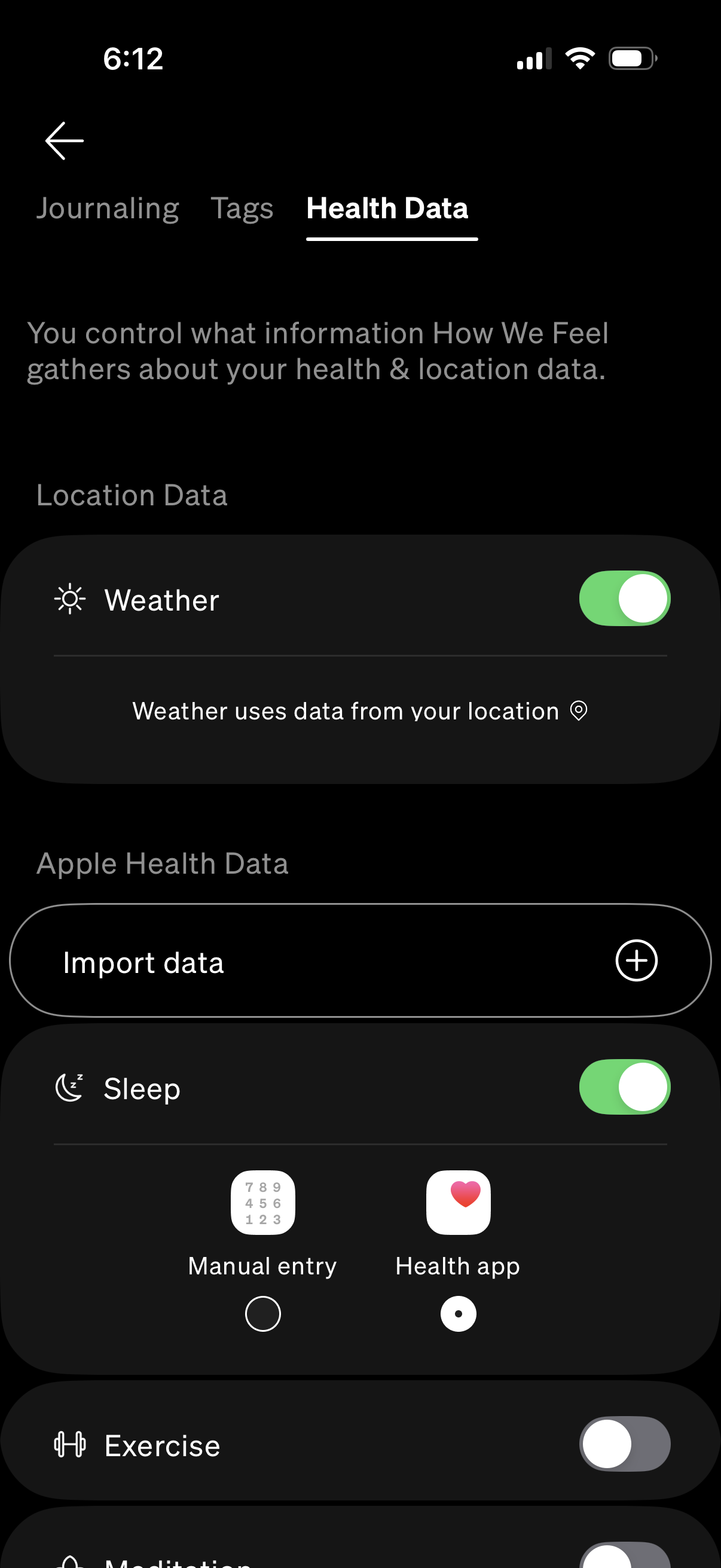
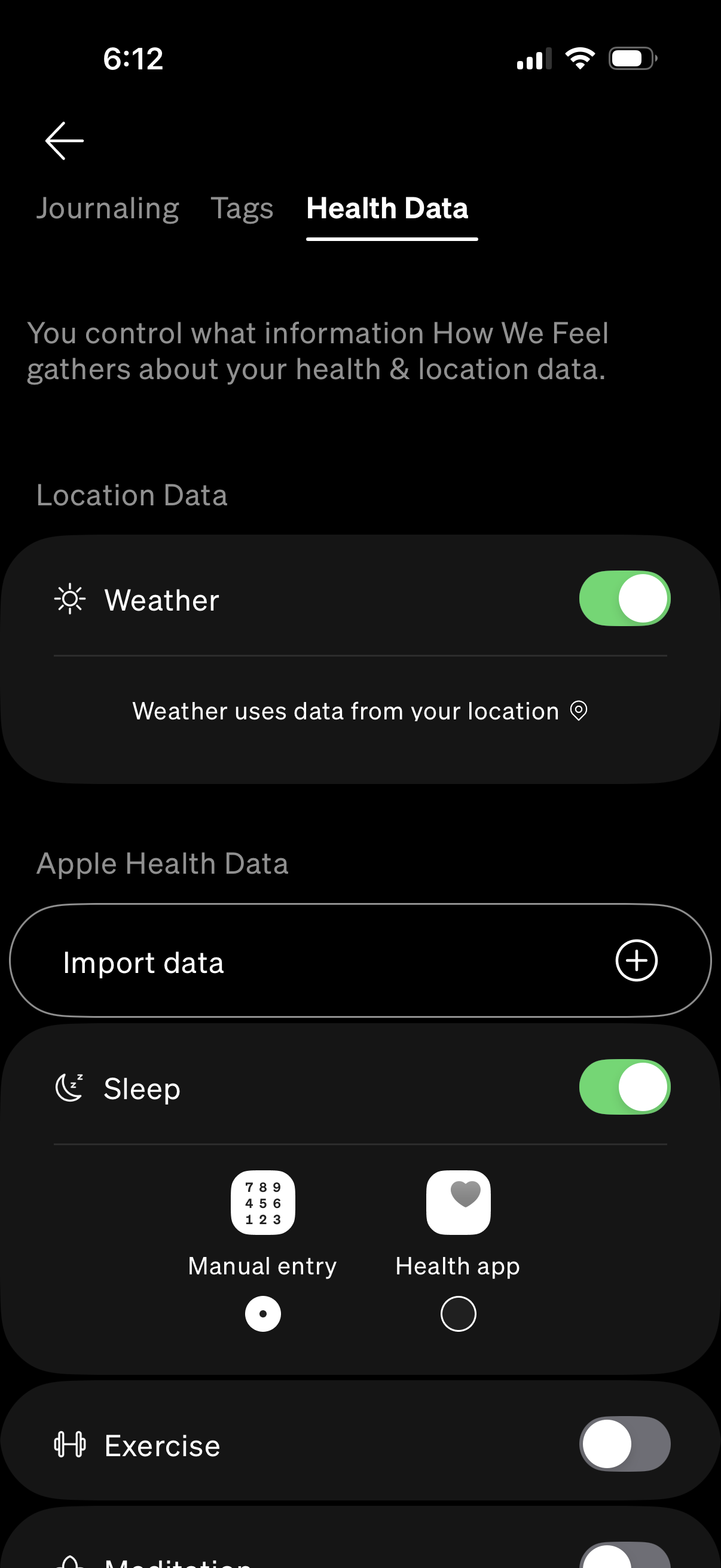
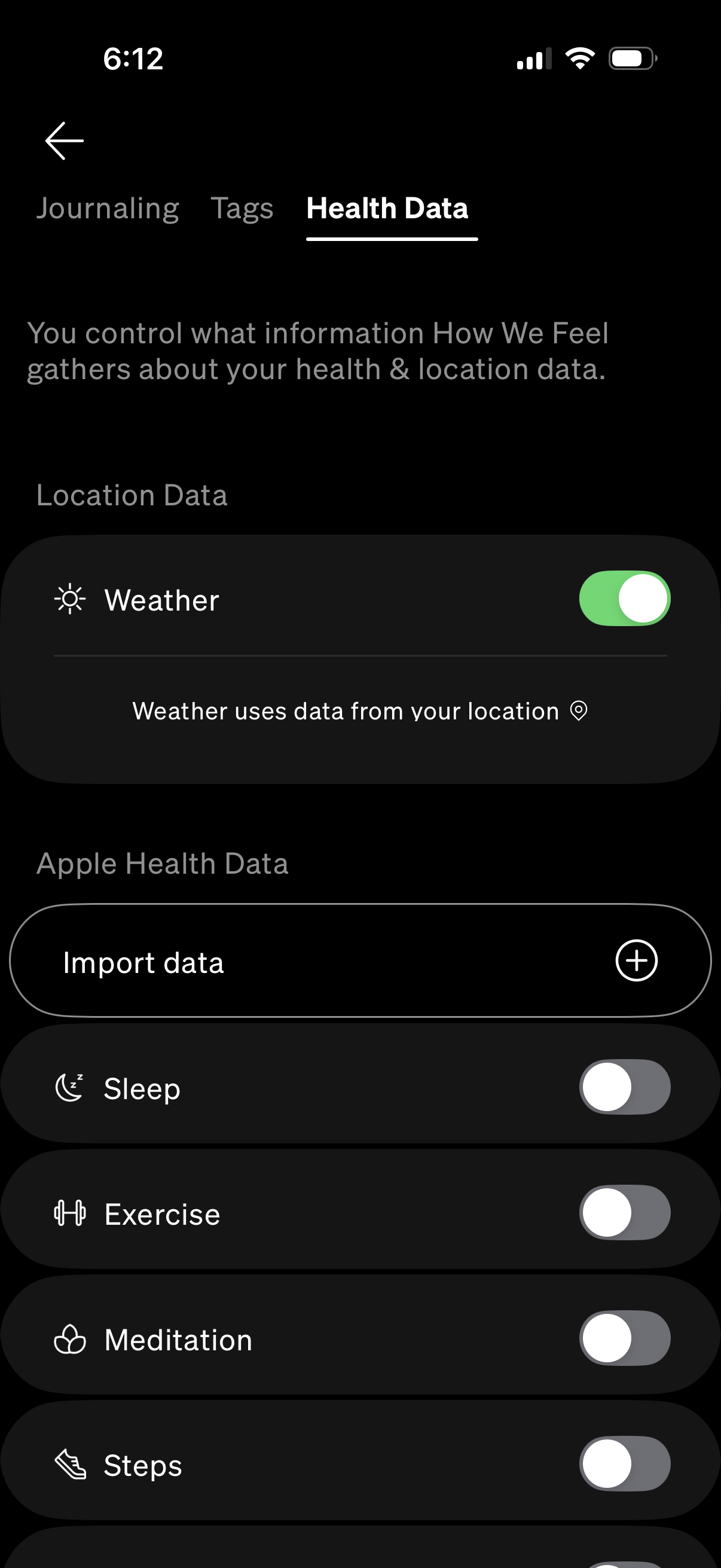
Health Data settings screen for a wellness app where users manage privacy permis
how-we-feel
Health data settings screen where users manage what health and location informat
how-we-feel
Health data settings screen where users control what information the app gathers
how-we-feel
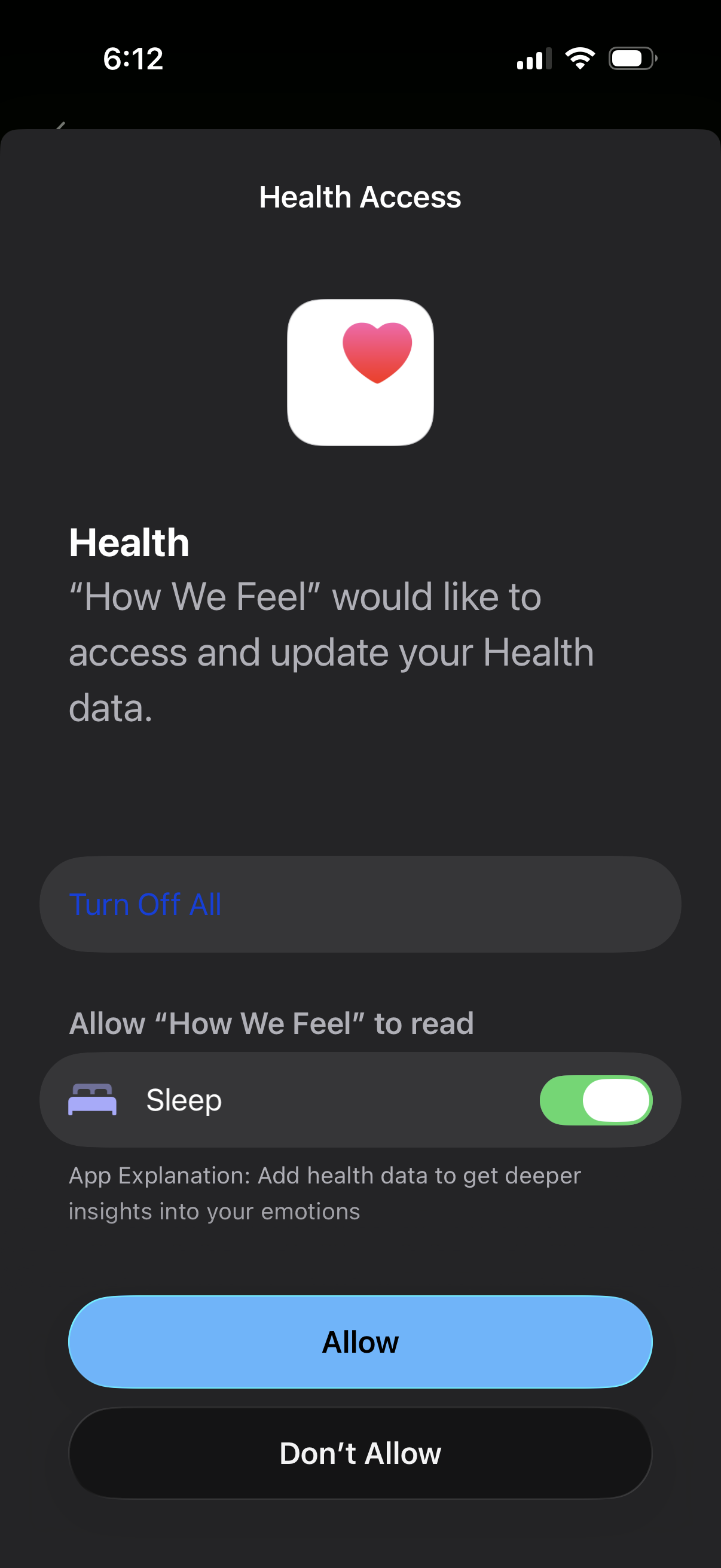
iOS Health Access permission screen asking to allow a third-party app to read an
how-we-feel
iOS Health Access permission screen asking to allow an app to access and update
how-we-feel
Health data settings screen that lets users control what the app collects from l
how-we-feel
Settings screen for managing privacy and data permissions in a wellness app, sho
how-we-feel
Settings screen for managing health and location data permissions, letting users
how-we-feel
Onboarding modal prompting users to connect Apple Health to explore how daily st
how-we-feel
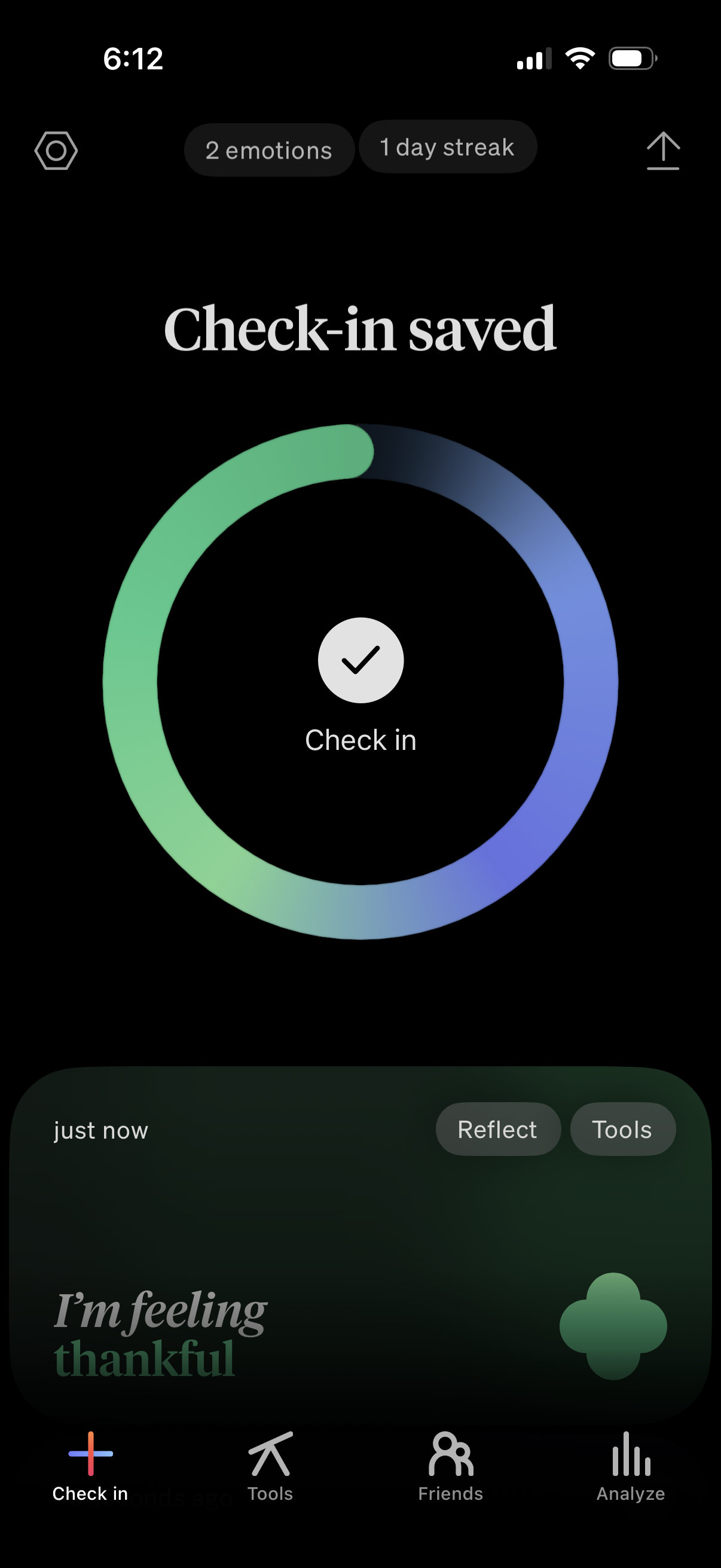
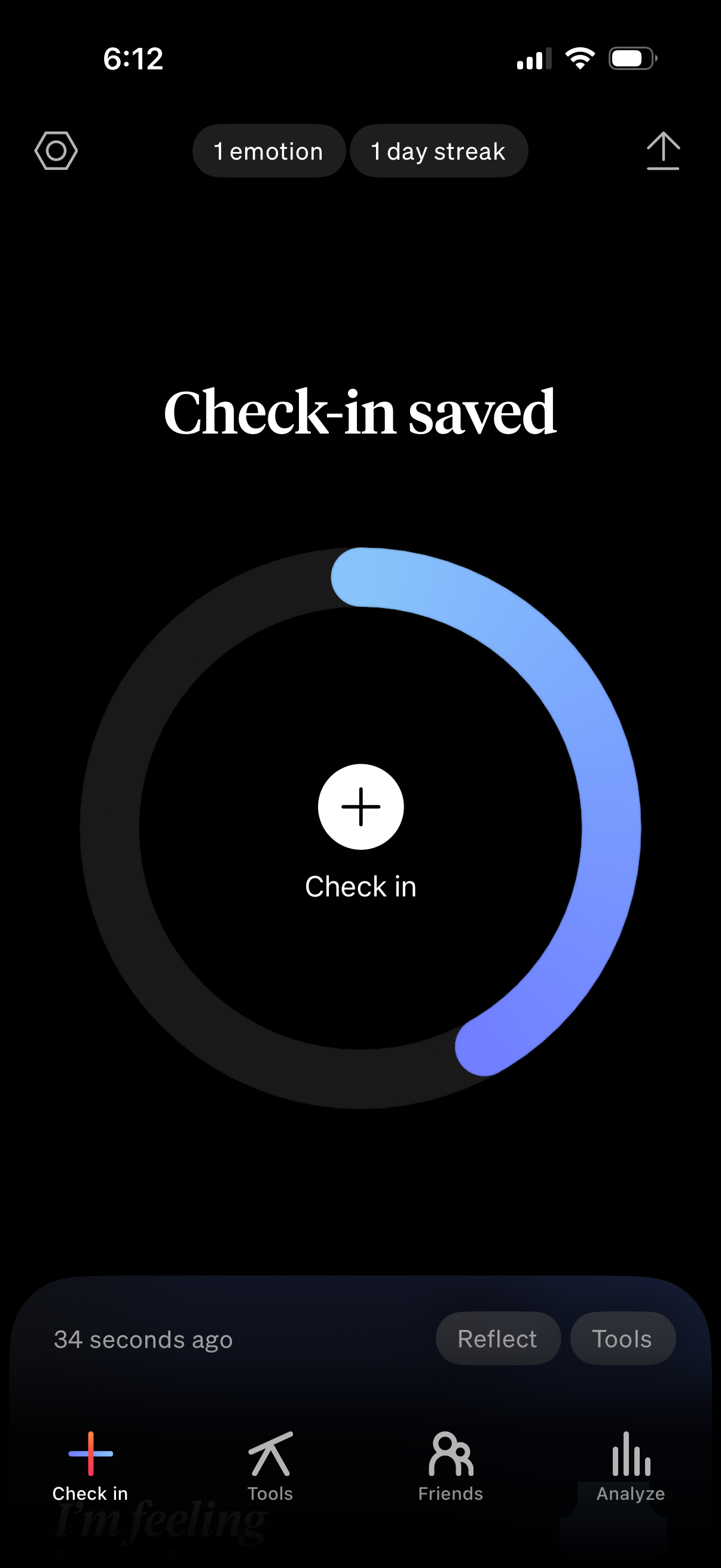
Mood tracking app confirmation screen showing a “Check-in saved” success state w
how-we-feel
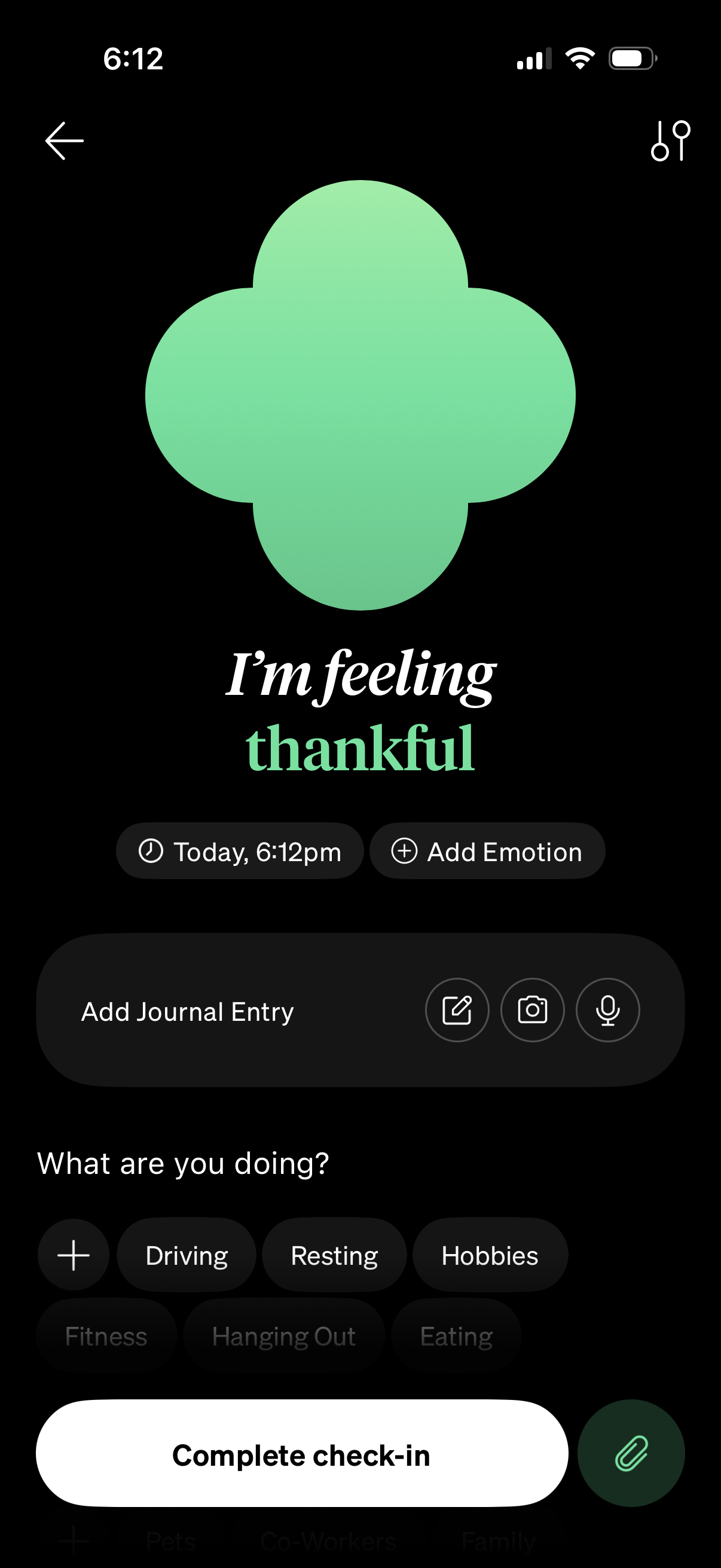
Mood check-in screen for a mental health or journaling app showing the selected
how-we-feel
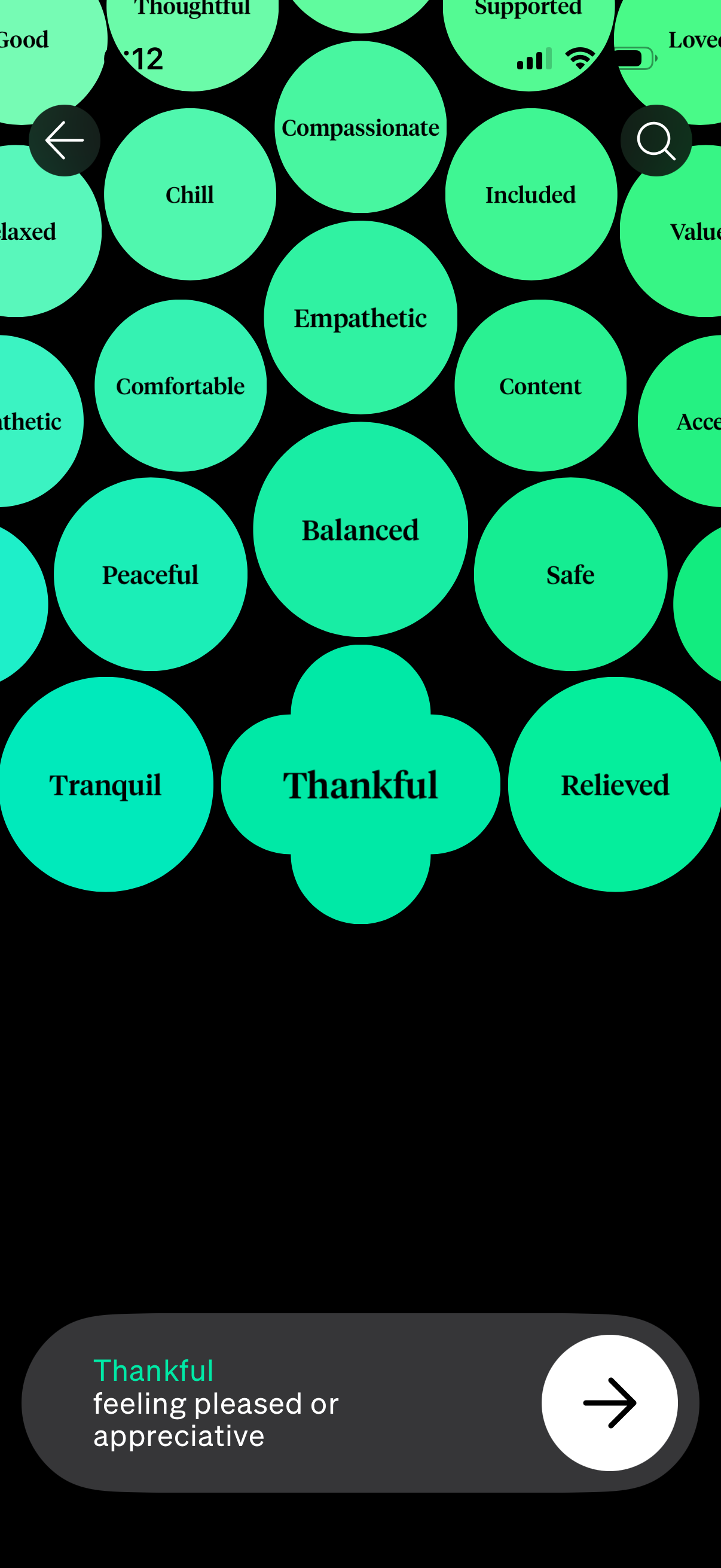
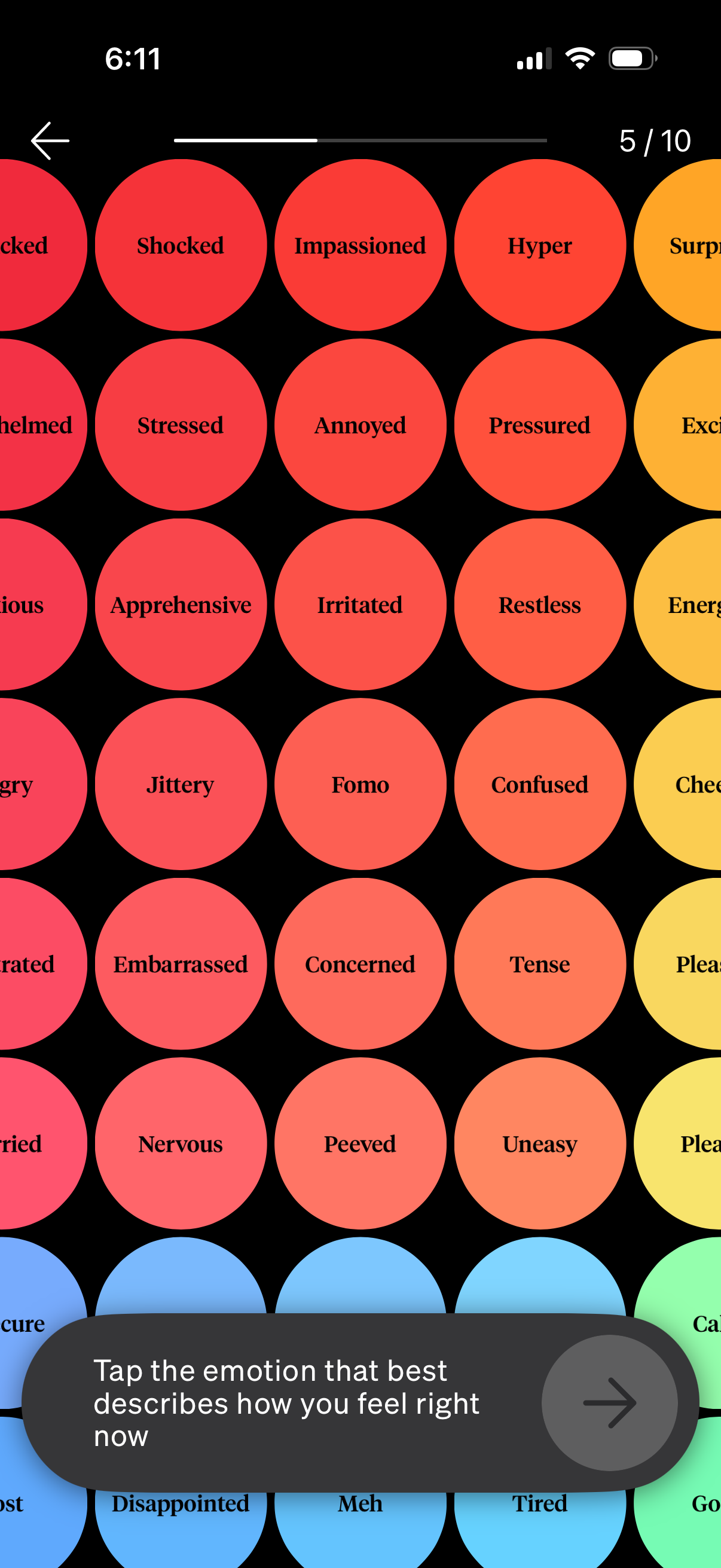
Mood and emotion selection screen showing a bubble cloud of feeling keywords (e.
how-we-feel
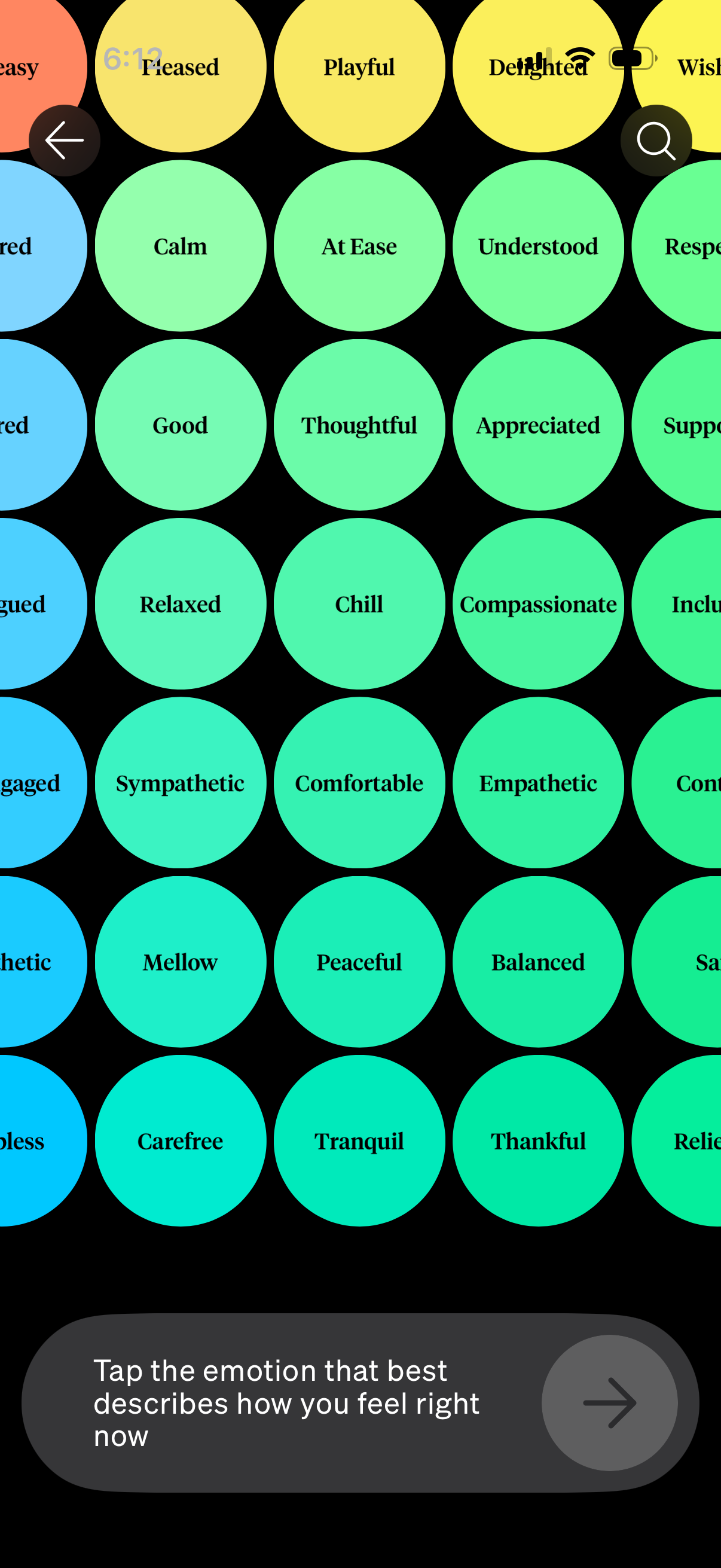
Mood check-in screen showing a grid of color-coded emotion tags (e. g.
how-we-feel
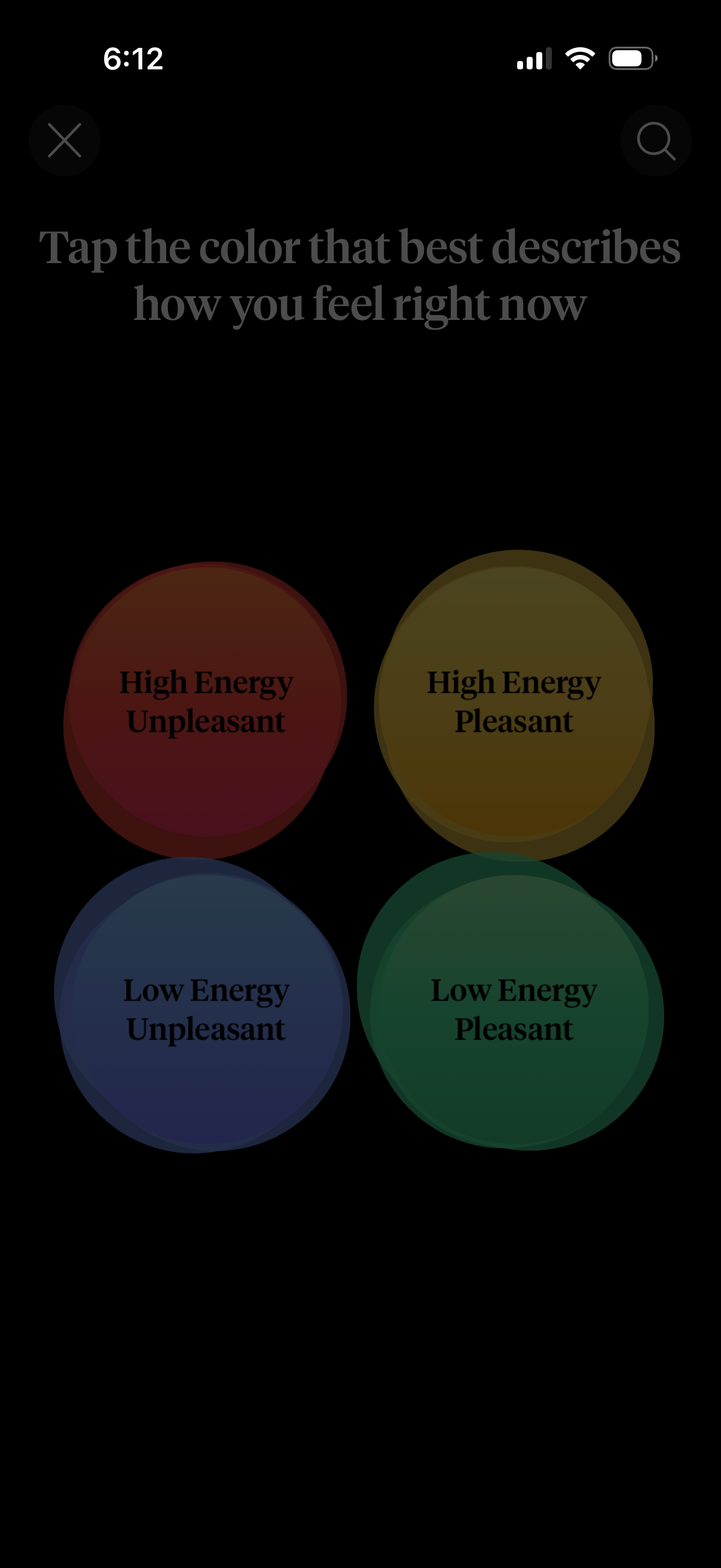
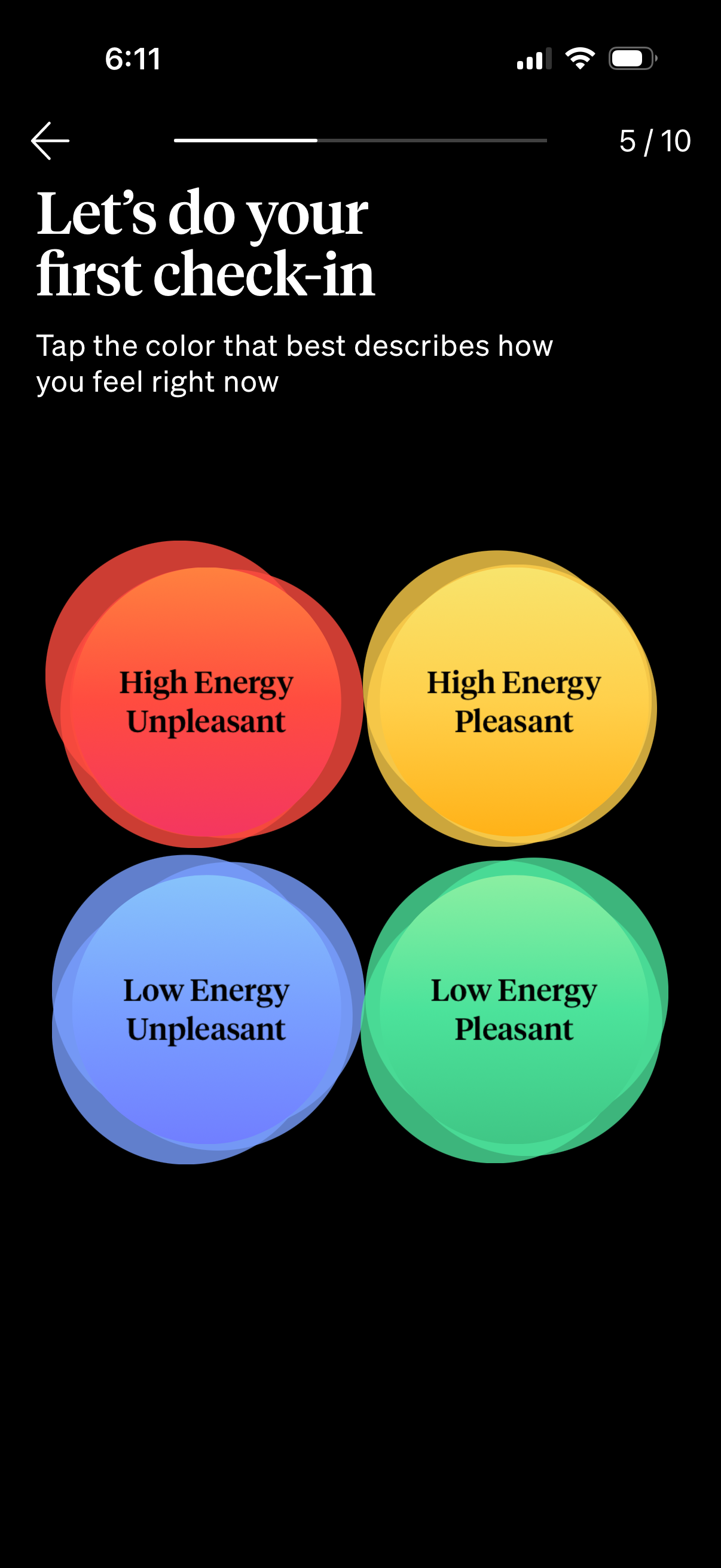
Mood check-in screen prompting the user to tap a color that best describes how t
how-we-feel
Mood tracking check-in confirmation screen showing “Check-in saved” with a circu
how-we-feel
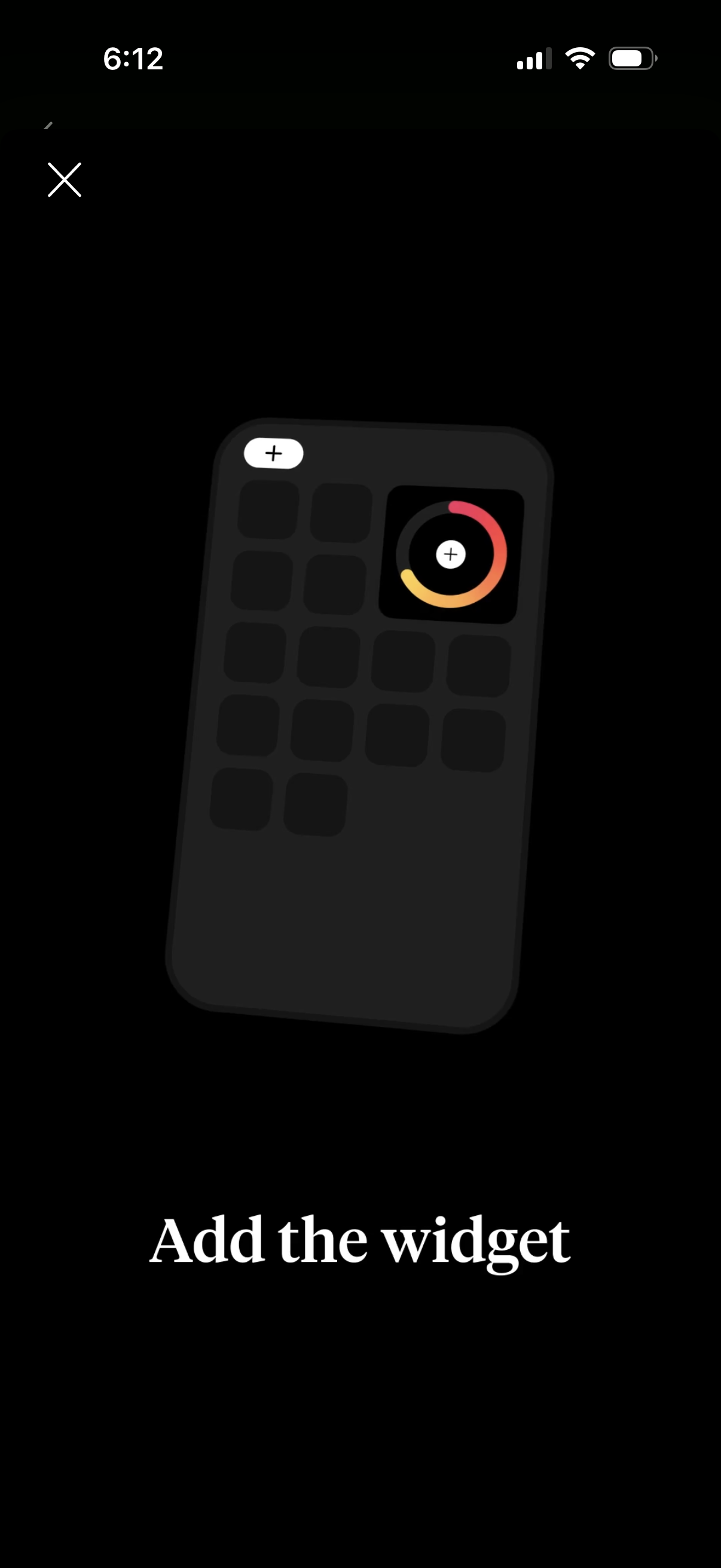
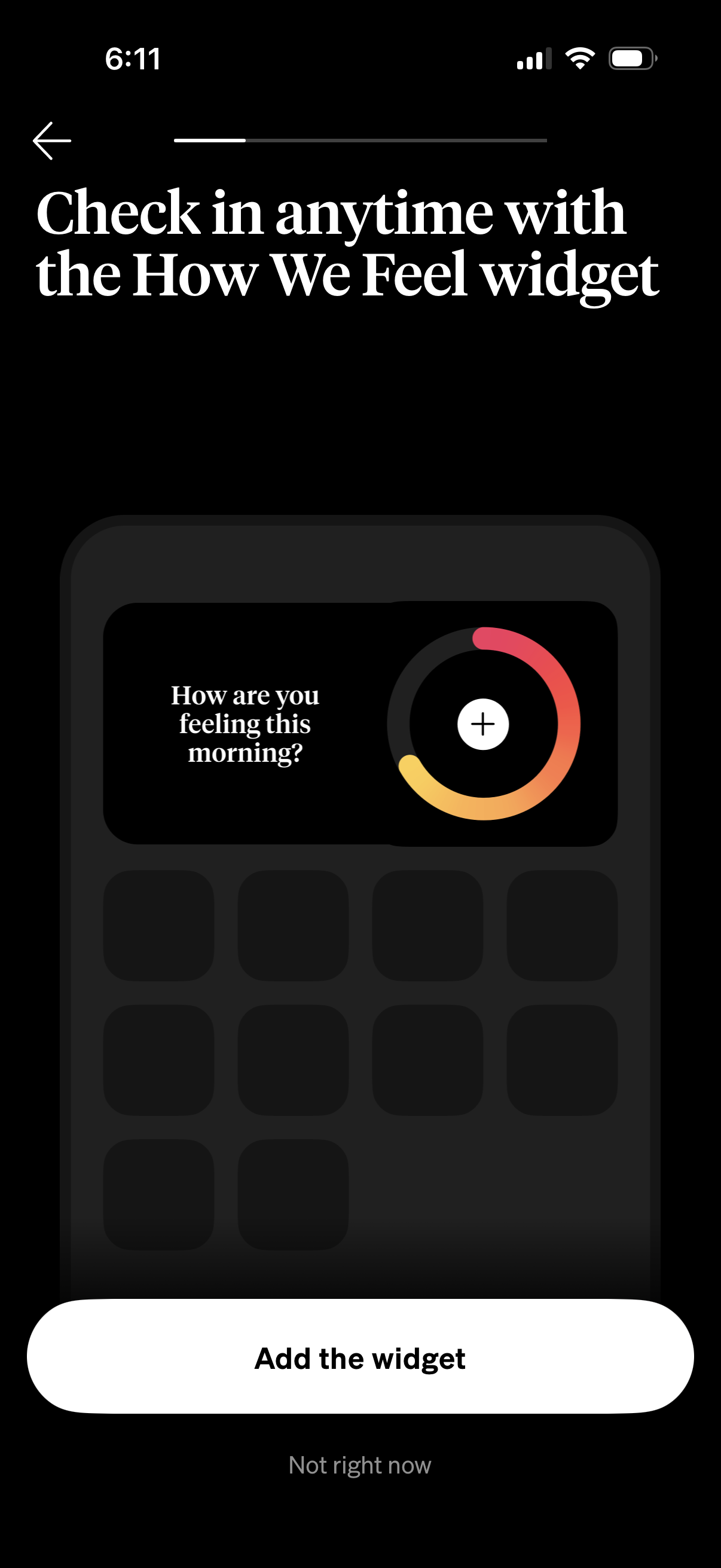
Onboarding instruction screen prompting the user to add a home screen widget, sh
how-we-feel
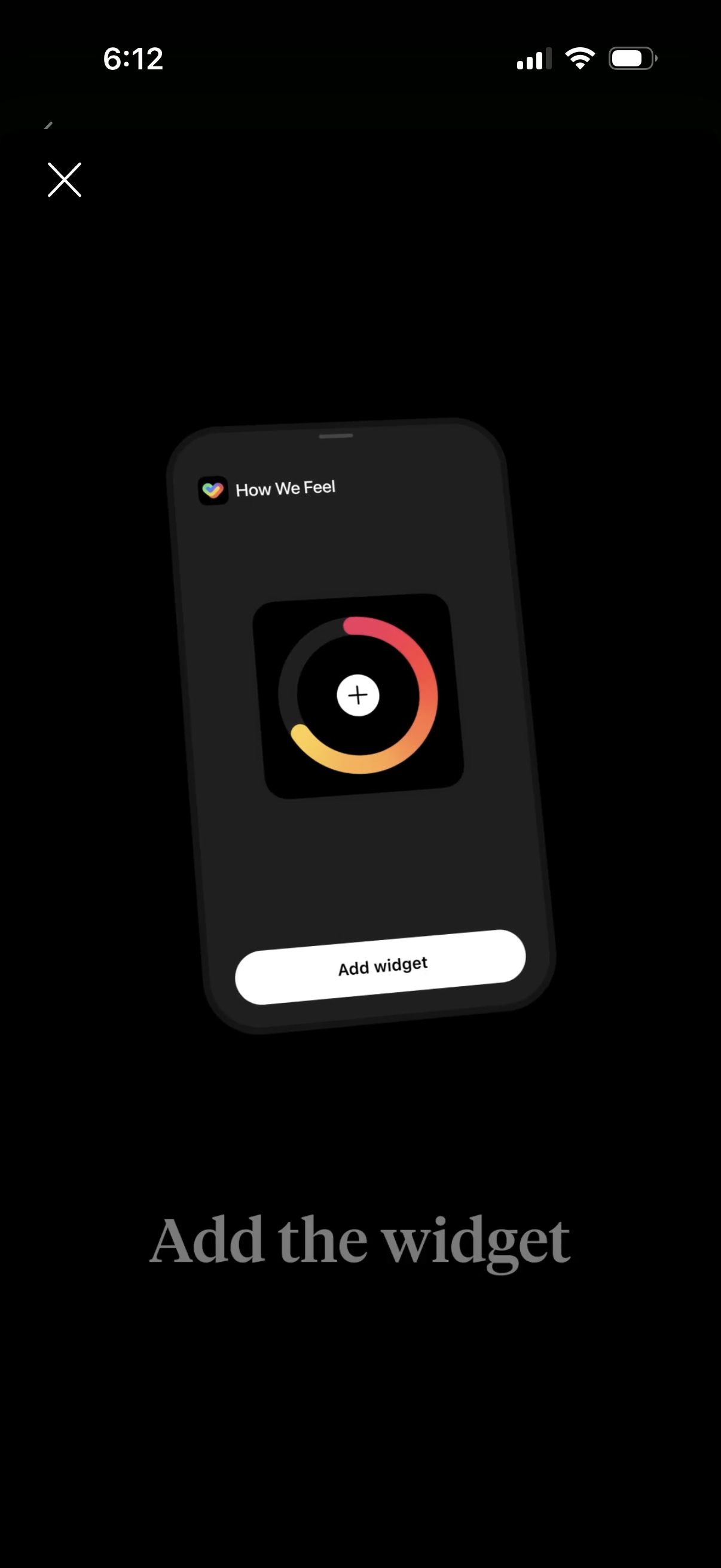
Onboarding prompt encouraging users to add a “How We Feel” home screen widget, p
how-we-feel
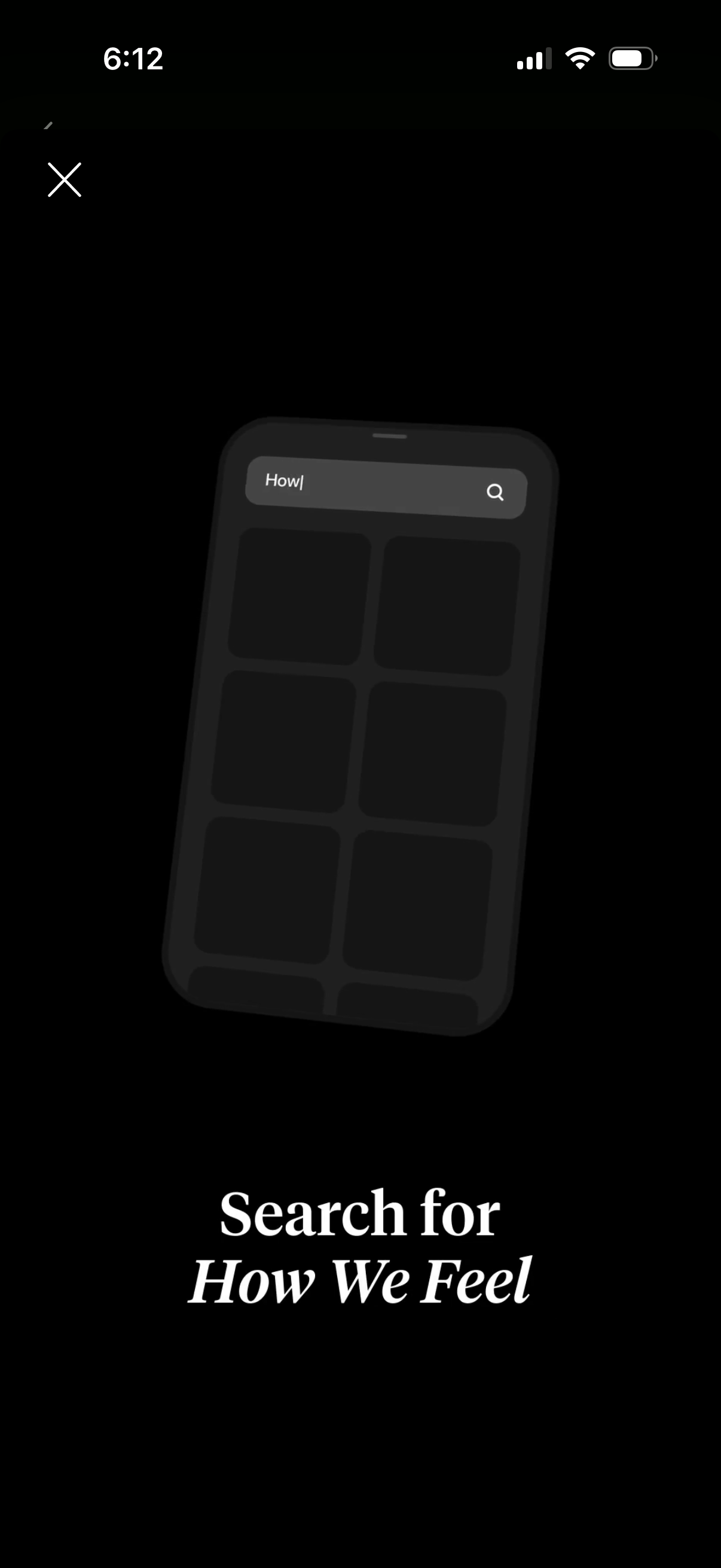
Full-screen search overlay with a prominent search bar and magnifying-glass icon
how-we-feel
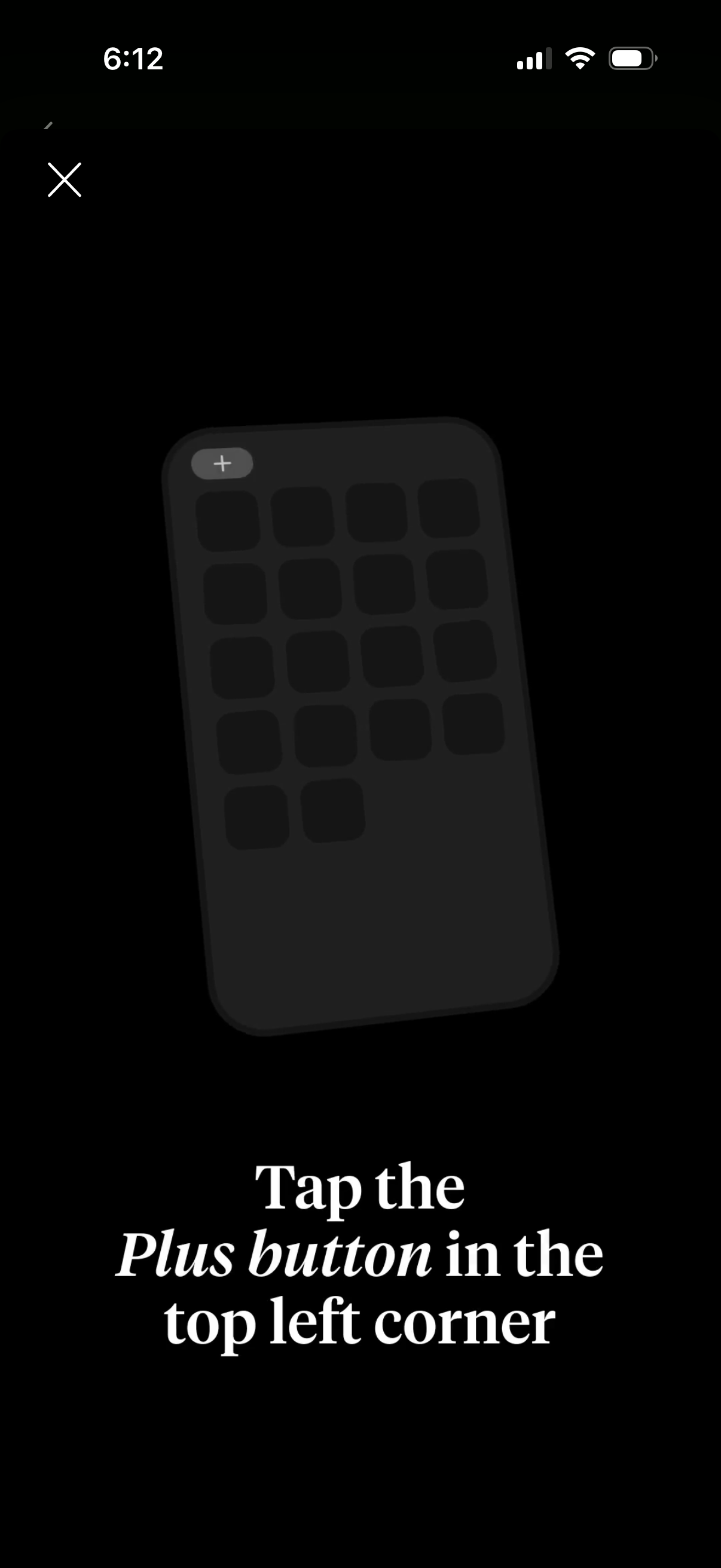
Onboarding tip overlay showing a grid-based home screen mockup and instructing t
how-we-feel
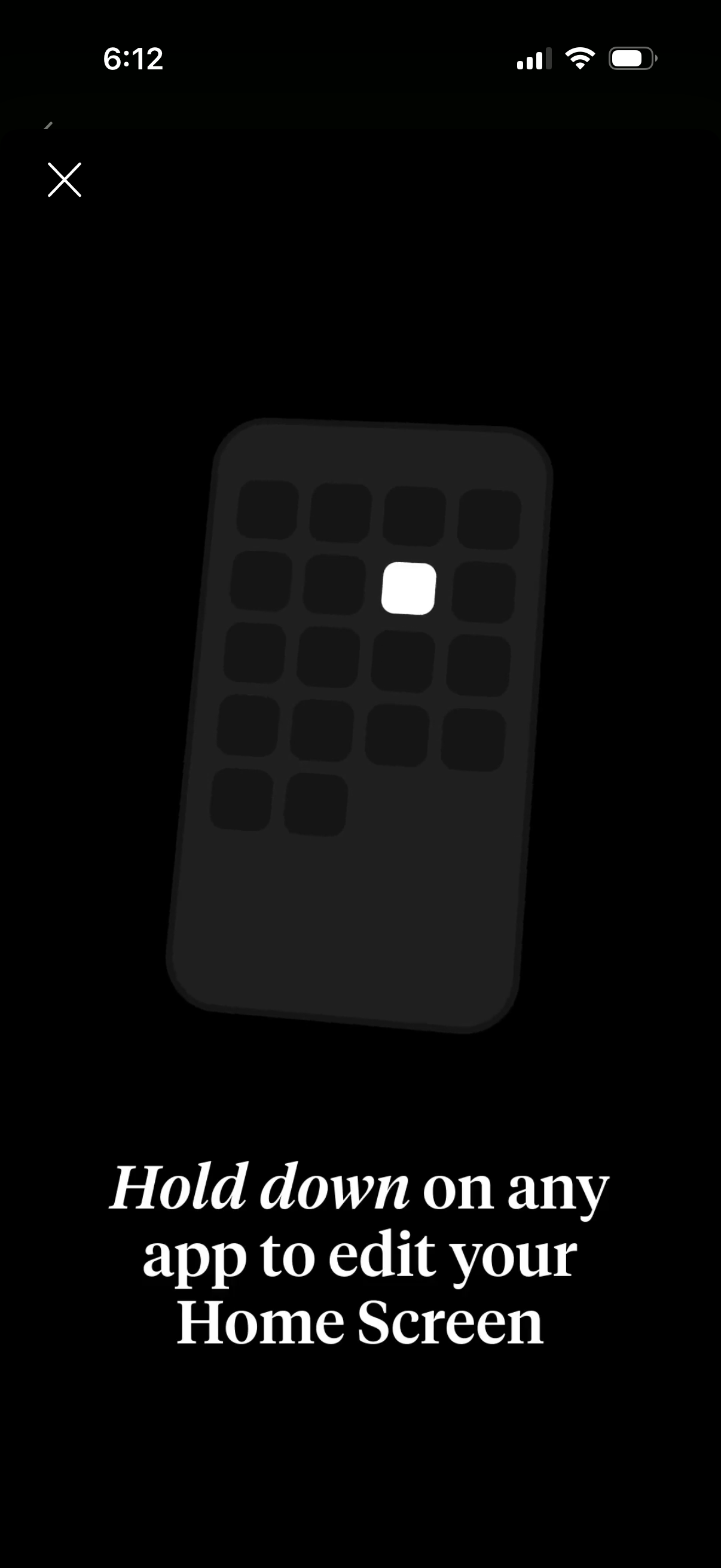
Full-screen onboarding tip overlay explaining how to customize the iPhone Home S
how-we-feel
Onboarding tip screen explaining how to customize the phone home screen by long-
how-we-feel
Onboarding prompt encouraging users to check in on their mood anytime via a “How
how-we-feel
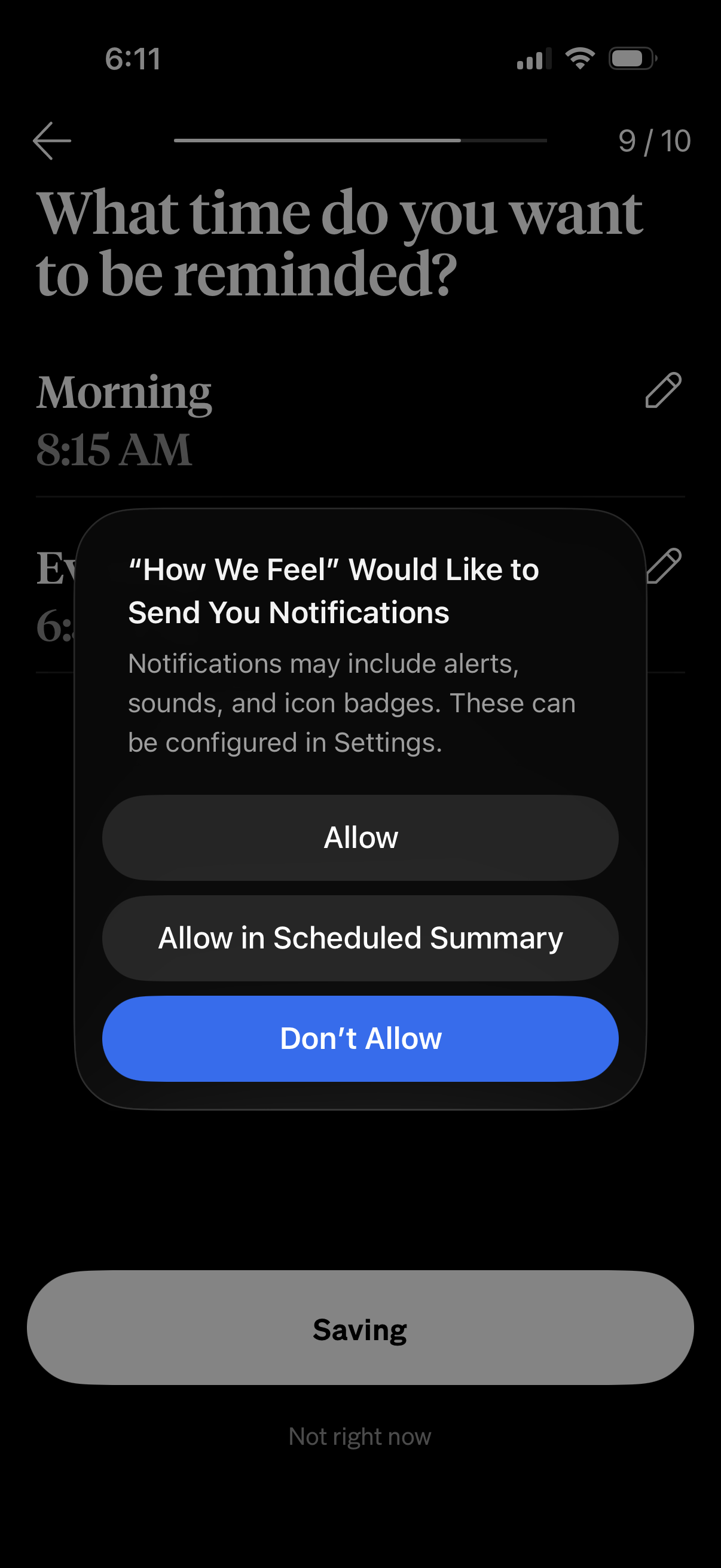
Reminder scheduling screen asking what time the user wants to be reminded, with
how-we-feel
Reminder scheduling screen asking the user what time they want to be reminded, s
how-we-feel
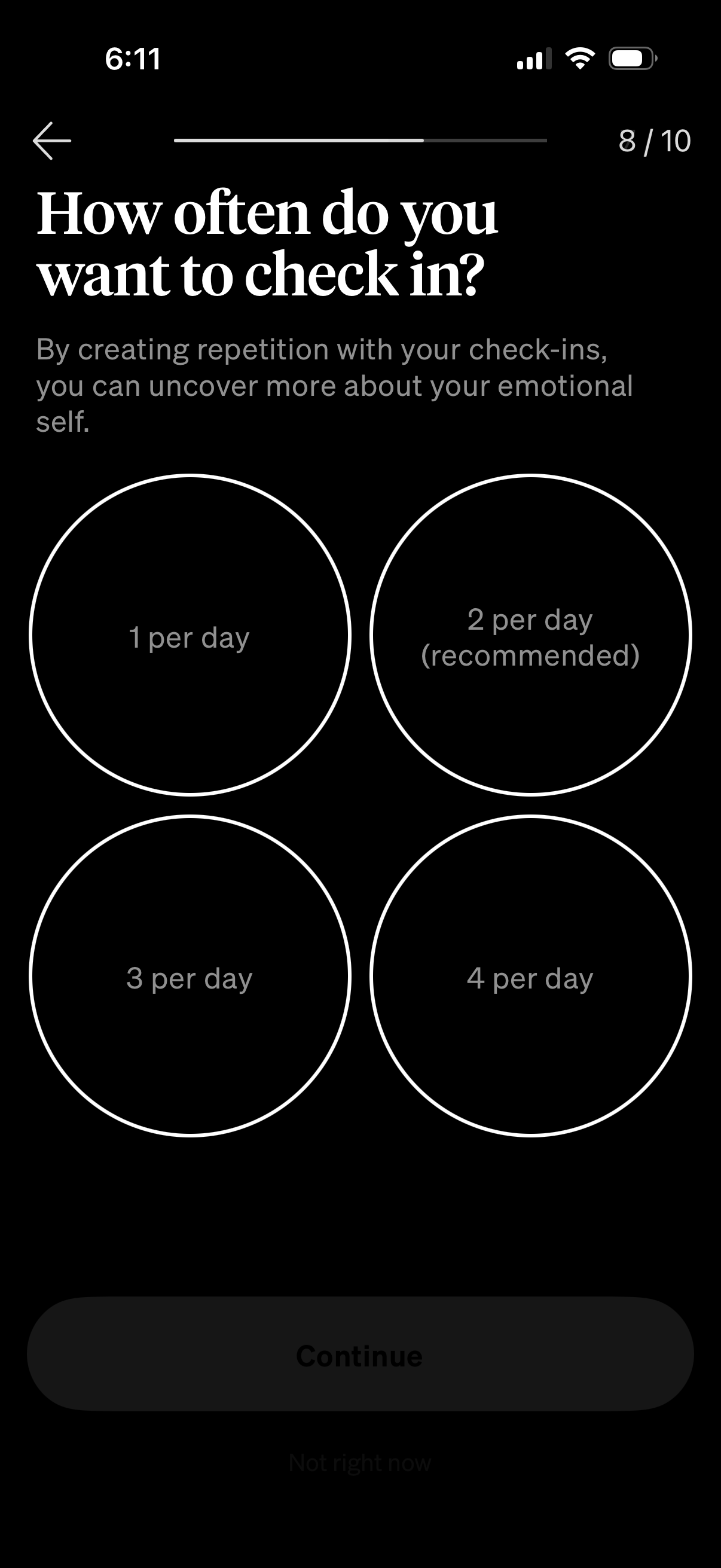
Onboarding preferences screen for a wellness or mood tracking app asking how oft
how-we-feel
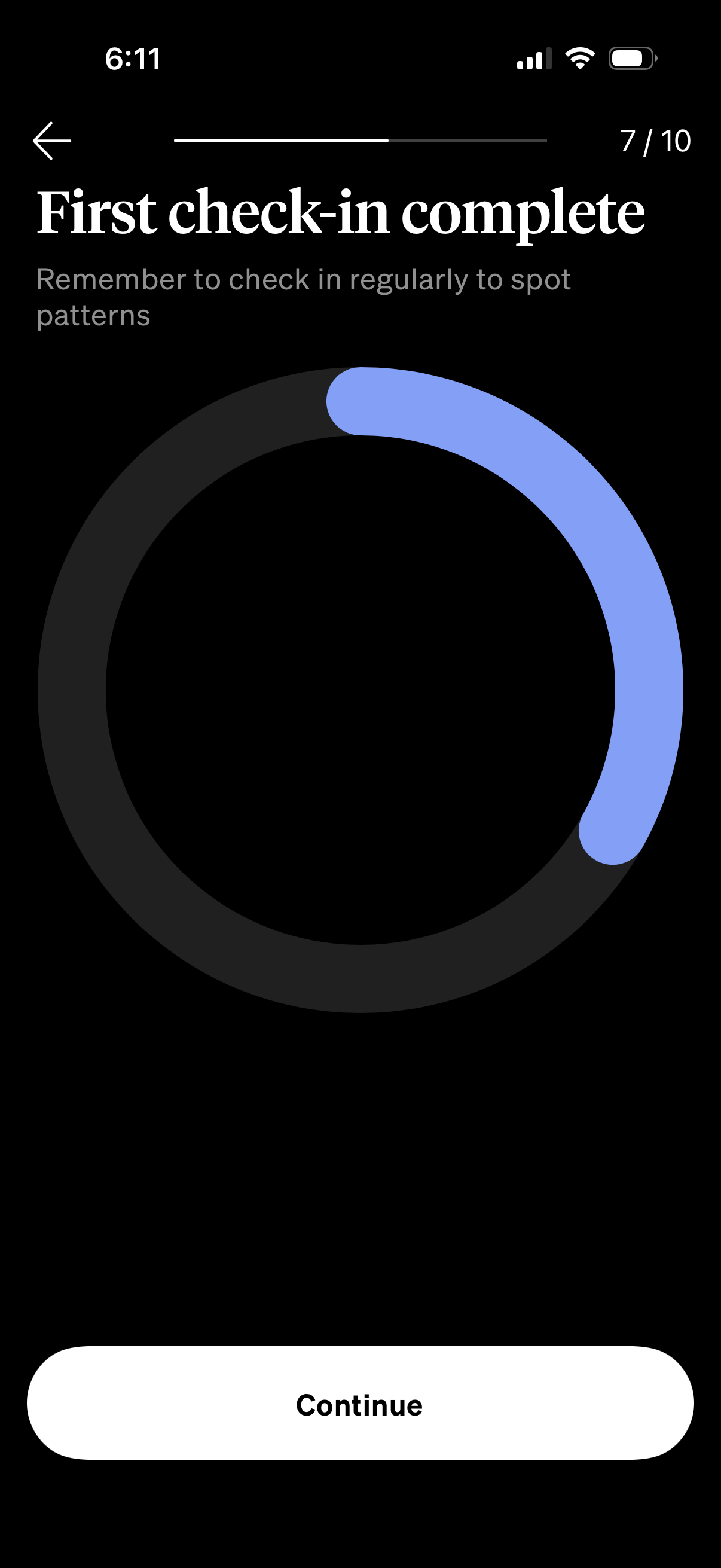
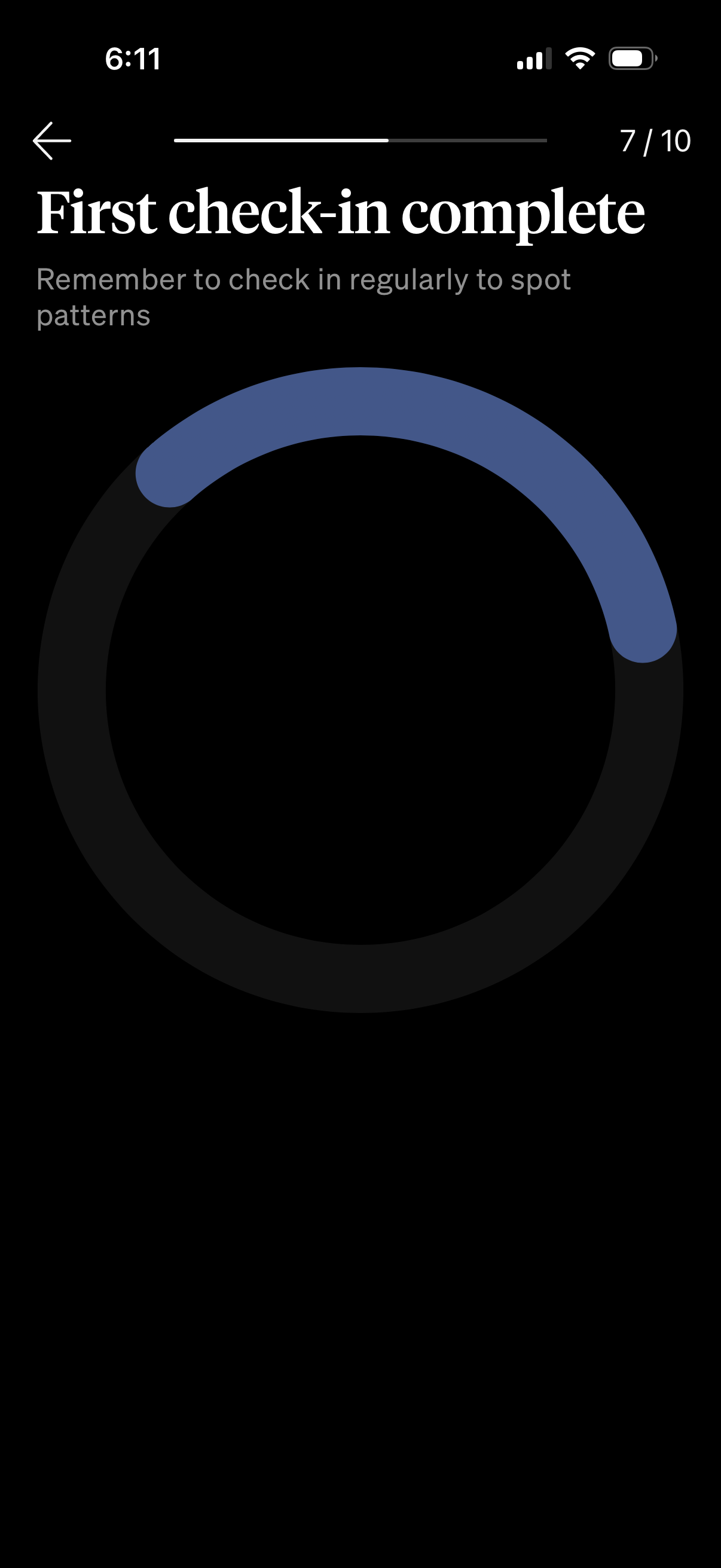
Confirmation screen indicating a user’s first check-in is complete, encouraging
how-we-feel
Completion confirmation screen in an onboarding or health tracking flow showing
how-we-feel
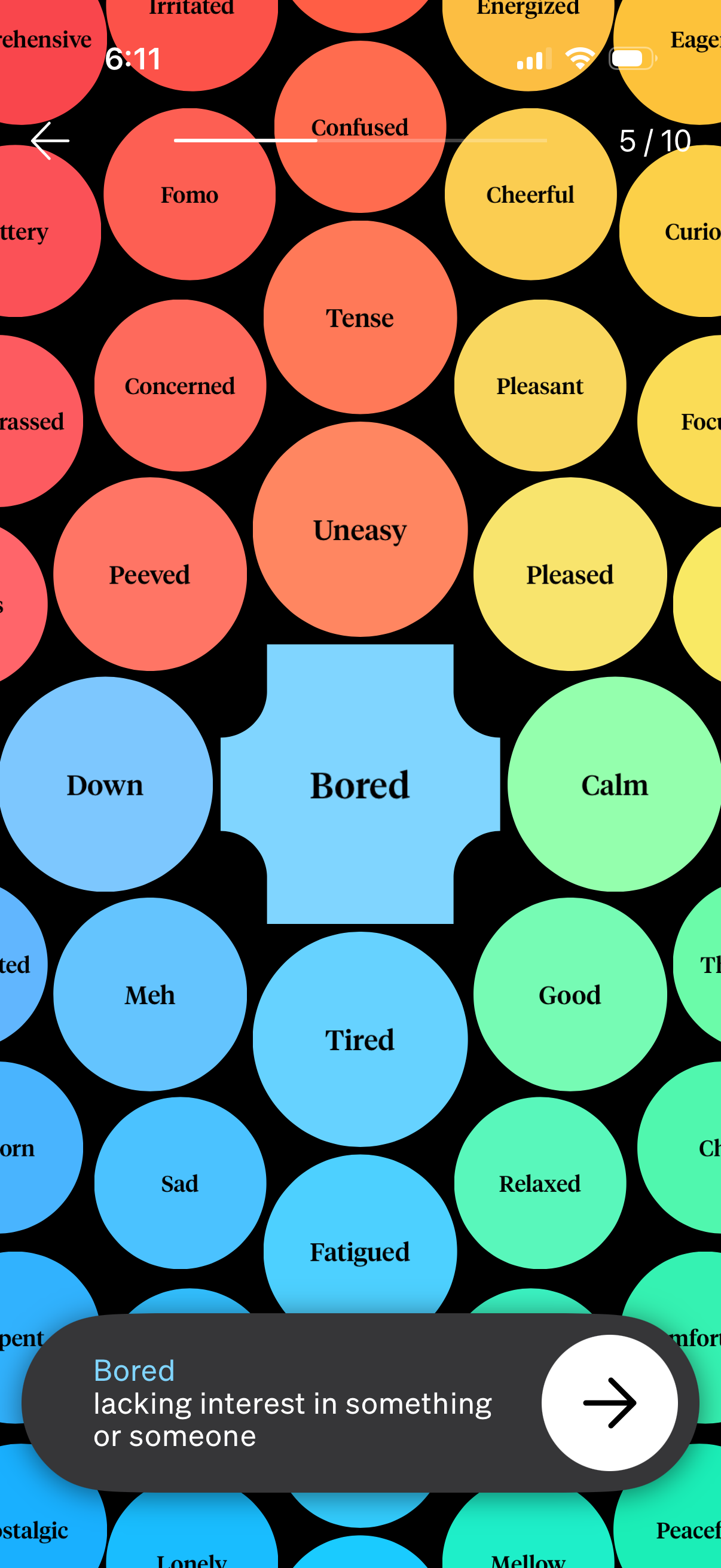
Mood check-in screen in a journaling or mental health app showing the selected f
how-we-feel
Mood selection screen for an emotion check-in showing a colorful grid of emotion
how-we-feel
Mood check-in selection screen showing a grid of color-coded emotion buttons (e.
how-we-feel
Onboarding mood check-in screen that asks the user to tap a color representing h
how-we-feel