share cover to social
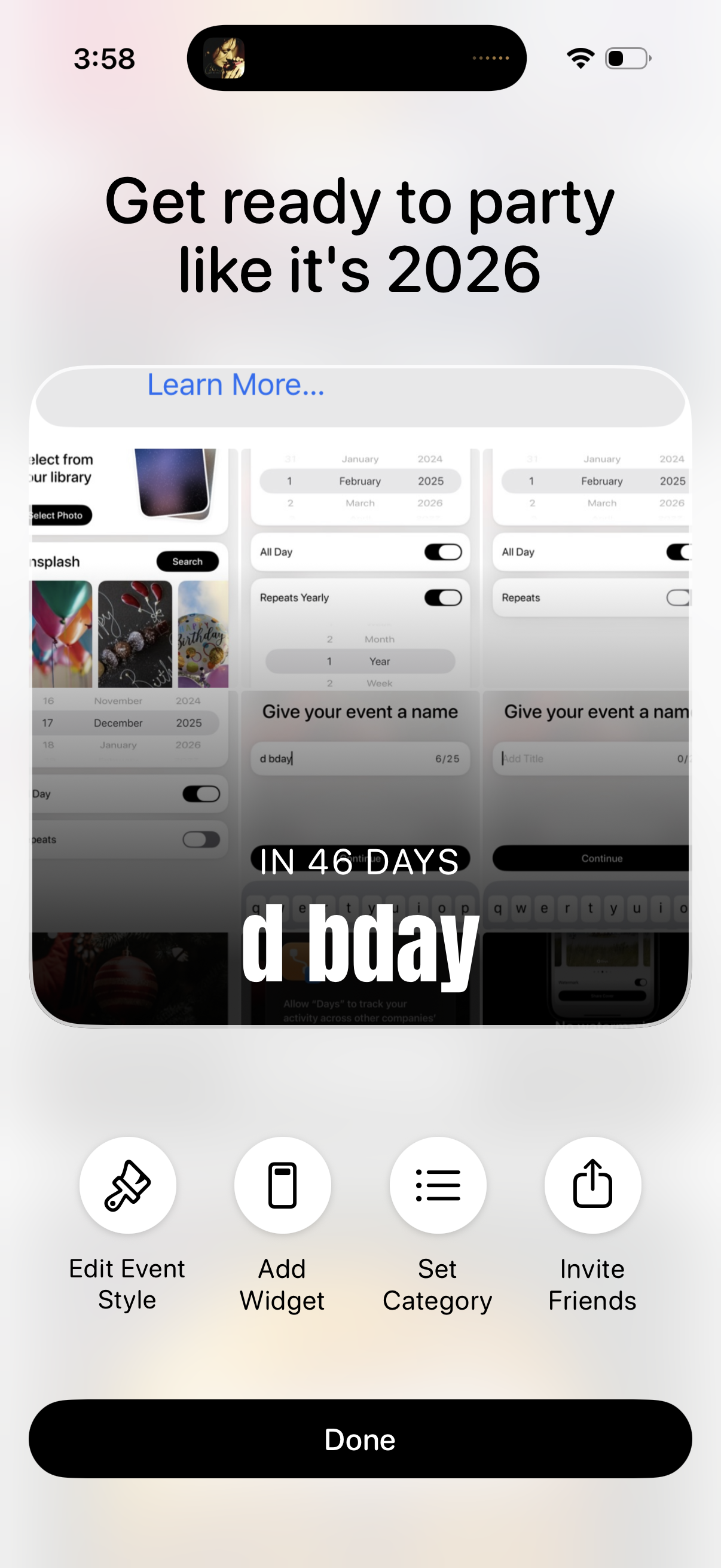
Event countdown customization screen showing a preview card with the event name and days remaining, plus a “Learn more” promo header. Primary actions let users edit event style, add a widget, set a category, invite friends, and finish with a Done button.
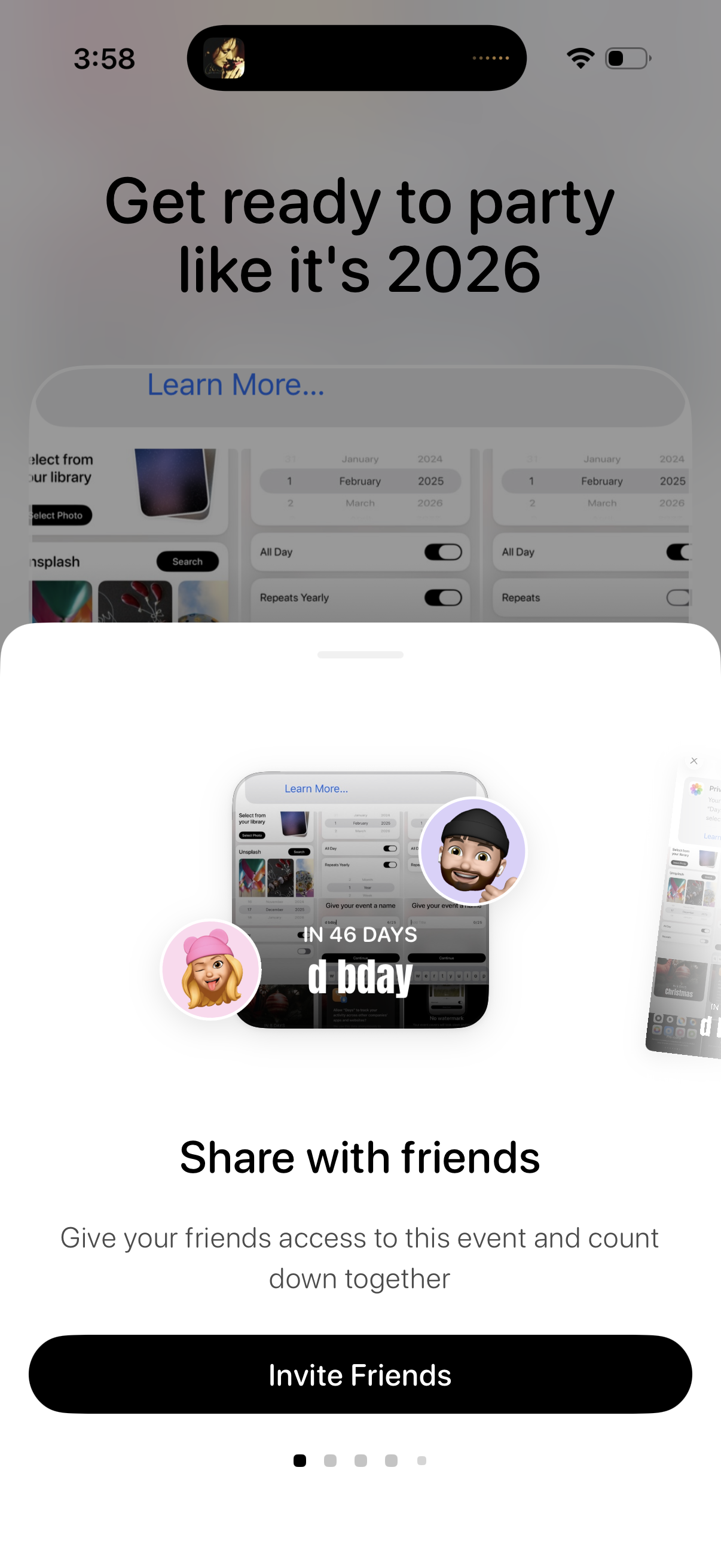
Onboarding carousel screen for an event countdown/party planning app highlighting “Share with friends,” showing an example countdown card and avatars. Primary call to action is a large “Invite Friends” button to share the event and let friends join the countdown together.
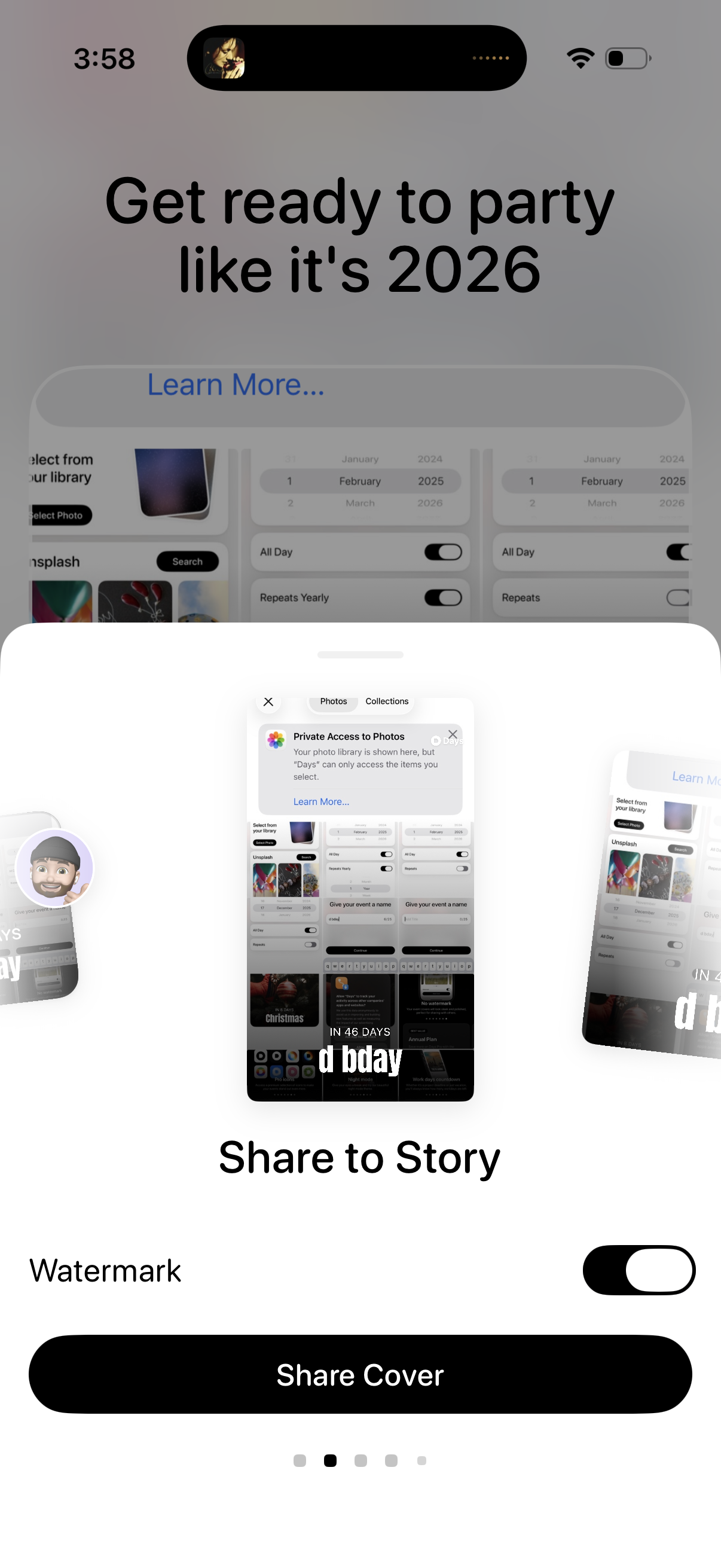
Story sharing screen with a preview carousel showing how the cover/story will appear, including a “Share to Story” title and optional Watermark toggle. Primary action is a large “Share Cover” button to publish the selected design to a social story.
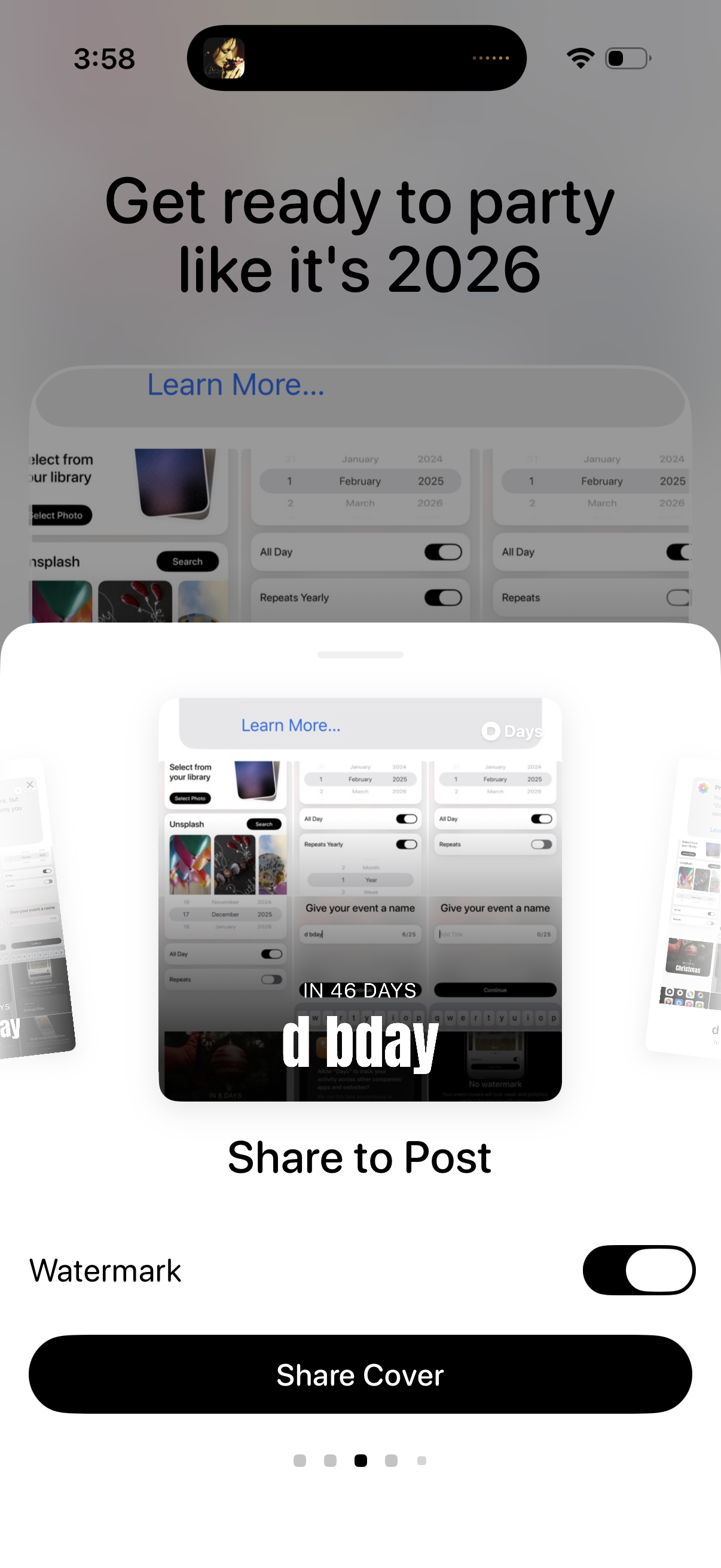
Story editor share screen showing a preview of the generated cover/post and a “Share to Post” flow. Includes a watermark toggle and a primary “Share Cover” button to publish the content.
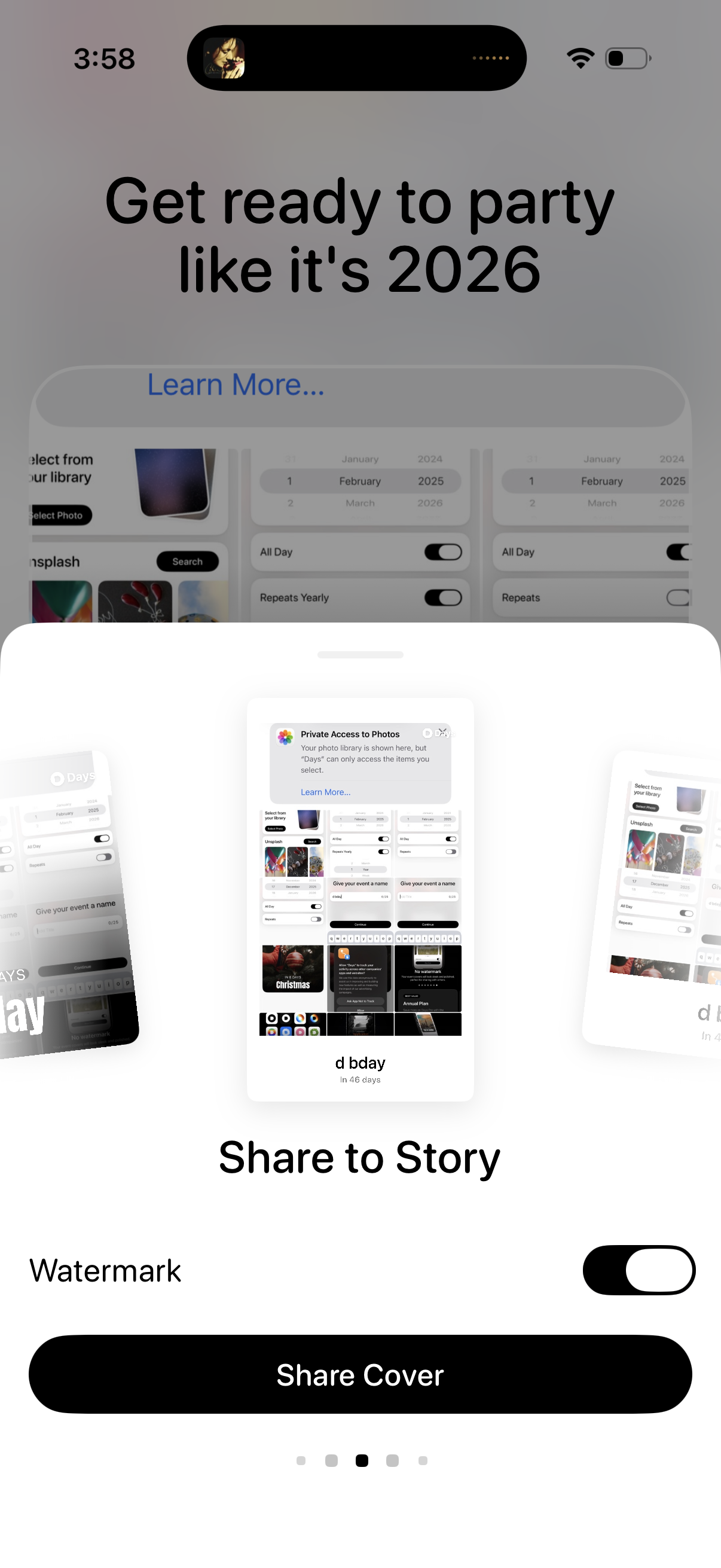
A story-sharing preview screen for an event cover, showing a carousel of cover mockups and options to toggle a watermark. Primary action is a prominent “Share Cover” button to post the selected cover to a Story.
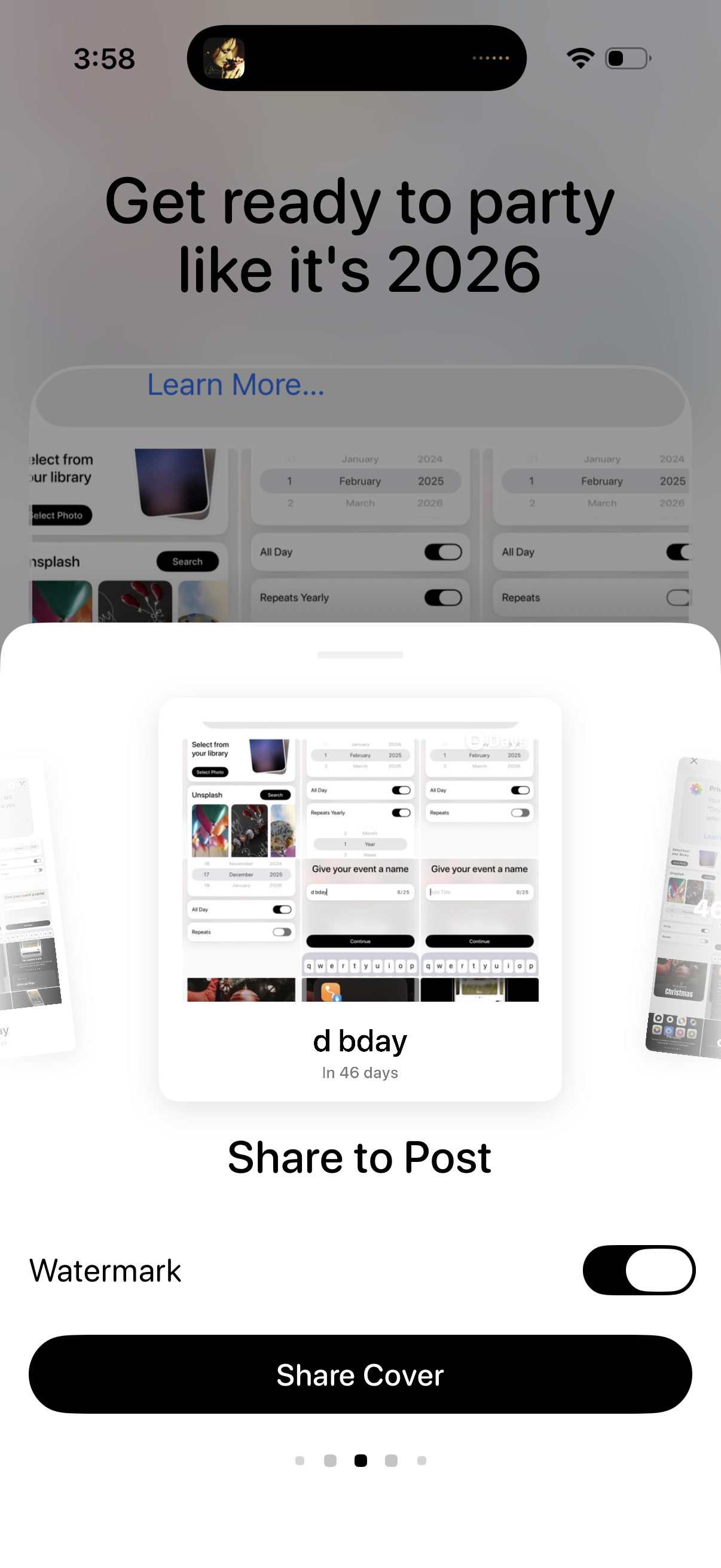
Share sheet for posting an event countdown cover, showing a preview of the generated cover image and event name. Users can toggle a watermark on/off and tap a primary “Share Cover” button to publish.
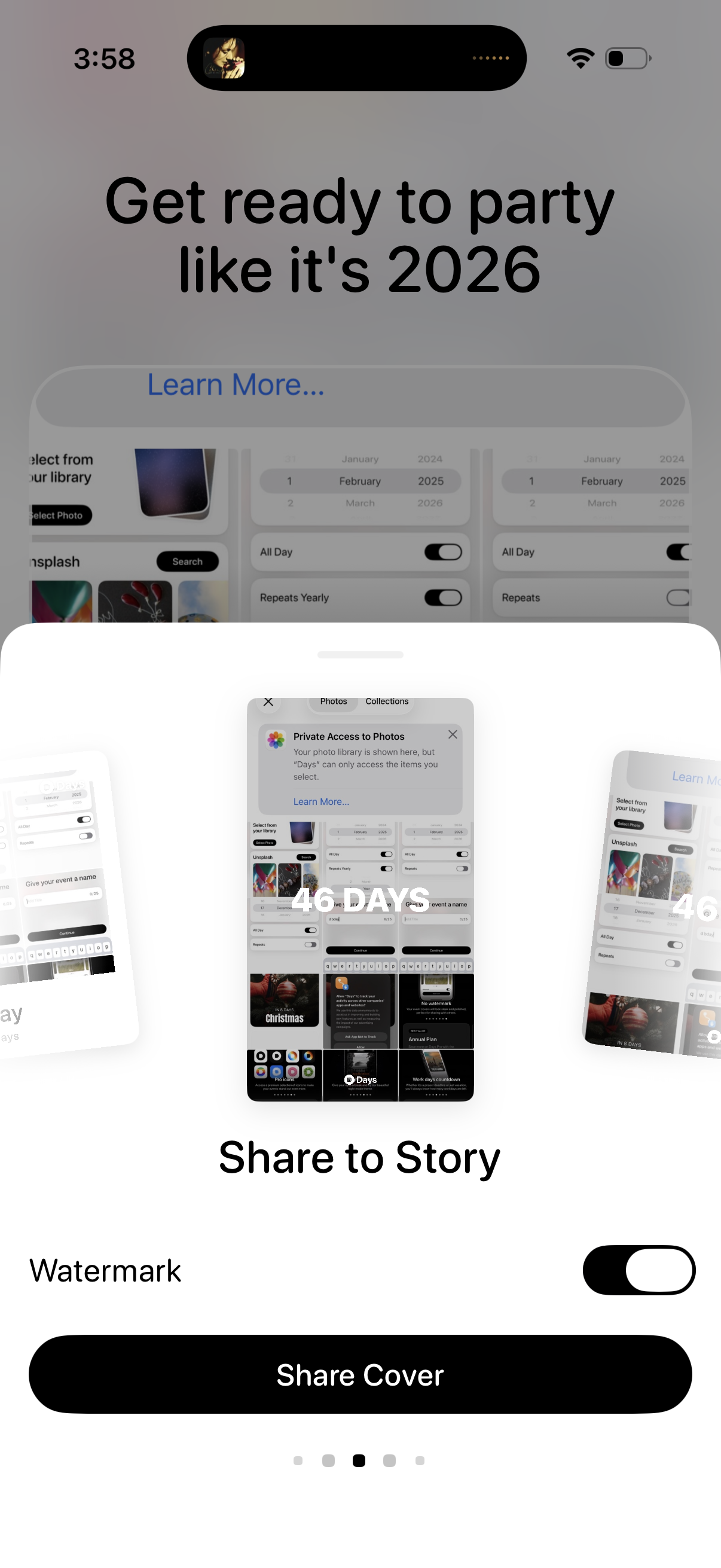
A share-to-story preview screen for a countdown/event app, showing a cover image carousel and options to add a watermark toggle. Primary action is a “Share Cover” button, with a learn more link for sharing guidance.
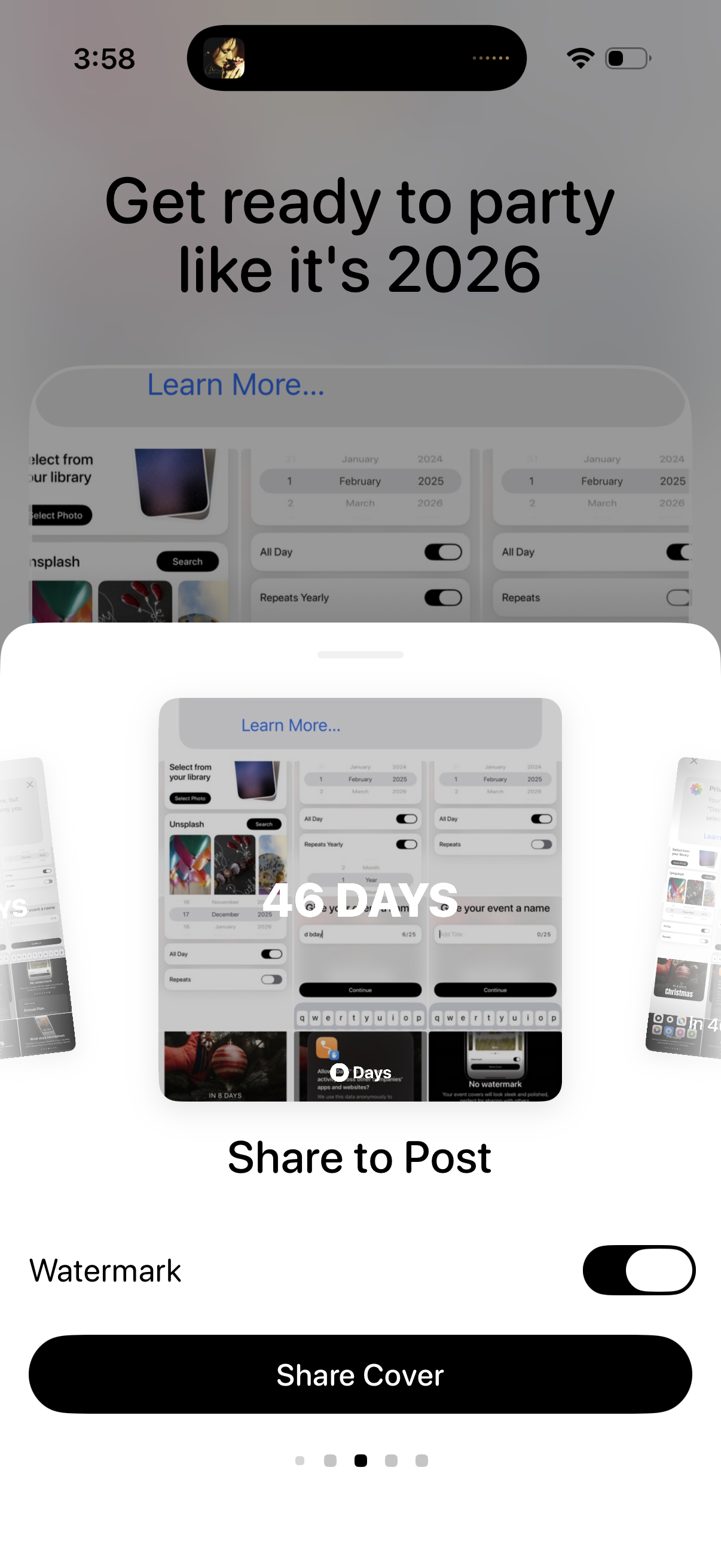
A social sharing preview screen for a countdown/event cover (e. g.
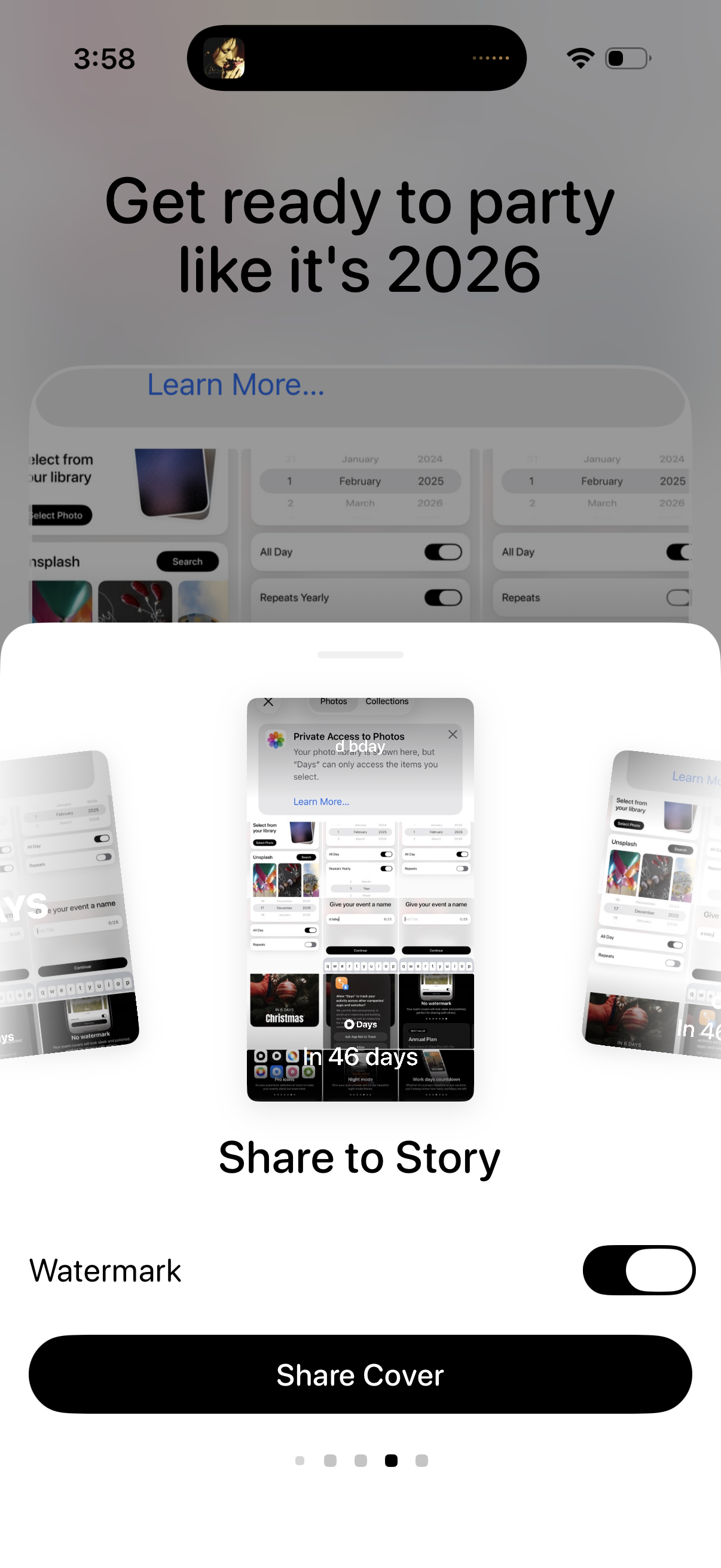
Share screen for posting a countdown/event cover to a social media story, showing a preview carousel of templates. Includes a Watermark toggle and a primary “Share Cover” call-to-action, with an optional “Learn more” link.
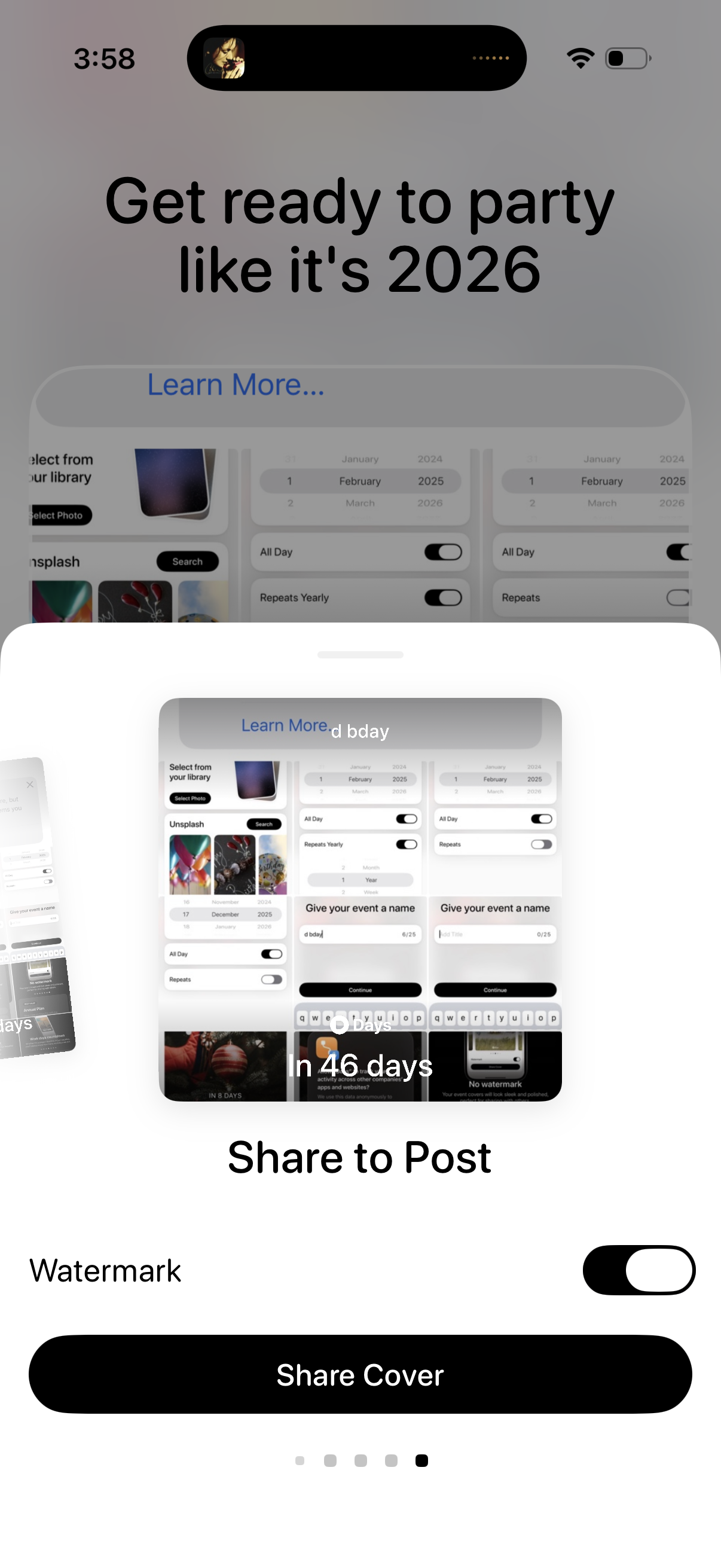
A social sharing screen for posting an event countdown cover, showing a preview carousel of the generated cover image and copy. Users can toggle a watermark on/off and tap a primary “Share Cover” button to share the cover as a post.