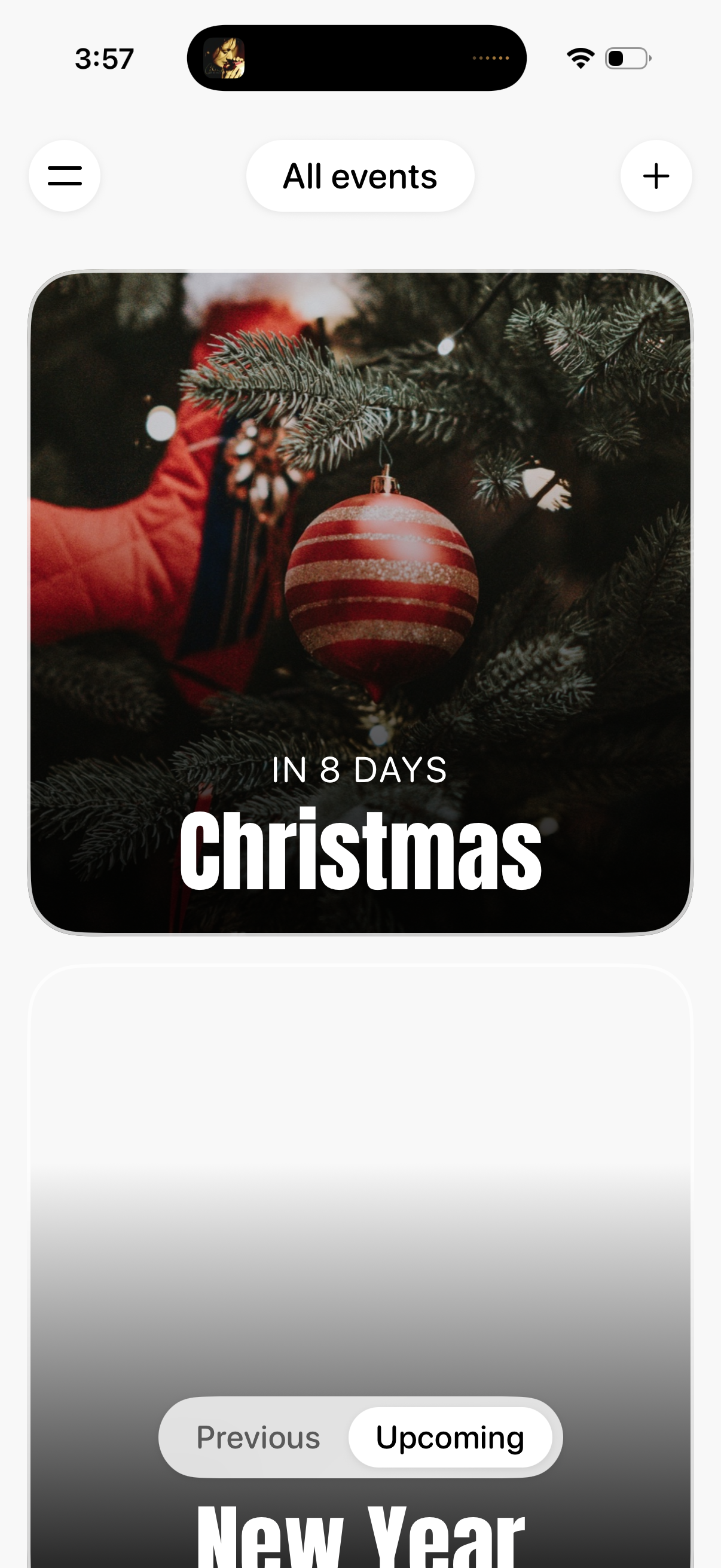
Event countdown browsing screen showing large card-style tiles for holidays/events (e. g.
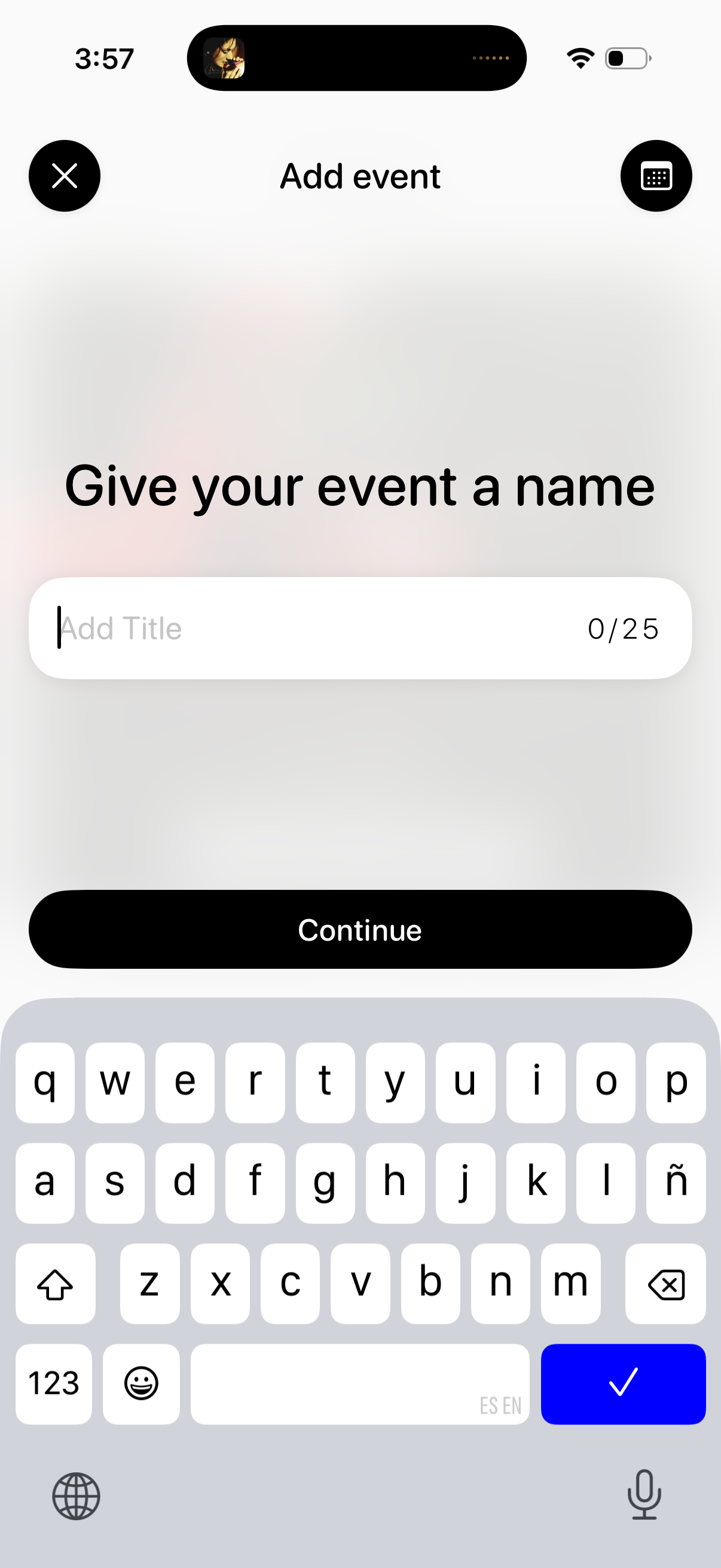
Event creation screen prompting the user to name a new event, with a single “Add Title” text field and a character counter. Includes a primary Continue button to proceed, plus close/cancel and keyboard shortcuts in the header.
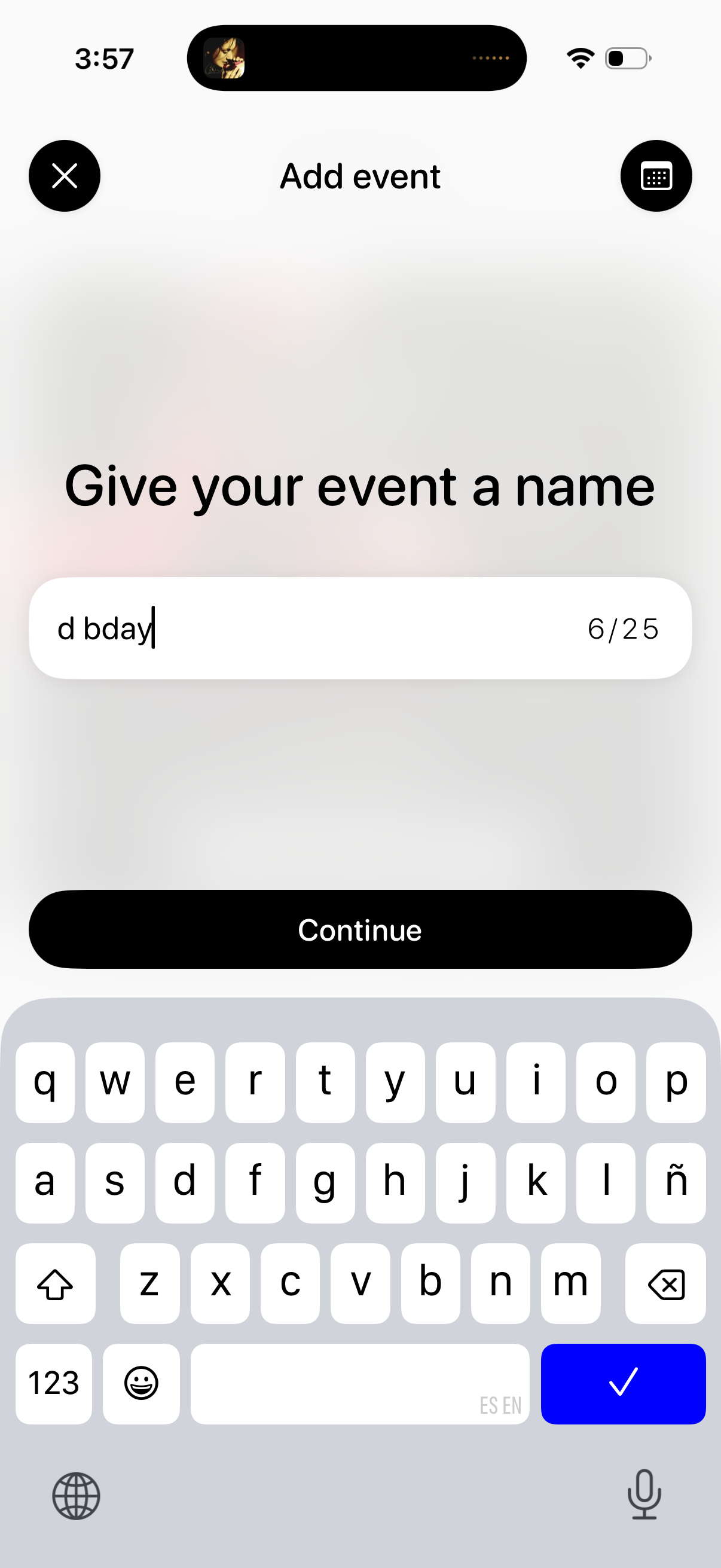
Event creation screen prompting the user to name a new event, with a single text input field showing a character counter. Includes a primary Continue button to proceed and top controls to close/cancel or switch input options.
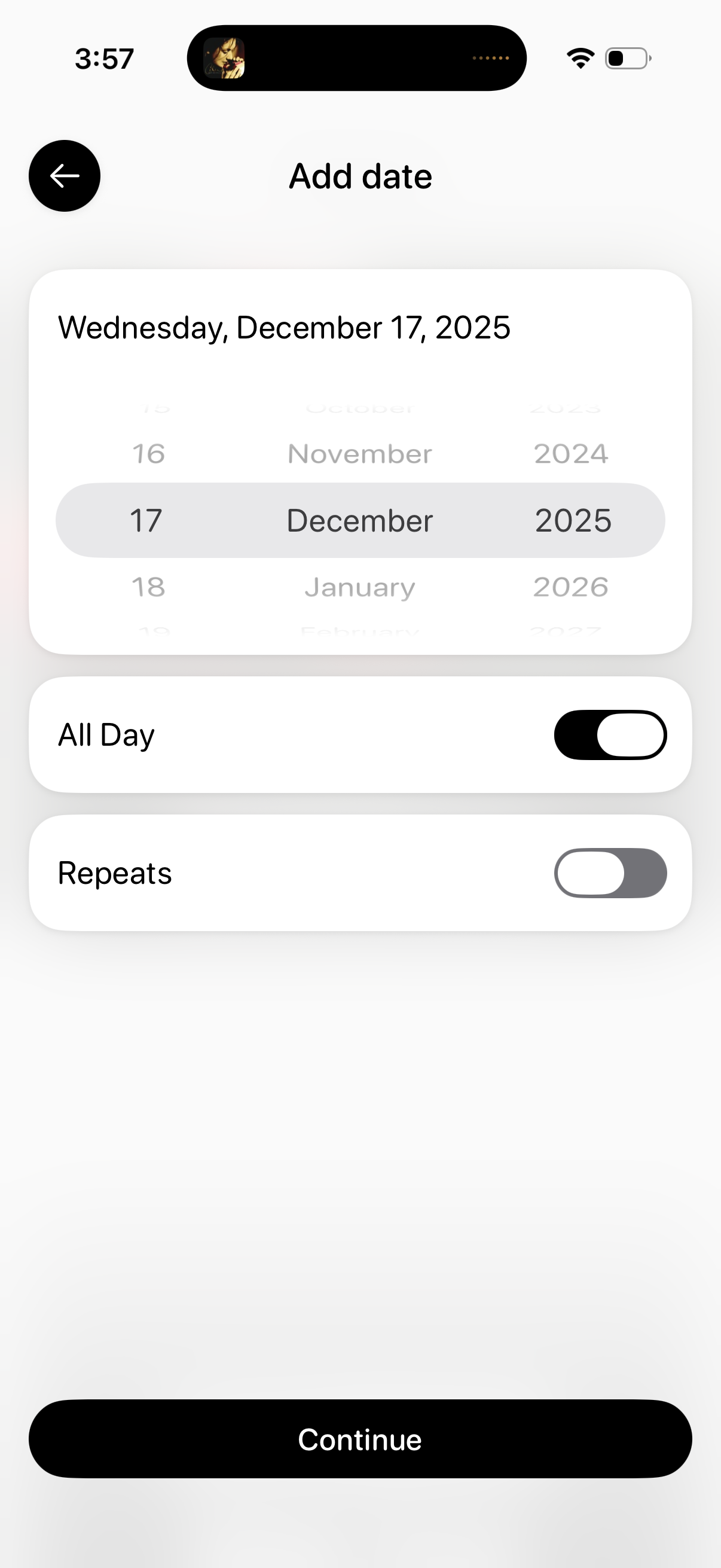
Date selection screen for scheduling an event or reminder, featuring a wheel-style day/month/year picker with the chosen date displayed at the top. Includes toggles for “All Day” and “Repeats” options and a primary “Continue” button to confirm and proceed.
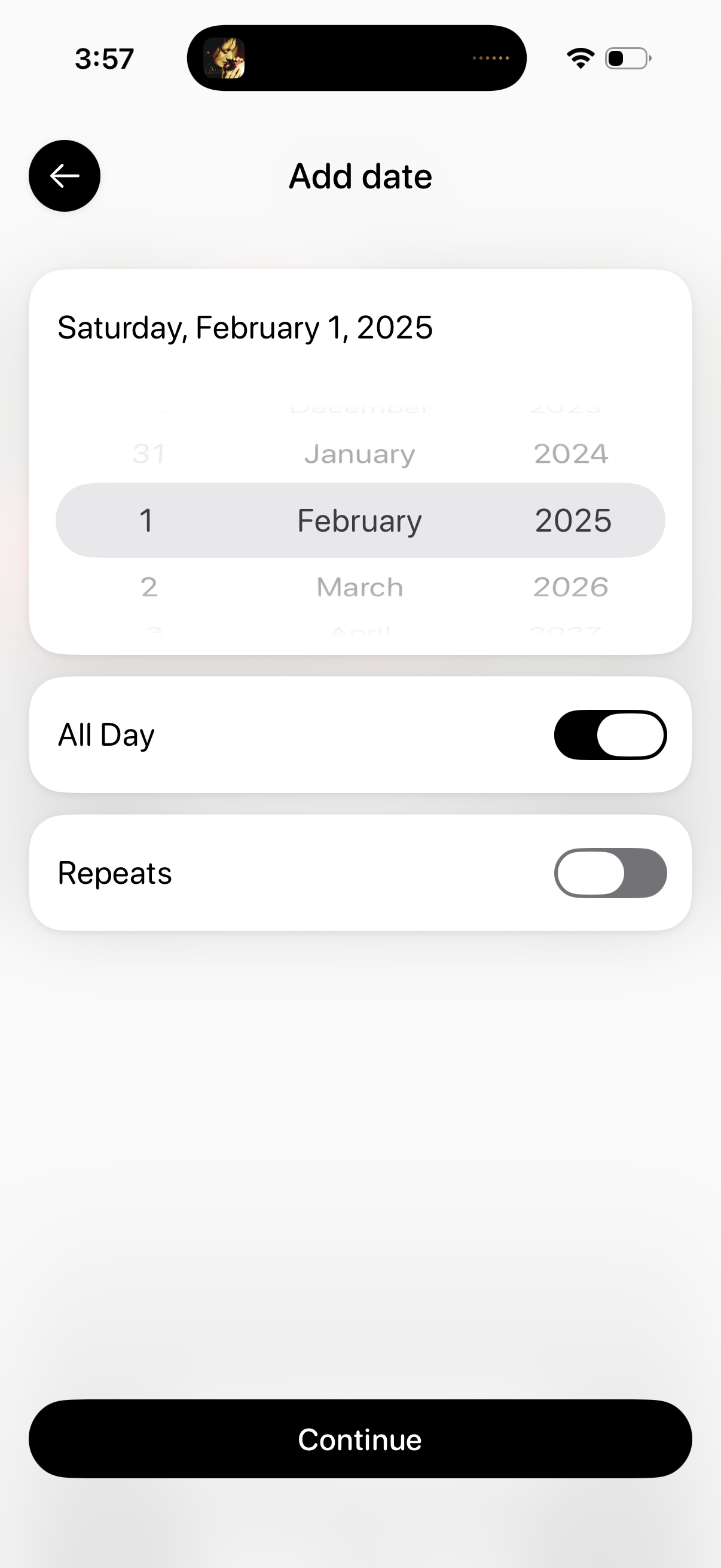
Event date setup screen with a wheel-style date picker to select day, month, and year, showing the chosen full date at the top. Includes toggles for marking the event as all-day and enabling repeats, with a back button and a primary Continue action.
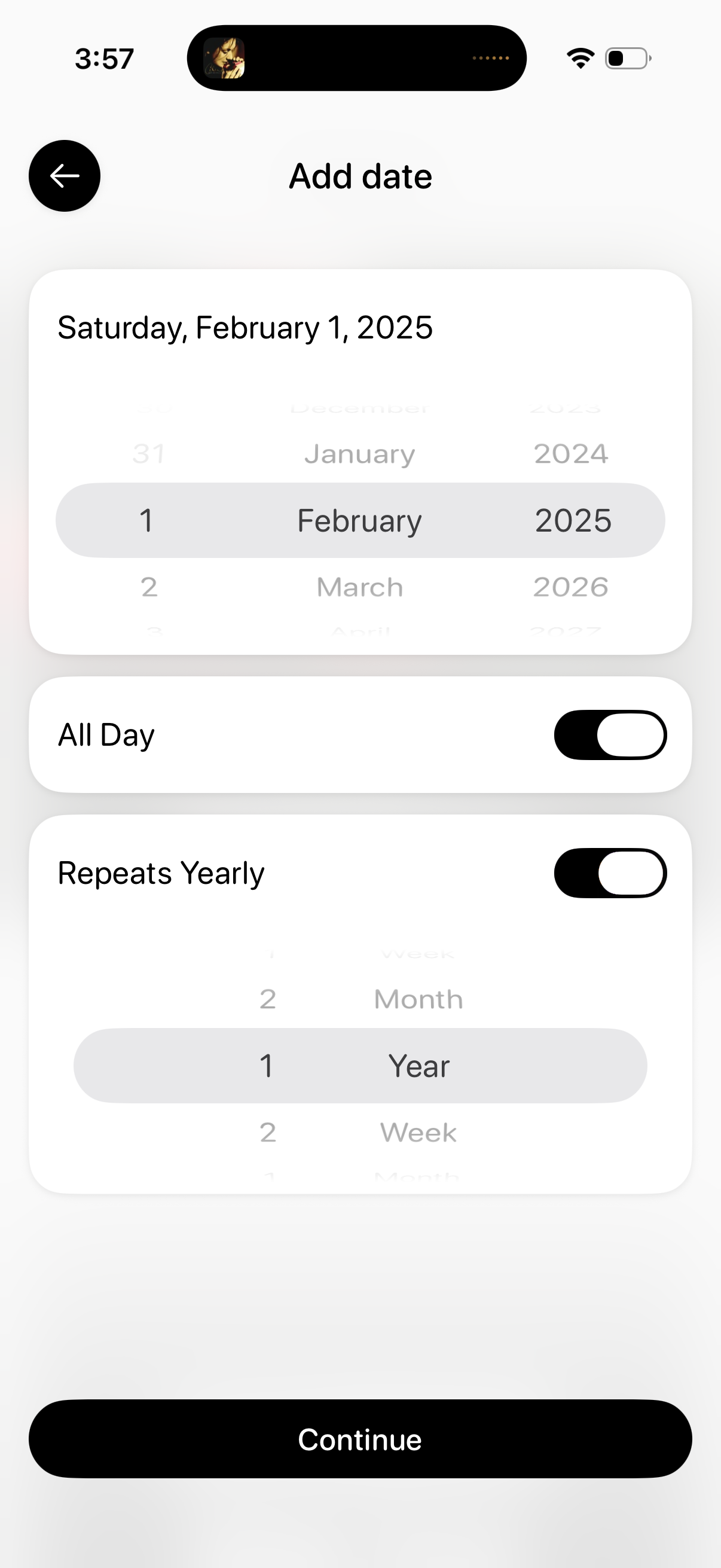
Event scheduling screen to add a date using a wheel picker for day, month, and year, showing the formatted selected date at the top. Includes toggles for All Day and Repeats Yearly with a recurrence interval picker, plus a back button and a Continue CTA to save and proceed.
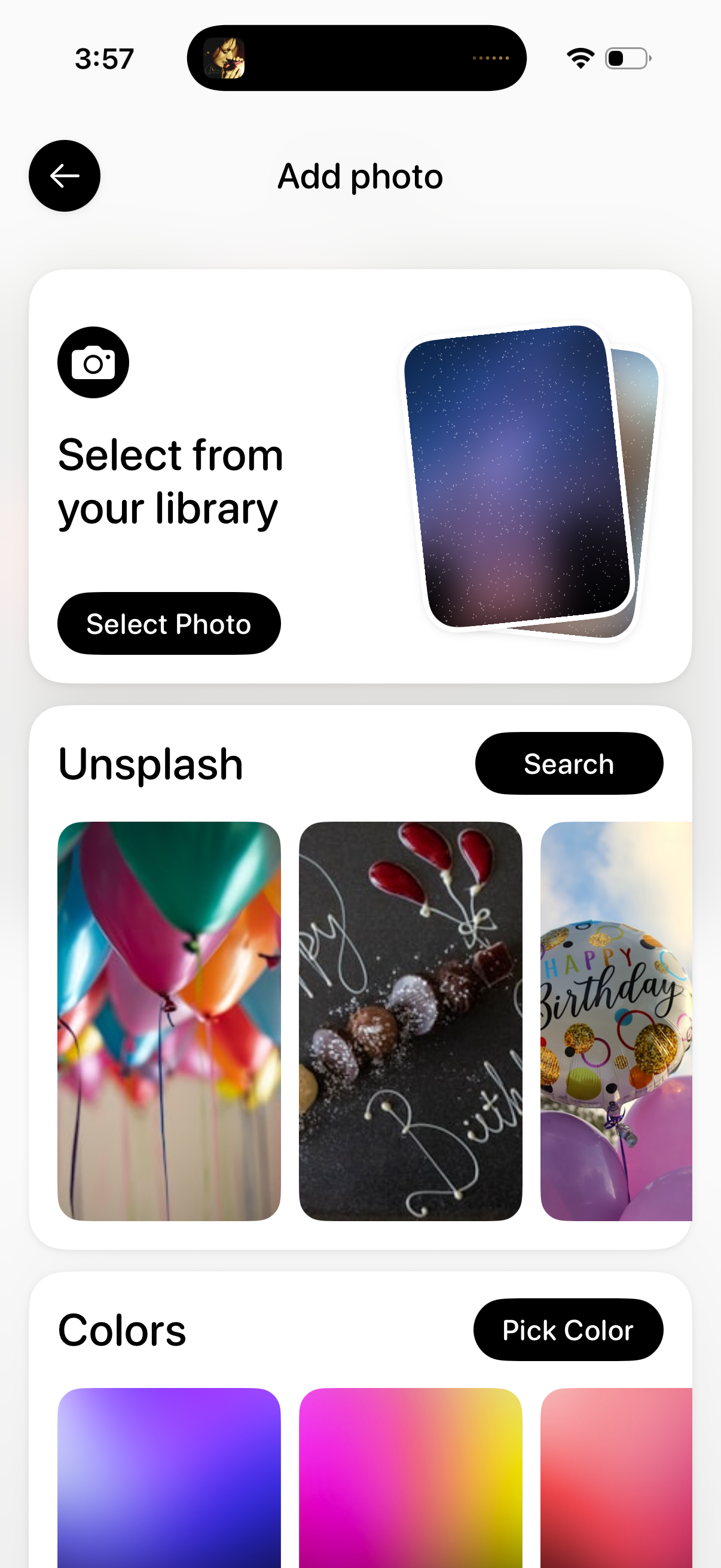
Add photo screen that lets users choose an image source, including selecting a photo from the device library, searching and picking stock images from Unsplash, or choosing a solid/gradient color background. Primary actions include “Select Photo,” “Search,” and “Pick Color,” with a back button to exit.