1
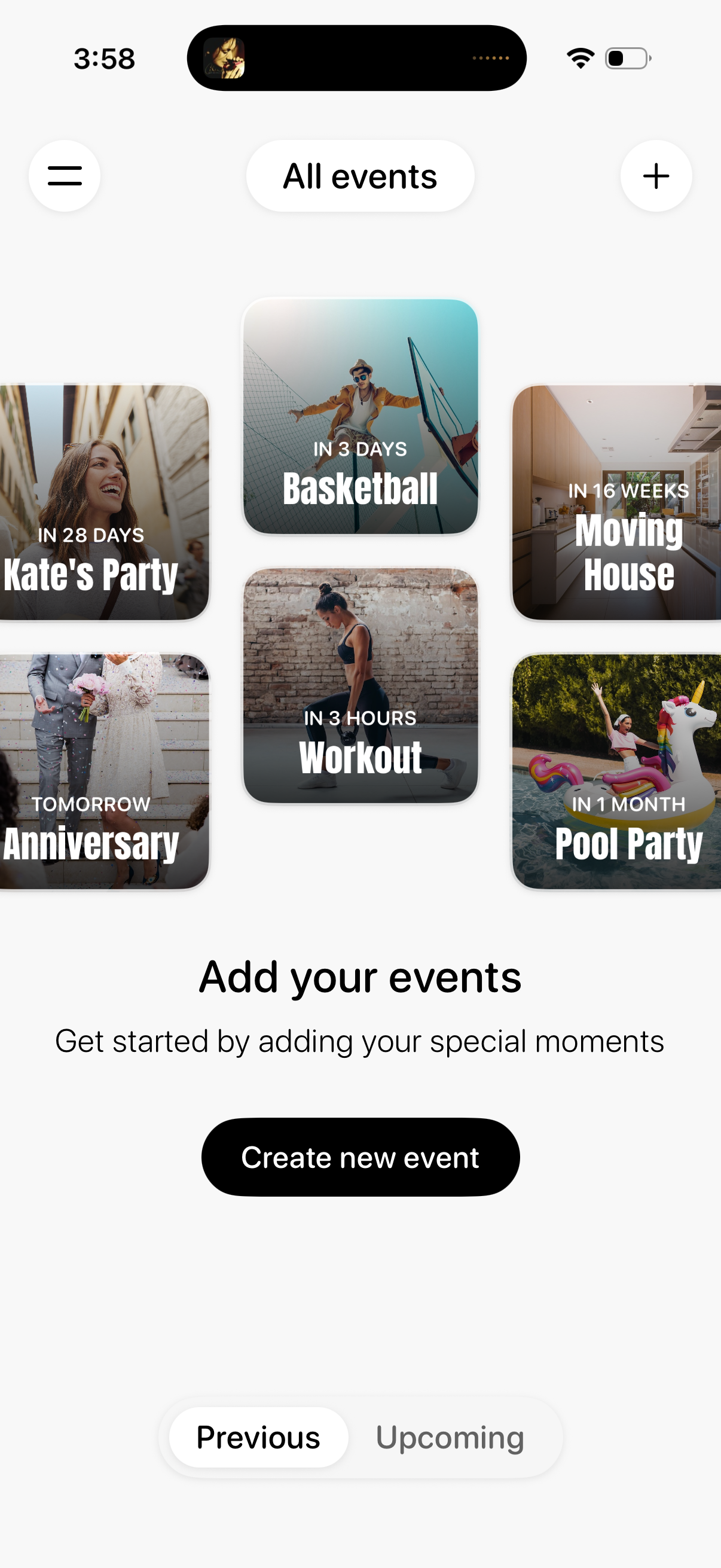
Event management home screen showing a gallery of upcoming events as image cards with time-to-event countdown labels. Includes navigation menu and add (+) action, a “Create new event” CTA, and a segmented control to switch between Previous and Upcoming event lists.
2
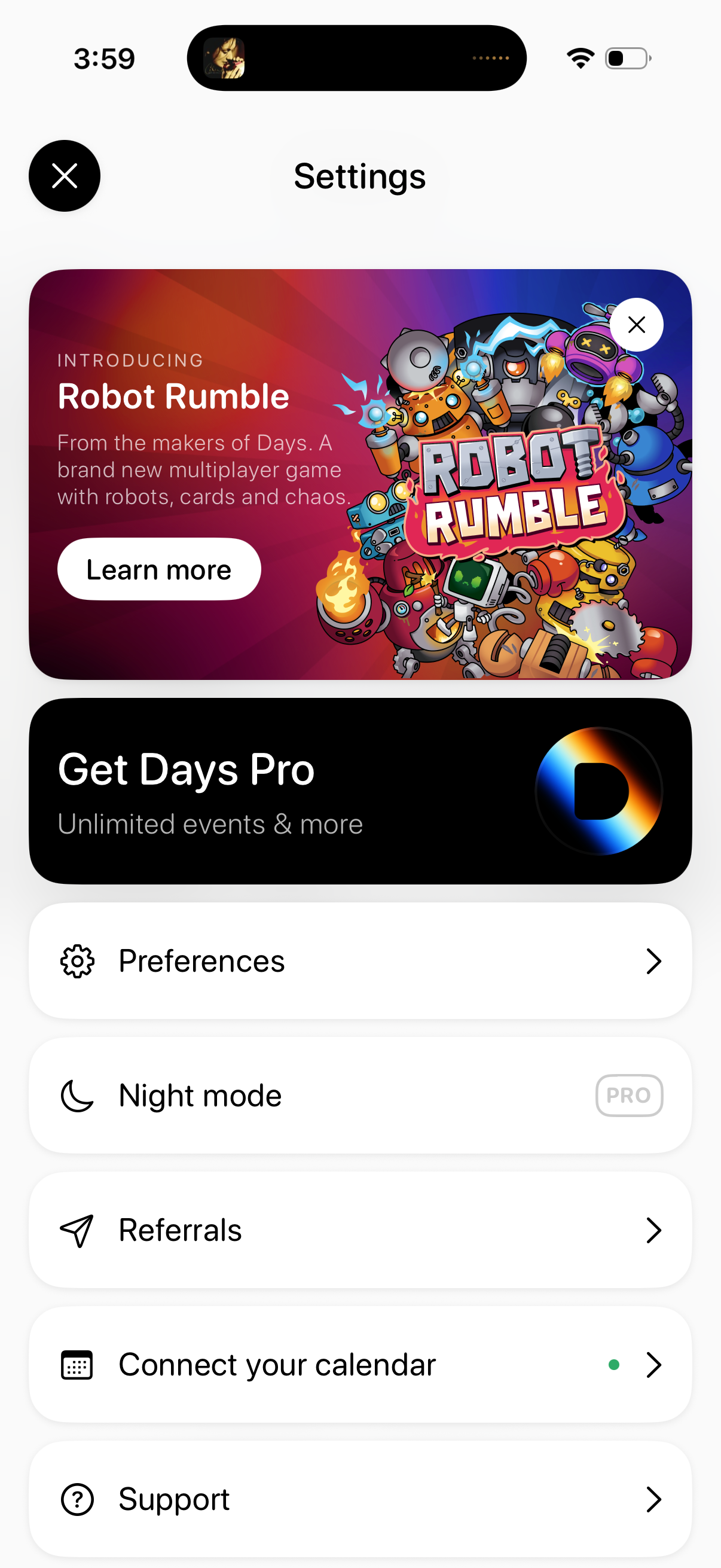
Settings screen with promotional banners for a new feature/game and an upsell to a Pro subscription, plus a list of account and app options. Main actions include opening Preferences, enabling Night mode (Pro), accessing Referrals, connecting a calendar integration, and viewing Support, with close buttons to dismiss the page or promo cards.