view upgrade offer
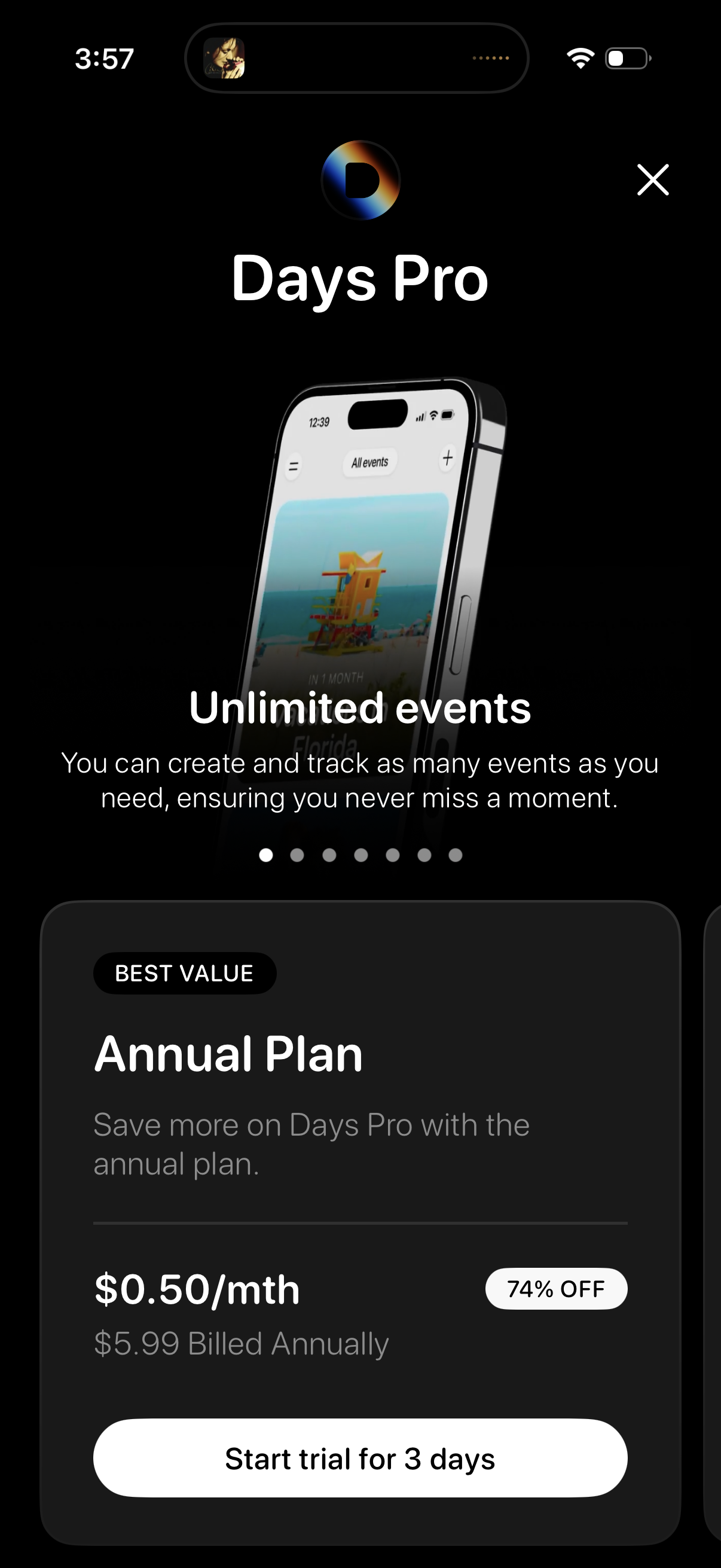
Premium subscription paywall for “Days Pro” highlighting the “Unlimited events” feature with a carousel indicator. Shows an annual plan marked best value with discounted monthly price and billed annually, plus a primary CTA to start a 3‑day free trial and a close (X) button to dismiss.
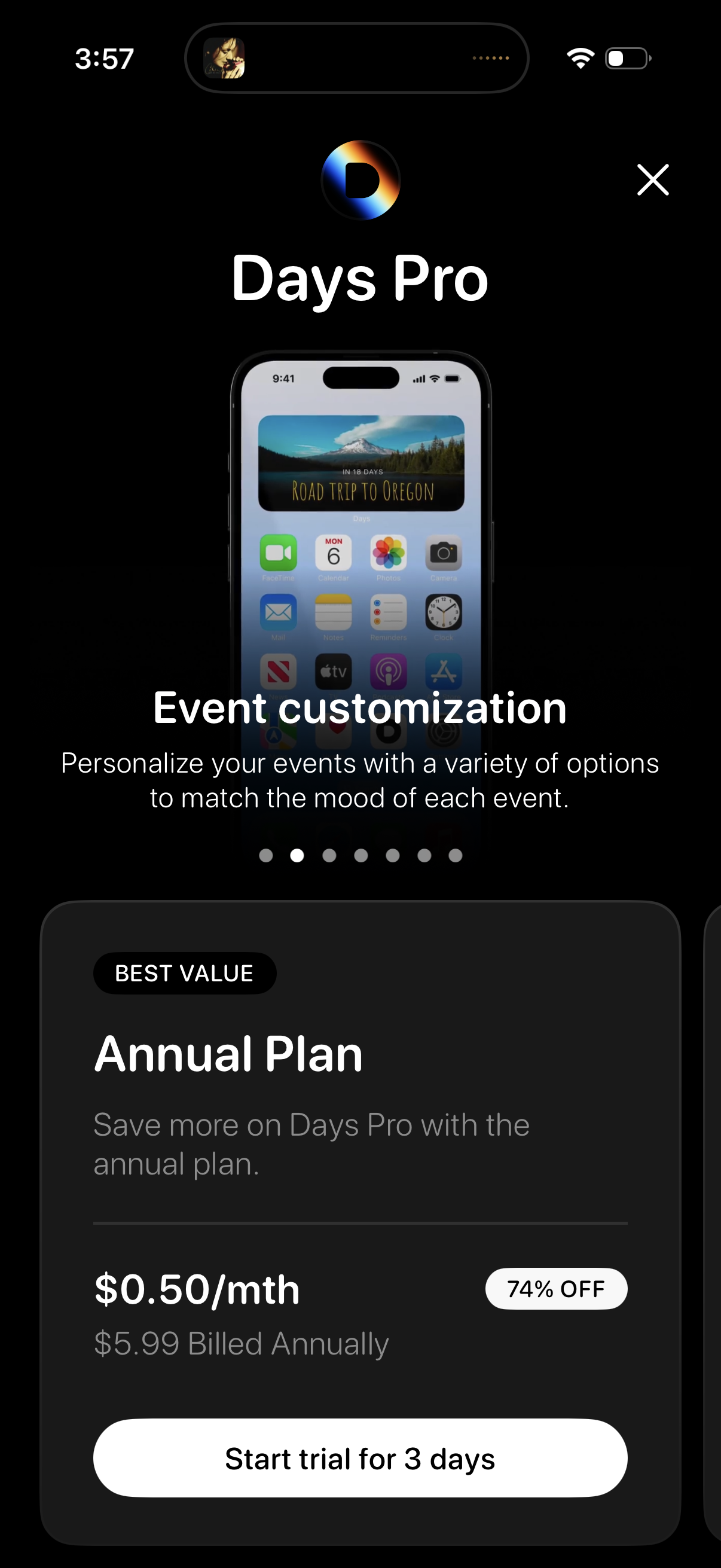
Subscription paywall screen for “Days Pro” showcasing premium feature highlights (event customization) with a carousel indicator, promoting the best value annual plan with discounted monthly price and “Start trial for 3 days” call to action plus close button.
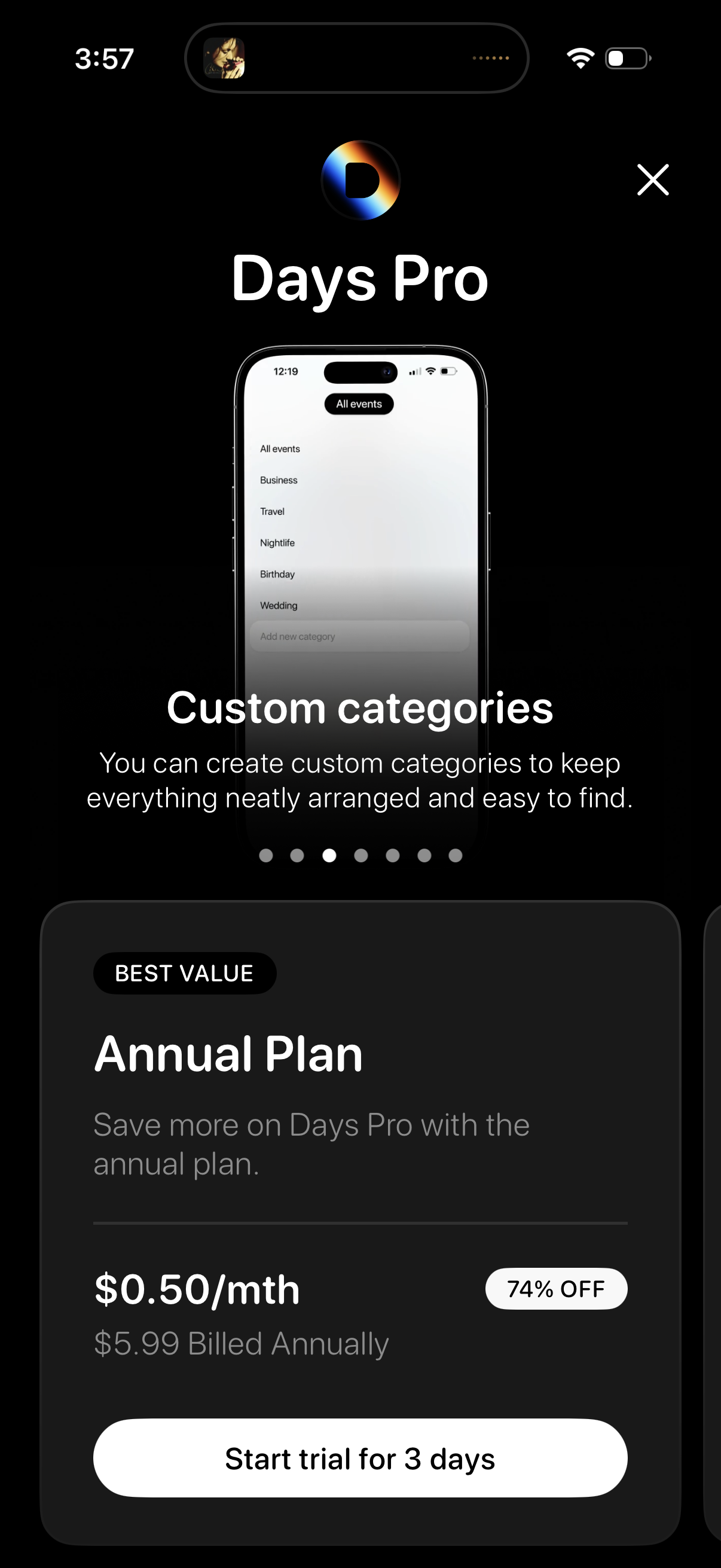
Subscription paywall for “Days Pro” highlighting a feature carousel (custom categories for organizing events) and promoting the best value annual plan with discount, monthly price billed annually, and a primary CTA to start a 3‑day free trial plus a close button.
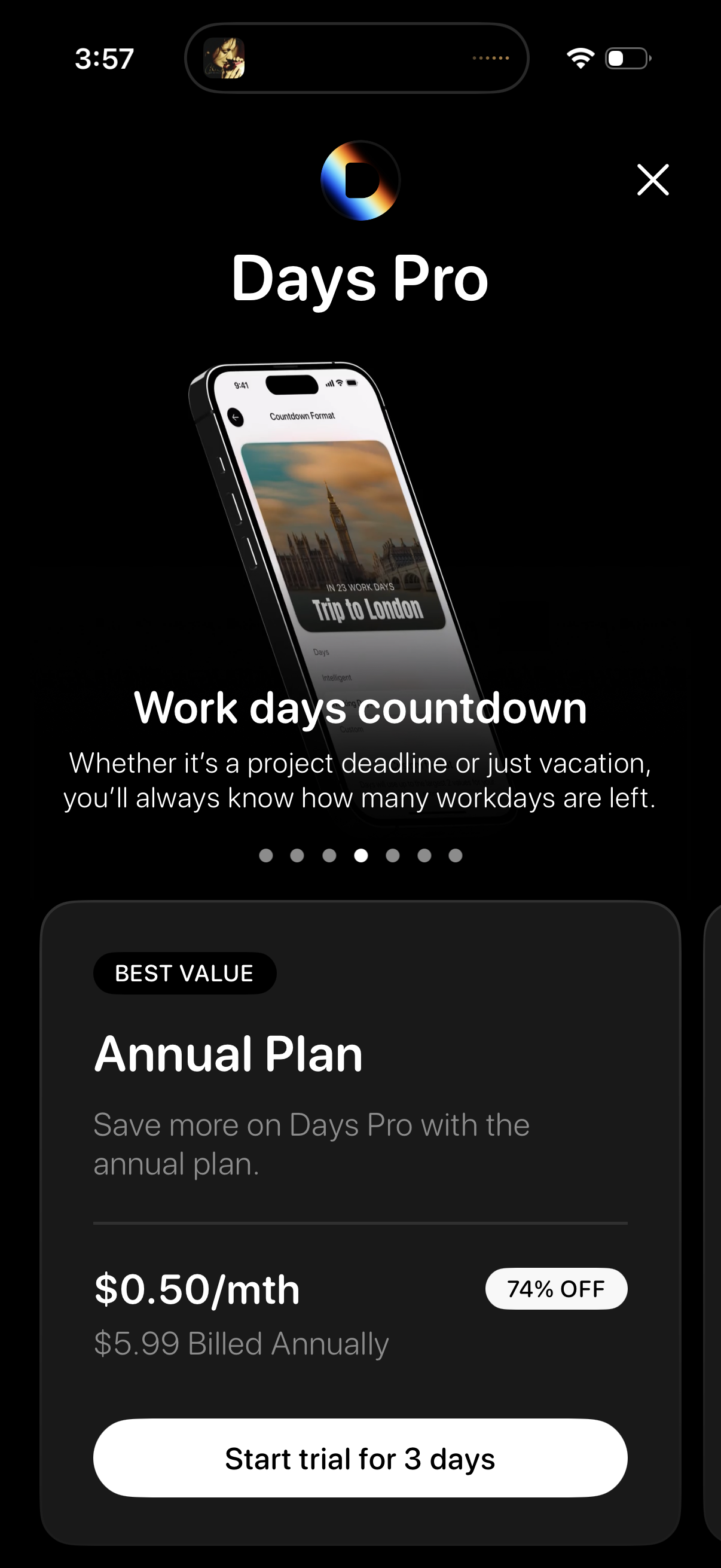
Premium subscription paywall for a countdown/calendar app promoting “Days Pro” features (work days countdown) with a carousel of feature highlights. Shows an annual plan pricing card with discount badge and the primary CTA to start a 3‑day free trial, plus a close button to dismiss.
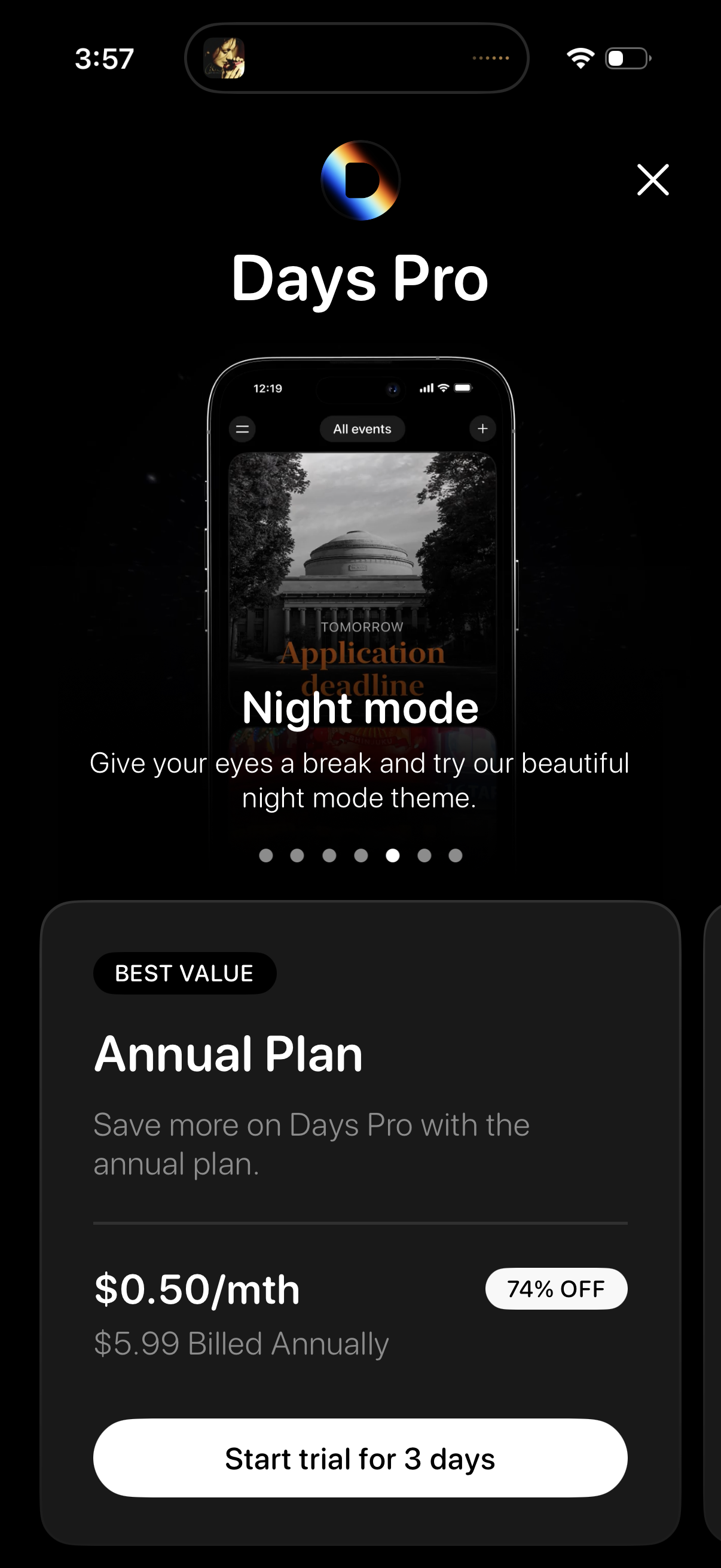
Subscription paywall for “Days Pro” highlighting a Night mode feature with an onboarding carousel and dots indicator. Shows the best-value Annual Plan pricing with discount and billed annually details, plus a primary CTA to start a 3‑day free trial and a close button to dismiss.
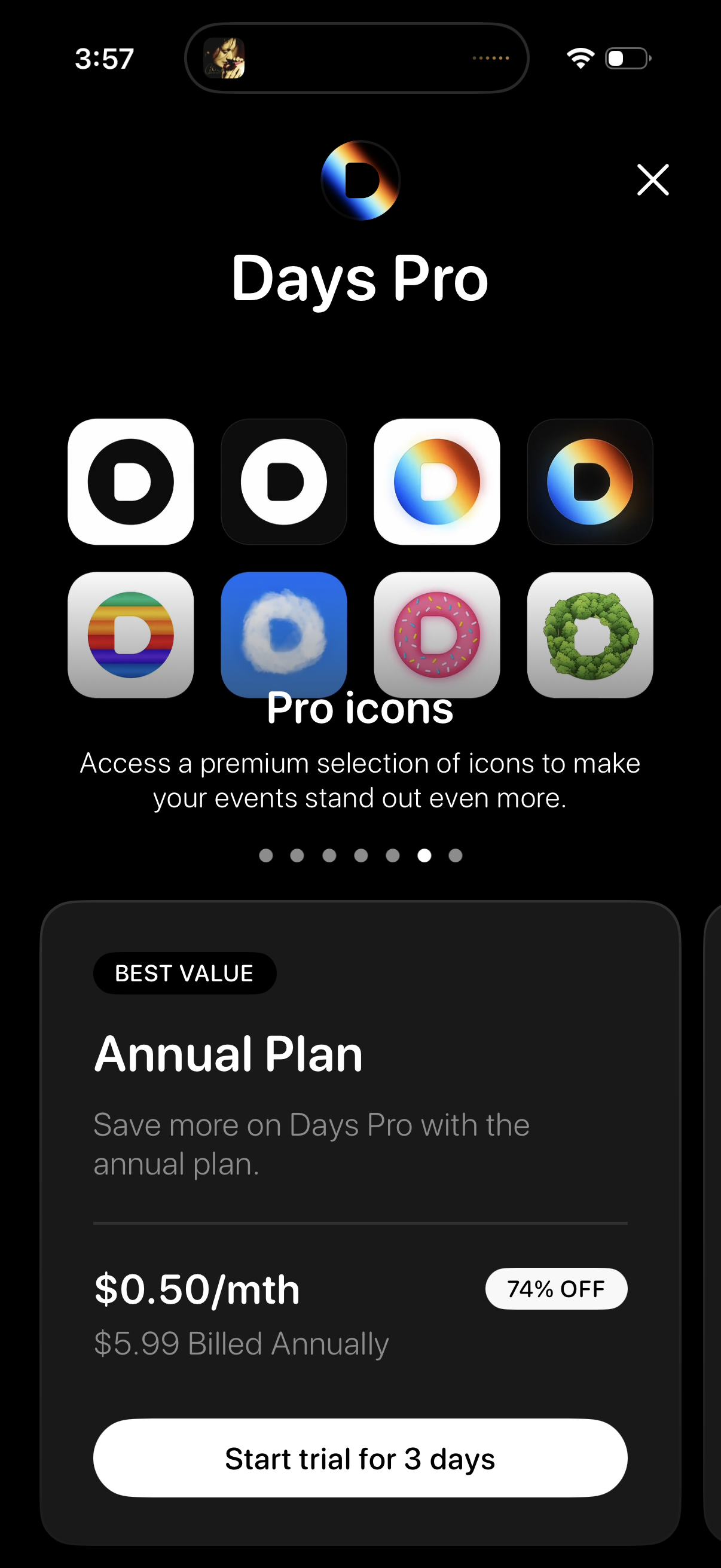
Subscription paywall for “Days Pro” highlighting premium “Pro icons” as a feature with a carousel, plus an Annual Plan card showing discounted monthly price and billing details. Primary CTA starts a 3‑day free trial, with a close (X) button to dismiss the paywall.
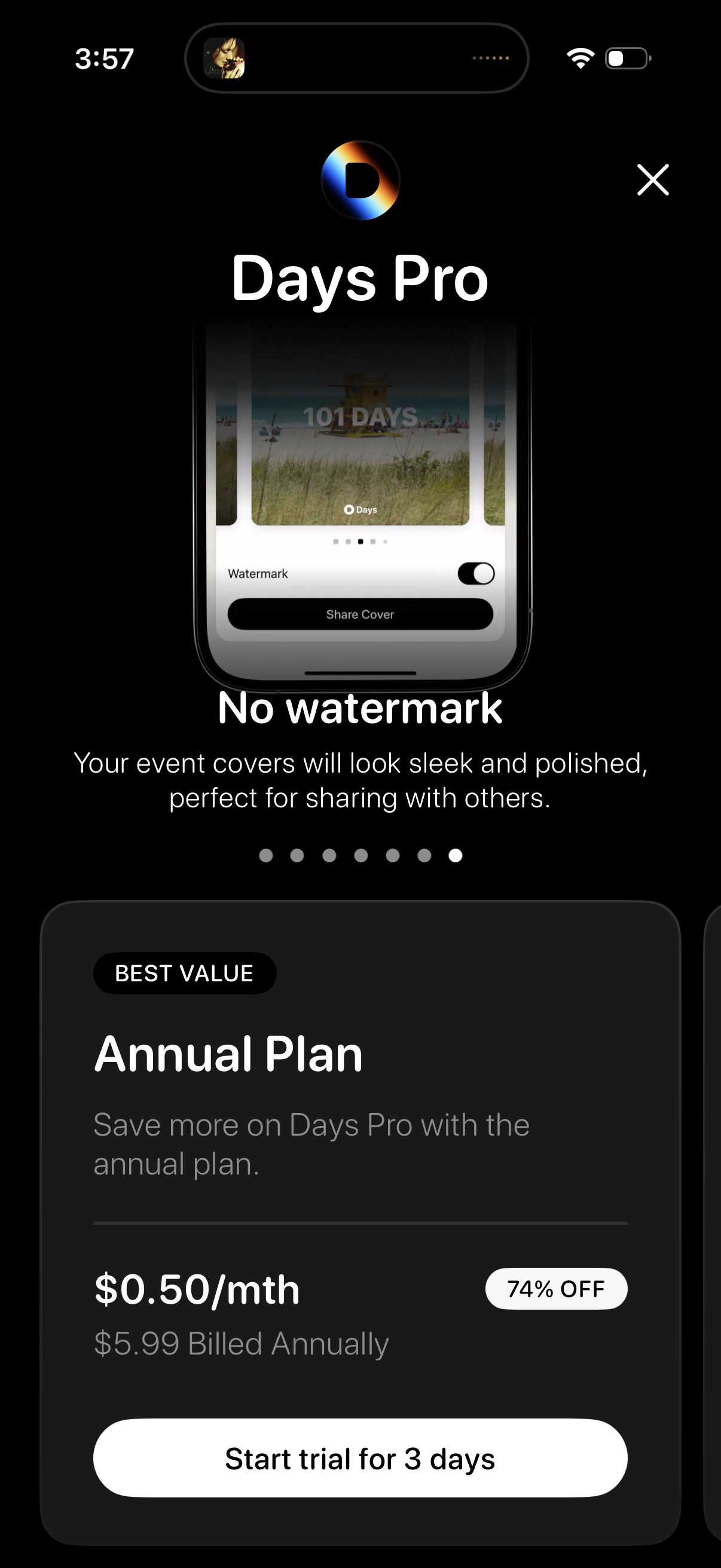
Subscription paywall screen promoting “Days Pro” with a feature highlight carousel (e. g.