set up starter events
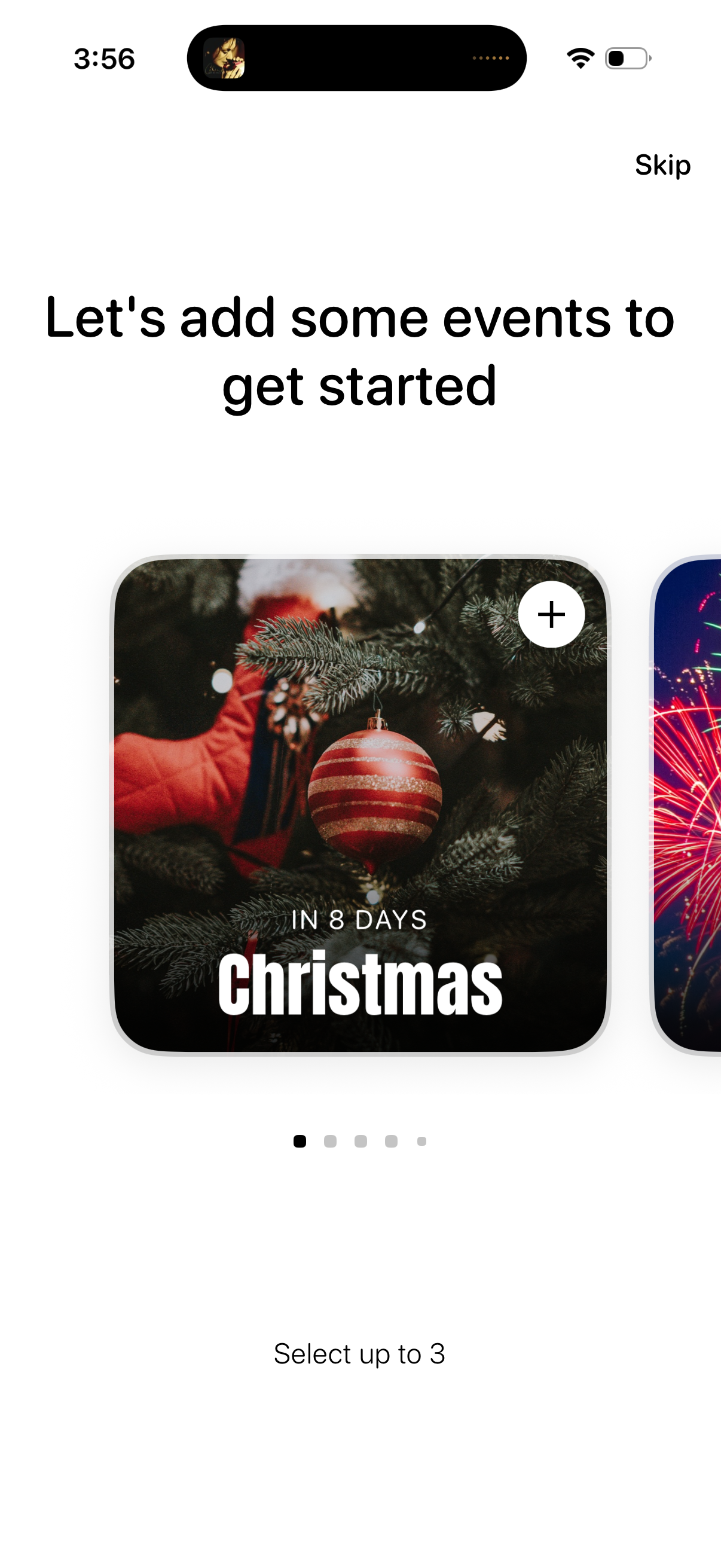
Onboarding screen prompting users to add upcoming events, showing a horizontally scrollable carousel of event cards with countdown imagery and a plus button to select events (up to three). Includes a Skip option to bypass event selection.
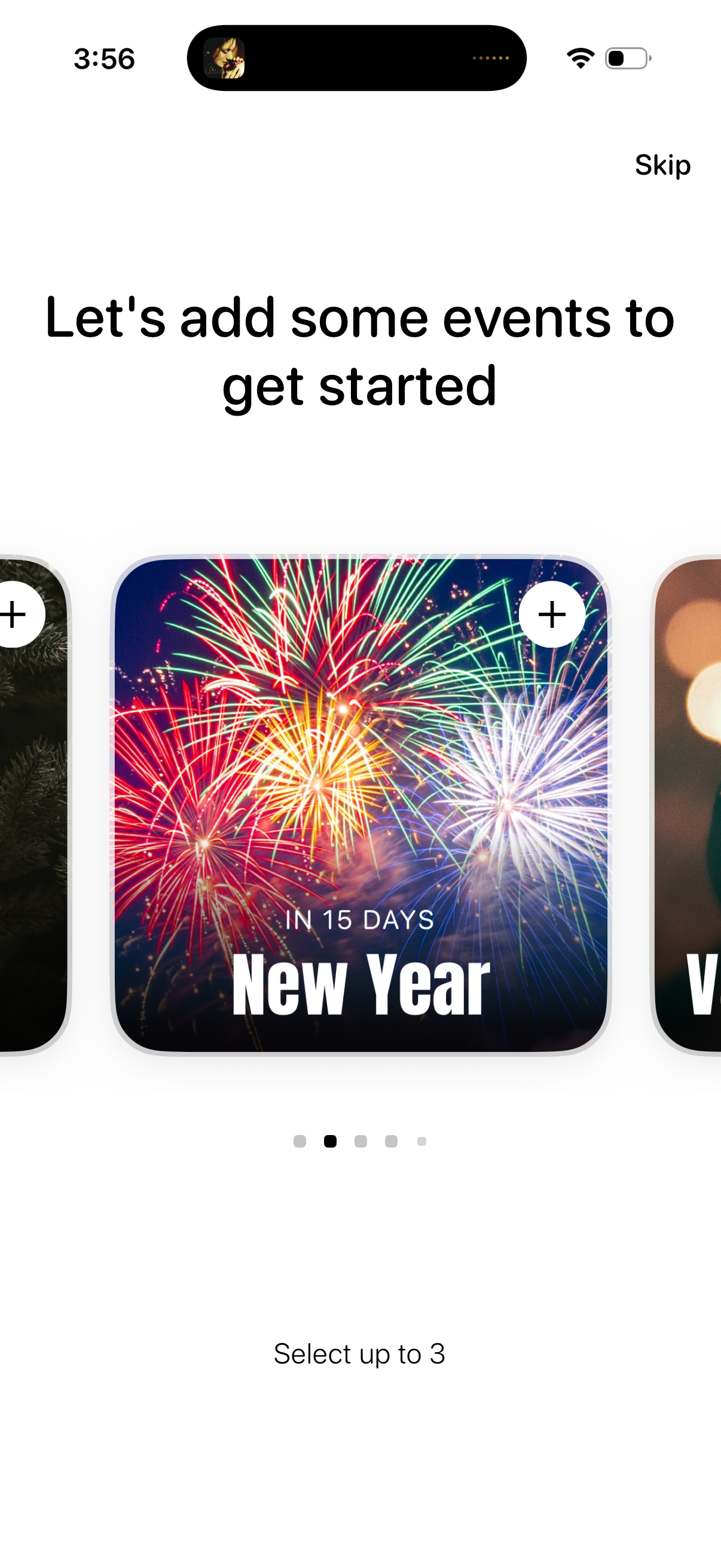
Onboarding screen prompting users to add upcoming events to get started, with a swipeable carousel of event suggestion cards and plus buttons to add them. Includes a Skip option and a note that users can select up to three events.
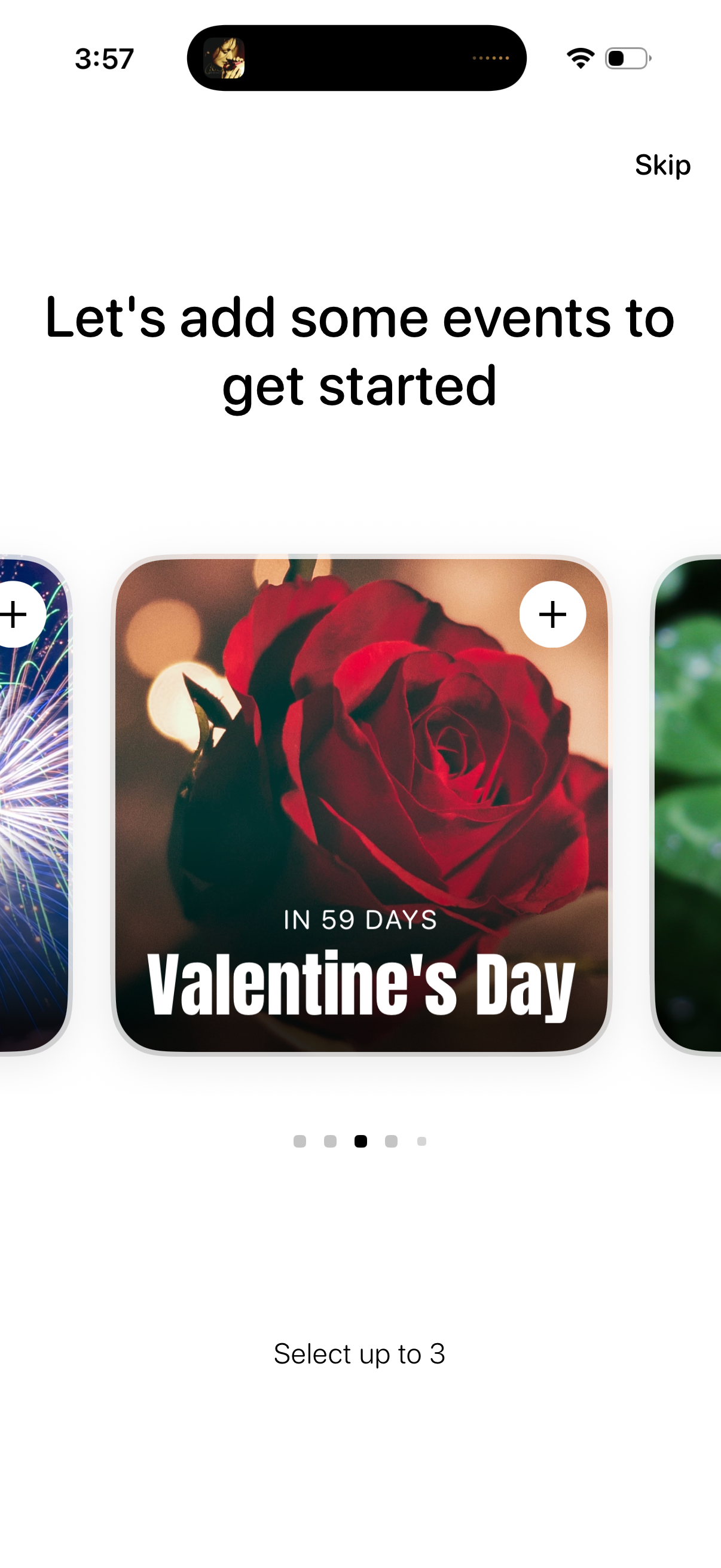
Onboarding screen prompting the user to add events to get started, with a “Skip” option and a carousel of featured holiday/event cards. Each card includes an add (+) button and the user can select up to three events to follow.
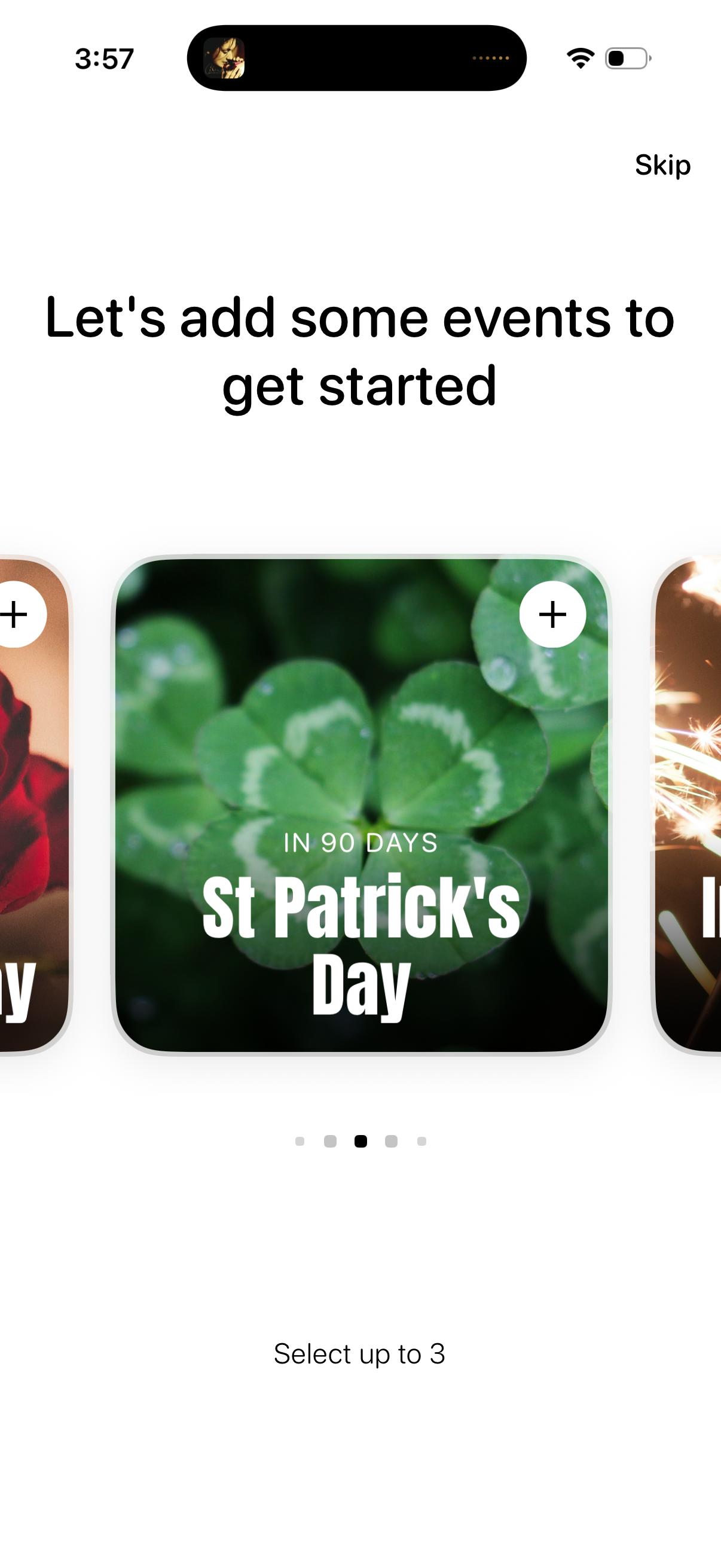
Onboarding screen prompting users to add events to get started, featuring a horizontally scrollable carousel of upcoming holidays/events with cards showing countdowns and a plus button to select. Includes a Skip option and a note that users can select up to three events.
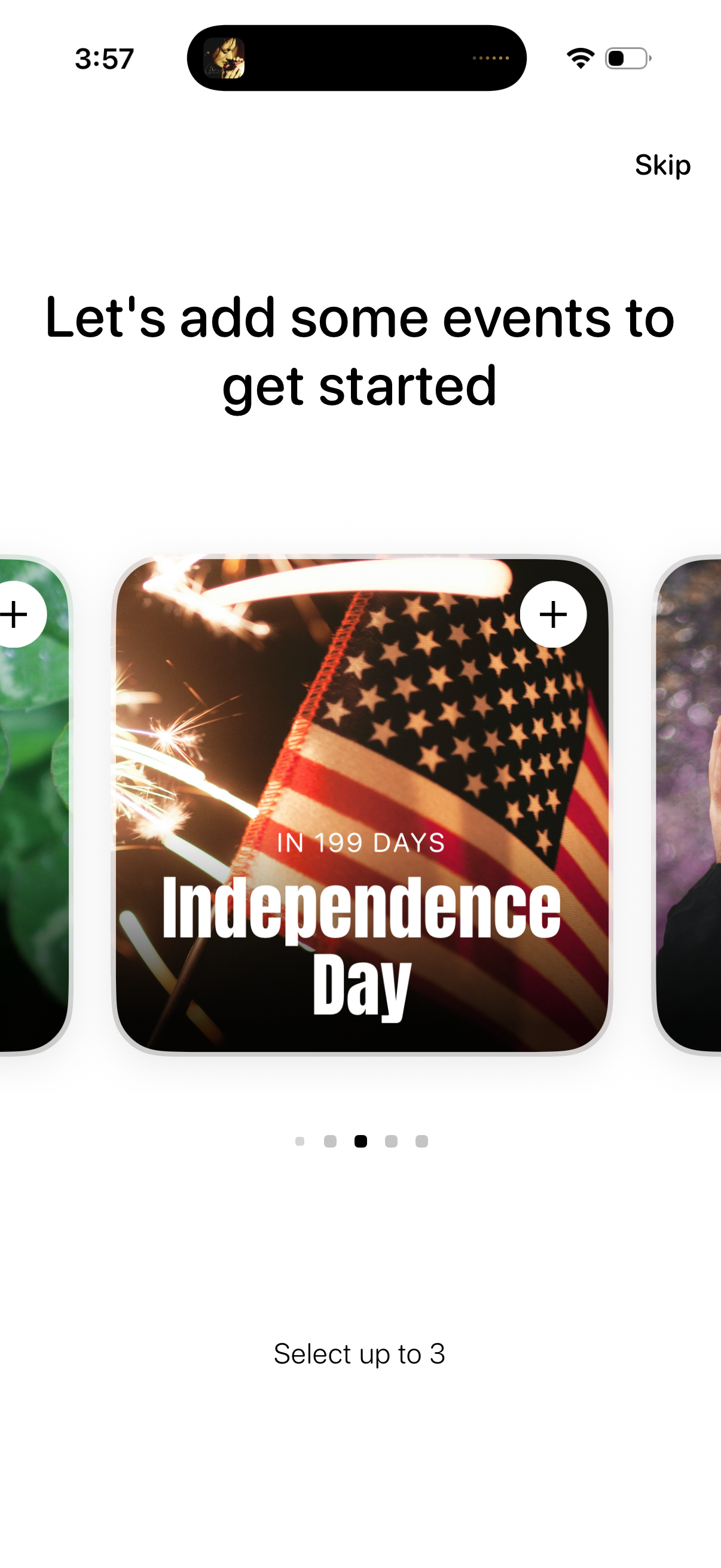
Onboarding screen prompting the user to add upcoming events to get started, with a horizontal carousel of event cards showing countdowns and a plus button to add each event. Includes a Skip option and instruction to select up to three events.
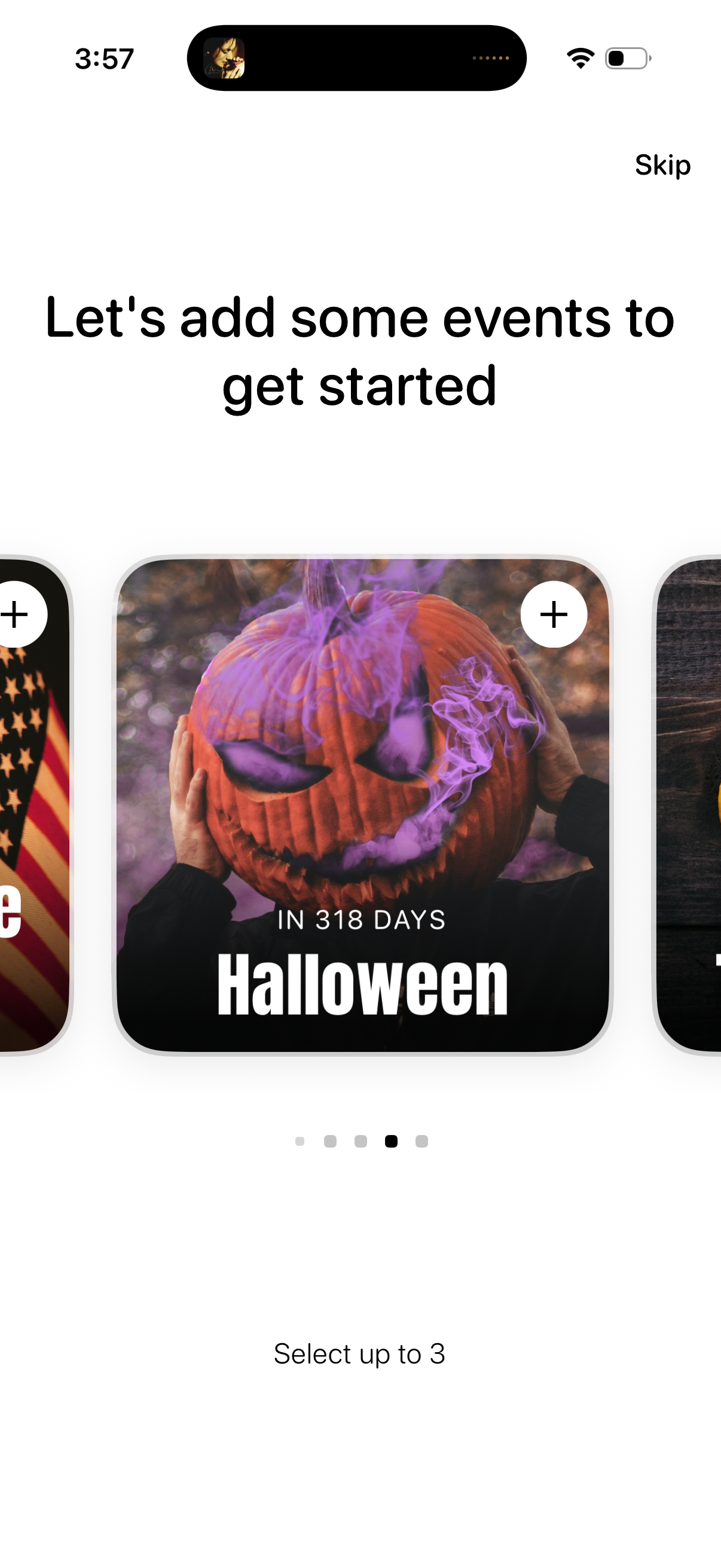
Onboarding screen prompting users to add upcoming events to get started, featuring a horizontally scrollable carousel of holiday/event cards with countdowns. Users can select up to three events and tap a plus button on each card to add them, with an option to skip.
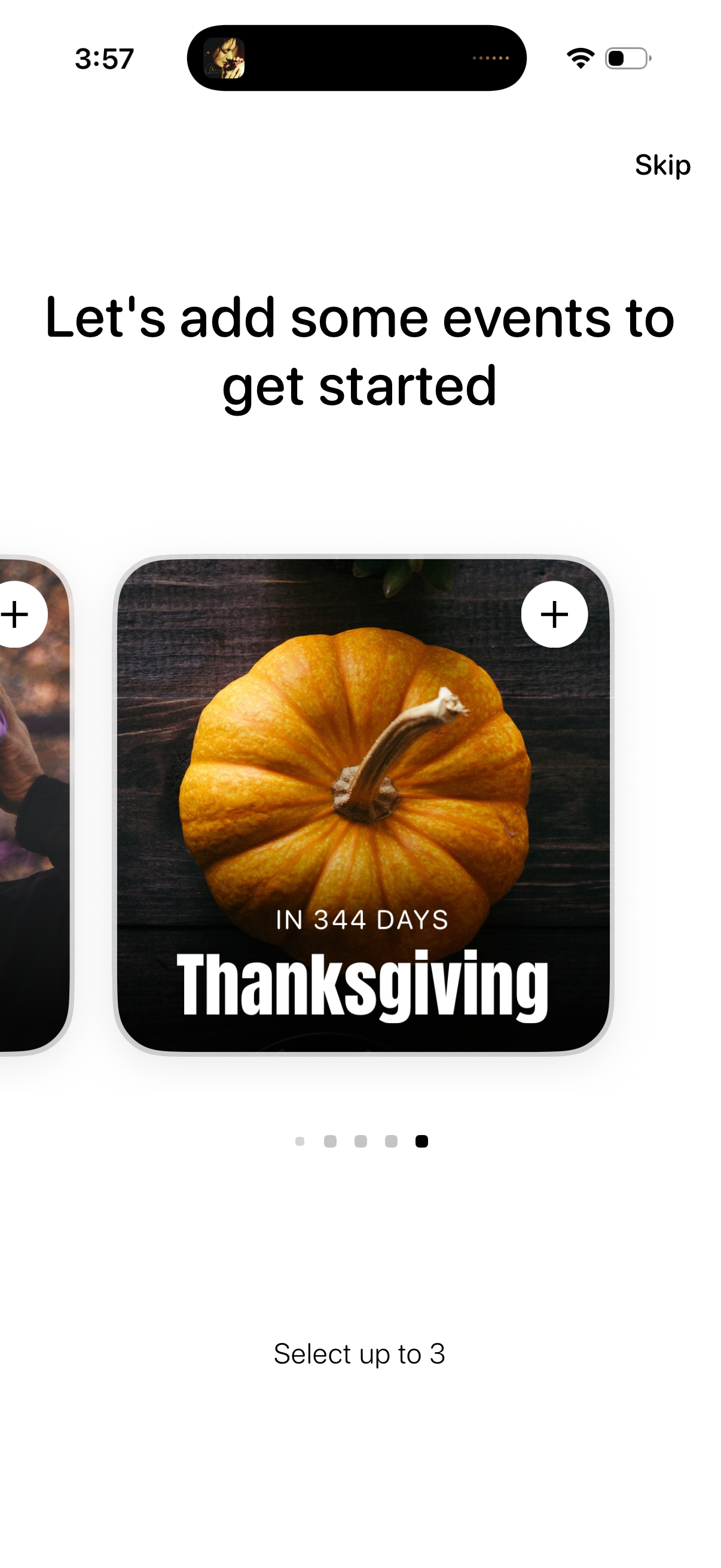
Onboarding screen prompting users to add events to get started by selecting up to three holiday or occasion cards in a horizontal carousel, each with a plus button and countdown. Includes a “Skip” option to bypass event selection.