adjust preferences
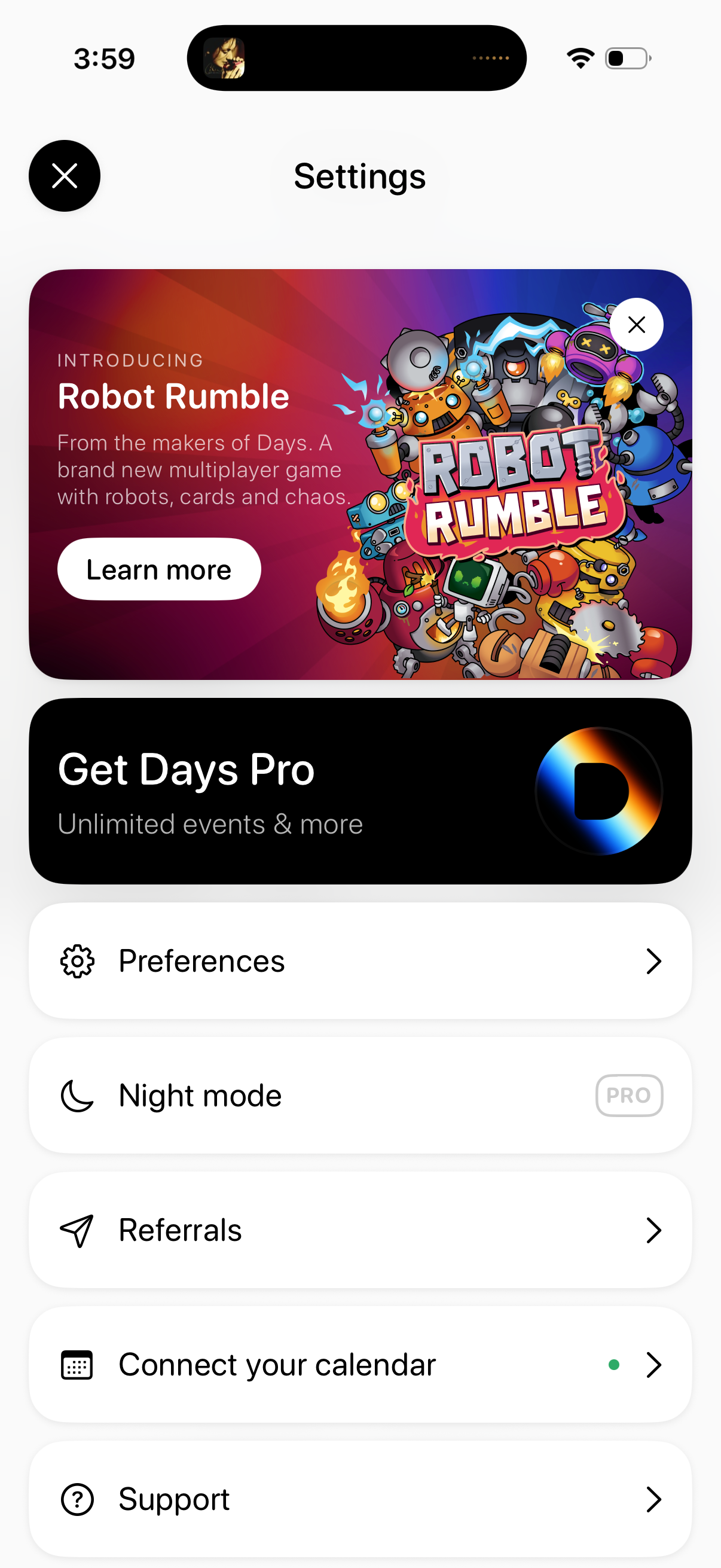
Settings screen with promotional banners for a new feature/game and an upsell to a Pro subscription, plus a list of account and app options. Main actions include opening Preferences, enabling Night mode (Pro), accessing Referrals, connecting a calendar integration, and viewing Support, with close buttons to dismiss the page or promo cards.
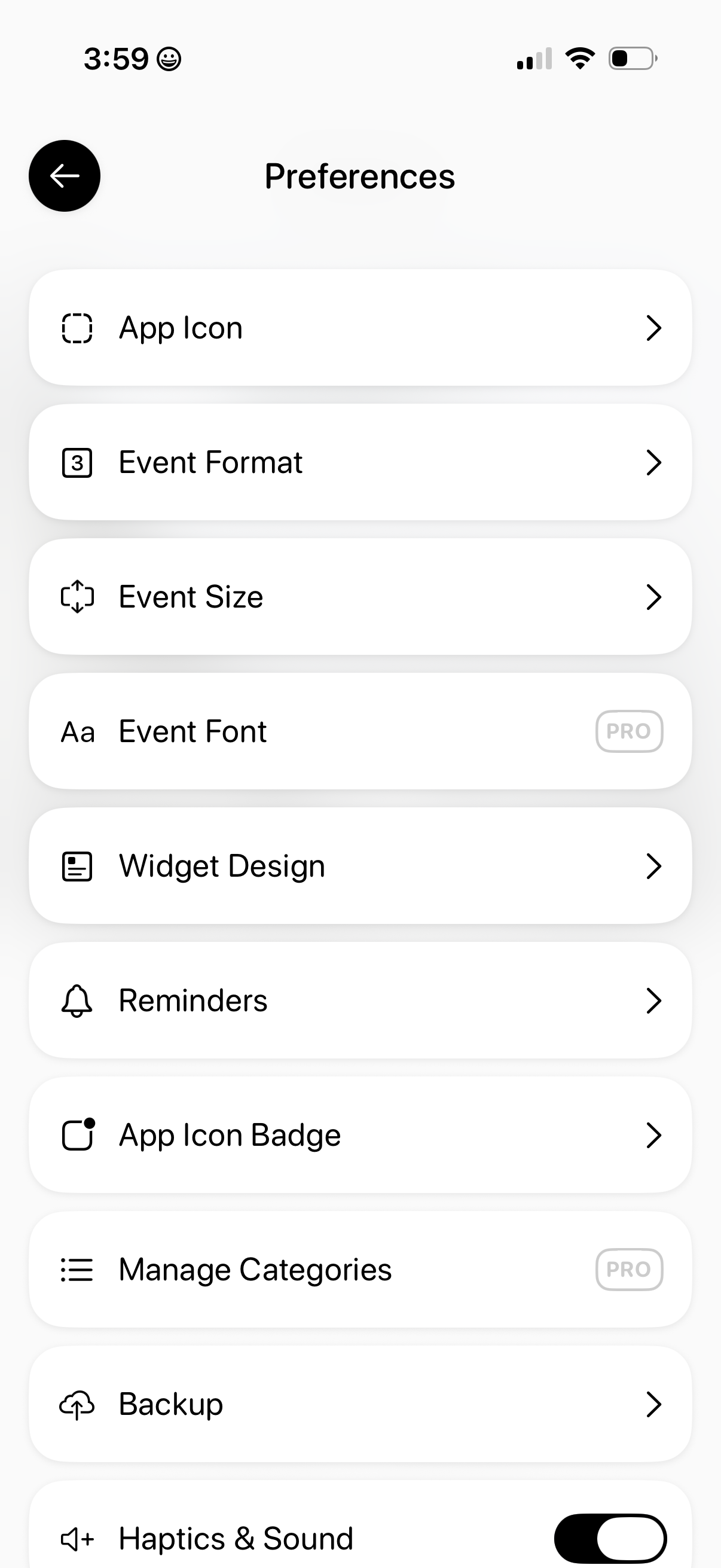
Preferences/settings screen for a calendar or event app showing a list of customization options, including app icon, event format and size, event font (Pro), widget design, reminders, app icon badge, manage categories (Pro), backup, and a haptics & sound toggle. Users can tap each row to open detailed settings, with premium features labeled as Pro.
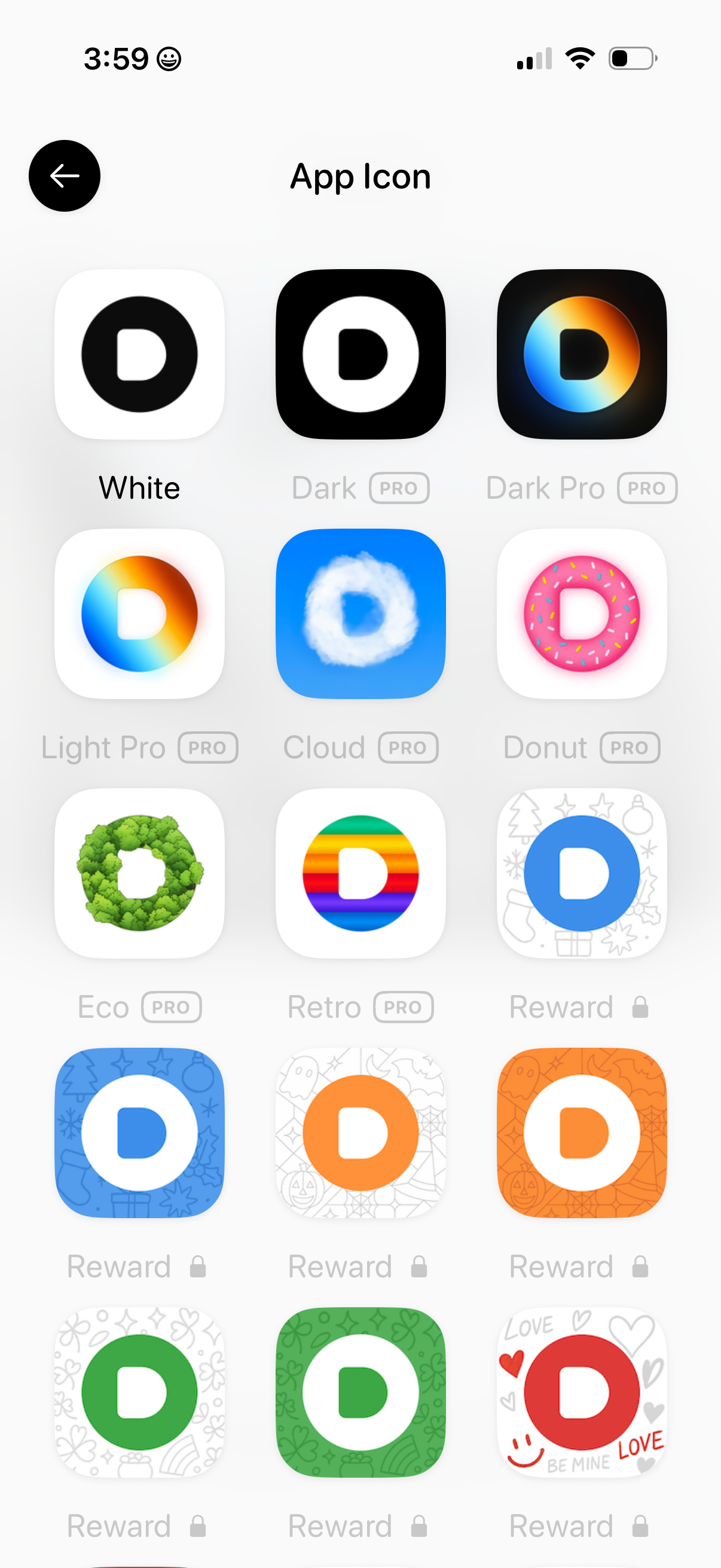
App settings screen for changing the app icon, showing a grid of icon theme options with labels and previews. Some icons are marked as Pro or locked reward items, indicating premium and unlockable variants.
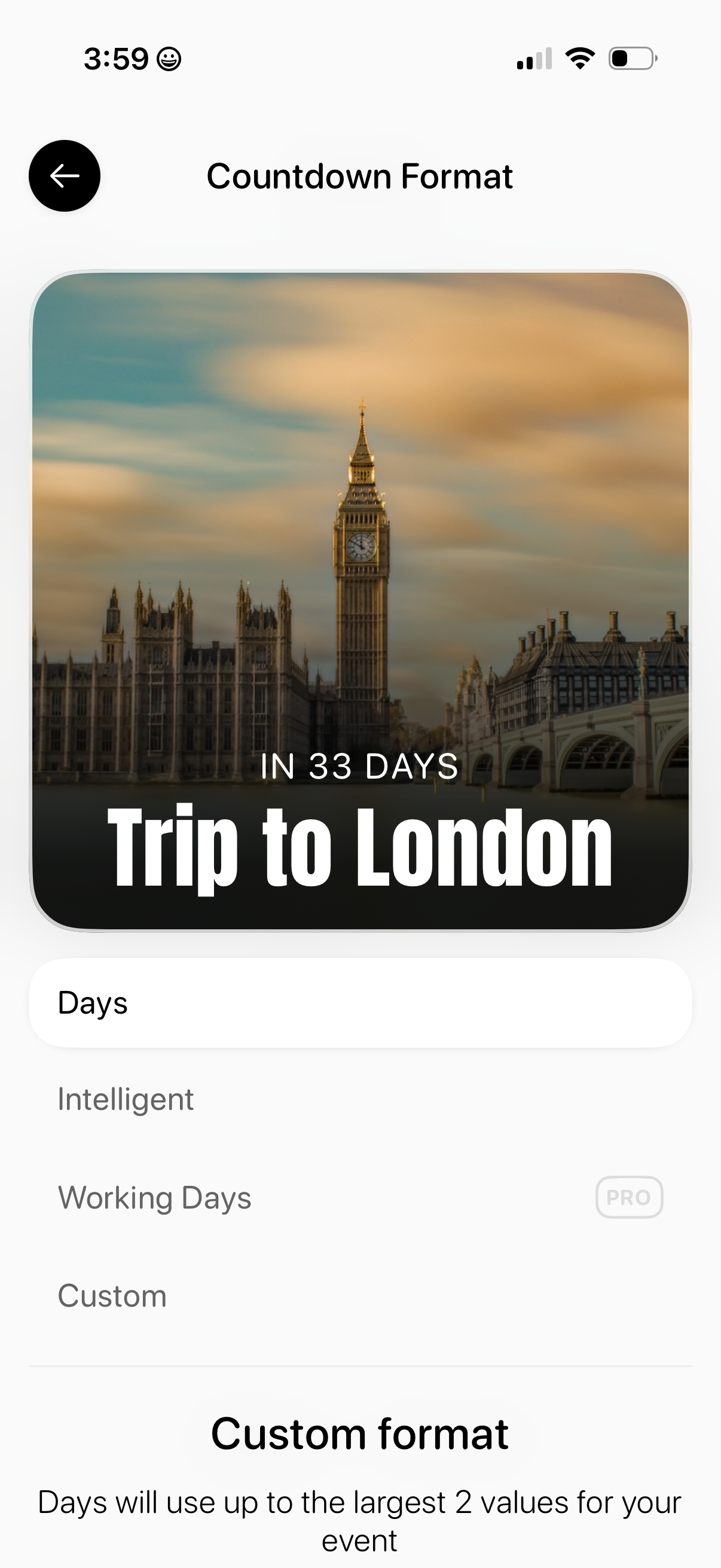
Settings screen for selecting an event countdown display format, previewing a countdown card with background image and event title. Provides format options like Days, Intelligent, Working Days (Pro), and Custom, plus a section explaining the custom format behavior.
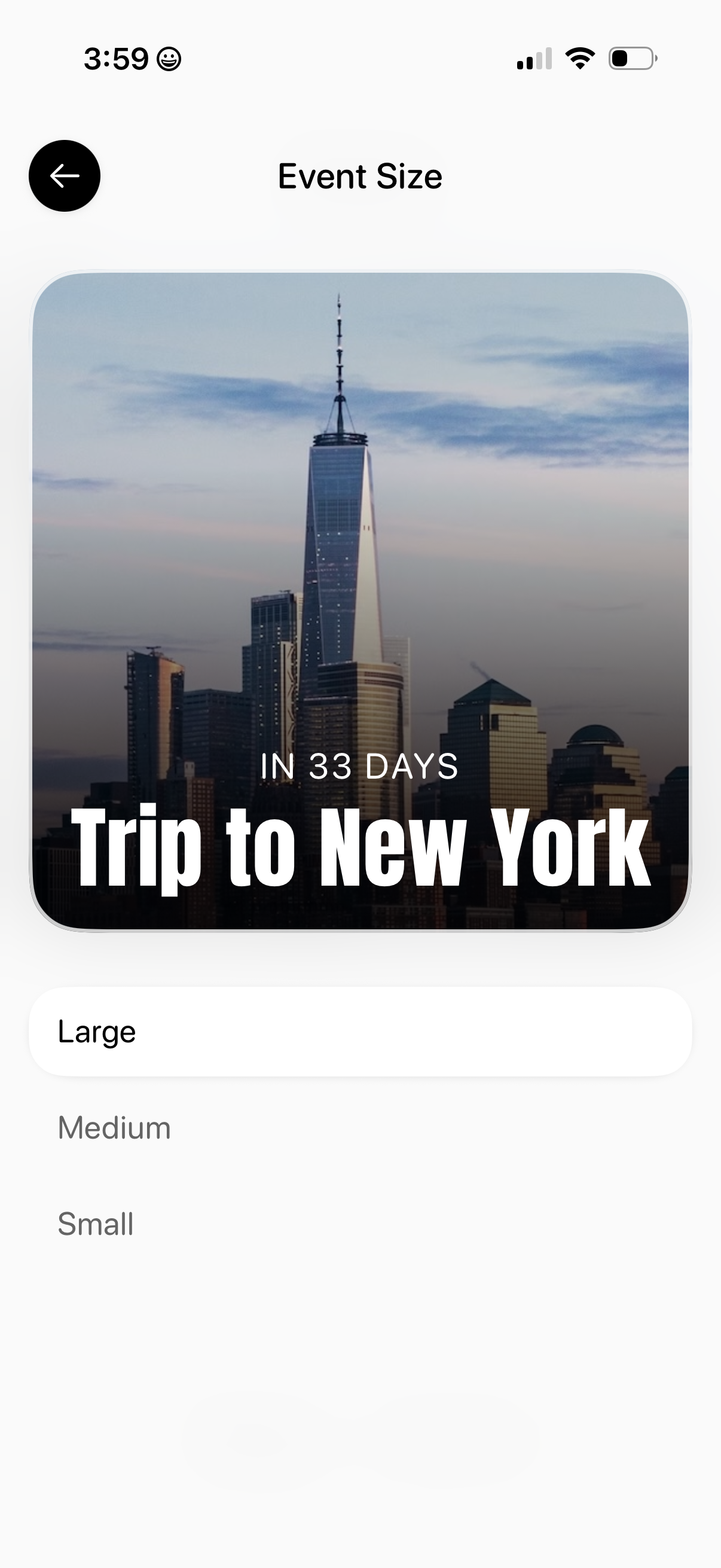
Event settings screen for choosing the display size of an event card, showing a preview image with event title and countdown. Users can select from Large, Medium, or Small options and navigate back.
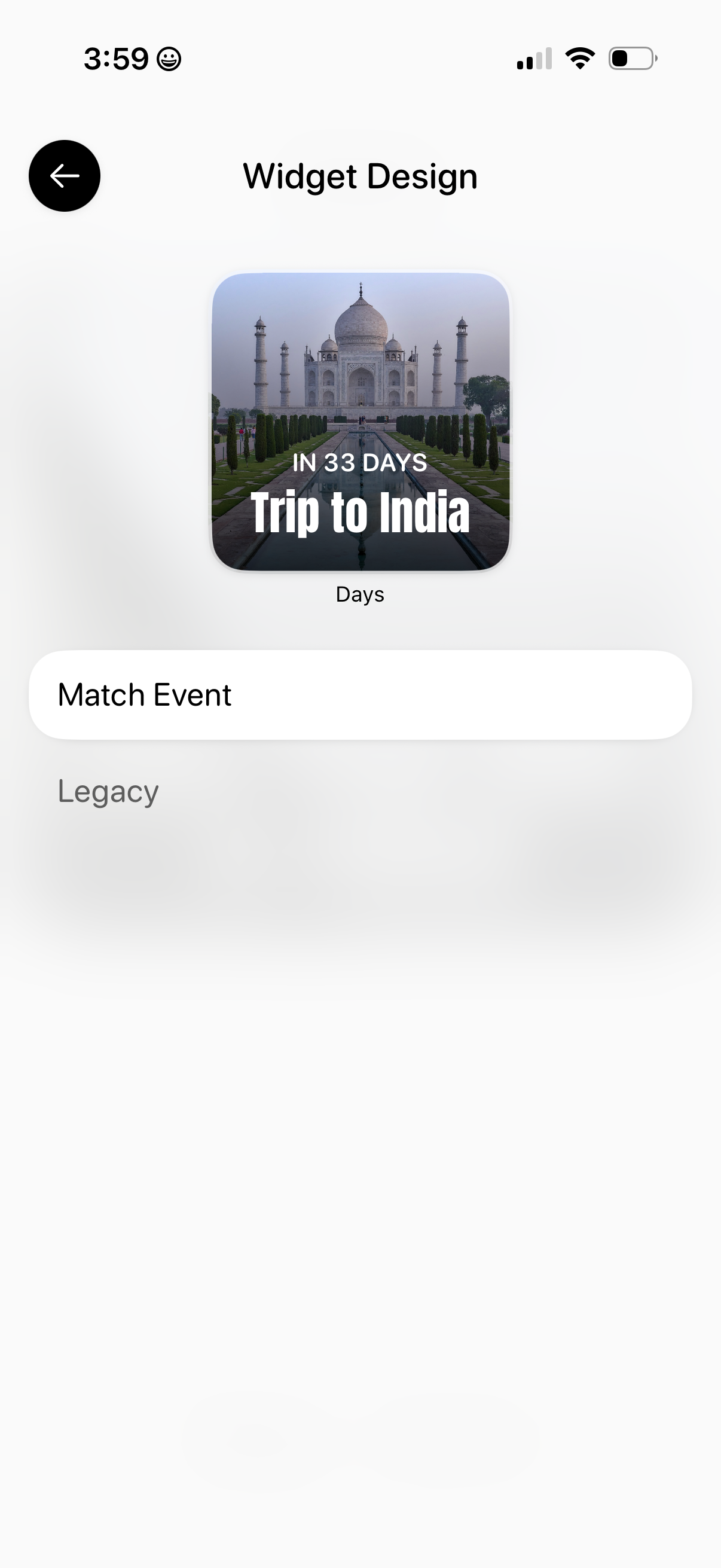
Widget design settings screen showing a preview of a countdown event widget with background image and days remaining text. Includes options to match/select an event and a legacy mode, with a back navigation button.
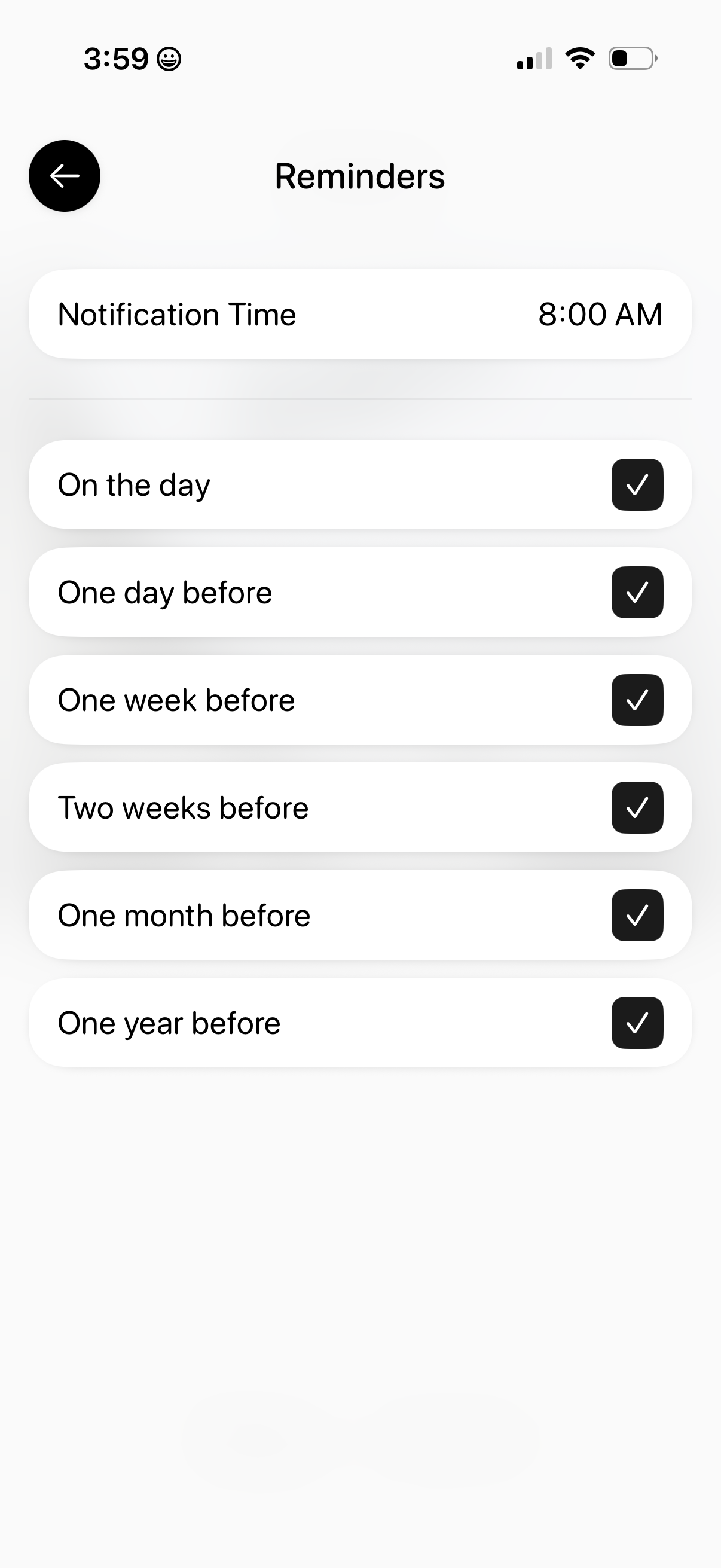
Reminders settings screen where users set a notification time and choose multiple reminder triggers using checkmarks. Options include reminders on the day, one day before, one week before, two weeks before, one month before, and one year before.
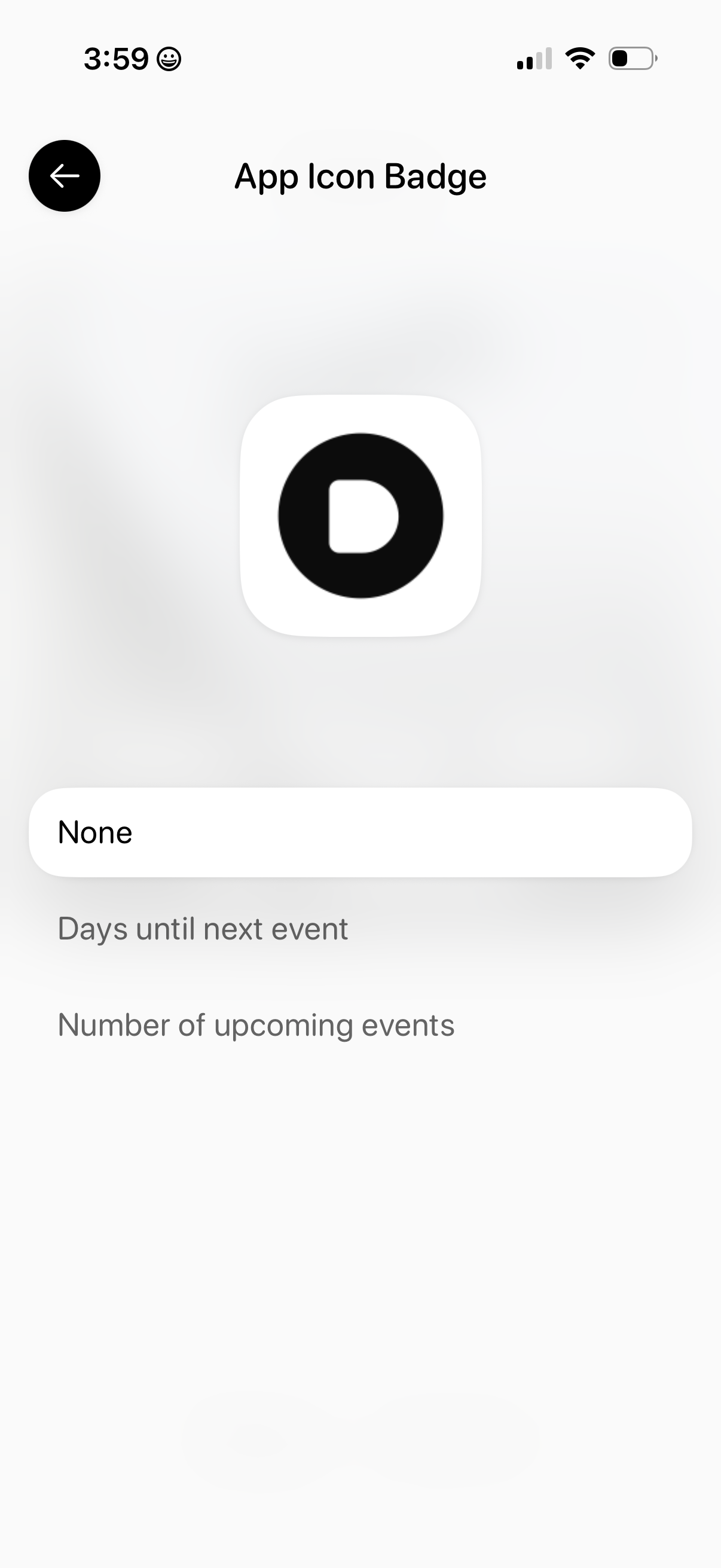
Settings screen for configuring the app icon badge, showing the app icon preview and a dropdown selector currently set to “None. ” Users can choose what the badge displays, such as days until the next event or the number of upcoming events, with a back button for navigation.