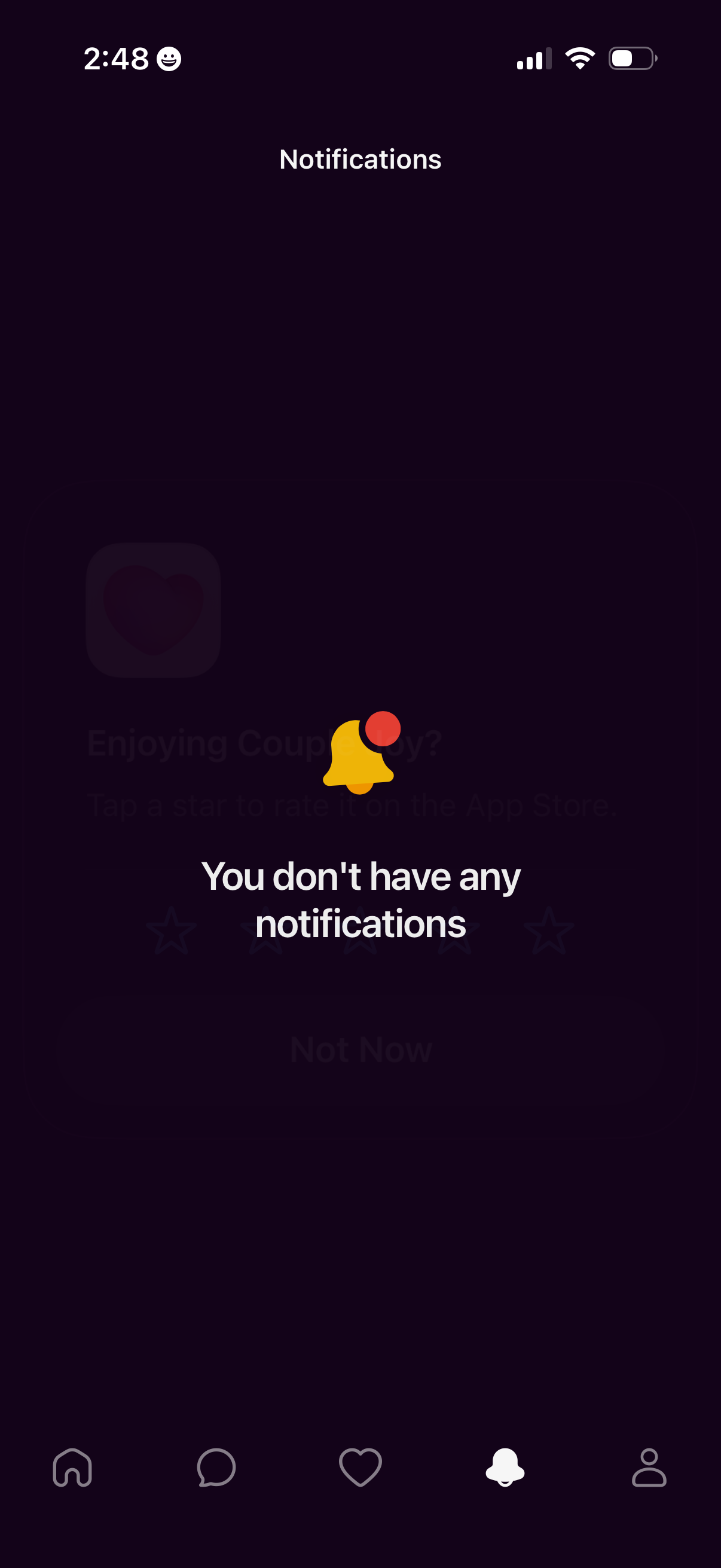
Notifications inbox screen showing an empty state with a bell icon and the message “You don’t have any notifications,” accessible from the bottom tab bar’s notifications tab. The page contains no notification list items or actions beyond navigation.
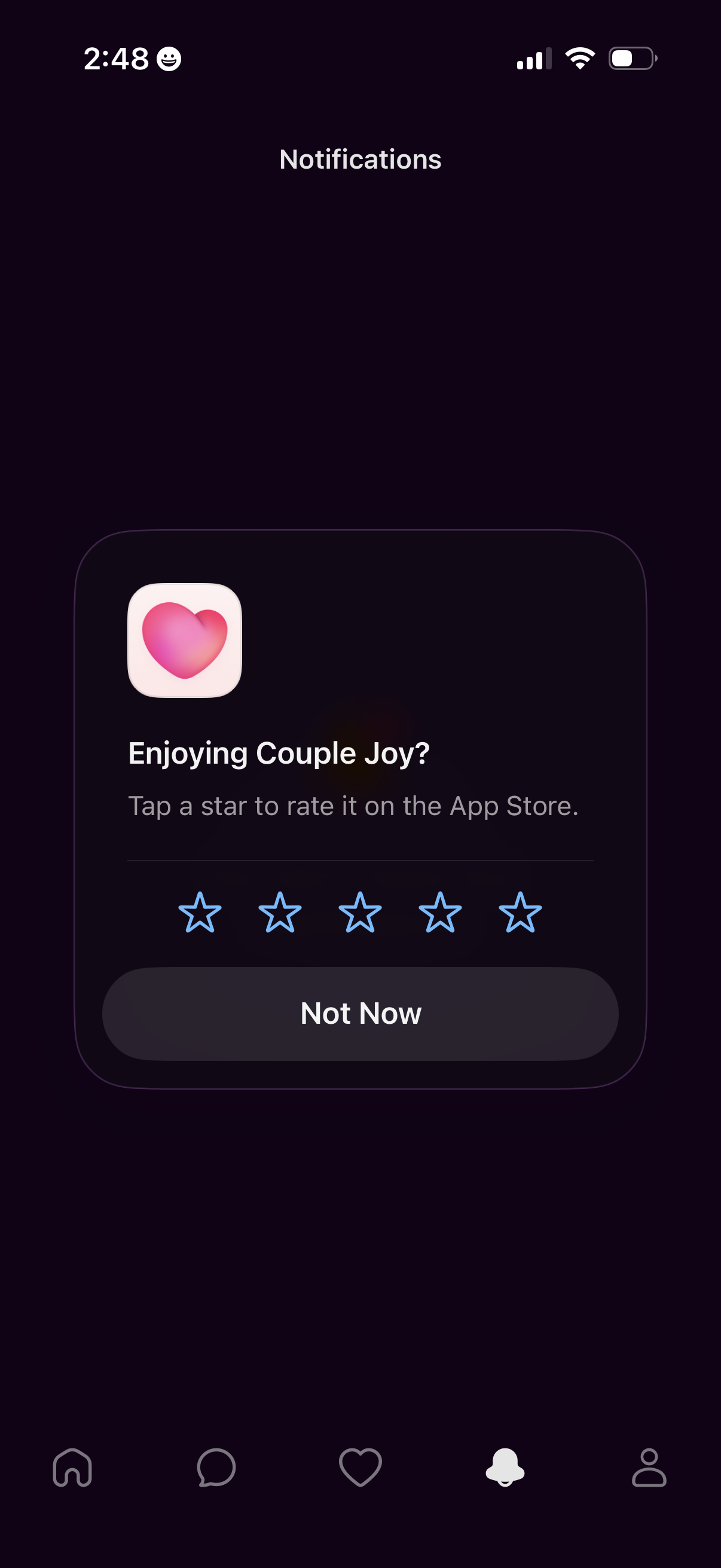
Notifications screen showing an in-app App Store rating prompt modal asking the user to rate the app by tapping 1–5 stars, with a primary “Not Now” dismiss button. The modal overlays the tabbed navigation, indicating a feedback/request-for-review flow triggered from notifications.
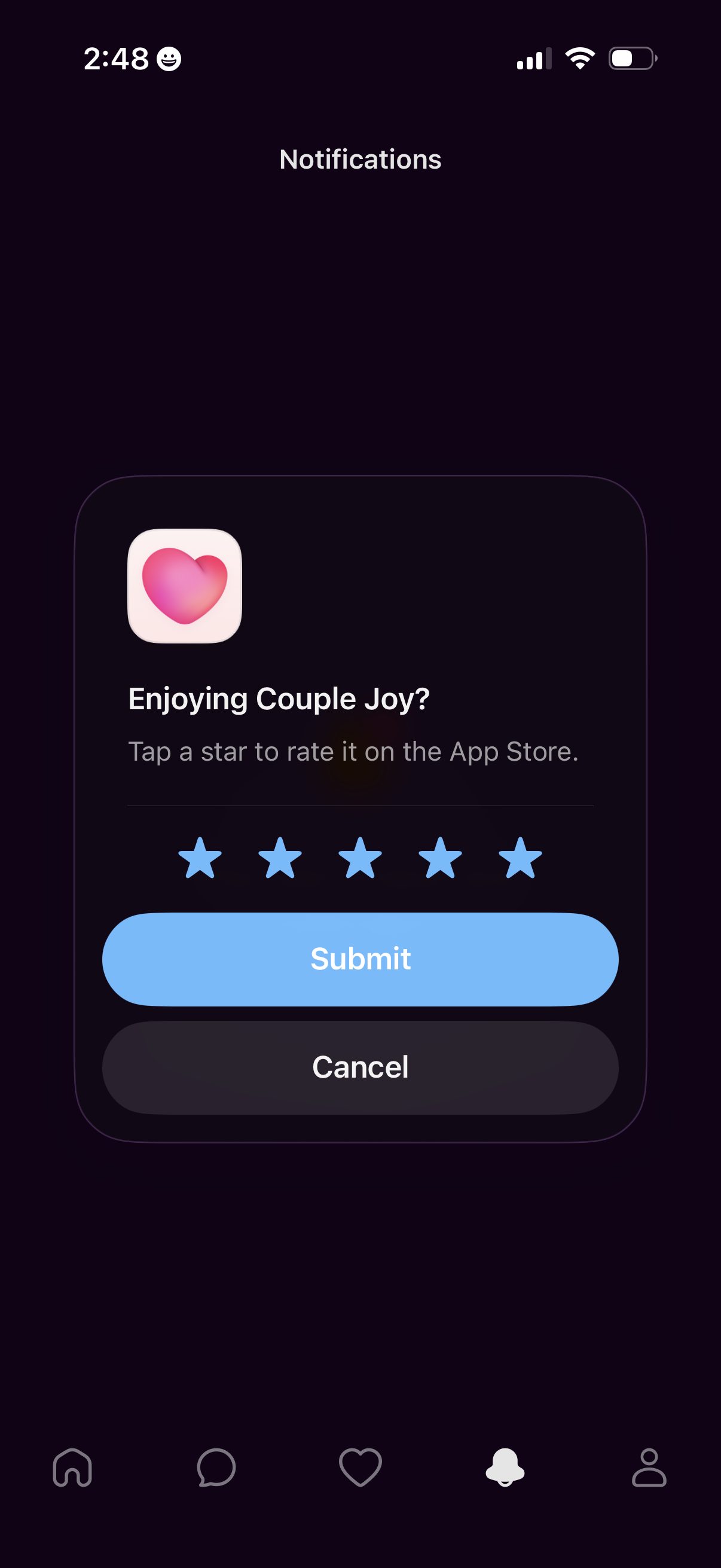
Notifications screen showing an in-app rating prompt modal asking users to rate the app on the App Store by selecting 1–5 stars. The dialog includes primary and secondary actions with Submit and Cancel buttons.
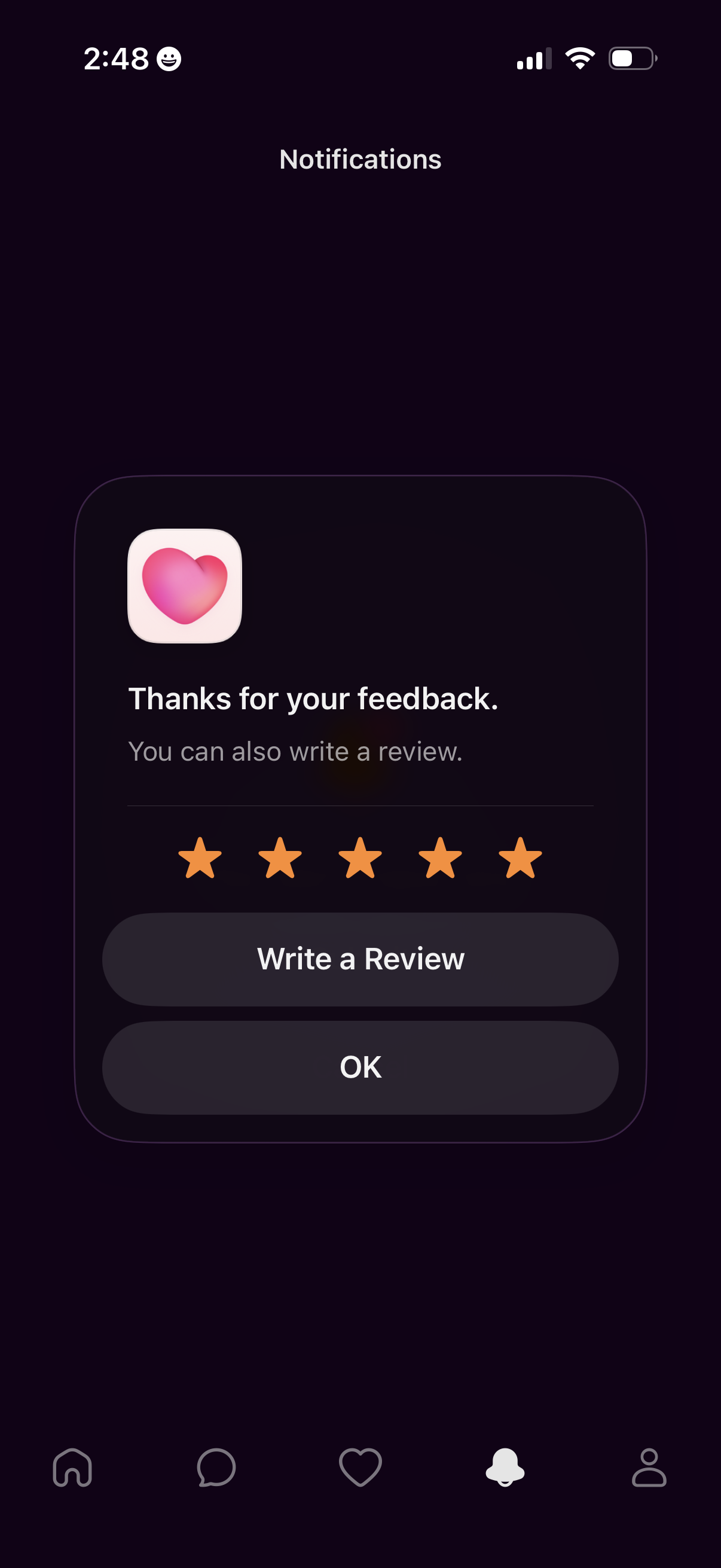
Notifications screen showing an in-app modal confirming a submitted rating/feedback with a five-star display and message “Thanks for your feedback. ” Primary actions let the user write a review or dismiss the dialog with OK.
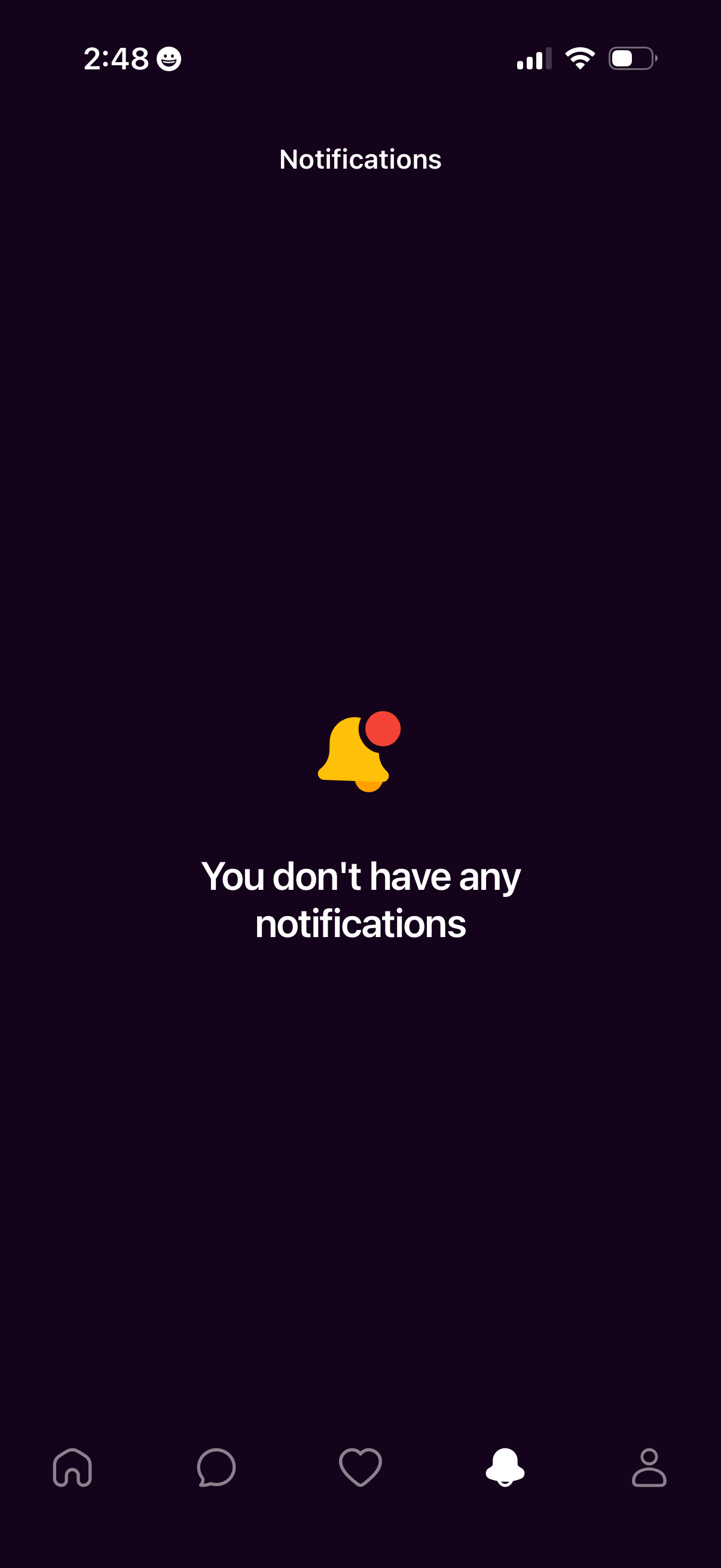
Notifications inbox screen showing an empty state with a bell icon and message indicating there are no notifications. Bottom tab navigation highlights the notifications tab for switching between main app sections.