answer winter quiz
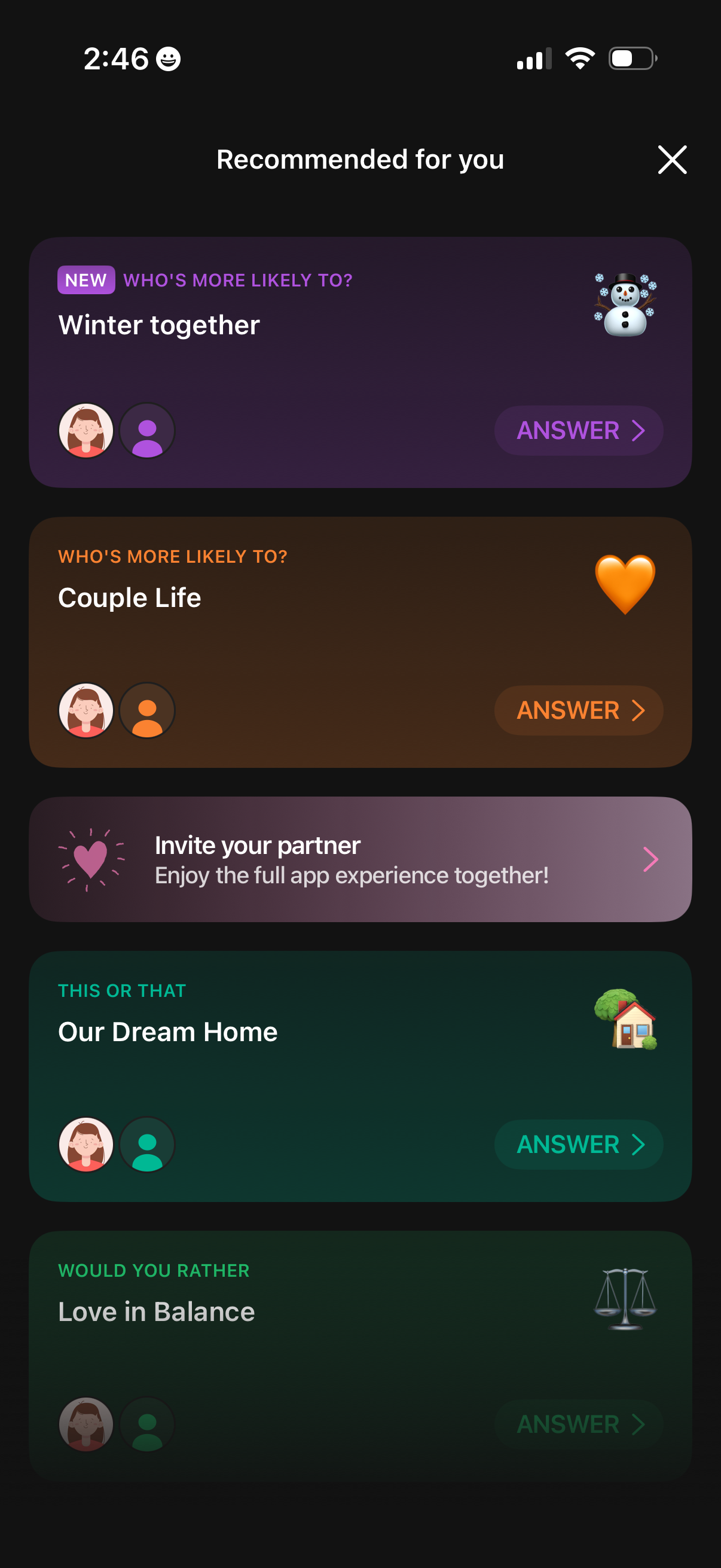
A “Recommended for you” feed showing a list of interactive couple/relationship quiz cards (e. g.
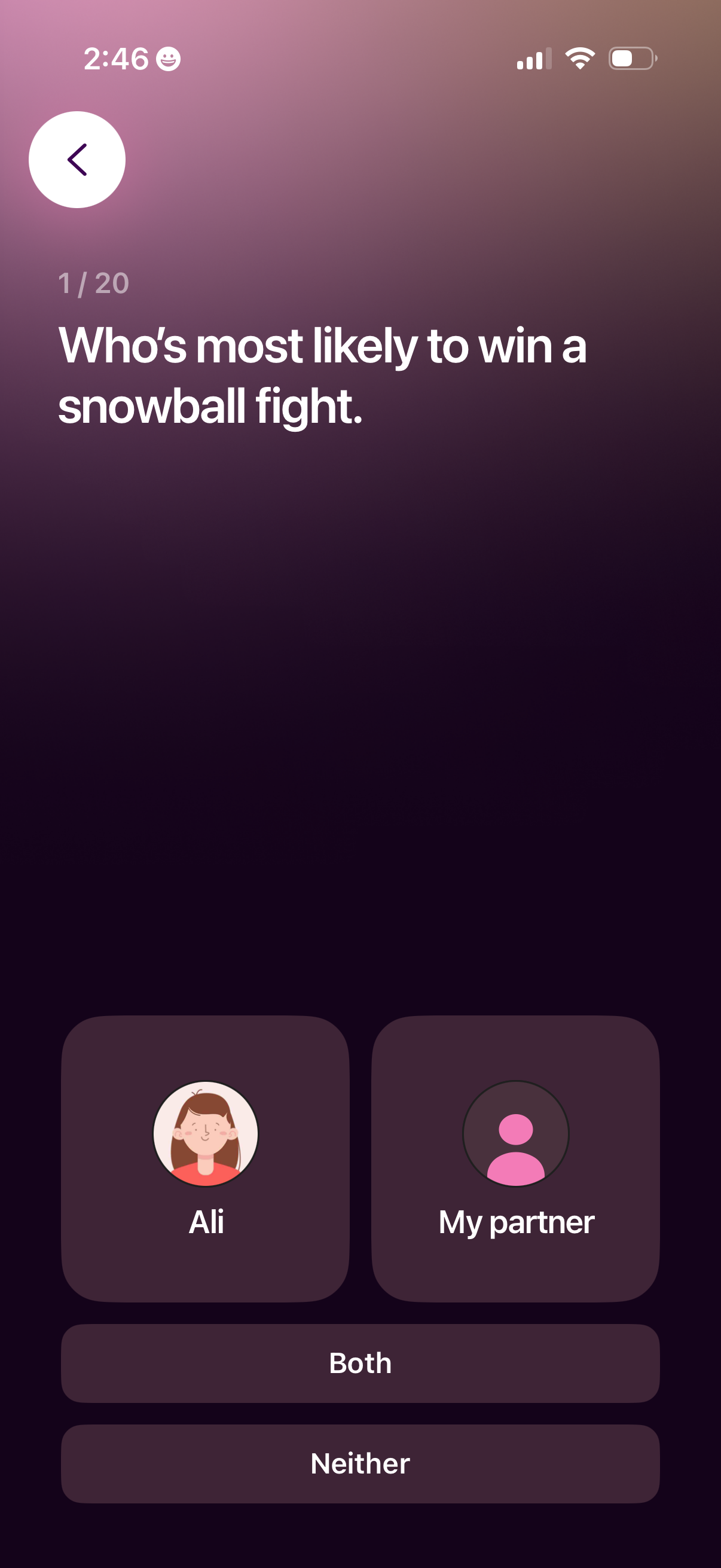
Interactive couple quiz question screen showing progress (1/20) and a prompt asking who is most likely to win a snowball fight, with selectable answer options for each partner plus “Both” and “Neither. ” Includes a back button and large tap cards/buttons for choosing an answer.
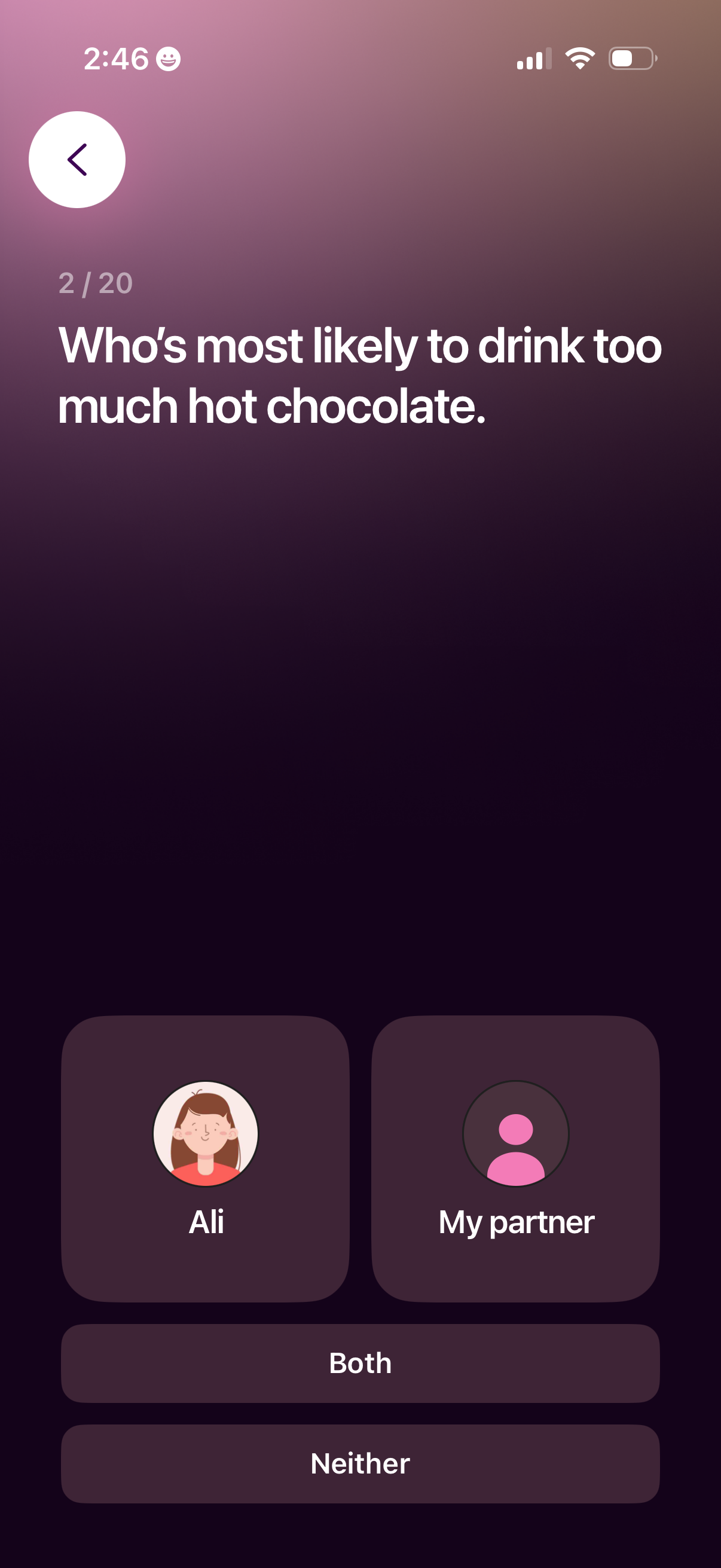
A relationship quiz question screen that asks “Who’s most likely to…” with a progress indicator and a back button. Users answer by choosing one of two people via profile tiles or selecting shared options like Both or Neither.
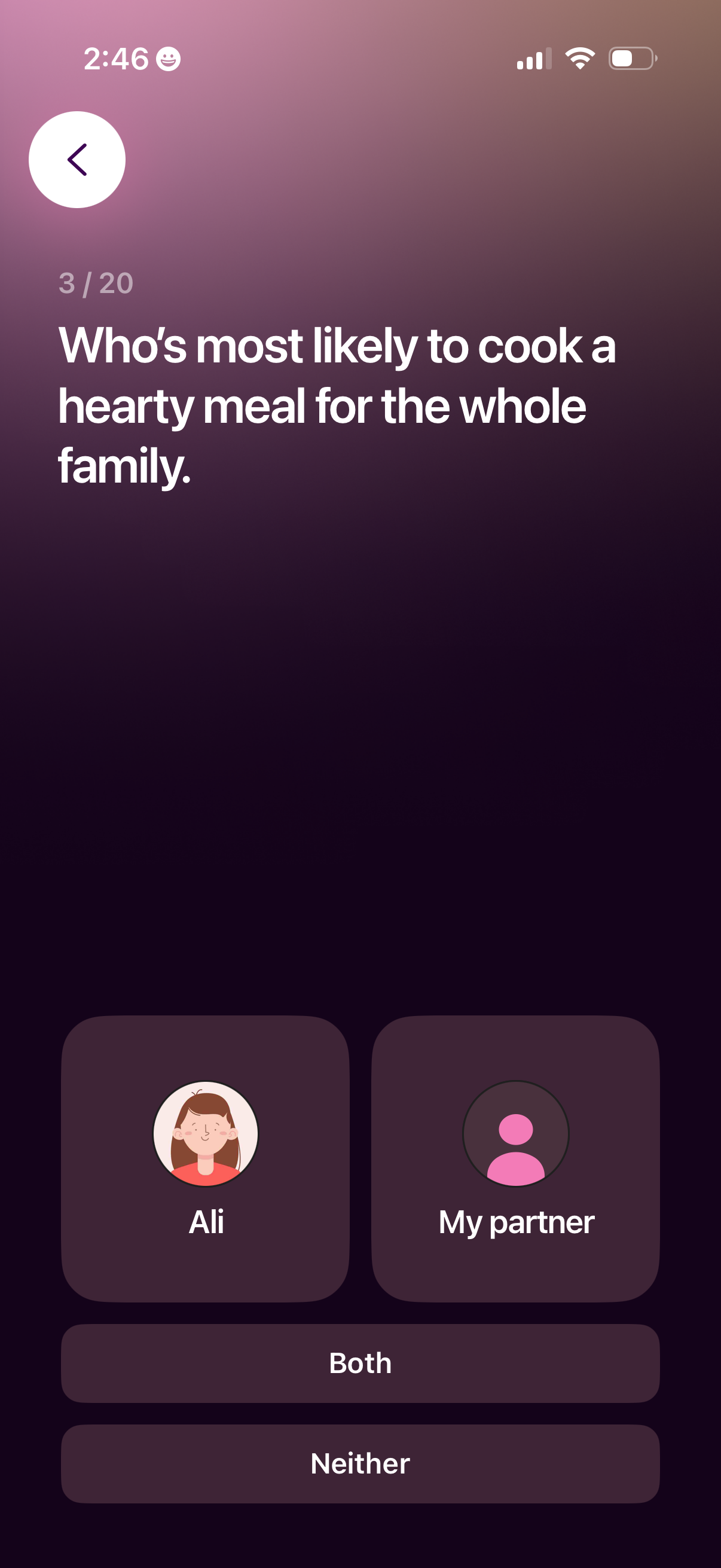
Quiz-style onboarding question screen asking “Who’s most likely to cook a hearty meal for the whole family” with progress indicator (3/20) and a back button. User selects an answer from multiple choice tiles for each person (e.
A couple’s quiz question screen with progress indicator that asks “Who’s most likely to…” and lets the user select between two profiles or choose “Both” or “Neither. ” Includes a back button and large tappable answer cards for choosing who the prompt applies to.

A relationship quiz question screen showing progress in a multi-step flow, asking “Who’s most likely…” and offering selectable answer cards for each partner plus quick options for Both or Neither. Includes a back button for navigation and a simple, full-screen gradient layout focused on choosing one response.
Interactive couples quiz question screen showing progress (6/20) and asking “Who’s most likely to…” with multiple choice answers to select between two partners, both, or neither. Includes a back button and large tappable option cards/buttons for voting.

Interactive “most likely to” quiz question screen showing progress in a multi-step game, with a back button and large prompt text. Users answer by selecting one of two participant cards or choosing shared options like Both or Neither.
A relationship quiz question screen asking “Who’s most likely to…” with progress indicator and a back button. Users answer by selecting one of two people or choosing “Both” or “Neither” from multiple-choice options.
A question card in a couples or friends quiz game showing progress (9 of 20) and asking “Who’s most likely to win a ski competition. ” Users answer by choosing one of two people or selecting “Both” or “Neither,” with a back button for navigation.
A couples quiz question screen showing progress within a multi-step questionnaire and asking “Who’s most likely to…” with answer choices for each person plus “Both” and “Neither. ” Users can tap an option to respond and use the back button to navigate to the previous question.
A couples quiz question screen in a multi-step game asking “Who’s most likely to…” with a progress indicator and back navigation. Users answer by selecting one of two people or choosing “Both” or “Neither” via large option buttons.
A relationship quiz question screen in a multi-step flow showing progress (13/20) and asking “Who’s most likely…” with a back button. Users answer by selecting one of two people (self vs partner) or choosing “Both” or “Neither.
Interactive couple quiz question screen showing progress in a multi-step game, asking “Who’s most likely to…” and prompting the user to choose between two people. Provides selectable answer cards for each person plus additional options like Both and Neither, with a back button for navigation.
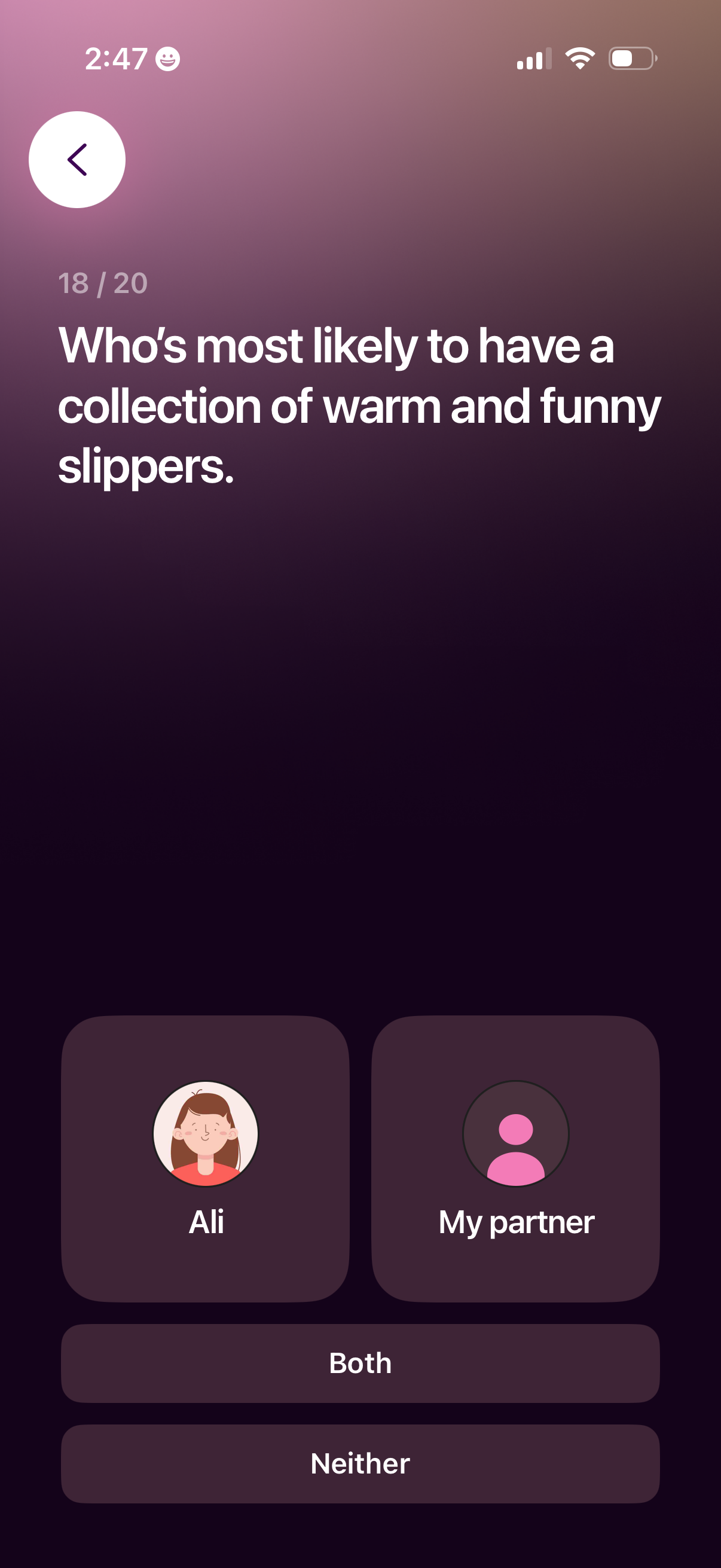
Interactive couple quiz question screen asking “Who’s most likely to…” with a progress indicator and back navigation. Users answer by selecting one of multiple choice options for which person it applies to (me, my partner, both, or neither).

A relationship or couples quiz prompt screen showing question progress (20/20) and a large “who’s most likely to…” question about planning a romantic dinner at home, with a back button and a single tap control to continue to the next prompt.
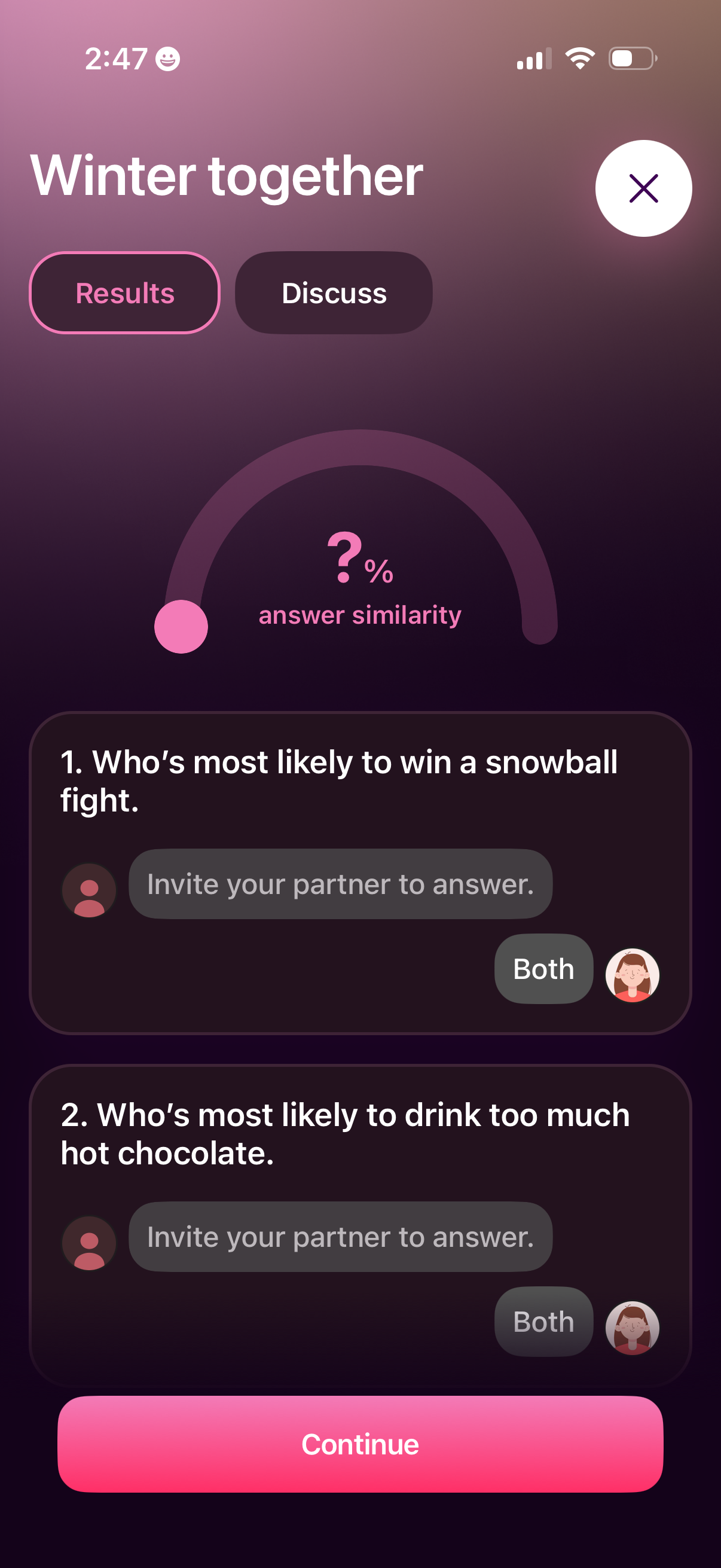
Couples quiz “Winter together” results screen showing an answer similarity percentage gauge and a list of “who’s most likely to” questions where each partner can be invited to answer and select options like “Both. ” Tabs switch between Results and Discuss, with a primary Continue button and a close icon to exit.