answer this or that
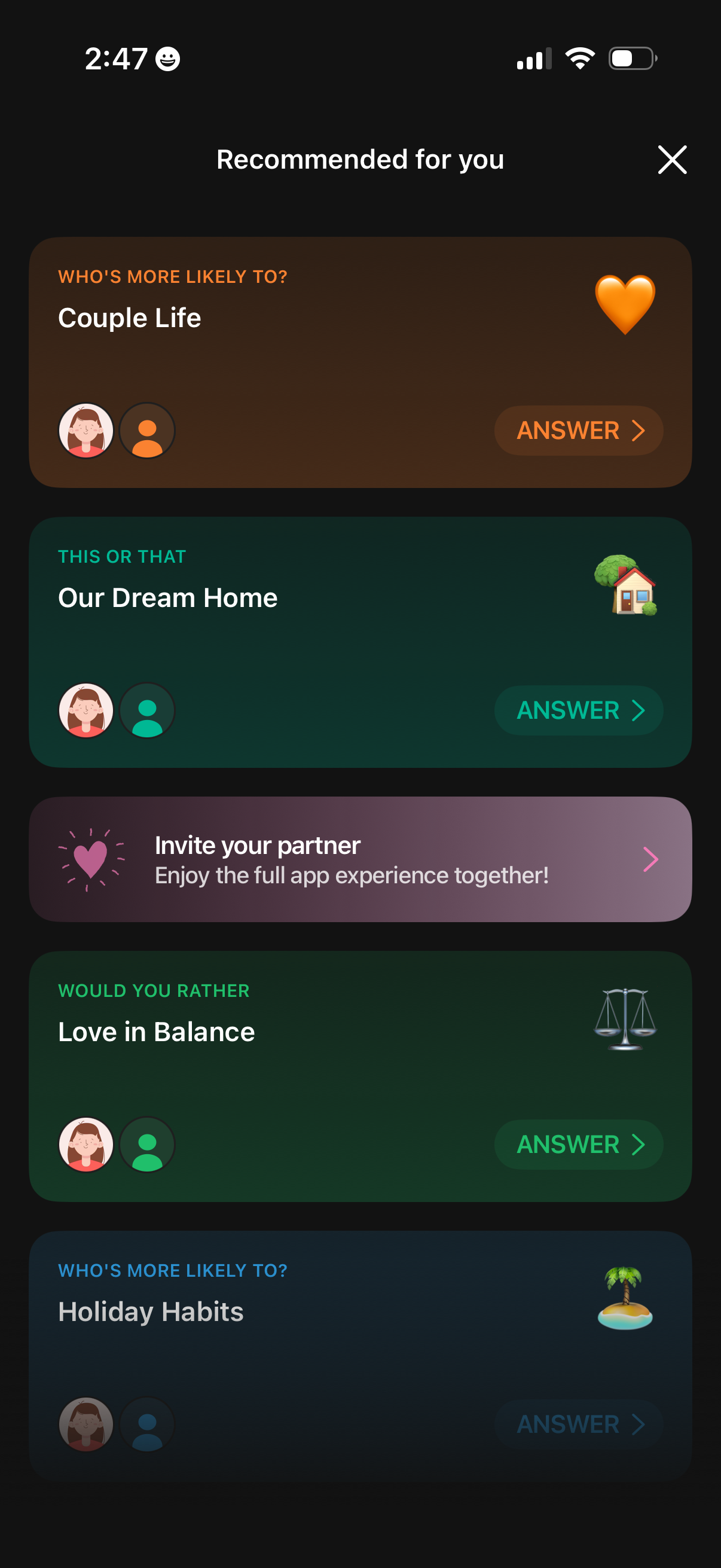
Personalized recommendations screen in a couples/relationship app showing a list of interactive question games (e. g.
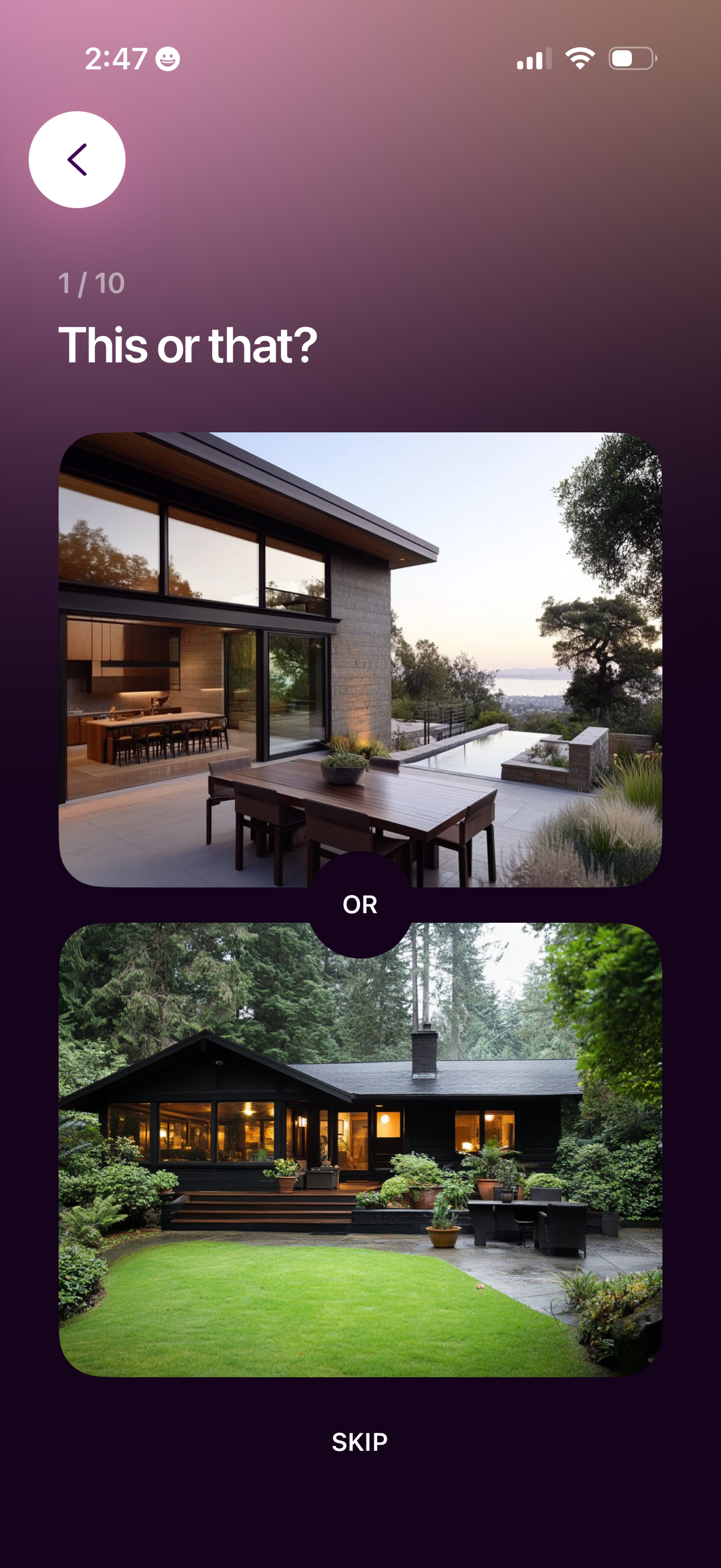
Preference quiz screen showing a “This or that? ” question (step 1 of 10) with two large image options separated by an “OR” selector.
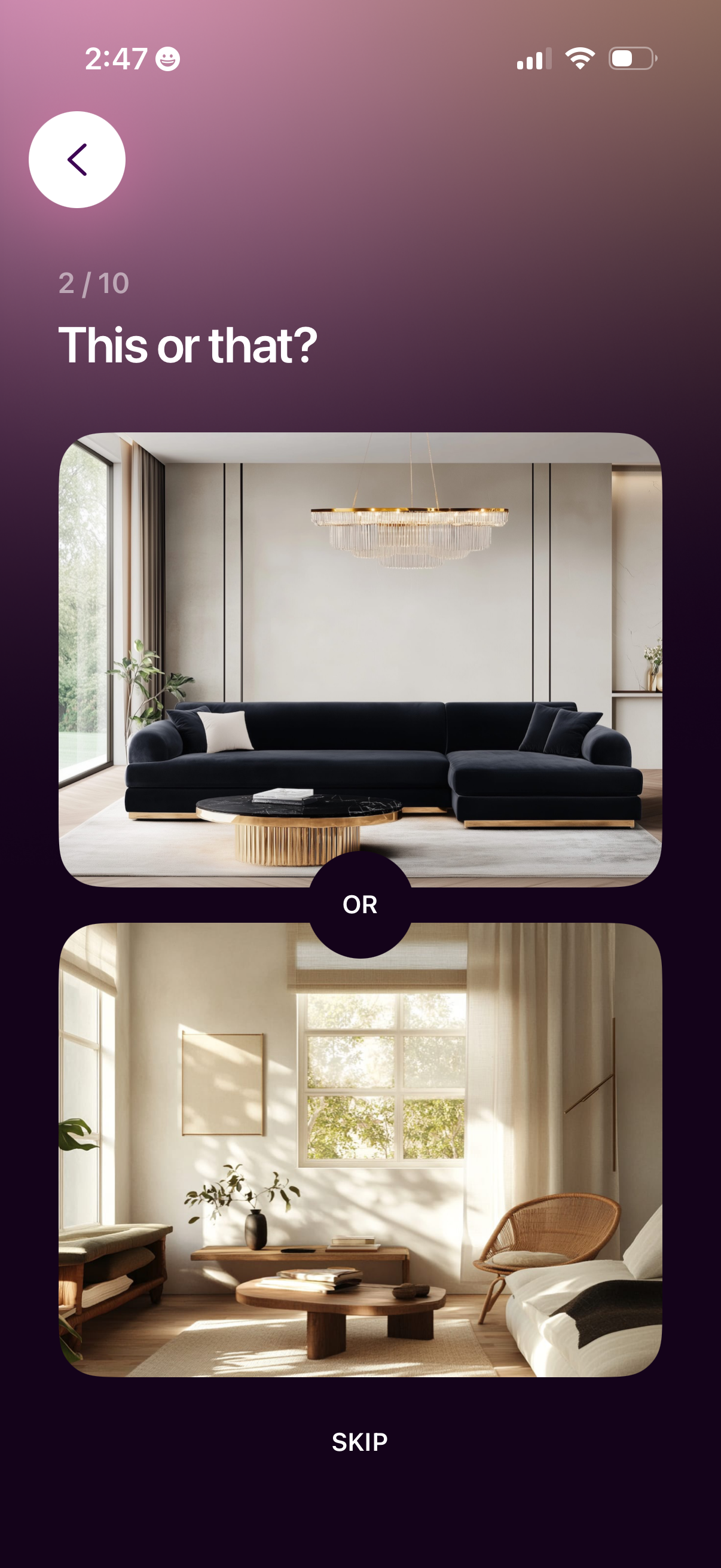
Preference selection onboarding screen showing a “This or that? ” comparison (step 2 of 10) where users choose between two large interior design photos separated by an “OR” divider, with back navigation and a Skip option.

A preference selection step in an onboarding quiz showing a “This or that? ” choice (3/10) where the user picks between two large interior design photos, with a back button for navigation and a Skip option to bypass the question.
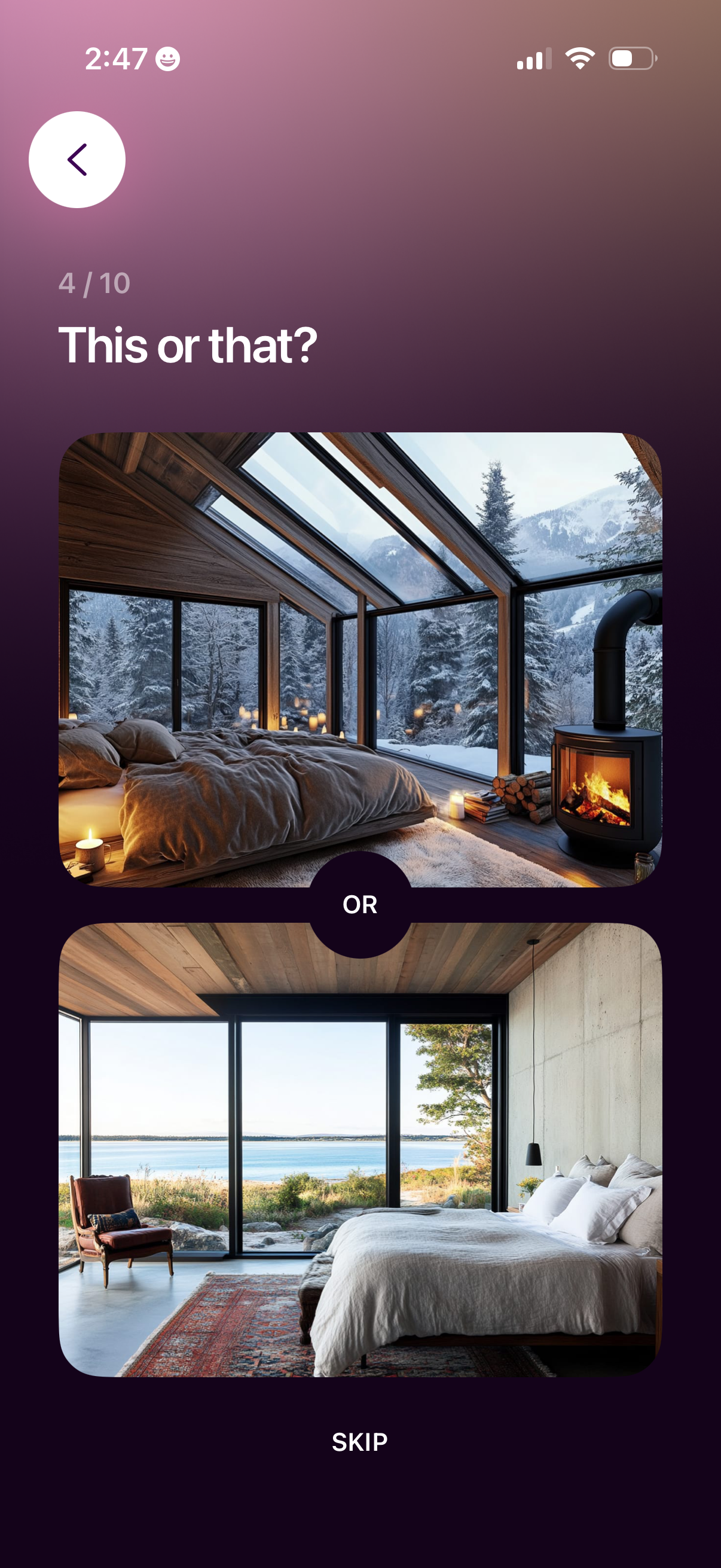
Preference selection onboarding screen showing step progress and a “This or that? ” prompt where the user chooses between two large image cards (with an “OR” divider) to personalize recommendations, with back navigation and a Skip option.

Preference quiz screen asking “This or that? ” with a step indicator, showing two large photo cards to choose between with an “OR” divider, plus a back button and a “Skip” action to move through onboarding questions.
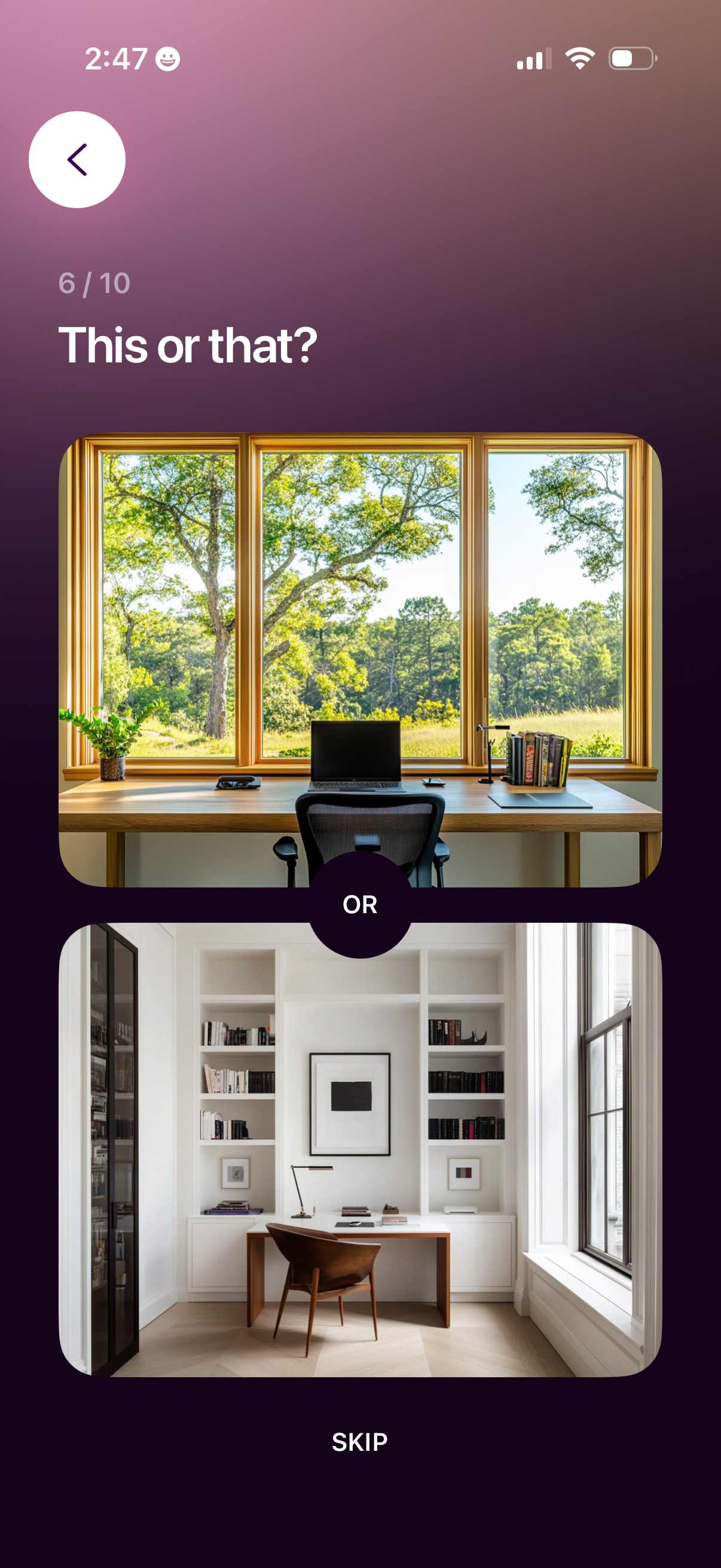
Preference quiz screen asking “This or that? ” with a progress indicator and two large image choices separated by an “OR” selector for picking between options.
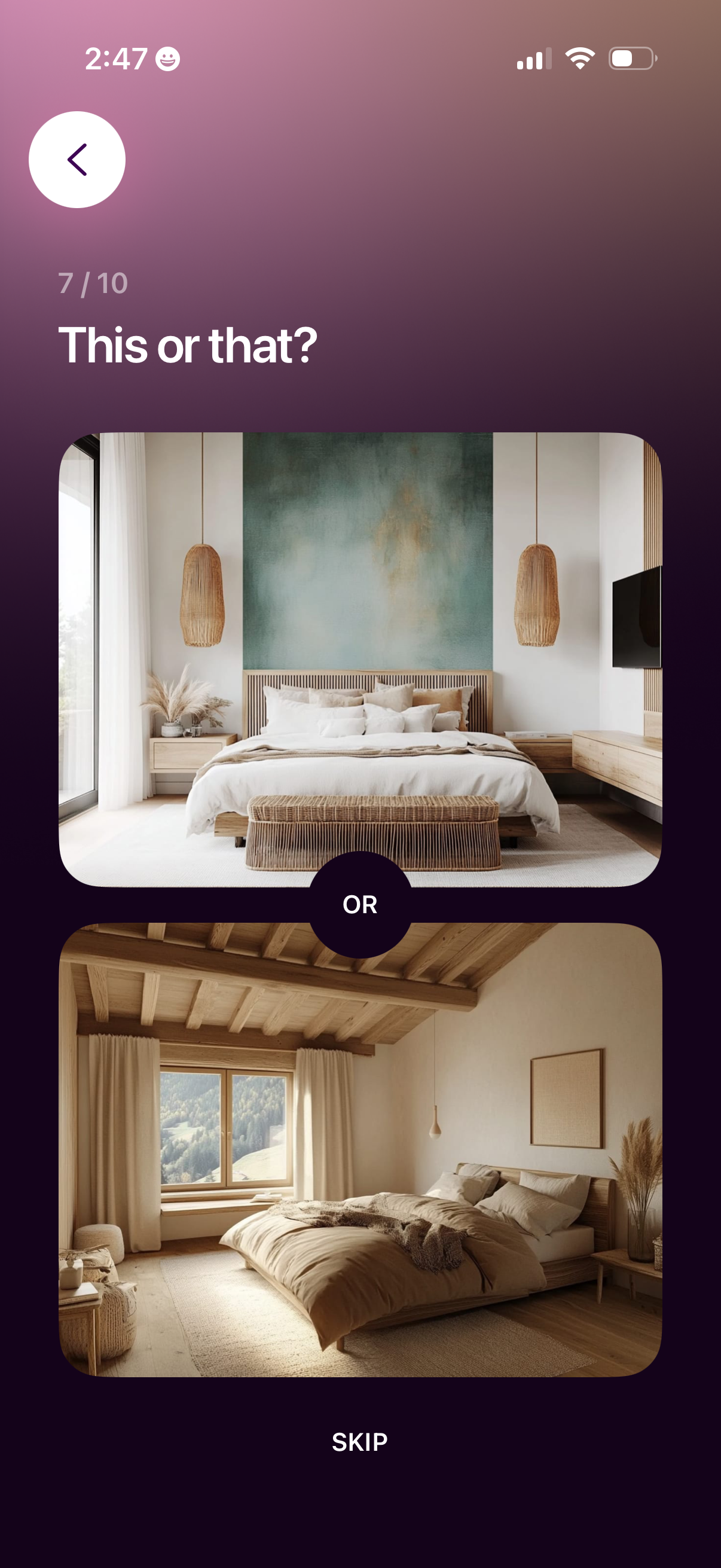
Preference selection onboarding screen in a “This or that? ” quiz (step 7/10) showing two large image cards for the user to choose between, with an “OR” divider and a Skip option, plus a back button to navigate to the previous question.