create journal memory

Empty state screen for a shared “Our Journal” in a relationships or social app, indicating no entries yet and prompting the user to create the first journal post. Includes a primary Create call-to-action and a plus icon for adding a new entry, with bottom tab navigation for switching sections.
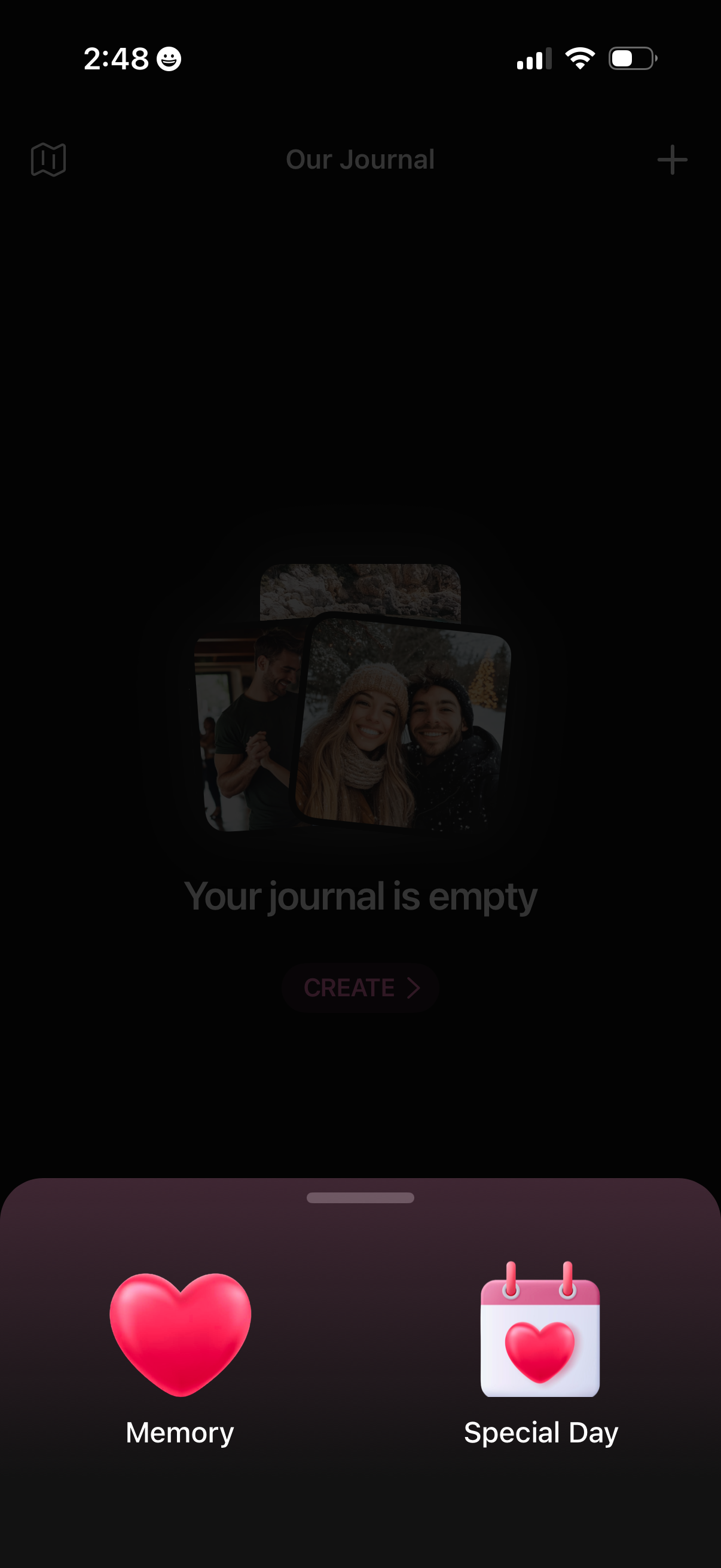
Empty state journal home screen for a shared “Our Journal,” indicating the journal is empty with a primary Create action and a top-right add button. A bottom sheet lets users choose what to create, such as a Memory entry or a Special Day entry.
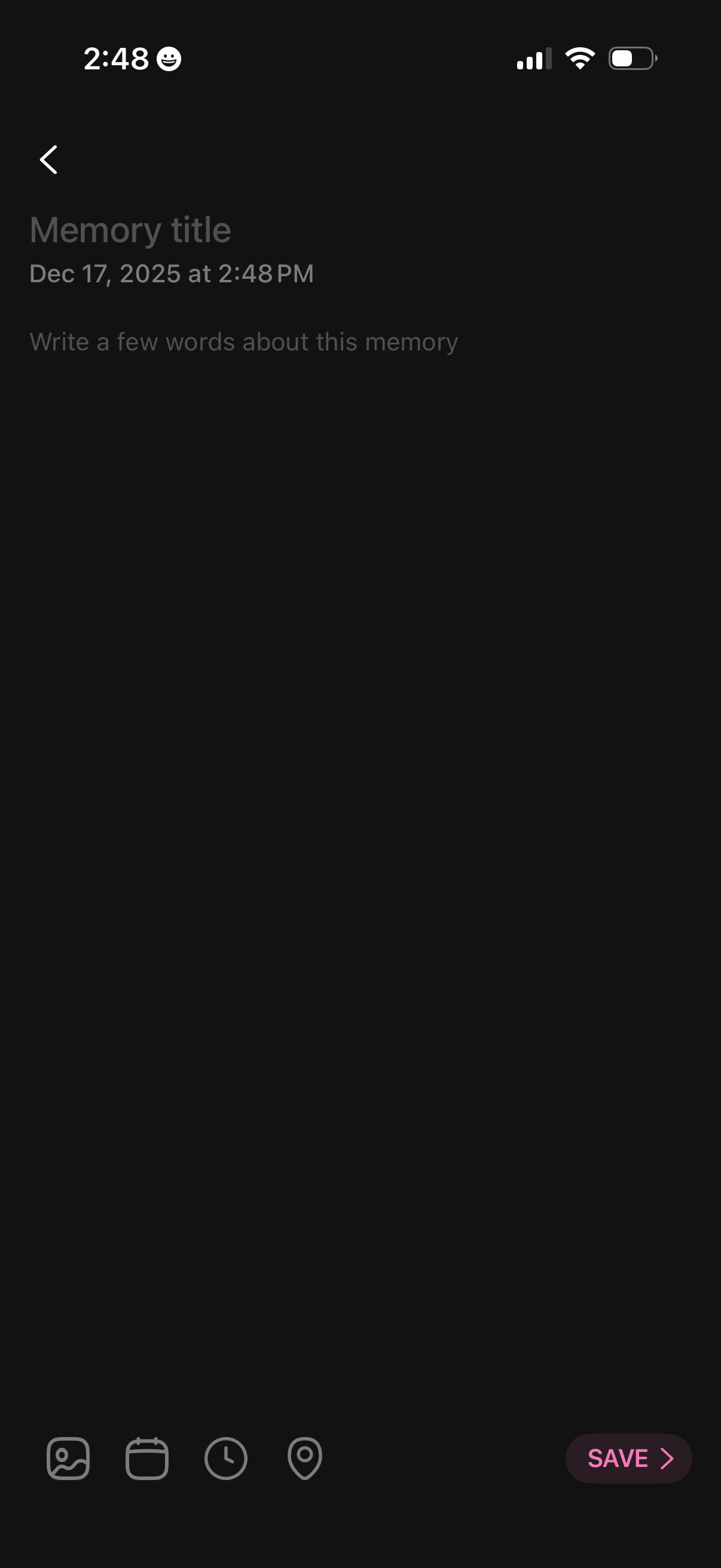
Dark-mode memory/journal entry editor where the user adds a memory title and short description, with the date/time shown beneath. A bottom toolbar lets users attach a photo, choose a date, set a time, and add a location, with a prominent Save button to store the entry.
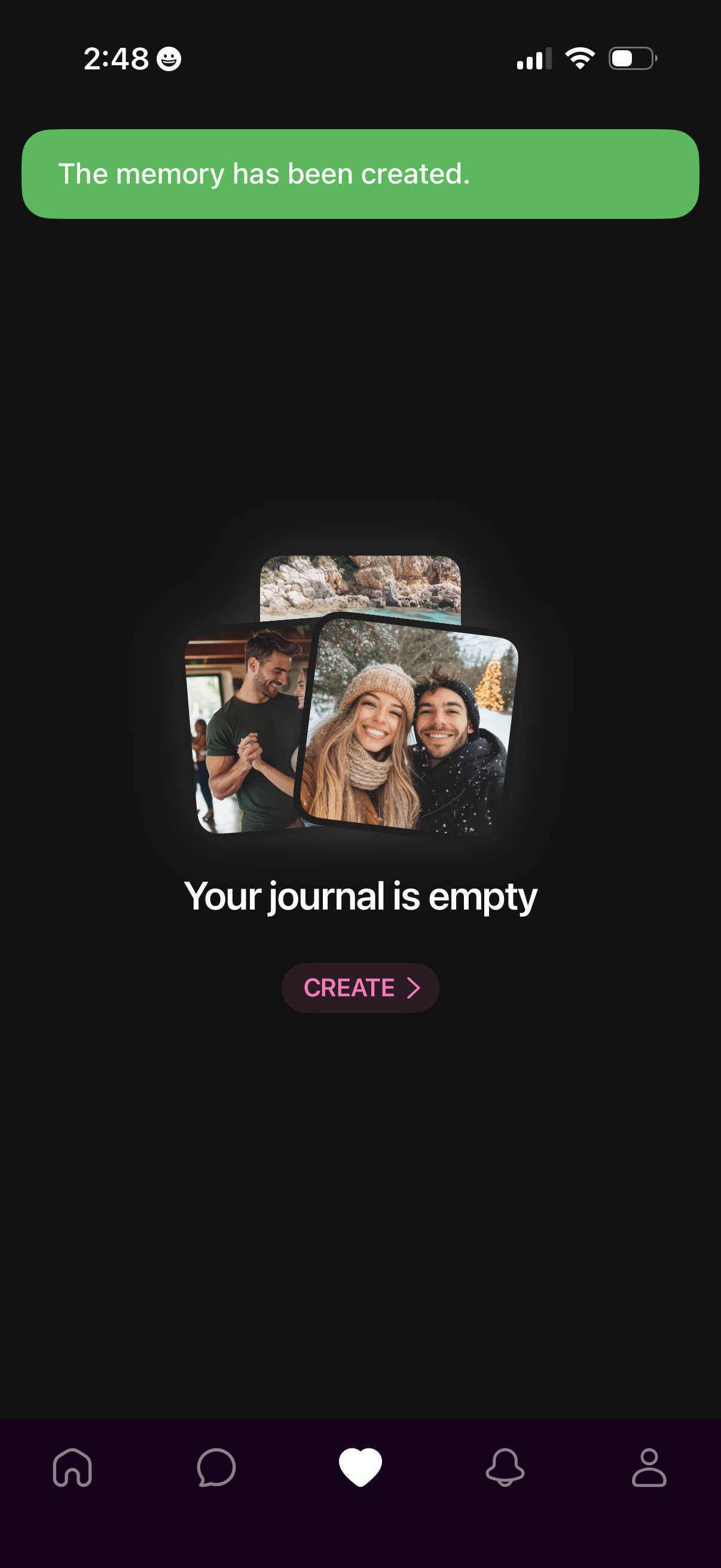
Empty state screen for a journal or memories feature showing a confirmation banner that a memory was created, then indicating “Your journal is empty” with a primary CTA to Create a new entry. Includes a bottom navigation bar for switching between main app sections.
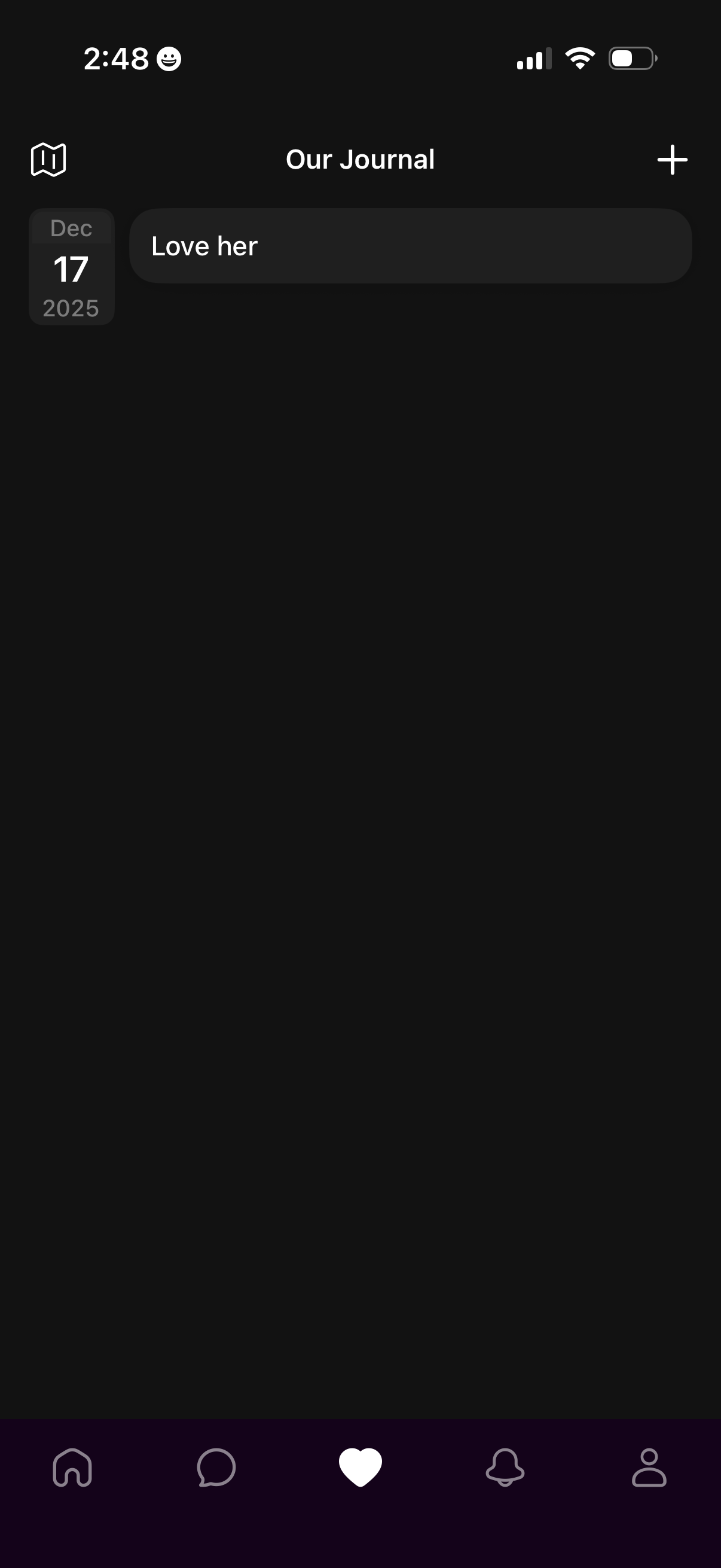
Journal timeline screen for a couple or shared diary showing an entry card with a date badge and short text, plus a top-right add (+) action to create a new journal entry. Includes navigation controls such as a back/map icon and a bottom tab bar for switching sections like home, chat, journal, notifications, and profile.