use tuner during practice
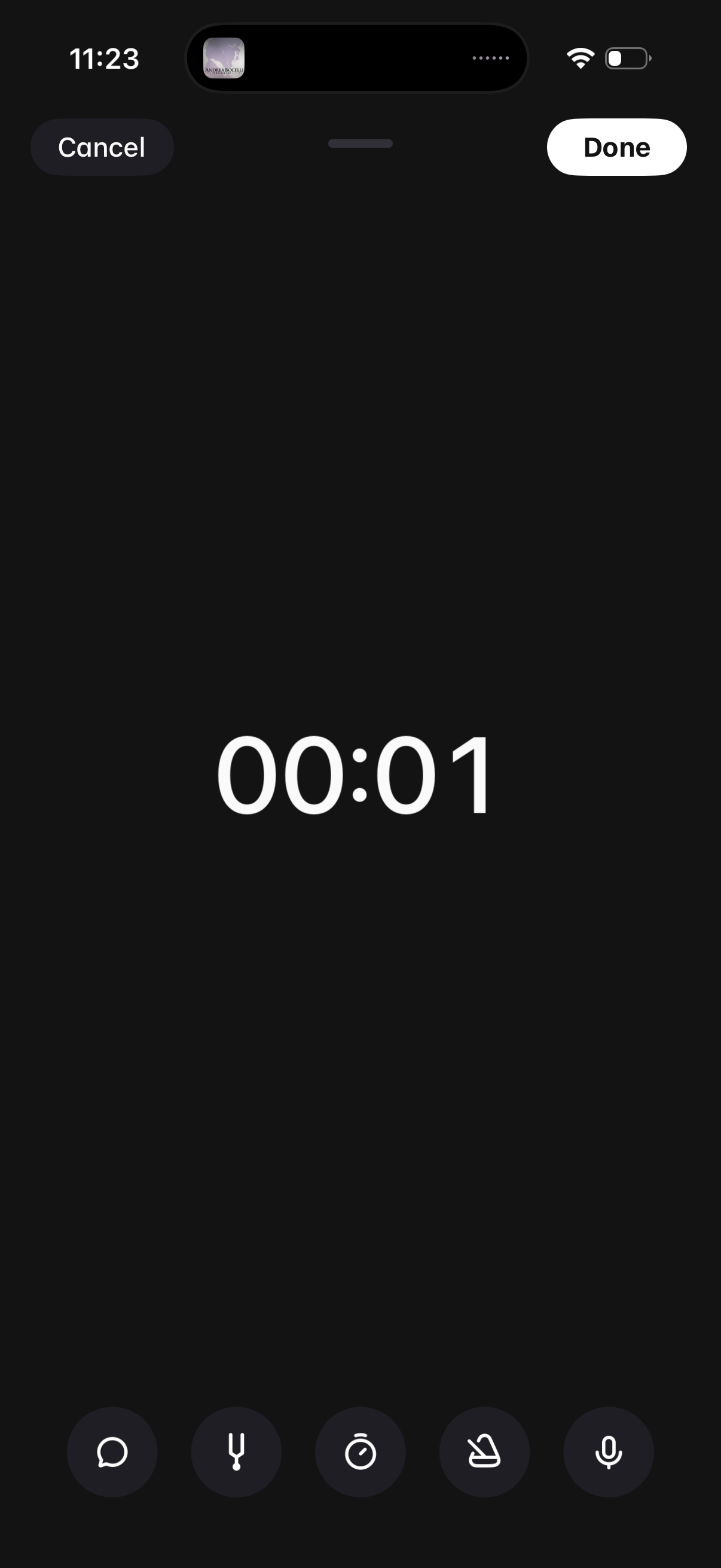
Audio voice recording screen with a large elapsed-time counter and quick controls for recording options like transcript, timer, and settings. Primary actions are Cancel to discard or Done to save and finish the recording.
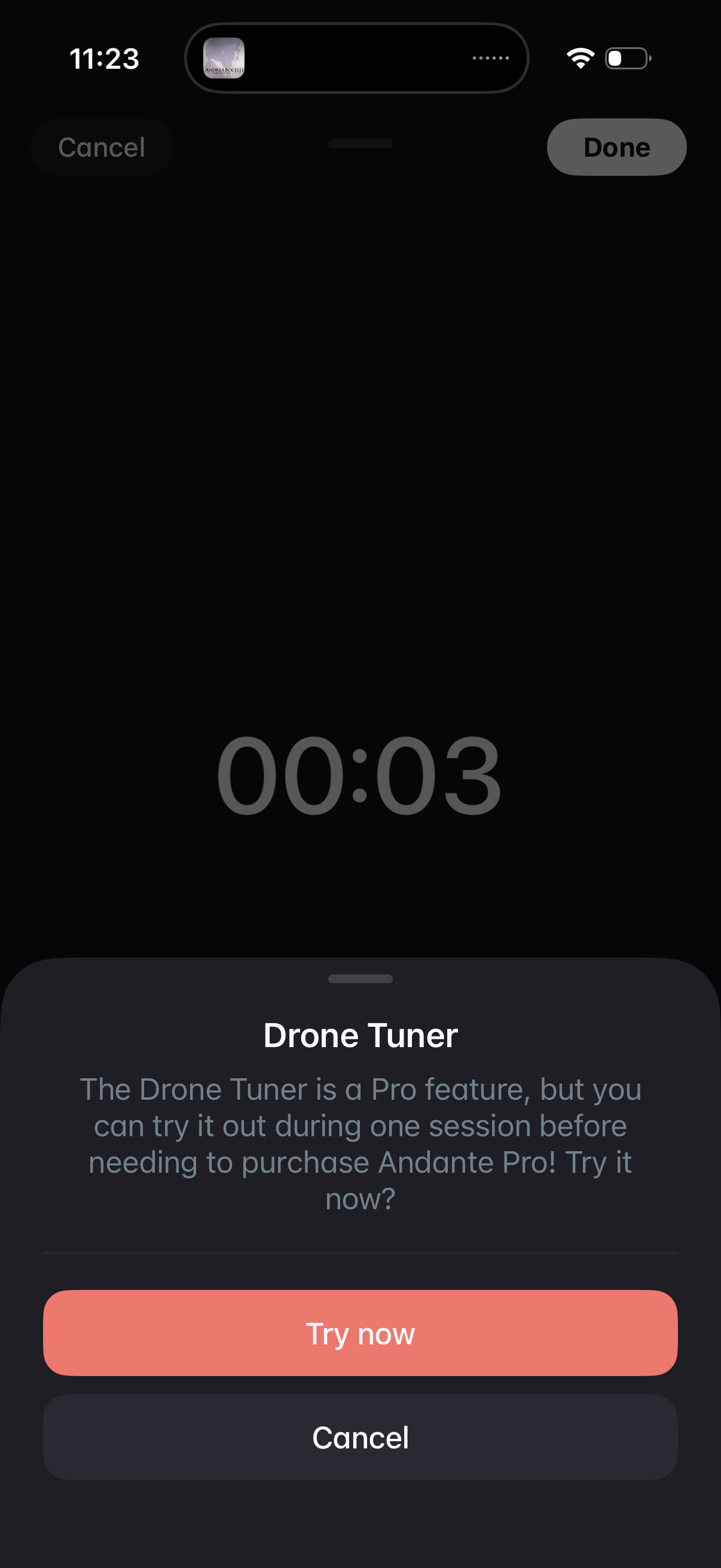
A full-screen audio recording/playback view showing an elapsed timer, with a bottom-sheet modal promoting a “Drone Tuner” Pro feature and offering a one-session trial. The modal provides primary and secondary actions to “Try now” or cancel/dismiss, with Done/Cancel controls in the header.
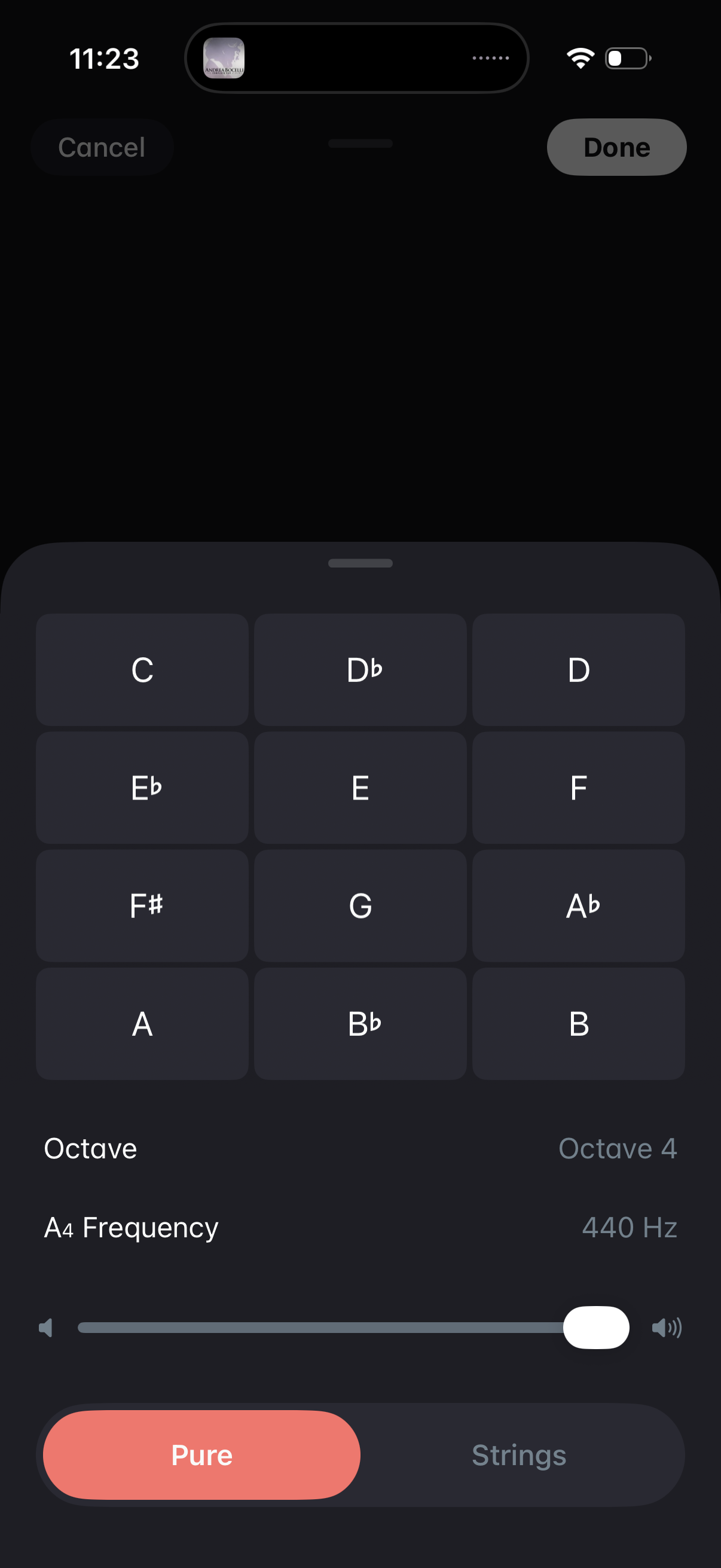
Sound and pitch generator settings panel with a grid of musical notes (C through B including flats/sharps) to select a tone, plus controls to set the octave (e. g.
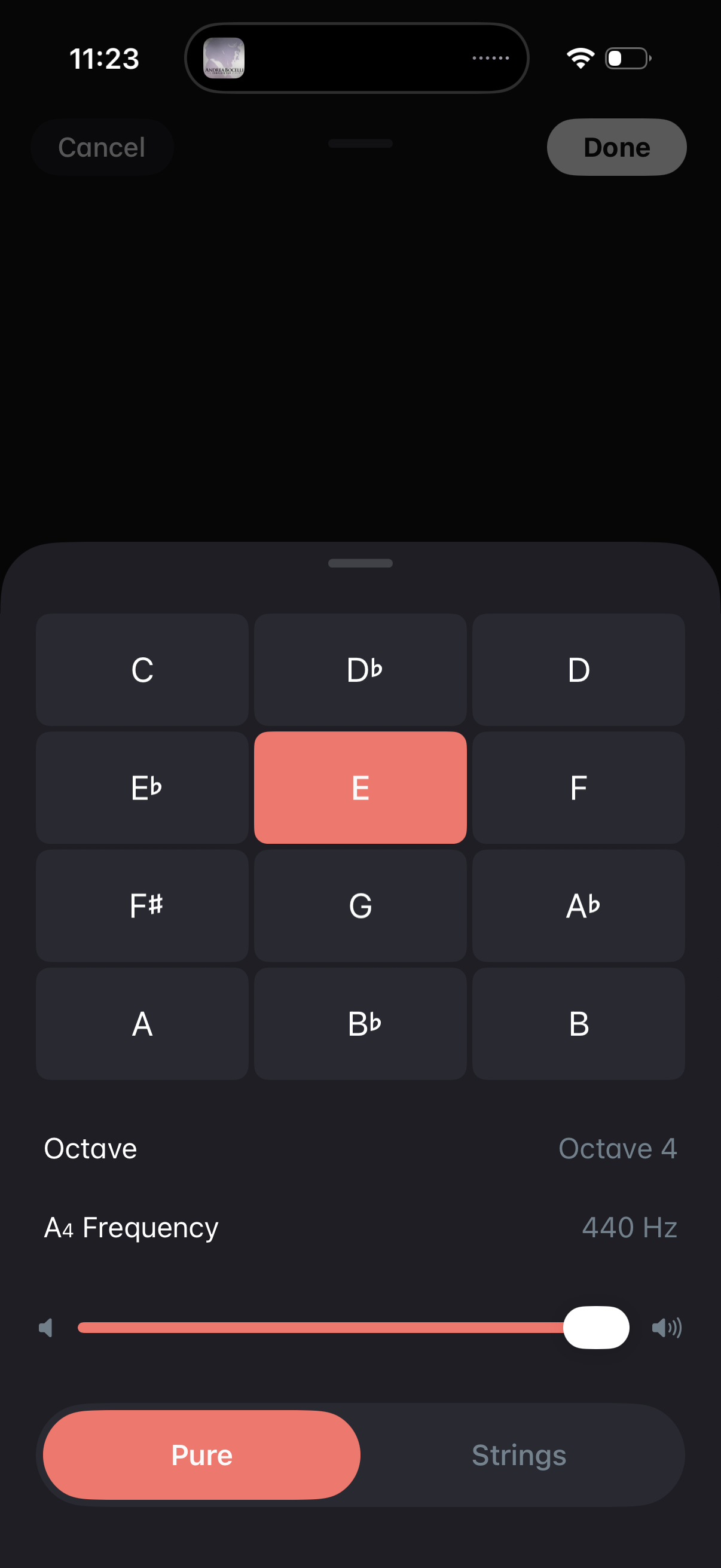
Sound generator or tuning settings sheet with a grid of musical note buttons to select a pitch (e. g.
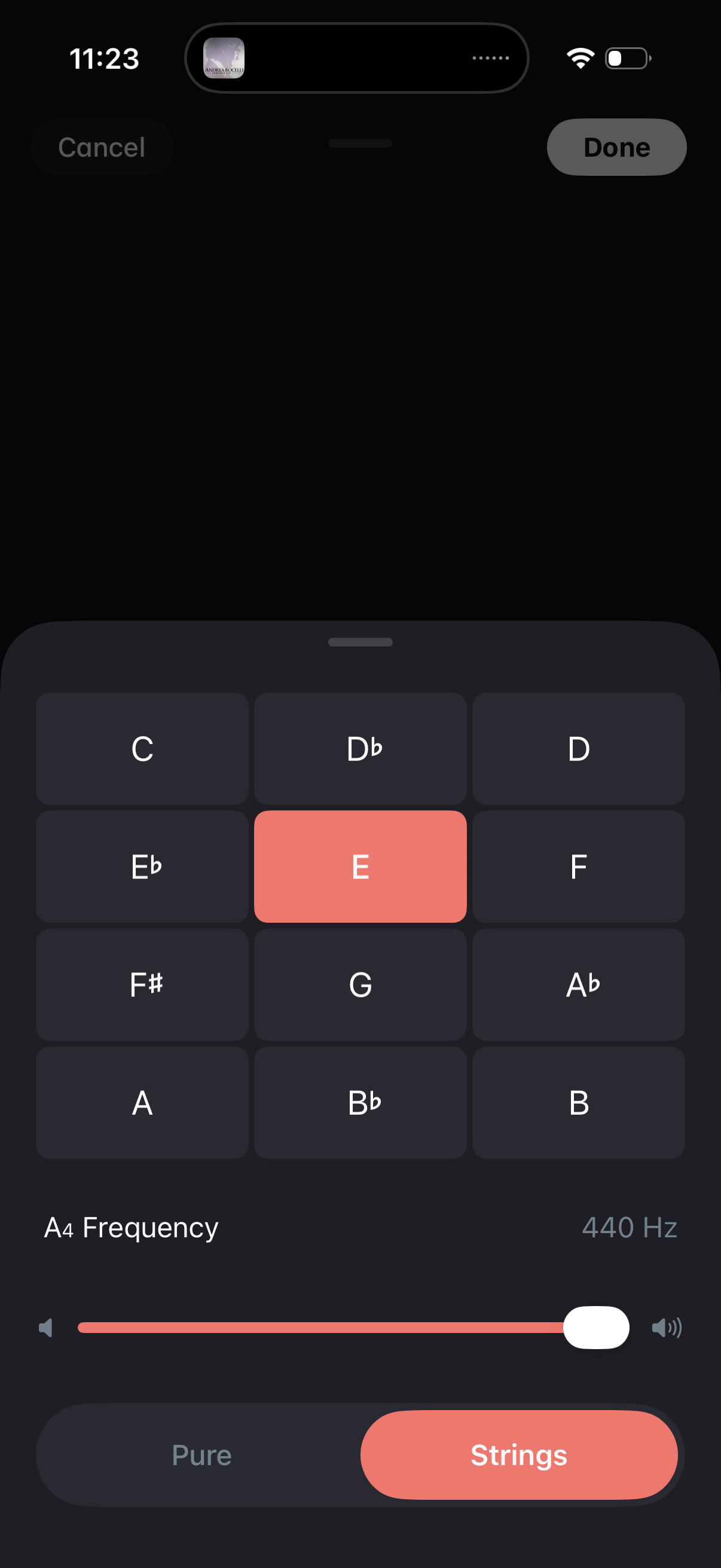
A modal pitch/tuning settings screen with a grid of musical note buttons to select a reference tone (e. g.