save a practice session
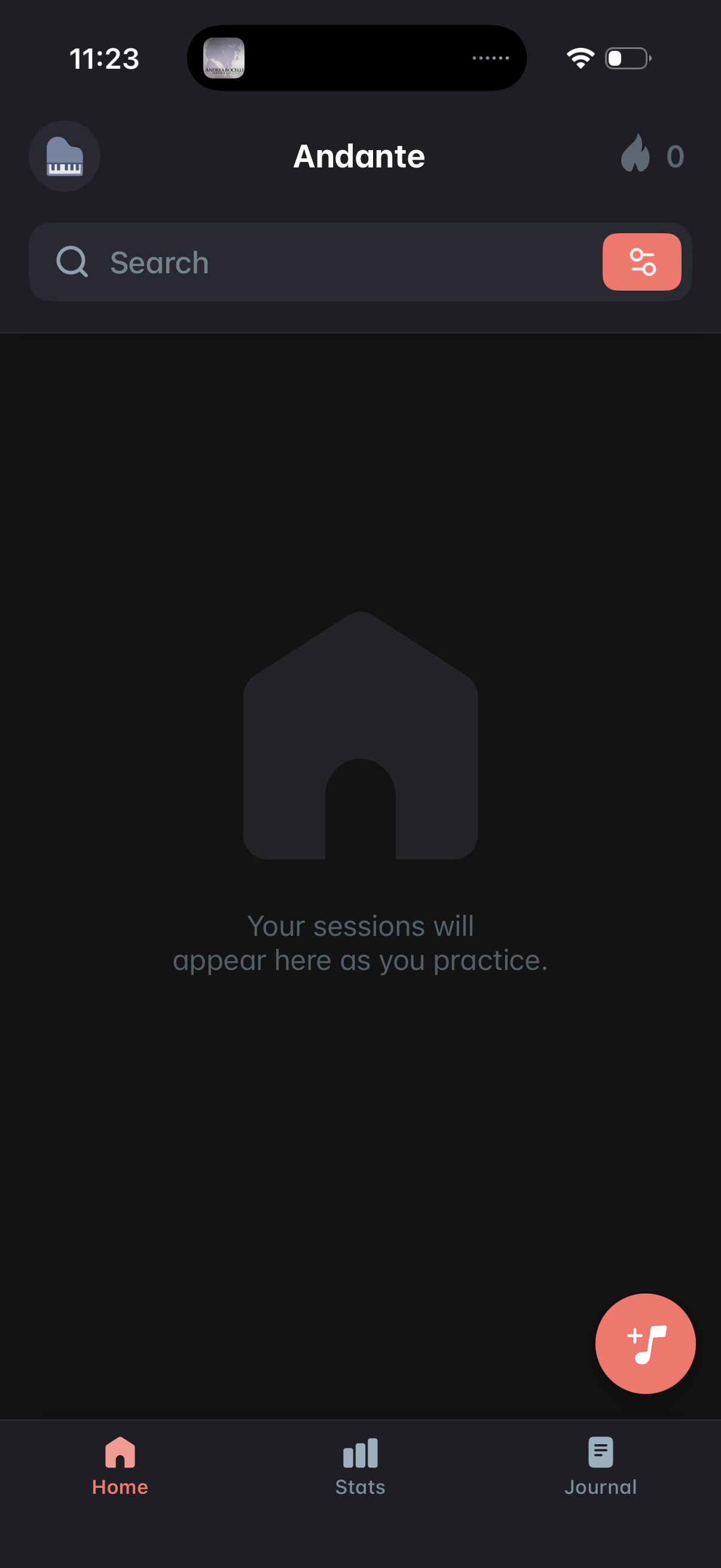
Home dashboard of a music practice app showing an empty state where practice sessions will appear, with a search bar and filter button for finding sessions. Includes a floating action button to start/add a new practice session and bottom navigation tabs for Home, Stats, and Journal.
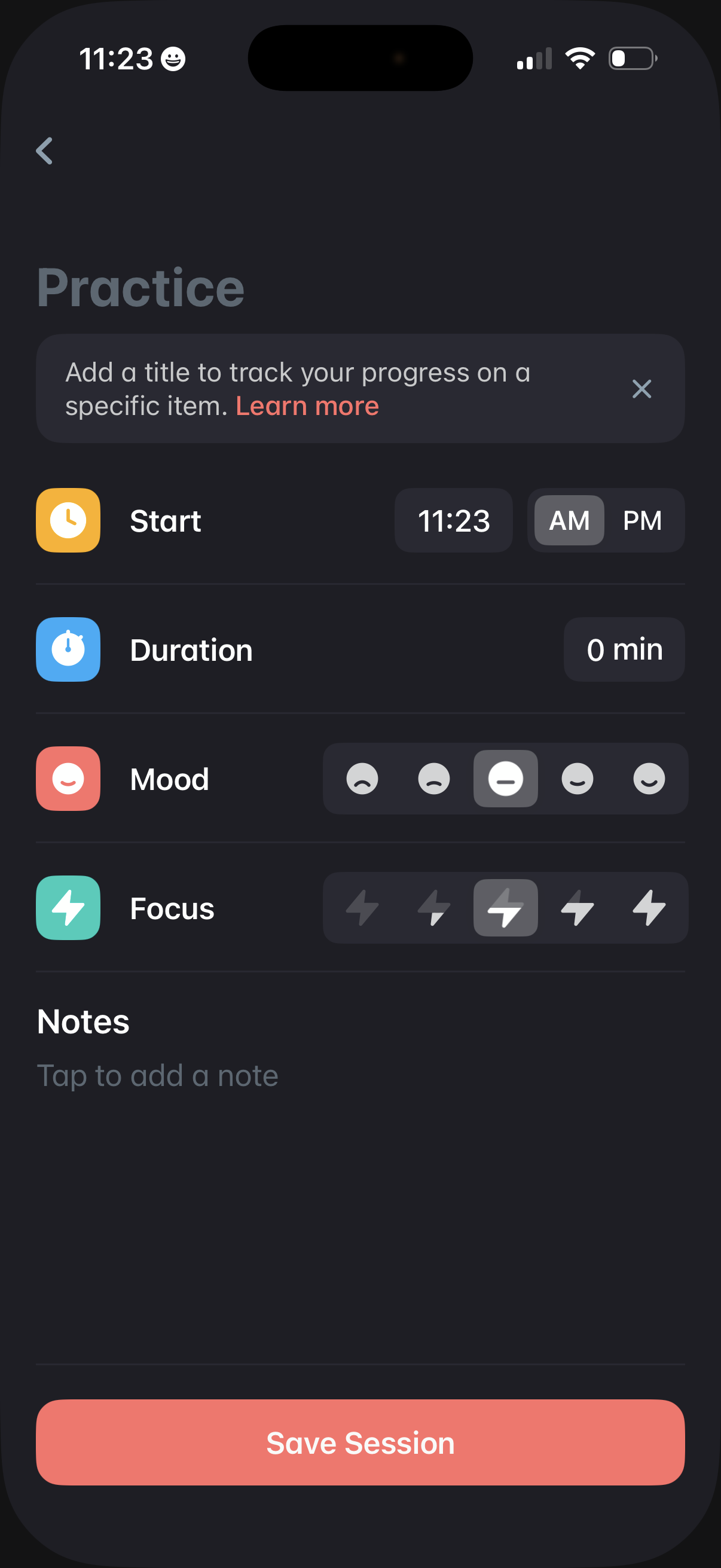
Session logging screen for a practice activity where users set the start time (AM/PM), enter duration, rate mood and focus with icon selectors, and add optional notes. Includes an option to add a title for tracking progress and a primary “Save Session” action.
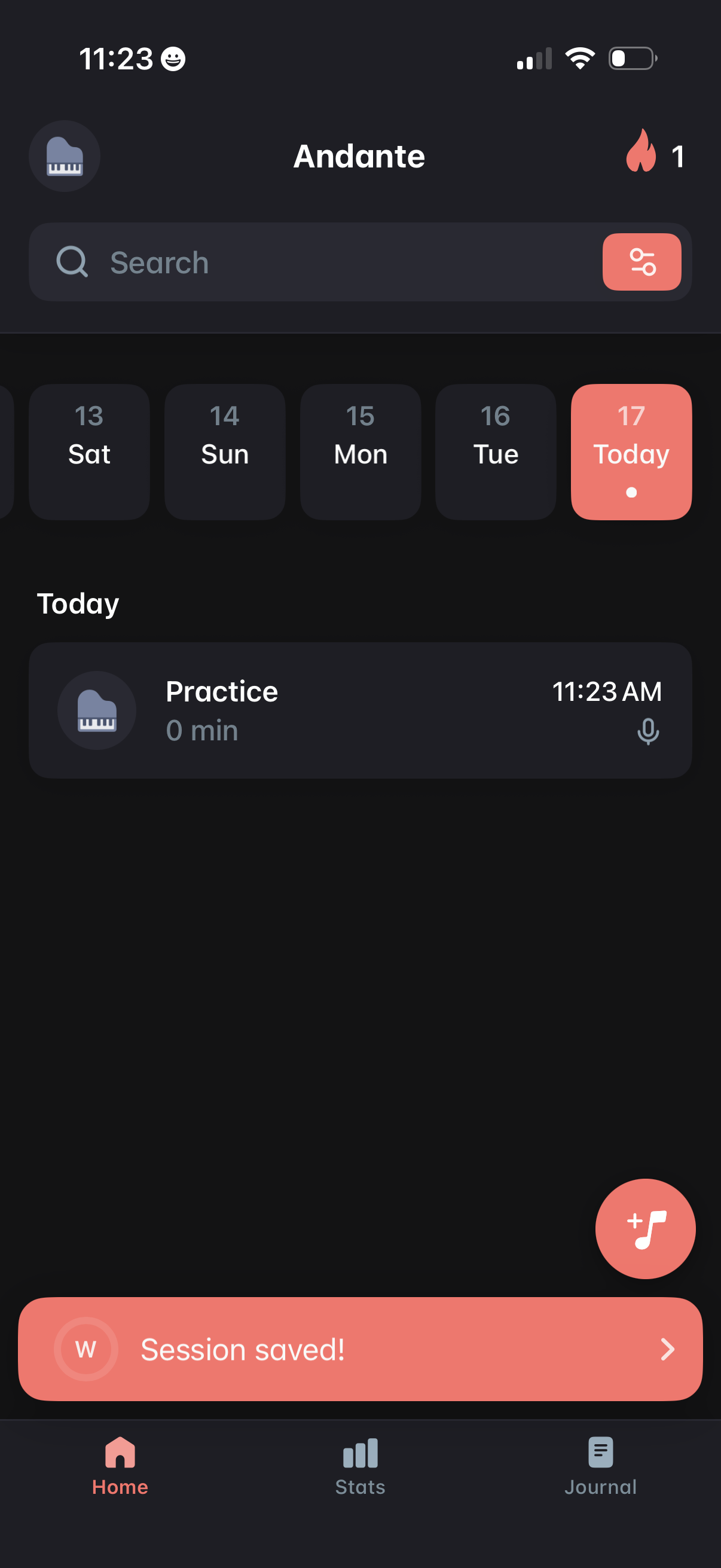
Home dashboard for a music practice tracker showing a searchable, filterable list of practice sessions with a horizontal date picker highlighting today. Users can tap a session to view details (duration, time, voice note), see a streak/heat indicator, and add a new practice entry via a floating action button, with a “session saved” confirmation banner and bottom navigation to Home, Stats, and Journal.