start a practice session
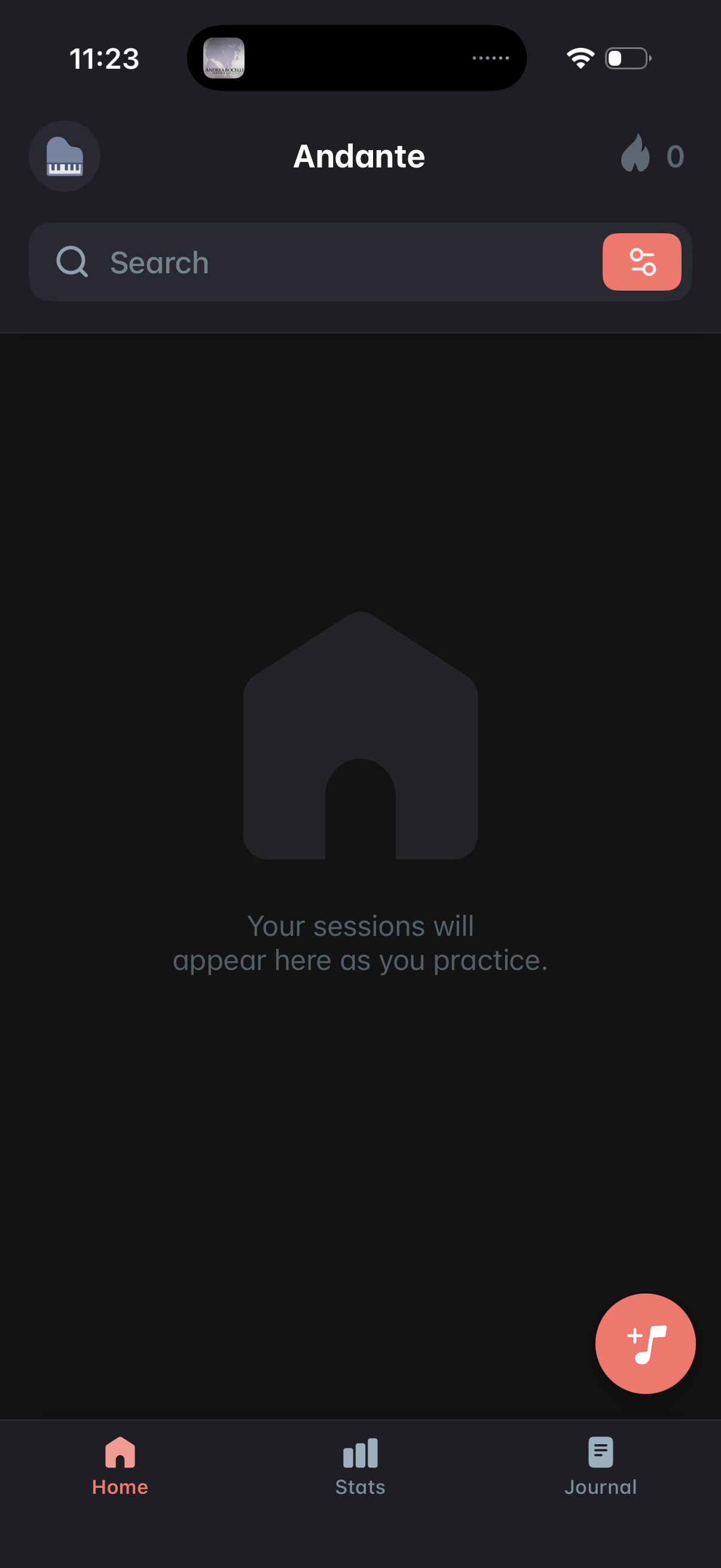
Home dashboard of a music practice app showing an empty state where practice sessions will appear, with a search bar and filter button for finding sessions. Includes a floating action button to start/add a new practice session and bottom navigation tabs for Home, Stats, and Journal.
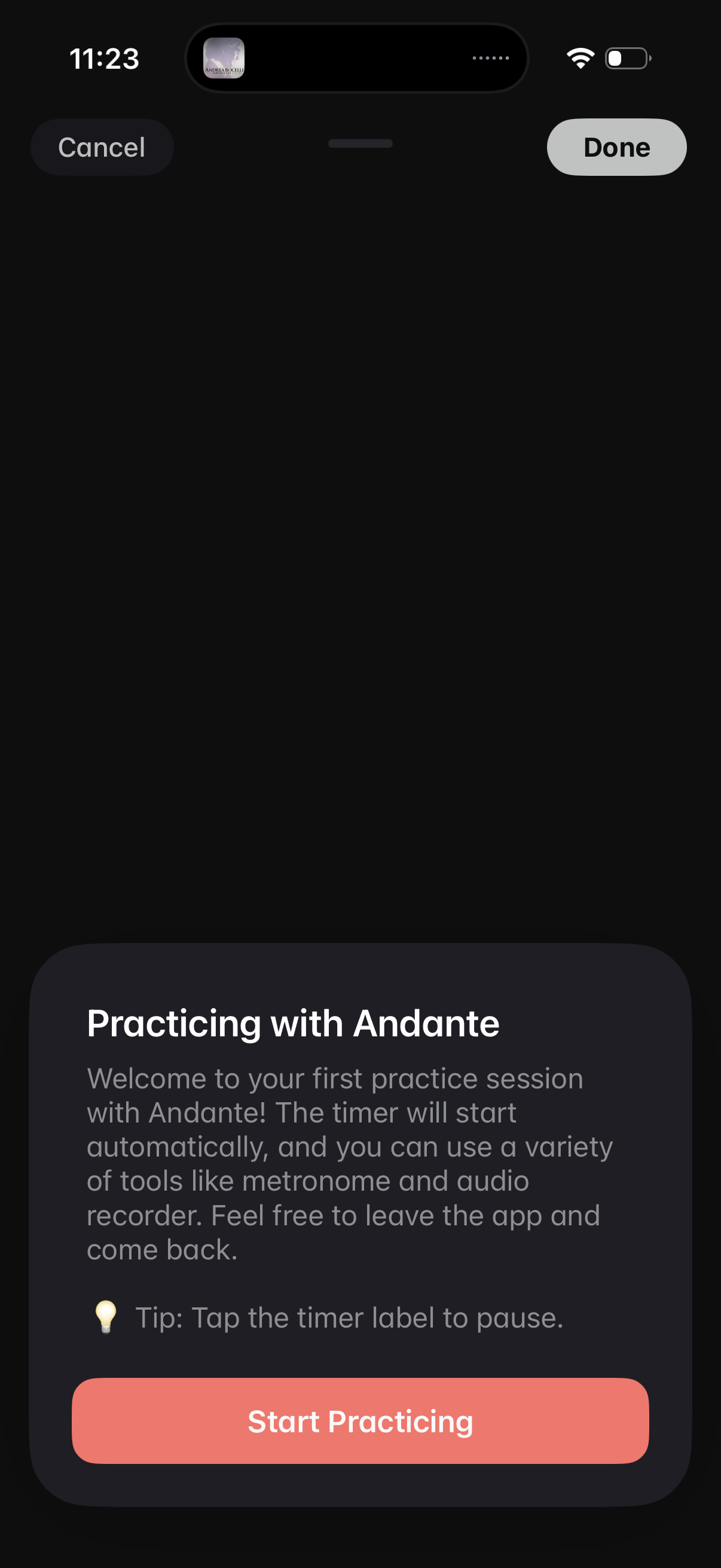
Onboarding modal for starting a practice session, explaining that a timer will start automatically and tools like a metronome and audio recorder are available, with a tip to tap the timer to pause. Primary action is “Start Practicing,” with Cancel and Done options to dismiss.
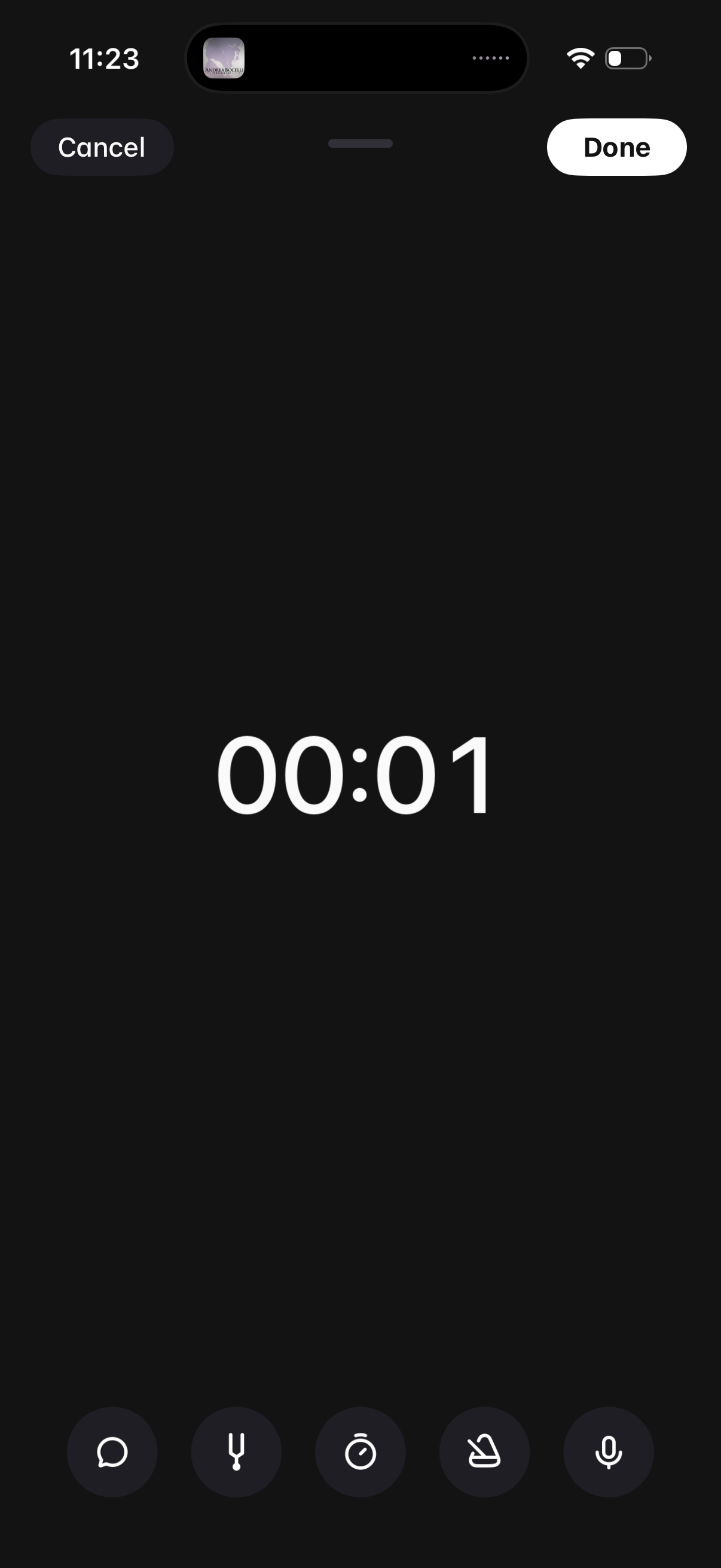
Audio voice recording screen with a large elapsed-time counter and quick controls for recording options like transcript, timer, and settings. Primary actions are Cancel to discard or Done to save and finish the recording.