1
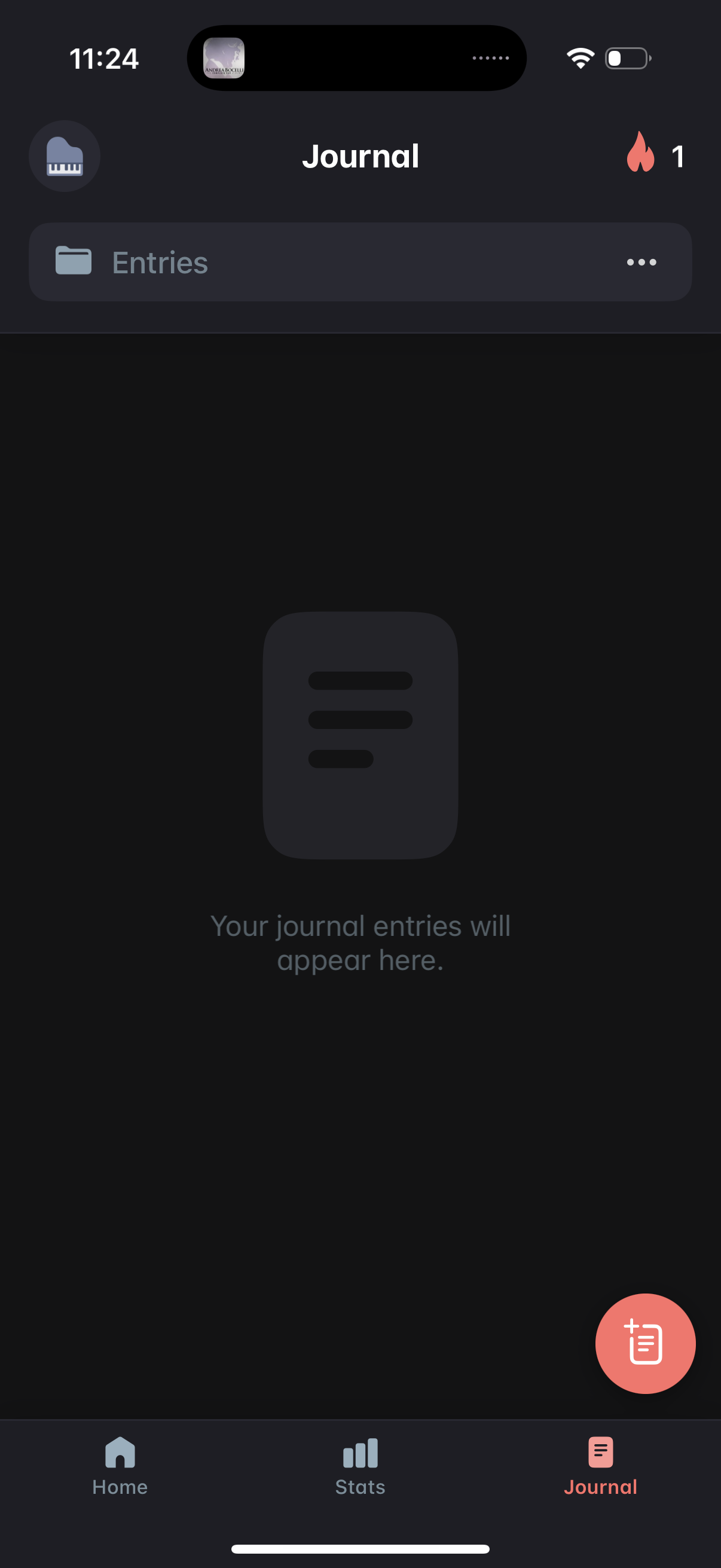
Empty state for a Journal tab showing an Entries list section with overflow options, indicating where journal entries will appear. Includes a floating action button to create a new journal entry and bottom navigation to switch between Home, Stats, and Journal.
2
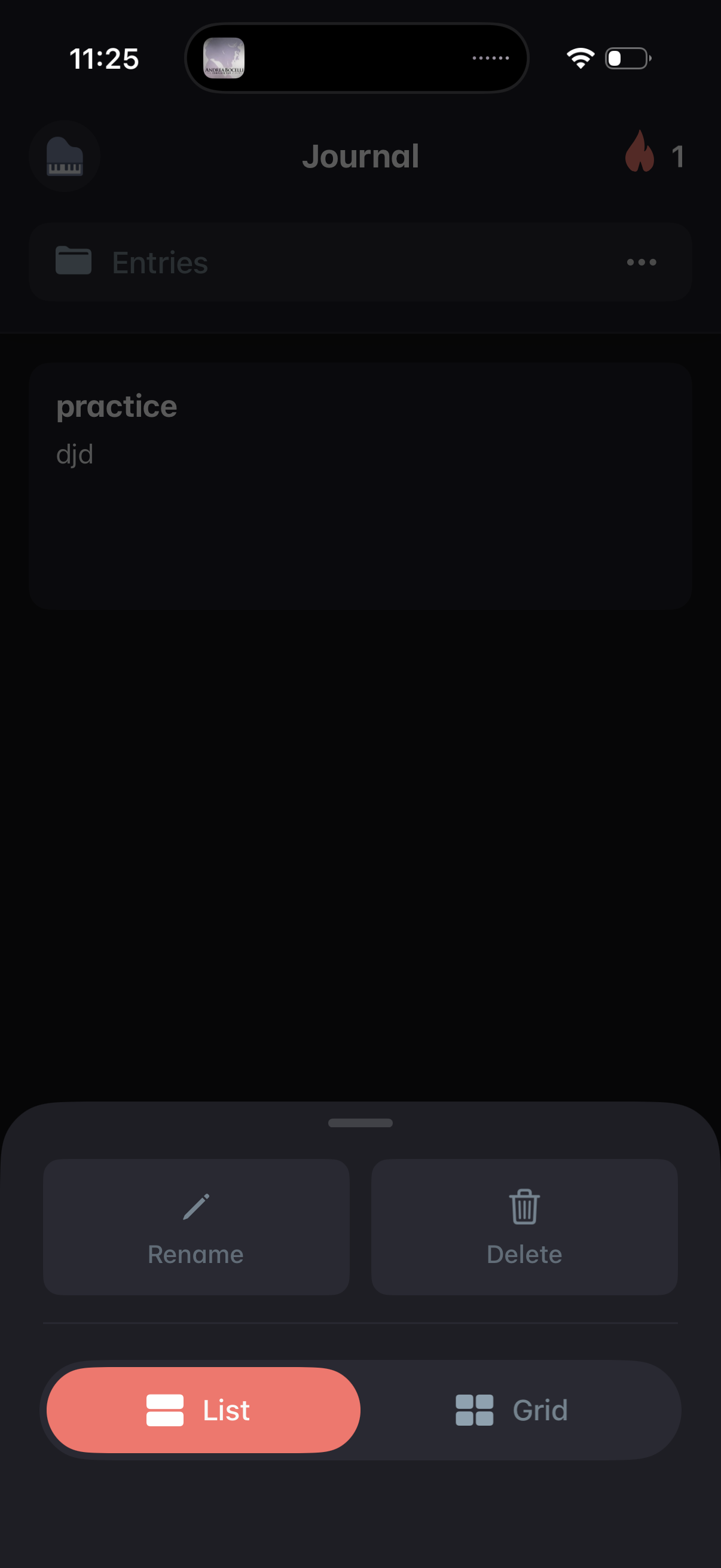
Journal entries list screen showing saved notes, with an overflow menu opened as a bottom sheet offering entry actions like Rename and Delete plus a view toggle to switch between List and Grid layouts.
3
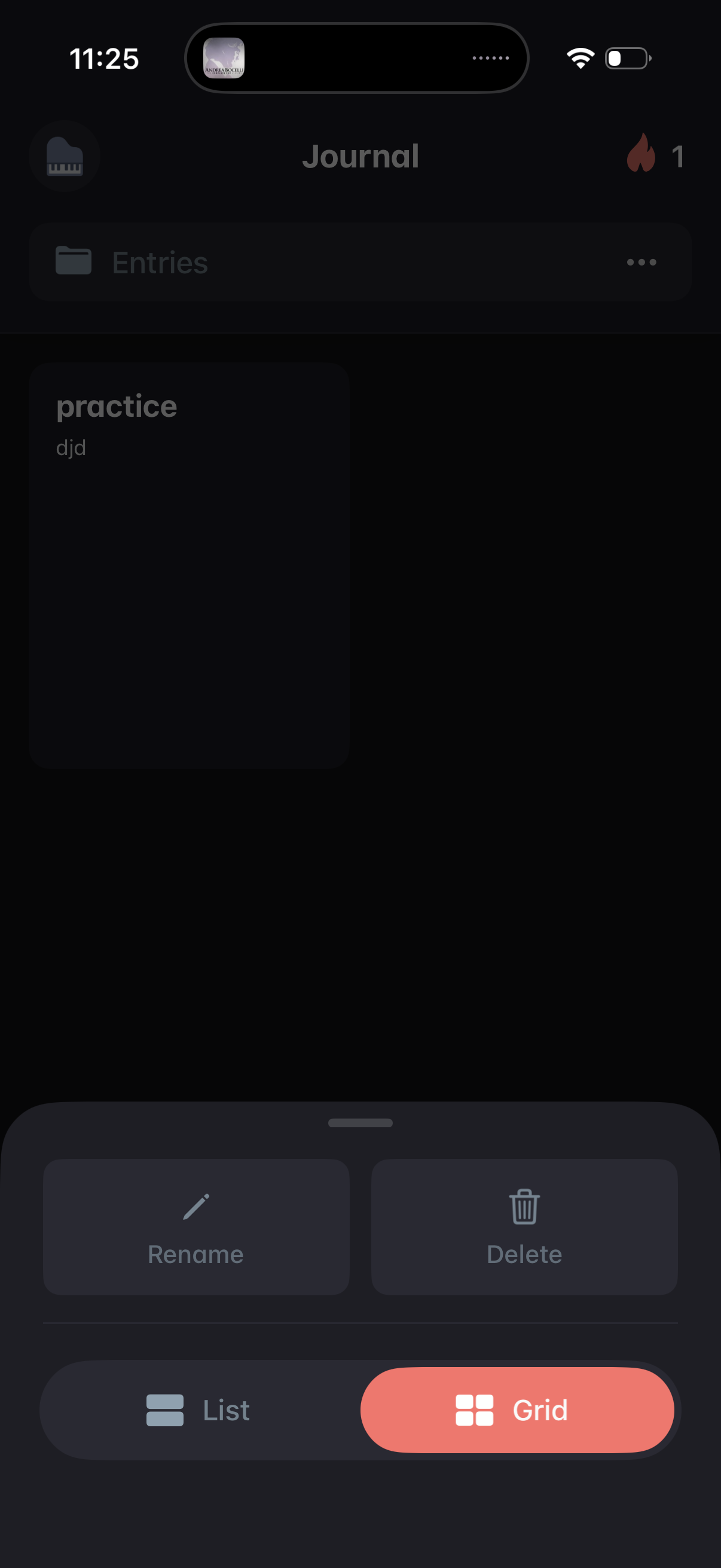
Journal entries screen showing a grid of entry cards with an overflow menu opened as a bottom sheet. The action sheet lets you rename or delete an entry and toggle the entries view between list and grid.