register an account
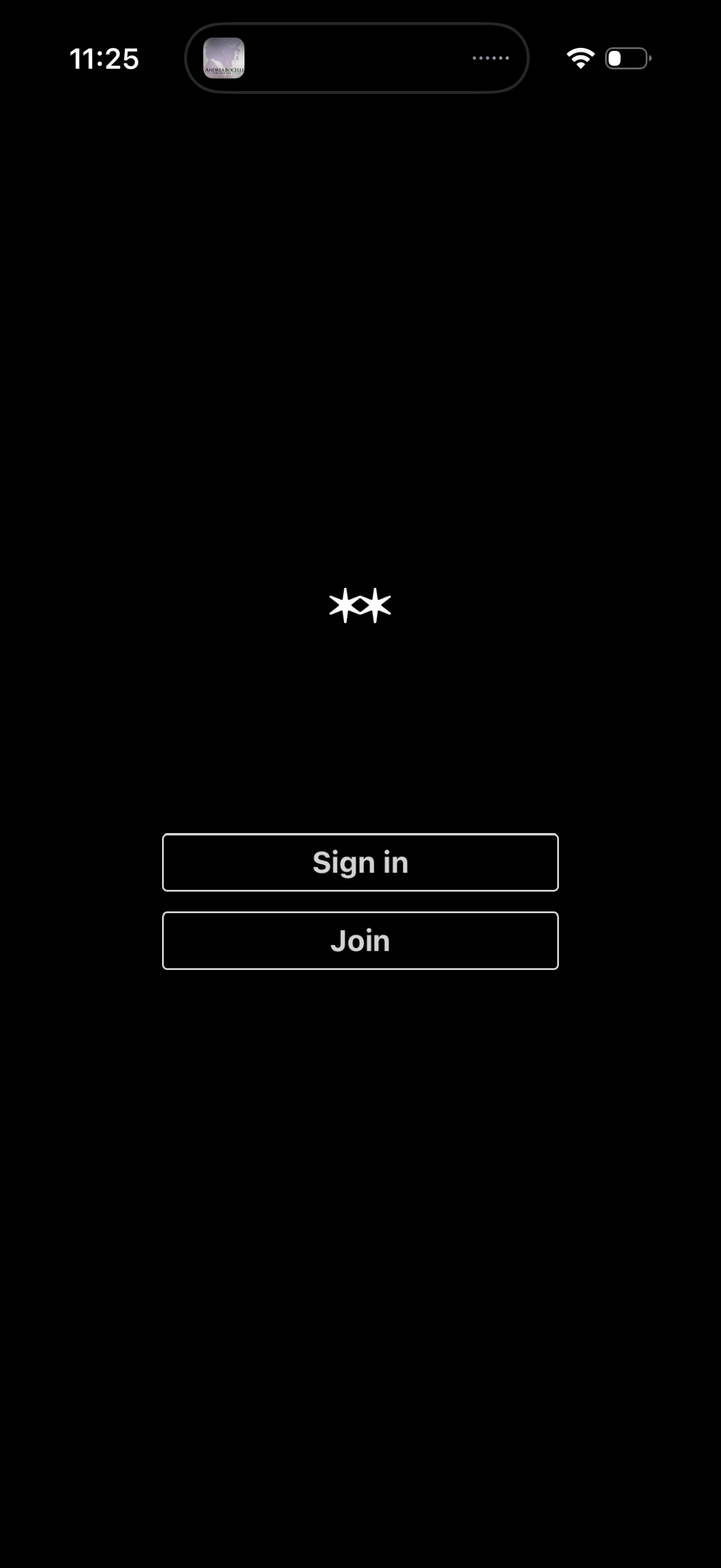
Minimal login landing screen with a dark background and two primary call-to-action buttons for authentication: Sign in for existing users and Join to create a new account. It functions as the app entry point for choosing between logging in or registering.
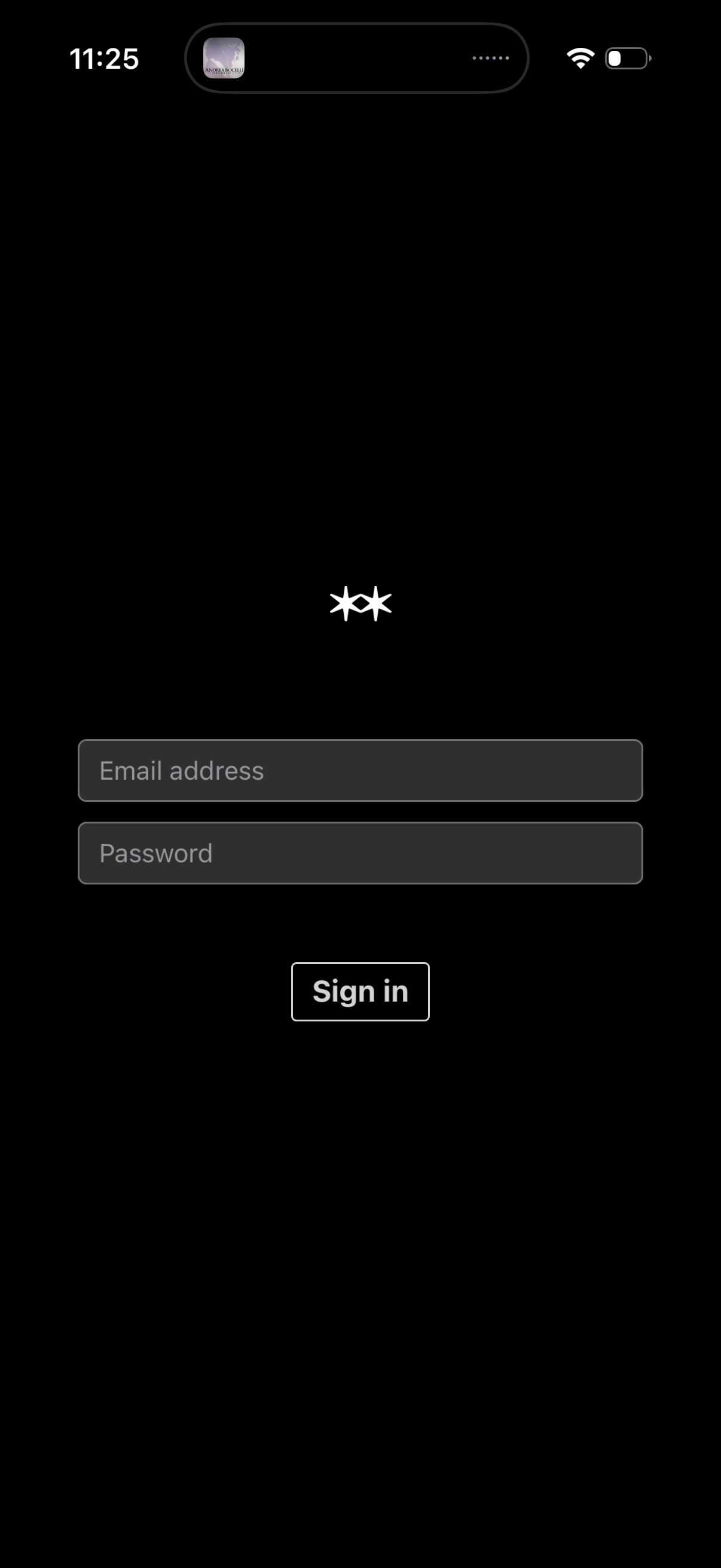
Minimal dark-themed sign-in screen with two form fields for email address and password and a primary “Sign in” button to log into an account.
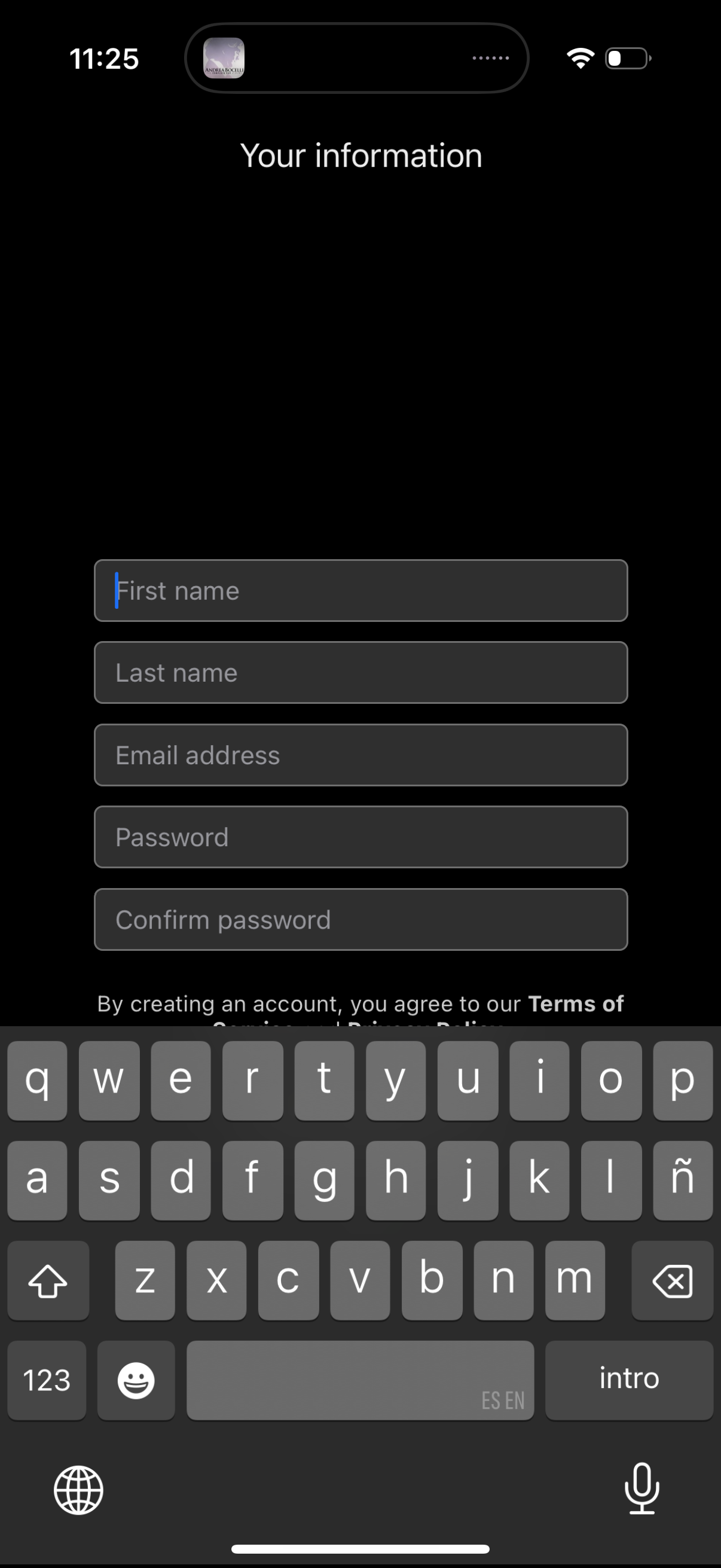
Account creation form screen titled “Your information” where users enter first name, last name, email address, password, and confirm password to register. Includes a terms of service/privacy agreement notice at the bottom.

A registration processing/loading screen in an onboarding flow titled “Your information,” showing a centered progress indicator and the status message “Registering…” while the app submits or creates the user account.
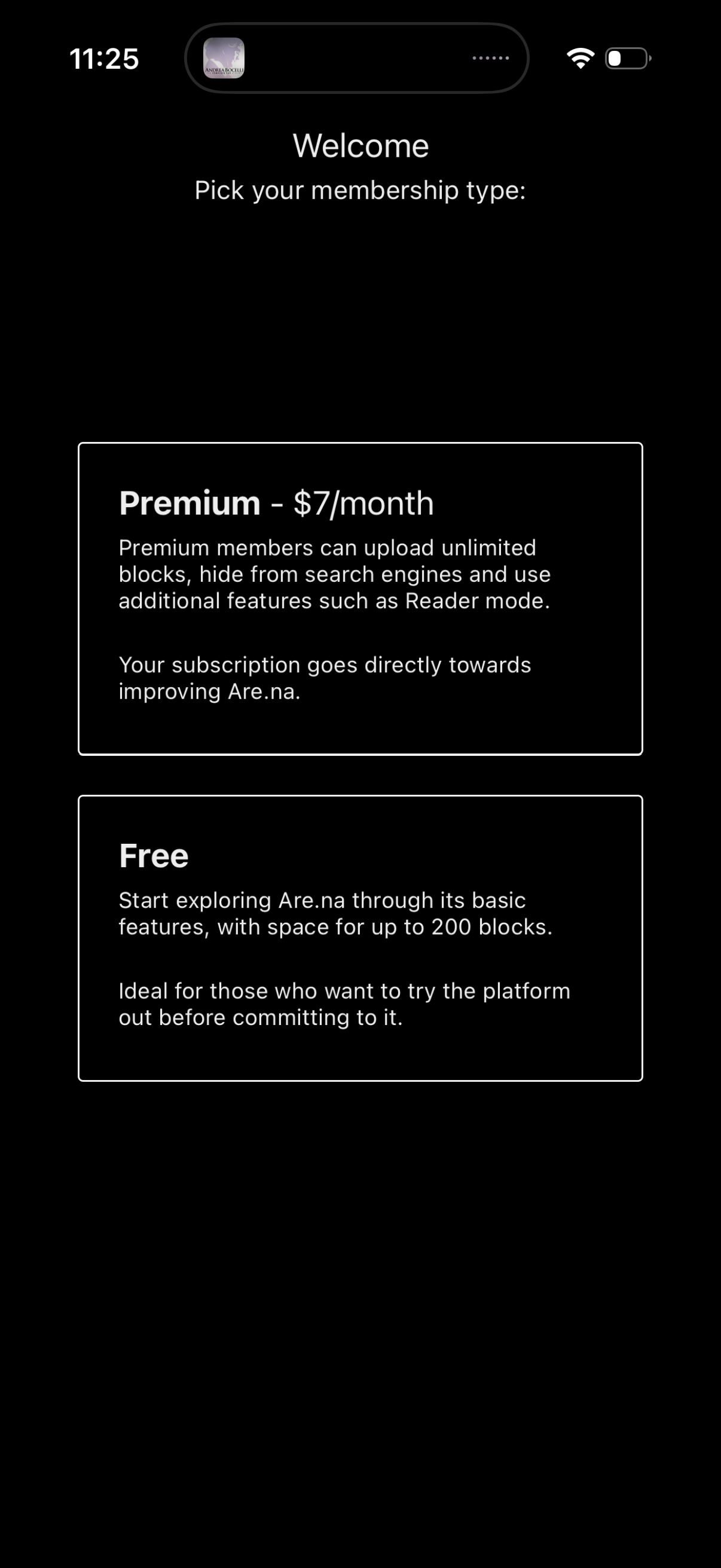
Welcome onboarding screen prompting the user to choose a membership plan, showing two selectable pricing cards: Premium subscription ($7/month) with benefits like unlimited uploads and extra features, and a Free plan with limited storage/usage. The screen is focused on plan comparison and subscription selection to continue.