enable notifications
1
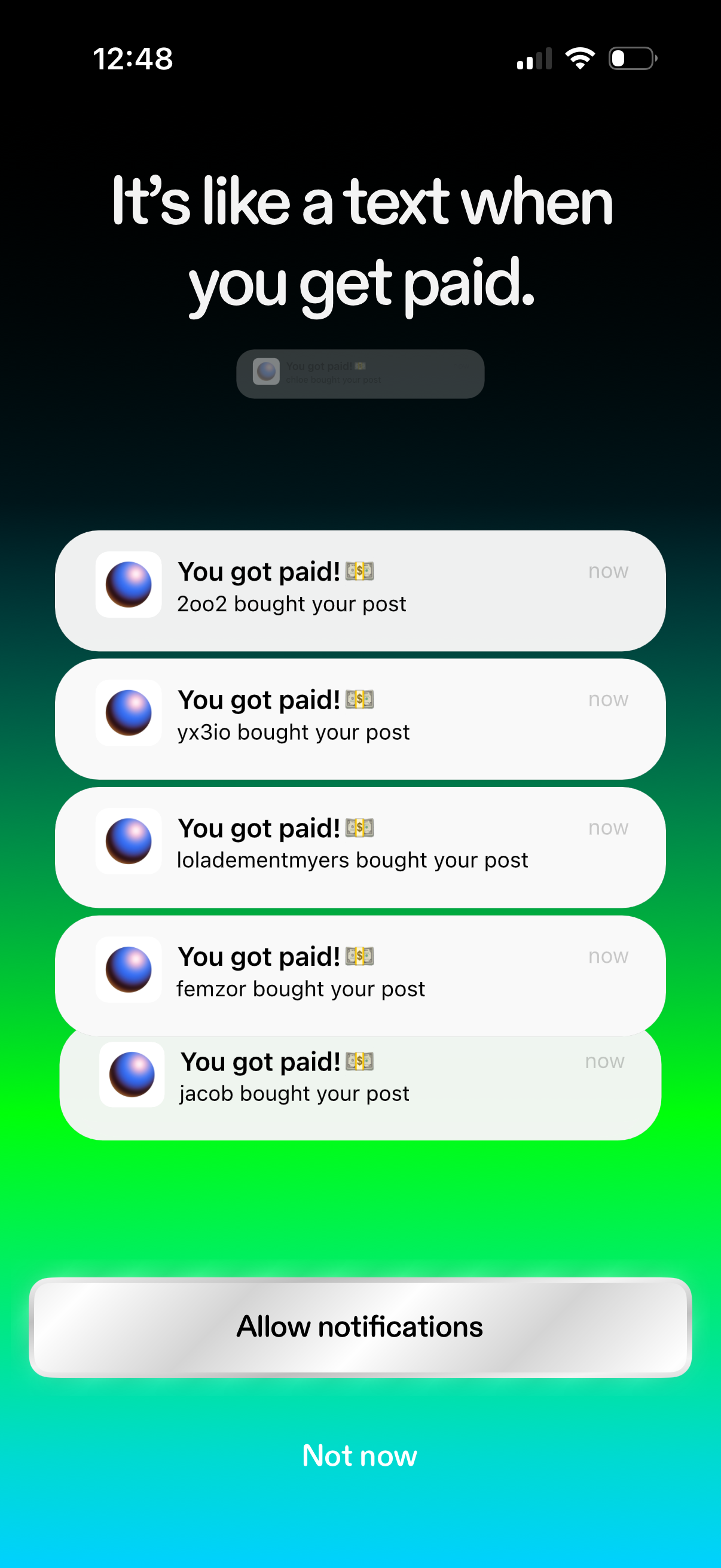
Notification permission prompt screen explaining payment notifications, showing example “You got paid” alerts when someone buys your post. Primary actions are to Allow notifications or choose Not now.
2
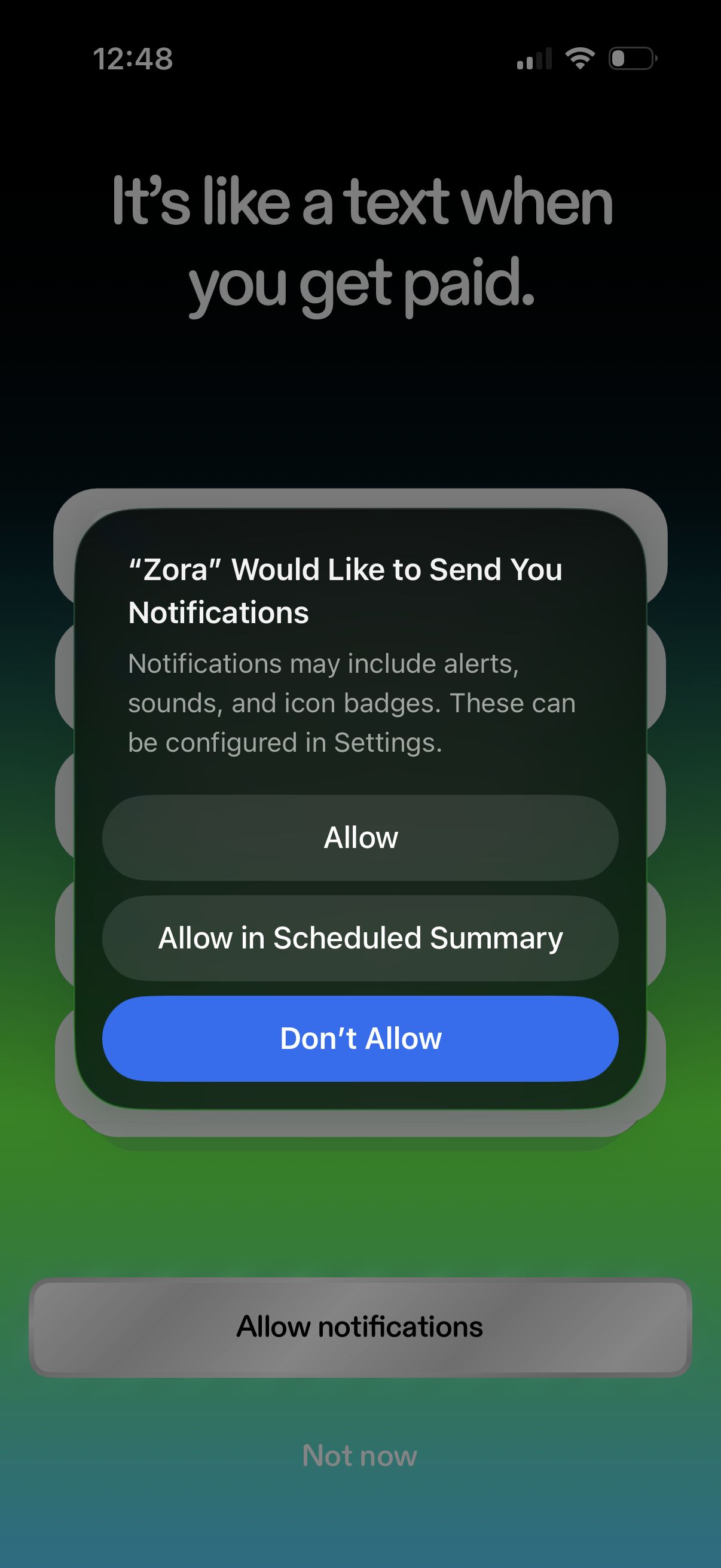
Onboarding screen prompting the user to enable push notifications, with the iOS system permission modal offering Allow, Allow in Scheduled Summary, or Don’t Allow. Background messaging explains notifications for pay updates, with app-level actions like “Allow notifications” and “Not now” behind the modal.
3
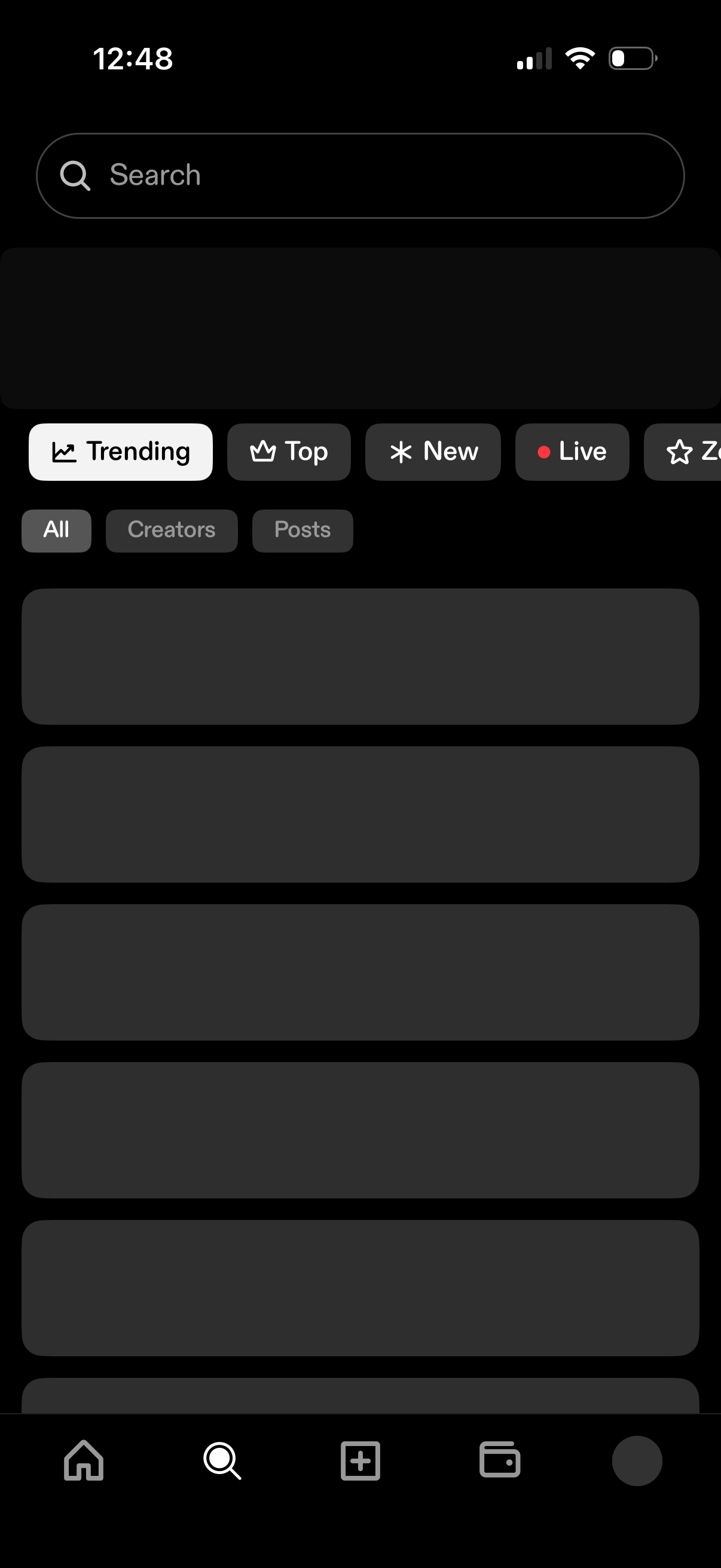
Search and discovery screen with a prominent search bar and category tabs to browse content by Trending, Top, New, and Live. Includes secondary filters for All, Creators, or Posts and a scrolling list of results in a dark theme.