create post from camera
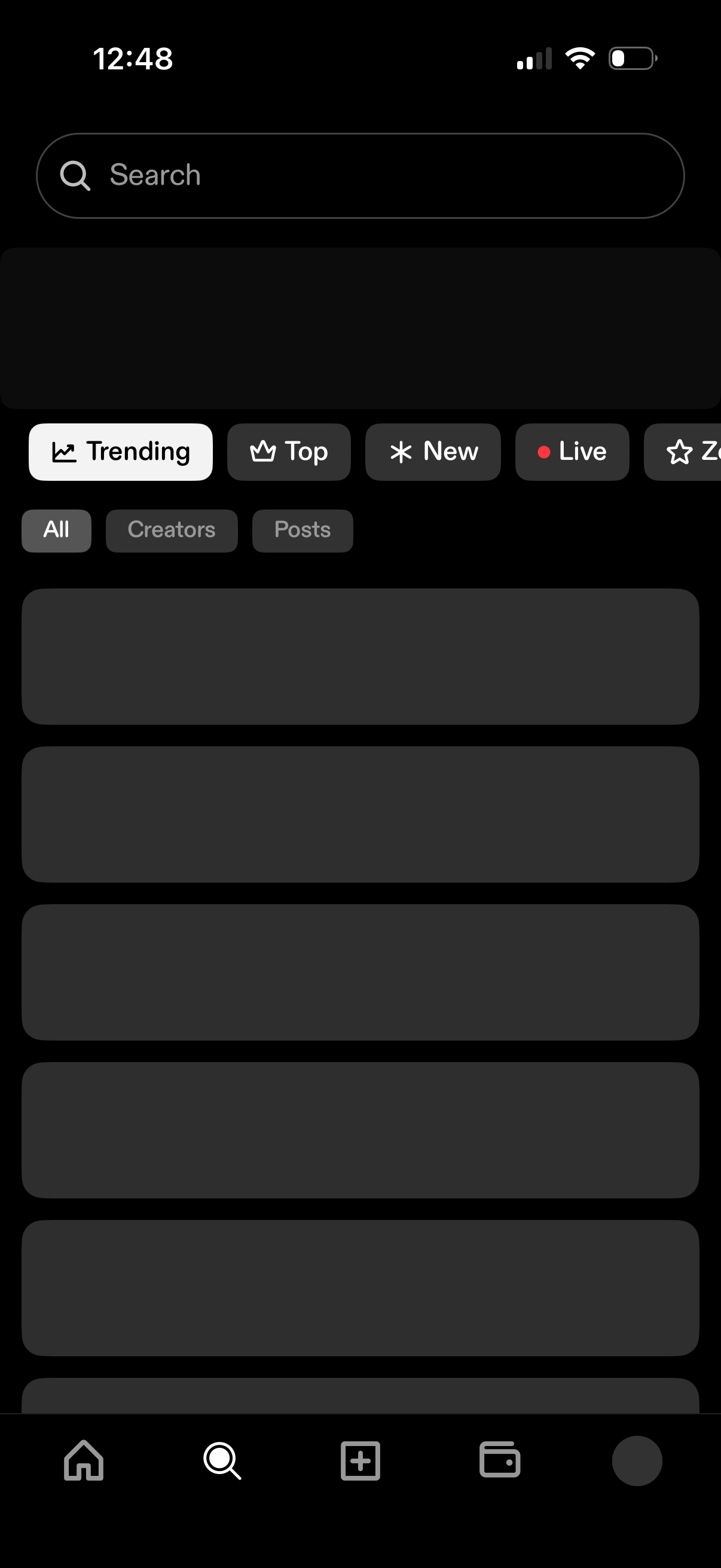
Search and discovery screen with a prominent search bar and category tabs to browse content by Trending, Top, New, and Live. Includes secondary filters for All, Creators, or Posts and a scrolling list of results in a dark theme.
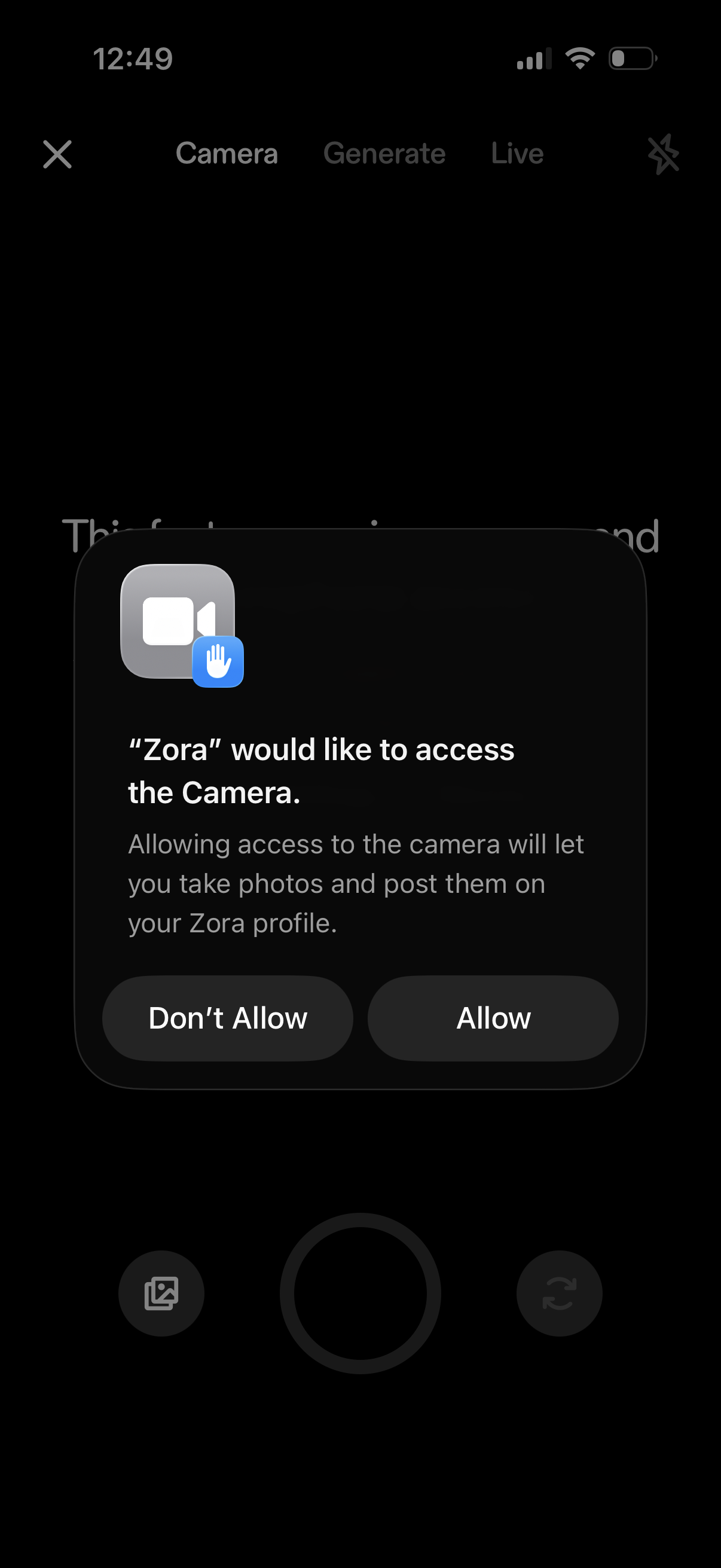
iOS system permission prompt requesting camera access for an app so the user can take photos and post them to their profile, with primary actions to Allow or Don’t Allow. The background shows the in-app camera interface with tabs for Camera, Generate, and Live while the modal blocks interaction.
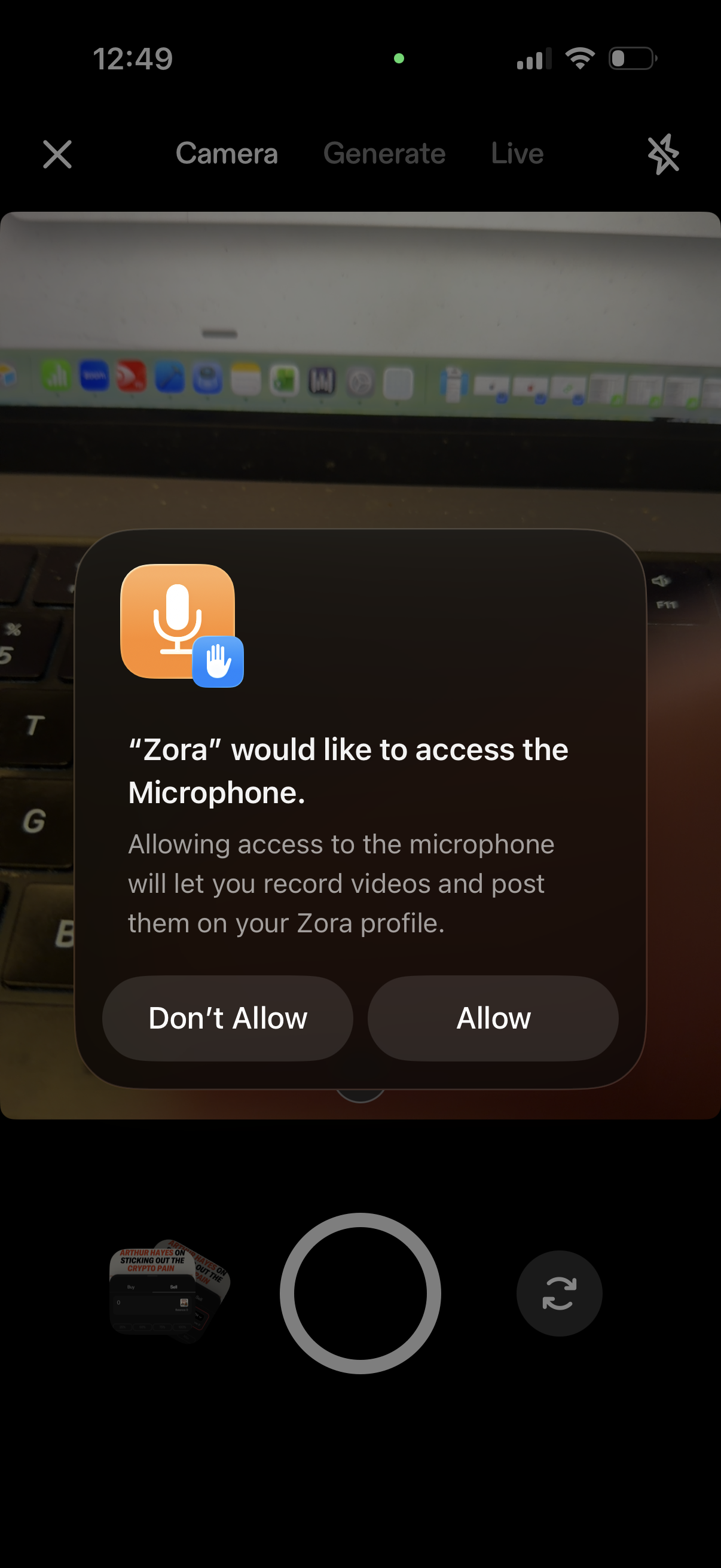
iOS in-app camera/recording screen showing a system permission modal requesting microphone access for the app to record videos and post them to a user profile. The dialog presents primary actions to Allow or Don’t Allow microphone access.
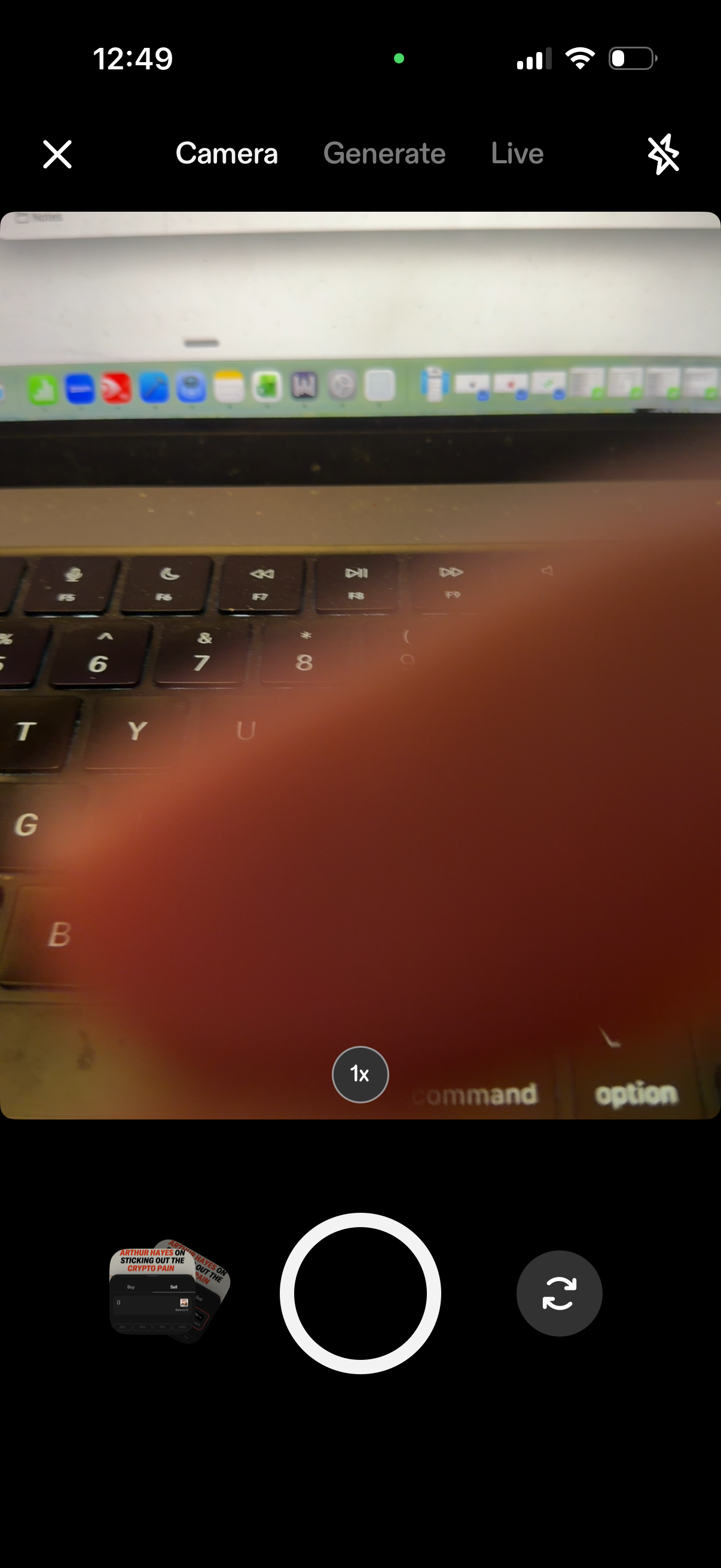
Mobile camera capture screen with tabs for Camera, Generate, and Live modes, showing a viewfinder preview with zoom level control and a large shutter button. Includes controls to close, toggle flash, switch between front and rear cameras, and a thumbnail preview of the last captured image.