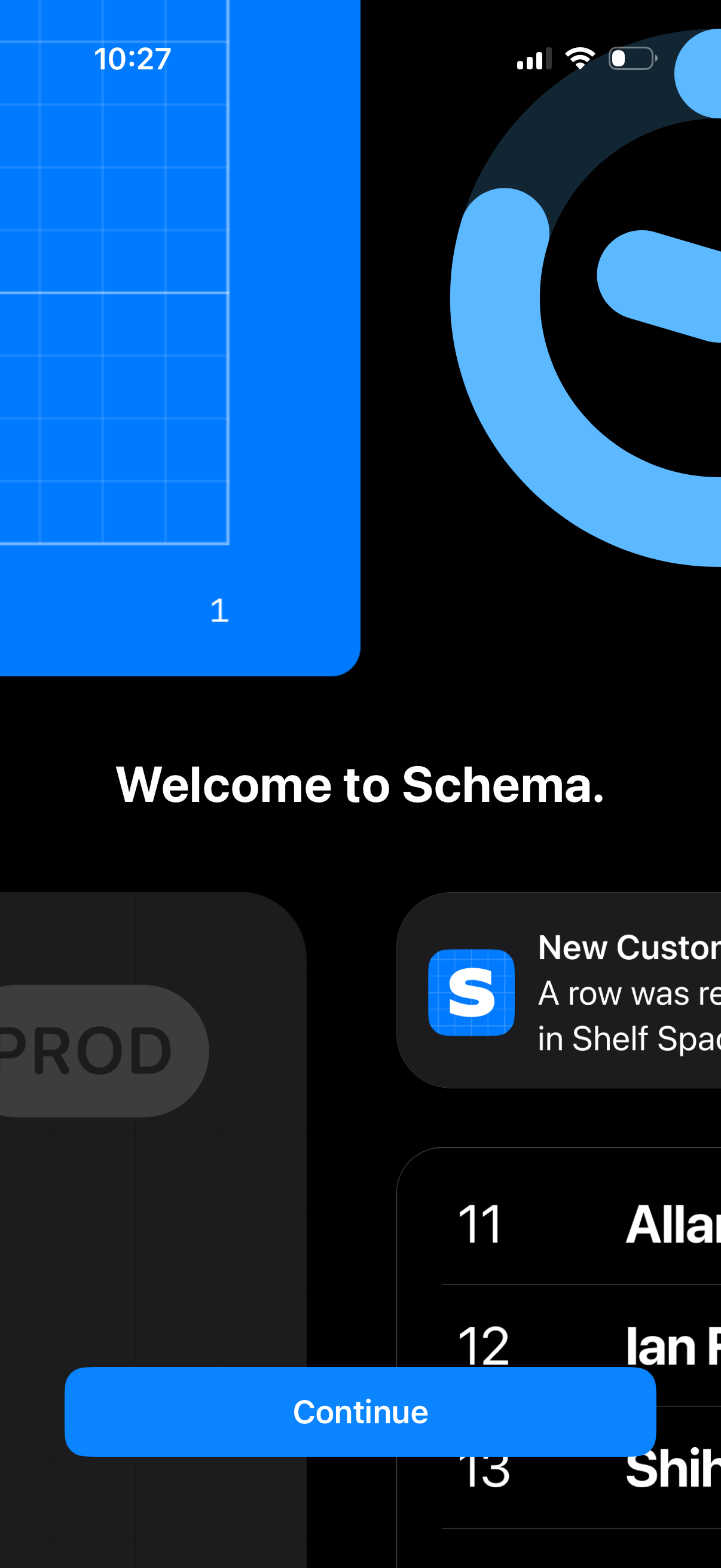
Onboarding welcome screen for the Schema app with a “Welcome to Schema” headline and a primary Continue button to proceed into the product. The background uses brand illustrations and preview cards to introduce the app before starting setup.

Minimal splash/launch screen with abstract profile and key icons on a dark background, indicating account access, sign-in, or authentication onboarding before entering the app. No visible UI controls, form fields, or navigation elements.

Full-screen branded splash/loading screen for an authentication or password/credentials manager app, showing abstract user profile and key icons on a dark background with no visible controls or actions.
Mobile wallet payment screen showing a selected credit card (Visa) as the primary payment method, with a stack of other cards below including a cash card with current balance. Designed for quickly choosing which card to use for tap-to-pay or transactions by swiping through available cards.
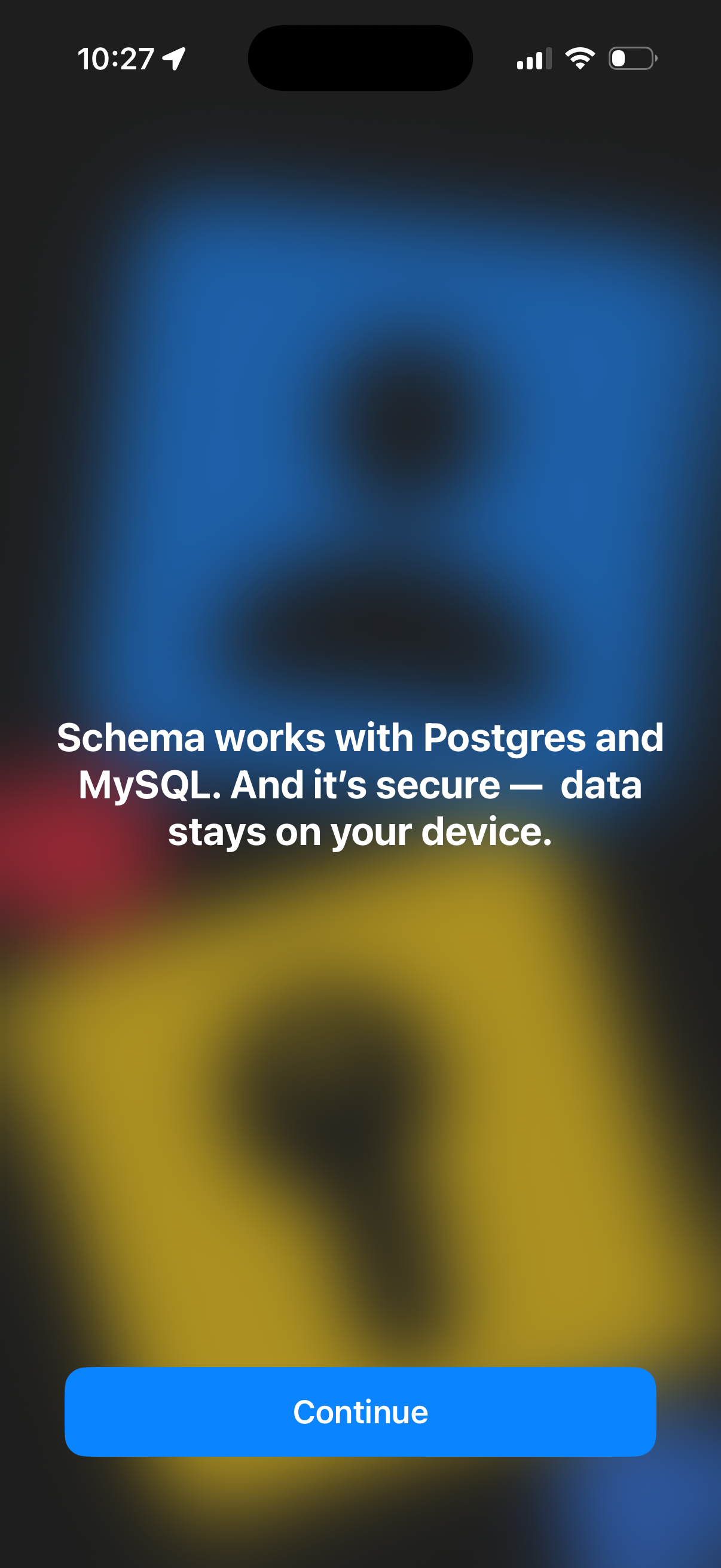
Onboarding informational screen promoting database compatibility and security, stating the app works with Postgres and MySQL and keeps data on the device. Includes a single primary CTA button to continue to the next step.

Dark-themed onboarding or feature highlight screen introducing a data/table customization feature, displaying the message “Customize your table layouts” over a minimal background with no visible controls.

Onboarding or feature-intro screen promoting the ability to customize table layouts, shown with a minimal dark background and centered headline text explaining the customization feature.
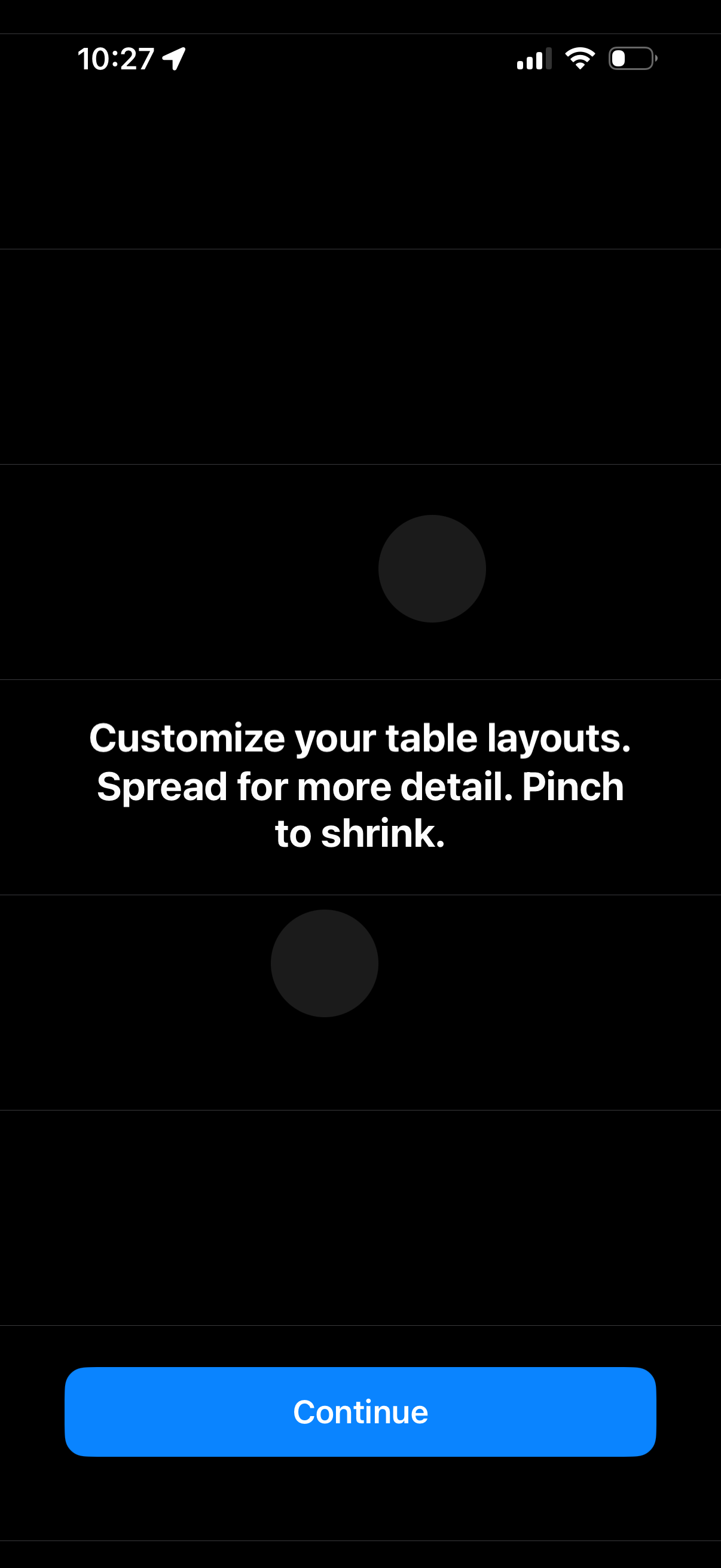
Onboarding tip screen explaining how to customize table layouts with gestures, instructing users to spread to zoom in for more detail and pinch to shrink. Includes a primary Continue button to proceed.
Onboarding or feature introduction screen for a database app explaining that Schema can notify you instantly when new rows appear in specific tables, highlighting real-time alerts/monitoring for table updates. Minimal dark UI with centered explanatory text and no primary actions visible.
Onboarding or feature education screen explaining database table monitoring alerts, stating that the product can notify you when new rows appear in specific tables. Includes a primary “Continue” call-to-action button to proceed to the next step.
Onboarding or feature-intro screen explaining a secure sharing feature that lets users share table rows via expiring links that self-destruct after being viewed or on a set schedule. Minimal informational slide with dark background and centered headline, no visible input fields or primary CTA.
Onboarding feature highlight screen explaining secure sharing of database/table rows via expiring links that self-destruct after viewing or on a schedule. Dark patterned background with a primary Continue button to proceed.
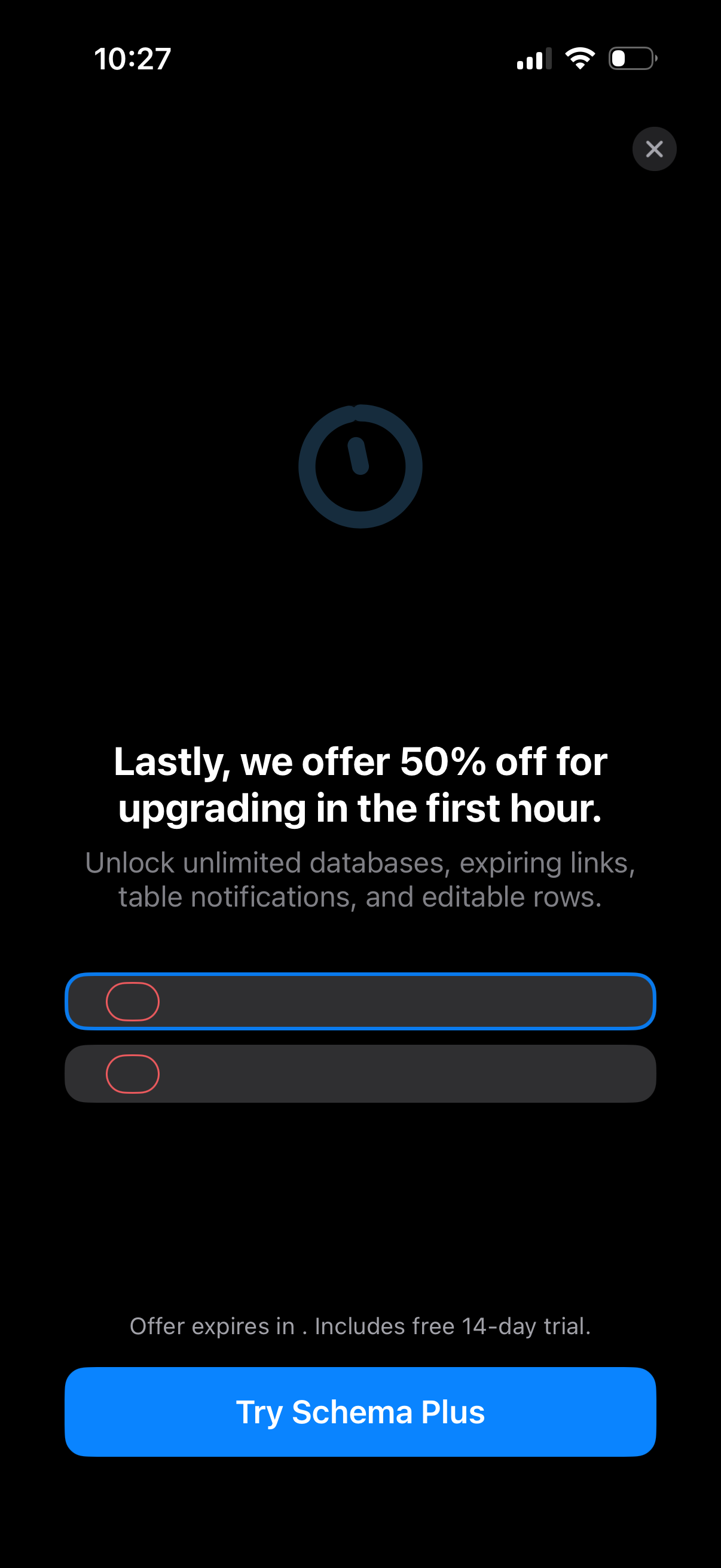
In-app subscription upsell/paywall screen promoting a limited-time 50% discount for upgrading within the first hour, highlighting premium features and a countdown-style offer note. Includes a primary CTA button to start a free trial/upgrade (“Try Schema Plus”) and an option to dismiss/close the offer.
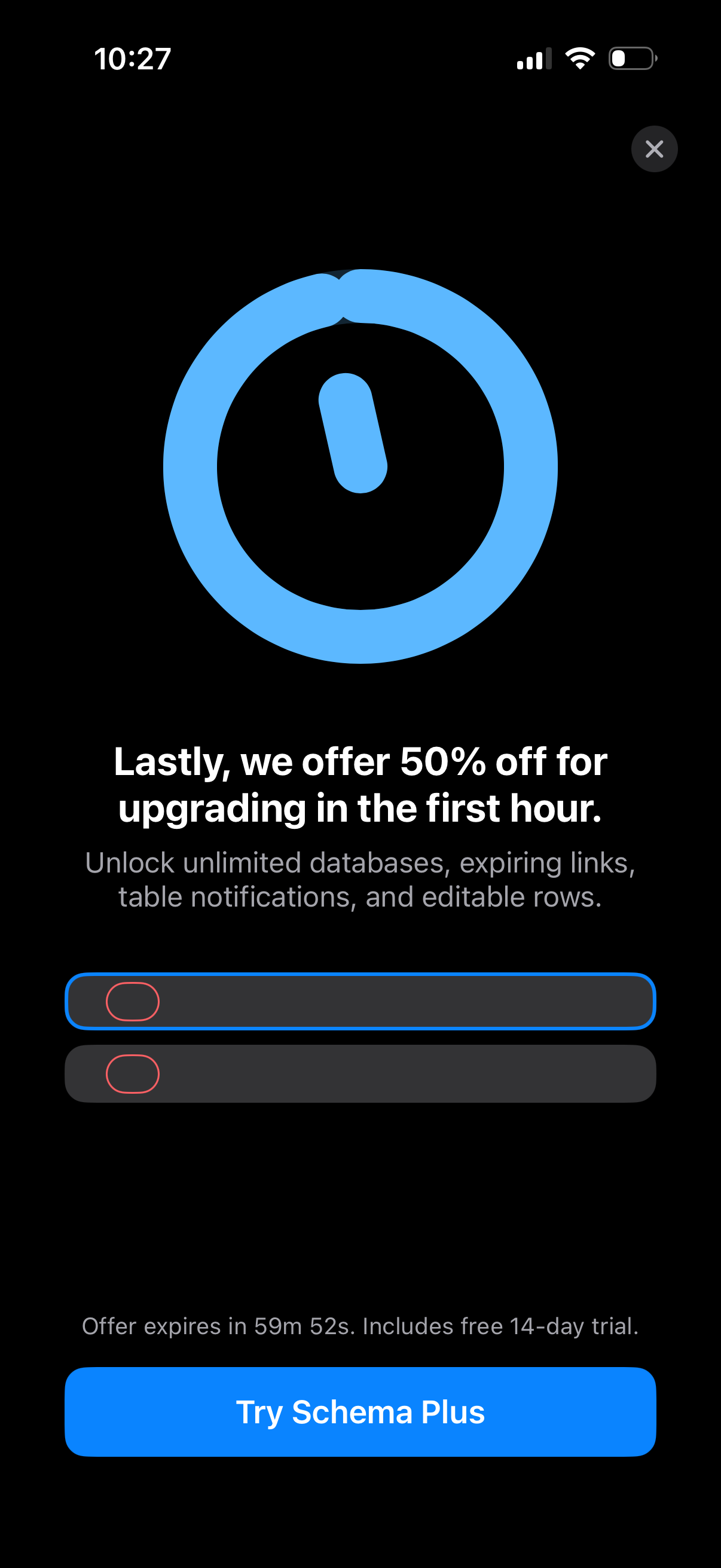
Limited-time subscription upsell screen promoting 50% off for upgrading in the first hour, highlighting premium features and a countdown until the offer expires. Includes a close button and a primary CTA to start a free trial/upgrade (“Try Schema Plus”).
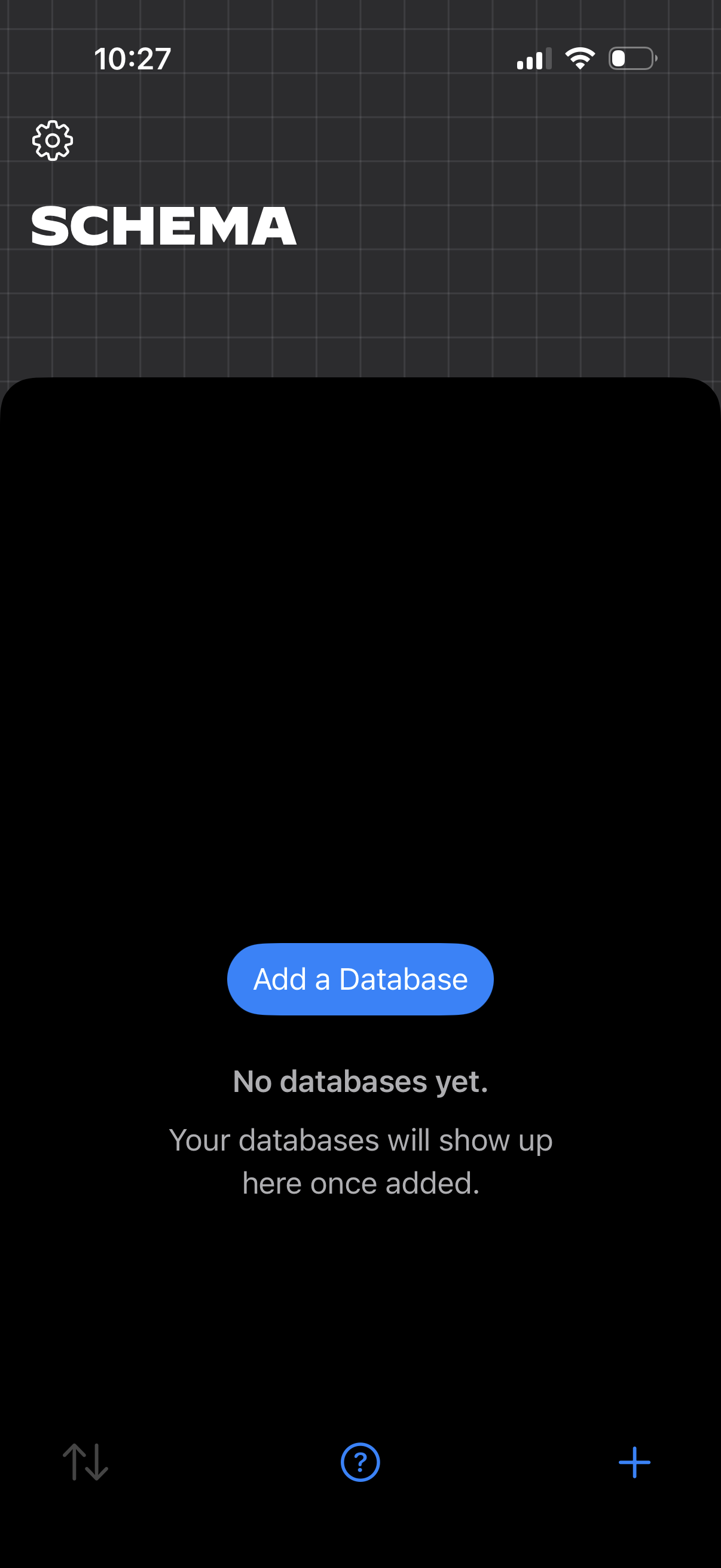
Empty-state database management screen for a “Schema” section, showing messaging that no databases exist yet and a primary CTA to “Add a Database. ” Includes a settings icon and bottom controls like sort, help, and a plus button to create new items.