set production query safety
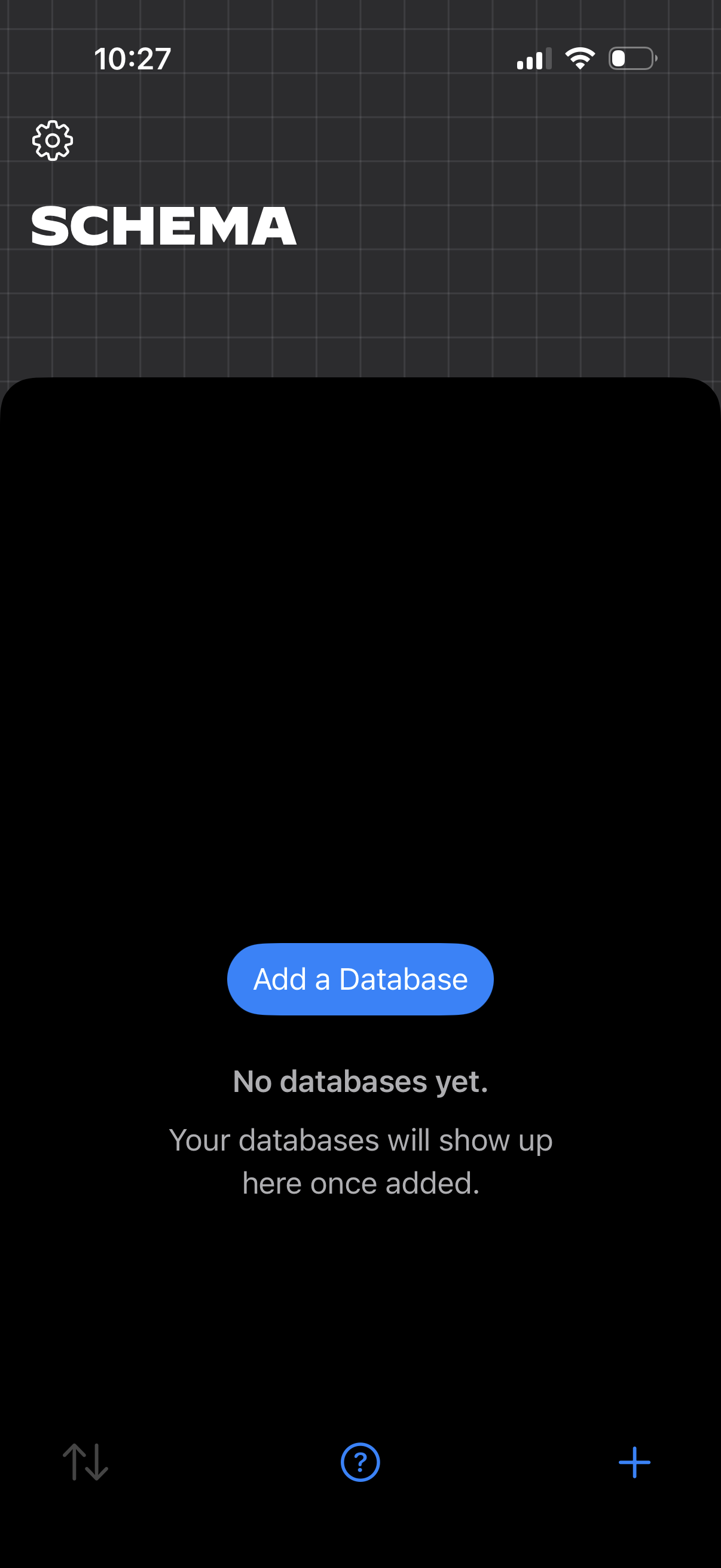
Empty-state database management screen for a “Schema” section, showing messaging that no databases exist yet and a primary CTA to “Add a Database. ” Includes a settings icon and bottom controls like sort, help, and a plus button to create new items.
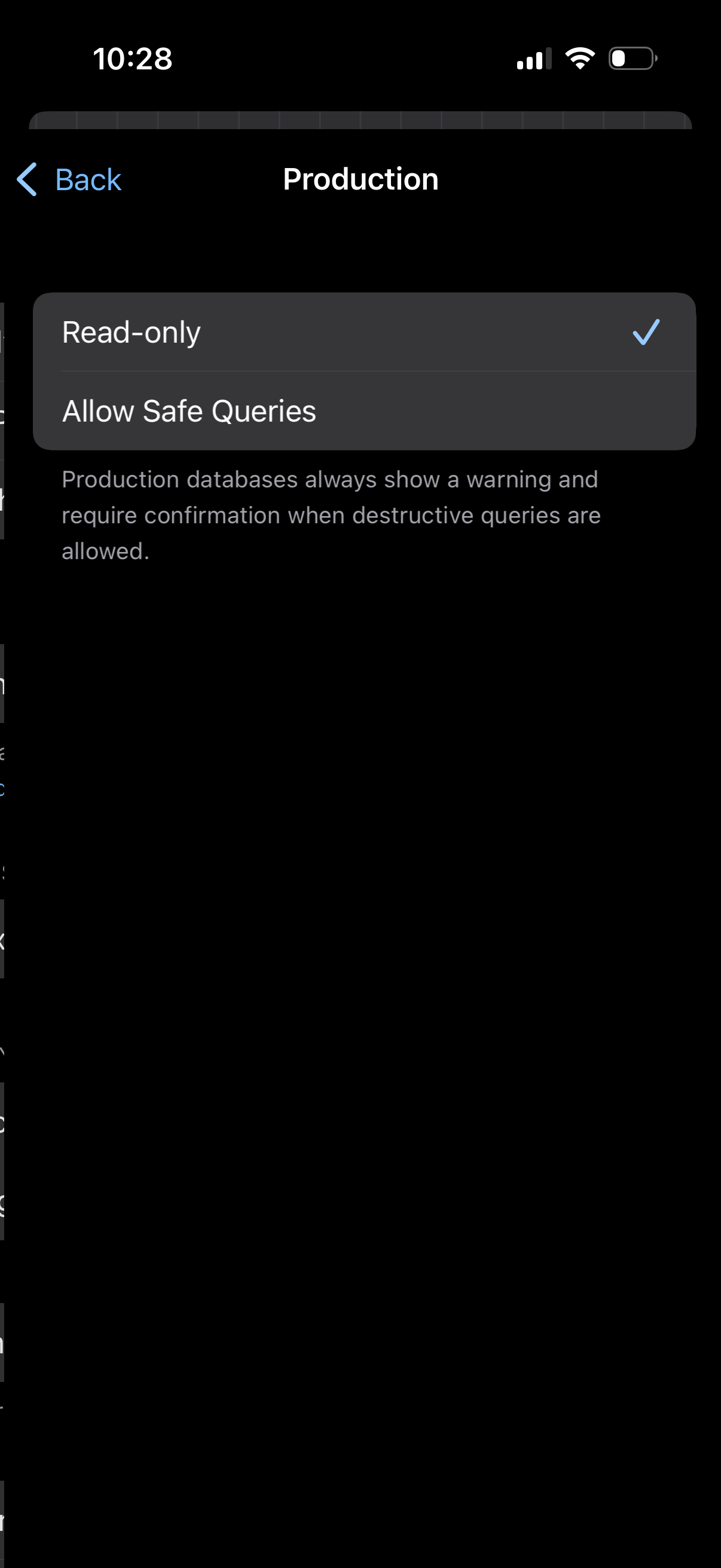
Settings screen for a Production database environment where the user selects the query permission mode, choosing between Read-only and allowing safe queries. Includes an explanation that enabling destructive queries in production triggers warnings and requires confirmation.
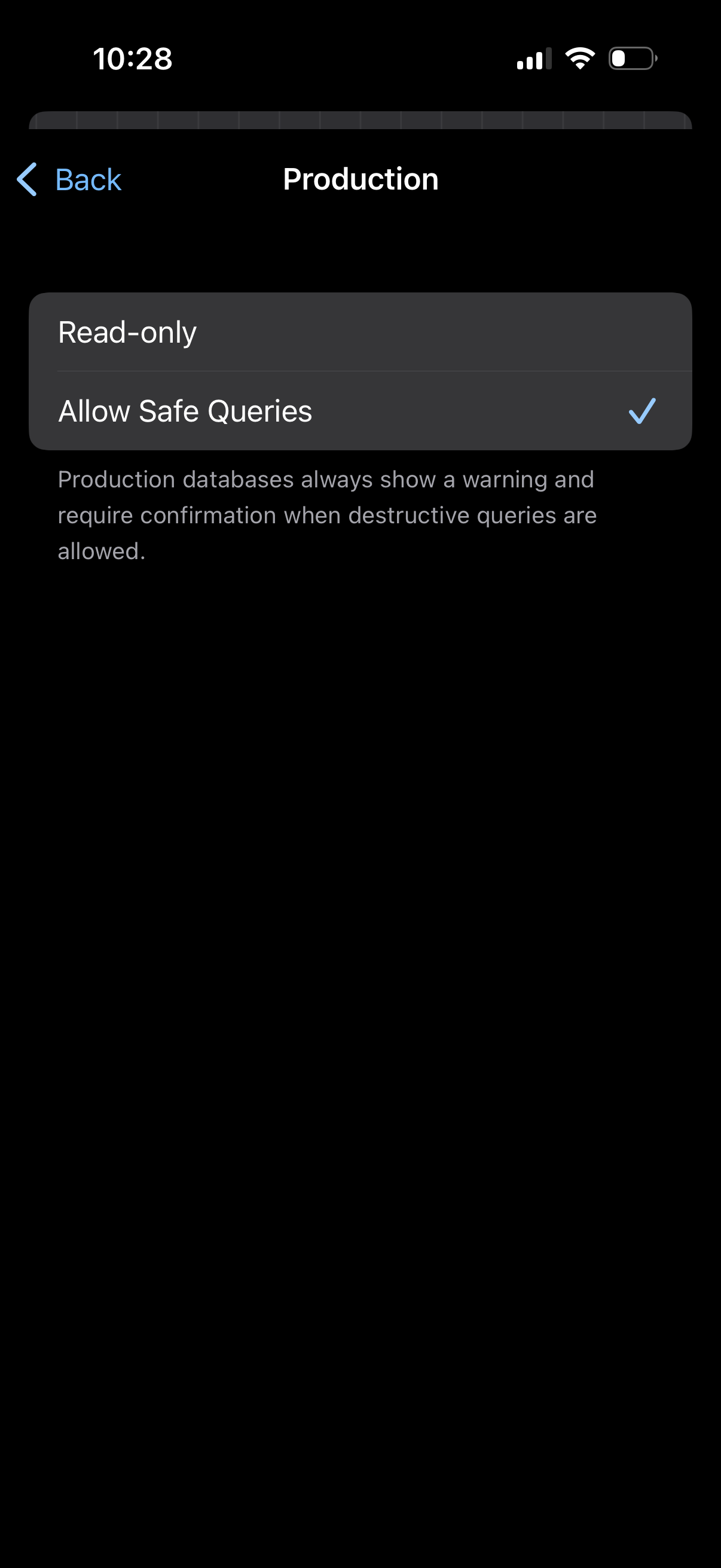
Settings screen for a Production environment/database that lets users choose query permissions, switching between Read-only and Allow Safe Queries with a checkmark selection. Includes a warning note that production databases show alerts and require confirmation when destructive queries are enabled.
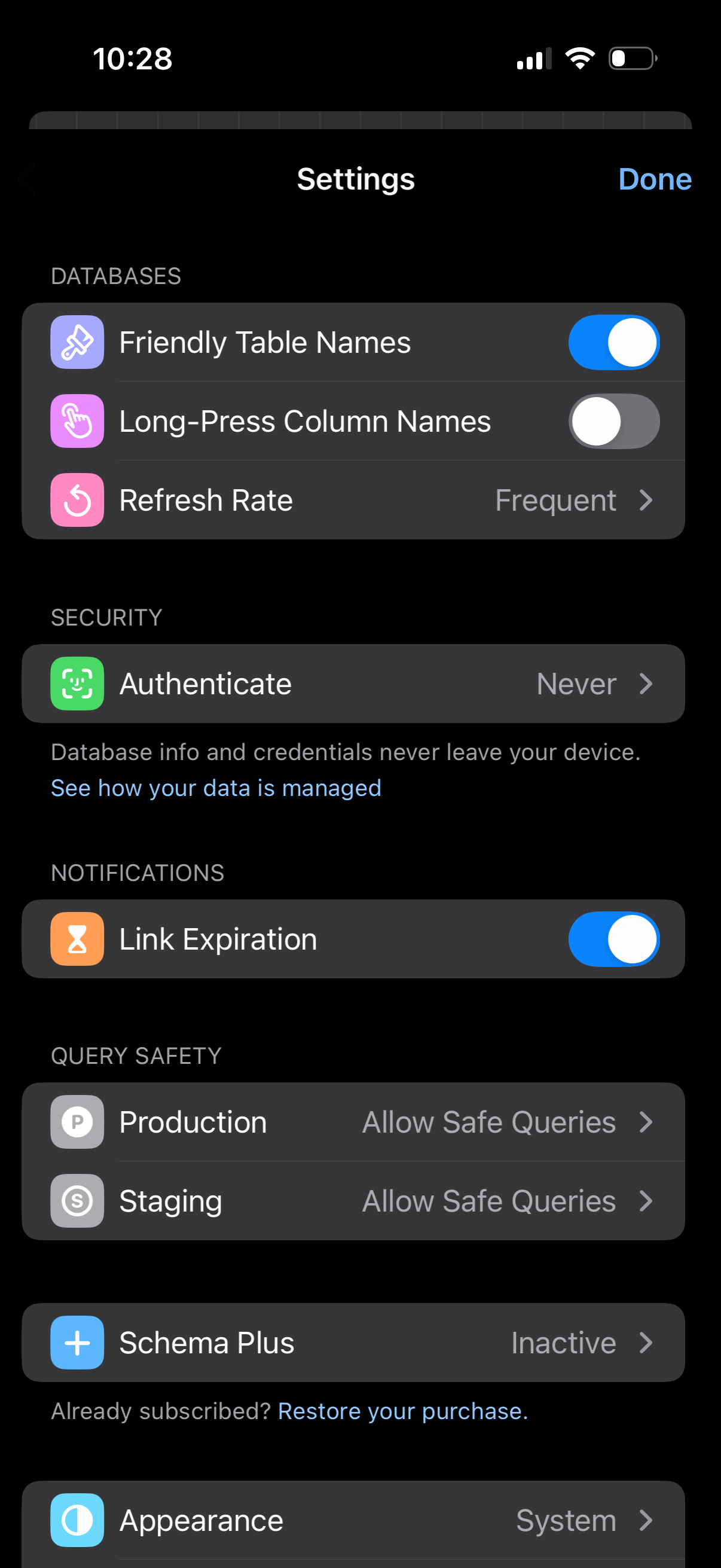
Settings screen for a database management app with grouped sections to toggle options like friendly table names, long-press column names, and link expiration, plus a refresh rate selector. Includes security authentication settings, query safety controls for production and staging environments, subscription management (Schema Plus/restore purchase), and appearance theme selection with a Done button to exit.