Your agent can search this library too. Lazyweb CLI →
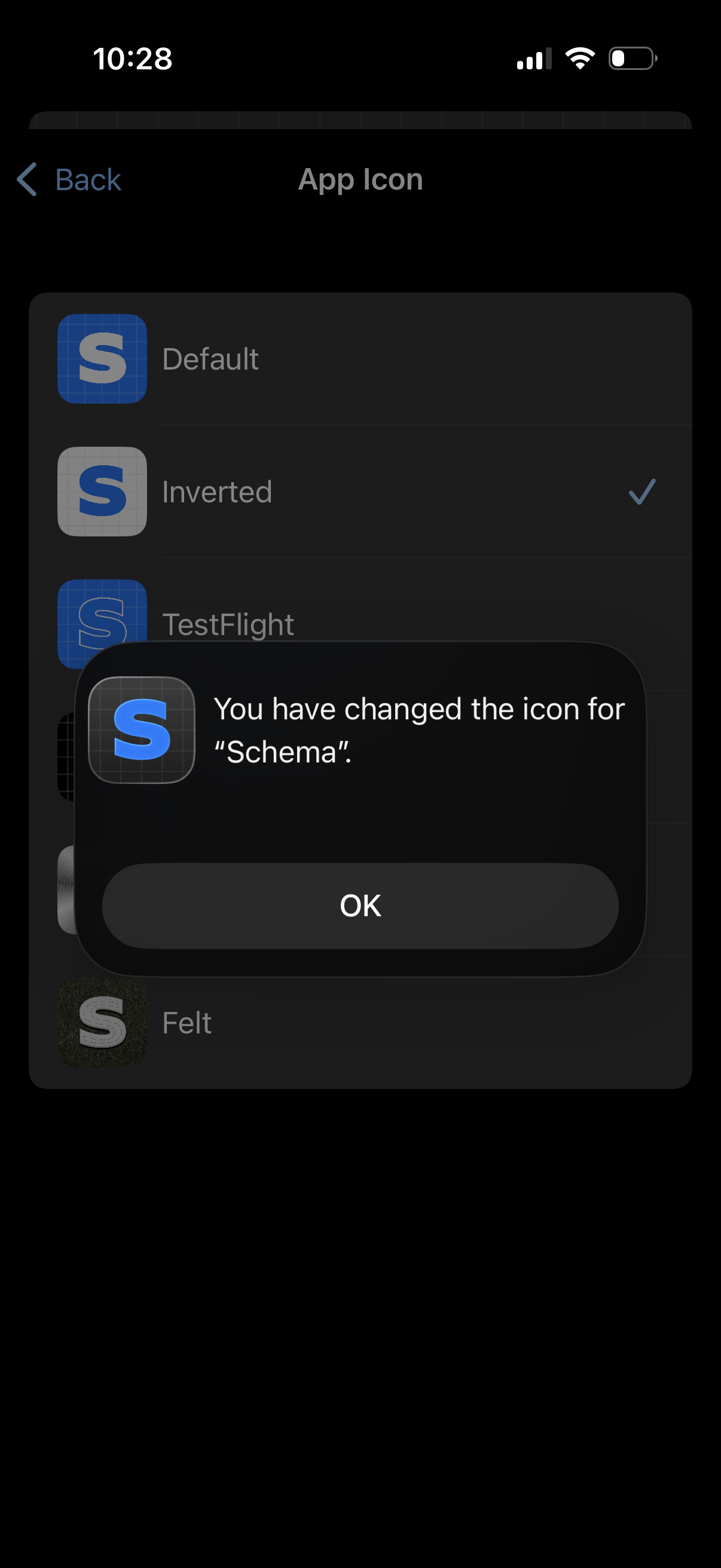
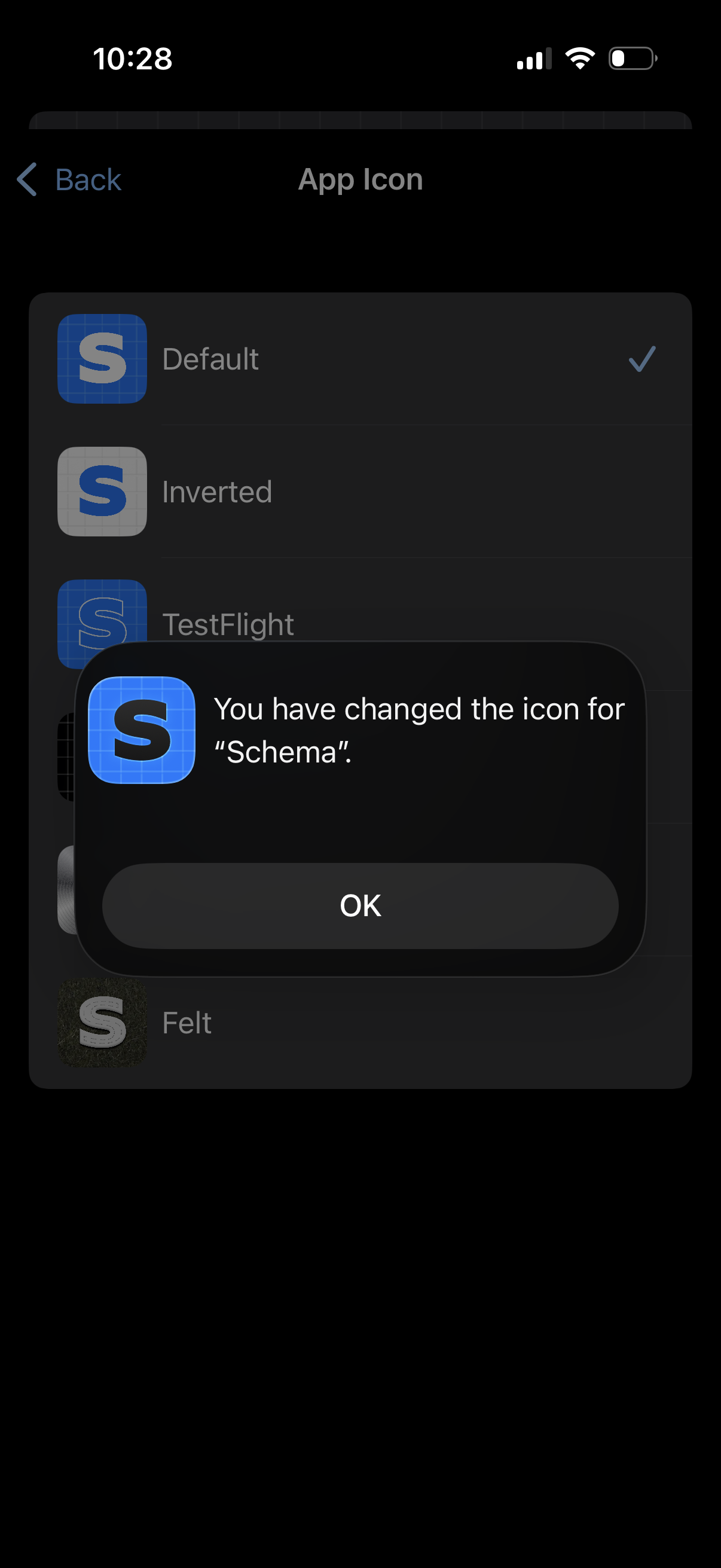
Settings screen for choosing an app icon, showing a list of icon variants with t
schema
Settings screen for selecting and customizing the app icon, showing a list of ic
schema
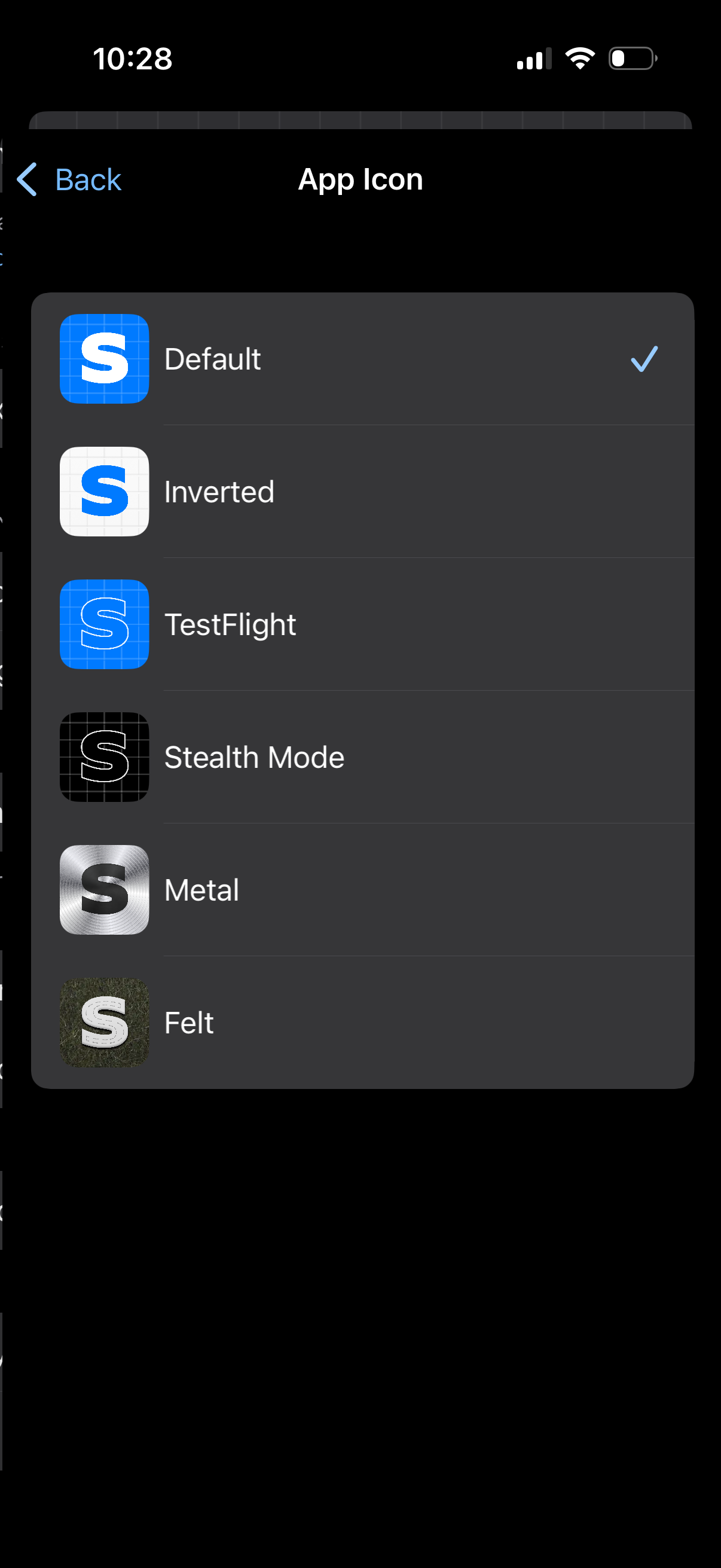
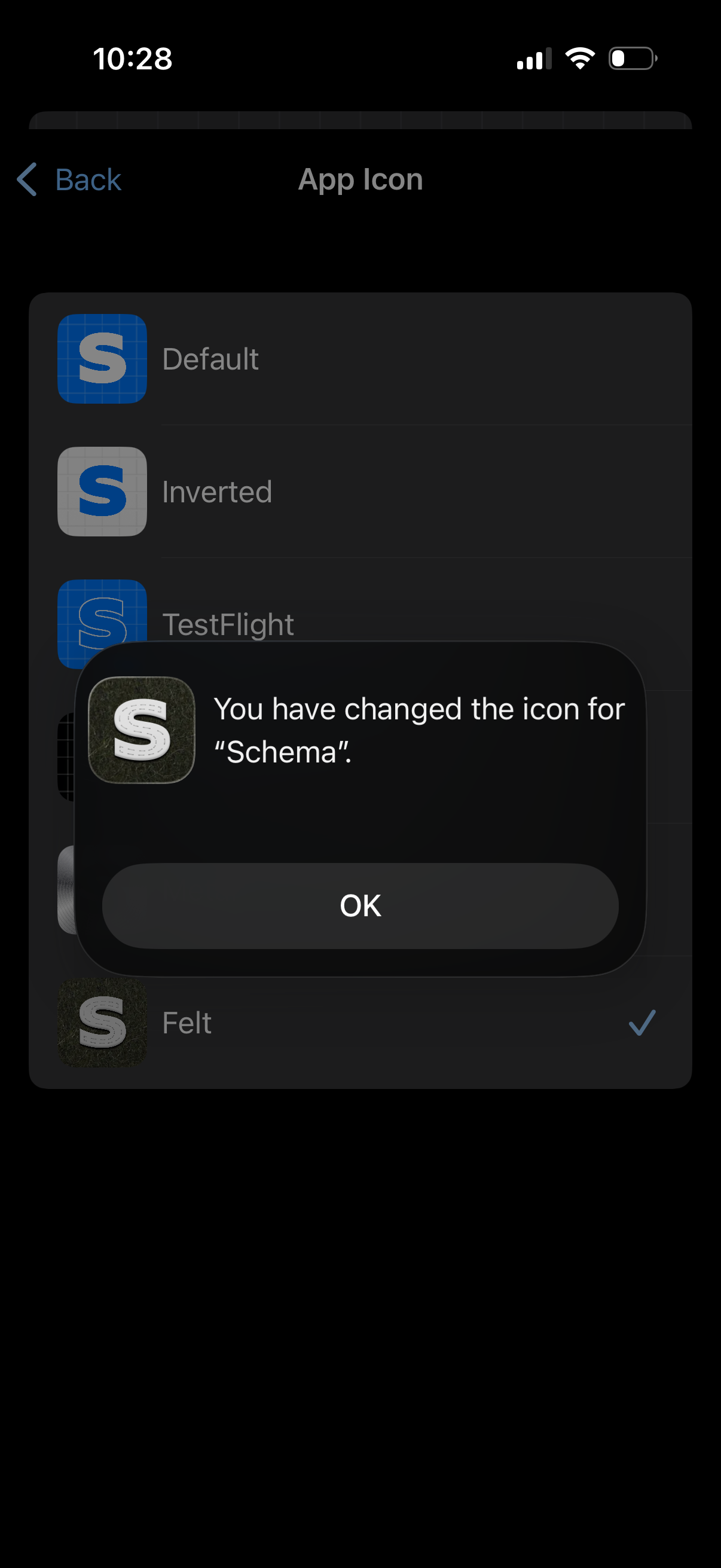
Settings screen for choosing an app icon, showing a list of icon variants with p
schema
Settings screen for customizing the app icon, showing a list of icon variants wi
schema
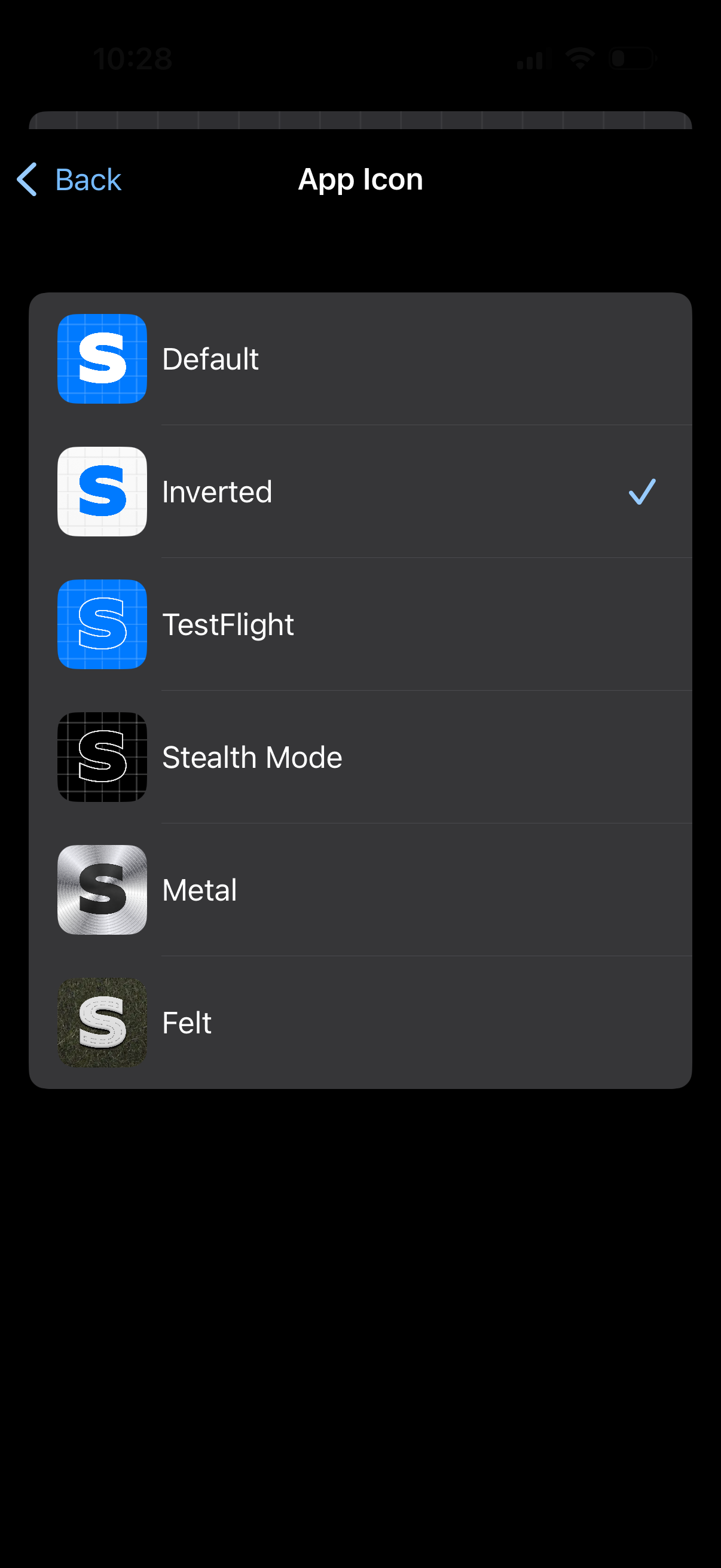
Settings screen for choosing an app icon, showing a list of alternate icon optio
schema
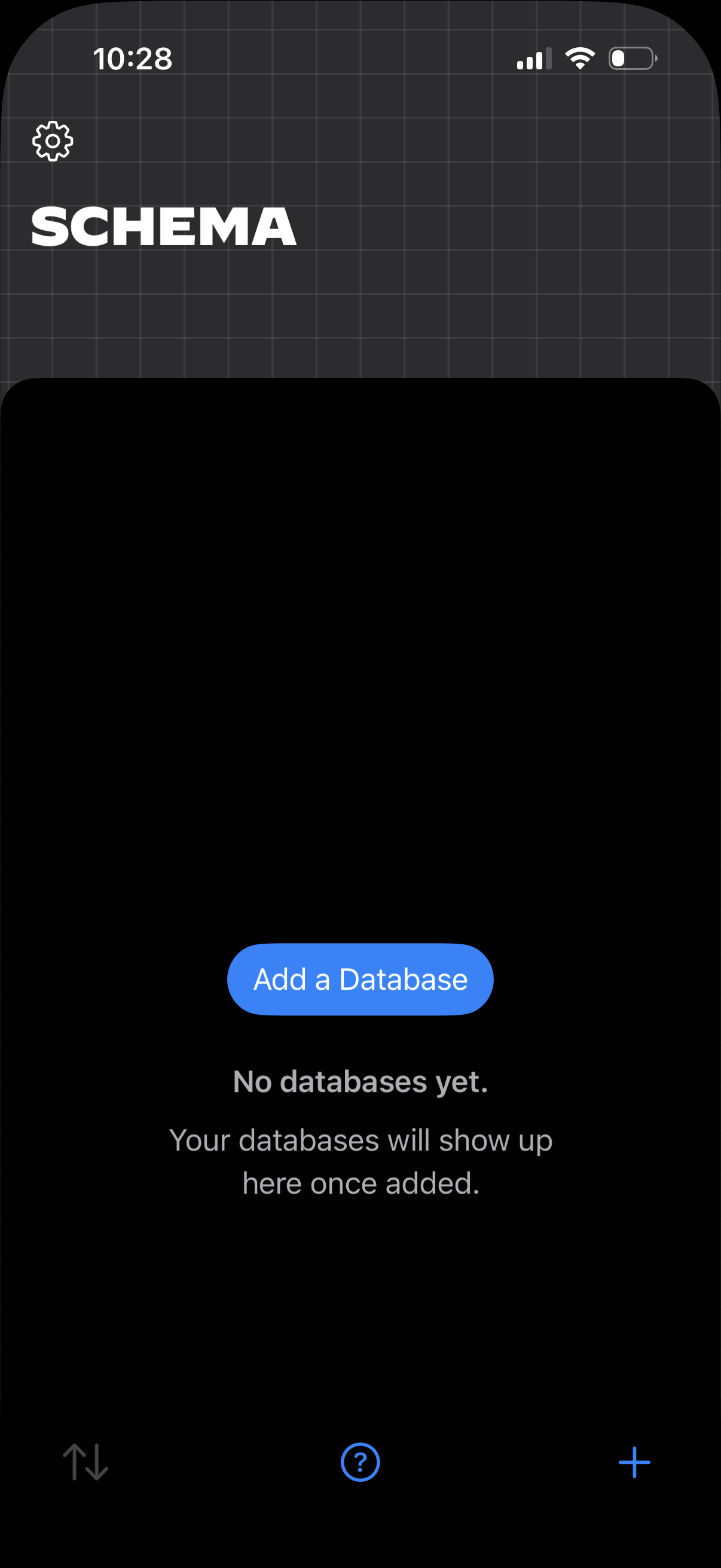
Empty state “Schema” screen for a database/modeling feature, showing no database
schema
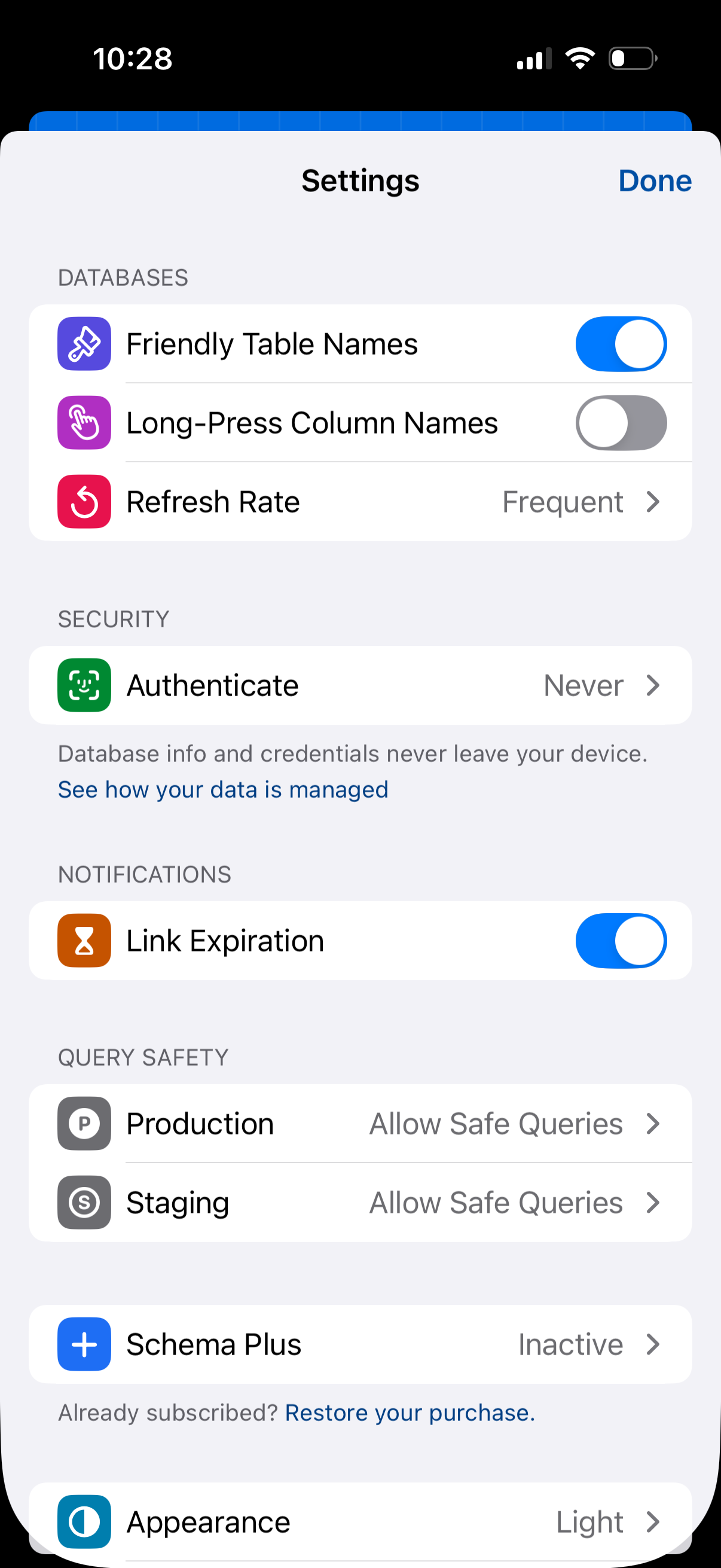
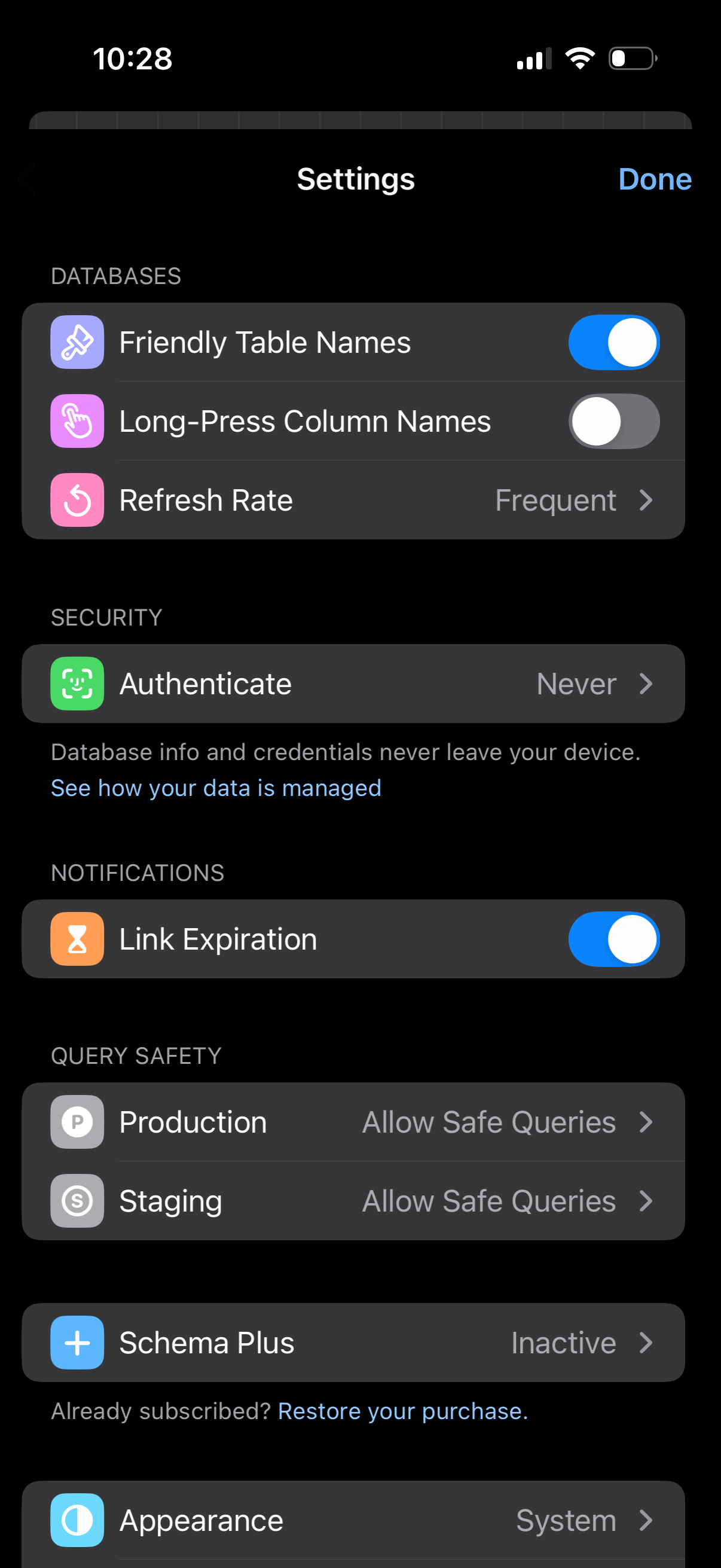
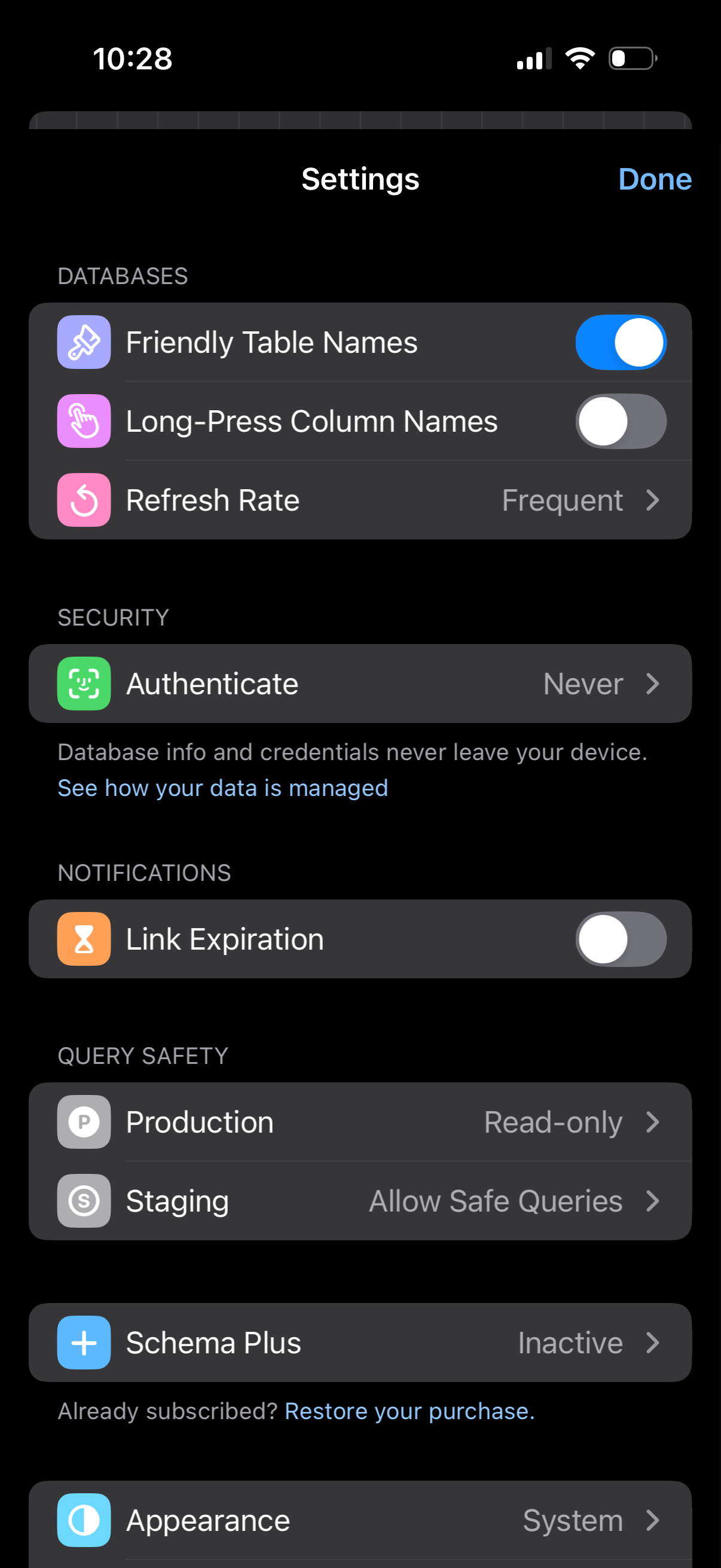
Settings screen for a database/query app with sections for database display opti
schema
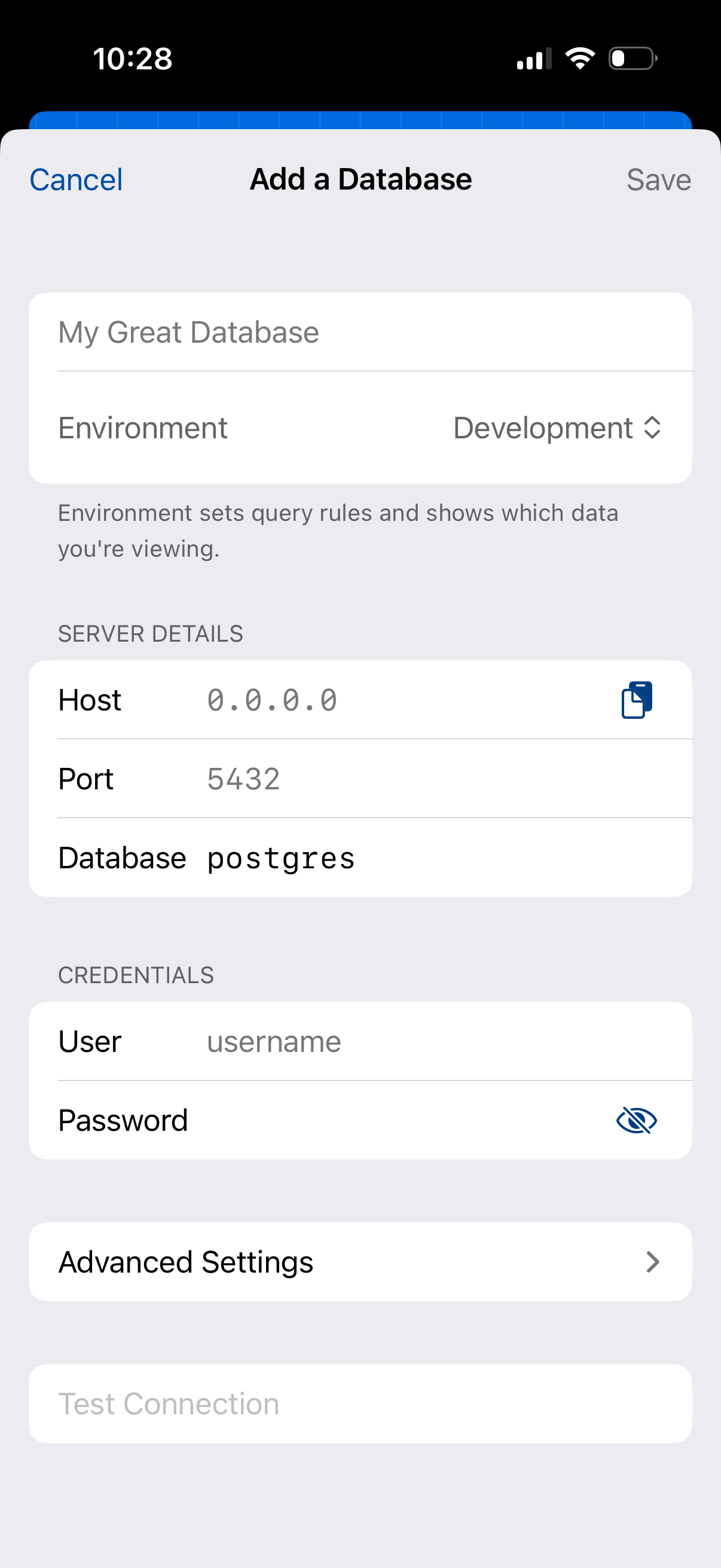
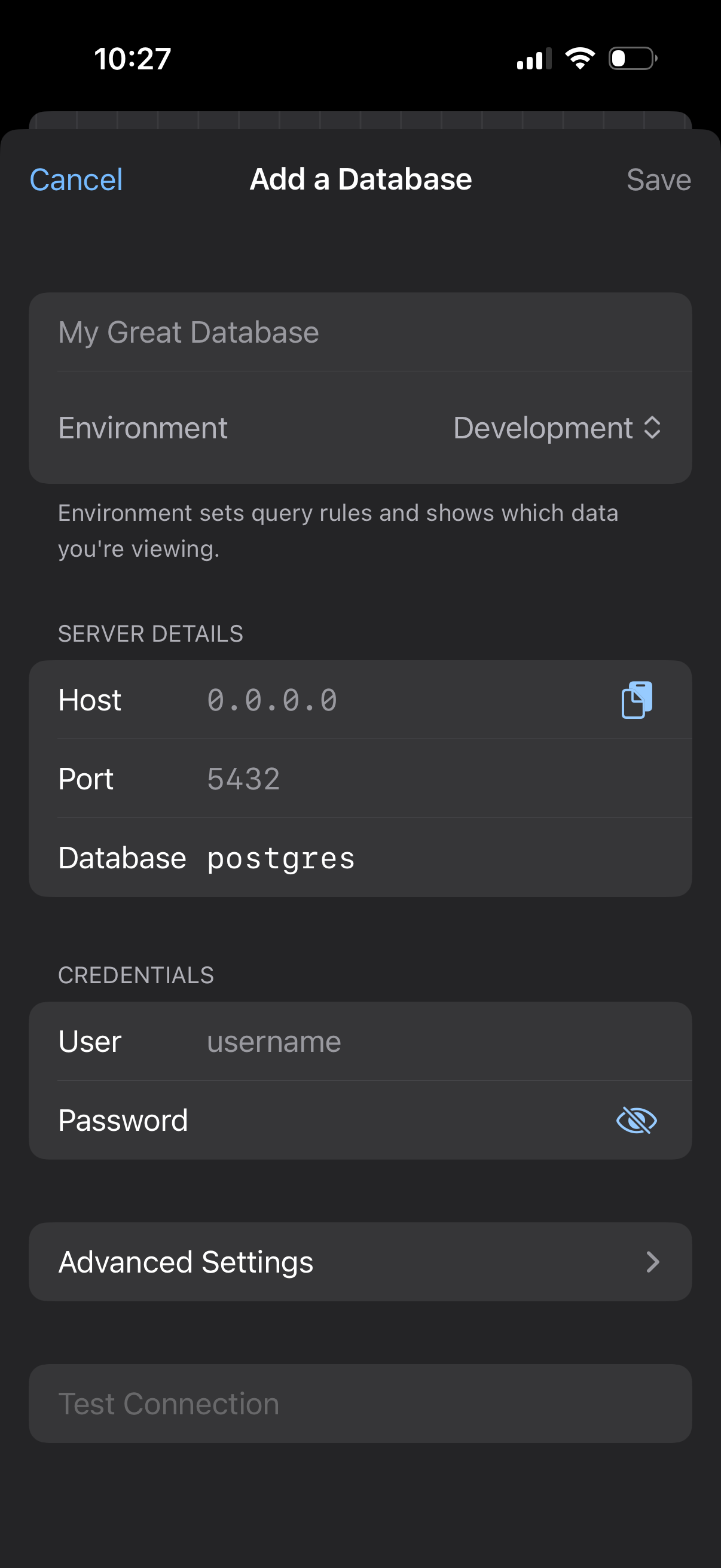
Form screen for adding a new database connection, with fields for database name,
schema
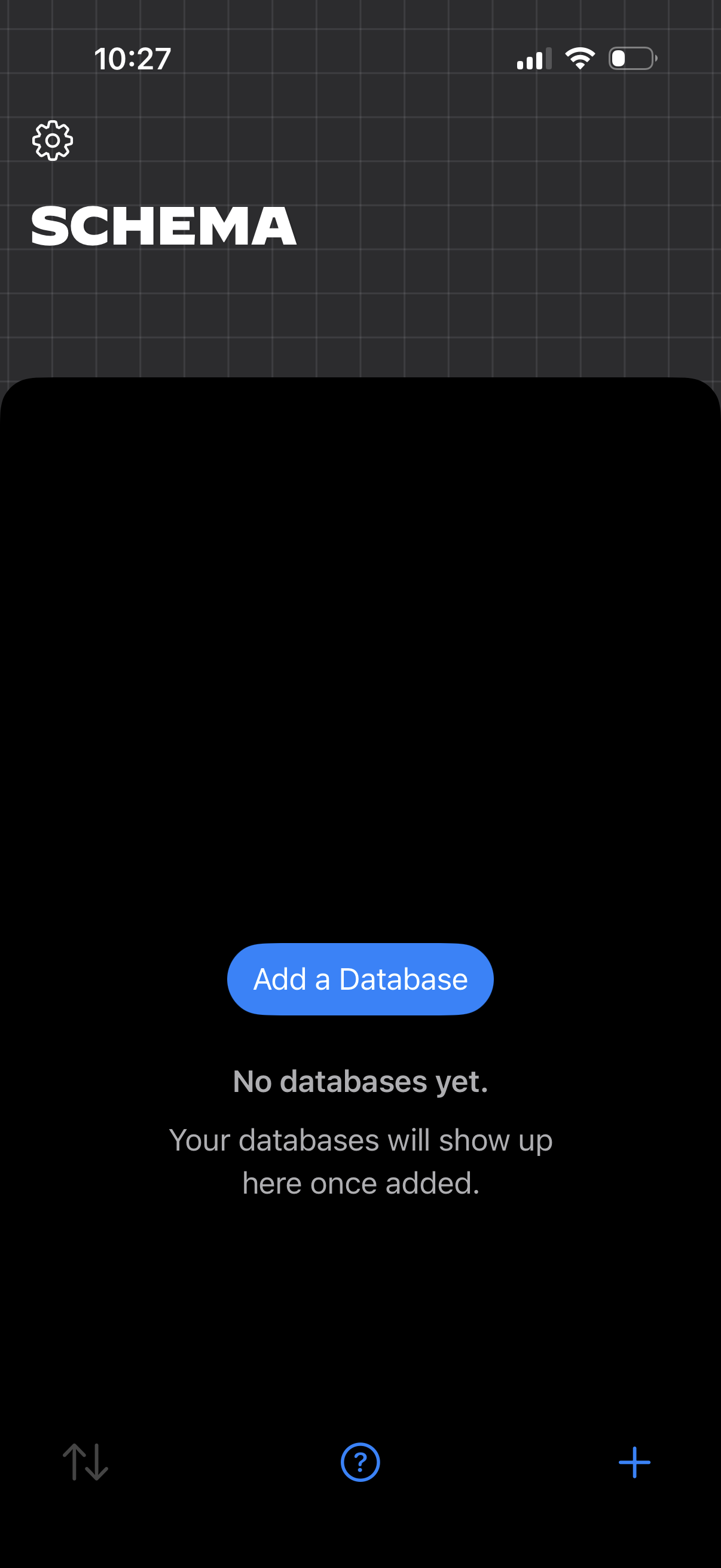
Empty state home screen for a database/schema manager showing no databases yet,
schema
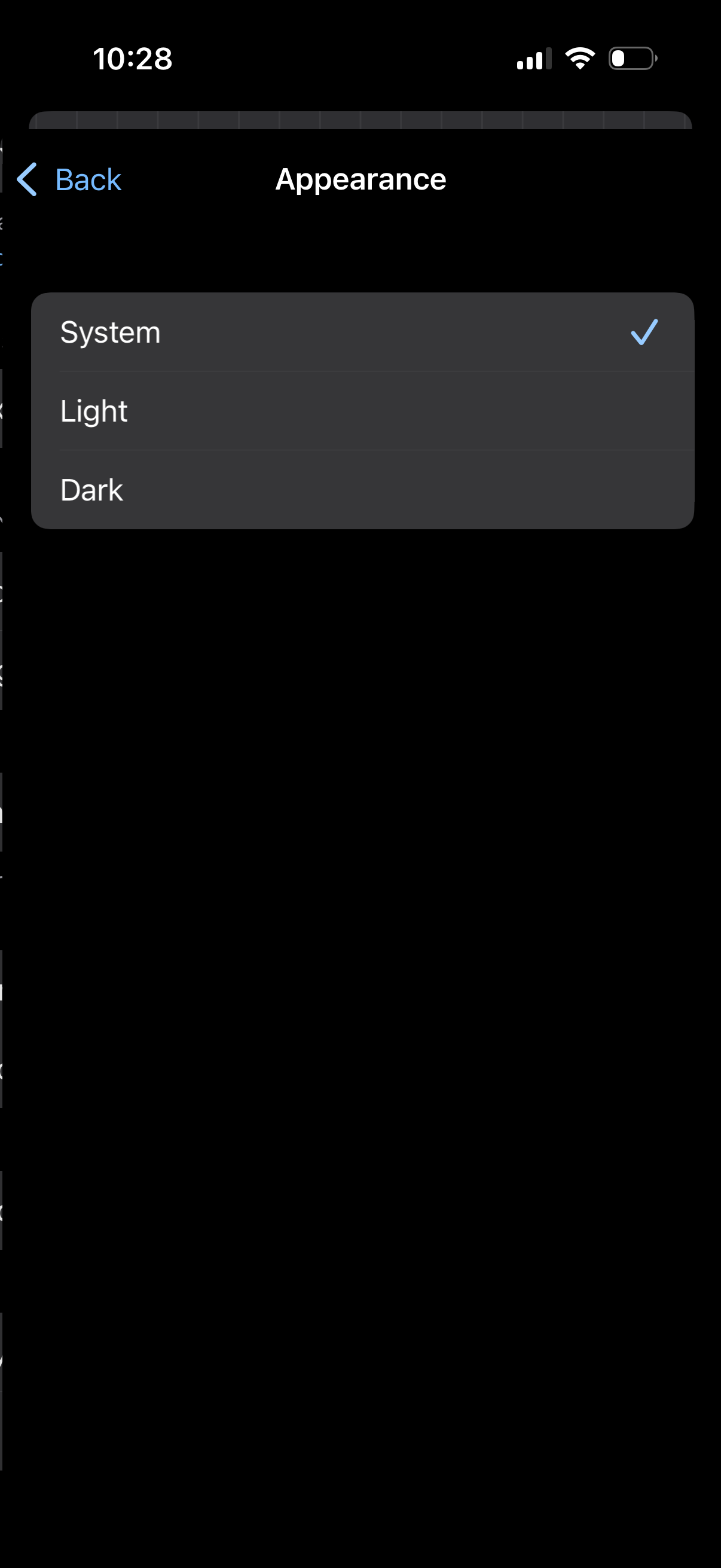
Appearance settings screen with a single-select list to choose the app theme, of
schema
Settings screen for a database/query app with a toggle for link expiration notif
schema
Settings screen for a database management app with grouped sections to toggle op
schema
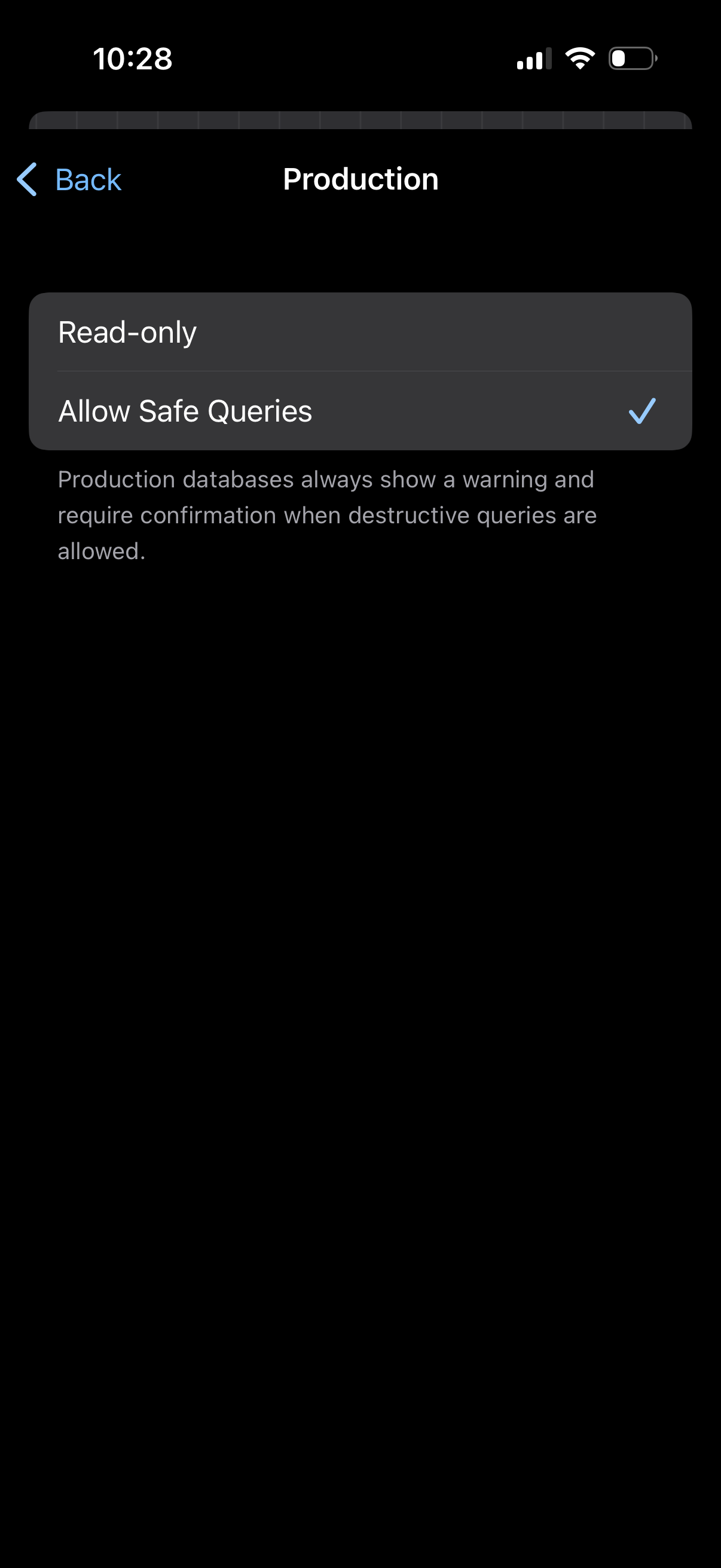
Settings screen for a Production environment/database that lets users choose que
schema
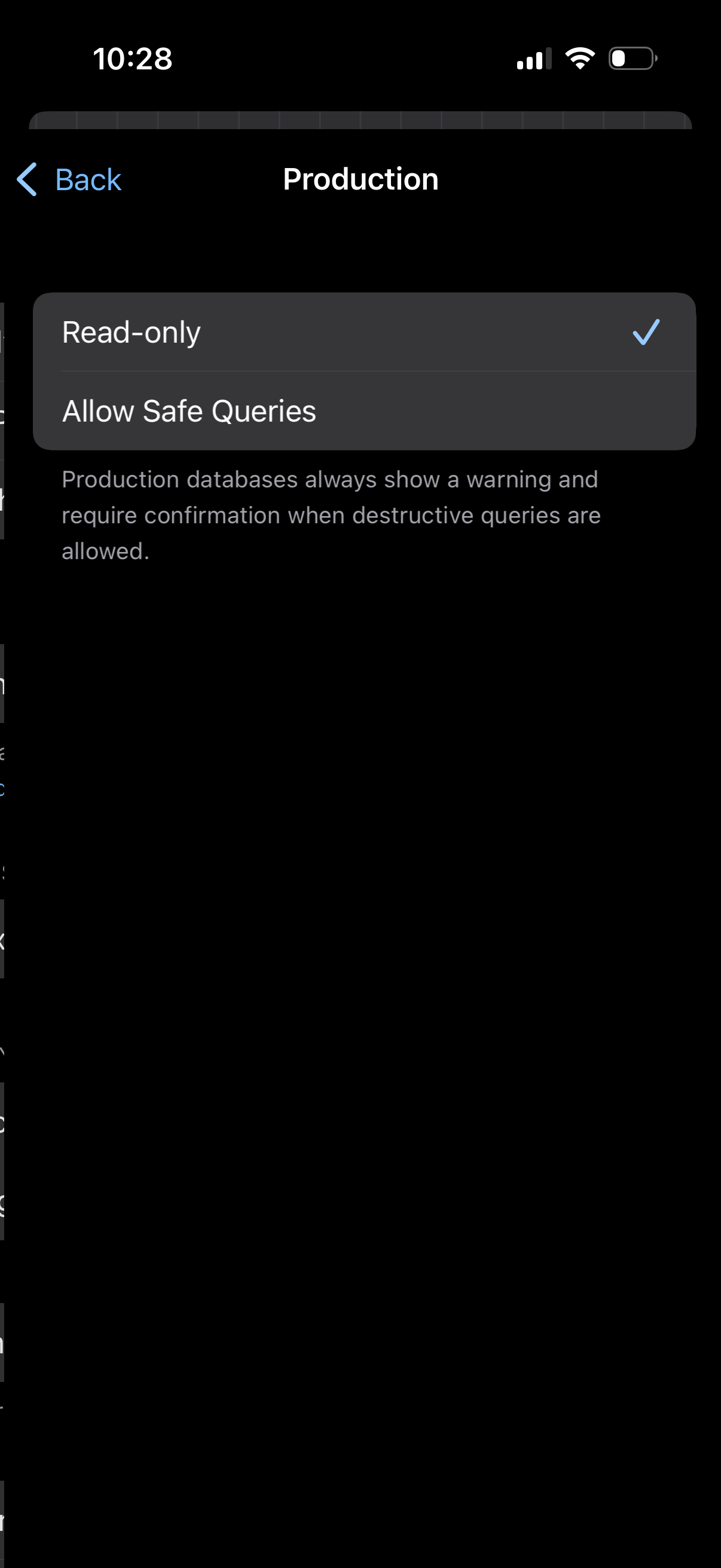
Settings screen for a Production database environment where the user selects the
schema
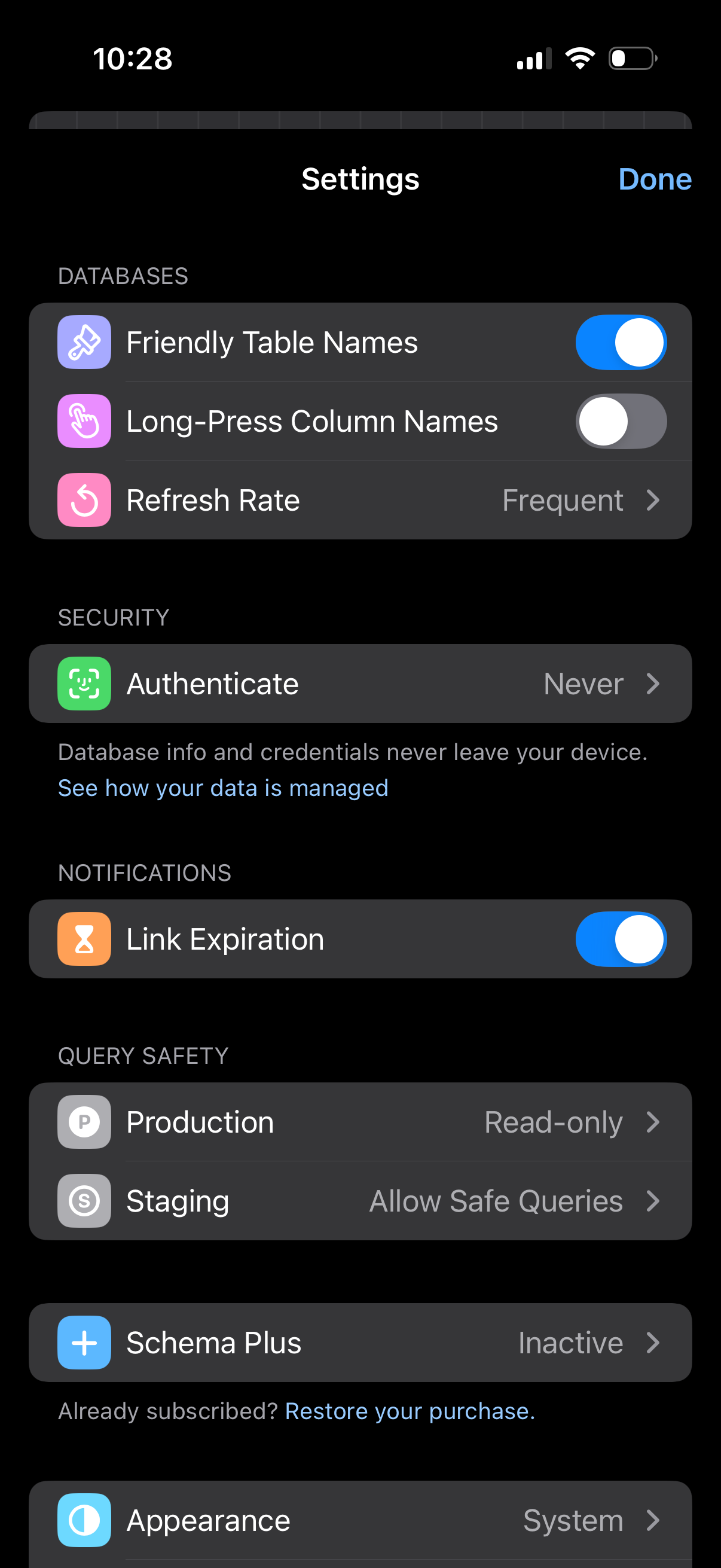
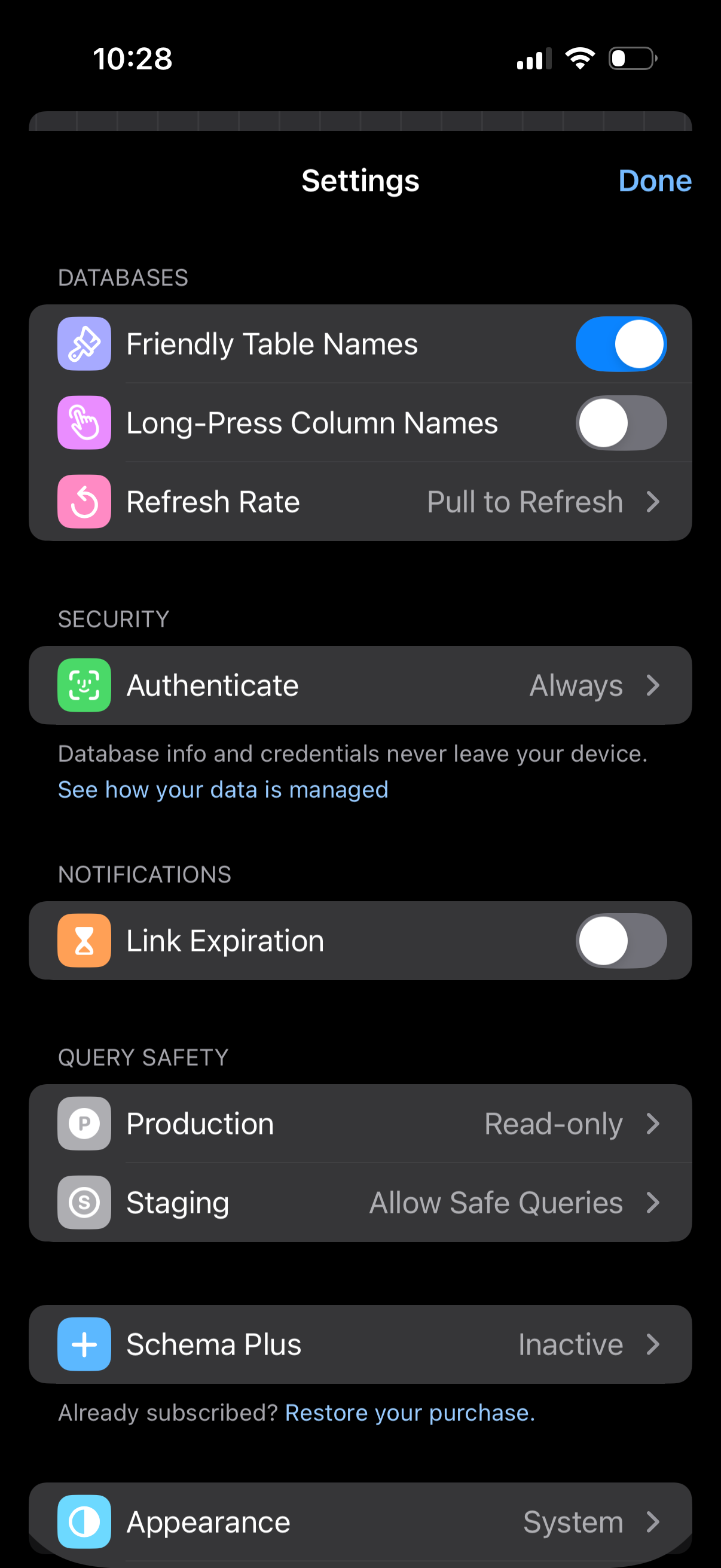
Settings screen for a database management app with sections for database display
schema
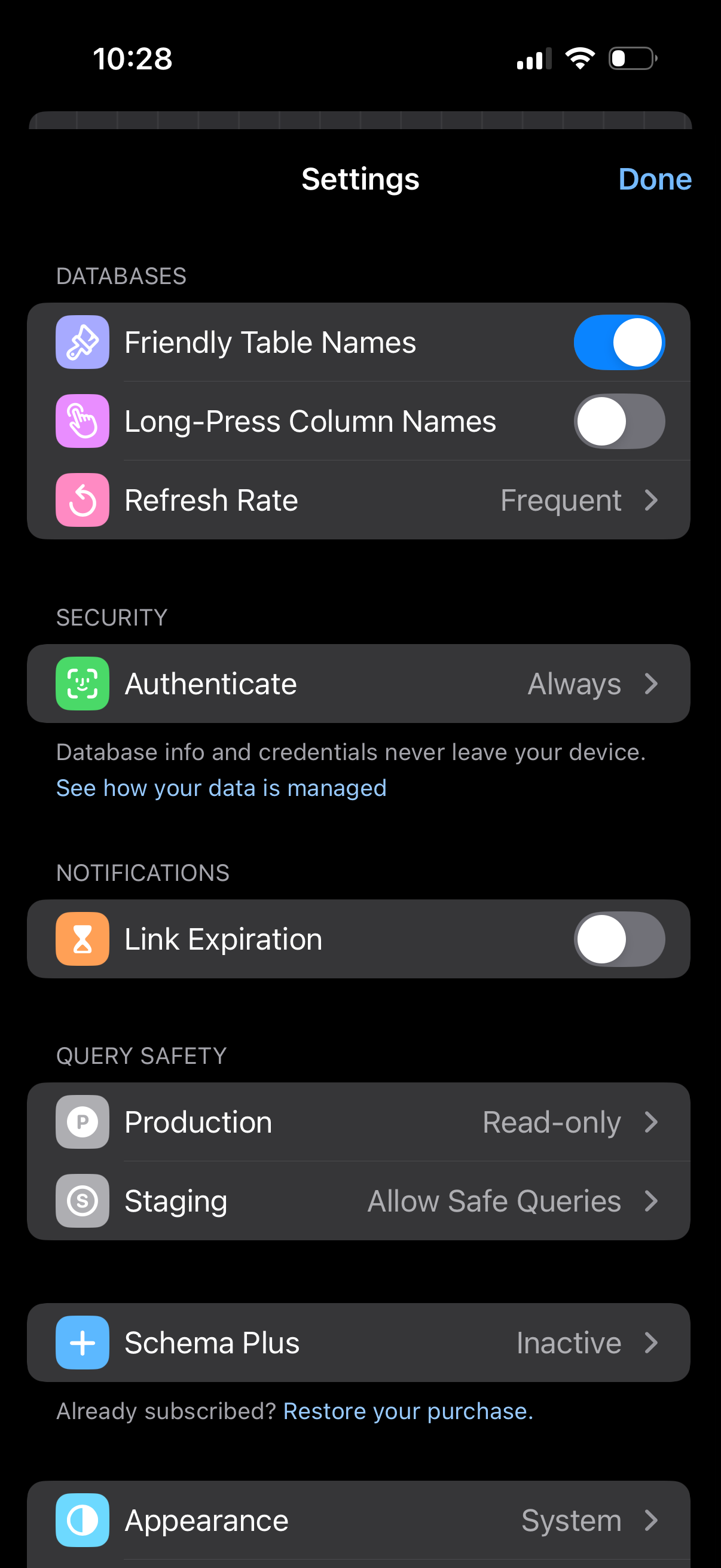
Settings screen for a database management app with sections for databases, secur
schema
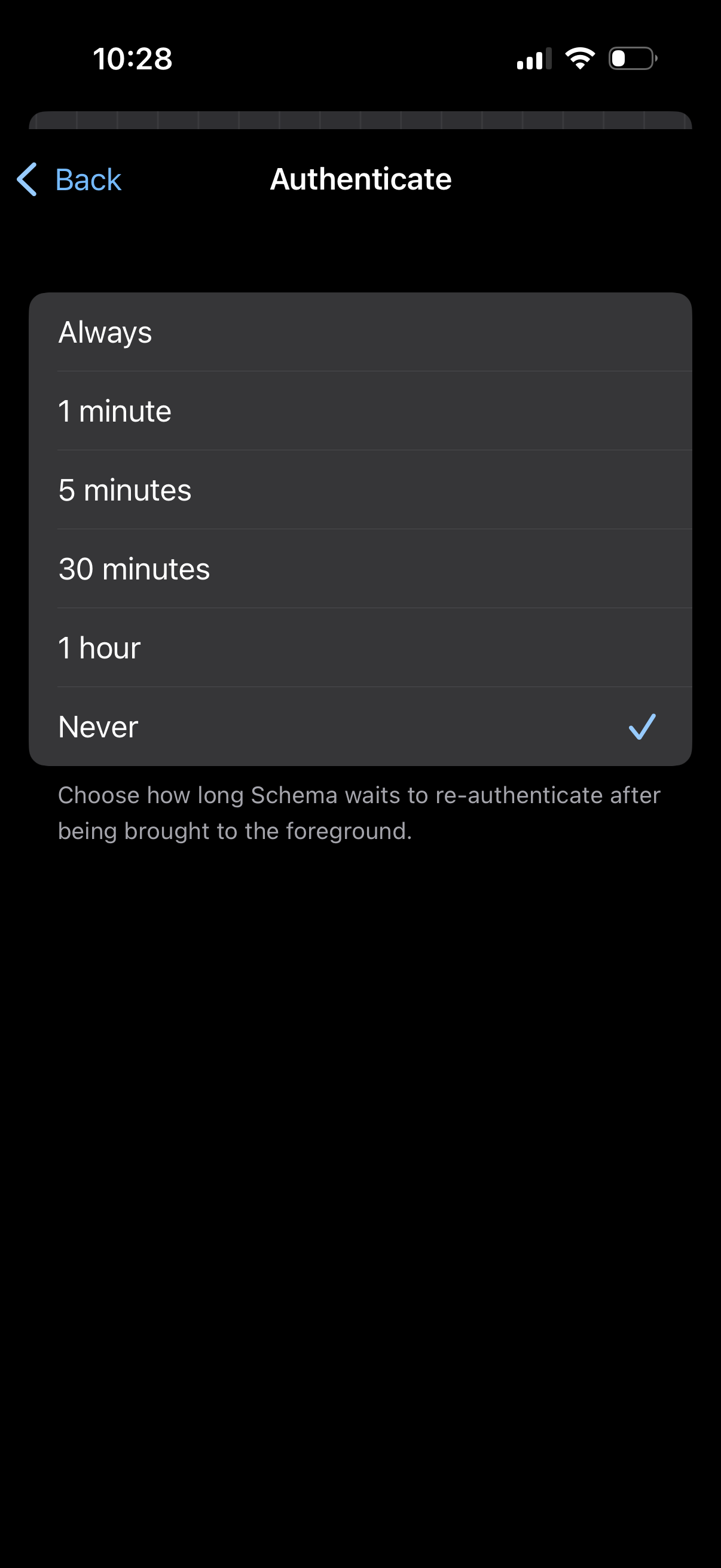
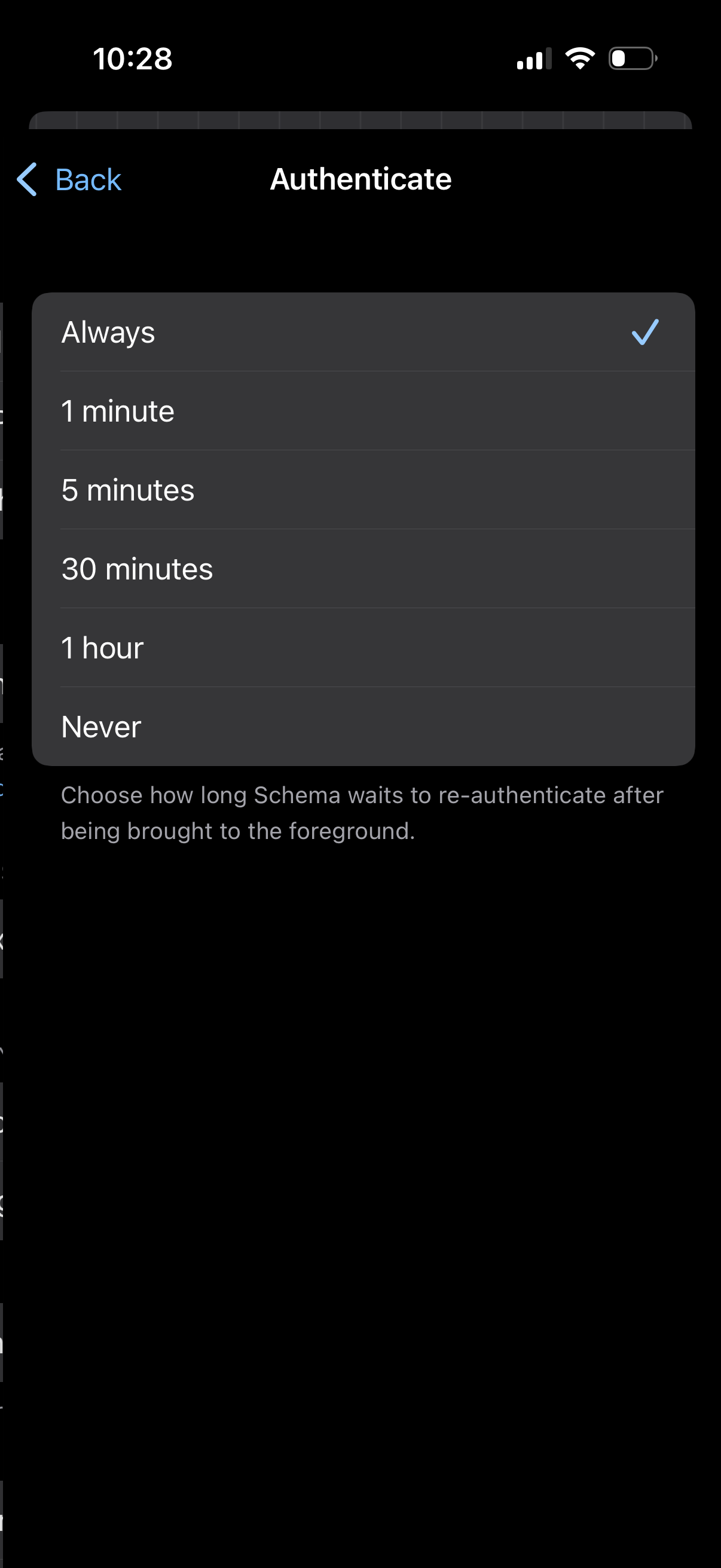
Authentication settings screen with a single-select list to choose how long the
schema
Settings screen for authentication timeout, letting users choose how long the ap
schema
Settings screen for a database management app with sections for Databases, Secur
schema
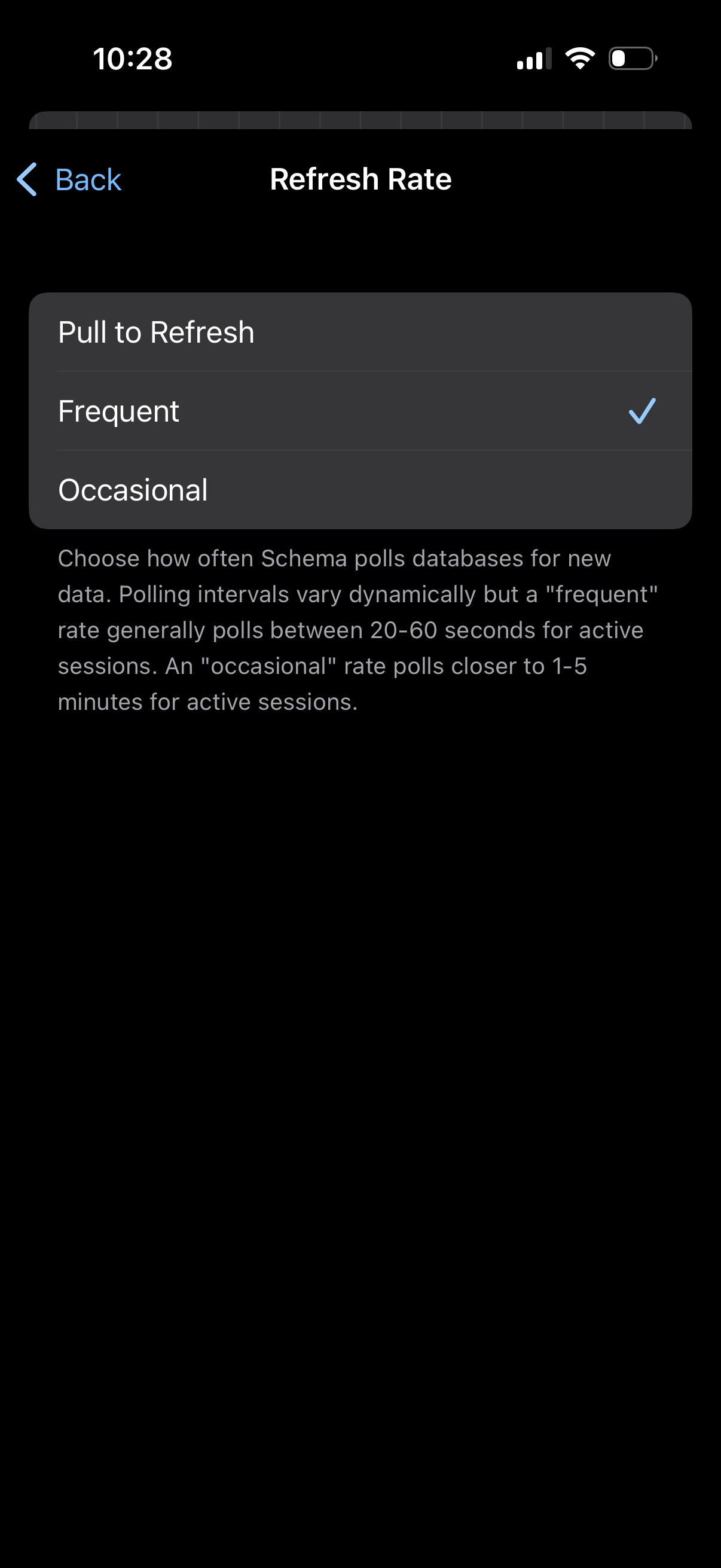
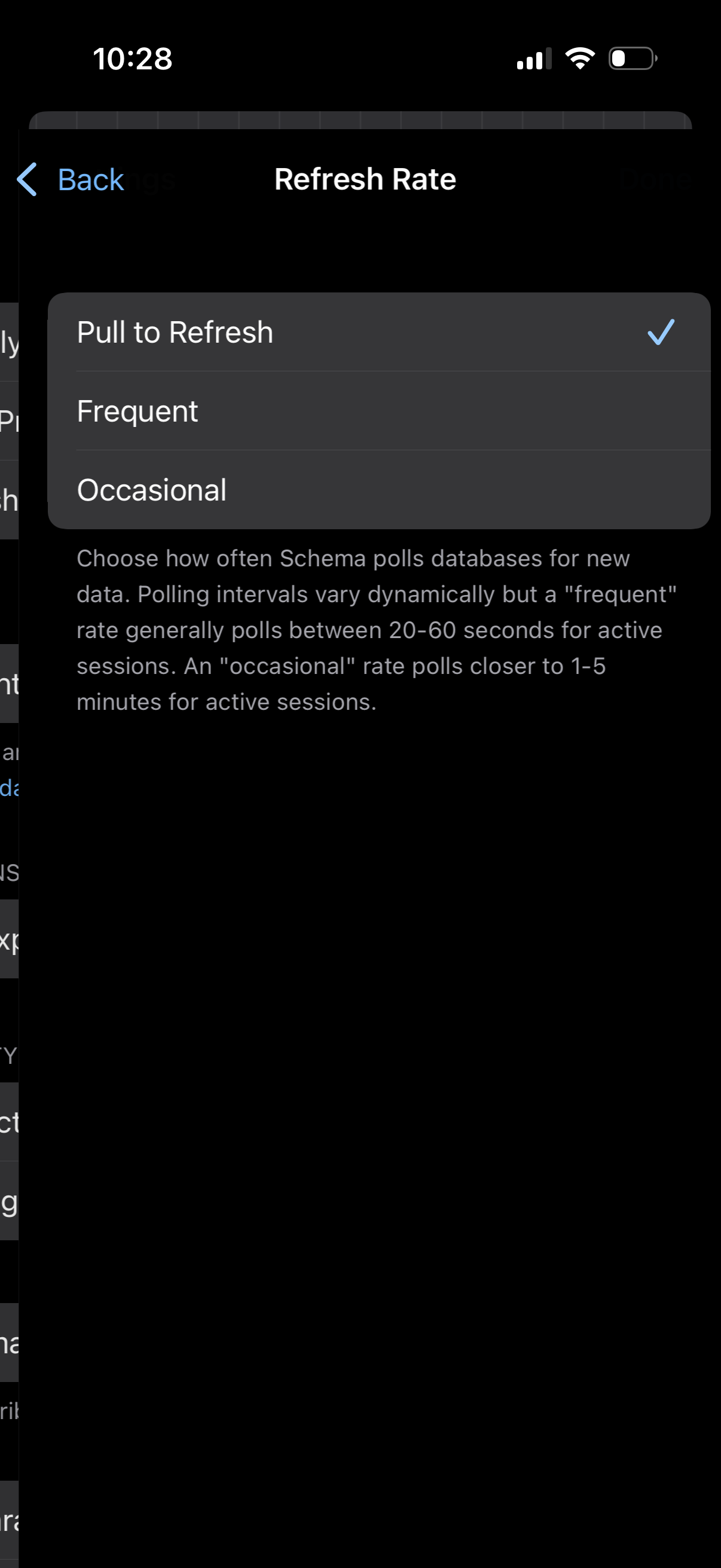
Settings screen for configuring data refresh rate, showing a radio-style list to
schema
Settings screen for choosing the app’s data refresh rate, letting users select b
schema
Mobile app settings screen for a database/query tool with sections for database
schema
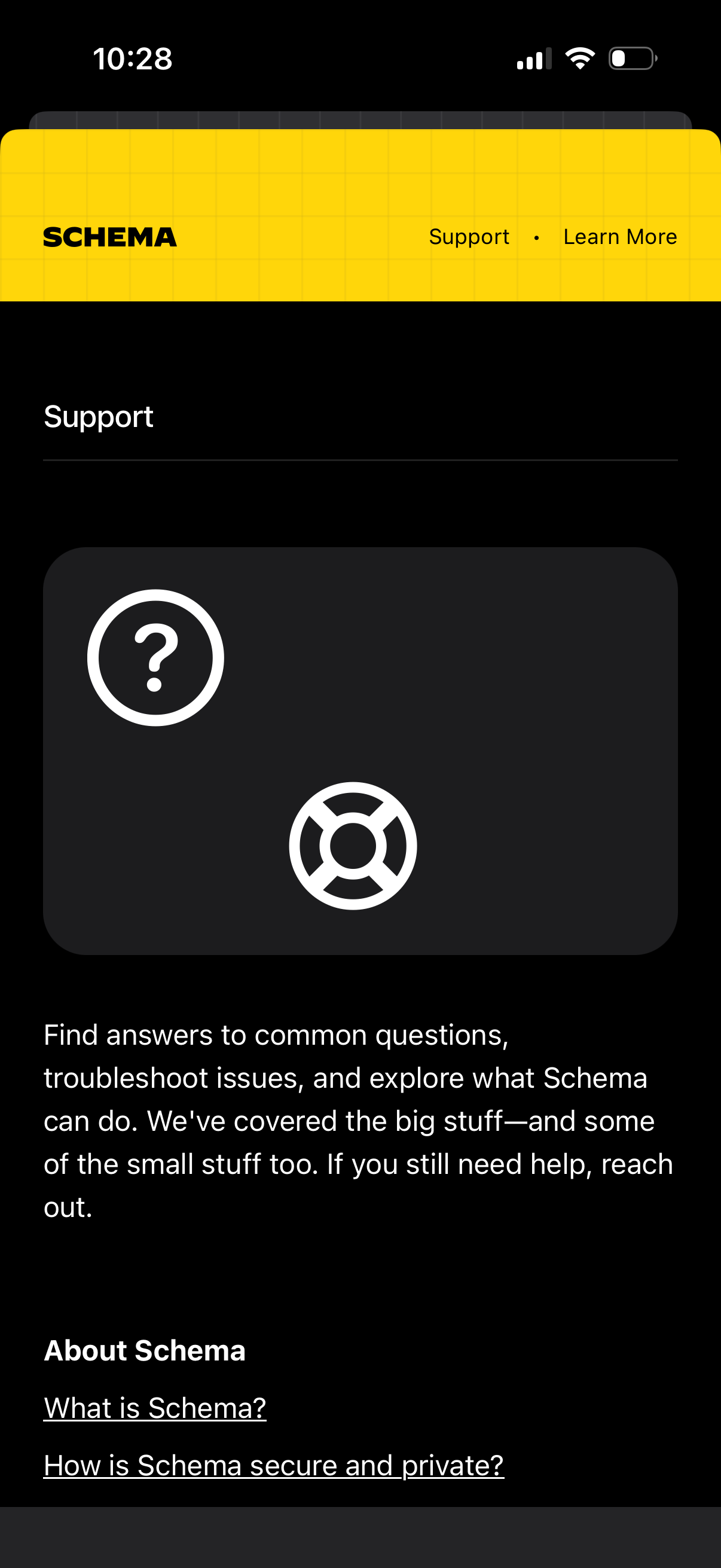
Support/help center screen for an app, with a hero section introducing support a
schema
Form screen for adding a new database connection, letting users name the databas
schema
Empty-state database management screen for a “Schema” section, showing messaging
schema
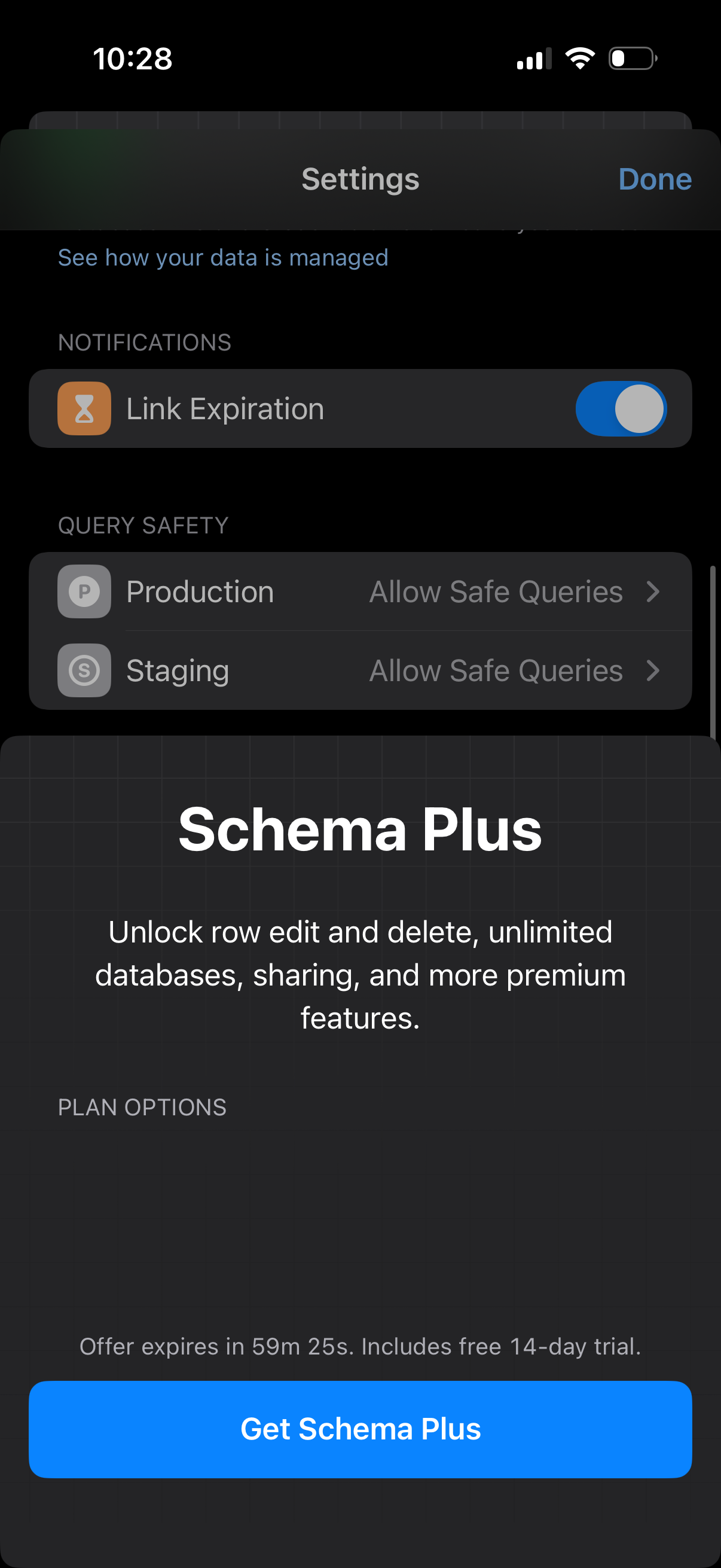
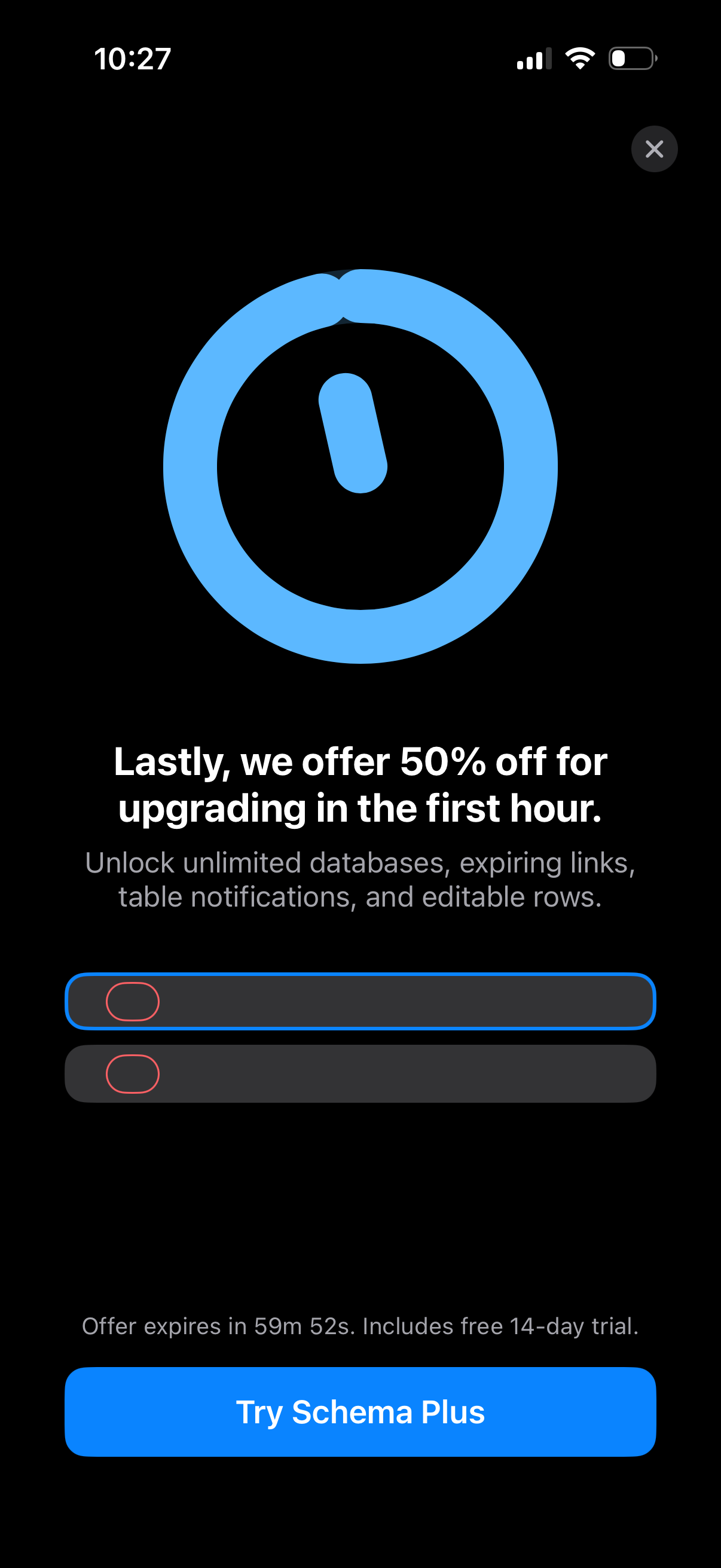
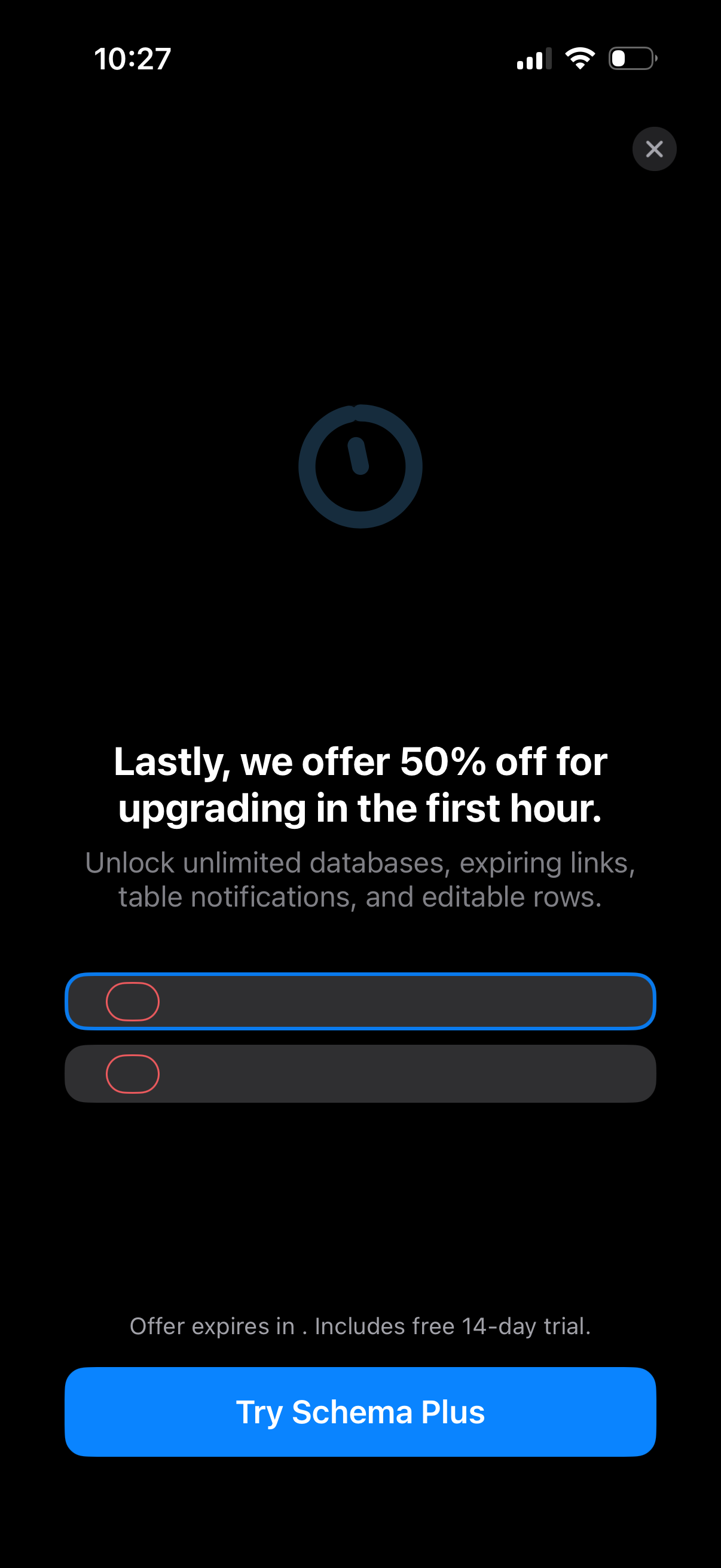
Limited-time subscription upsell screen promoting 50% off for upgrading in the f
schema
In-app subscription upsell/paywall screen promoting a limited-time 50% discount
schema
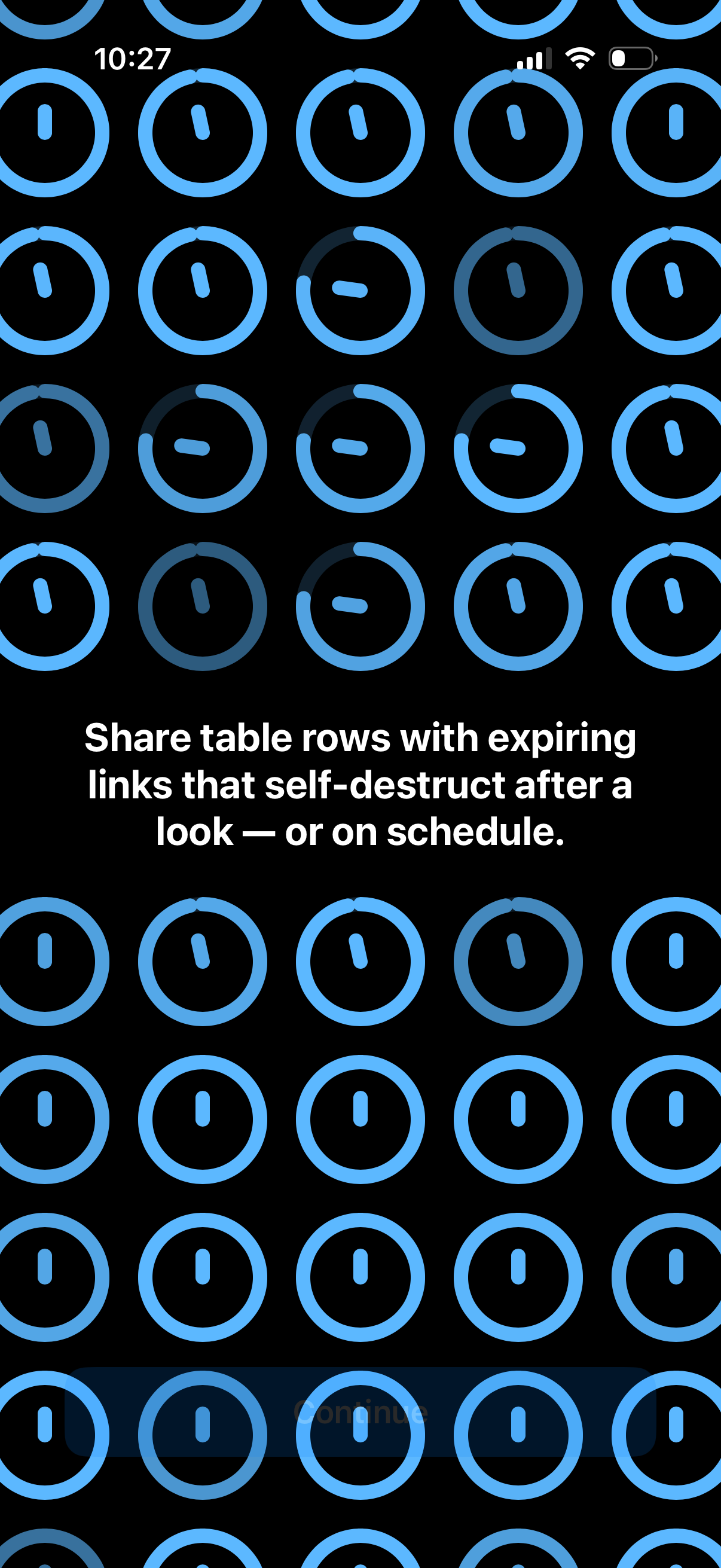
Onboarding feature highlight screen explaining secure sharing of database/table
schema
Onboarding or feature-intro screen explaining a secure sharing feature that lets
schema
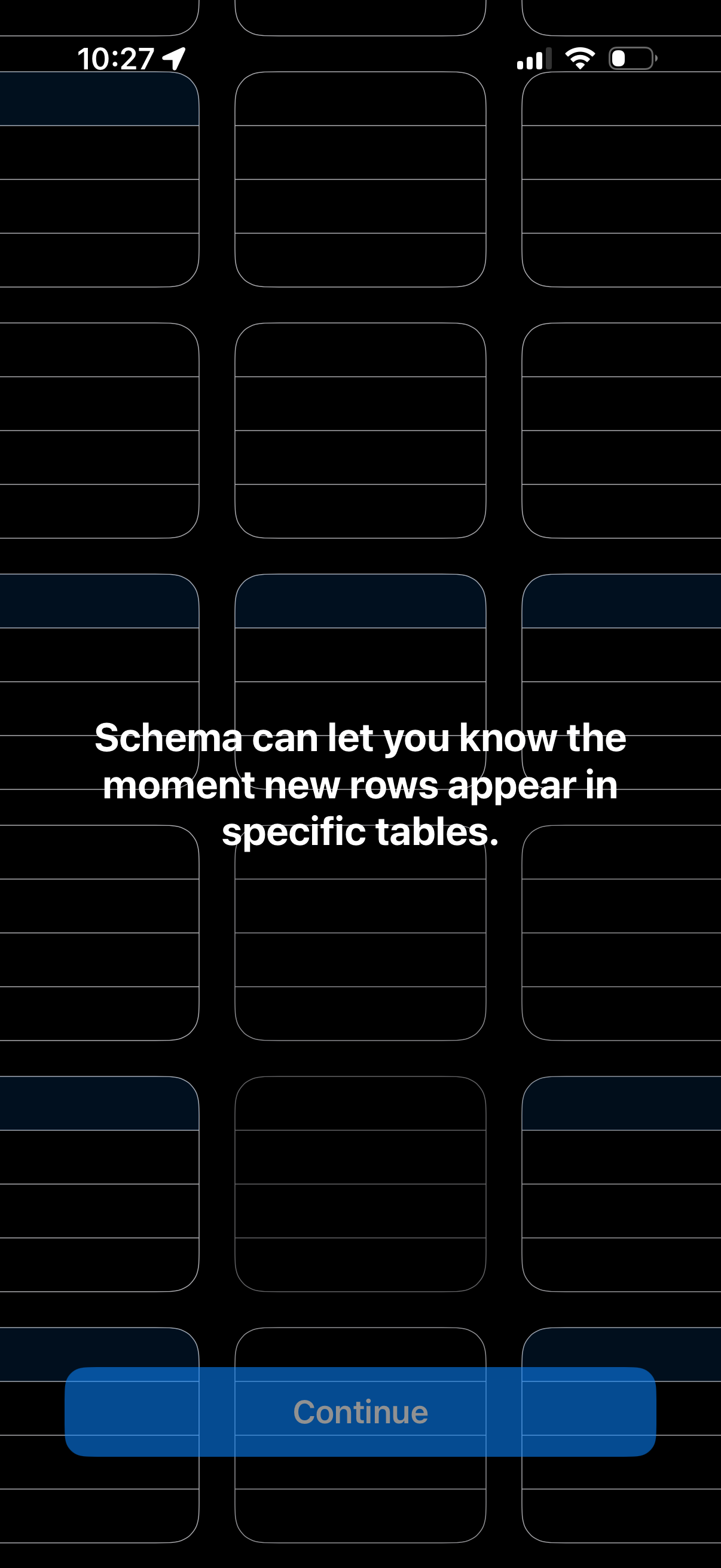
Onboarding or feature education screen explaining database table monitoring aler
schema
Onboarding or feature introduction screen for a database app explaining that Sch
schema
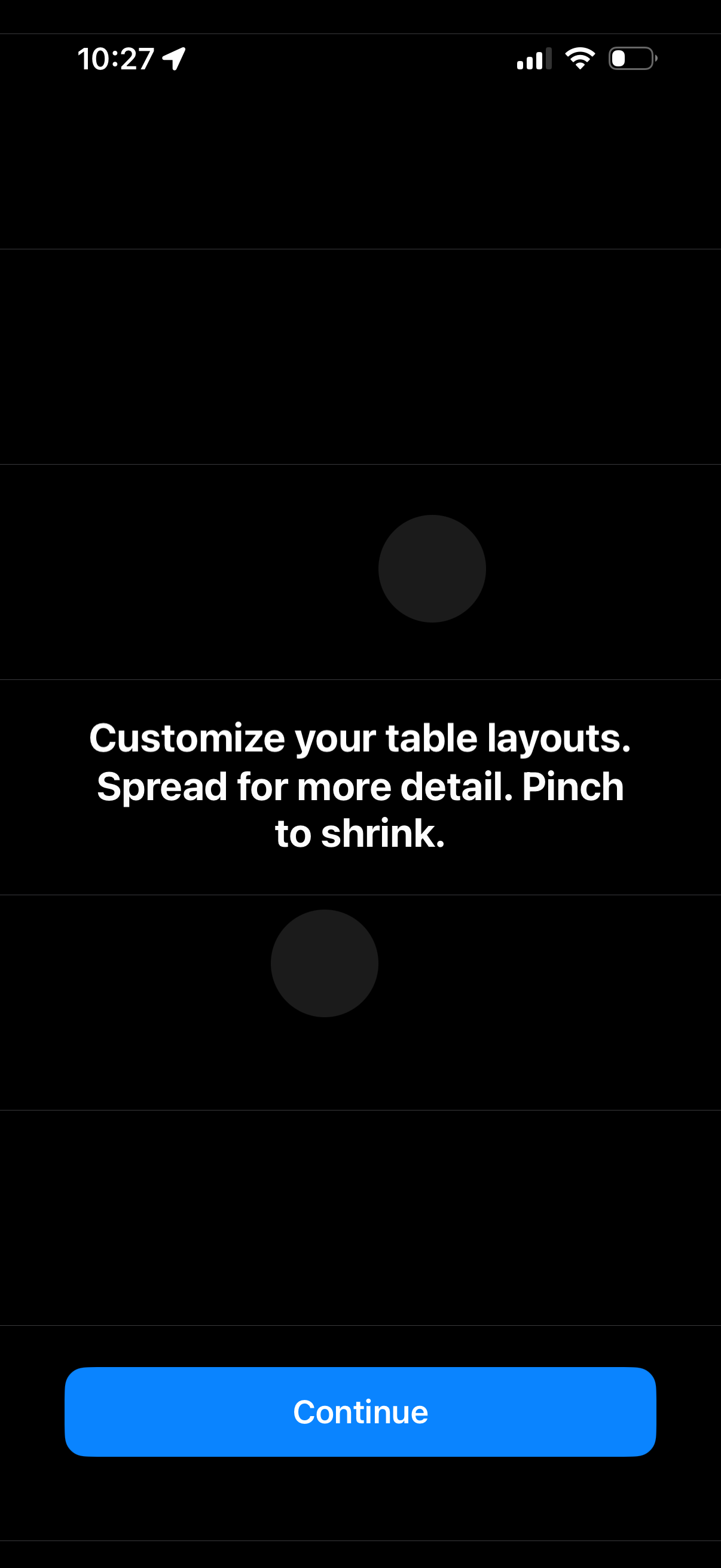
Onboarding tip screen explaining how to customize table layouts with gestures, i
schema
Onboarding or feature-intro screen promoting the ability to customize table layo
schema
Dark-themed onboarding or feature highlight screen introducing a data/table cust
schema
Onboarding informational screen promoting database compatibility and security, s
schema
Mobile wallet payment screen showing a selected credit card (Visa) as the primar
schema
Full-screen branded splash/loading screen for an authentication or password/cred
schema
Minimal splash/launch screen with abstract profile and key icons on a dark backg
schema
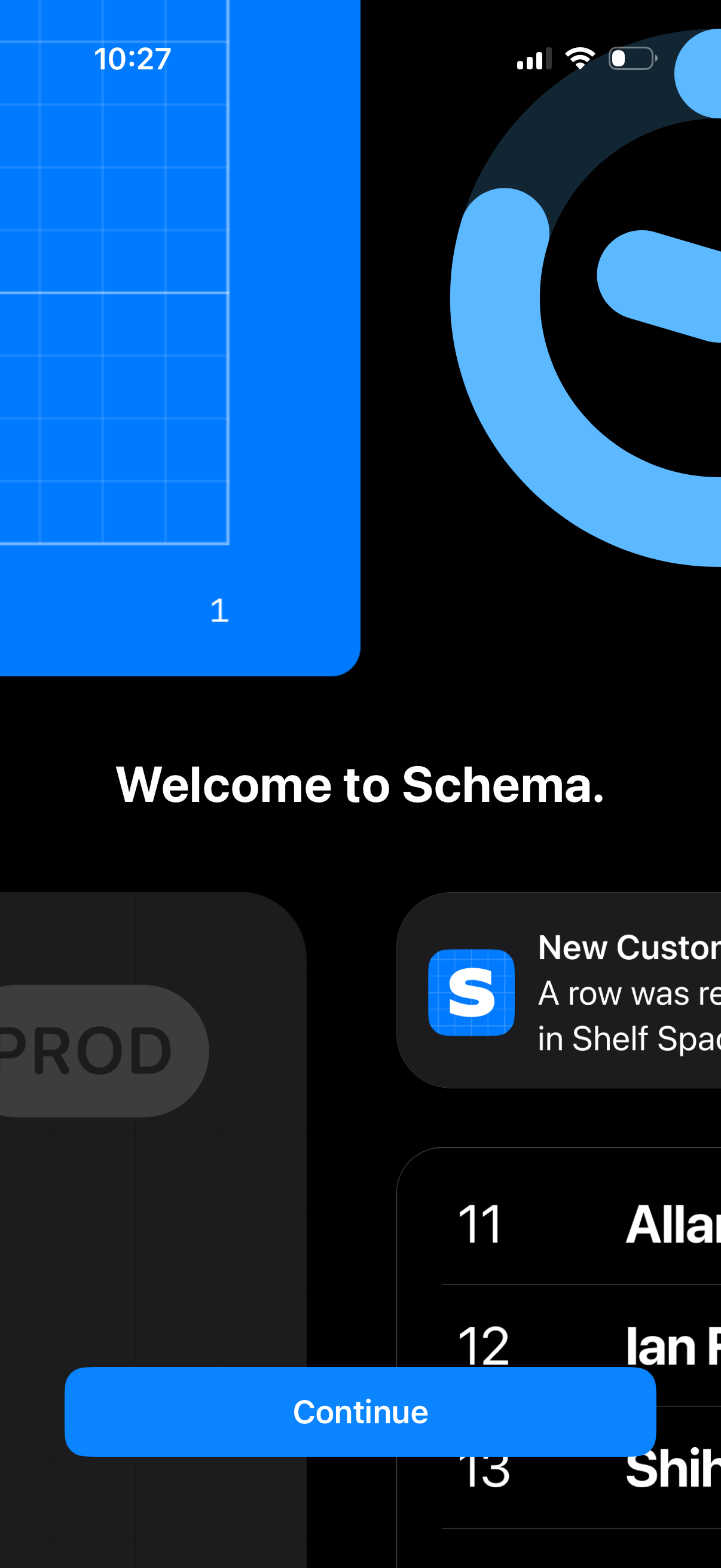
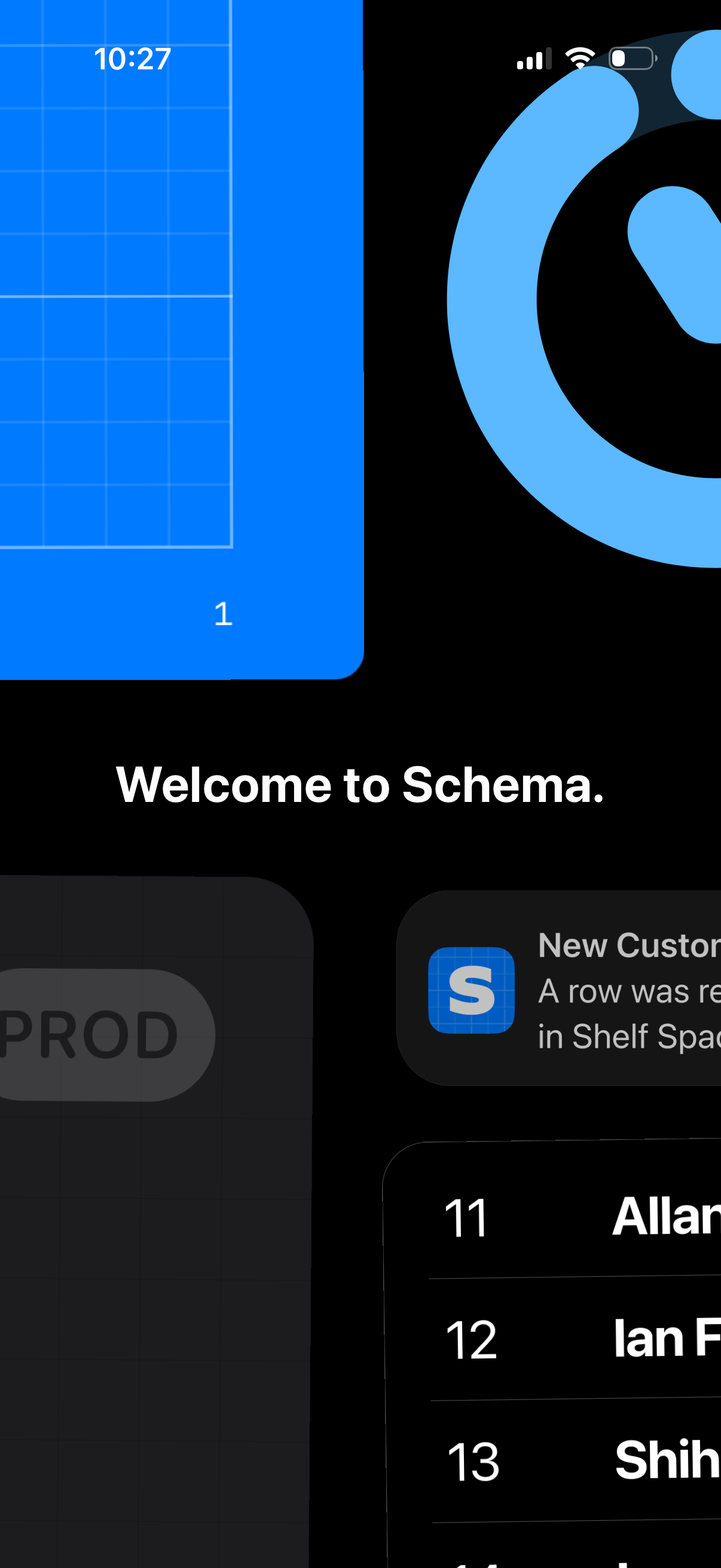
Onboarding welcome screen for the Schema app with a “Welcome to Schema” headline
schema
Onboarding welcome screen for a database/spreadsheet app, featuring a “Welcome t
schema