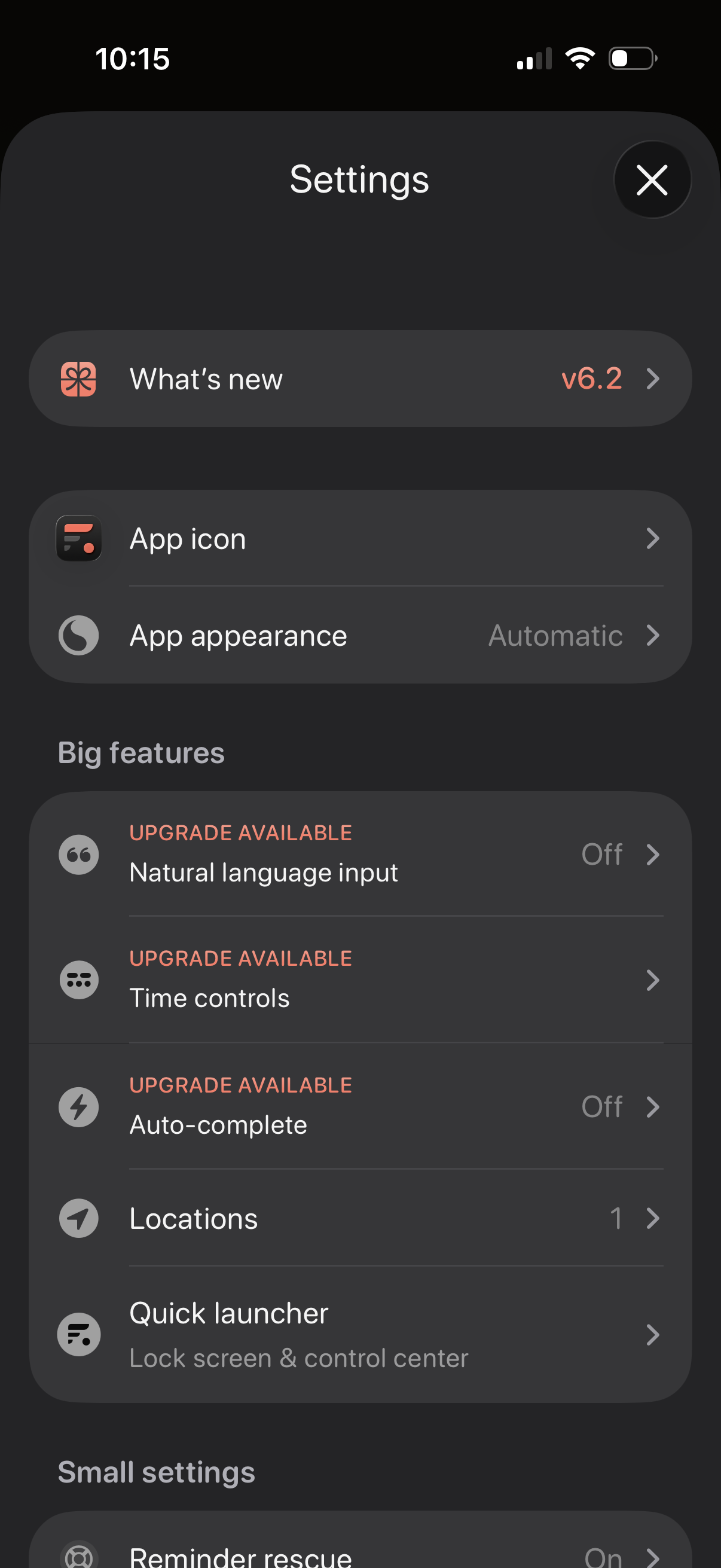
Settings screen for a productivity app with sections for “What’s new” release notes, customizing the app icon and appearance/theme, and managing feature options. Includes a “Big features” list with upgrade-gated toggles like natural language input, time controls, and auto-complete, plus options for locations and a quick launcher for lock screen/control center.
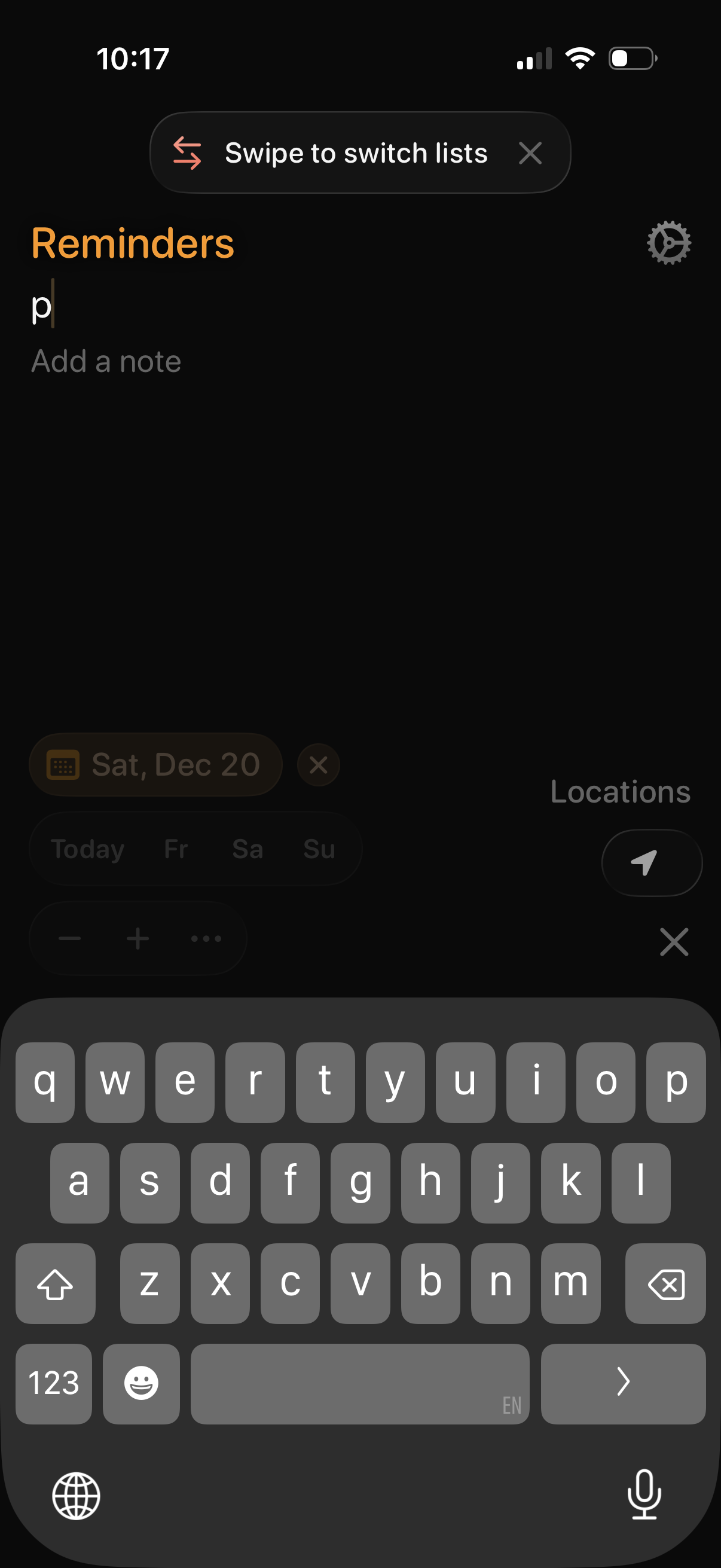
Dark-mode reminders app screen for creating a new reminder in a “Reminders” list, with a title field and optional note field while the keyboard is open. Includes a tip banner to swipe to switch lists, plus quick actions to set a due date/time and add a location reminder, with a settings icon.
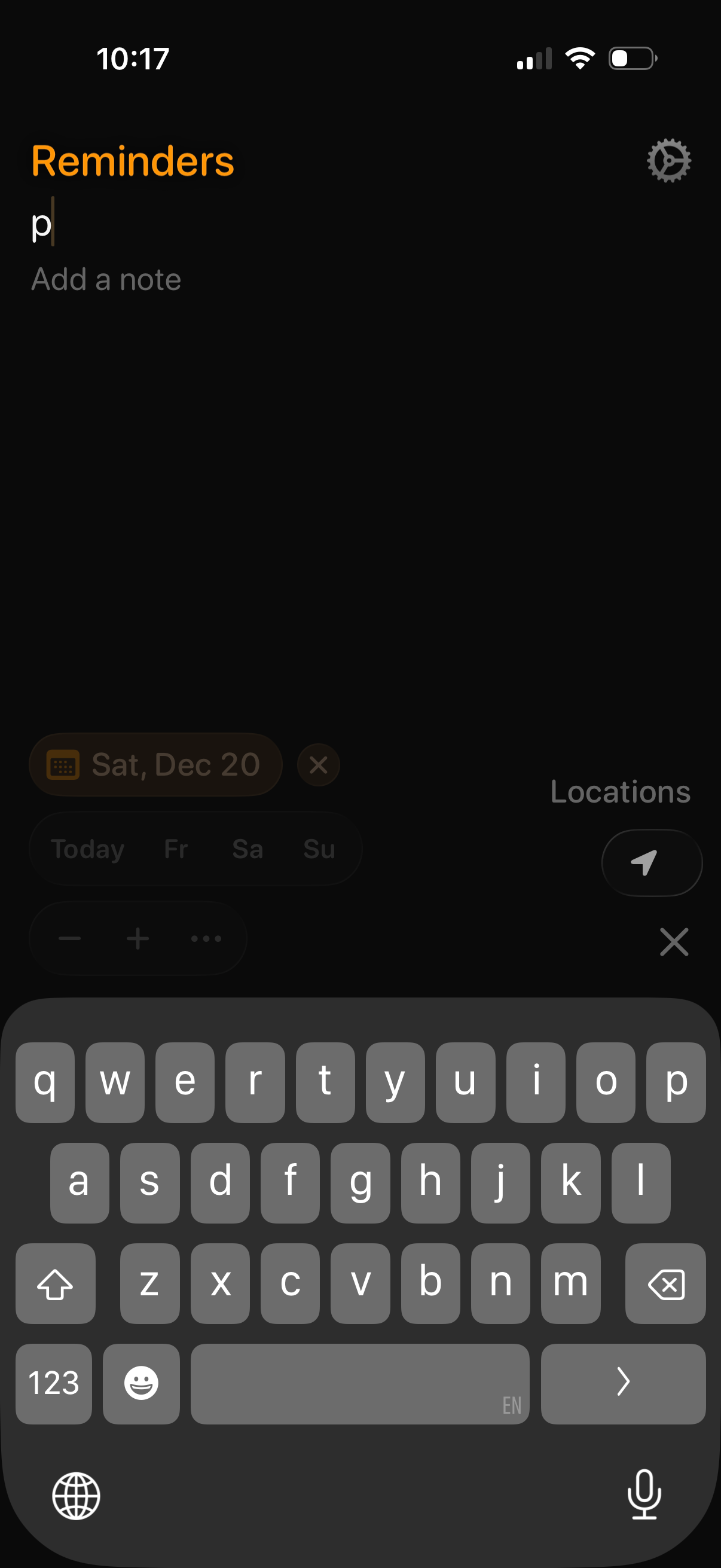
Reminder creation screen showing a text field to type a reminder title with an optional “Add a note” input. Includes quick options to set a due date and location-based reminder, plus settings access while the keyboard is open for fast entry.
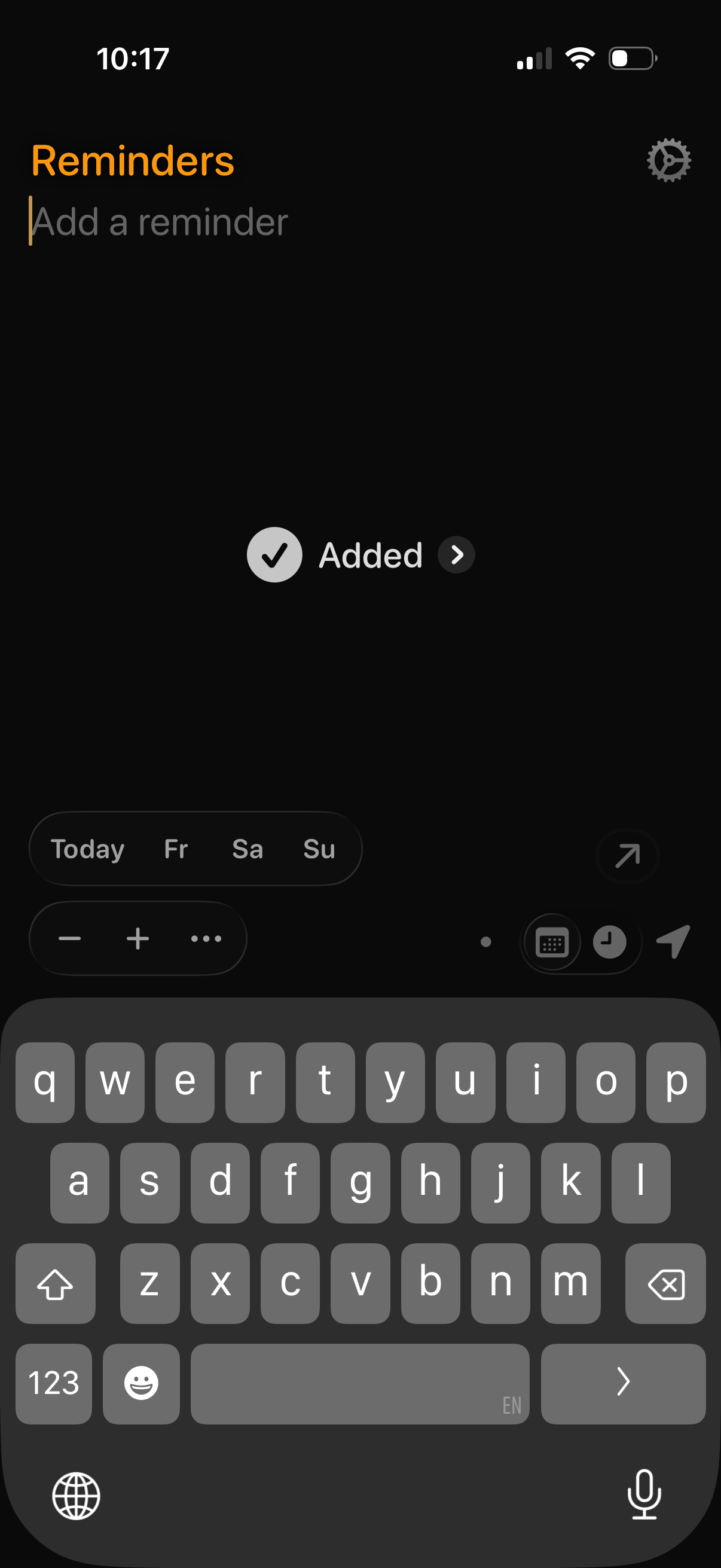
Reminders list screen in dark mode with an “Add a reminder” text field and keyboard open for quick entry, plus a settings shortcut. Includes a filter/button to view completed reminders (“Added”) and inline controls for date selection (Today and upcoming days) and formatting or attachment options while creating a reminder.