configure natural language input
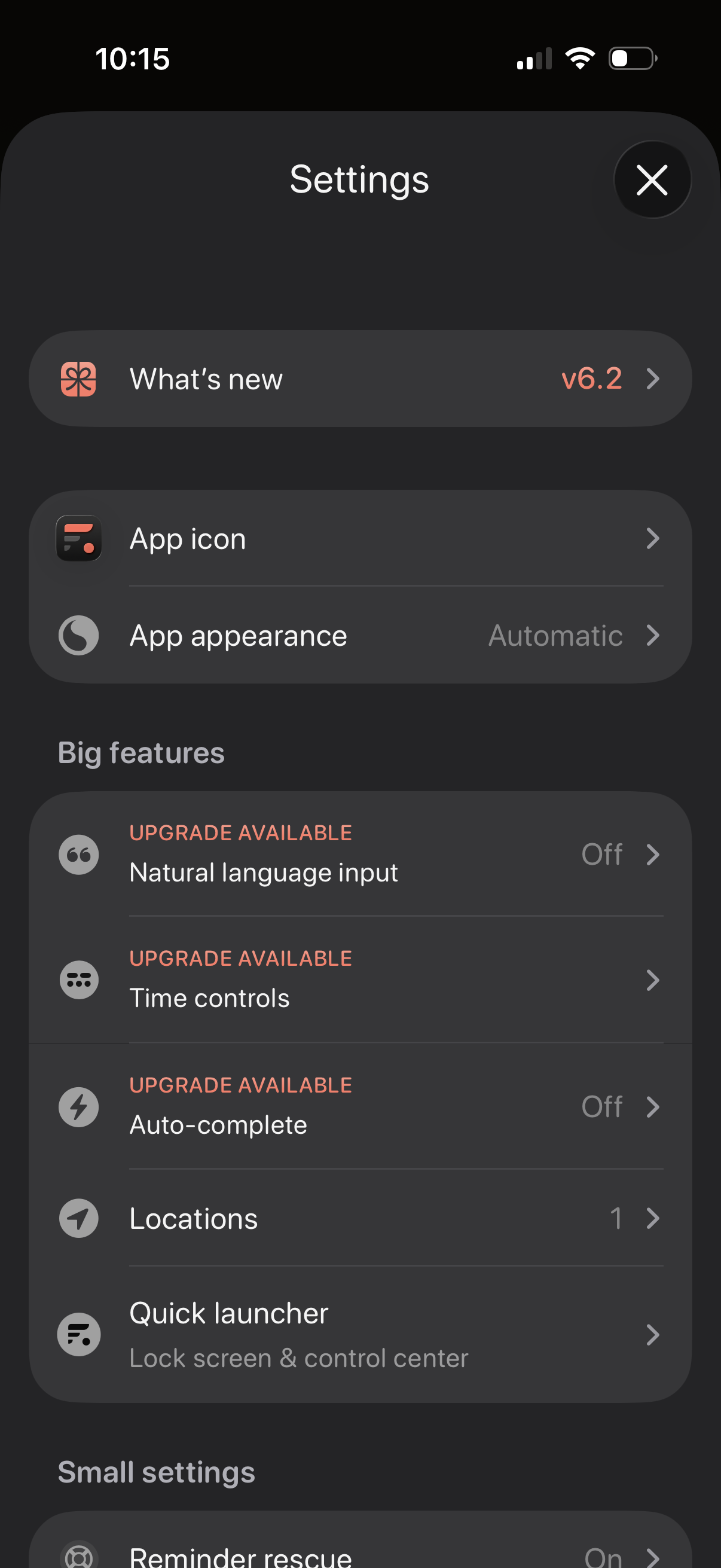
Settings screen for a productivity app with sections for “What’s new” release notes, customizing the app icon and appearance/theme, and managing feature options. Includes a “Big features” list with upgrade-gated toggles like natural language input, time controls, and auto-complete, plus options for locations and a quick launcher for lock screen/control center.
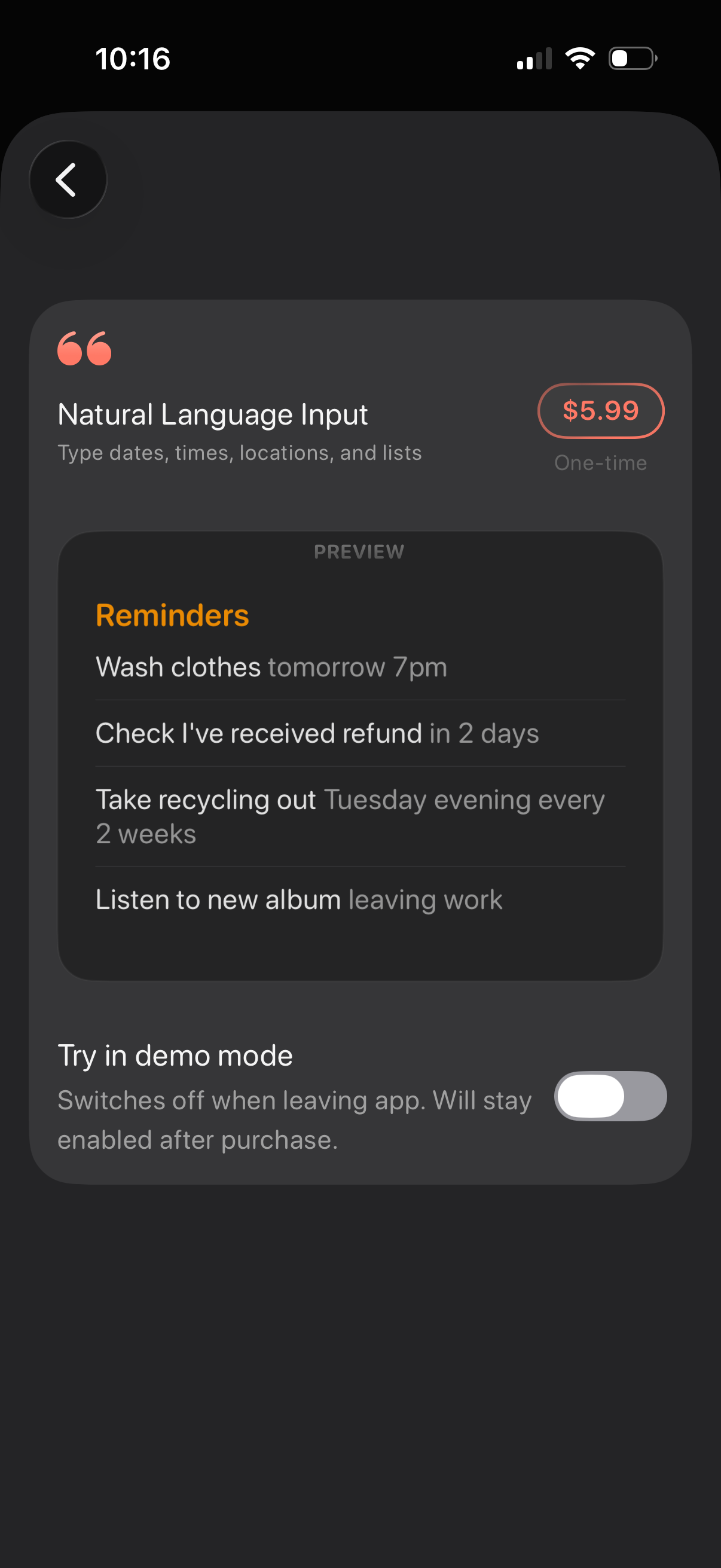
In-app purchase screen for a “Natural Language Input” feature that lets users type dates, times, locations, and lists, showing a preview of reminder examples. Includes a one-time price ($5.

In-app purchase feature details screen for “Natural Language Input” in a reminders app, explaining that users can type dates, times, locations, and lists with a preview of example reminders. Shows a one-time $5.

In-app purchase settings screen for a “Natural Language Input” feature, showing a one-time price, a preview of how typed reminders parse dates/times/recurrence, and a toggle to try the feature in demo mode. Includes configuration controls for detecting written dates and times with options for what to do when detected (select vs suggest) and related auto date/time modes.
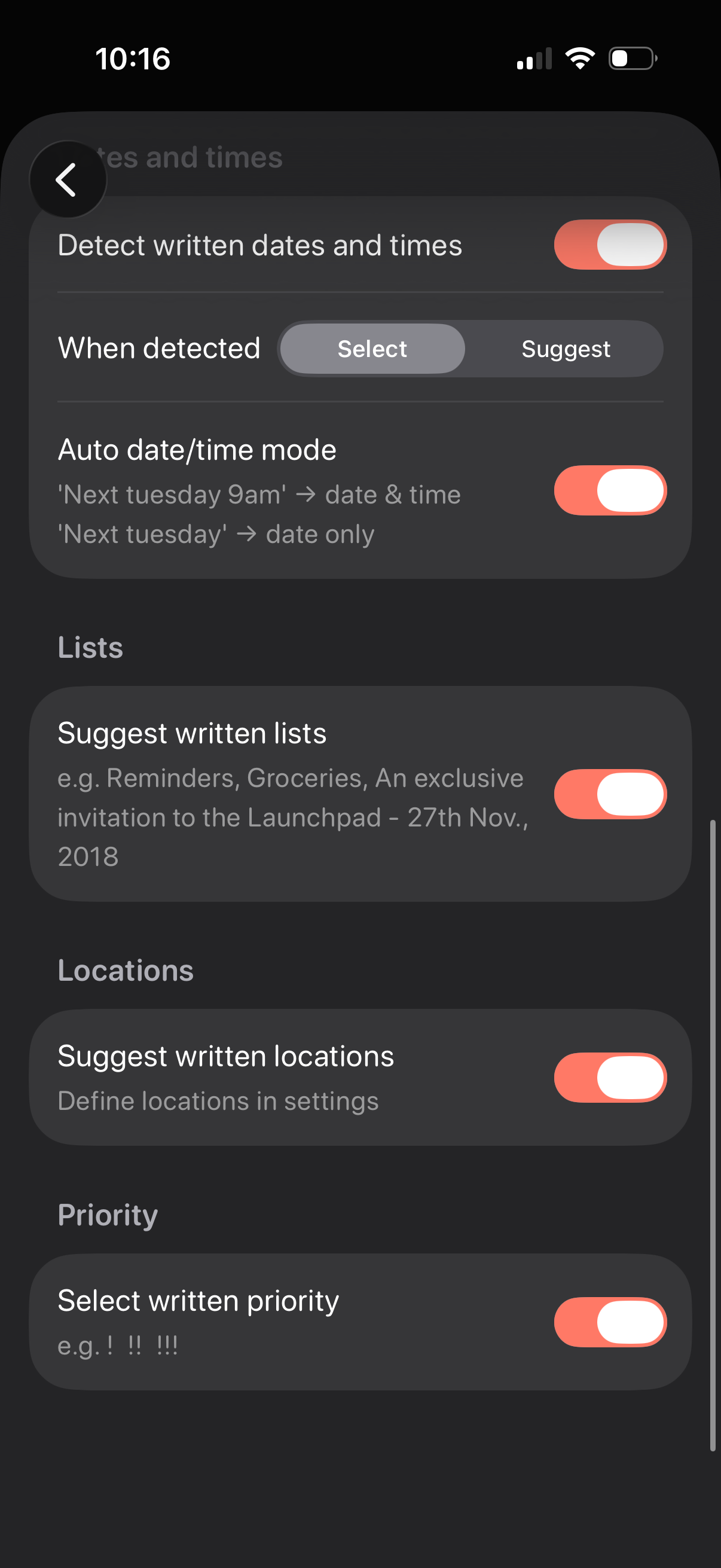
Settings screen for smart text detection in a reminders/tasks app, with toggles to detect written dates and times and choose behavior when detected (select vs suggest) plus an auto date/time parsing mode. Additional switches enable suggesting written lists, locations, and priority markers from typed text.