toggle priority and shortcut
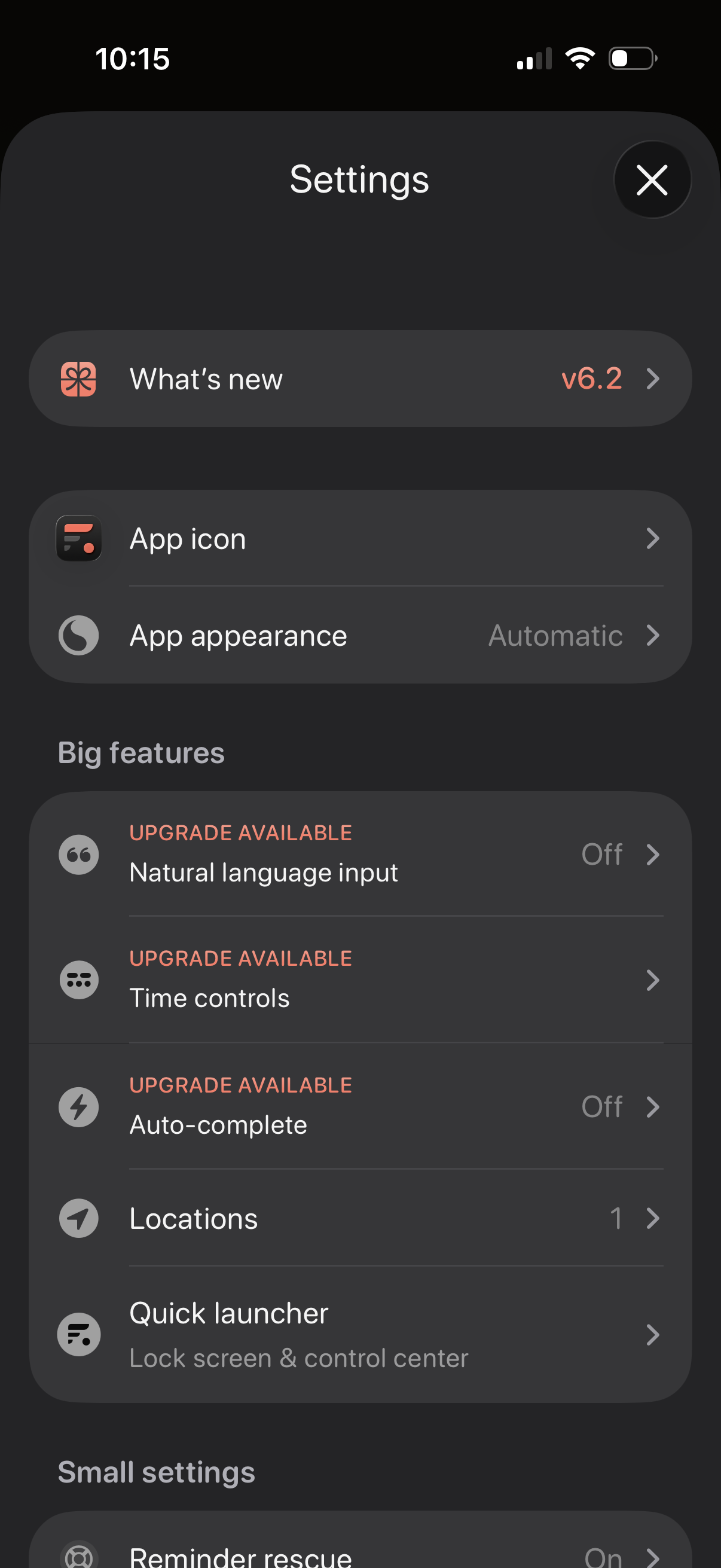
Settings screen for a productivity app with sections for “What’s new” release notes, customizing the app icon and appearance/theme, and managing feature options. Includes a “Big features” list with upgrade-gated toggles like natural language input, time controls, and auto-complete, plus options for locations and a quick launcher for lock screen/control center.

Settings screen for a reminders/to-do app showing configurable “small settings” like reminder rescue, default to today, default list, and return key behavior, plus toggles to show a priority button and a Reminders app shortcut and a link to Tags & Urgent options. Includes feedback actions (leave a review, get in touch) and about links for purchasable features and help, with a close button to exit settings.