
Reminder creation screen with a text field to enter the reminder title and quick options to set the time (e. g.
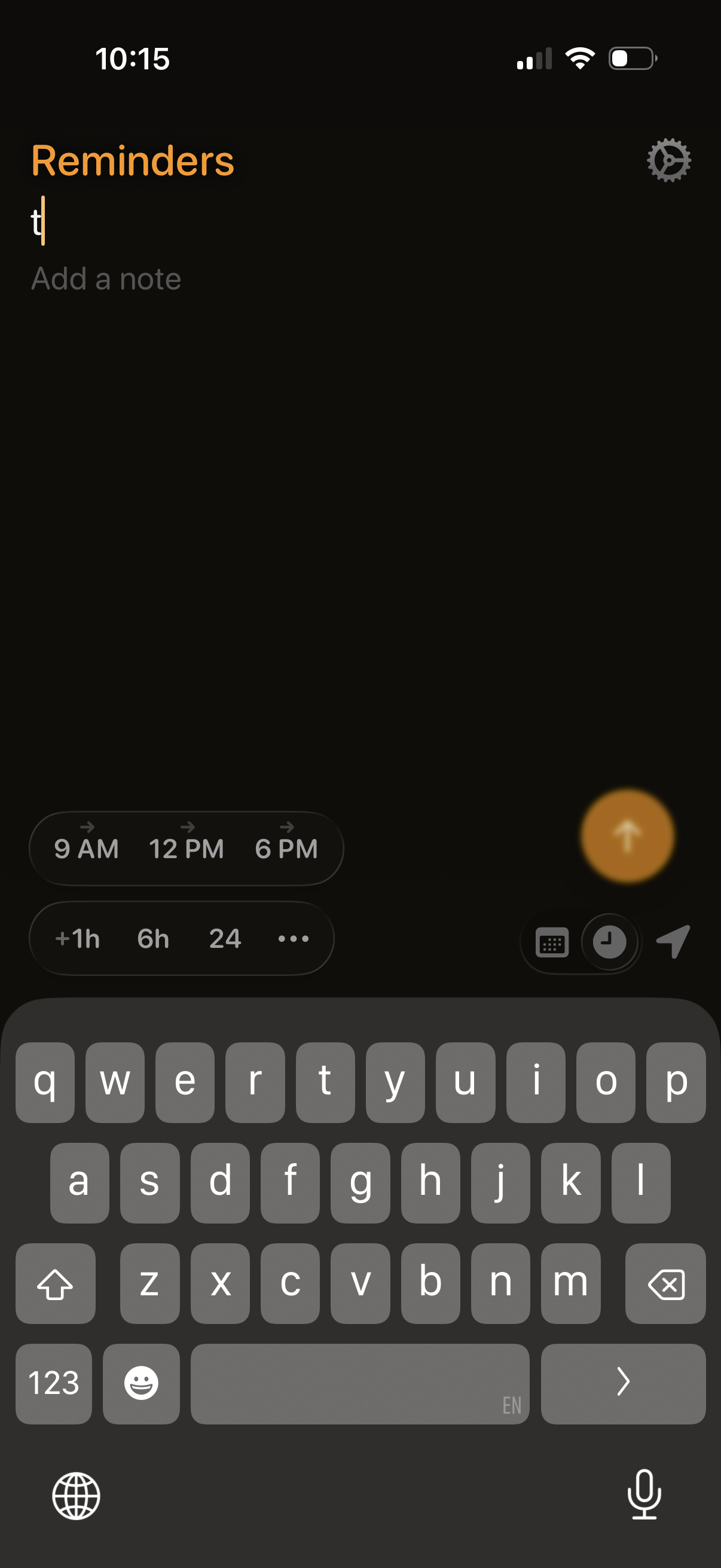
Reminder creation screen with a text field to type the reminder title and an optional “Add a note” input. Includes quick-pick scheduling chips for specific times or offsets (e.
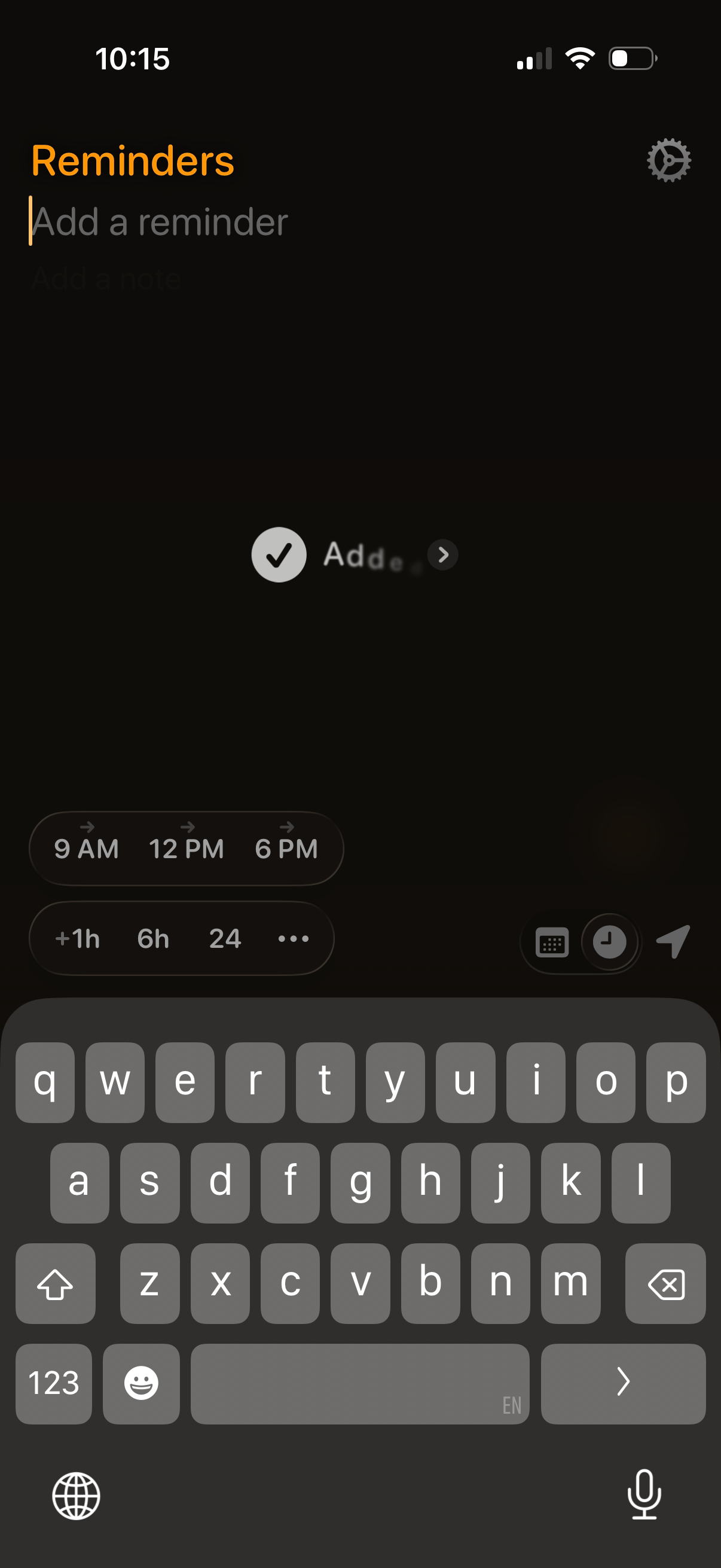
Reminder creation screen with a text field to add a reminder and optional note, plus an Add action button. Includes quick scheduling chips for common times and durations, and icons to open date/time picker options and settings.
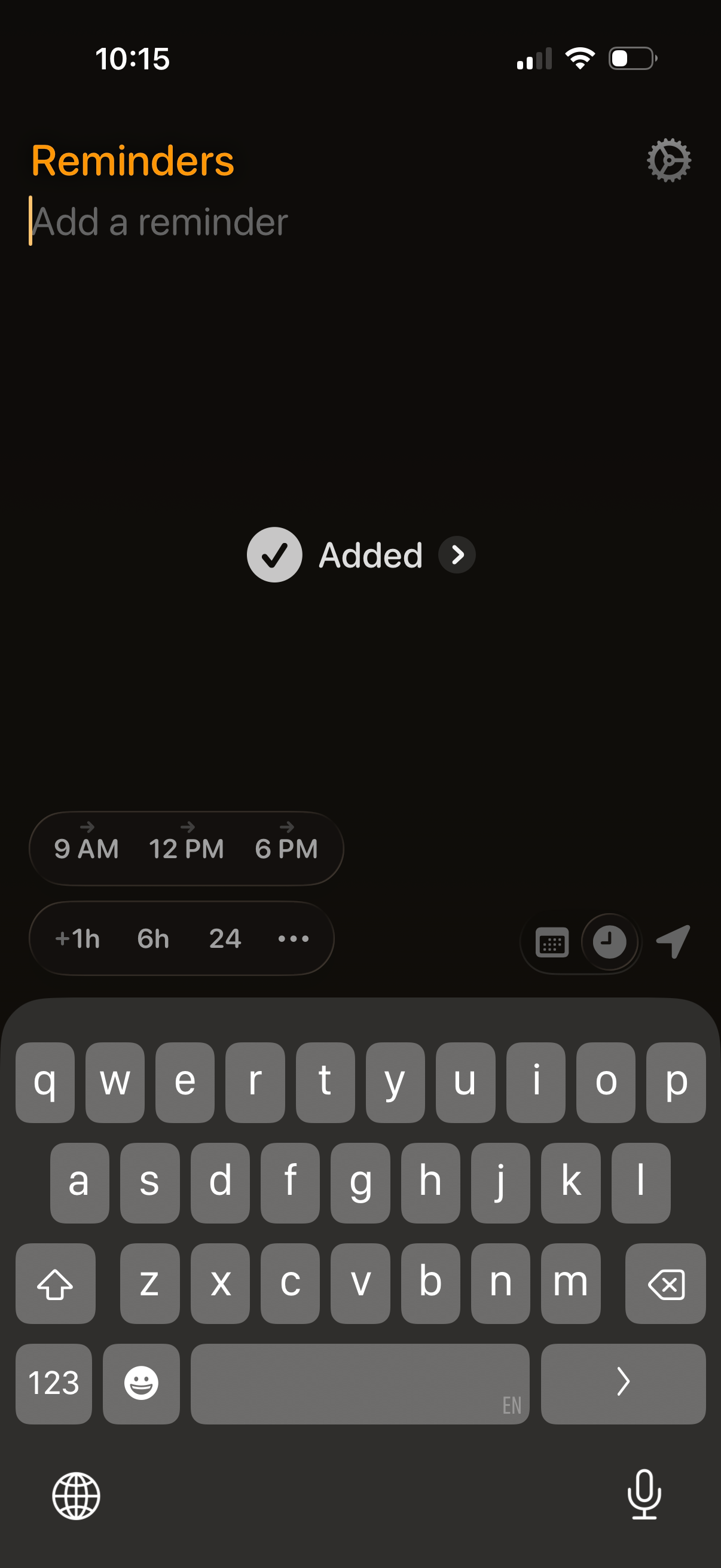
Reminder creation screen with a text field to add a reminder, quick scheduling chips for specific times (9 AM, 12 PM, 6 PM) or offsets (+1h, 6h, 24h), and an “Added” confirmation with navigation to the added item. Includes controls to open calendar/date and time pickers plus a send/action button for saving the reminder.
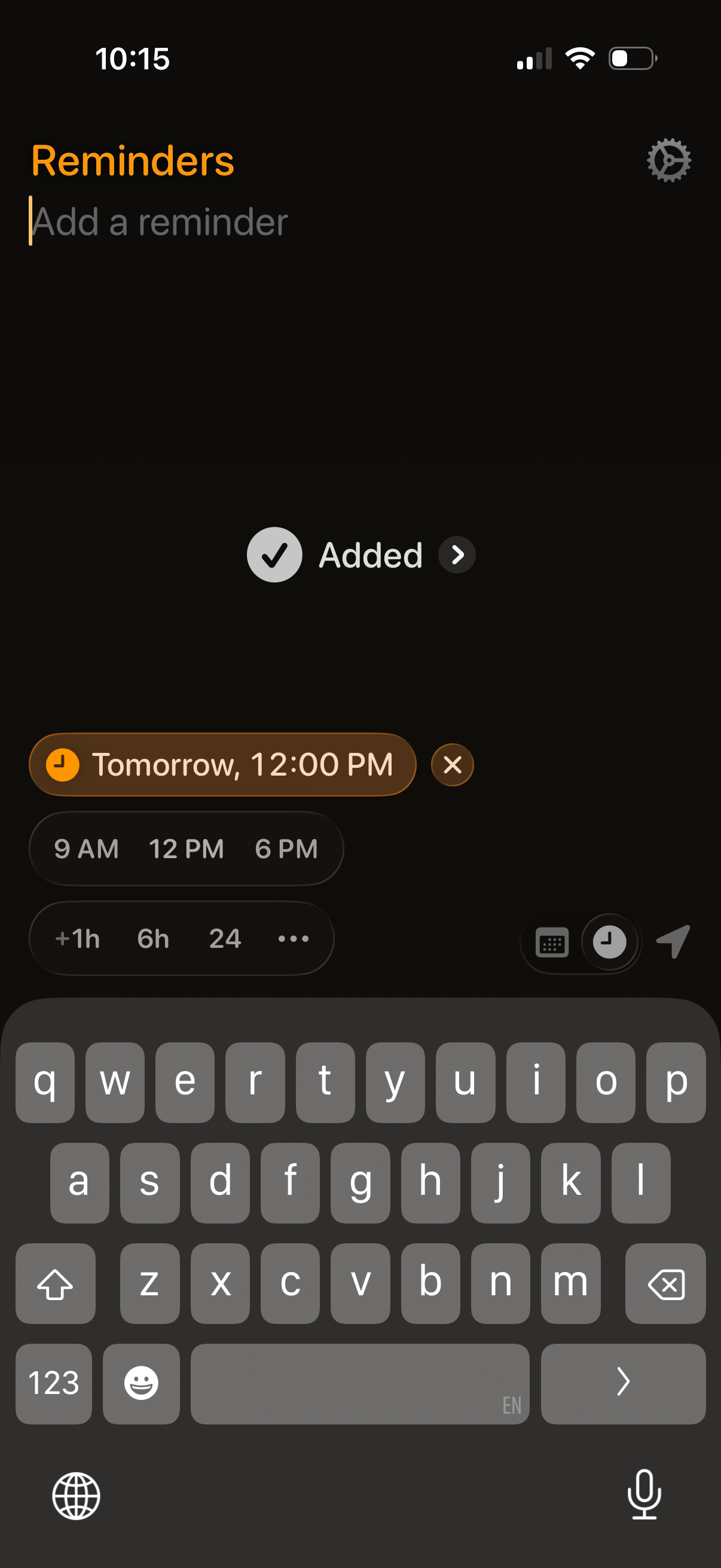
Reminder creation screen with an input field to add a new reminder and a quick scheduling chip showing the selected date and time with an option to clear it. Includes preset time shortcuts (9 AM, 12 PM, 6 PM) and duration options (+1h, 6h, 24h), plus actions to open calendar/time picker and send/save the reminder.
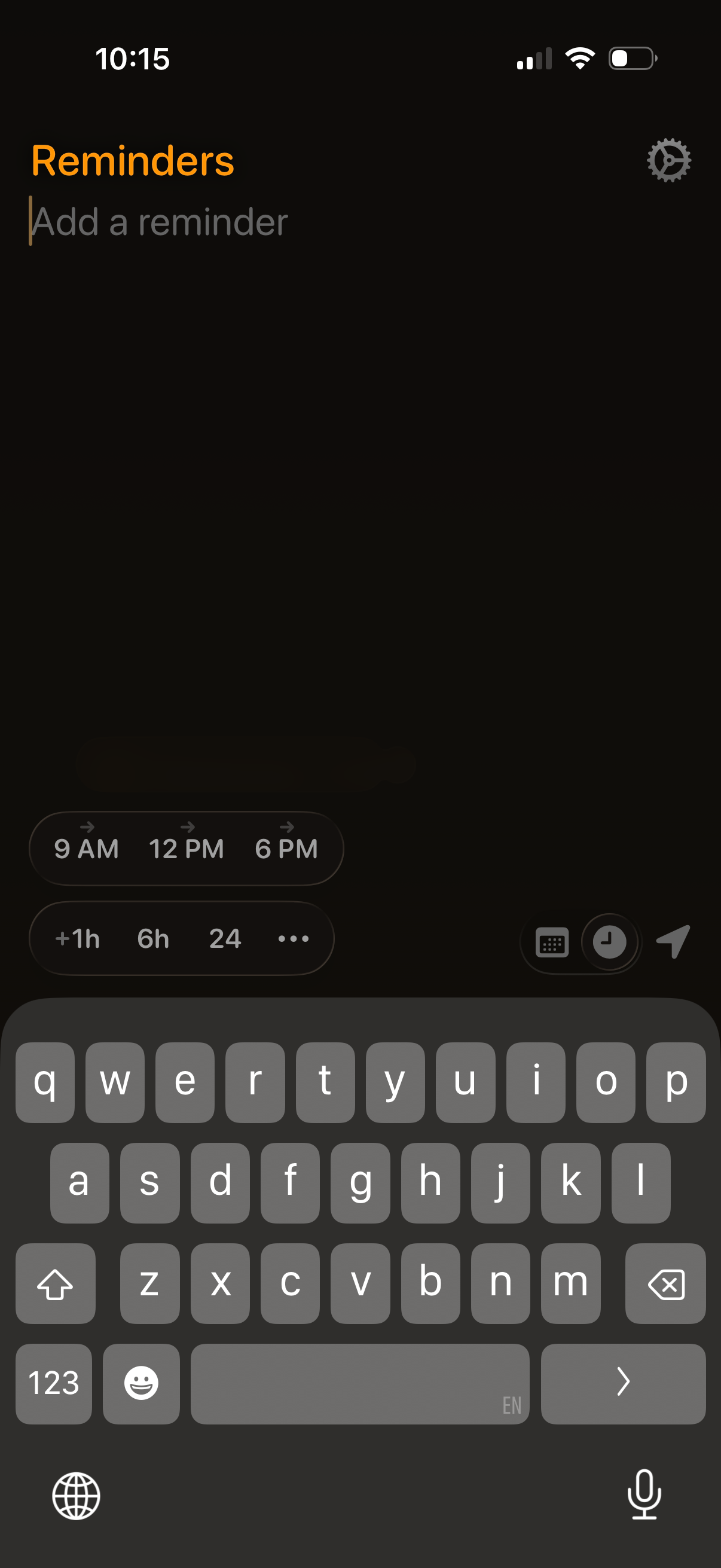
A dark-mode reminders app screen for creating a new reminder, with a text input field and on-screen keyboard open. Includes quick time scheduling chips (9 AM, 12 PM, 6 PM) and duration options (+1h, 6h, 24h) plus shortcuts for date/time picker, list selection, and settings.