1
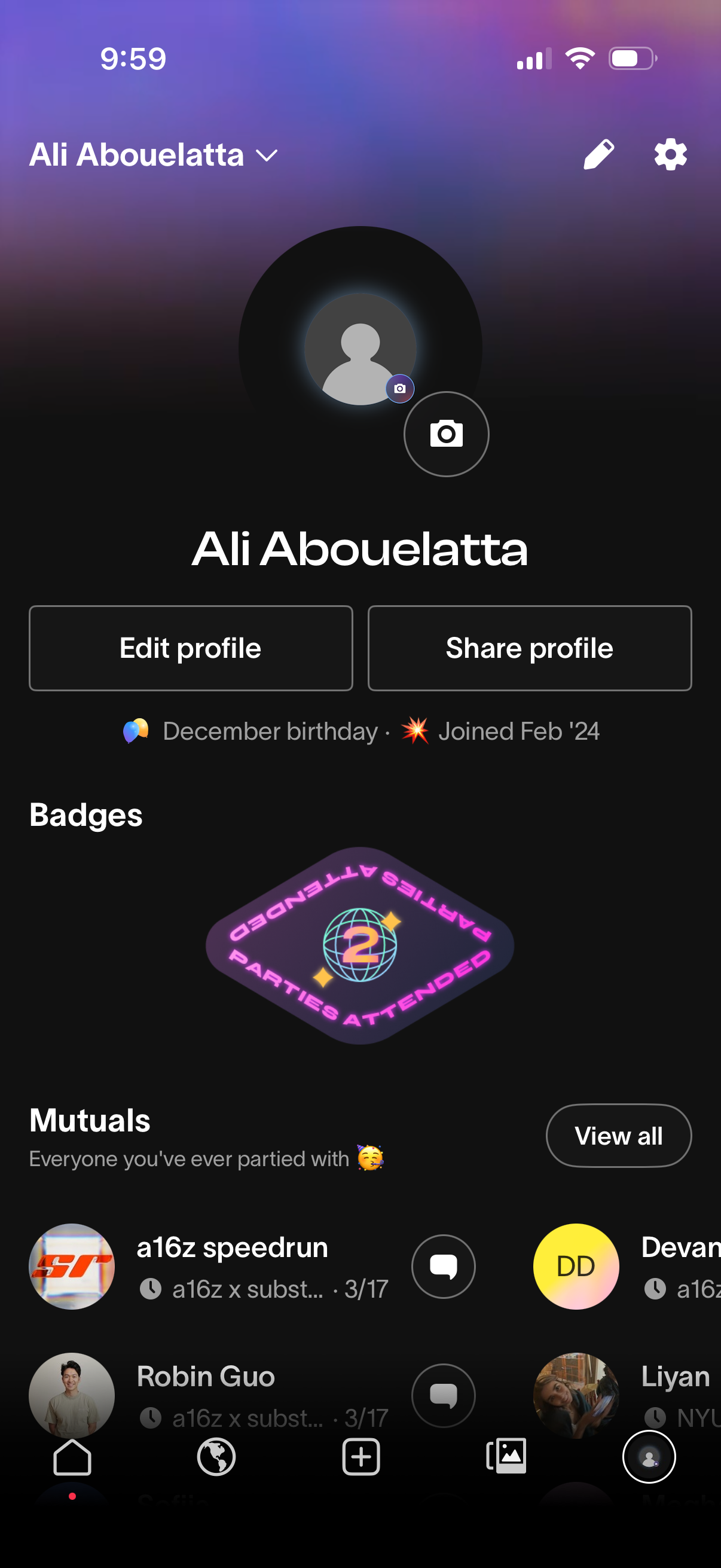
User profile screen showing a large avatar with camera button to change photo, profile name, and quick actions to edit profile or share profile. It also displays account details like birthday and join date, earned badges, and a “Mutuals” section listing connections with a View all option and message icons.
2
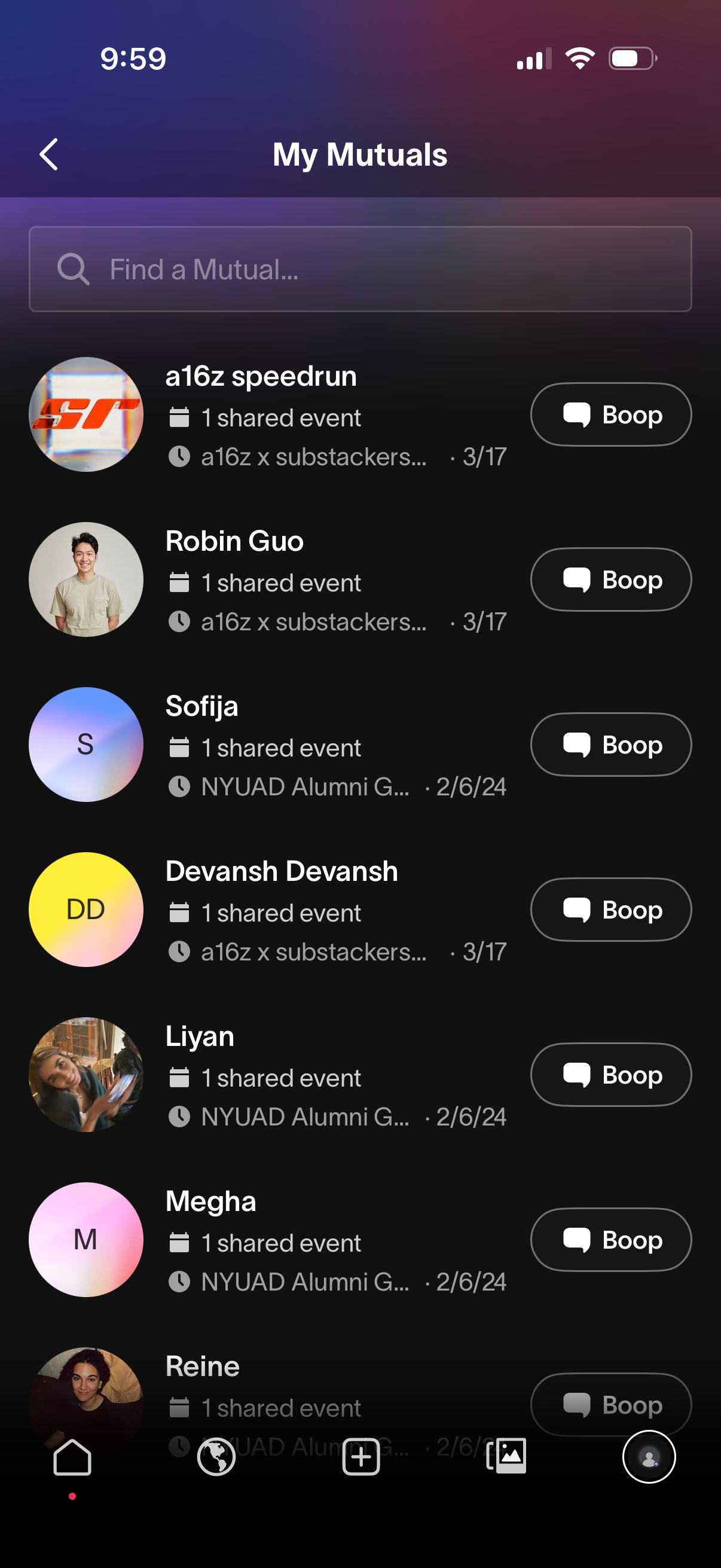
A “My Mutuals” screen showing a searchable list of mutual connections, each row displaying an avatar, name, shared event context/date, and a primary “Boop” message action button. Users can scroll to browse mutuals, use the search bar to find a specific person, and tap back to return.