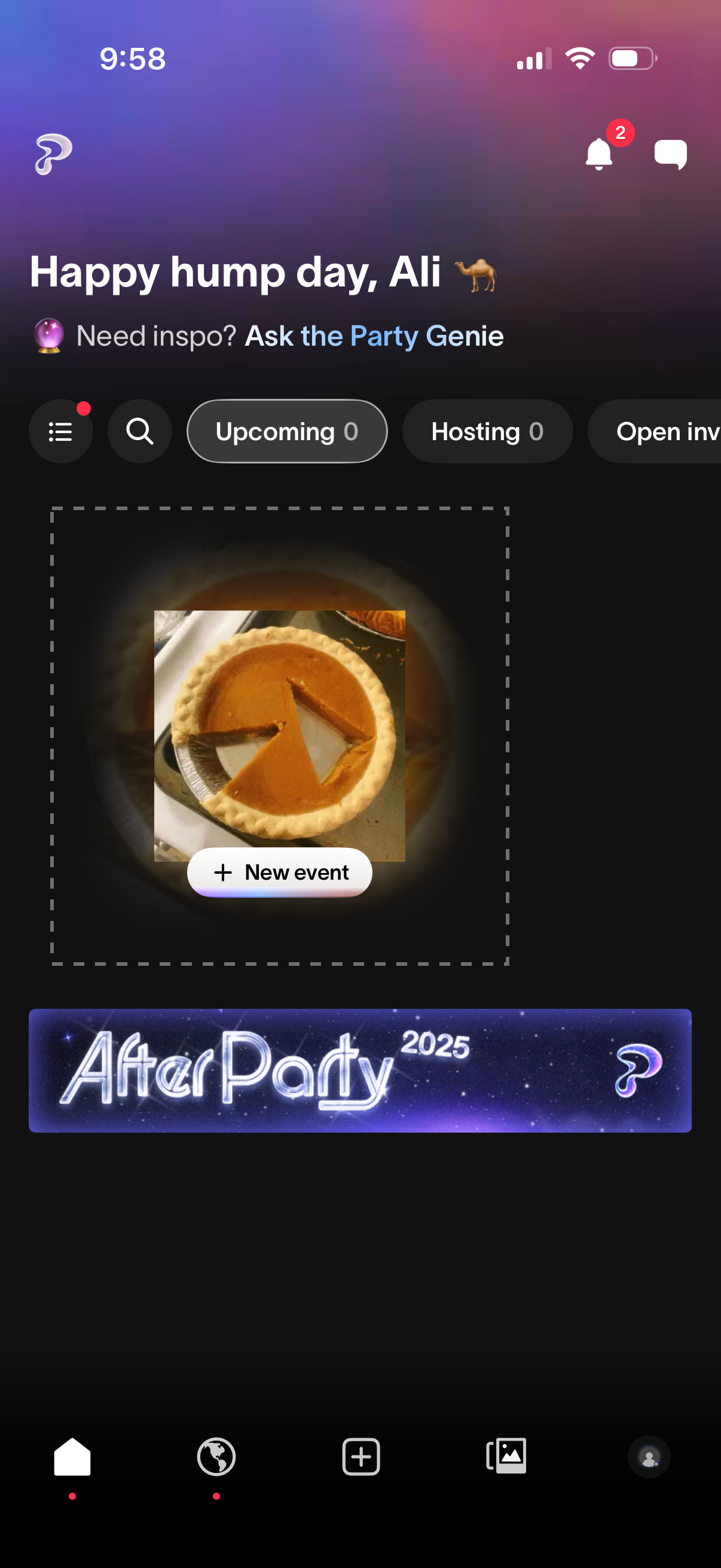
Home dashboard for a social party/event planning app that greets the user and provides quick access to notifications, messages, and search. Users can filter events by tabs like Upcoming and Hosting and create a new event from a central “New event” card, with featured event content shown below.
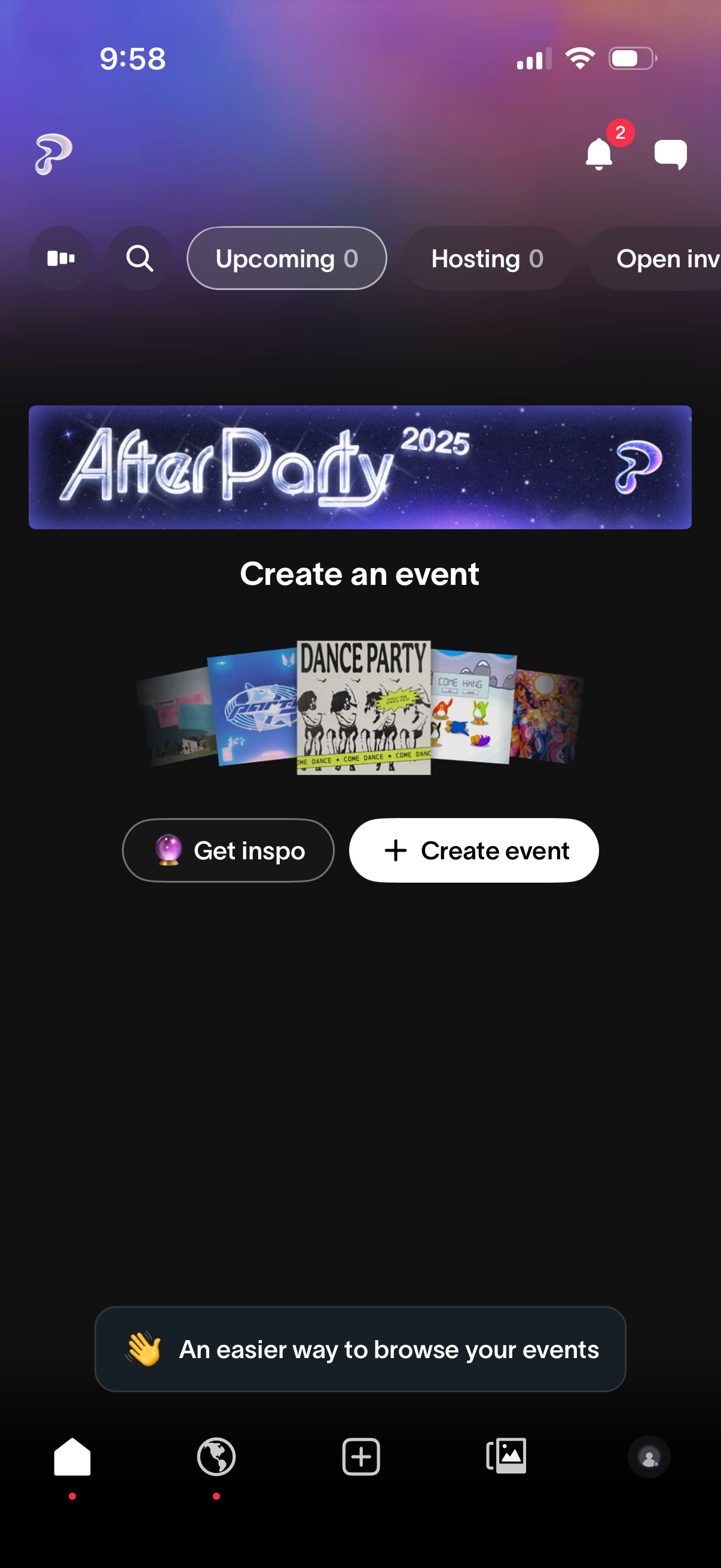
Event discovery/home screen with segmented tabs to browse Upcoming, Hosting, and Open invite events, plus search and notifications. Empty state encourages users to create an event with primary “Create event” and secondary “Get inspo” actions.
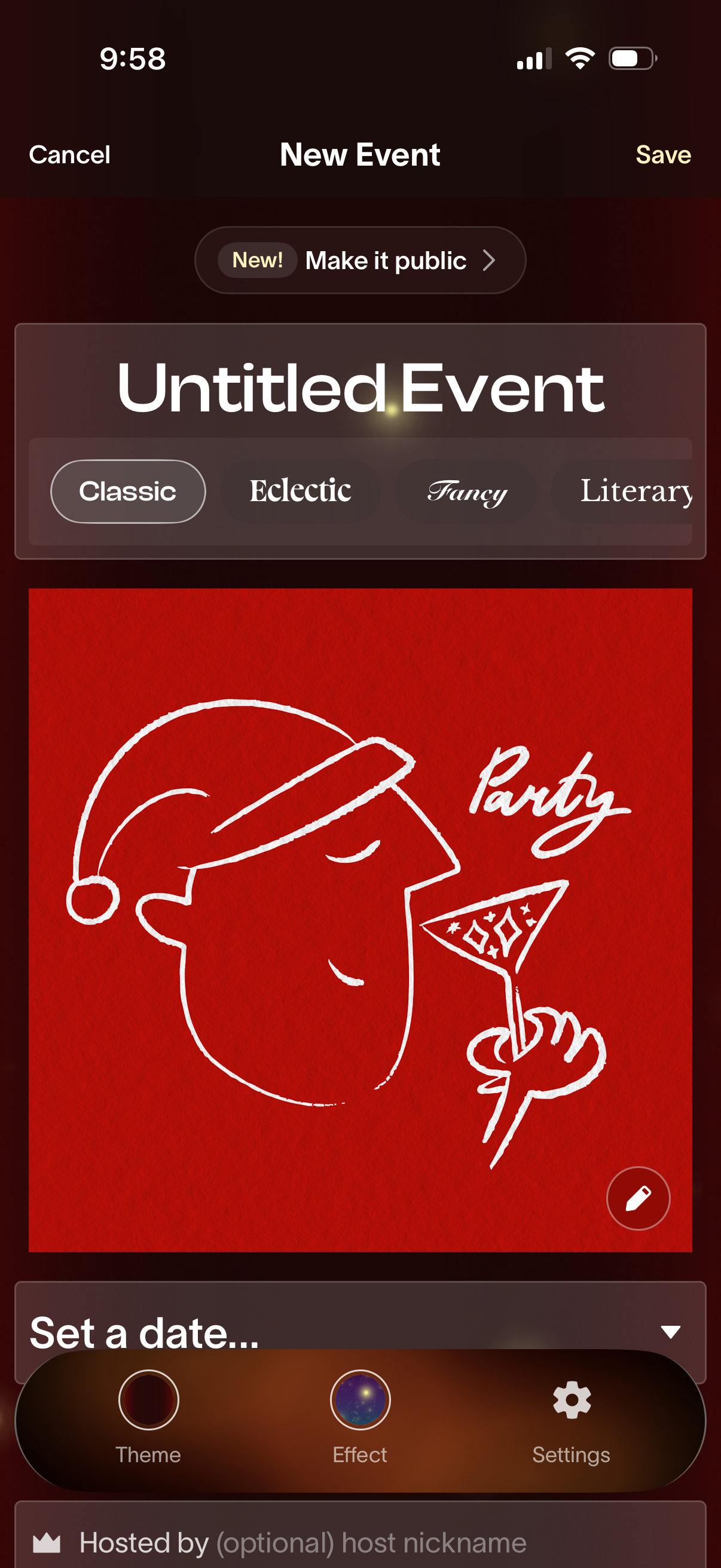
Event creation screen for a new calendar/social invite where the user can name an event, optionally make it public, and customize the invite style by choosing a theme/font preset and editing the cover image. Includes fields to set the date and host nickname, plus bottom controls for theme, visual effects, and settings, with Cancel and Save actions in the header.
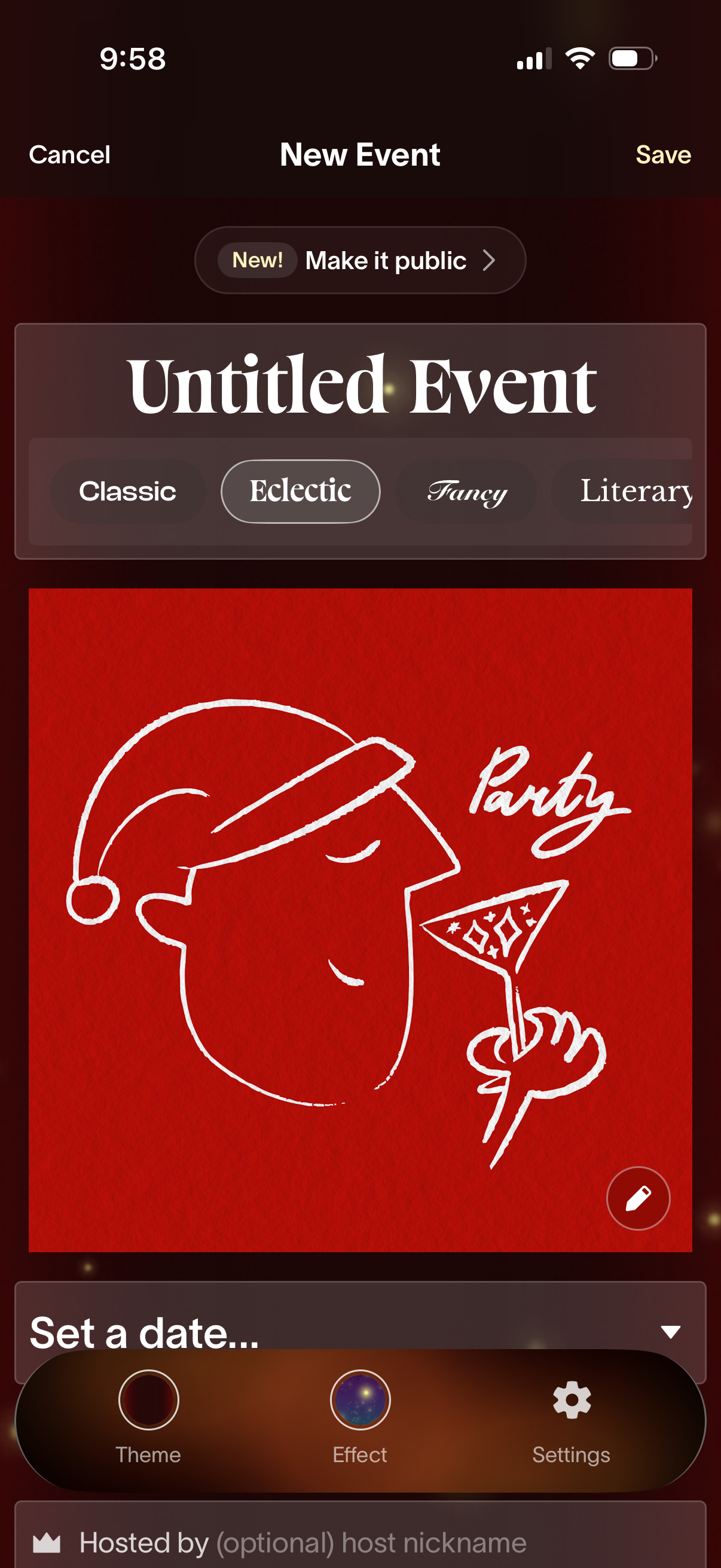
Event creation screen for starting a new event with options to make it public and save or cancel. Users can customize the event’s theme/style and cover image, then proceed to set the date and optionally add host details via theme/effect/settings controls.
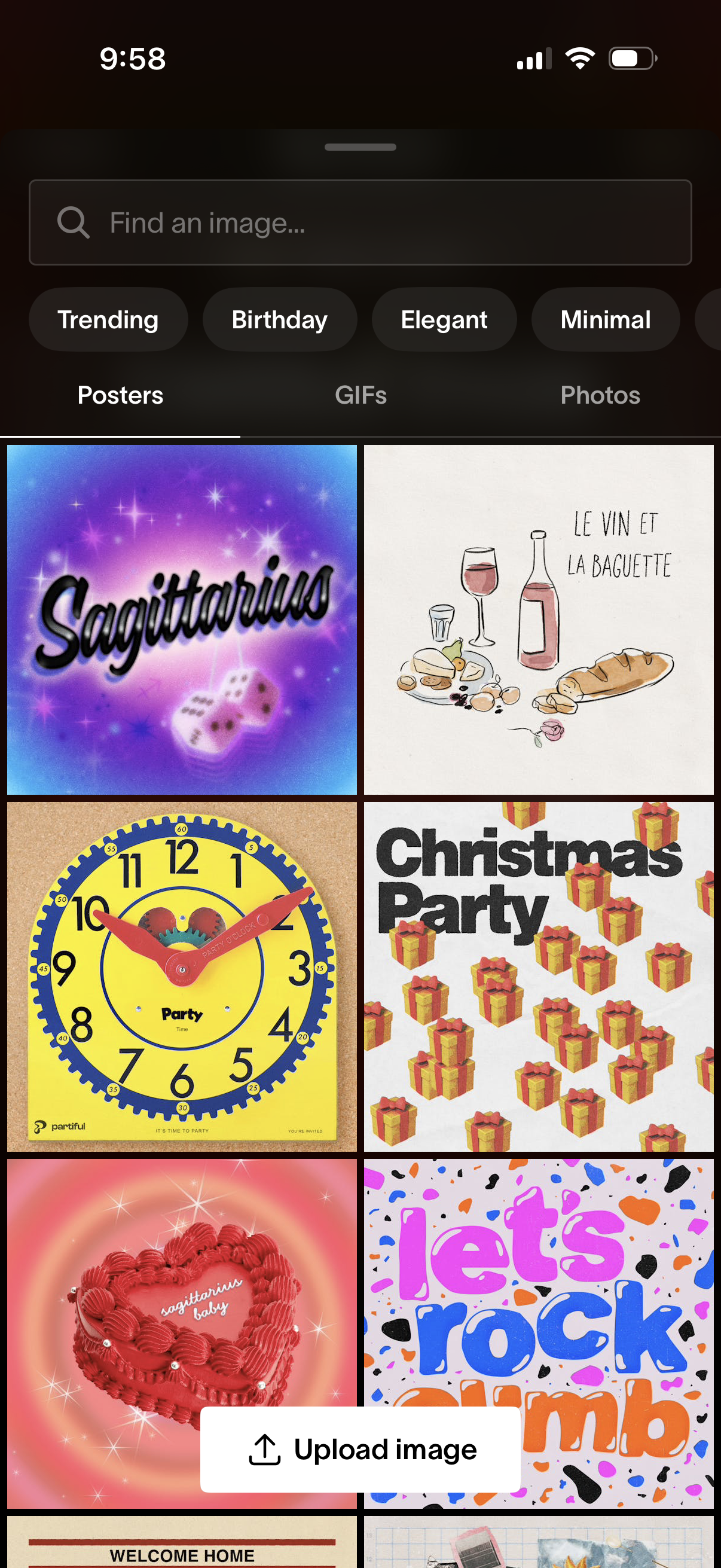
Image picker and search screen with a search bar and style filter chips (Trending, Birthday, Elegant, Minimal) plus tabs to browse Posters, GIFs, or Photos. Displays a grid gallery of poster templates and includes an “Upload image” button to add a custom image.
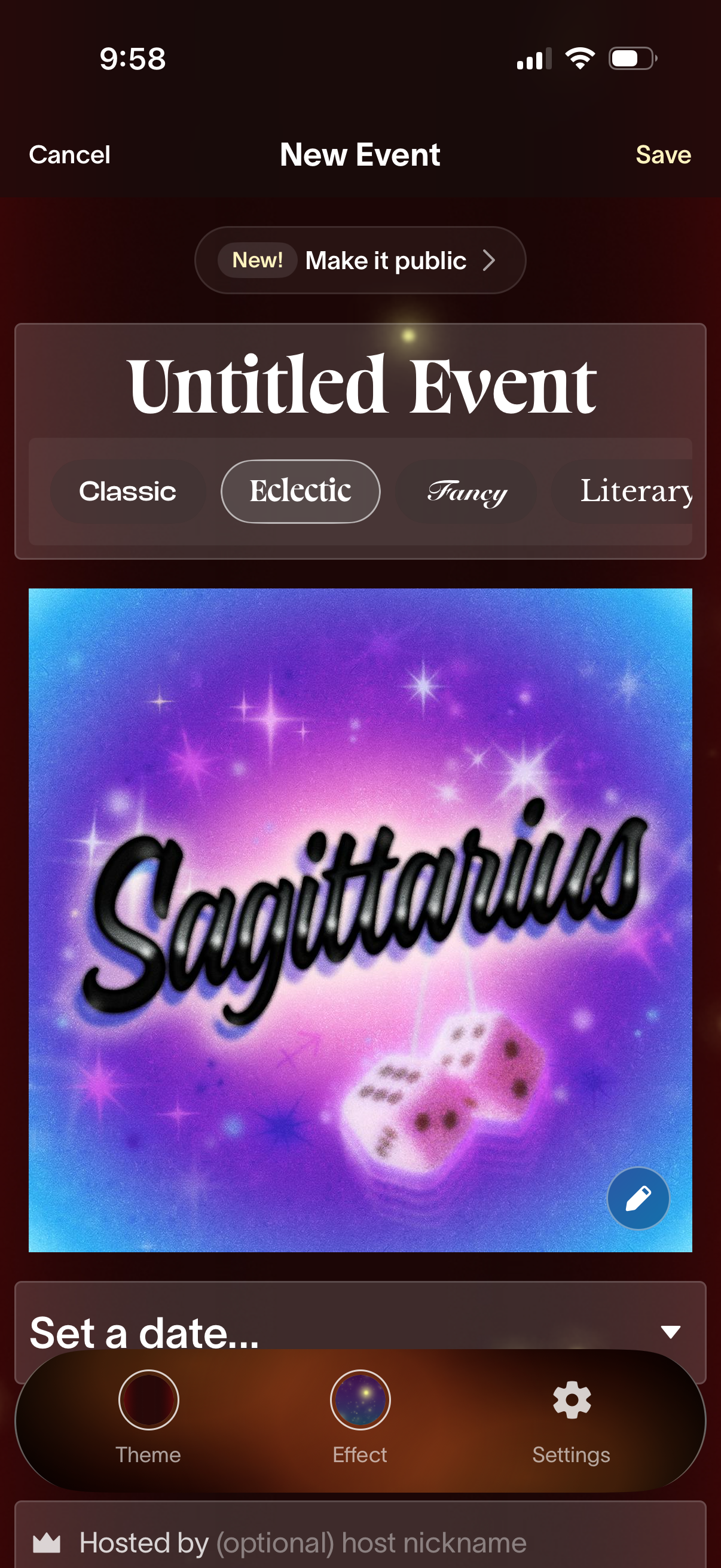
Event creation screen where users set up a new event with title, optional public visibility, and style presets (Classic, Eclectic, Fancy, Literary). Users can customize the event cover image using theme/effect/settings controls, then choose a date, add host details, and save or cancel.
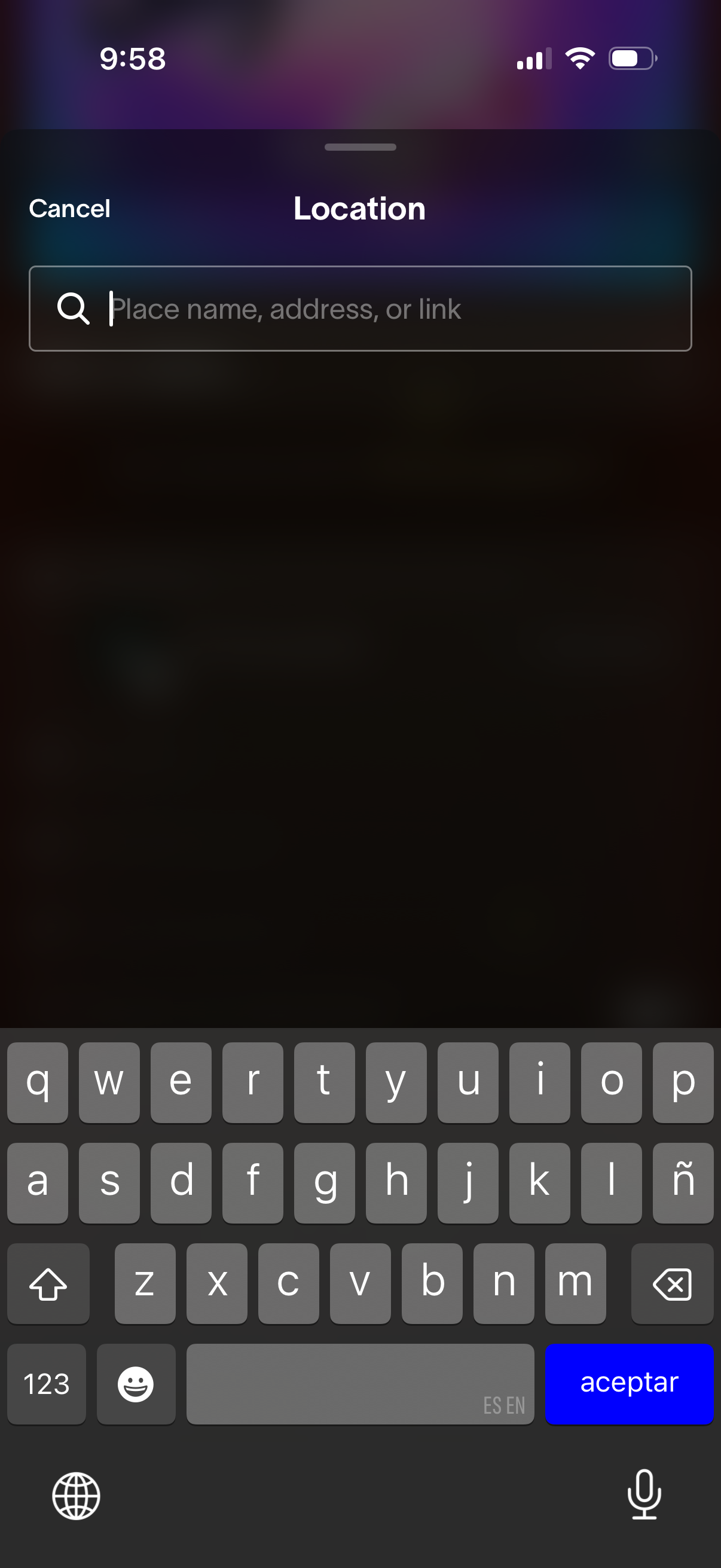
Location selection modal with a search field to enter a place name, address, or link and a Cancel button to dismiss. The screen focuses on searching for and setting a location using the on-screen keyboard.
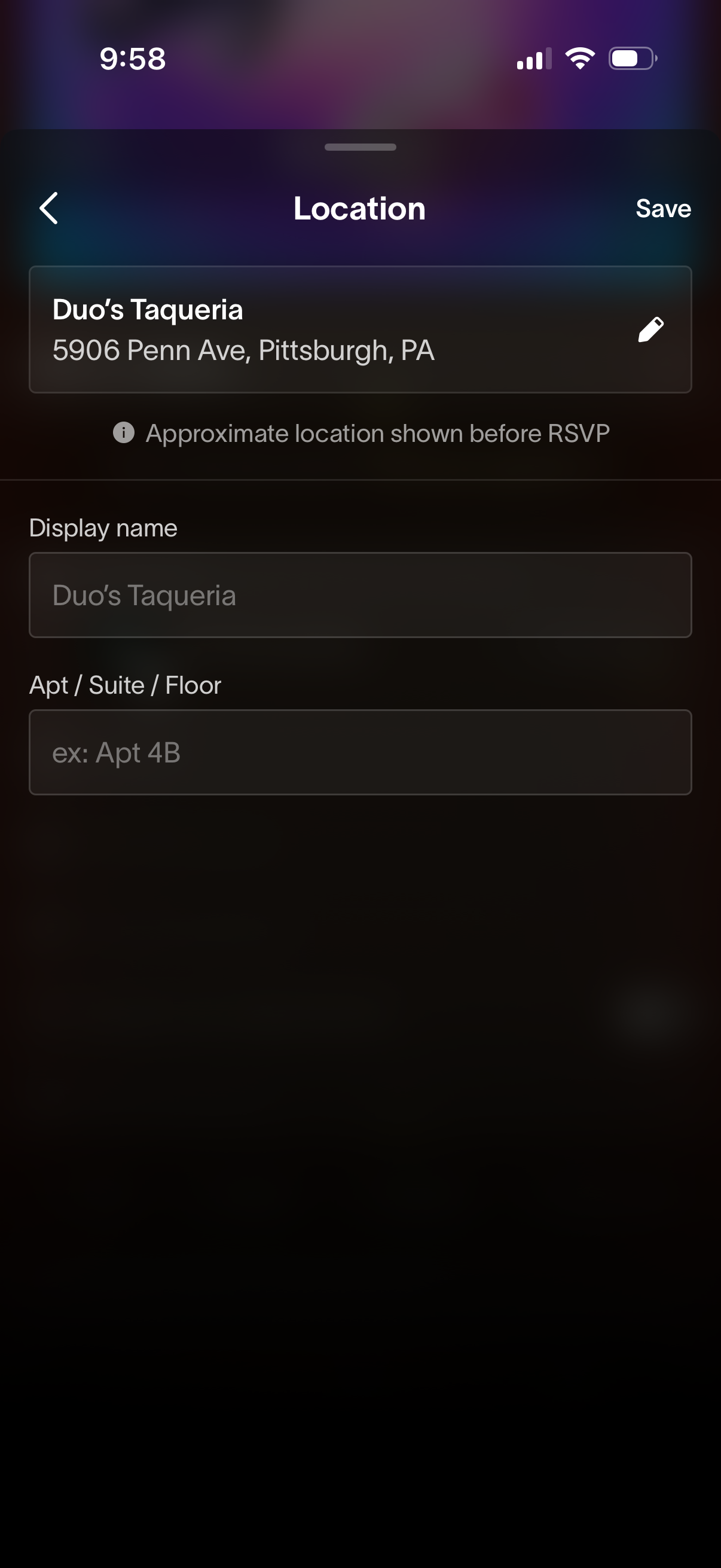
Event location editing screen showing a selected venue and address with an edit option, plus form fields to set the display name and add apartment/suite/floor details. Includes back navigation and a Save action, with a note that only an approximate location is shown before RSVP.
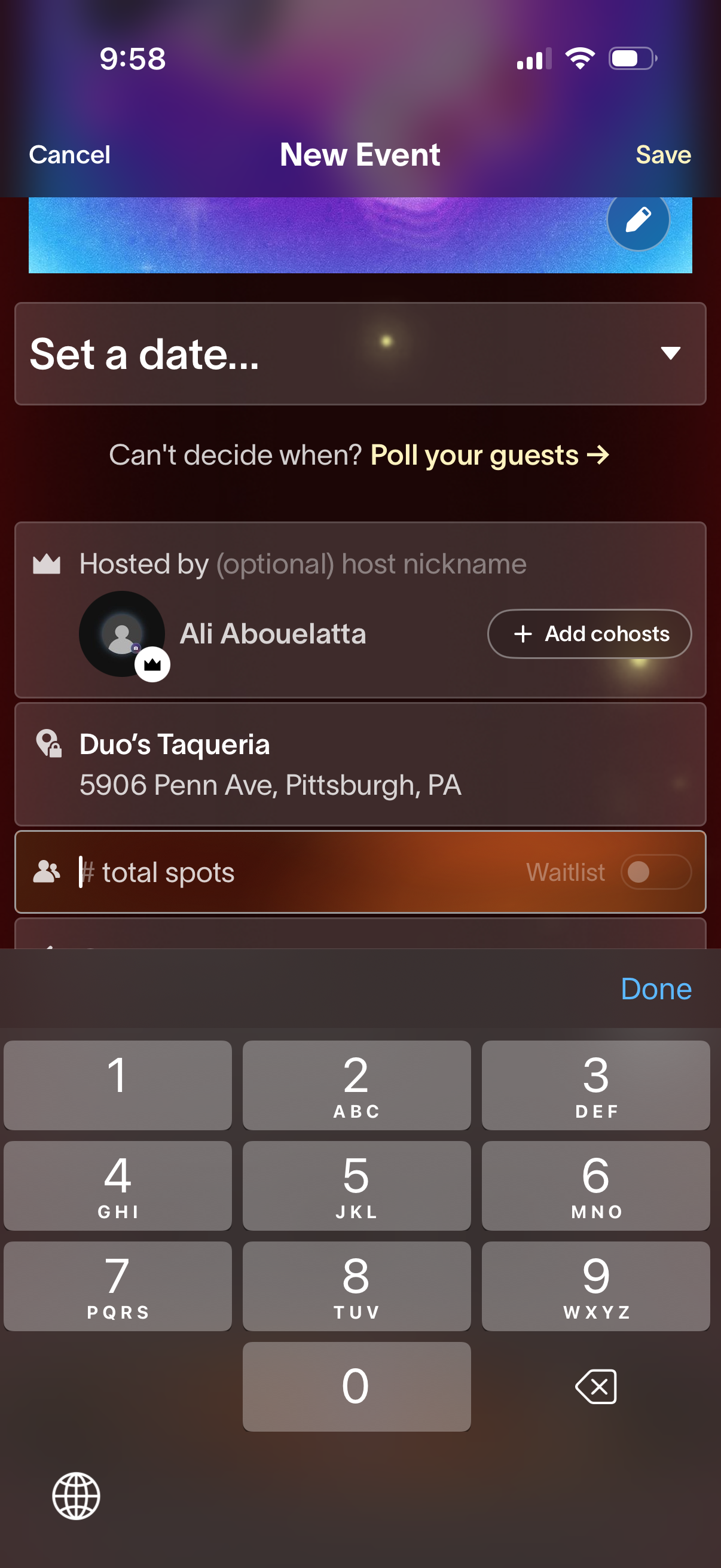
Event creation form screen for scheduling a new event, with actions to cancel or save and a date selector plus an option to poll guests to decide the time. Includes fields to set the host name, add co-hosts, choose a venue/location, and enter total available spots with an optional waitlist toggle.
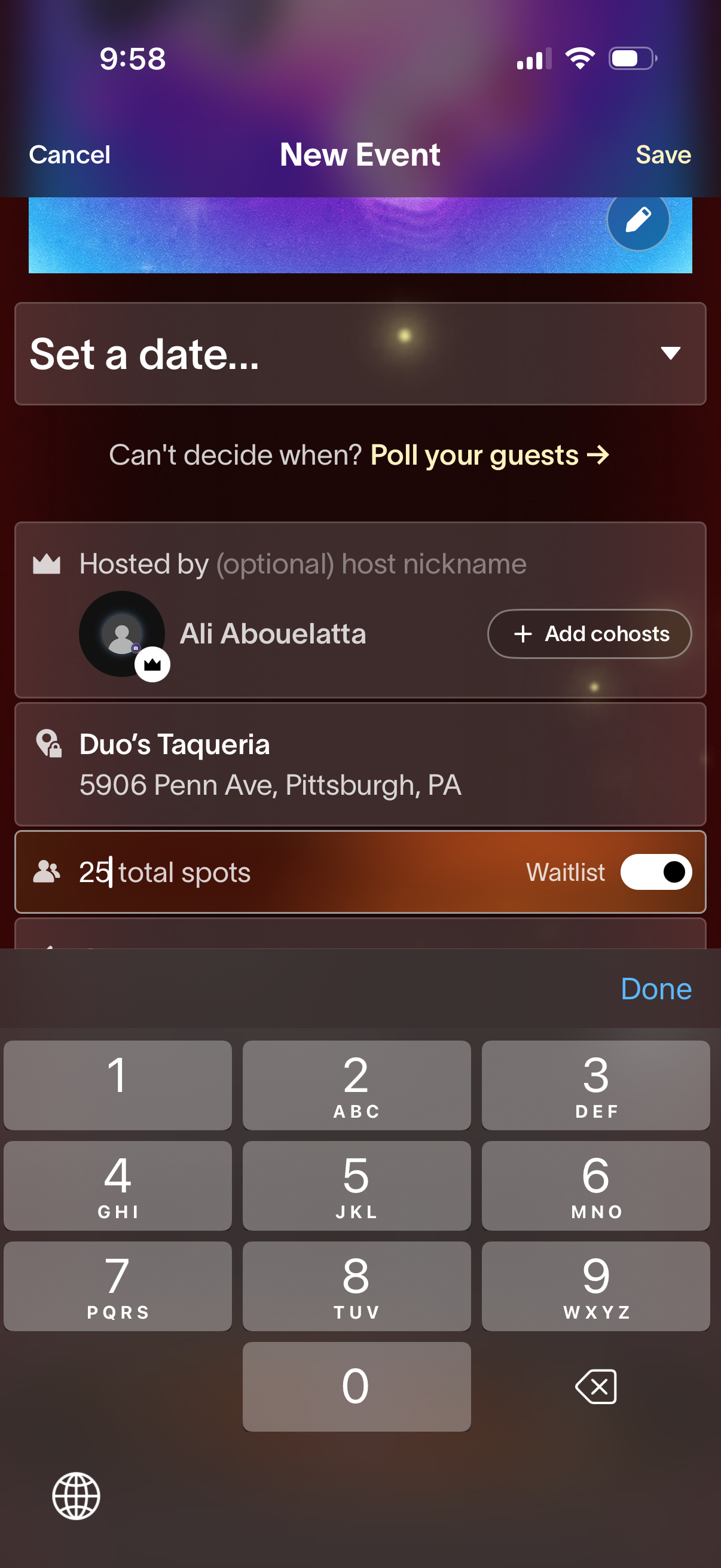
New event creation screen where the user sets the event date (with an option to poll guests if undecided), chooses/edits the host and adds co-hosts, selects a venue location, and sets attendance capacity with a waitlist toggle, with Cancel and Save actions.
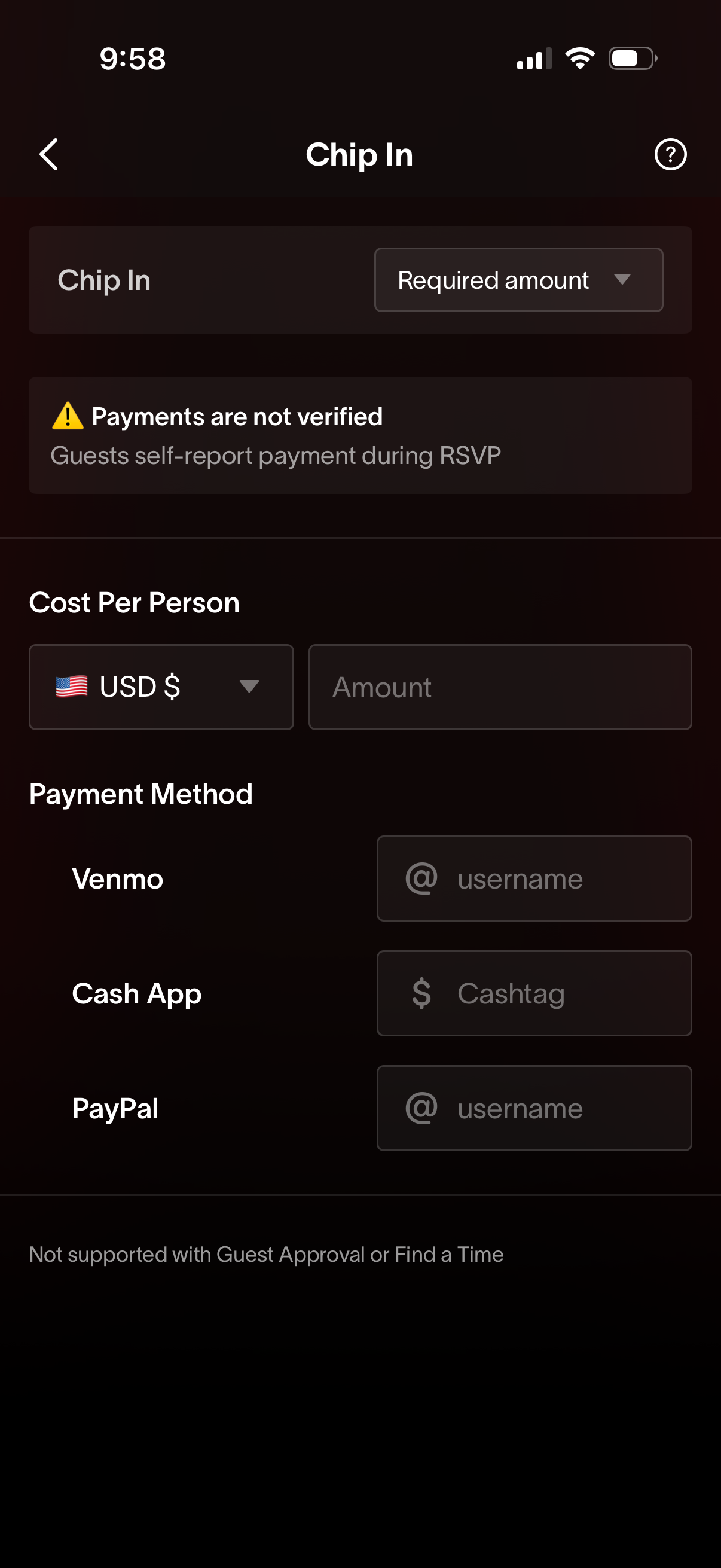
Event “Chip In” payment setup screen where the host selects a required contribution amount, sets cost per person with currency and amount fields, and adds payment handles for Venmo, Cash App, and PayPal. Includes a warning that payments are not verified and guests self-report payment during RSVP.
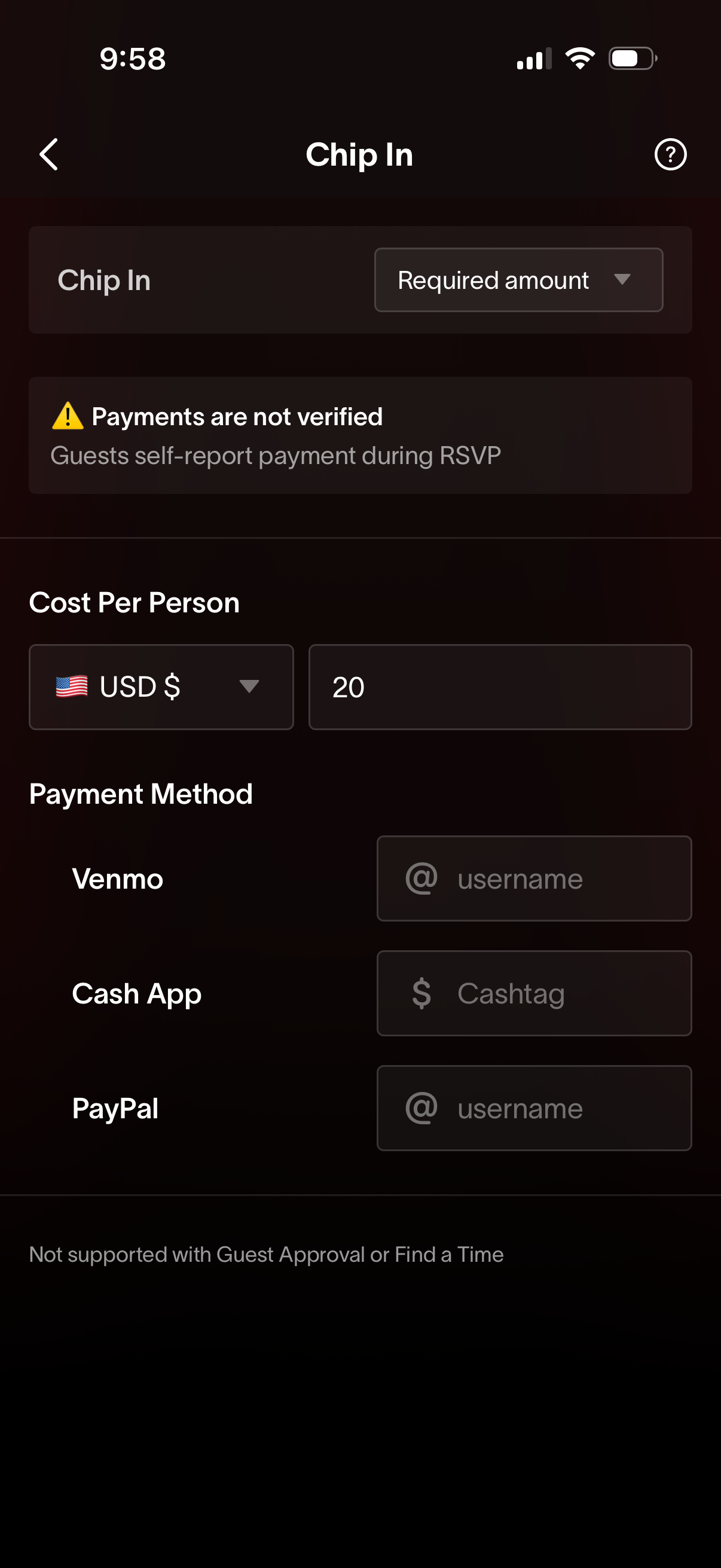
Event “Chip In” payment setup screen where a host selects the contribution type (required amount), sets cost per person with currency and amount fields, and adds payment handles for Venmo, Cash App, and PayPal. Includes a warning notice that payments are not verified and guests self-report payment during RSVP.
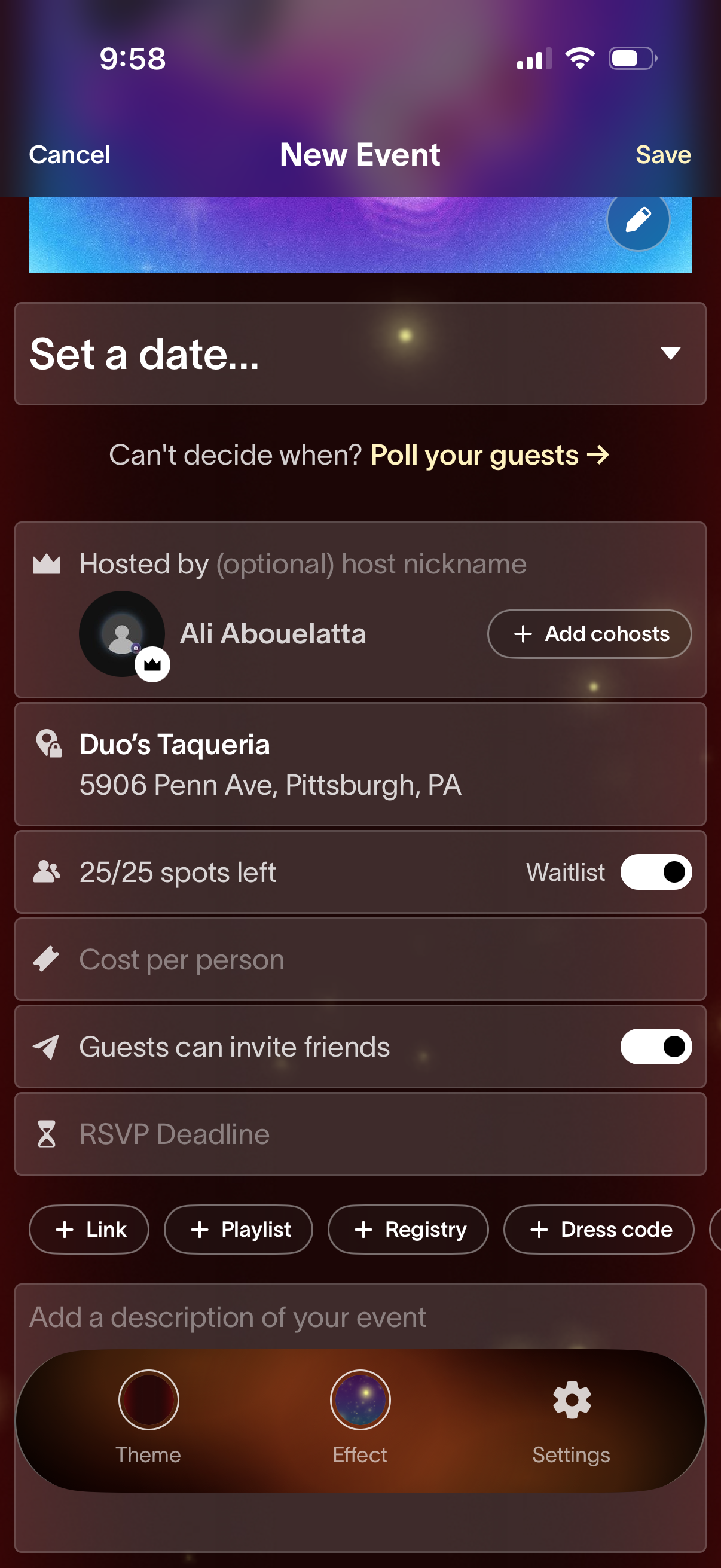
Event creation form for scheduling a new event, with actions to set the date (or poll guests), choose host and add cohosts, pick a location, and manage capacity with waitlist, cost per person, guest invite permissions, and RSVP deadline. Includes options to add links, playlist, registry, and dress code, plus an event description and theme/effect/settings customization, with Cancel and Save buttons.
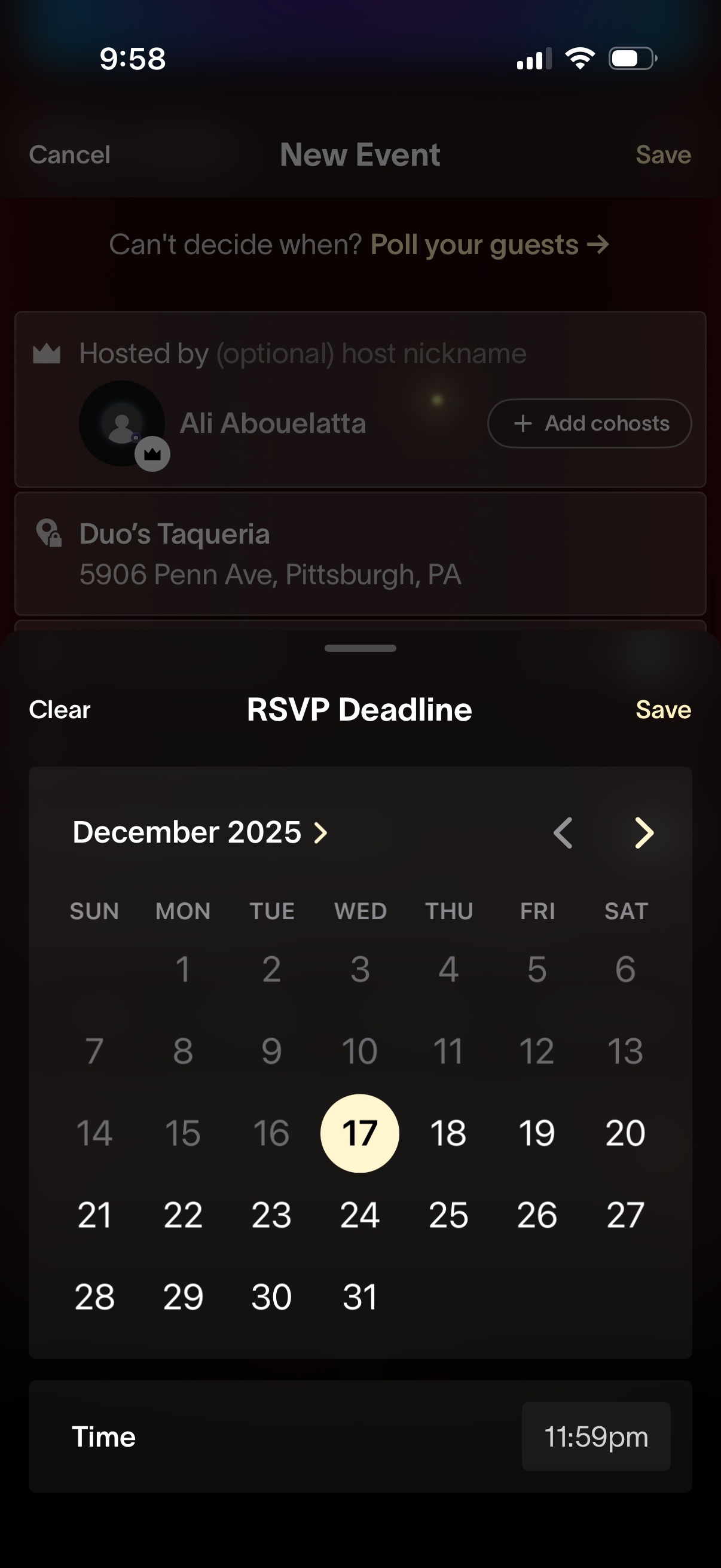
Event creation flow showing an RSVP deadline picker as a bottom sheet modal, with a calendar month view to select a date and a time field, plus Clear and Save actions. The background “New Event” screen includes host and location details while the user sets the RSVP cutoff date/time.
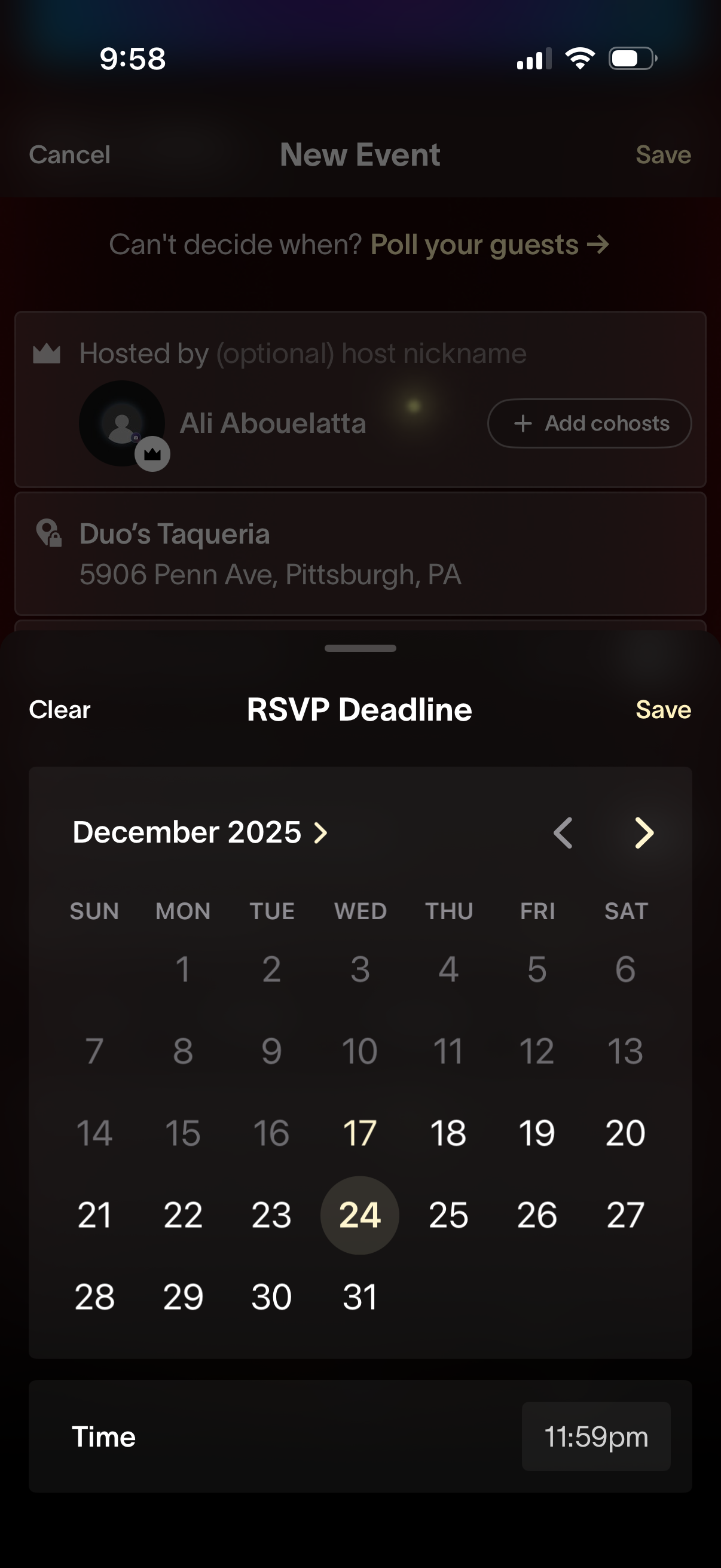
Event creation screen showing a bottom-sheet date and time picker to set an RSVP deadline, with options to clear or save the selected deadline. The calendar allows month navigation and day selection, and includes a time field for the cutoff time.
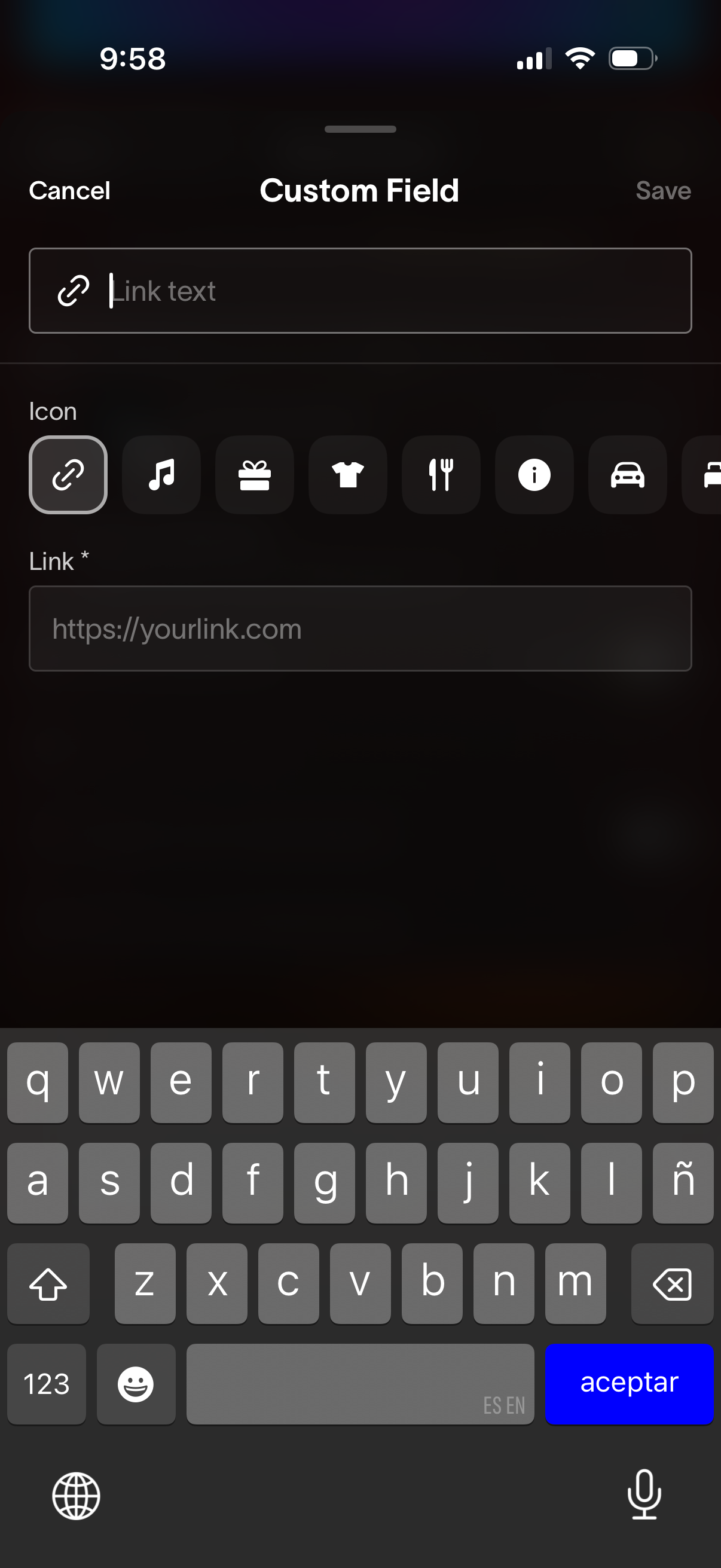
Modal screen for creating a custom field link, with inputs for link text and a required URL. Includes an icon picker row to choose a category symbol and Cancel/Save actions to discard or save the new field.
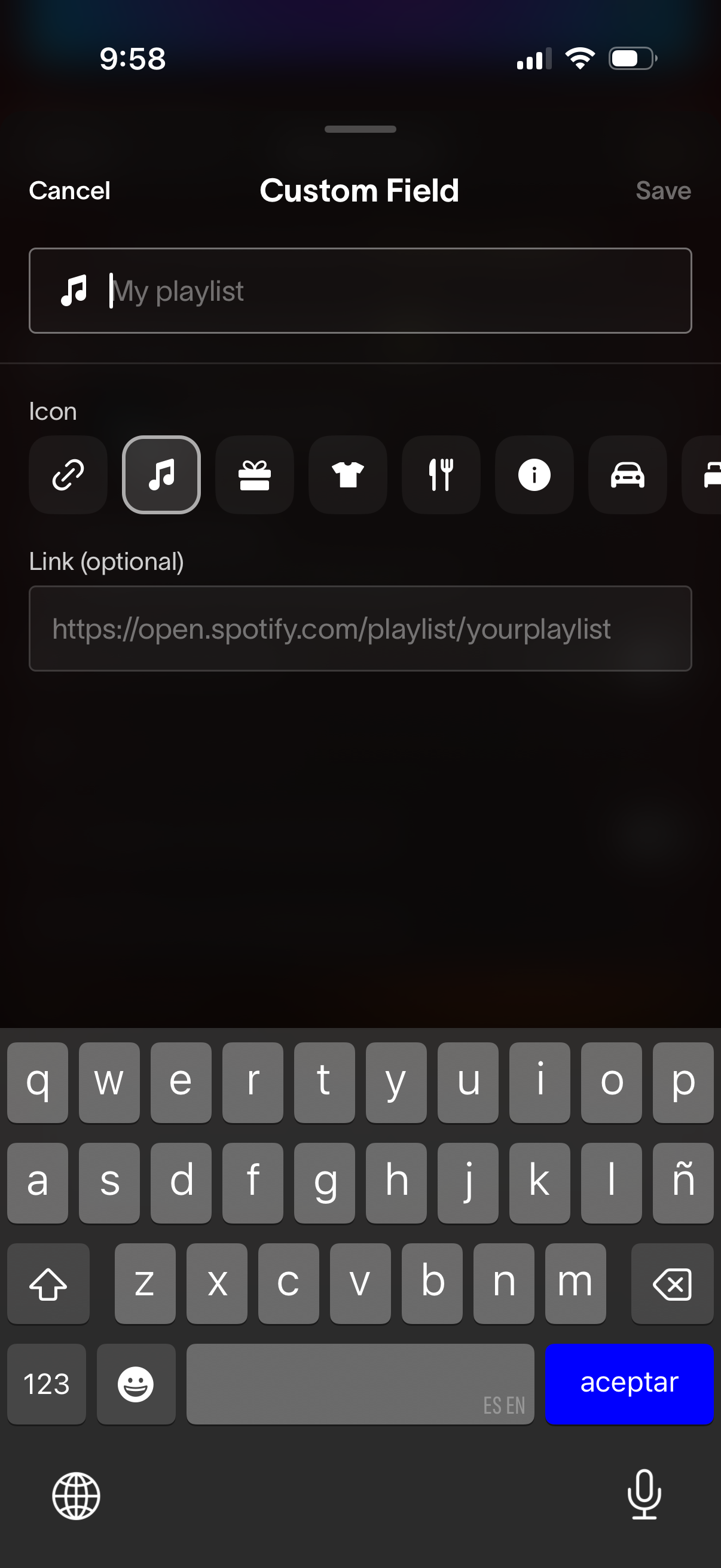
Modal form for creating or editing a custom field, with a text input for the field name, an icon picker row to choose a representative symbol, and an optional URL link input. Includes Cancel and Save actions for discarding or confirming the new custom field.
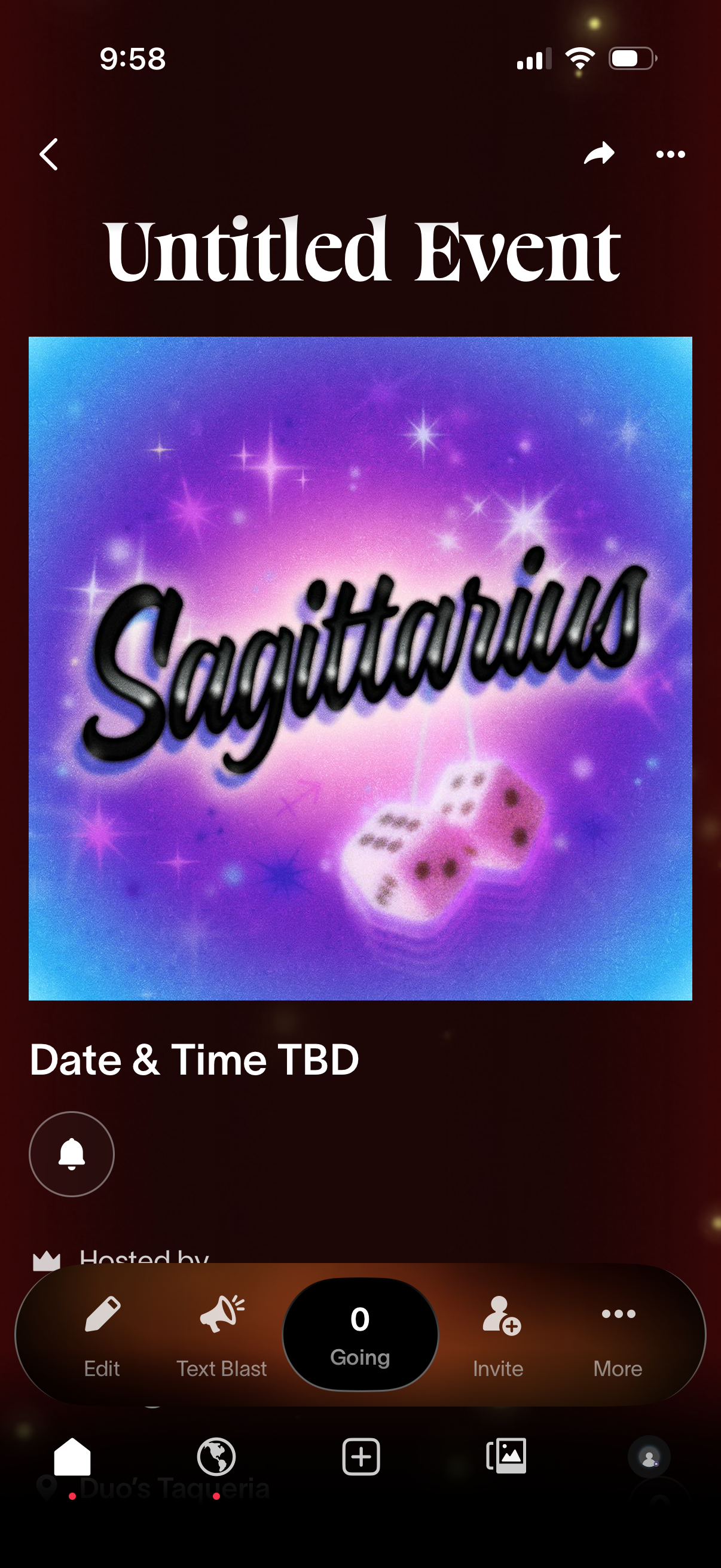
Event details screen showing an event title, cover image, and date/time placeholder, with navigation back plus share and overflow actions. Bottom action bar lets the host edit the event, send a text blast announcement, view going/RSVP count, invite attendees, and access more options, with a bell icon for notifications/reminders.