add profile photo
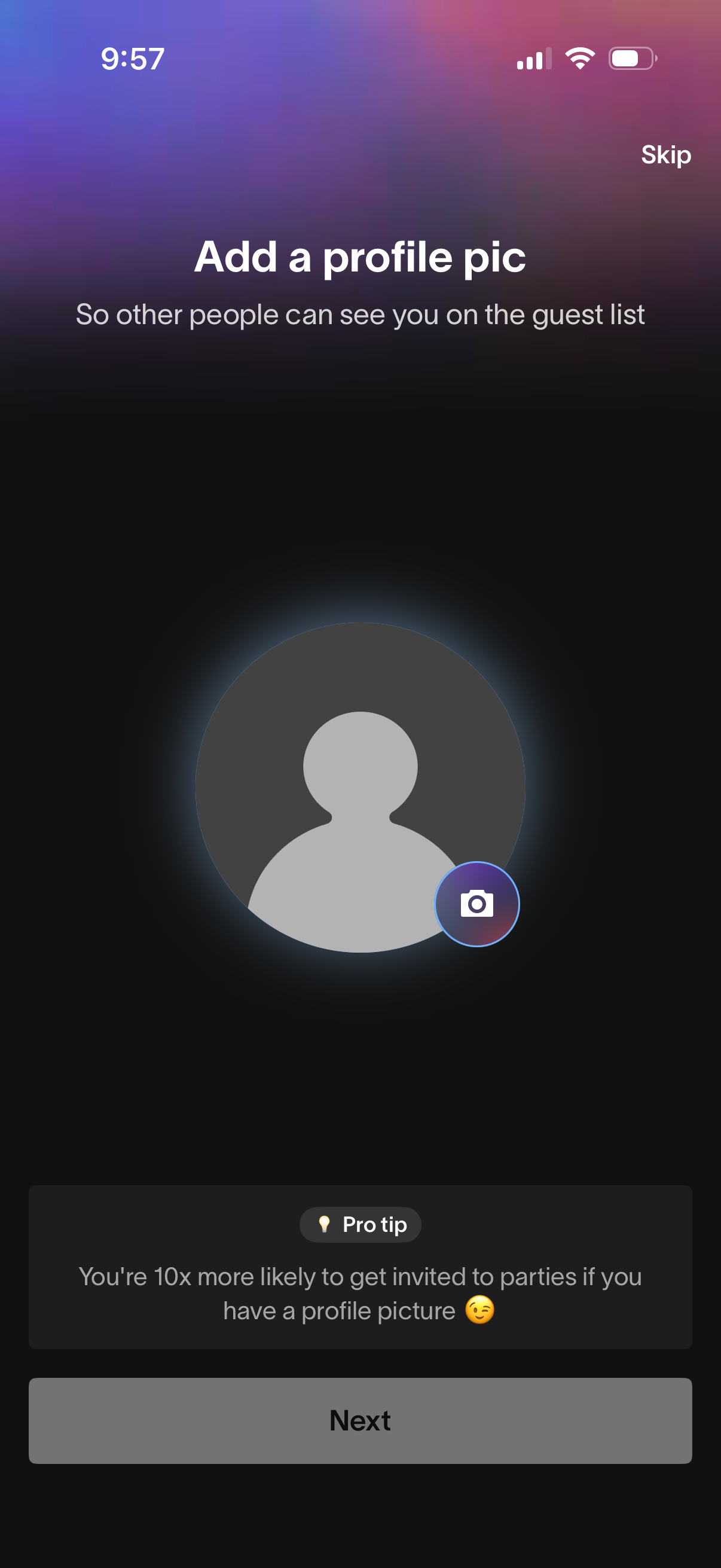
Onboarding prompt asking the user to add a profile picture so others can see them on a guest list, featuring a camera icon on the avatar placeholder to upload or take a photo. Includes options to Skip or proceed with Next, plus a pro tip encouraging adding a photo to increase party invites.
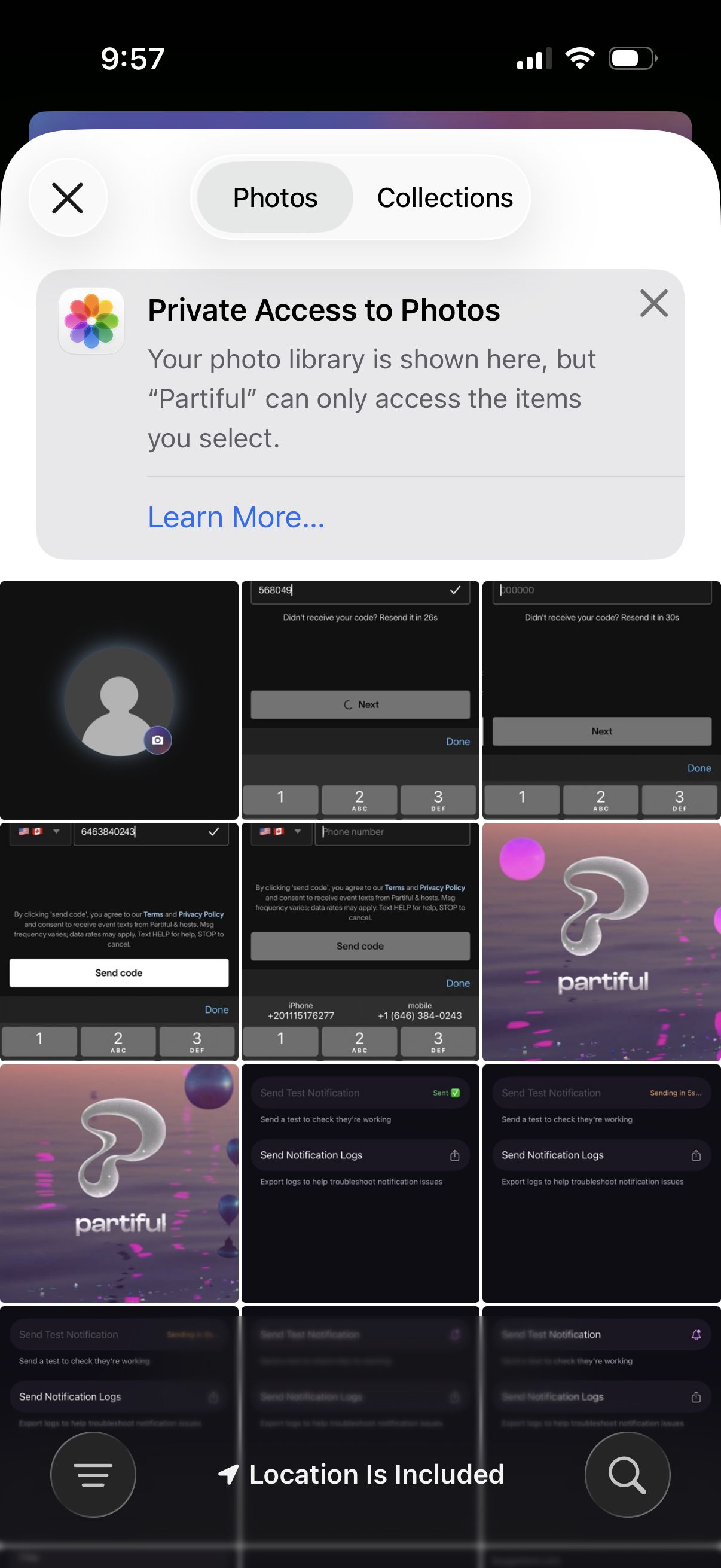
iOS photo picker modal for granting limited “Private Access to Photos,” showing a Photos/Collections toggle, an informational permission banner with Learn More, and a grid of recent images for selecting specific items before closing.
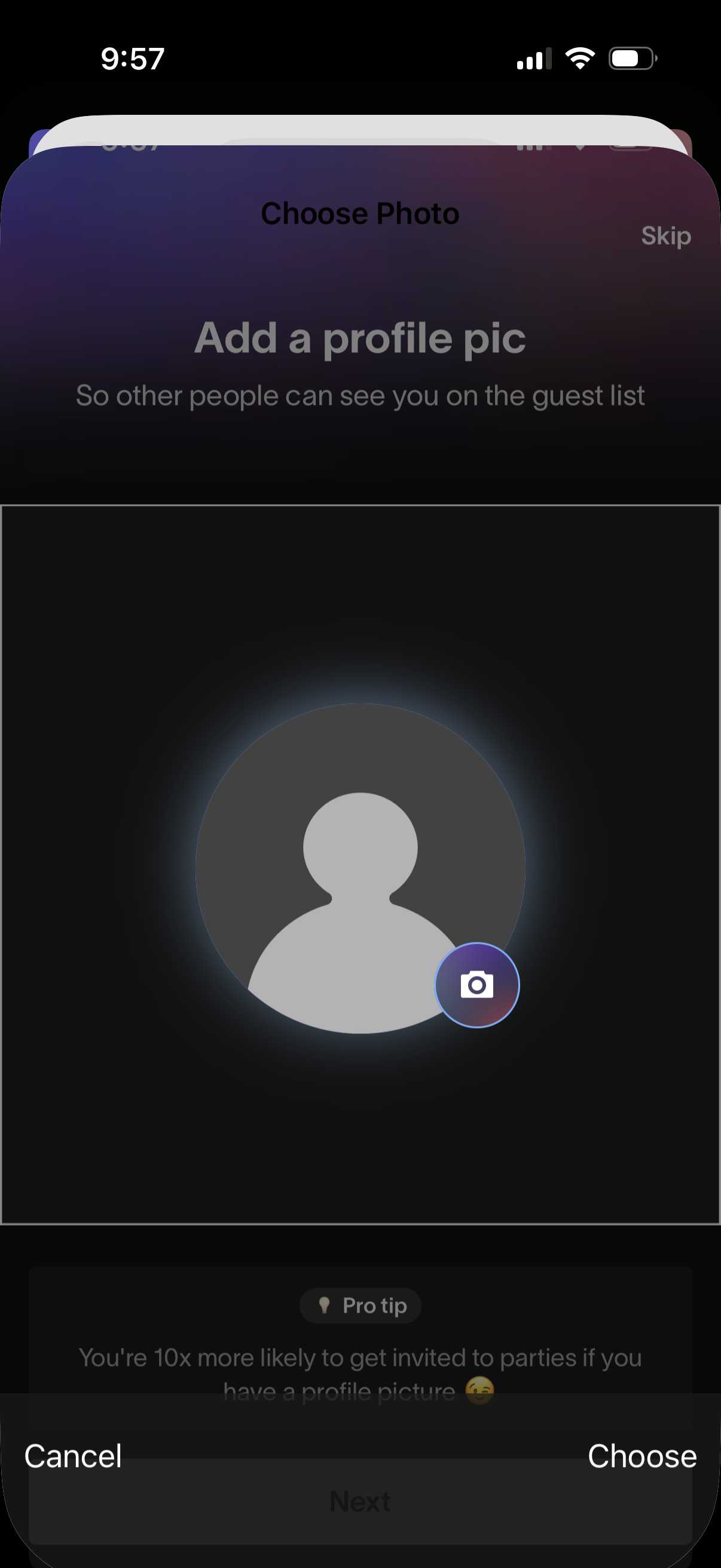
Profile setup screen prompting the user to add a profile picture so others can recognize them on a guest list, showing a placeholder avatar with a camera icon to choose a photo. Includes actions to skip, cancel, or confirm the selected photo.