share year recap
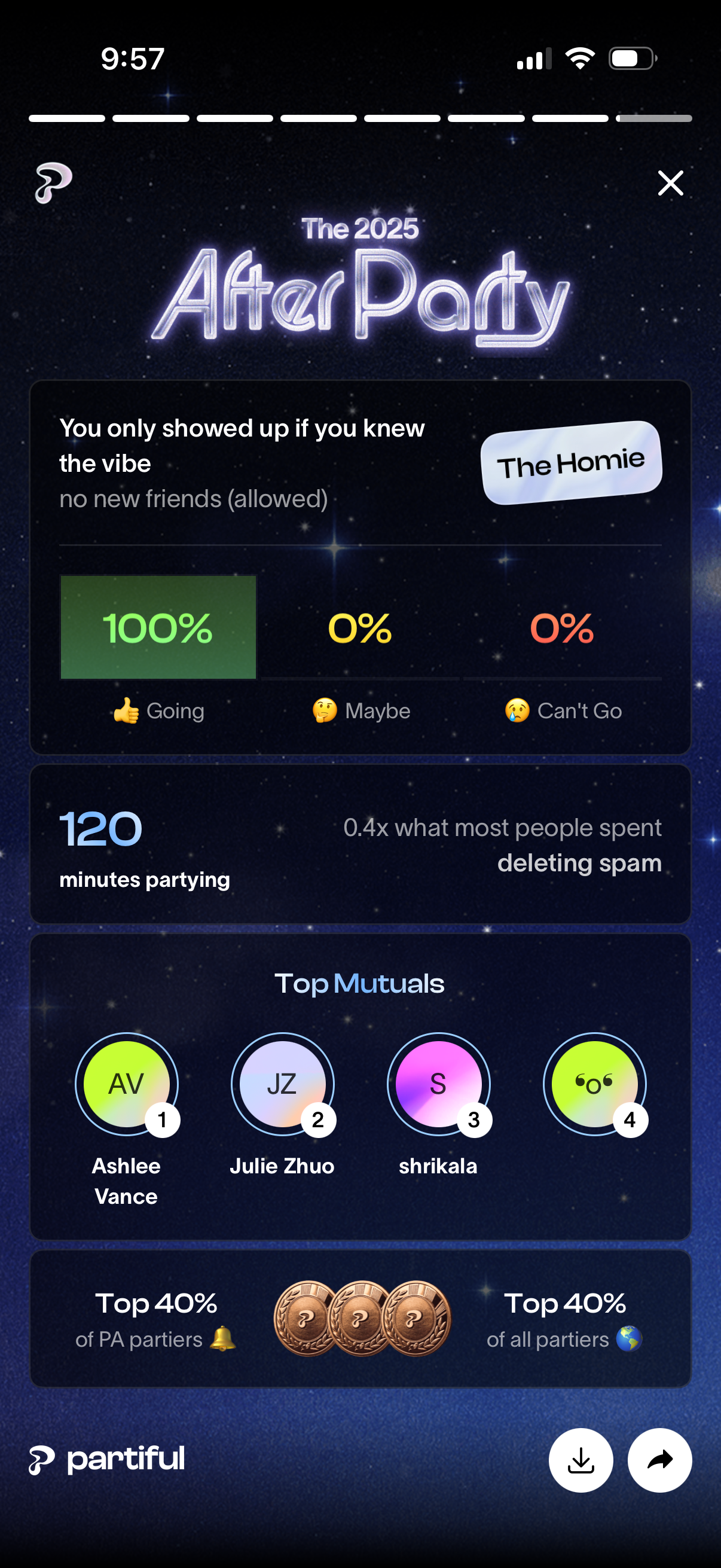
Event recap screen for an “After Party” showing RSVP poll results with percentages for Going/Maybe/Can’t Go, party stats like minutes spent, and social insights such as top mutuals/attendees and percentile rankings. Includes actions to close, download/save, or share the recap.
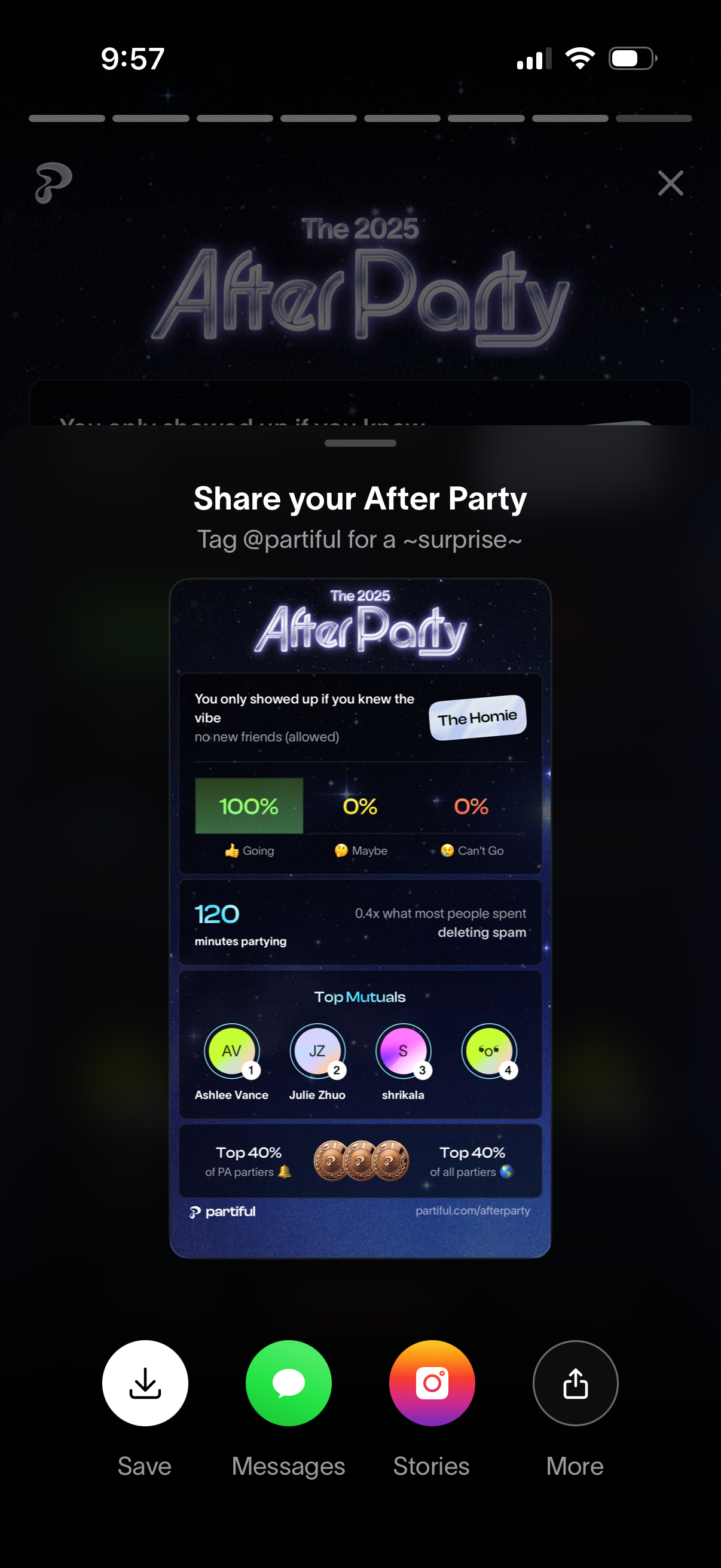
Share sheet for an event “After Party” recap that generates a branded stats card showing RSVP breakdown (going/maybe/can’t go), time spent partying, and top mutuals/rank badges. Provides quick actions to save/download the image or share it via messages, Instagram Stories, or more share options, with a close button to dismiss.
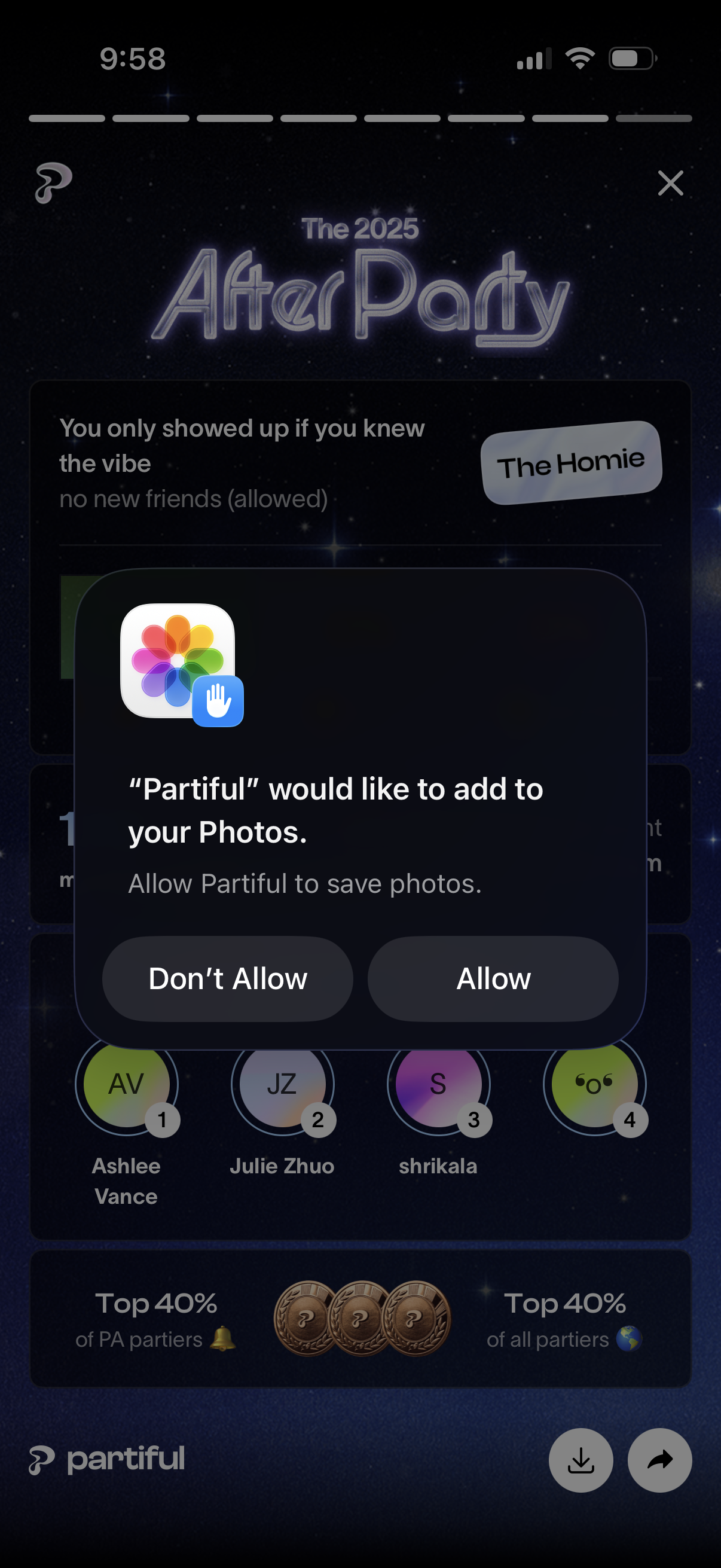
An iOS system permission modal prompts the user to allow an app to add and save photos to the device’s Photos library, with primary actions “Don’t Allow” and “Allow. ” The dialog appears over an event/party screen with an event title and attendee avatars, indicating the request is triggered during event sharing or saving media.
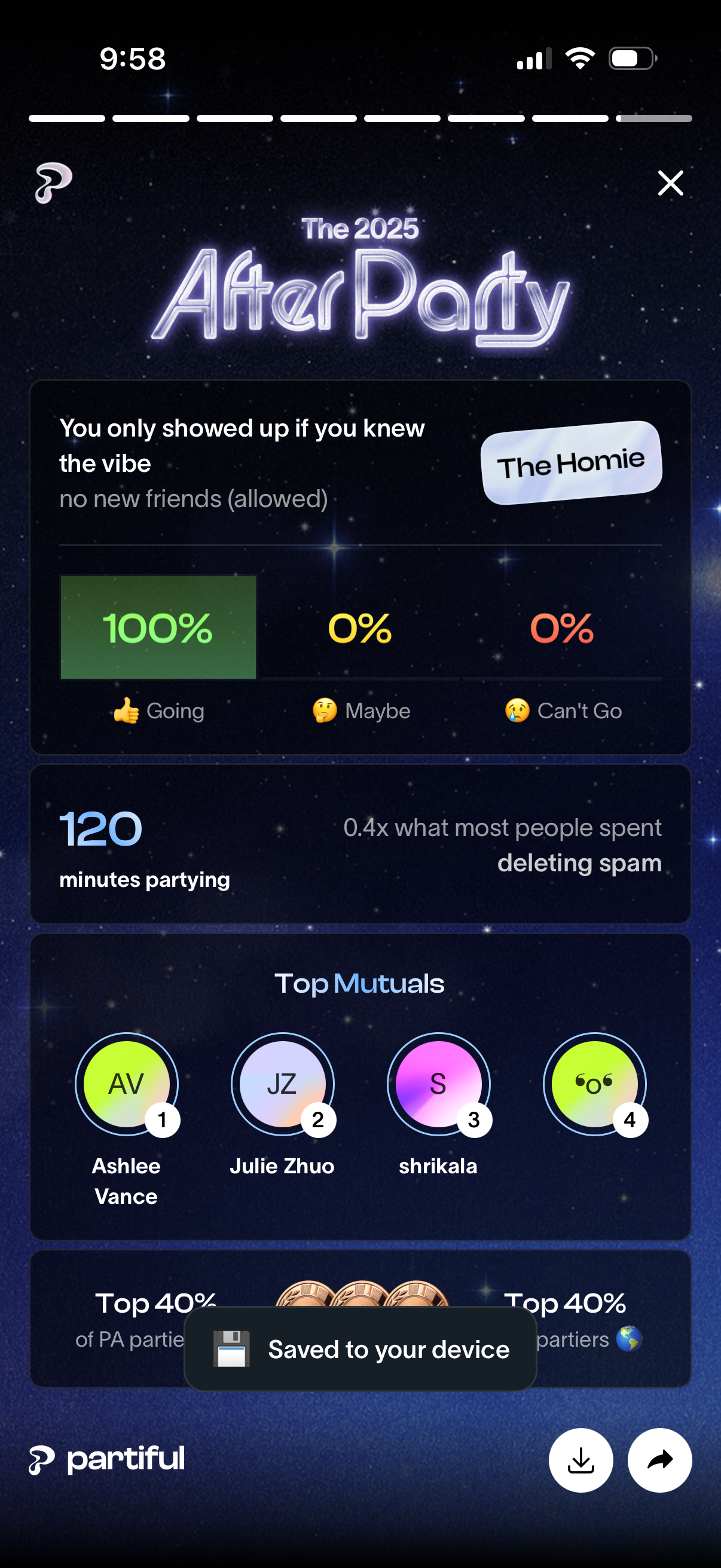
Event recap/share screen for an “After Party” showing RSVP poll results (Going/Maybe/Can’t Go), party time stats, and top mutual friends/attendees. Includes actions to close, download/save the recap, and share.