sign up with phone
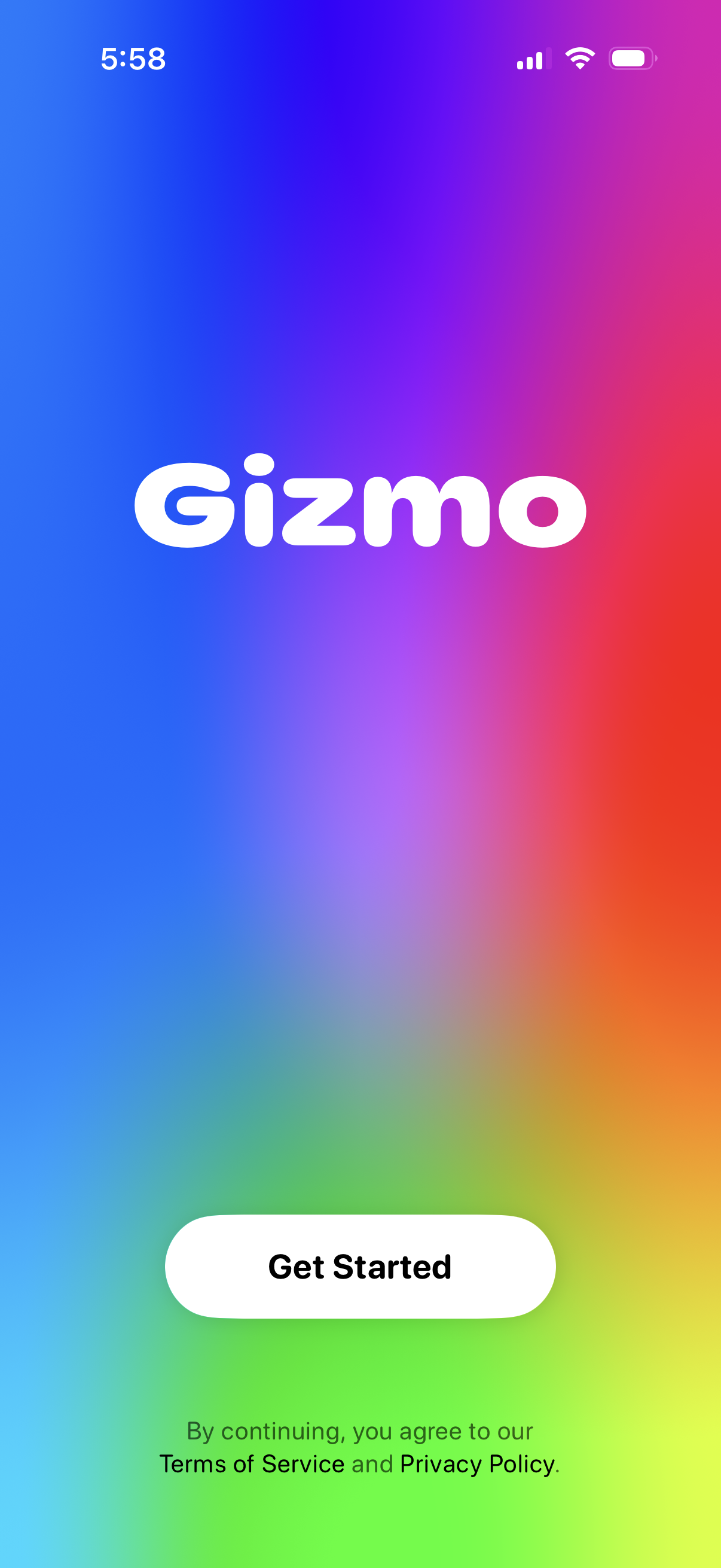
App launch/welcome screen with prominent branding and a single primary “Get Started” call-to-action to begin onboarding or sign-up, with a footer note linking to Terms of Service and Privacy Policy consent.
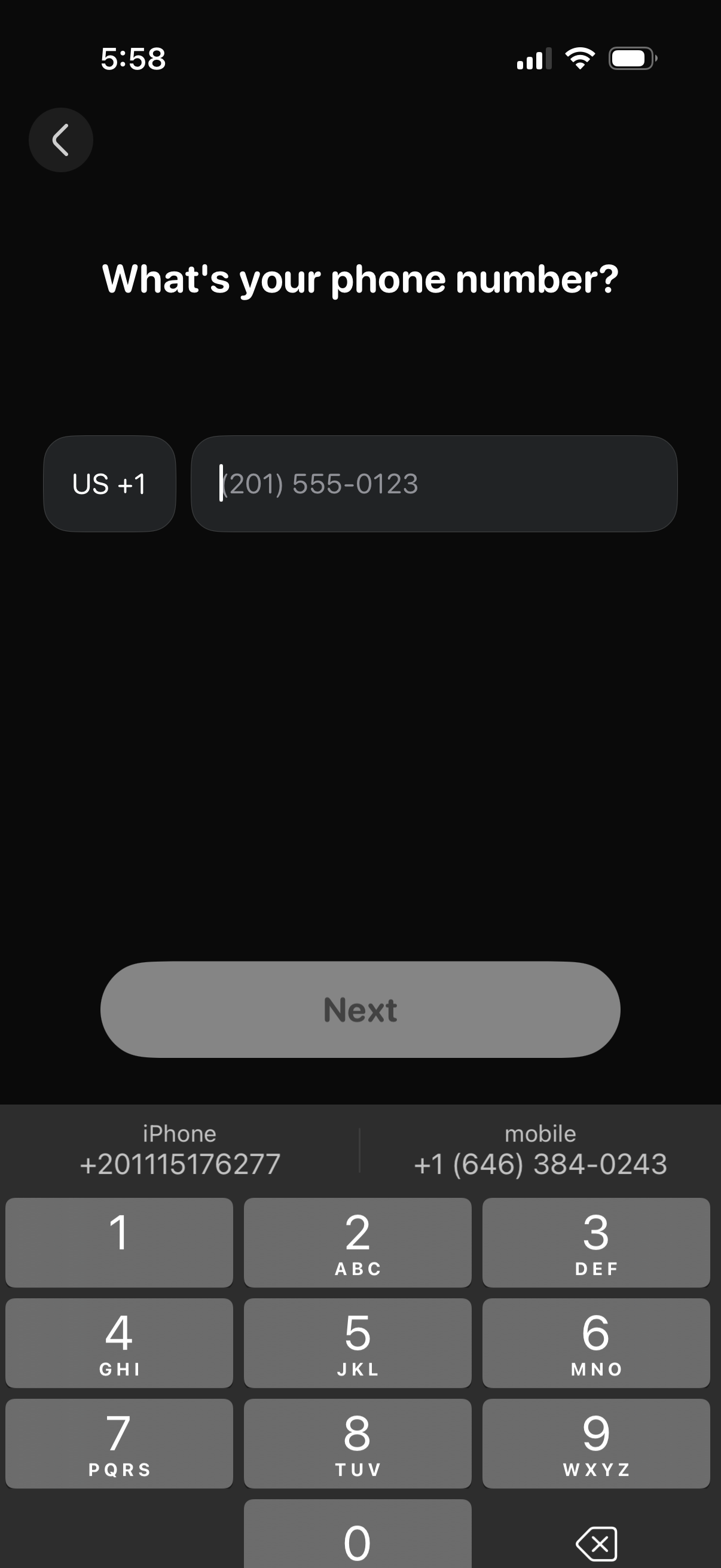
Phone number entry screen in an onboarding or sign-in flow, asking “What’s your phone number? ” with a country/region code selector (e.
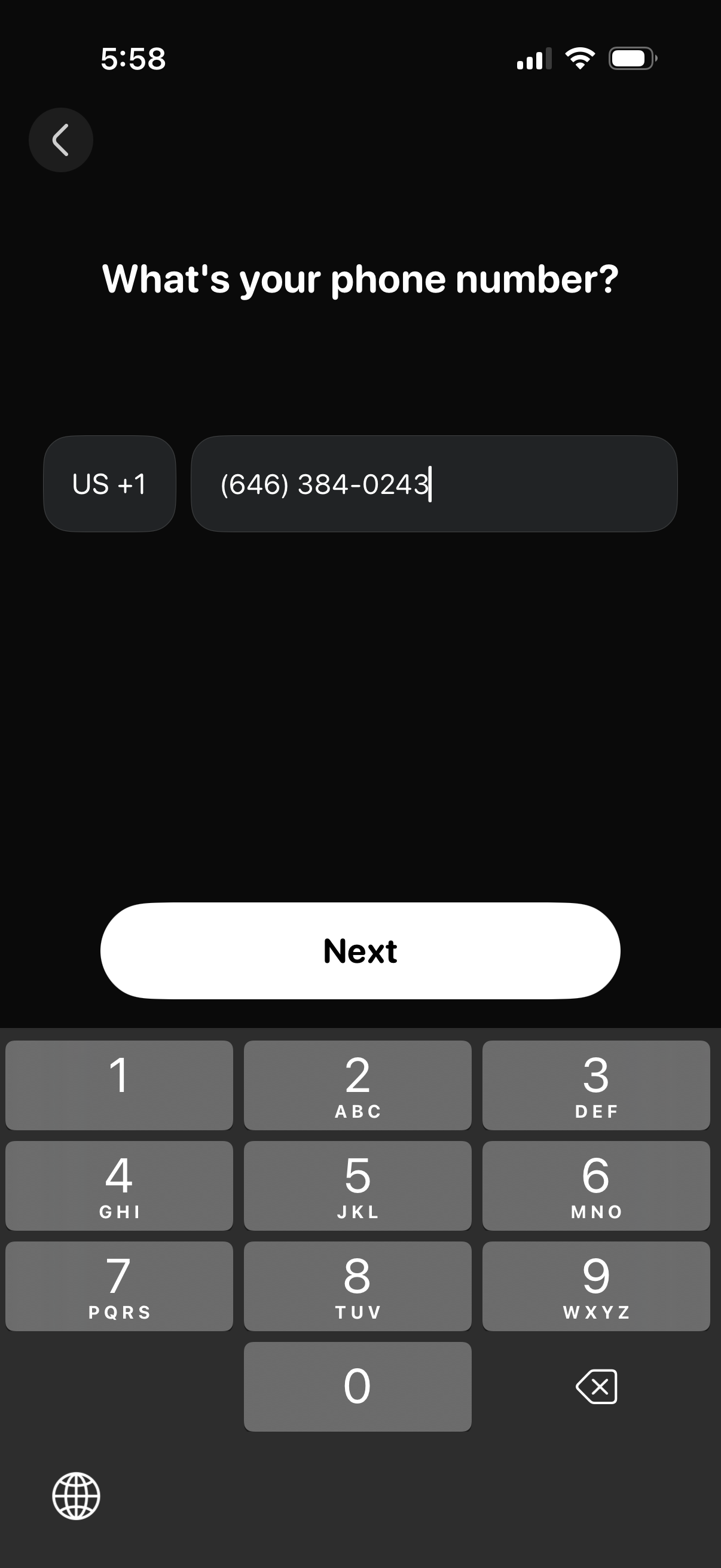
Phone number entry screen in an onboarding or sign-in flow with a country code selector and formatted phone input field. Users can proceed by tapping the primary “Next” button, with a back arrow to return to the previous step.
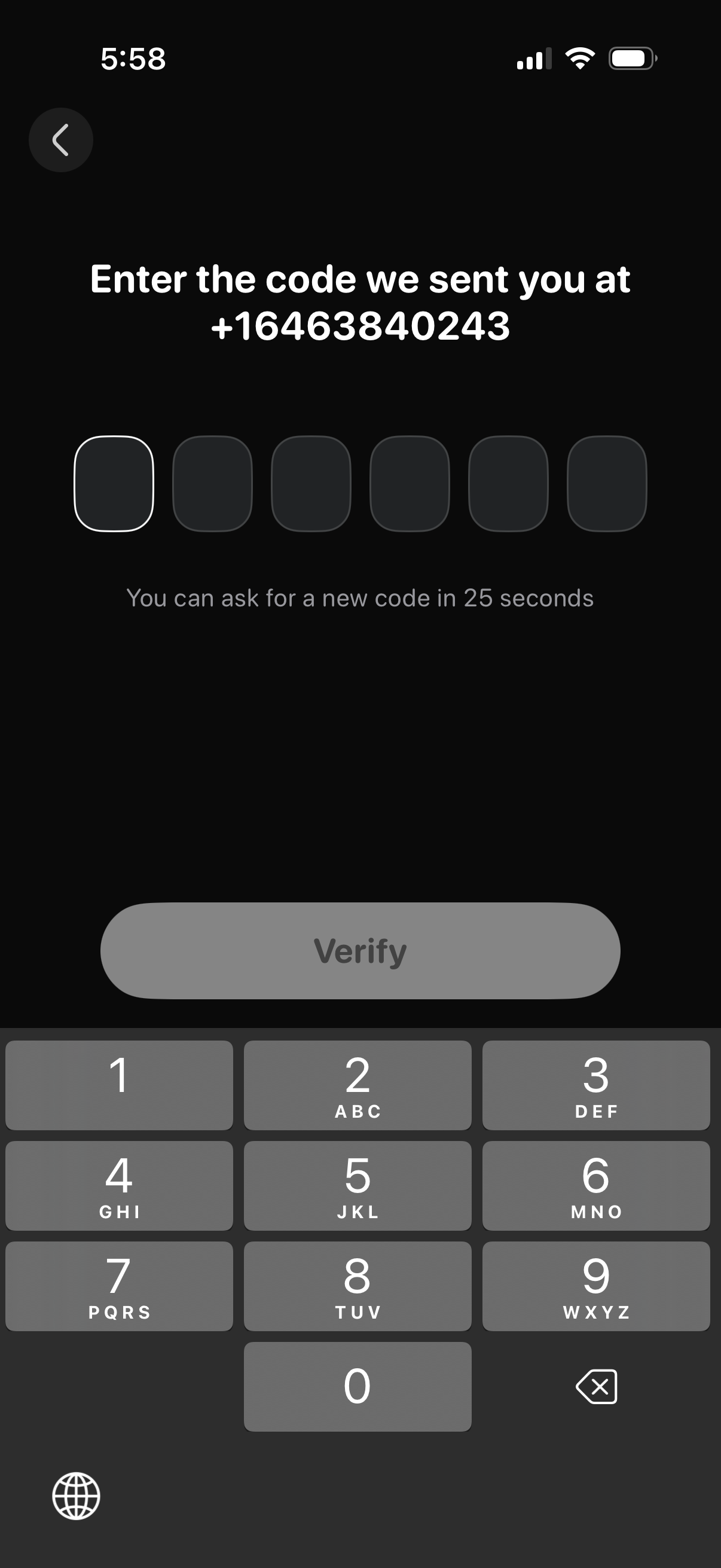
Phone number verification screen prompting the user to enter a 6-digit SMS code, with segmented OTP input fields, a countdown timer until they can request a new code, and a primary Verify button with numeric keypad entry and back navigation.
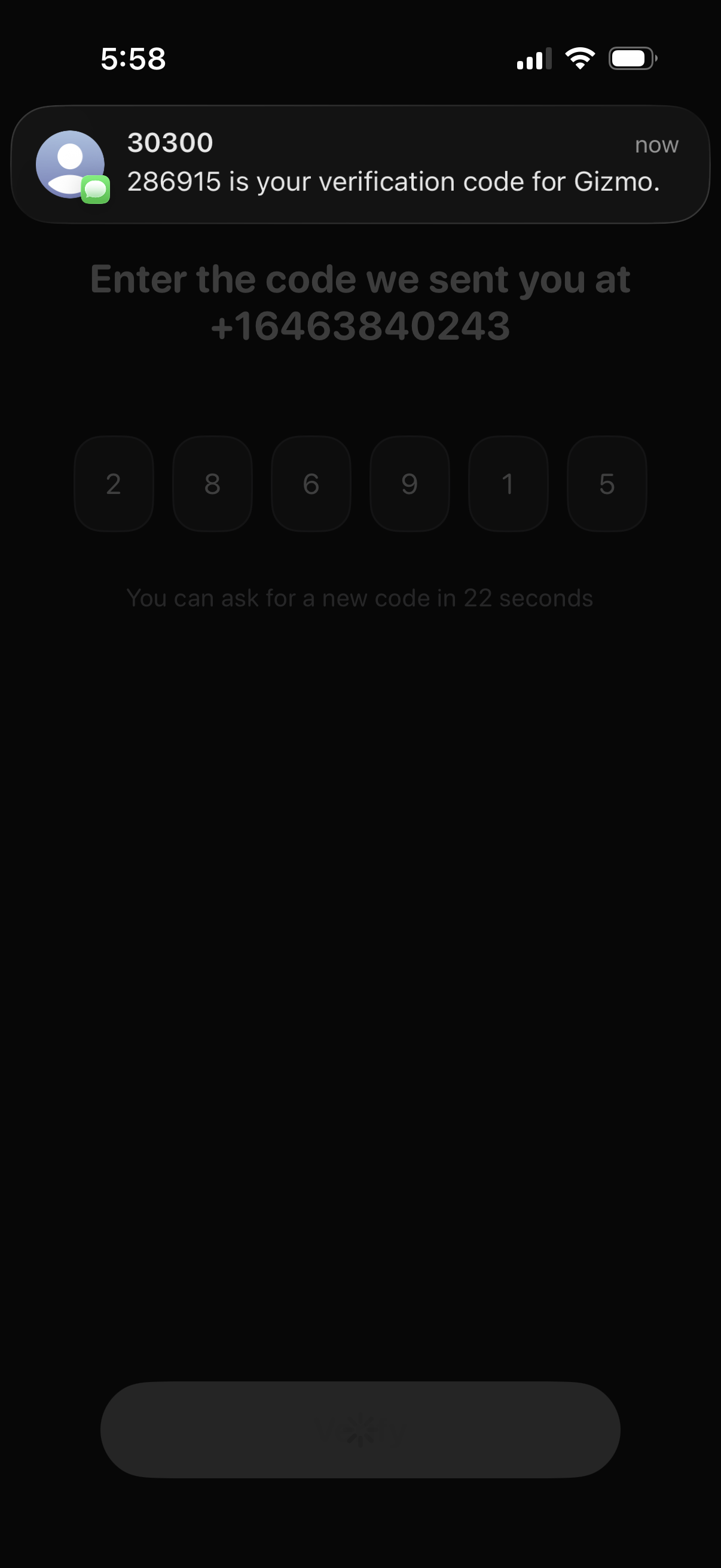
Two-factor authentication screen for SMS verification, prompting the user to enter a 6-digit code sent to their phone number using separate digit input boxes. Includes a countdown timer indicating when the user can request a new verification code.
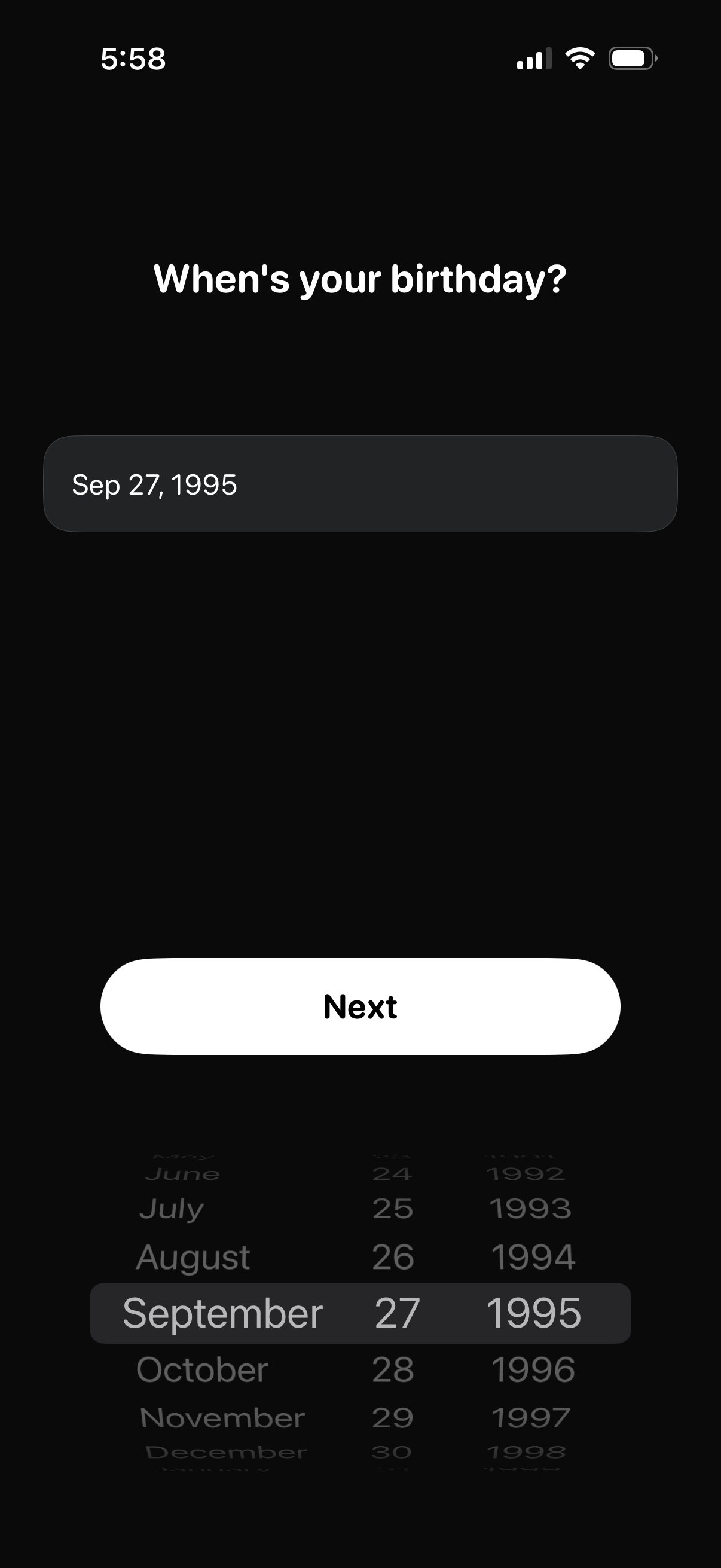
Onboarding form screen asking the user to enter their birthday using an iOS-style date picker with a formatted date field. A prominent “Next” button advances to the next step after selecting the date of birth.
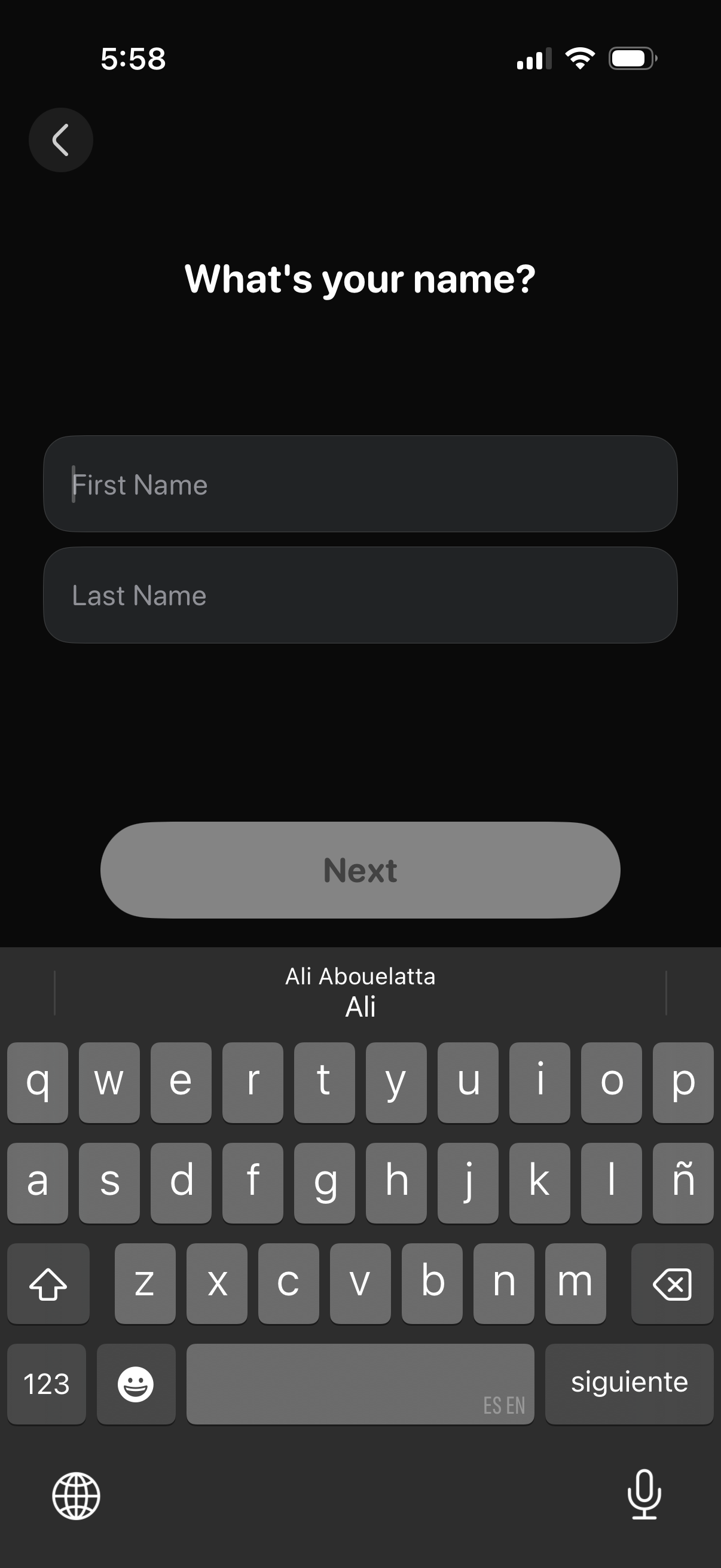
Onboarding profile setup screen asking “What’s your name? ” with text fields to enter first name and last name.
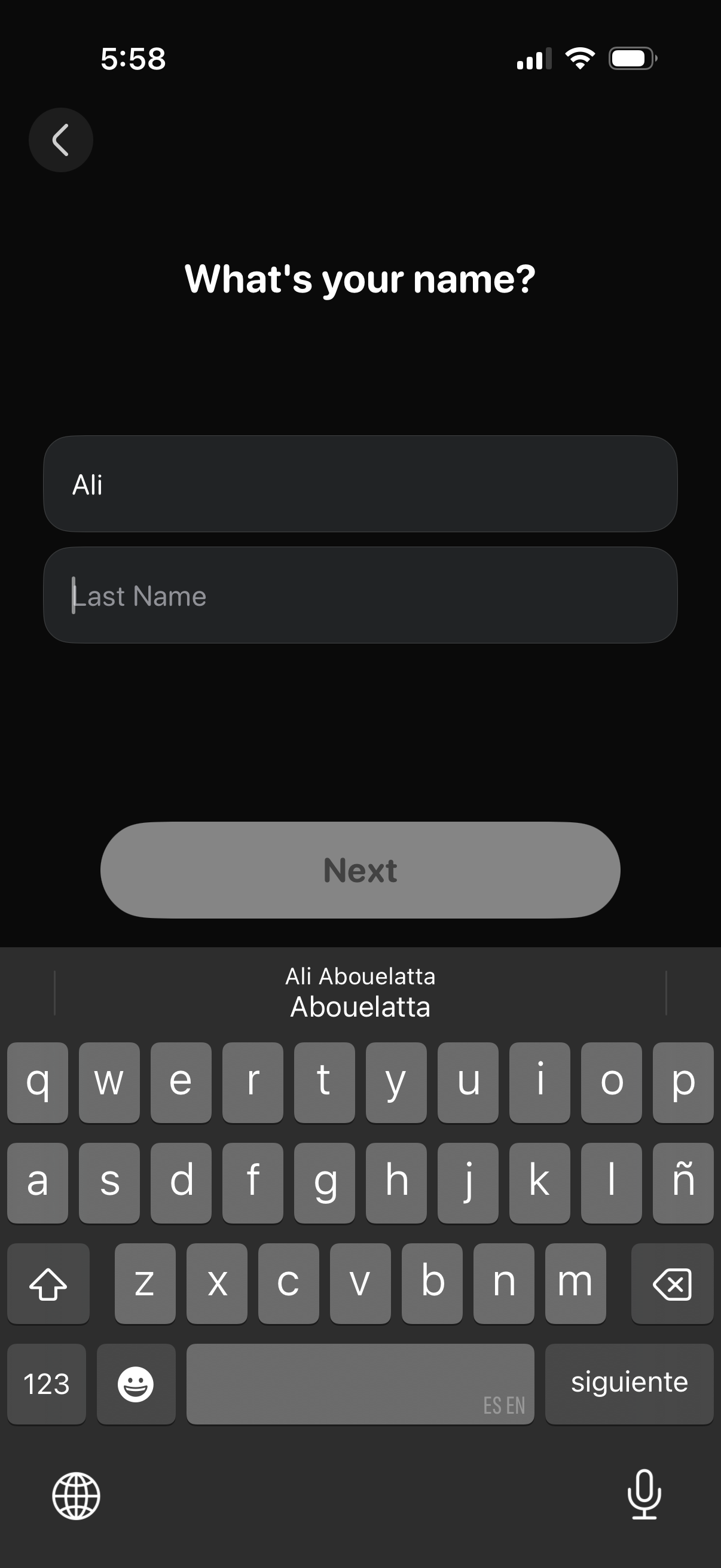
User onboarding sign-up screen asking “What’s your name? ” with form fields for first name and last name and an inactive Next button that becomes enabled after entering a name, plus a back navigation button.
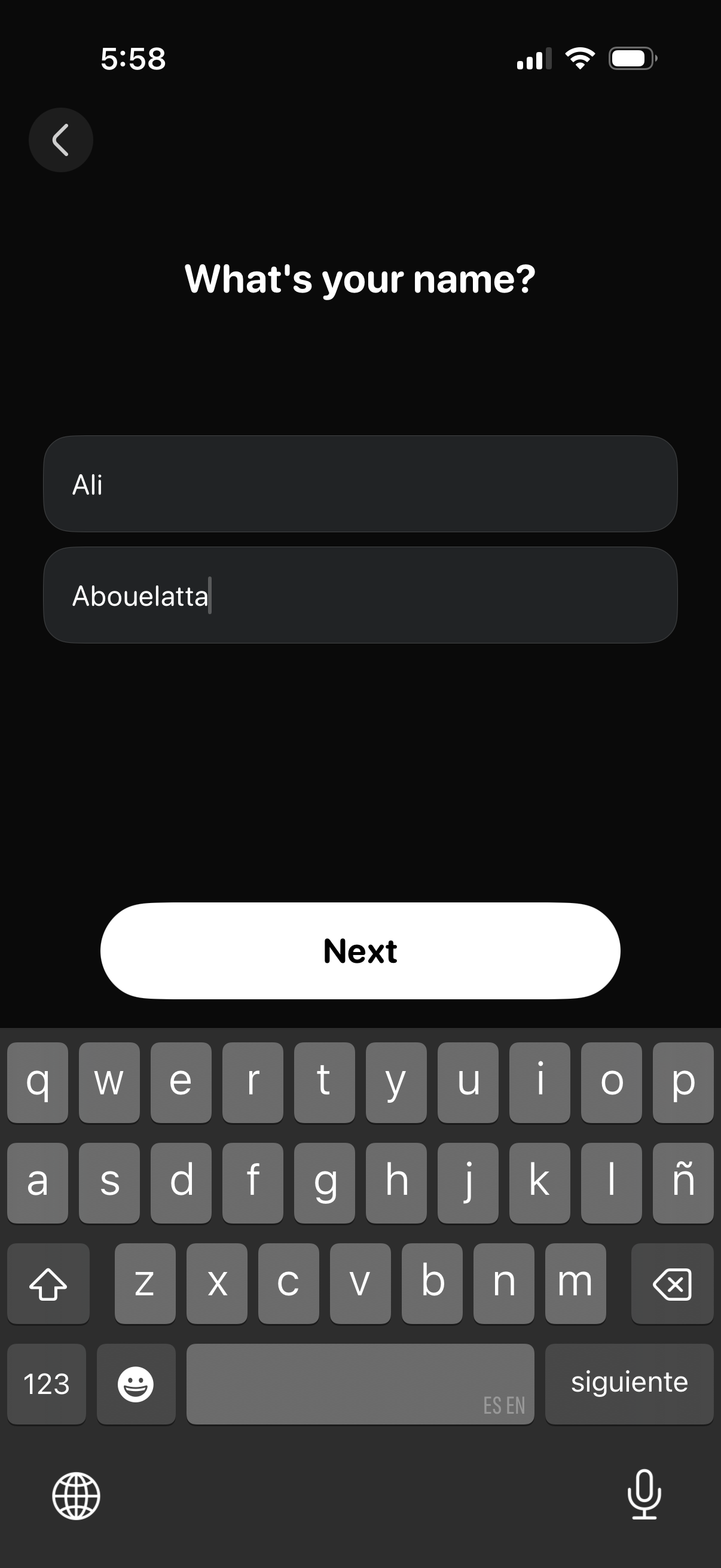
Onboarding profile setup screen asking “What’s your name? ” with two text fields for first and last name entry, a back button, and a large Next button to continue.
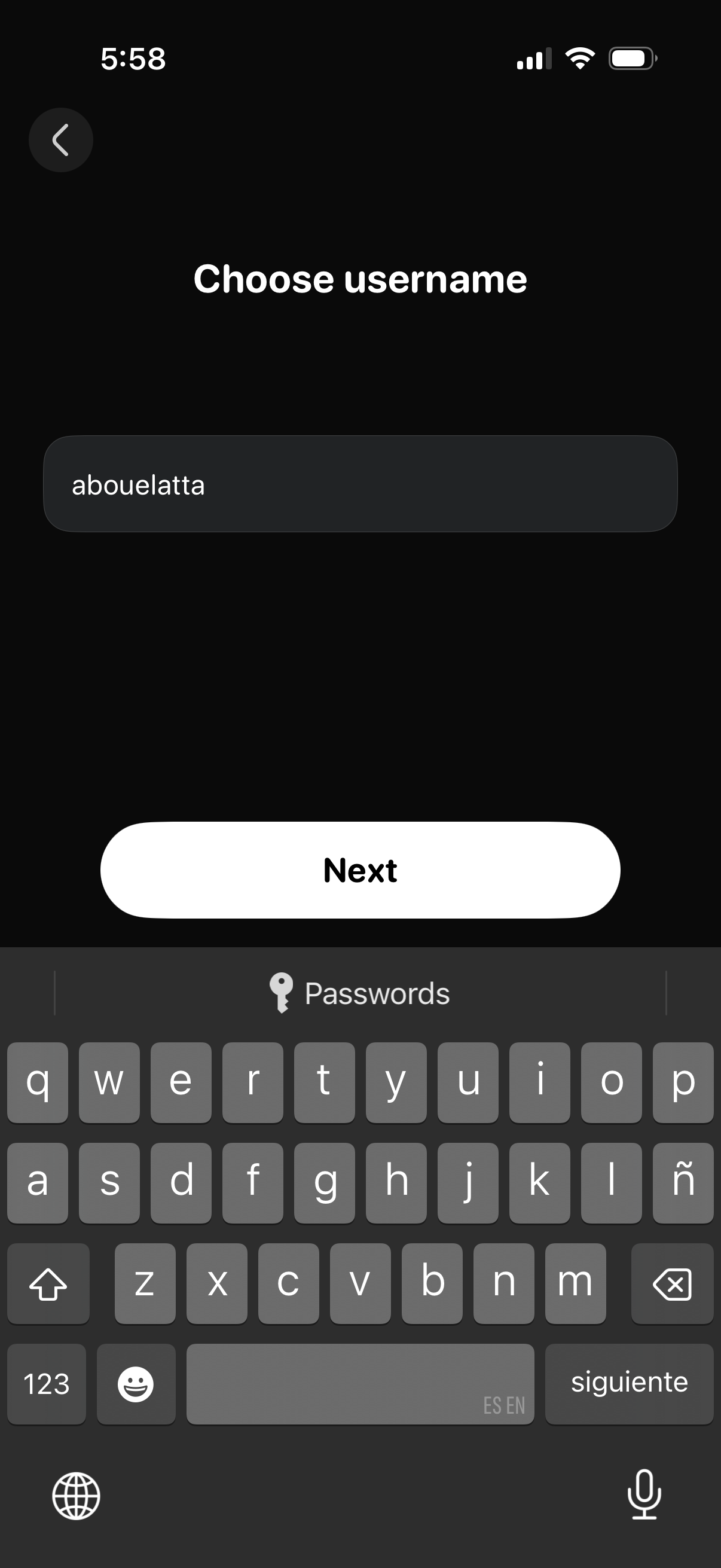
Account setup screen prompting the user to choose a username, with a single text input field and a primary “Next” button to continue the signup flow, plus a back navigation control.