add profile picture

Onboarding/profile setup screen prompting the user to add a profile picture, showing a large photo placeholder and a primary “Choose Photo” button to pick an image. Includes a “Maybe later” option to skip and a back arrow to return to the previous step.
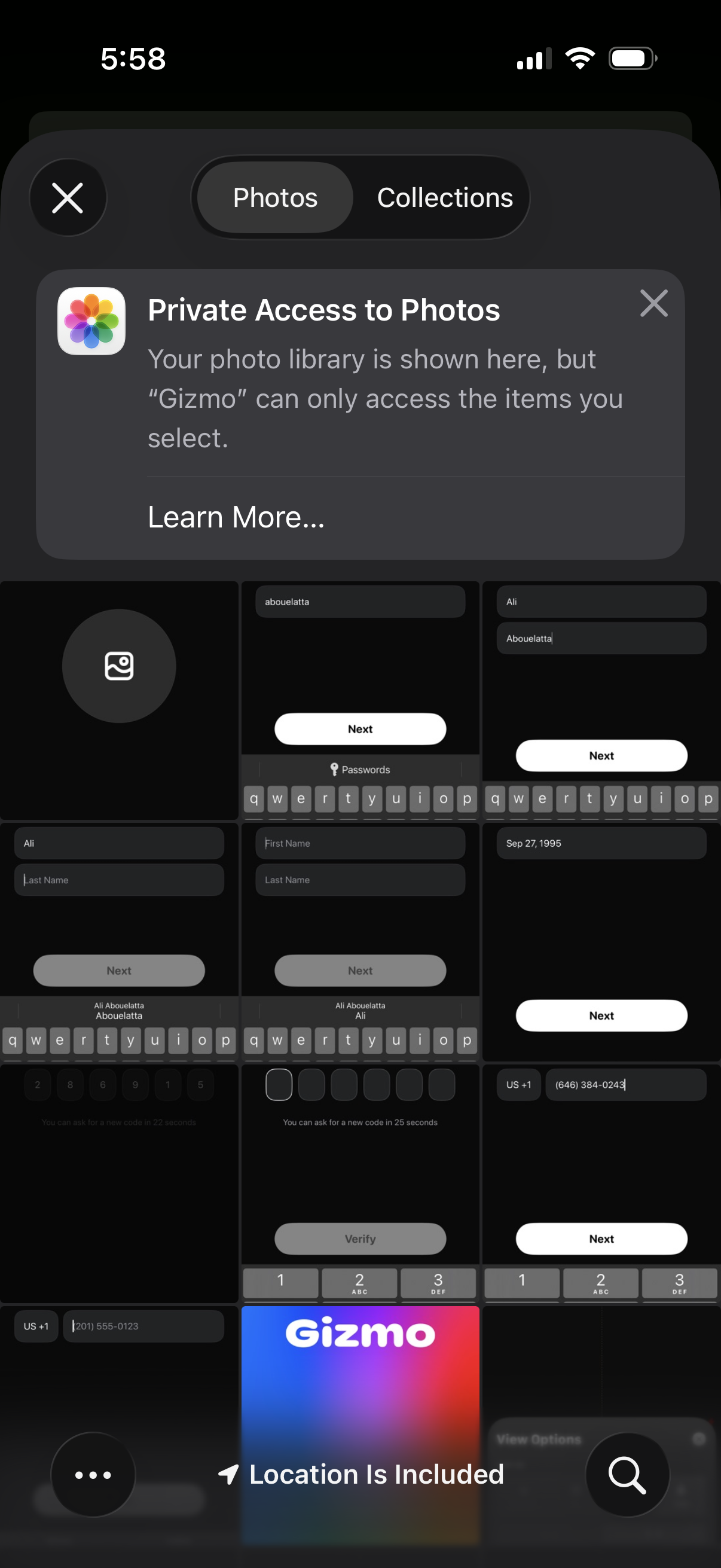
iOS photo picker modal shown within an app, featuring Photos vs Collections tabs and an informational banner explaining Private Access to Photos (limited library permission) with a “Learn More” link. The screen supports selecting specific photos to share while providing close/dismiss controls.

Minimal photo editing screen for updating a profile picture, with a central image placeholder and top navigation actions to close/cancel or tap Done to save changes. It presents a simple modal-style editor focused on confirming or discarding the updated photo.