create an idea post
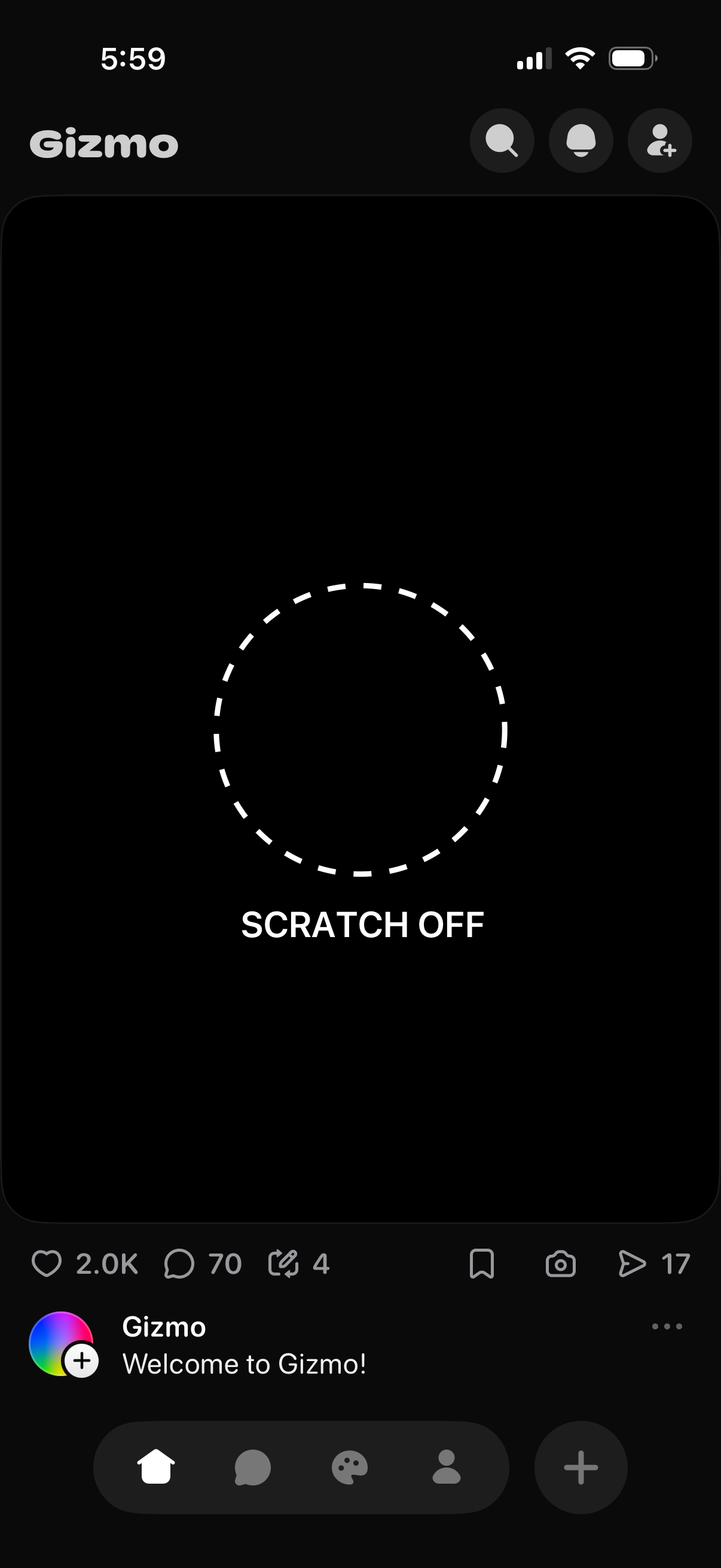
Dark-mode social feed post screen featuring an interactive scratch-off reveal area with a dashed circle and “Scratch Off” prompt. Includes top search and profile actions plus bottom engagement controls for like, comment, repost/share, save, and view counts.
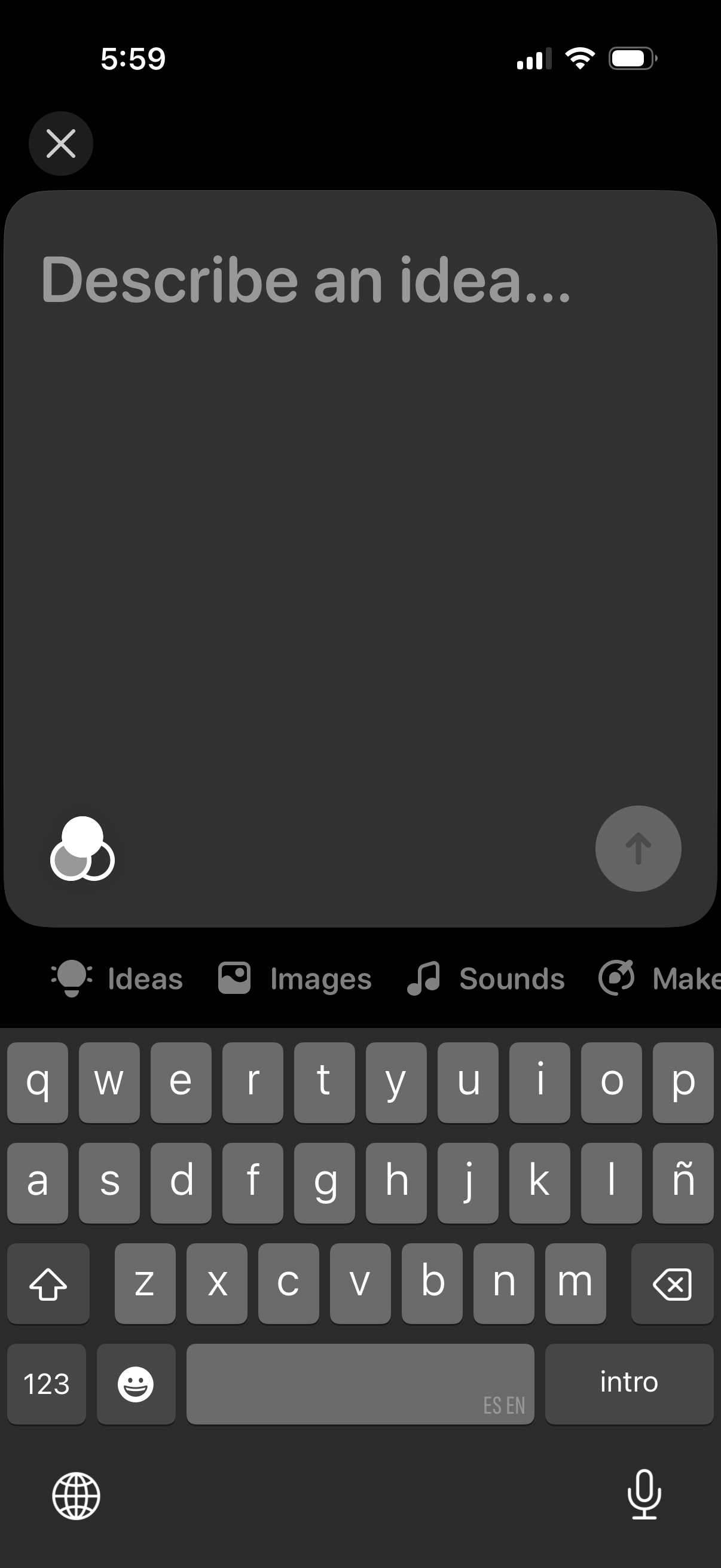
Fullscreen idea input composer with a large text field prompting “Describe an idea…”, a send/submit button, and an attachment/options menu for adding items like images and sounds, plus a close button to exit.
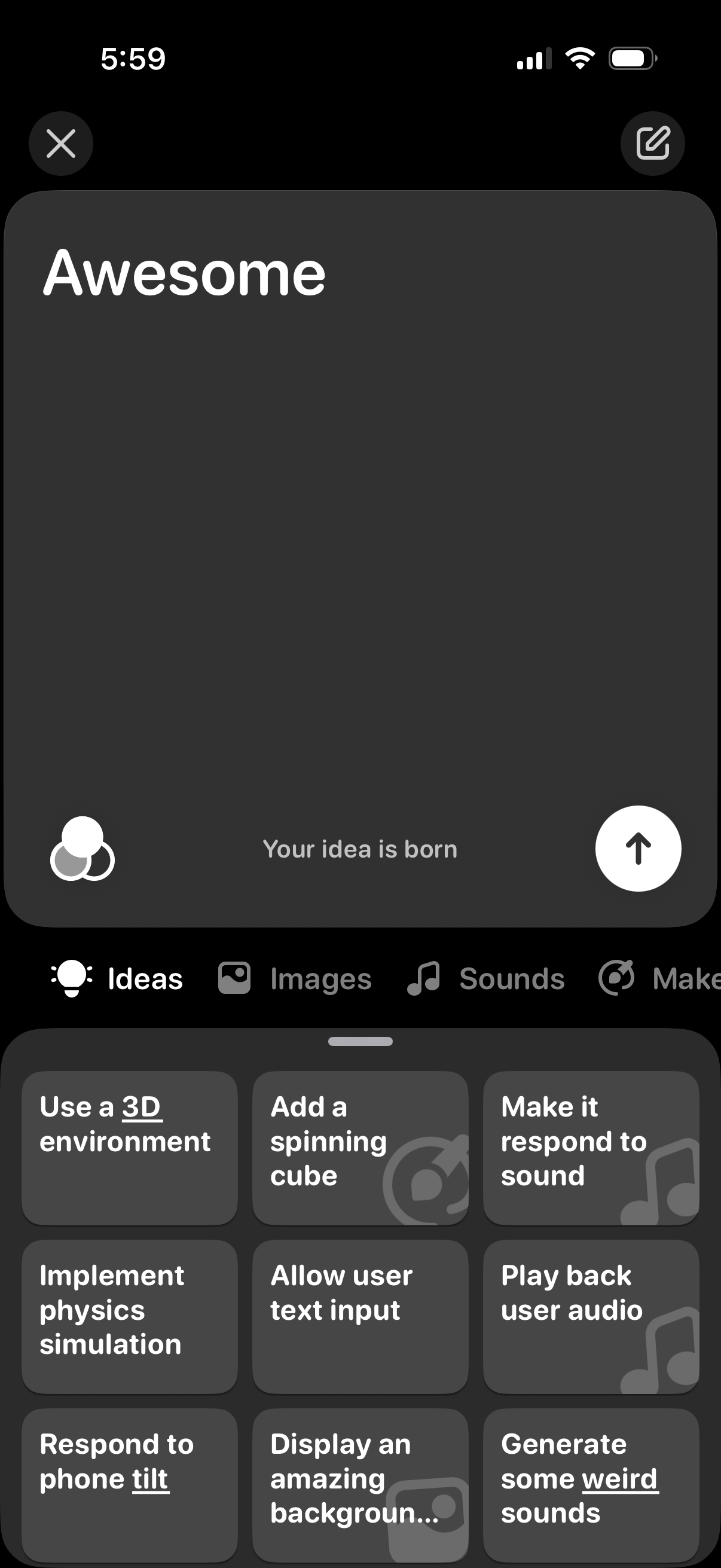
Idea creation screen for a maker app where users can type a new project concept and submit it, with close and edit controls and a collaborator/people icon. A bottom panel provides tabbed suggestions (Ideas, Images, Sounds) with quick-start tiles like adding 3D environments, physics, text input, audio playback, tilt response, and generating sounds.
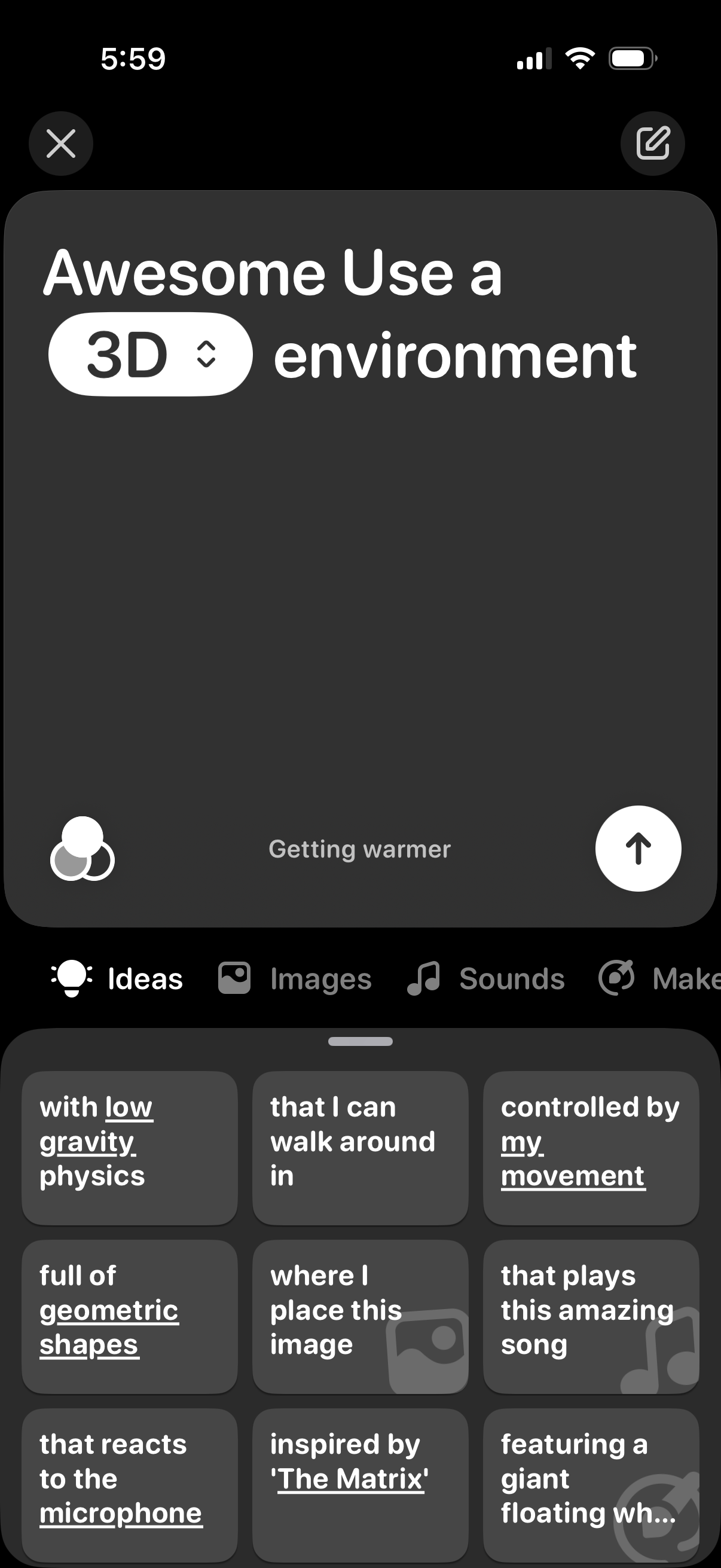
AI prompt-building editor for generating a 3D environment, showing a text prompt field with a “3D” mode selector, creativity/temperature control, and an enter/send button to submit. A bottom drawer provides idea chips and tabs for adding images and sounds, with actions to close or edit the prompt.
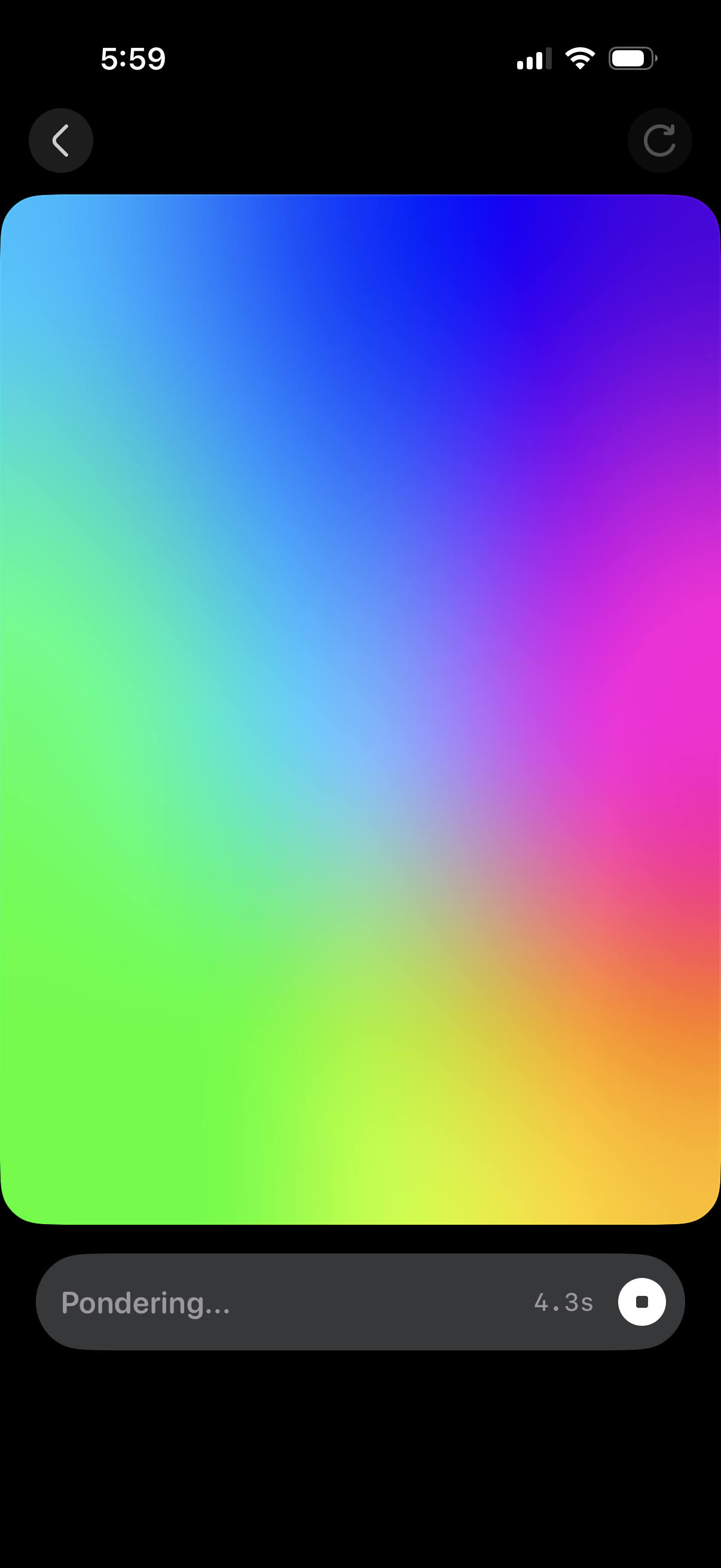
A full-screen AI generation/loading view showing a colorful placeholder preview while the system is “Pondering…” with an elapsed timer. Includes back navigation, a refresh/regenerate action, and a stop/cancel button to interrupt the process.
Interactive 3D/AR-style viewer screen with a large preview area that supports drag to rotate and pinch to zoom, plus a refresh/reload control. Includes a back button and an in-app feedback prompt with thumbs up/down rating.
Full-screen 3D/AR object viewer with gesture instructions to drag to rotate and pinch to zoom. Includes a back button to exit and a refresh icon to reload/reset the view.