
Beneficiaries management screen showing the Primary section with an empty state and a prominent “Add a new beneficiary” button to create a new recipient. Top navigation includes a hamburger menu and an add-person icon for adding beneficiaries.
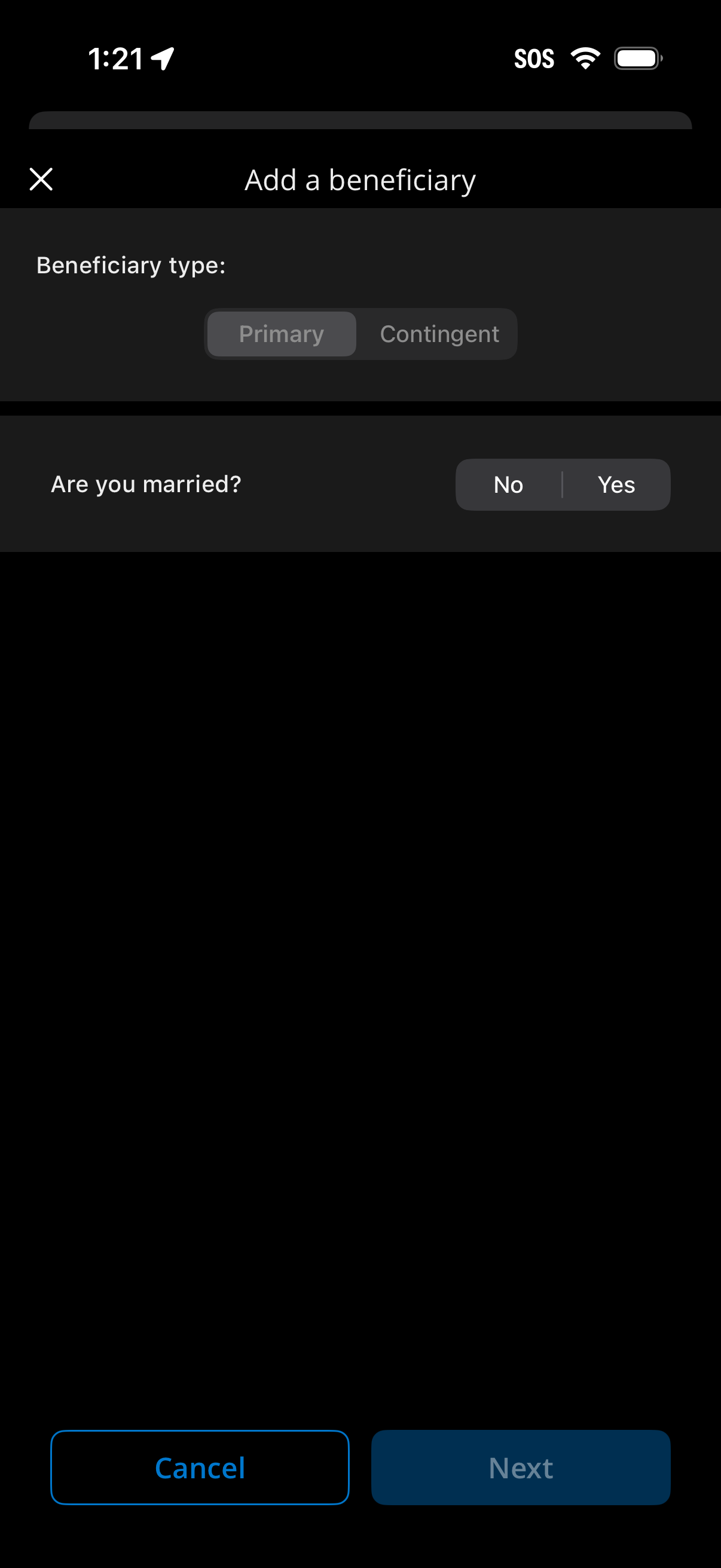
Form screen for adding a beneficiary to an account or insurance policy, letting the user choose beneficiary type (primary or contingent) and answer a marital status question with a Yes/No toggle. Bottom actions include Cancel and a disabled Next button until required fields are completed.
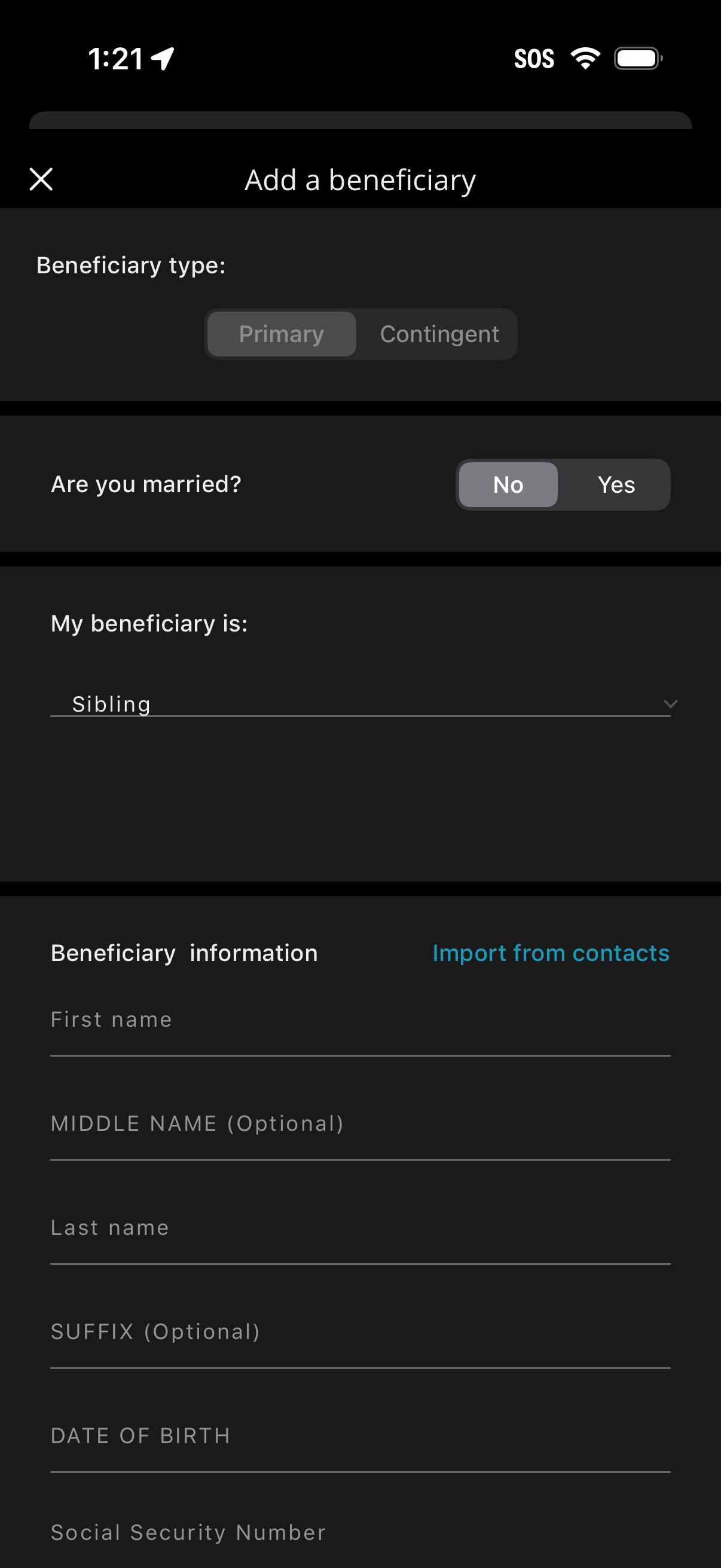
Form screen to add a beneficiary for an account or policy, letting users choose beneficiary type (primary or contingent), indicate marital status, and select relationship. Includes an option to import from contacts and fields for beneficiary details such as name, suffix, date of birth, and Social Security number.