Your agent can search this library too. Lazyweb CLI →
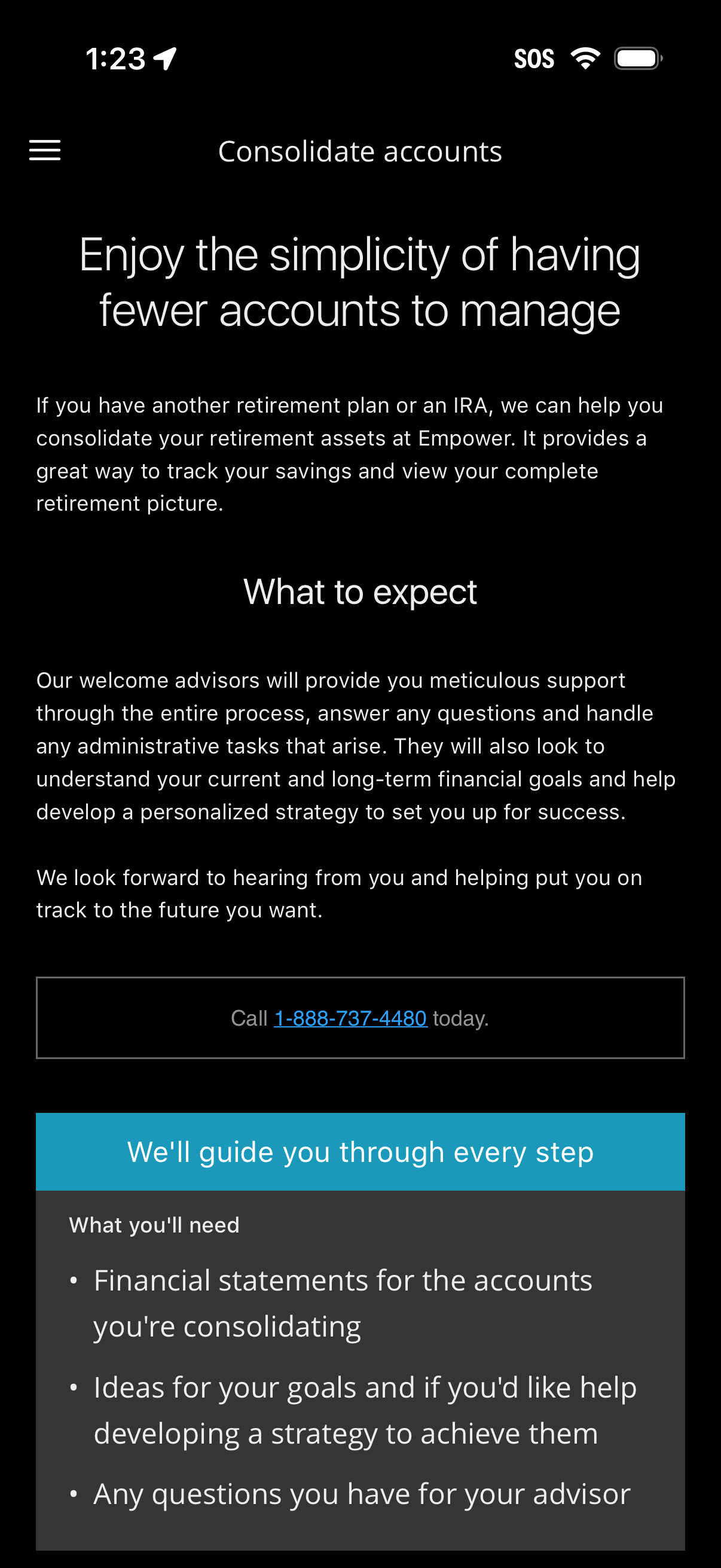
Educational onboarding screen for consolidating retirement accounts, explaining
empower
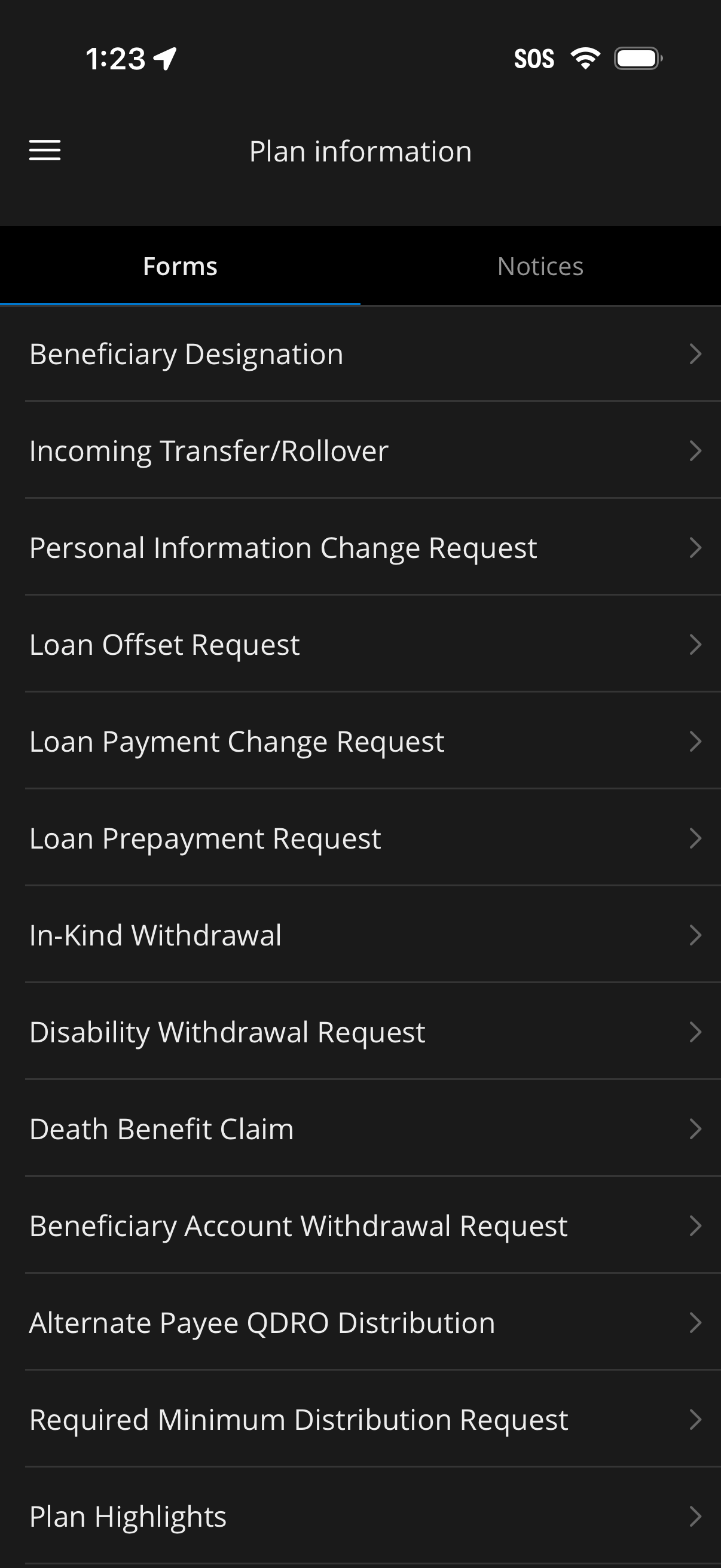
Plan information screen in a financial/retirement app showing a Forms tab with a
empower
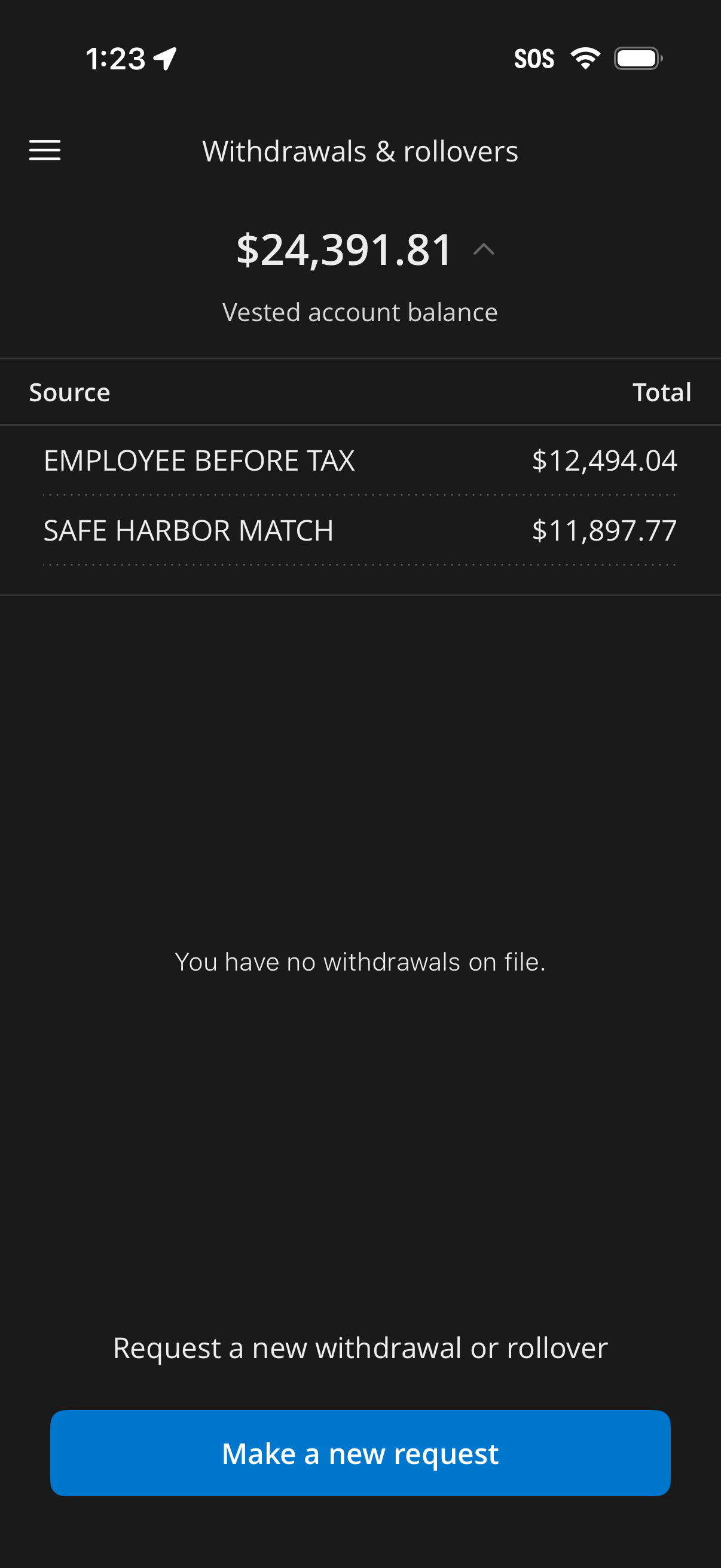
Retirement account withdrawals and rollovers screen showing vested account balan
empower
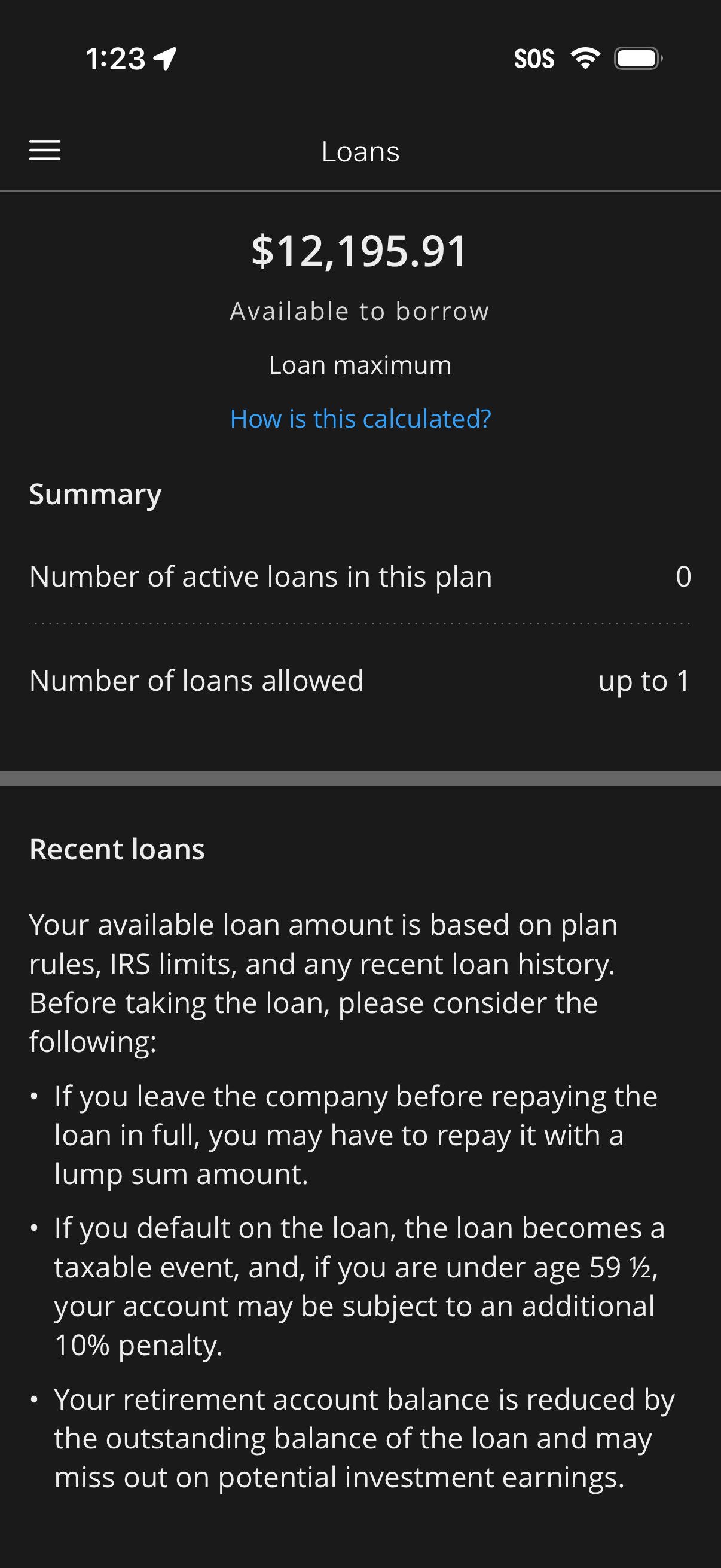
Loans overview screen showing the user’s available amount to borrow and loan max
empower
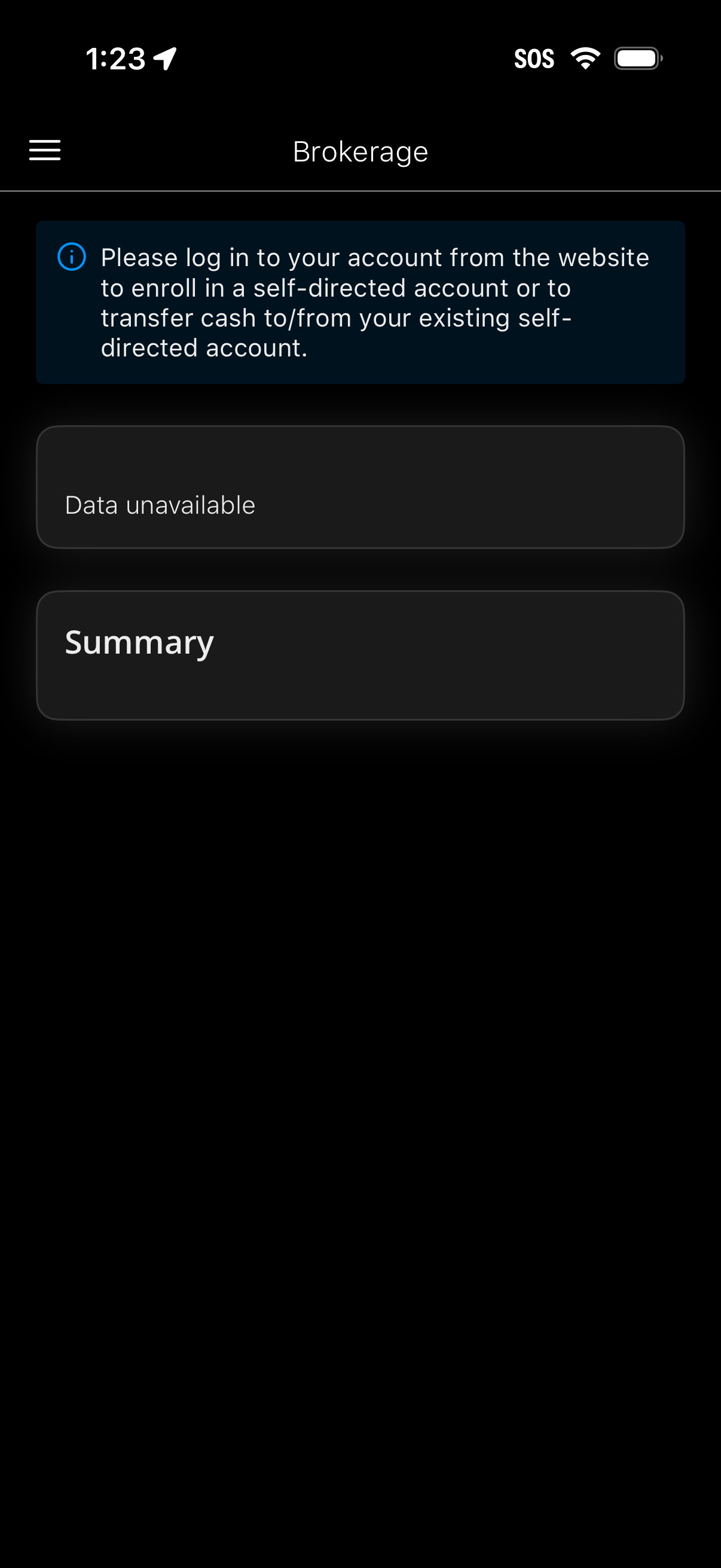
Brokerage account screen showing an informational banner instructing users to lo
empower
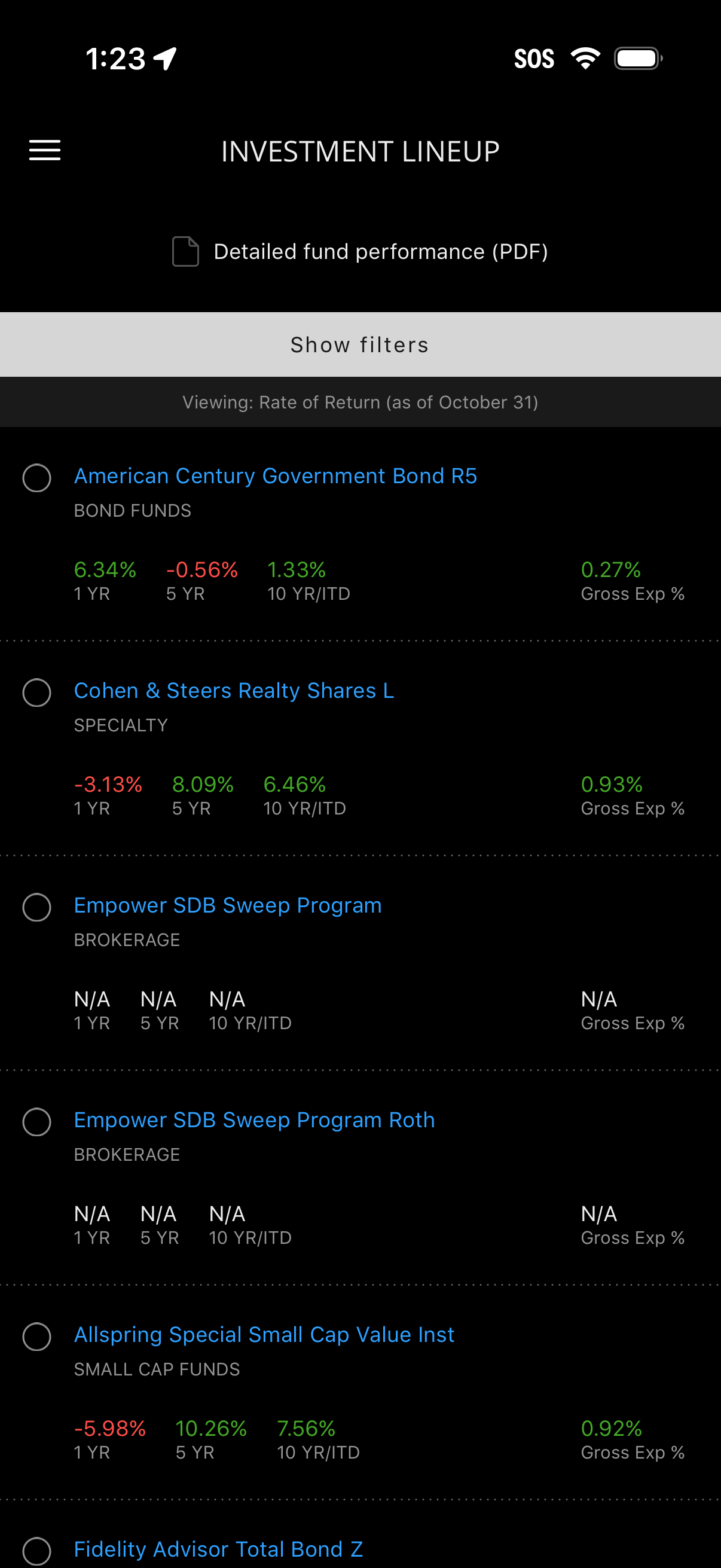
Investment lineup screen listing available mutual funds and brokerage sweep opti
empower
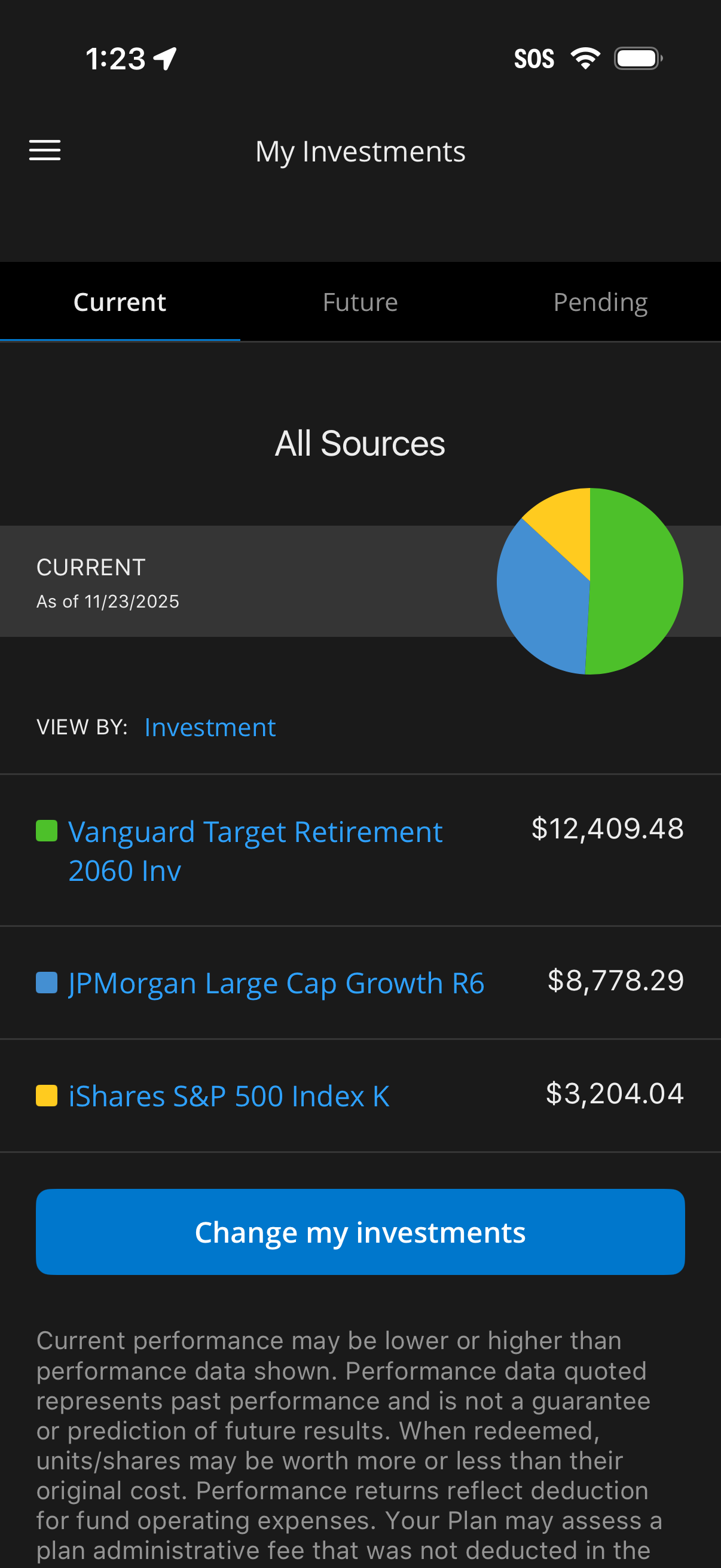
Investment portfolio overview screen showing “My Investments” with tabs for Curr
empower
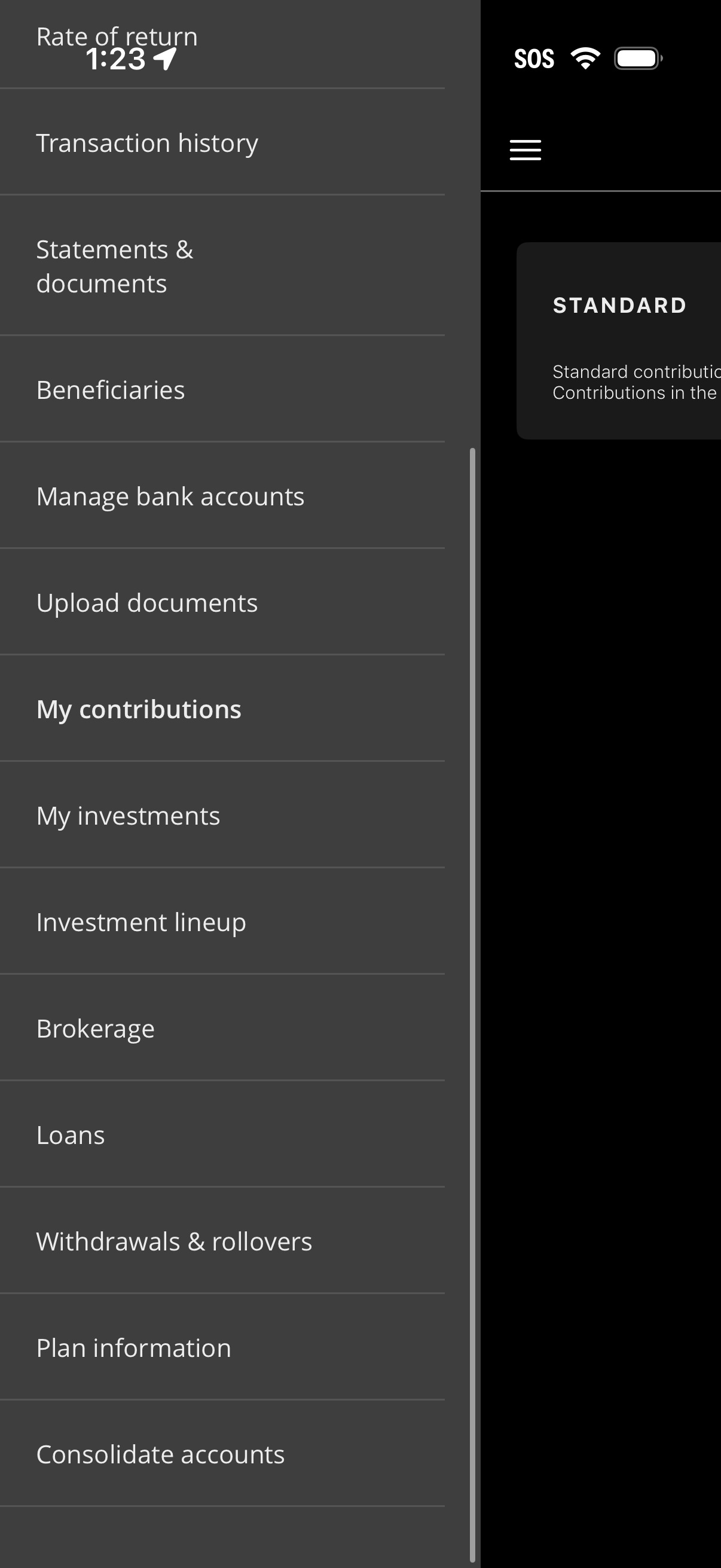
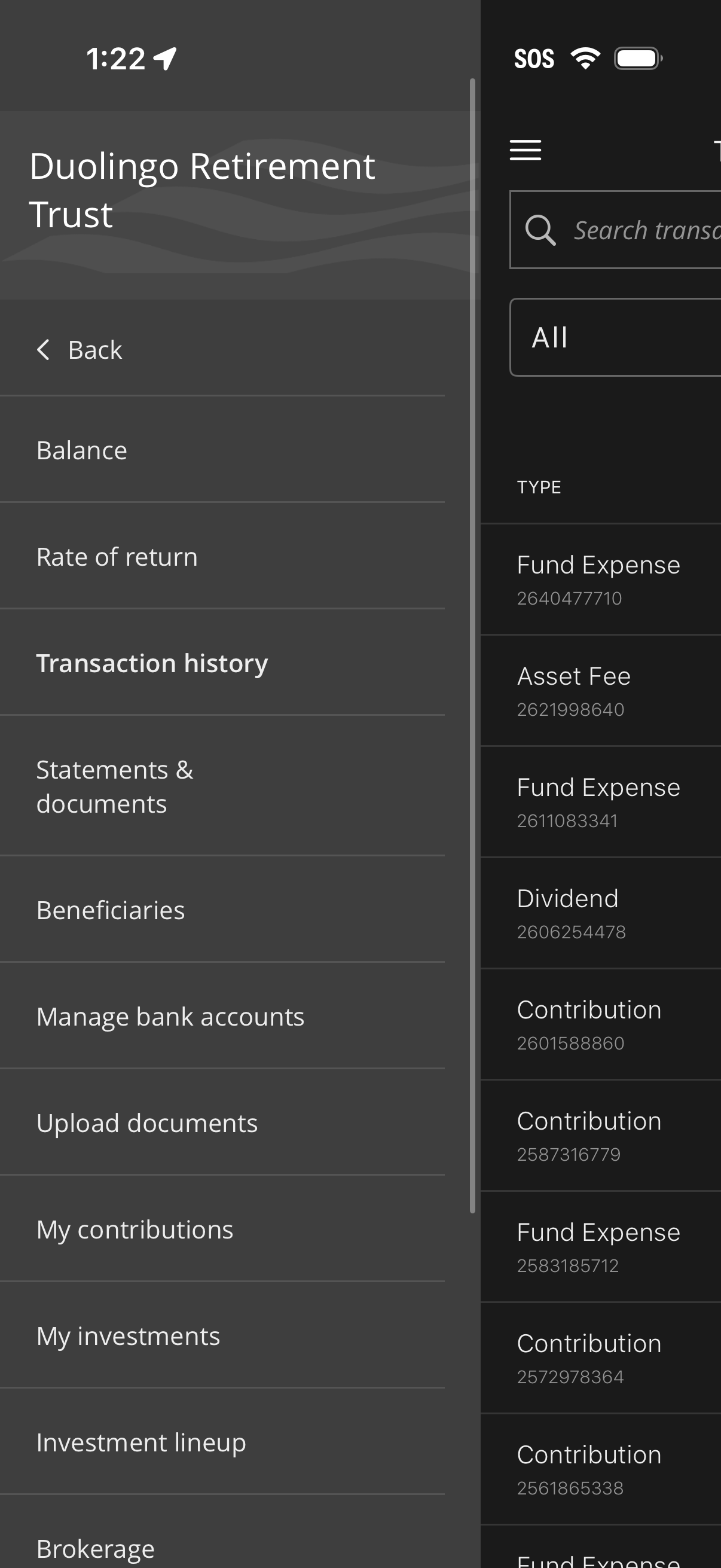
Slide-out navigation menu for a finance/investment app providing quick access to
empower
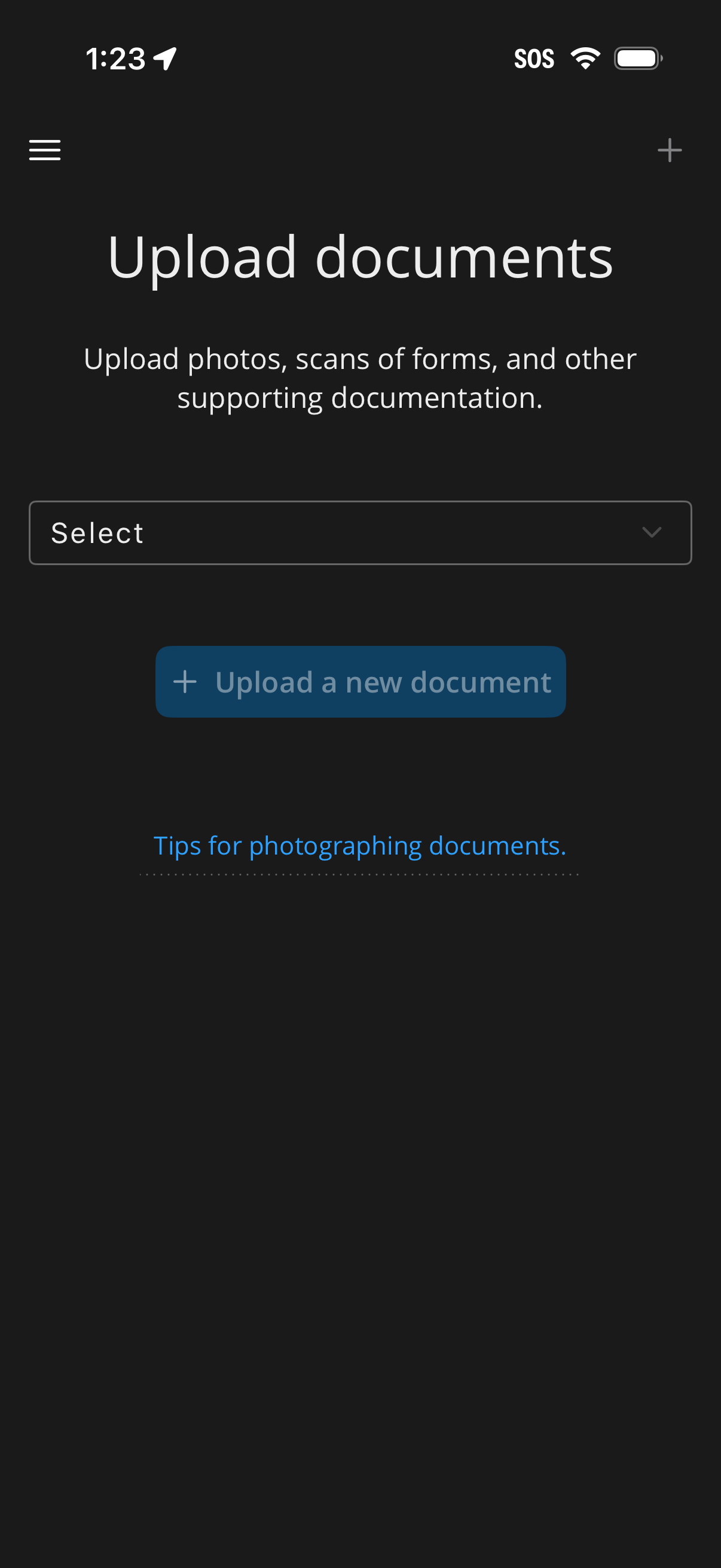
Document upload screen for submitting supporting documentation like photos or sc
empower
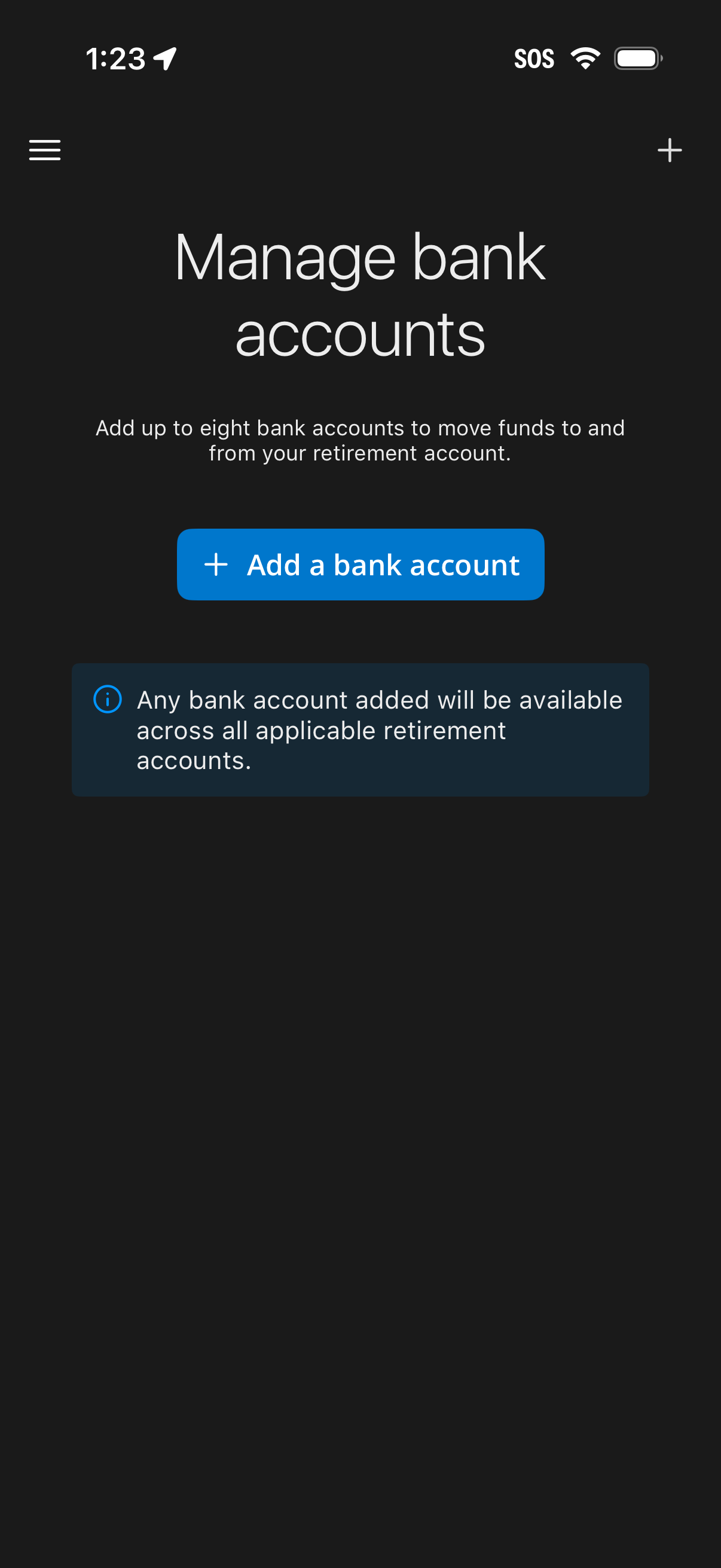
Bank account management screen for a retirement/finance app that lets users link
empower
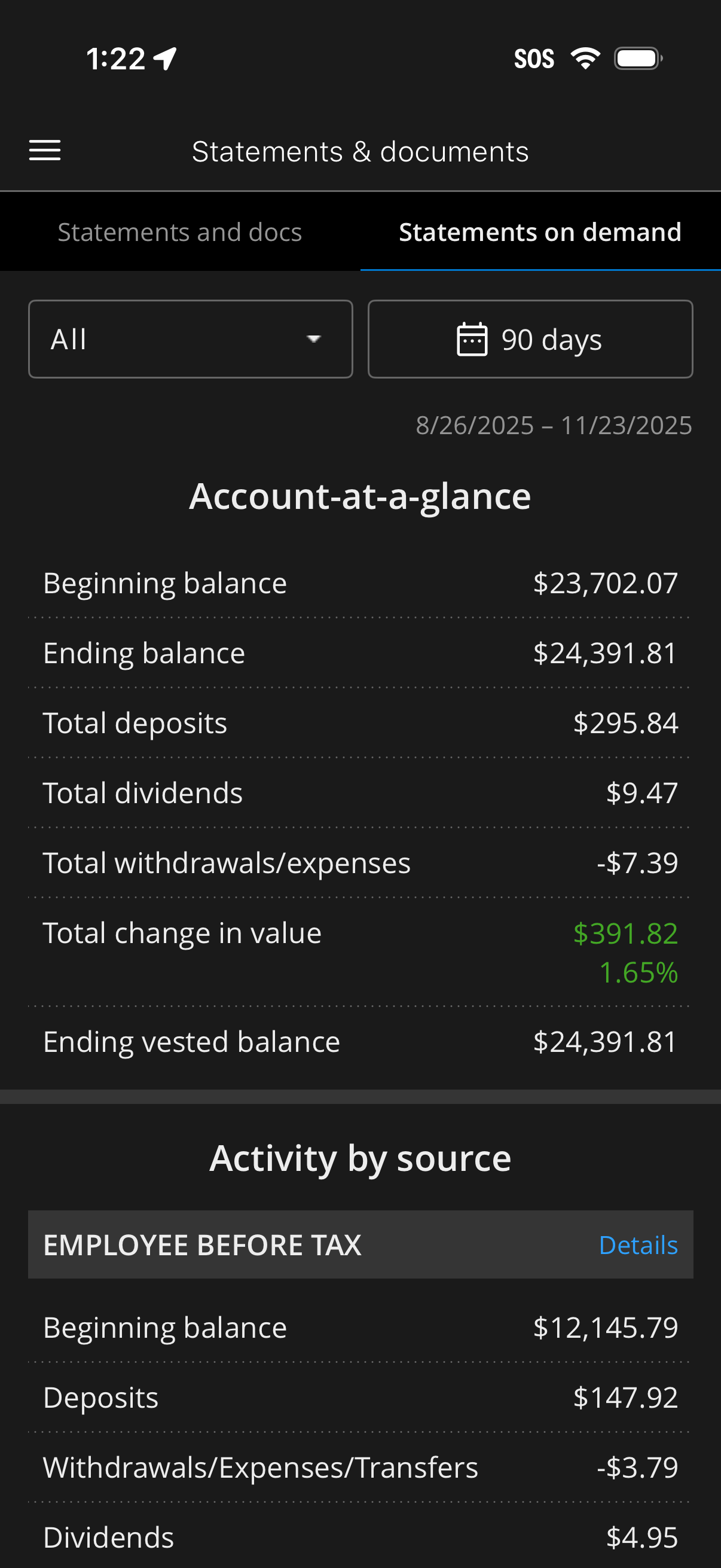
Investment or retirement account “Statements & documents” screen showing on-dema
empower
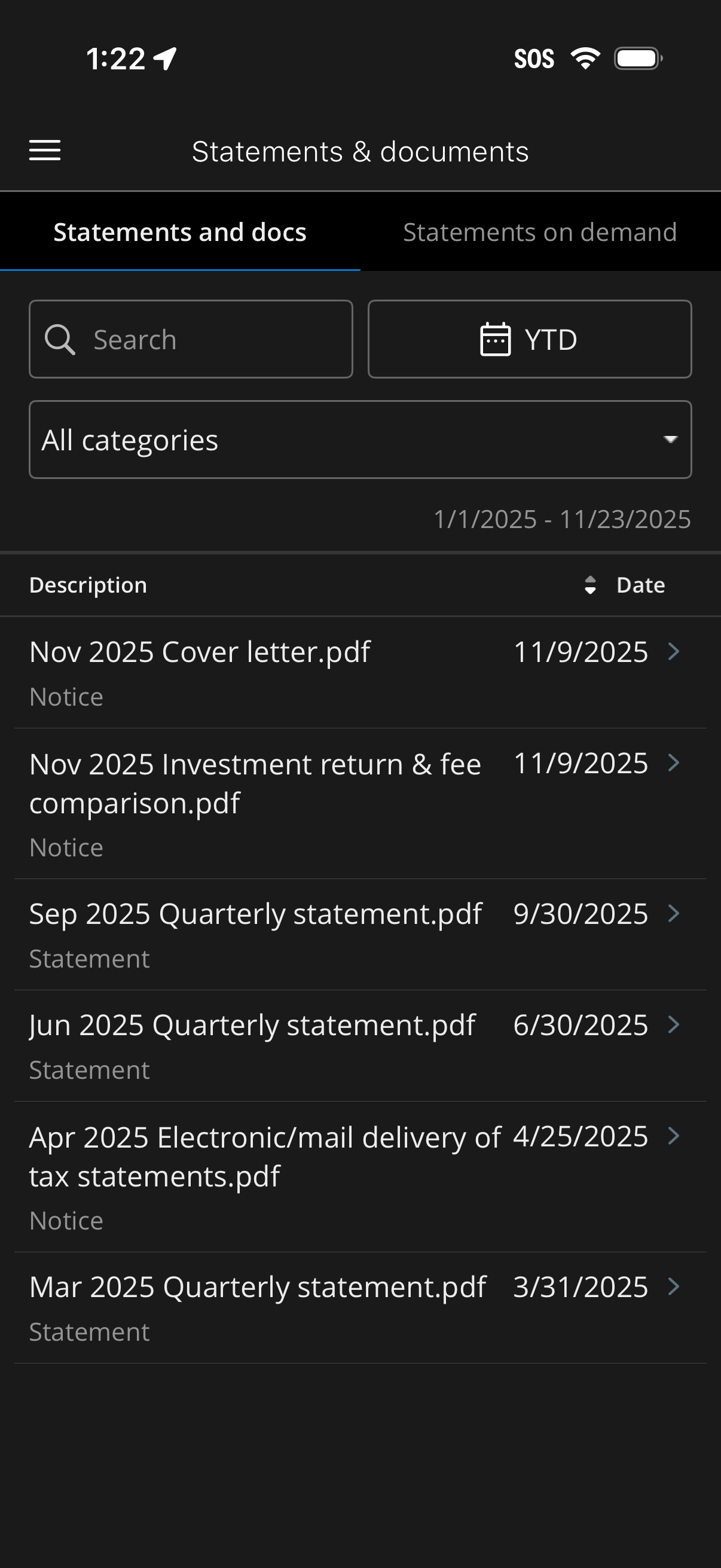
Mobile banking “Statements & documents” screen showing a searchable, filterable
empower
Retirement account detail menu showing options to view balance and rate of retur
empower
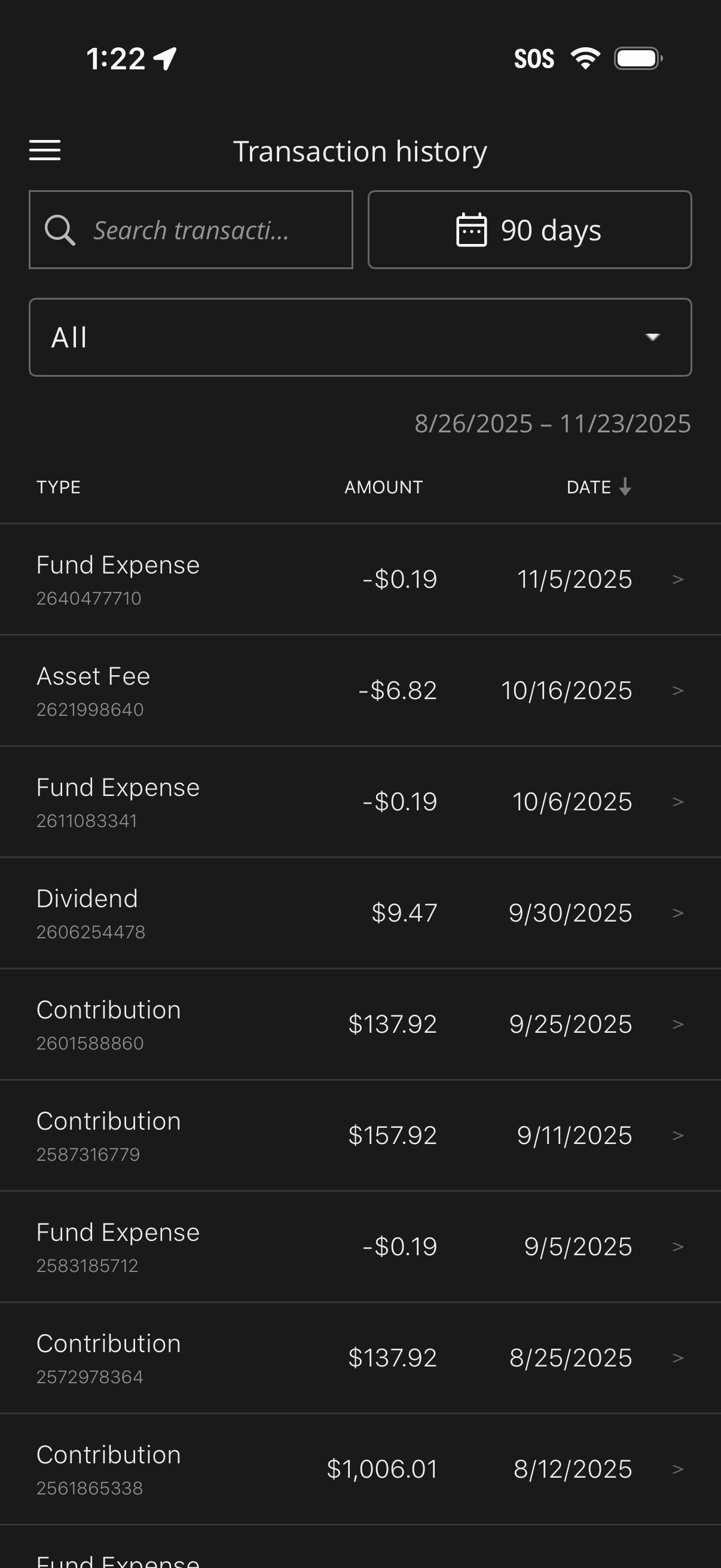
Investment account transaction history screen showing a searchable list of trans
empower
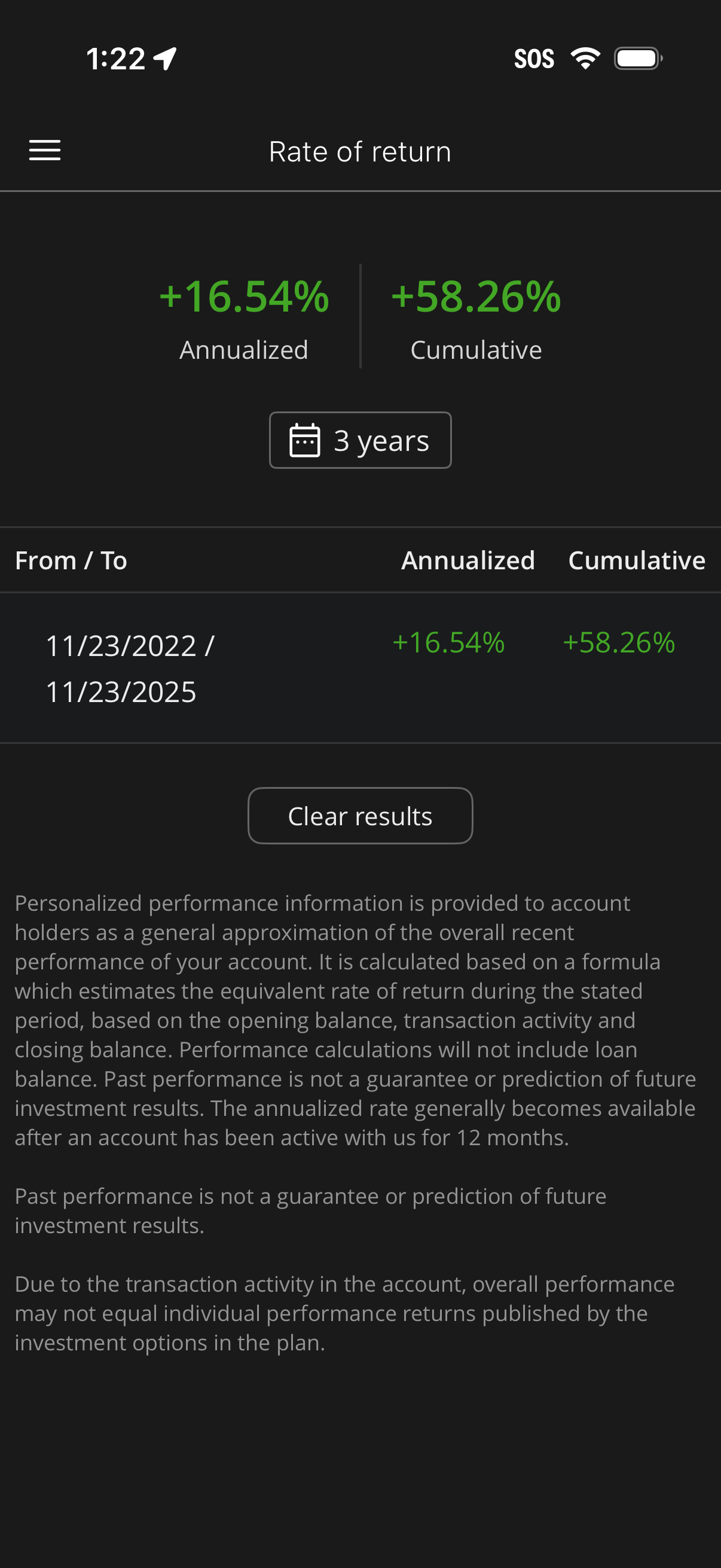
Investment account performance screen showing rate of return with annualized and
empower
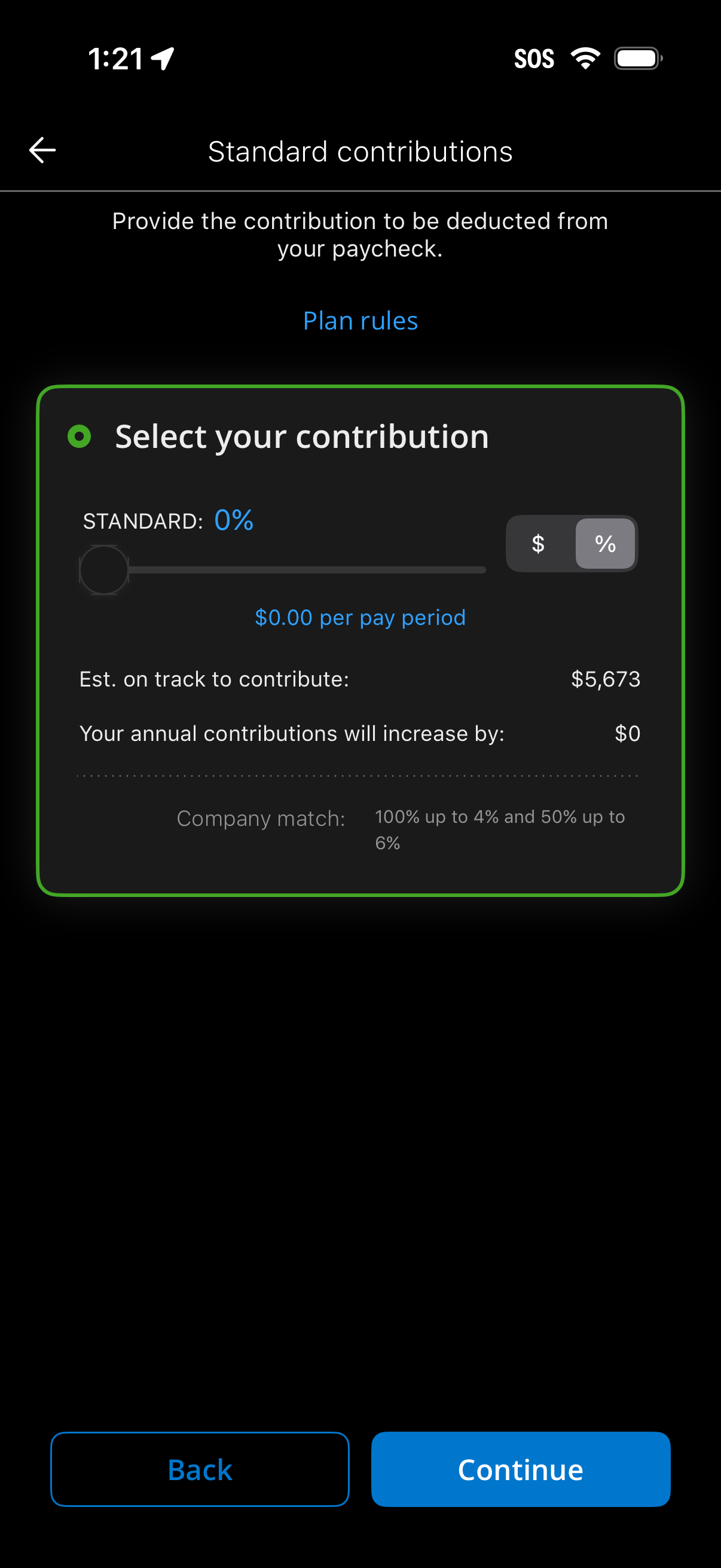
Retirement plan setup screen for selecting standard paycheck contributions, lett
empower
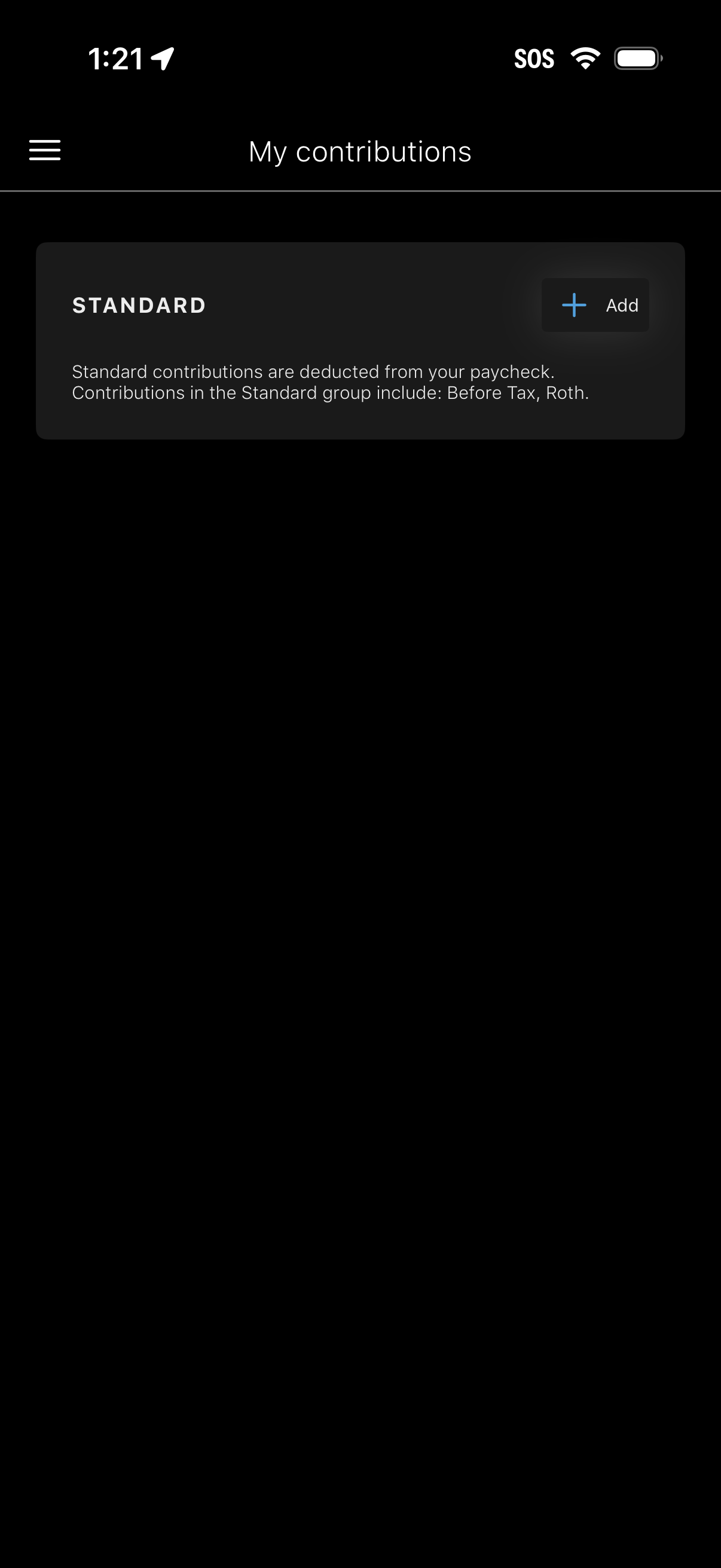
My contributions screen for managing retirement/paycheck contribution groups, sh
empower
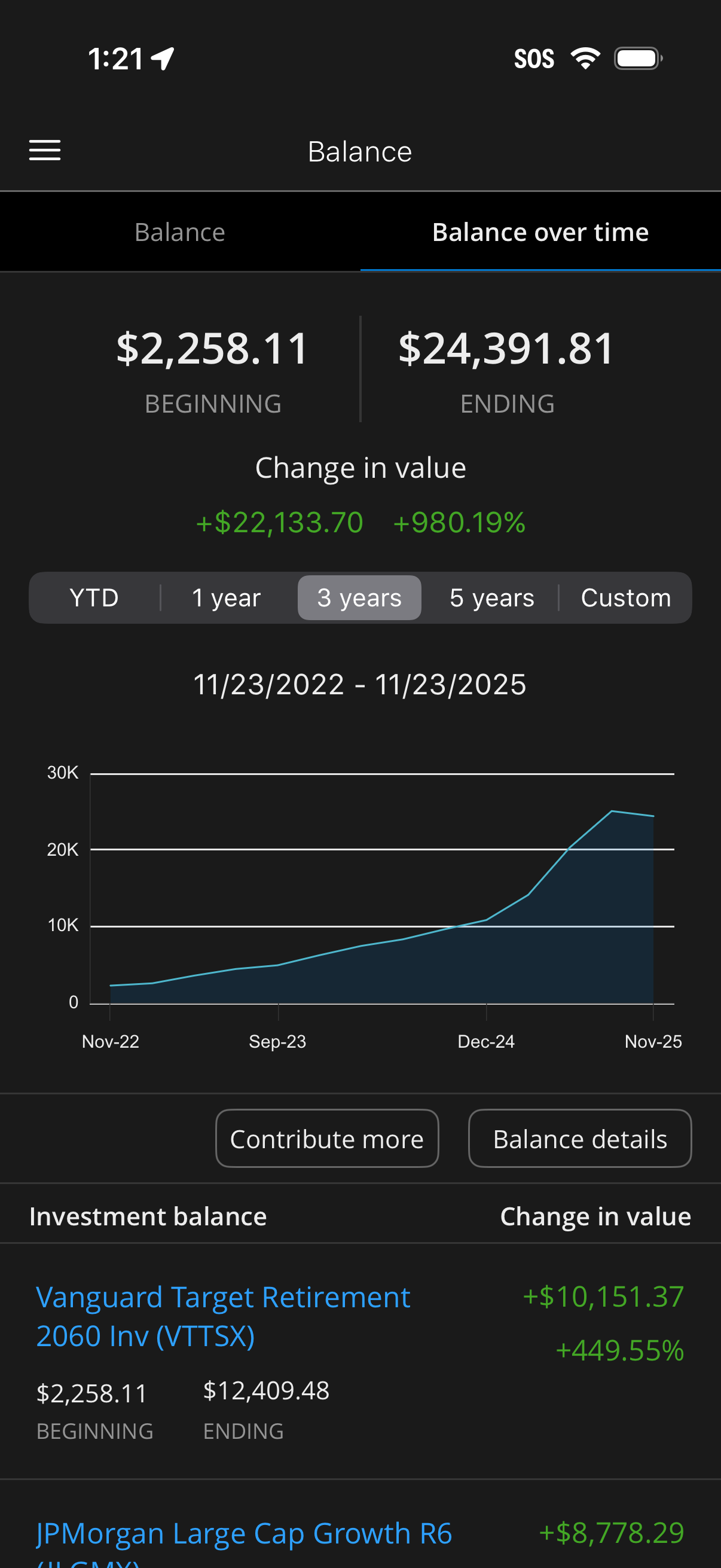
Investment account balance over time analytics screen showing beginning vs endin
empower
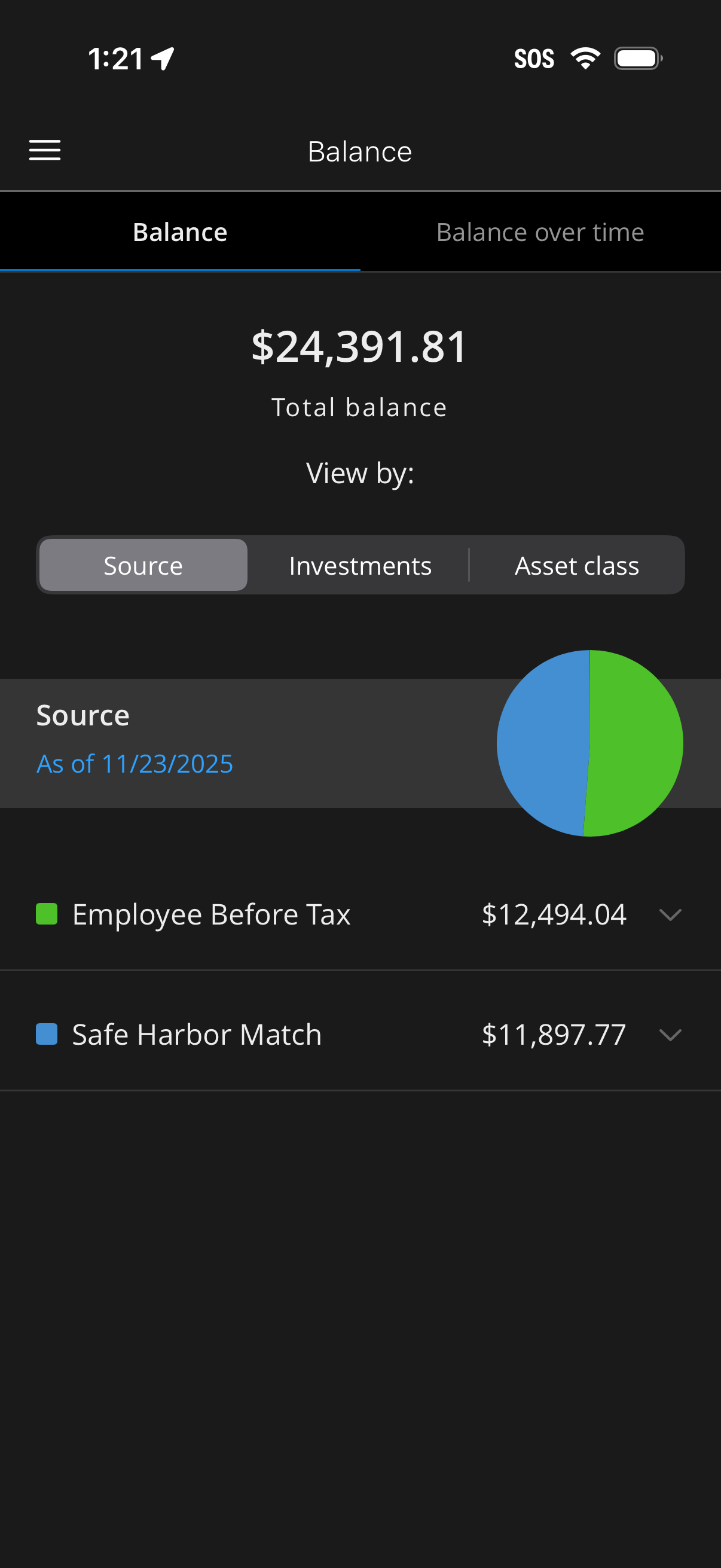
Retirement/investment account balance dashboard showing total balance with a tog
empower
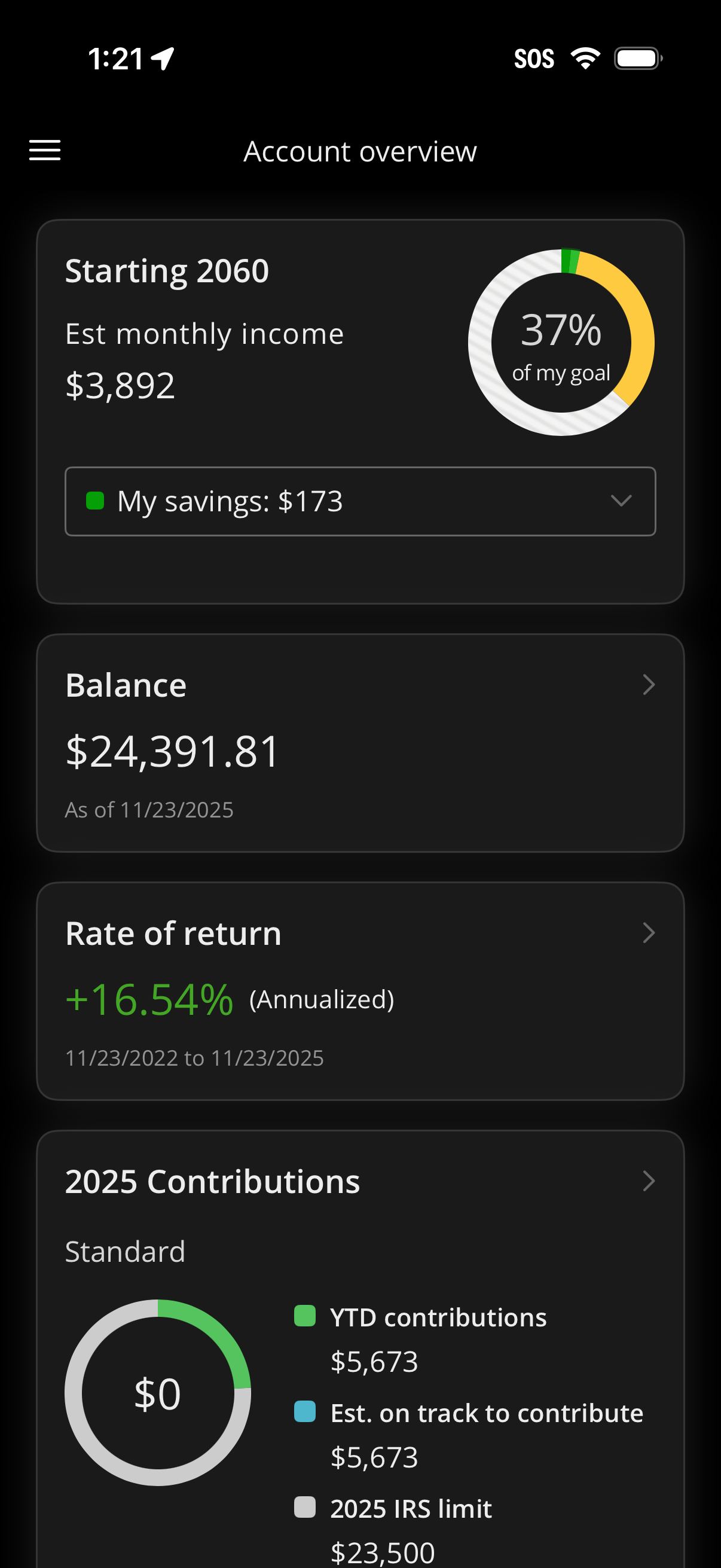
Retirement investment account overview dashboard showing projected retirement st
empower
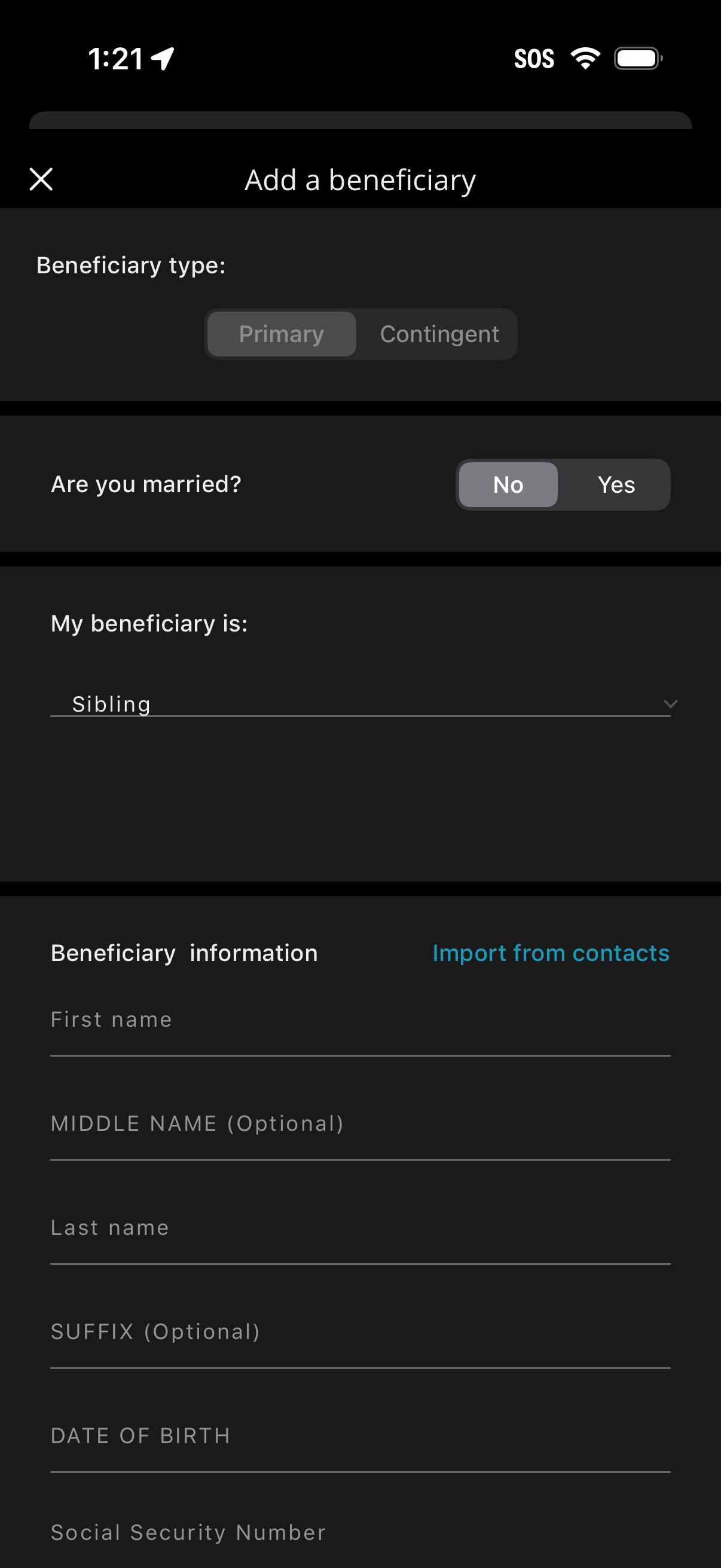
Form screen to add a beneficiary for an account or policy, letting users choose
empower
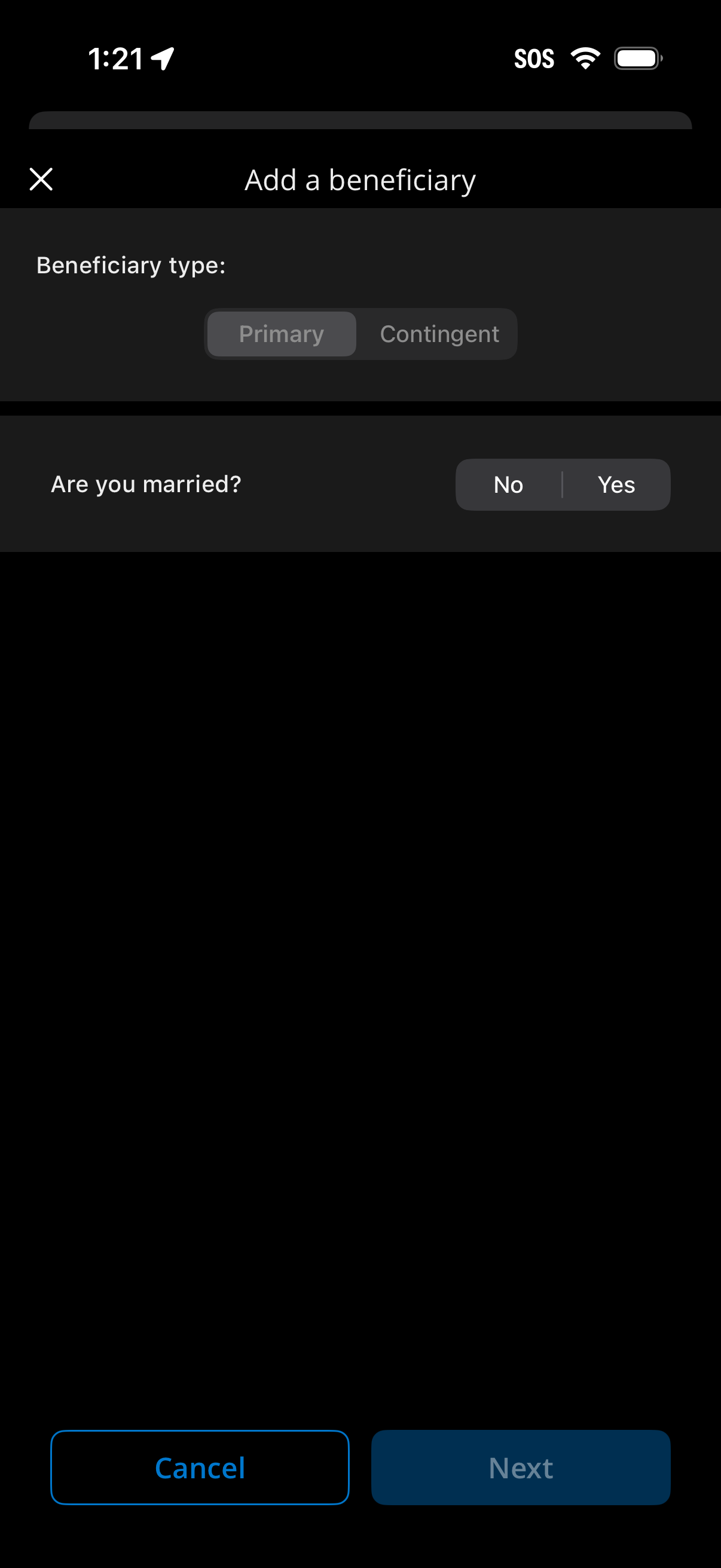
Form screen for adding a beneficiary to an account or insurance policy, letting
empower
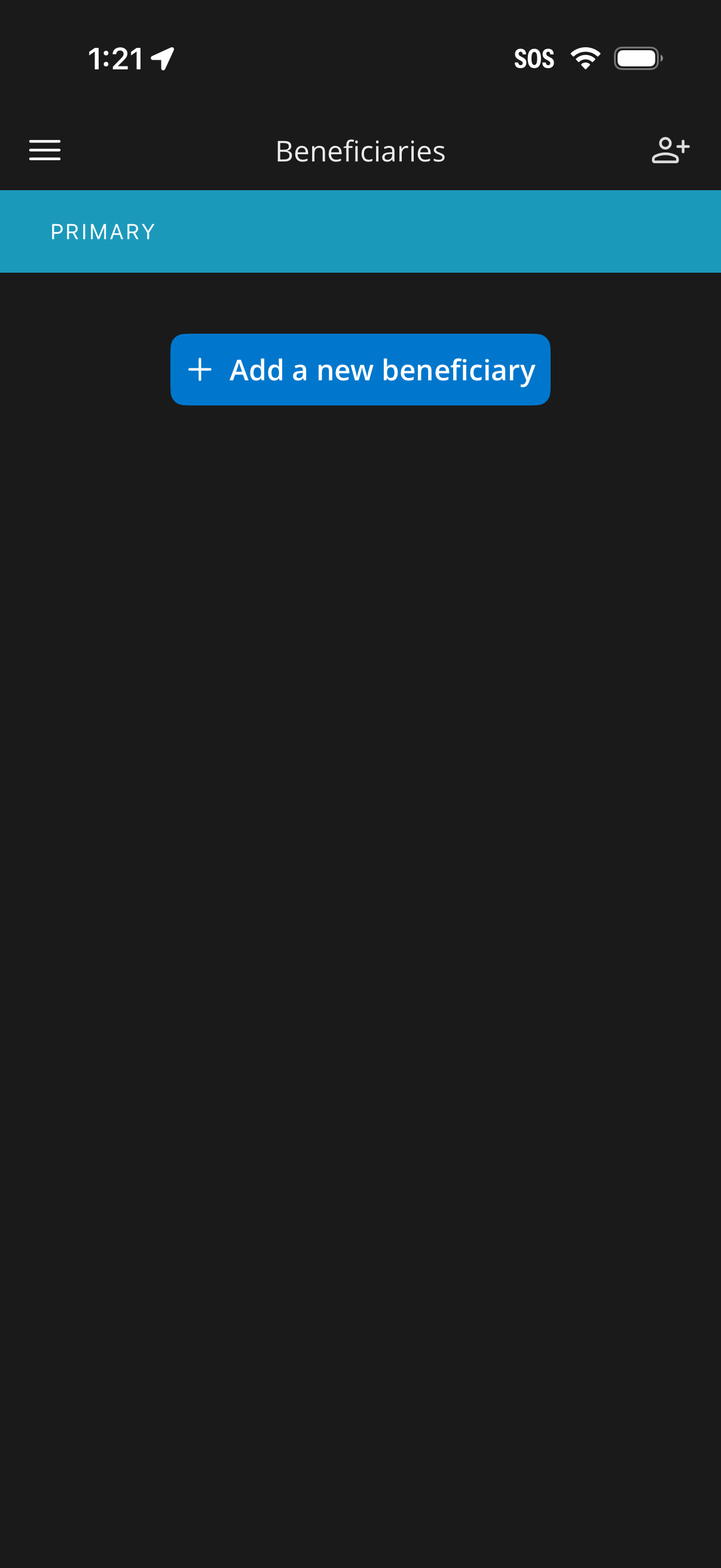
Beneficiaries management screen showing the Primary section with an empty state
empower
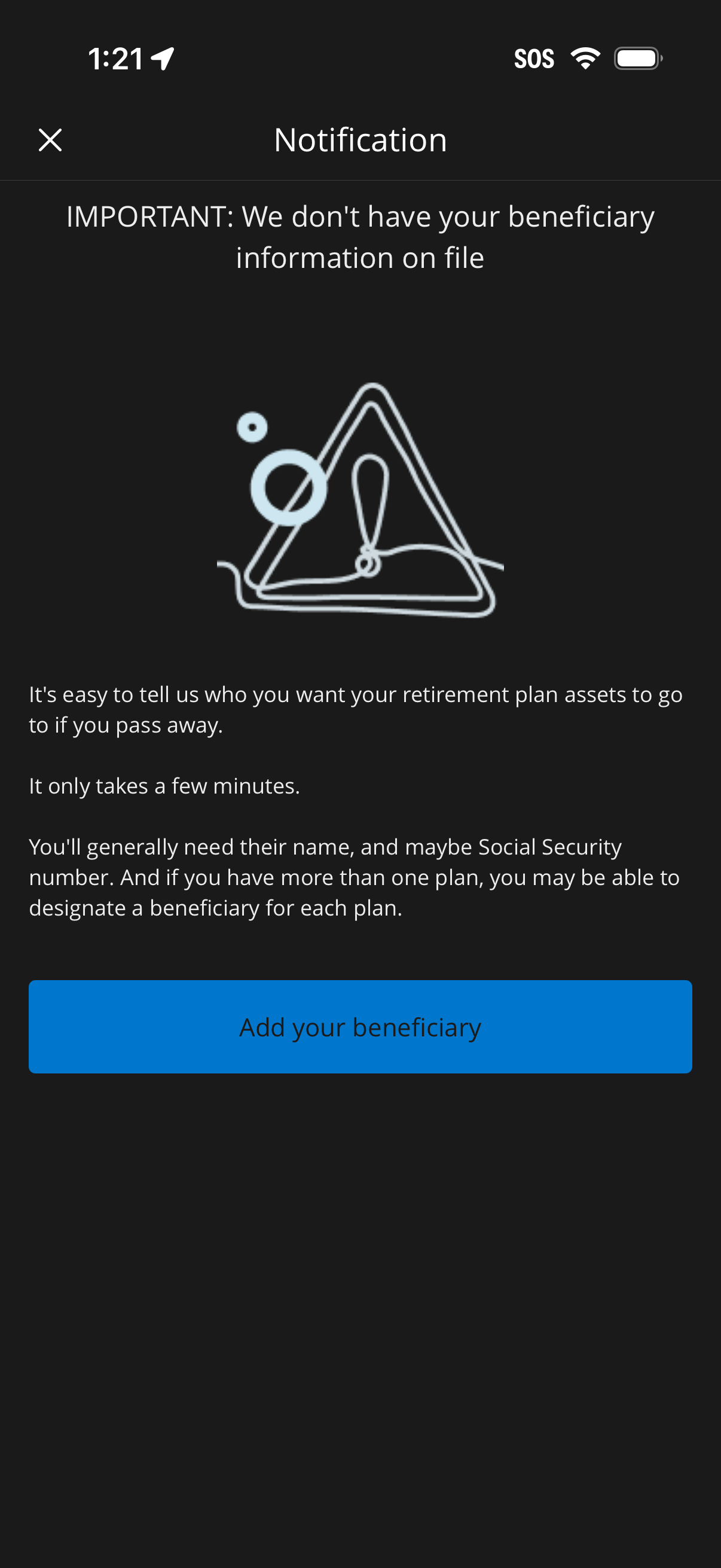
Notification alert screen in a retirement or financial app warning that benefici
empower
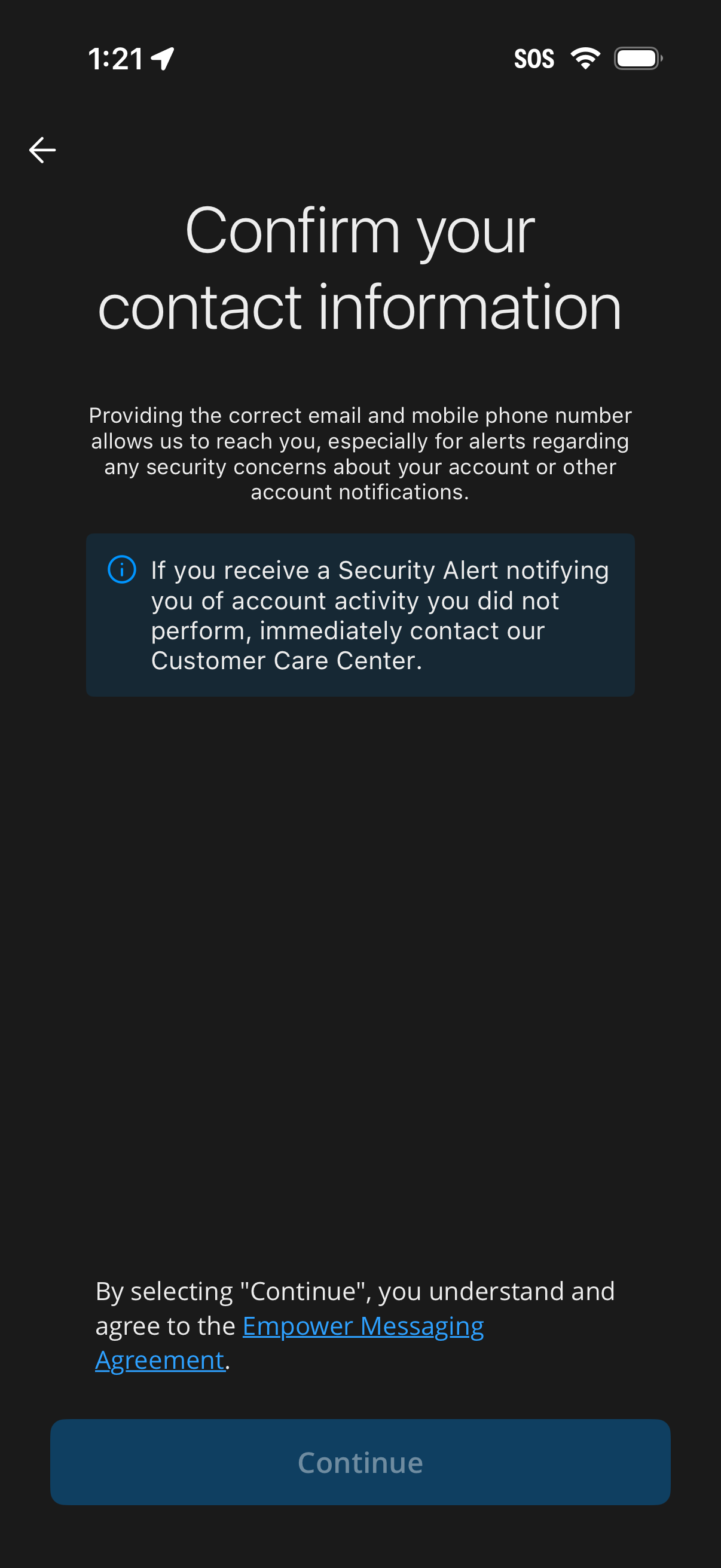
Screen prompting the user to confirm their contact information (email and mobile
empower
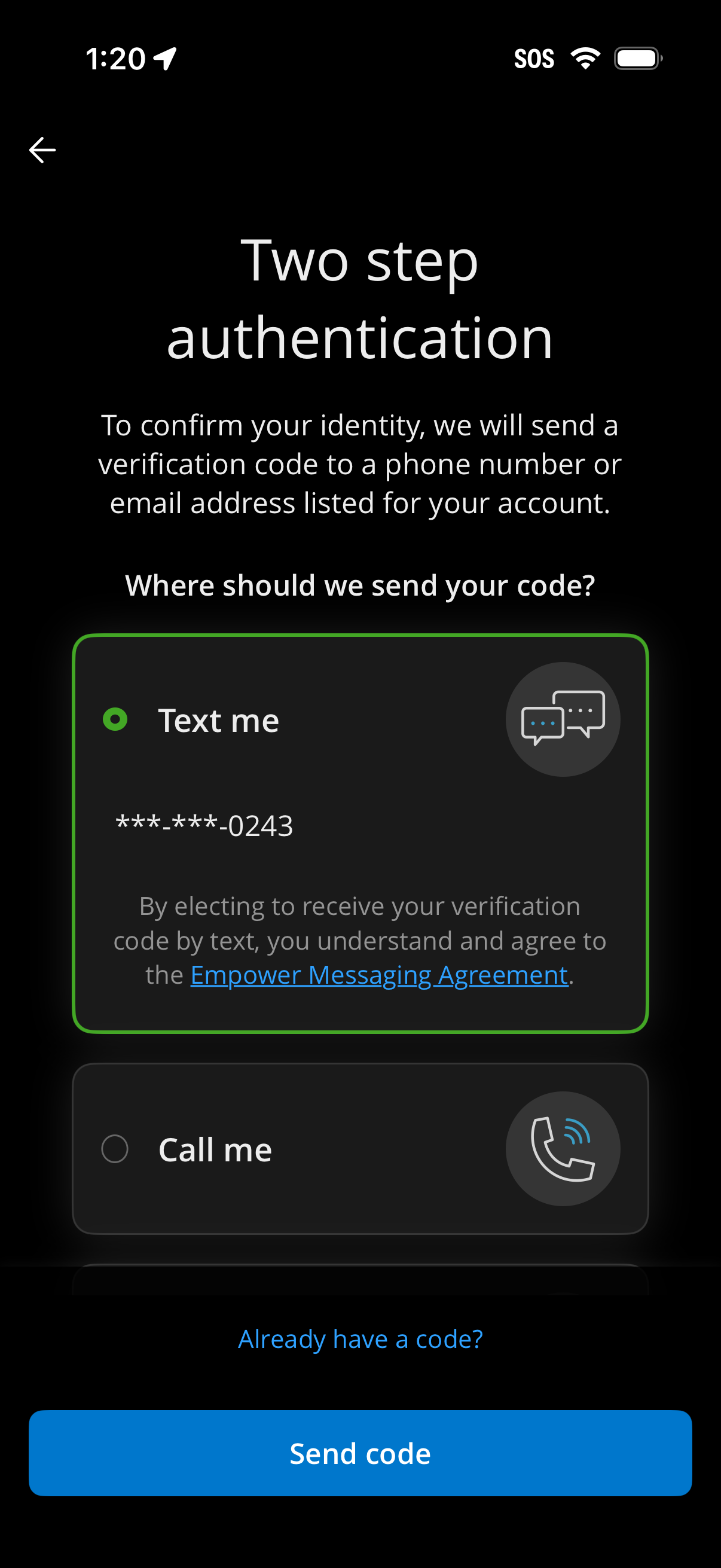
Two-step authentication screen prompting the user to choose how to receive a ver
empower
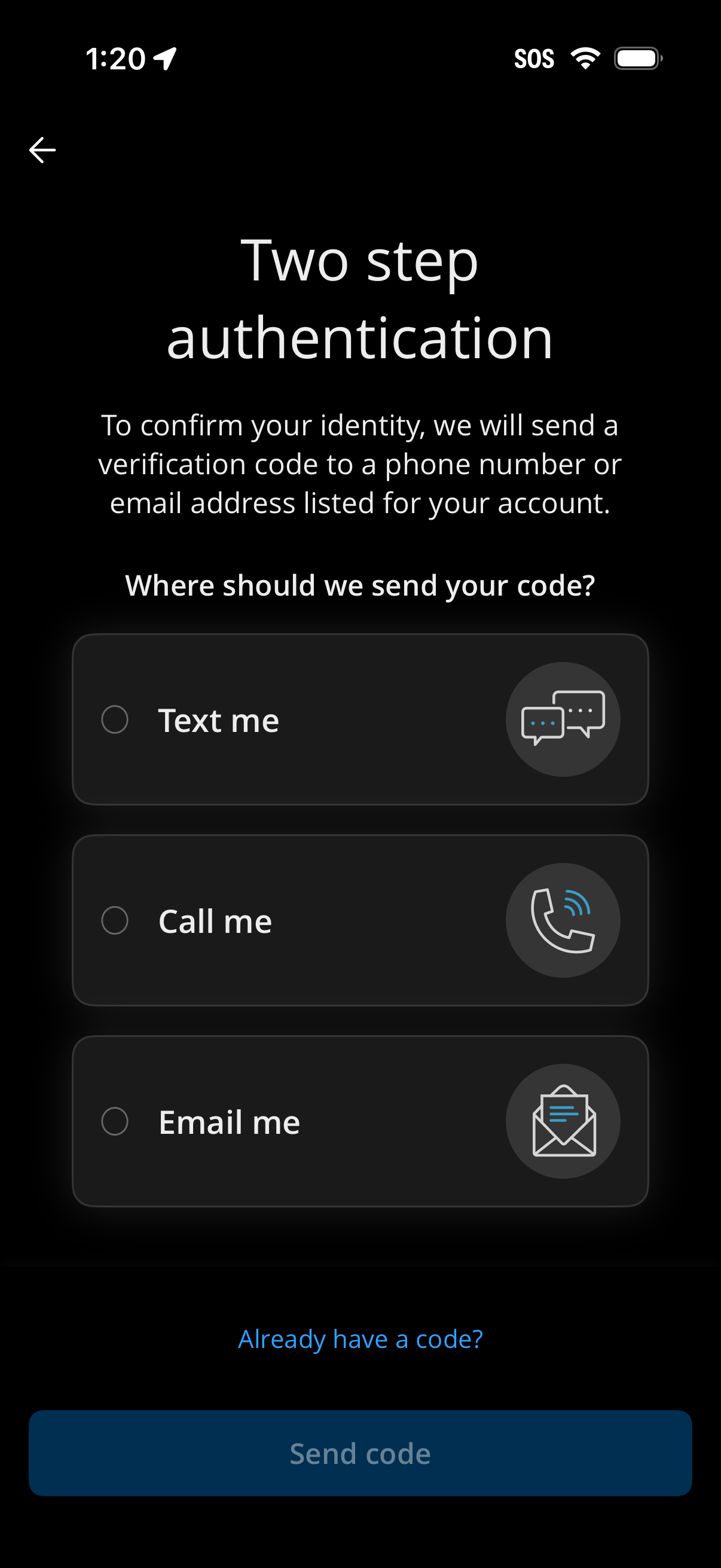
Two-step authentication screen prompting the user to choose how to receive a ver
empower
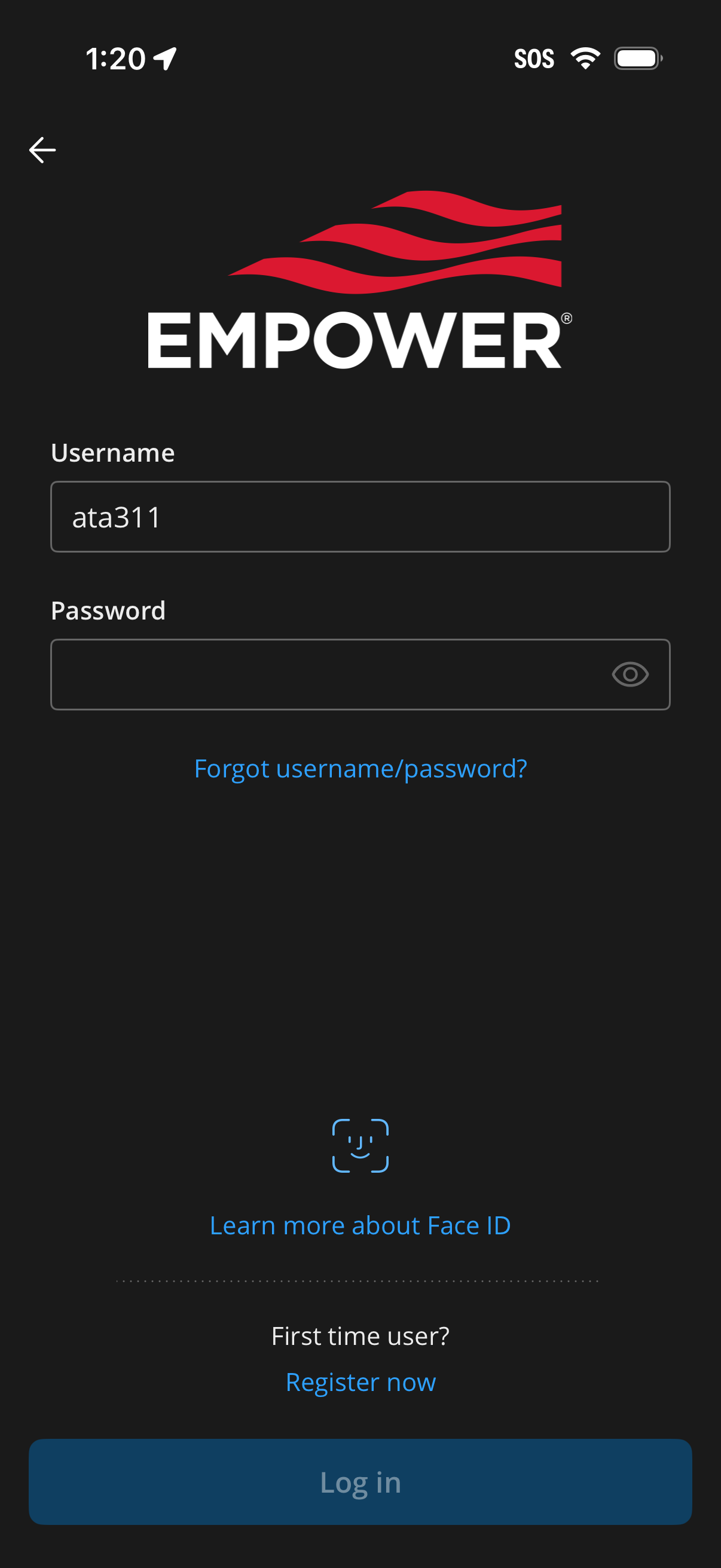
Dark-themed login screen with brand logo, username and password input fields wit
empower
App splash/loading screen featuring centered brand logo on a dark background, sh
empower