
AI image editing/generation chat home screen prompting users to “create better and faster images,” with a text input to ask anything plus microphone/voice control and an add attachment button. Top navigation includes a hamburger menu, an Upgrade CTA for premium, and icons to add contacts or access more options.
AI chat assistant conversation screen in dark mode showing a user prompt and an input bar with “Ask anything,” plus/attachment button, microphone for voice input, and send button. Top navigation includes a hamburger menu, “Upgrade” CTA, and controls for composing/editing or more options.
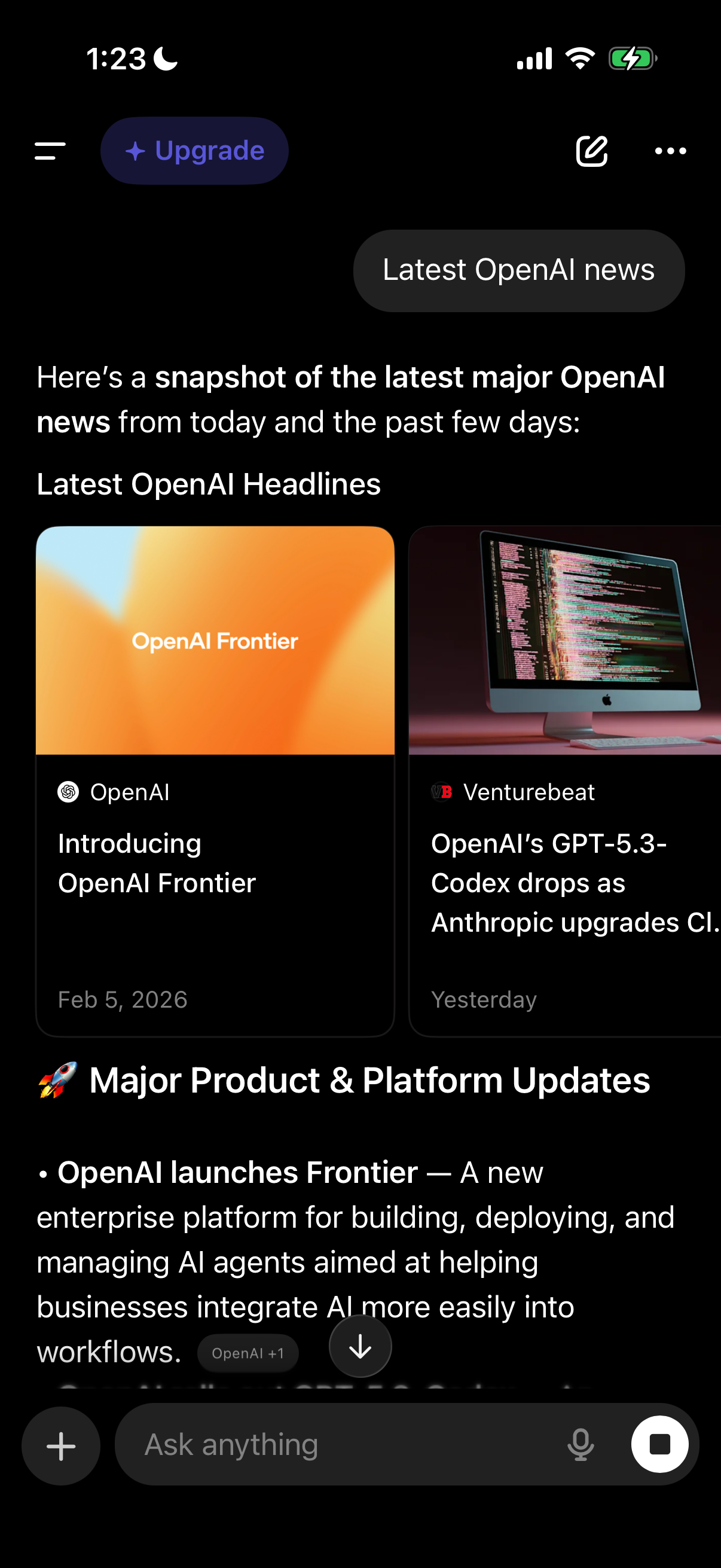
AI chat app conversation screen showing a generated “Latest OpenAI news” summary with a headlines section featuring tappable news cards (source, title, date) and a “Major Product & Platform Updates” text rundown. Includes top navigation with menu and compose/options plus an Upgrade CTA, and a bottom message composer with attachment/add button, voice input, and send.