Shopping Research
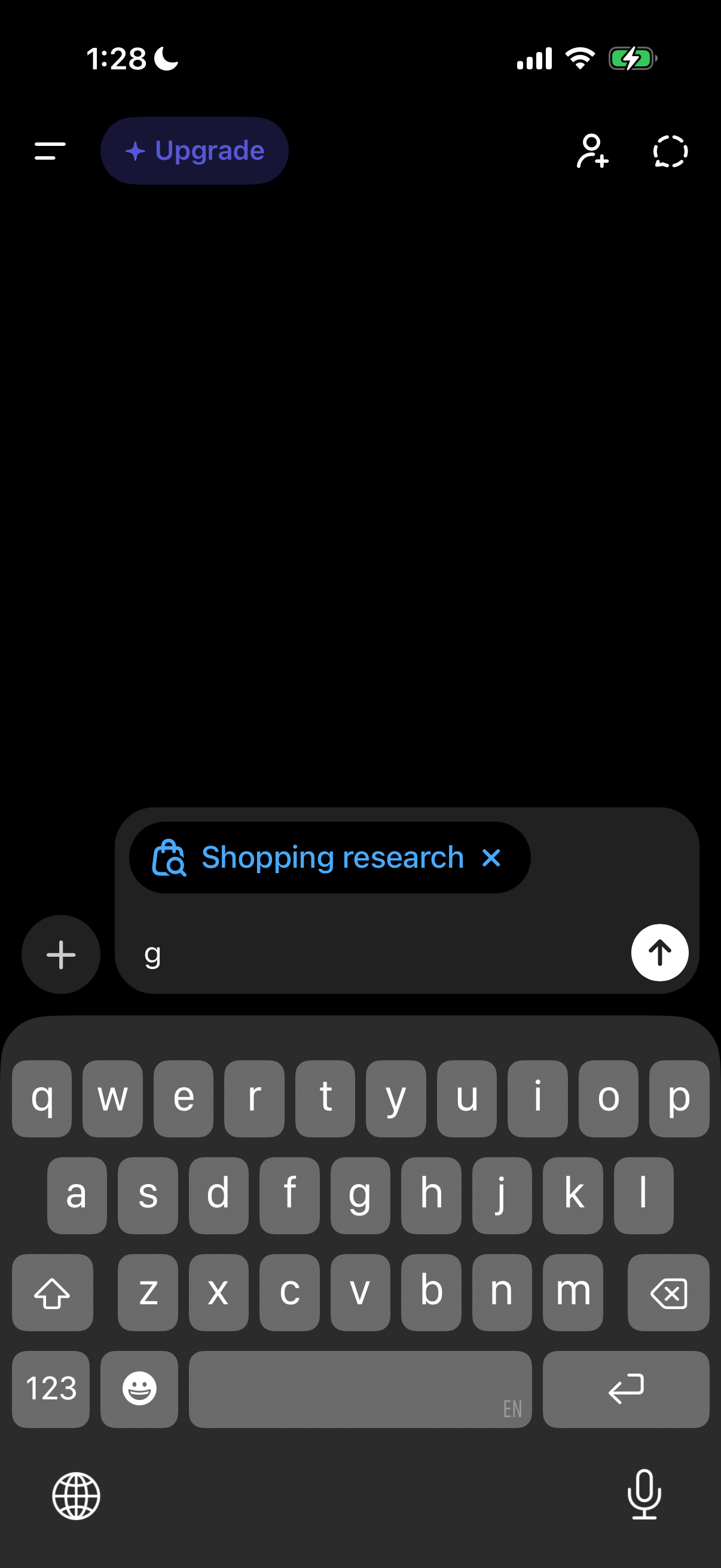
Dark-mode AI chat screen with a message composer where the user is typing a prompt, including a selected “Shopping research” tool/tag that can be removed, plus buttons to add attachments, send the message, open the sidebar menu, and access profile/friends actions, with an Upgrade CTA in the header.
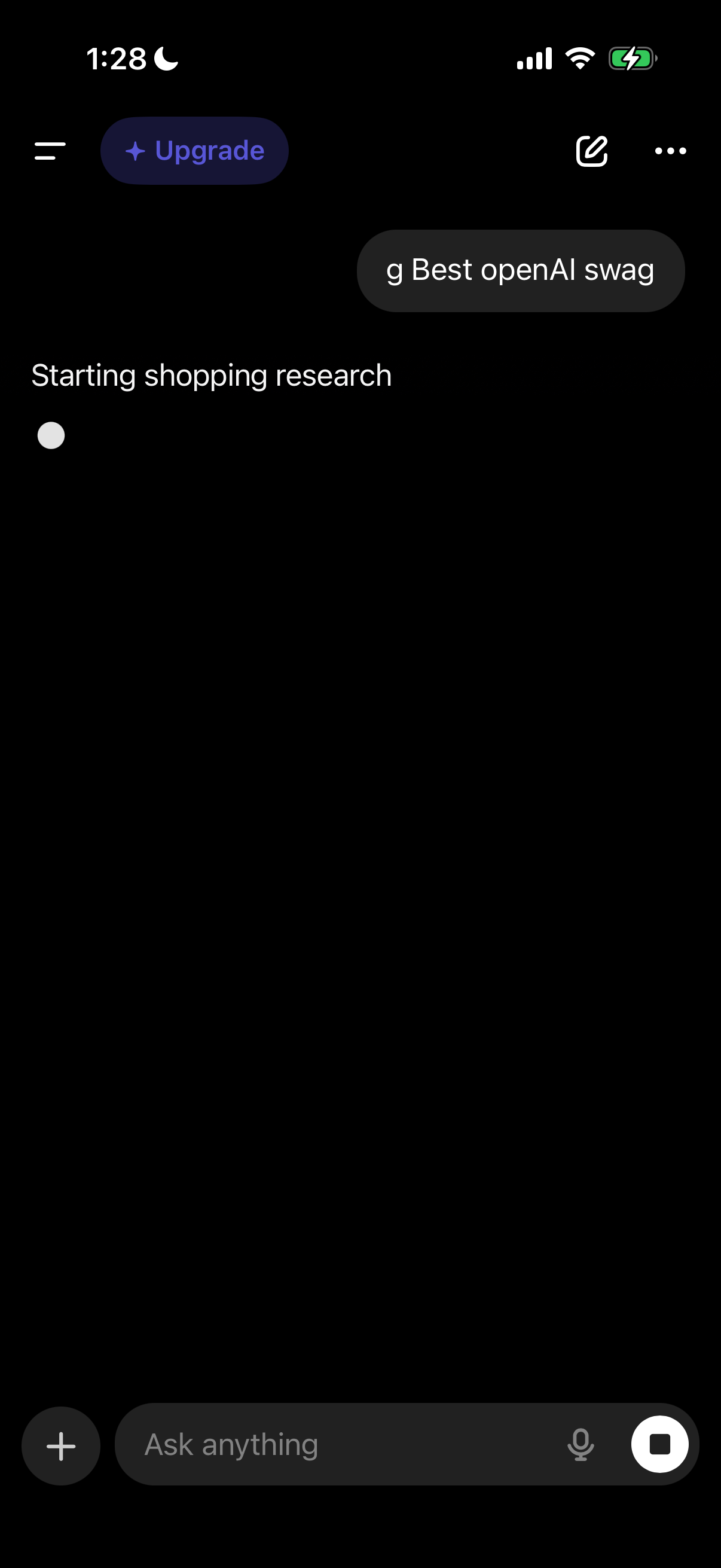
AI chat assistant conversation screen showing an in-progress “shopping research” query, with a message input bar featuring add-attachment (+) and voice microphone actions plus a stop/cancel button. Top navigation includes a hamburger menu, an Upgrade call-to-action, and edit/options icons.

Multi-step requirements form in a chat-style interface asking the user to choose a budget range via single-select radio options (up to $30, $60, $100, or $100+). Primary actions include a large Continue button to proceed and a Skip link to bypass the question.

Selection step in a conversational shopping/onboarding flow asking the user to choose a swag/product type (T-shirts, hats, hoodies, stickers) with radio-style options. Primary actions include Continue to proceed with the selected option or Skip to bypass the step.
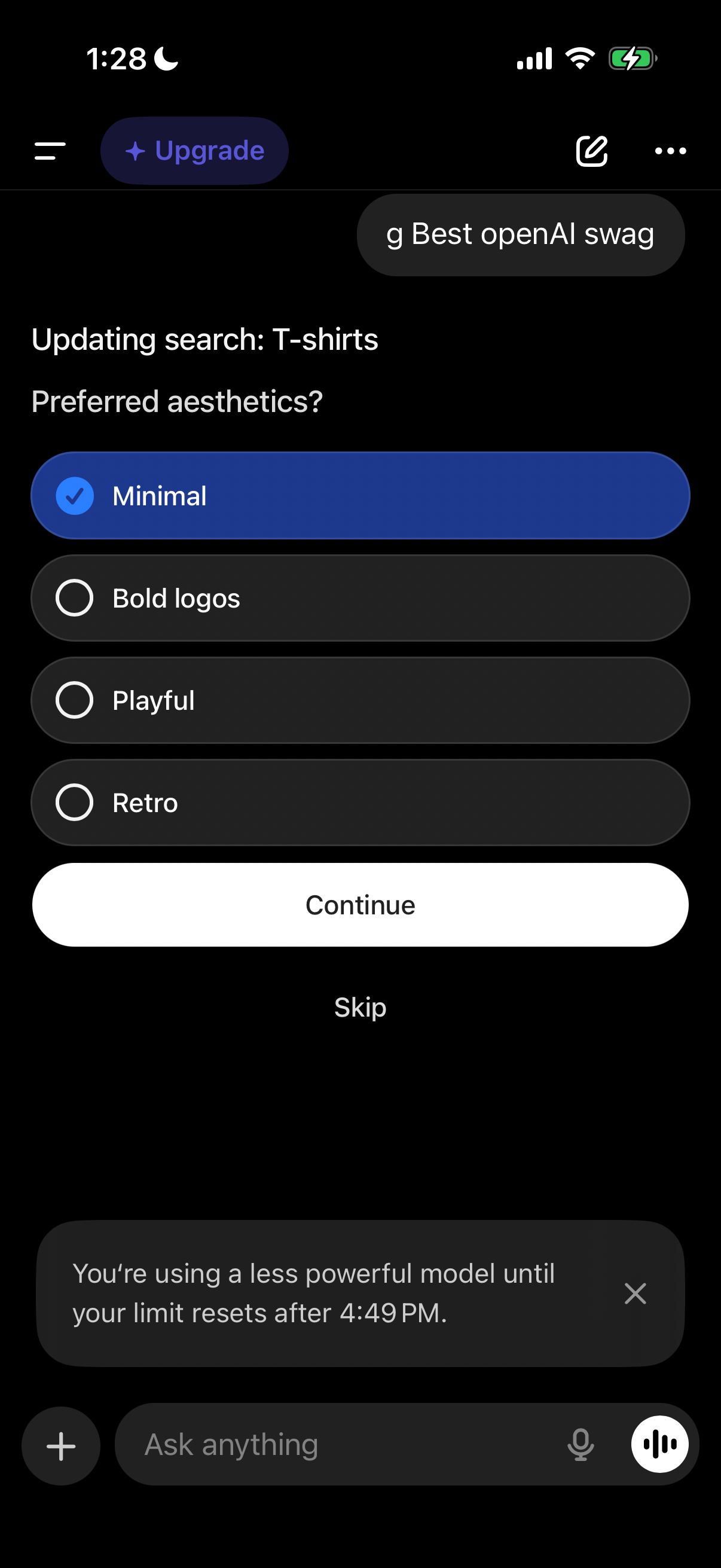
Preference selection screen in a conversational shopping/search flow asking the user to choose a preferred T-shirt aesthetic (Minimal, Bold logos, Playful, Retro) via single-select radio options. Primary actions are Continue to apply the choice or Skip to proceed without selecting.
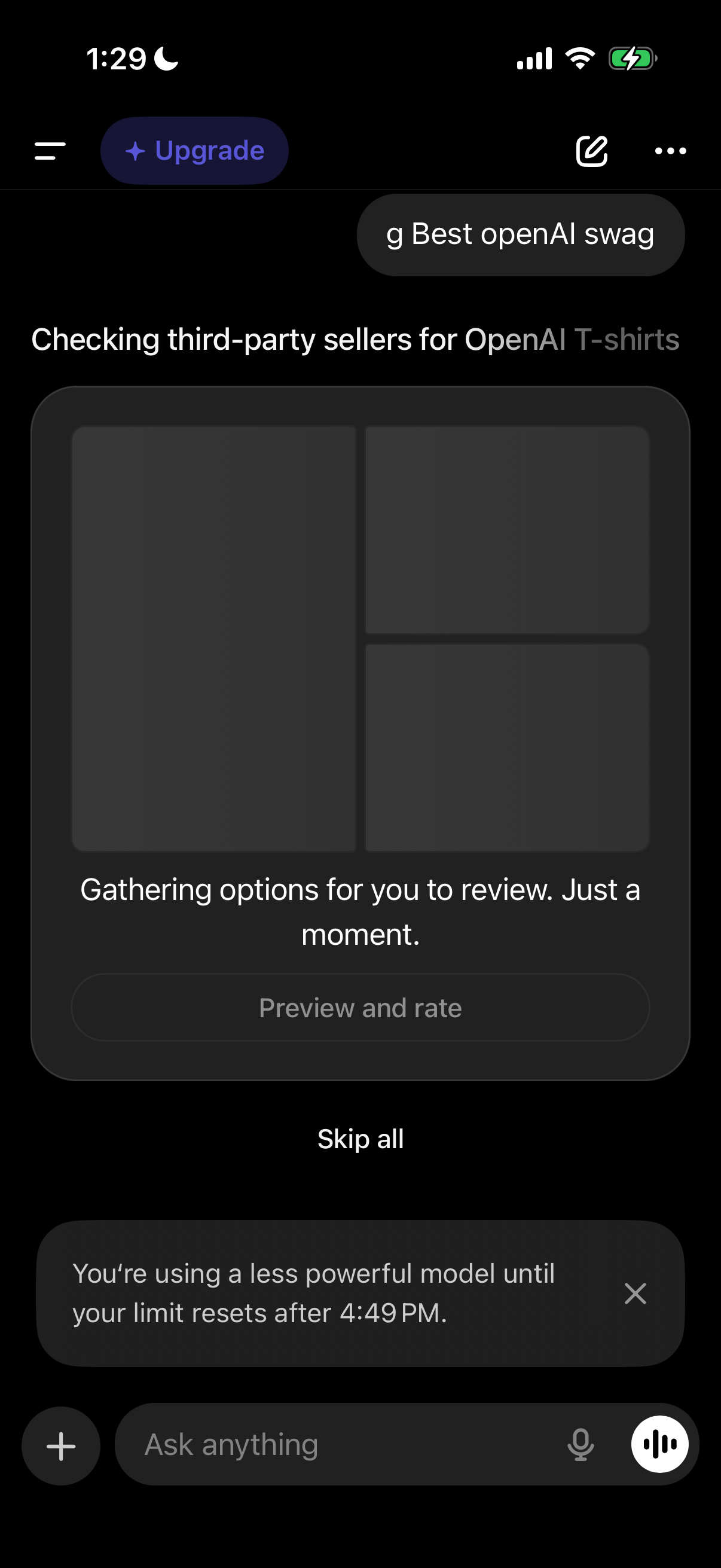
AI assistant chat screen showing an in-progress product search workflow that’s checking third-party sellers and gathering options to review, with disabled “Preview and rate” and a “Skip all” action. The interface includes an upgrade button, a usage limit banner indicating a less powerful model until reset, and a message input bar with voice controls.
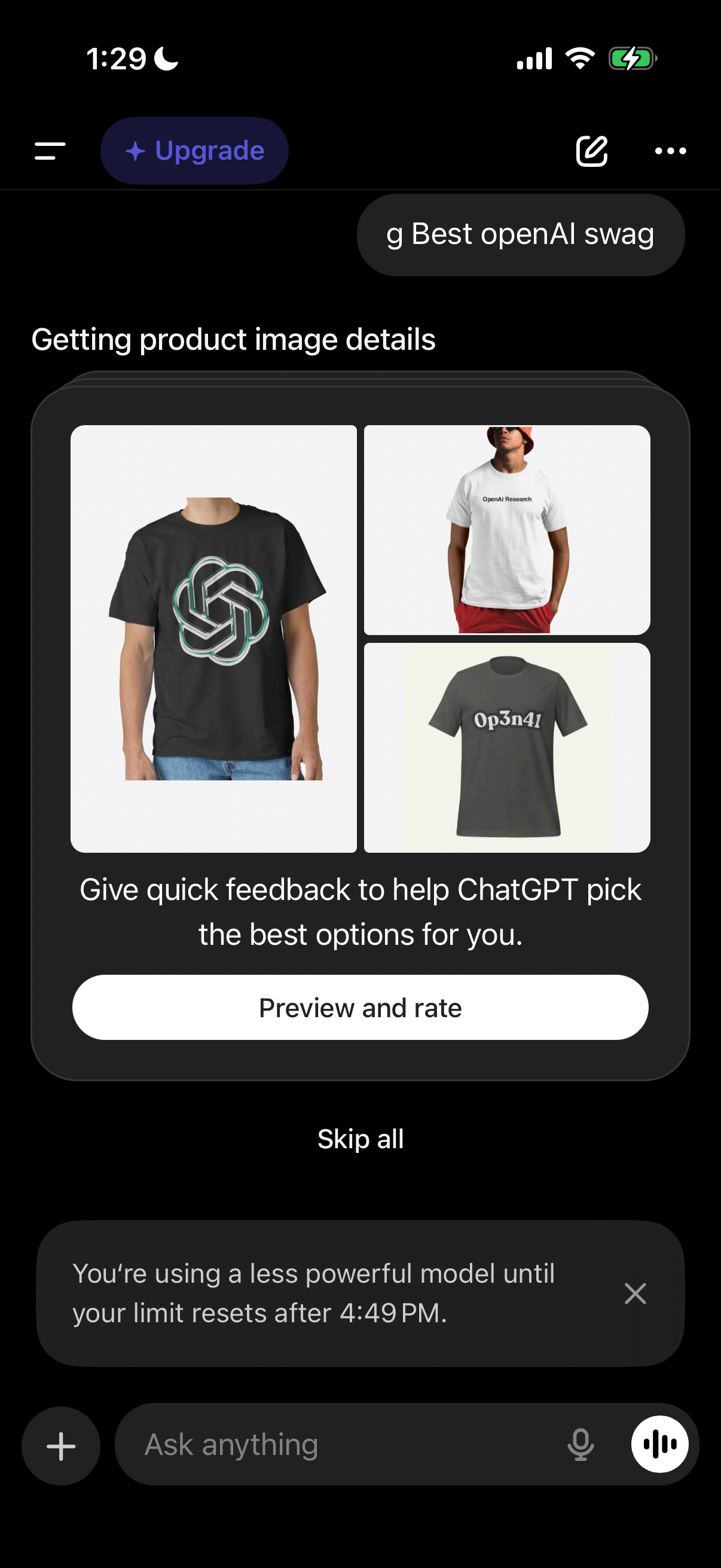
In-app assistant screen showing a product image analysis step for shopping, displaying a grid of apparel images while “getting product image details. ” Users are prompted to give quick feedback with a primary “Preview and rate” button and an option to “Skip all” to help the AI pick the best options.
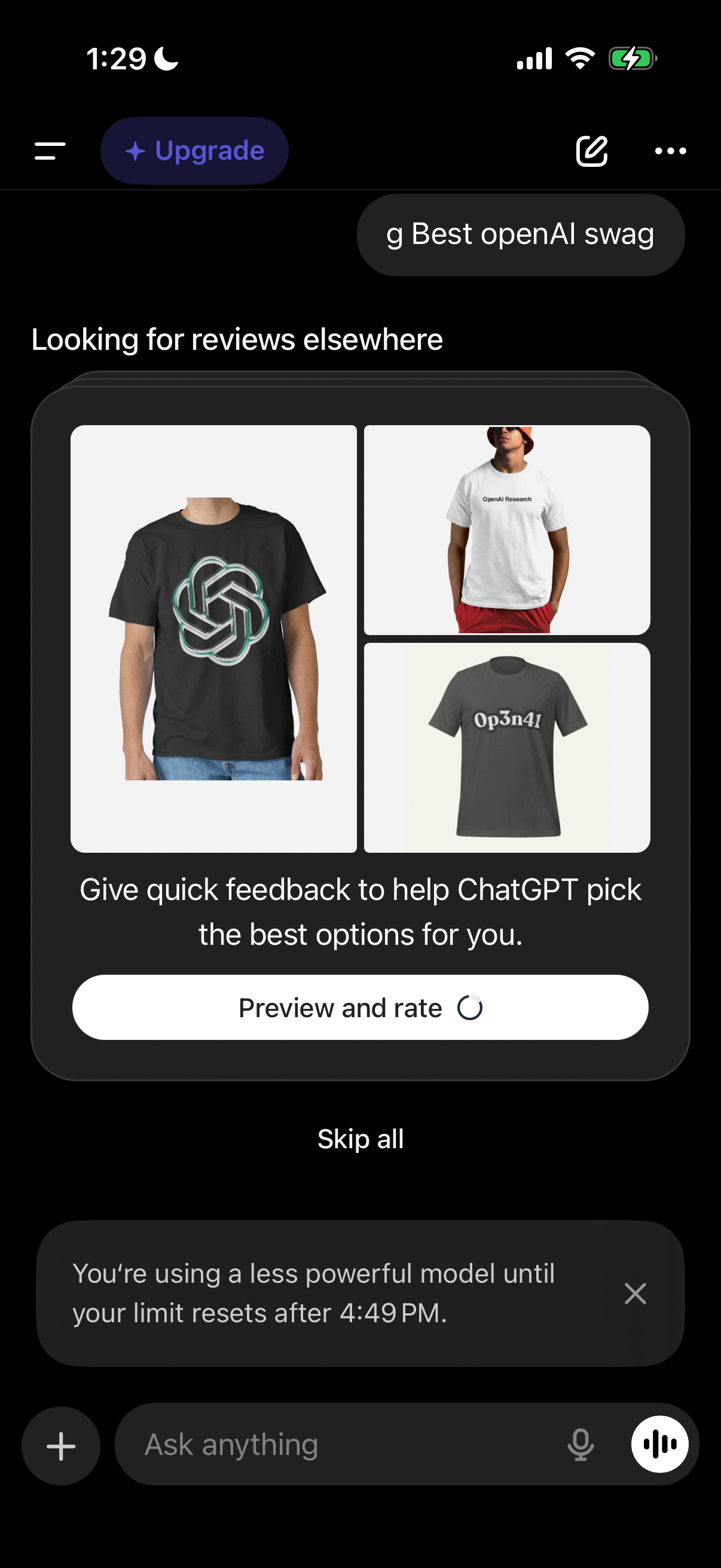
In-app assistant screen suggesting product options and asking the user to provide quick feedback by previewing and rating items (with a “Skip all” option) to improve recommendations. A bottom banner notifies the user about using a less powerful model until their usage limit resets.