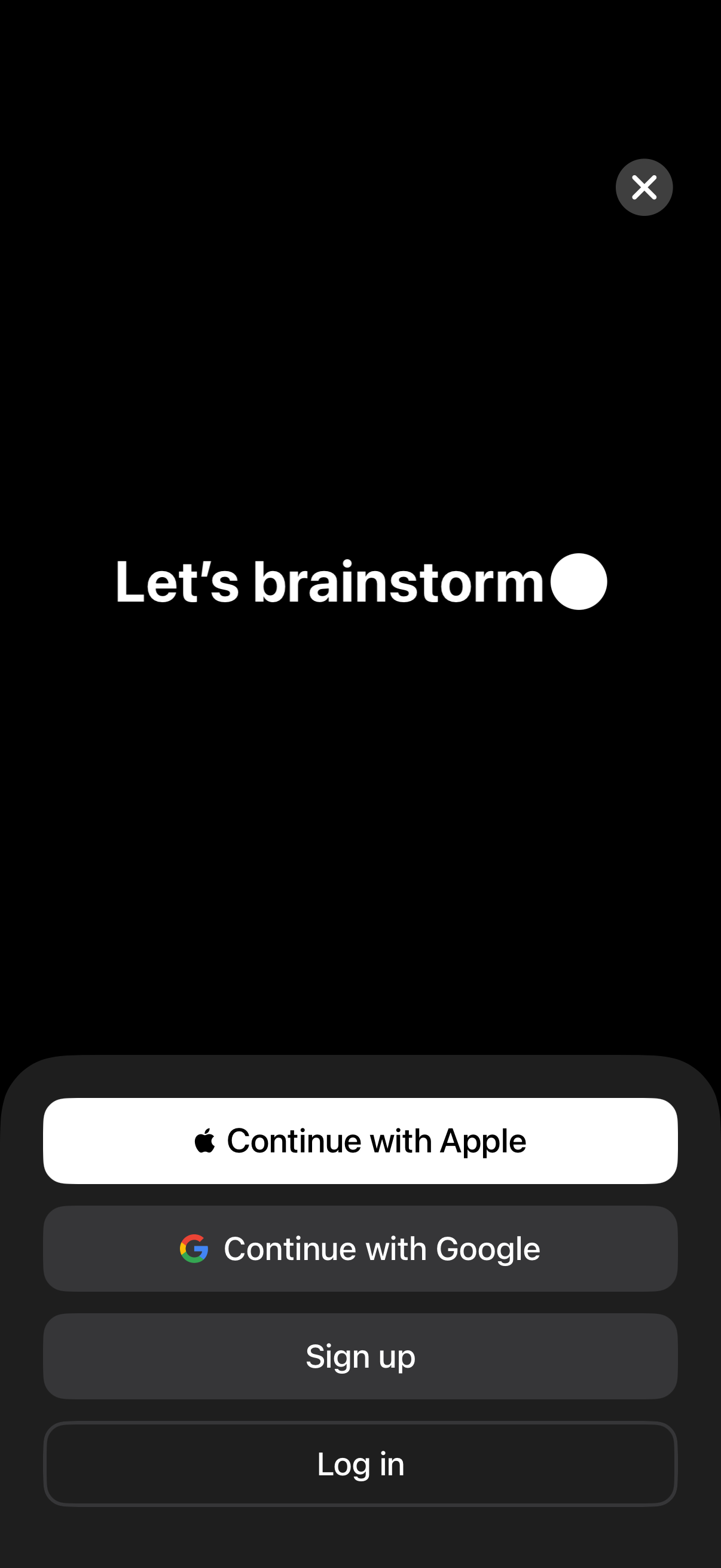
Onboarding welcome screen for a brainstorming/ideas app prompting users to get started, with authentication options to continue with Apple, continue with Google, sign up, or log in, plus a close button to dismiss the modal.
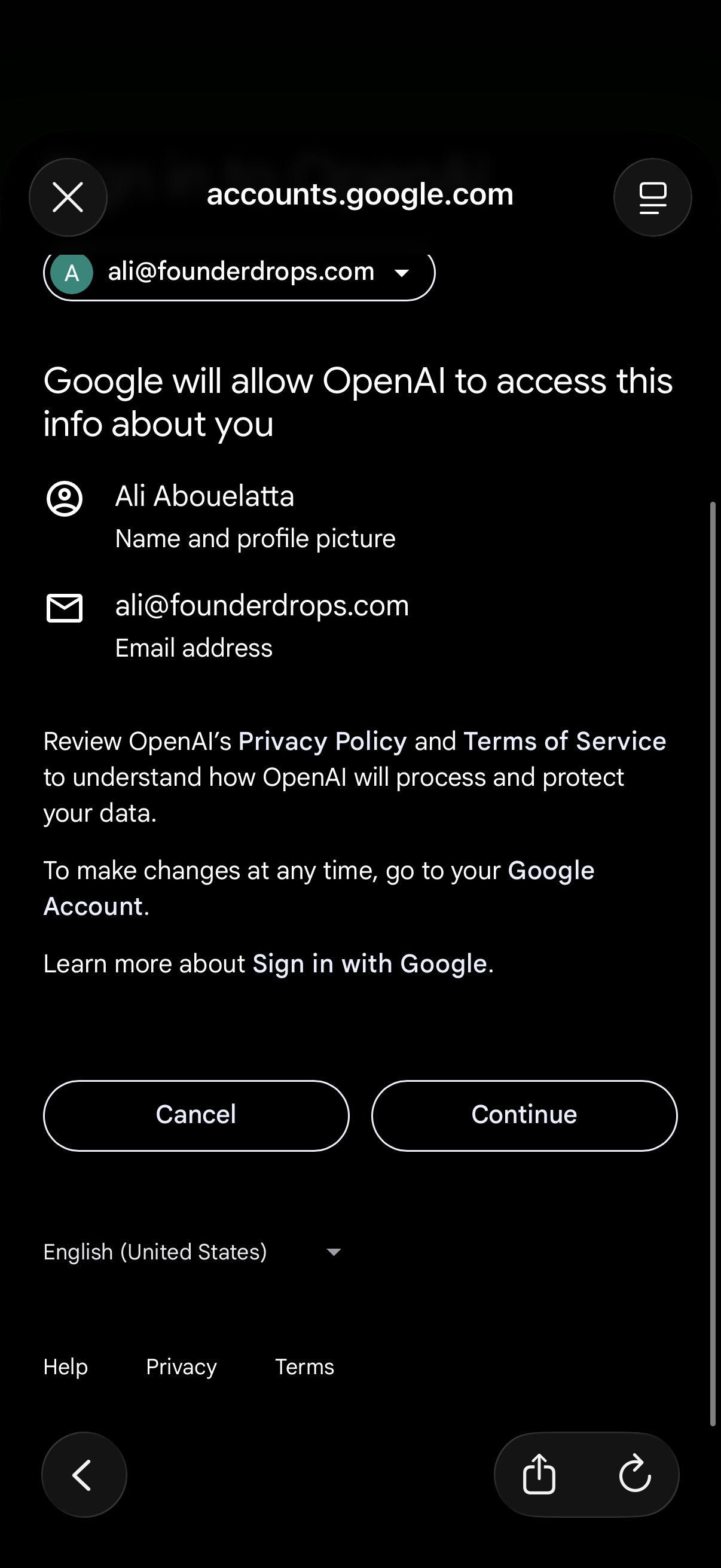
Google OAuth consent screen for “Sign in with Google” showing what account information a third-party app will access (name/profile photo and email address), with options to cancel or continue and links to privacy policy and terms.

AI image editing/generation chat home screen prompting users to “create better and faster images,” with a text input to ask anything plus microphone/voice control and an add attachment button. Top navigation includes a hamburger menu, an Upgrade CTA for premium, and icons to add contacts or access more options.
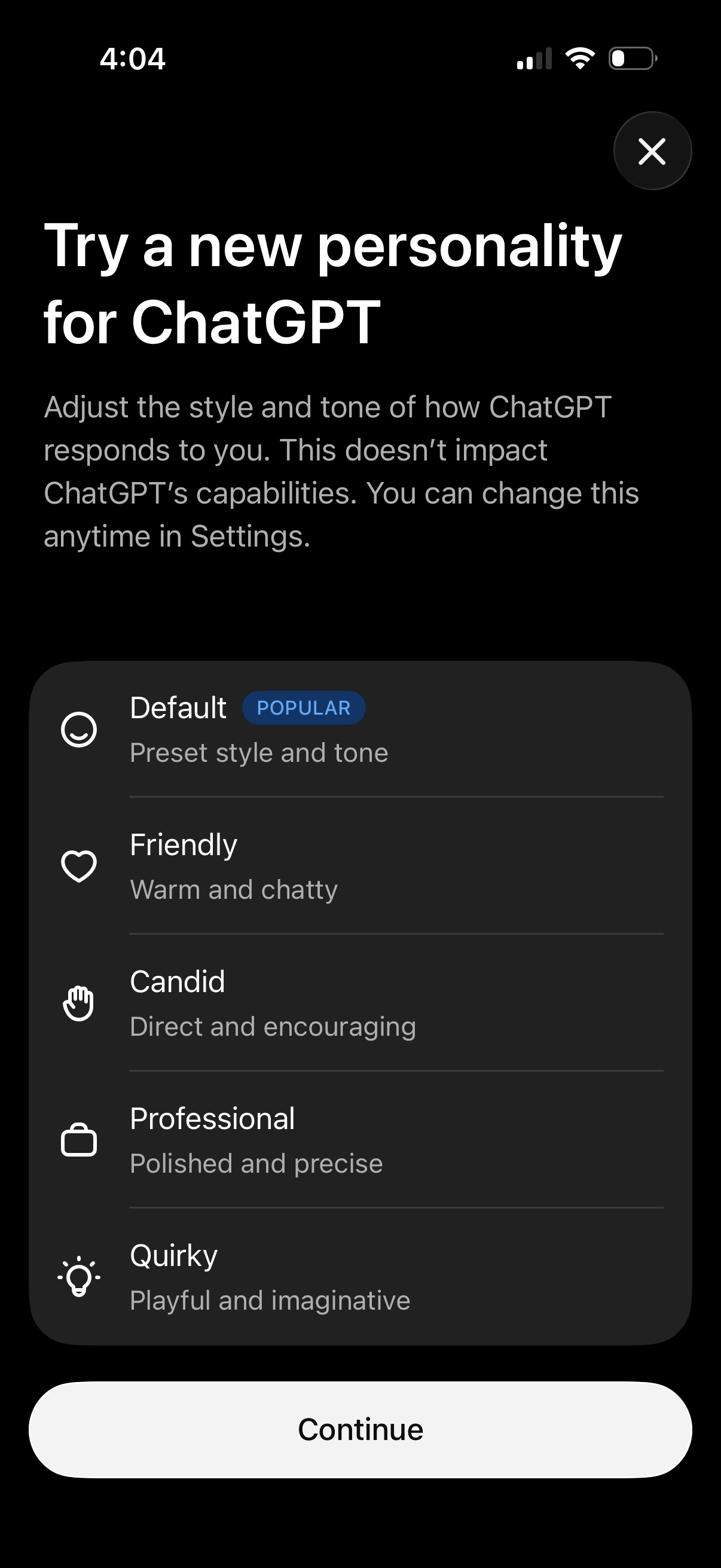
Onboarding modal to choose a ChatGPT response personality by adjusting style and tone, showing selectable presets like Default, Friendly, Candid, Professional, and Quirky with brief descriptions. Includes a close button and a primary Continue action to confirm the selection.
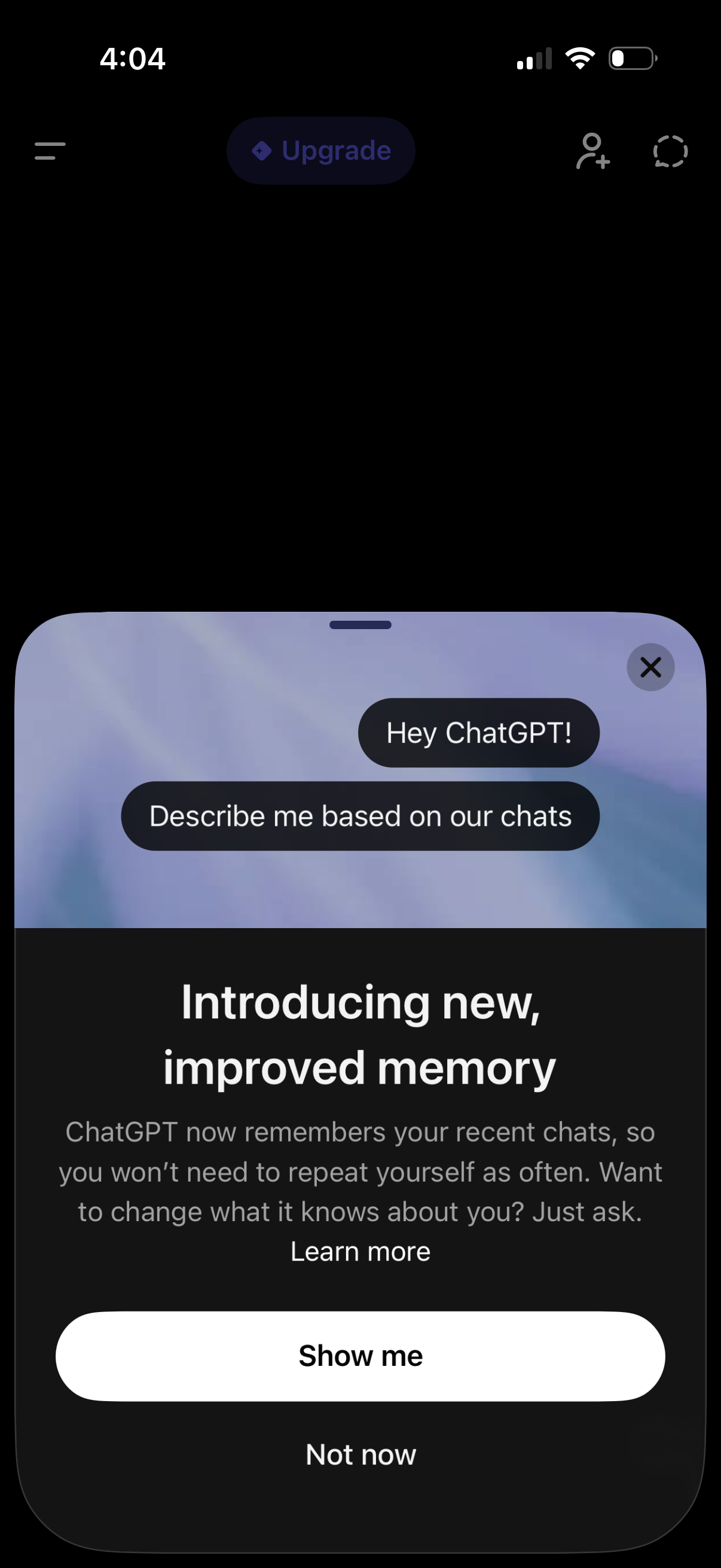
Onboarding promo modal announcing a new “improved memory” feature that lets the AI remember recent chats, with a short explanation and a Learn more link. Primary actions are to enable via “Show me” or dismiss with “Not now”/close icon.
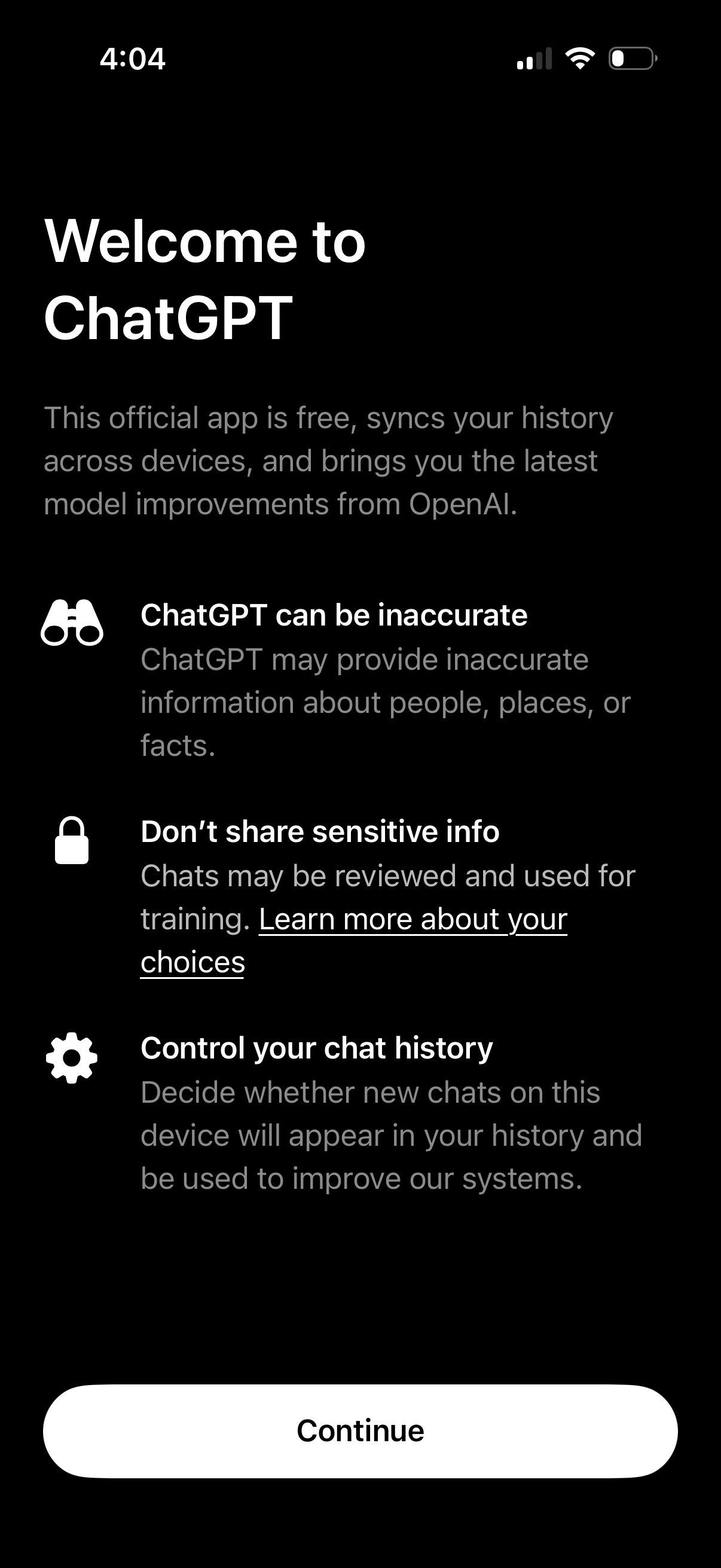
Welcome/onboarding screen for a ChatGPT AI assistant app that explains key notices about accuracy, privacy and sensitive information, and controlling chat history across devices. Provides a primary “Continue” button to proceed into the app.
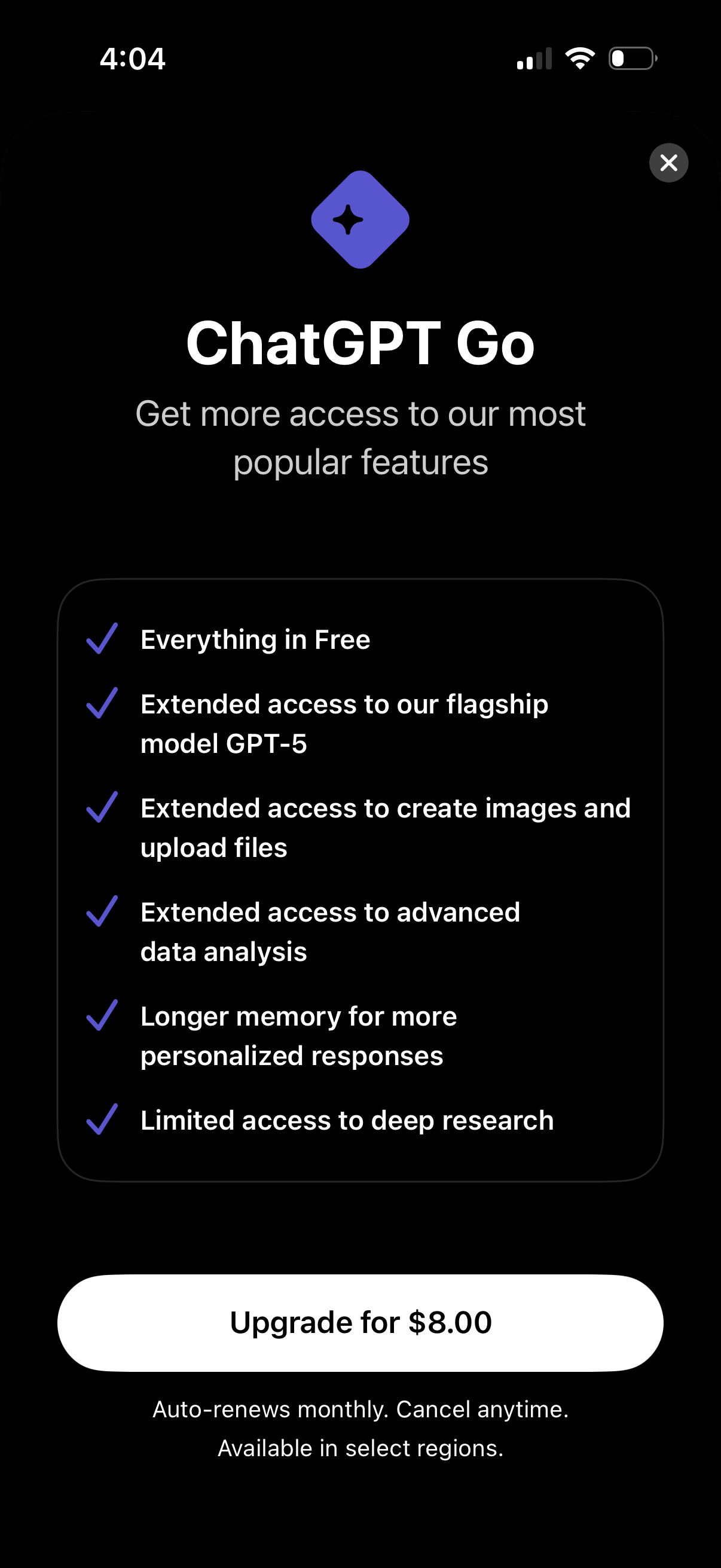
Subscription upgrade paywall modal for “ChatGPT Go” showing a list of premium benefits (extended access to flagship model, image creation and file uploads, advanced data analysis, longer memory, limited deep research) and a primary CTA button to upgrade for a monthly price, with close icon and auto-renew/cancel anytime disclaimer.