view account settings
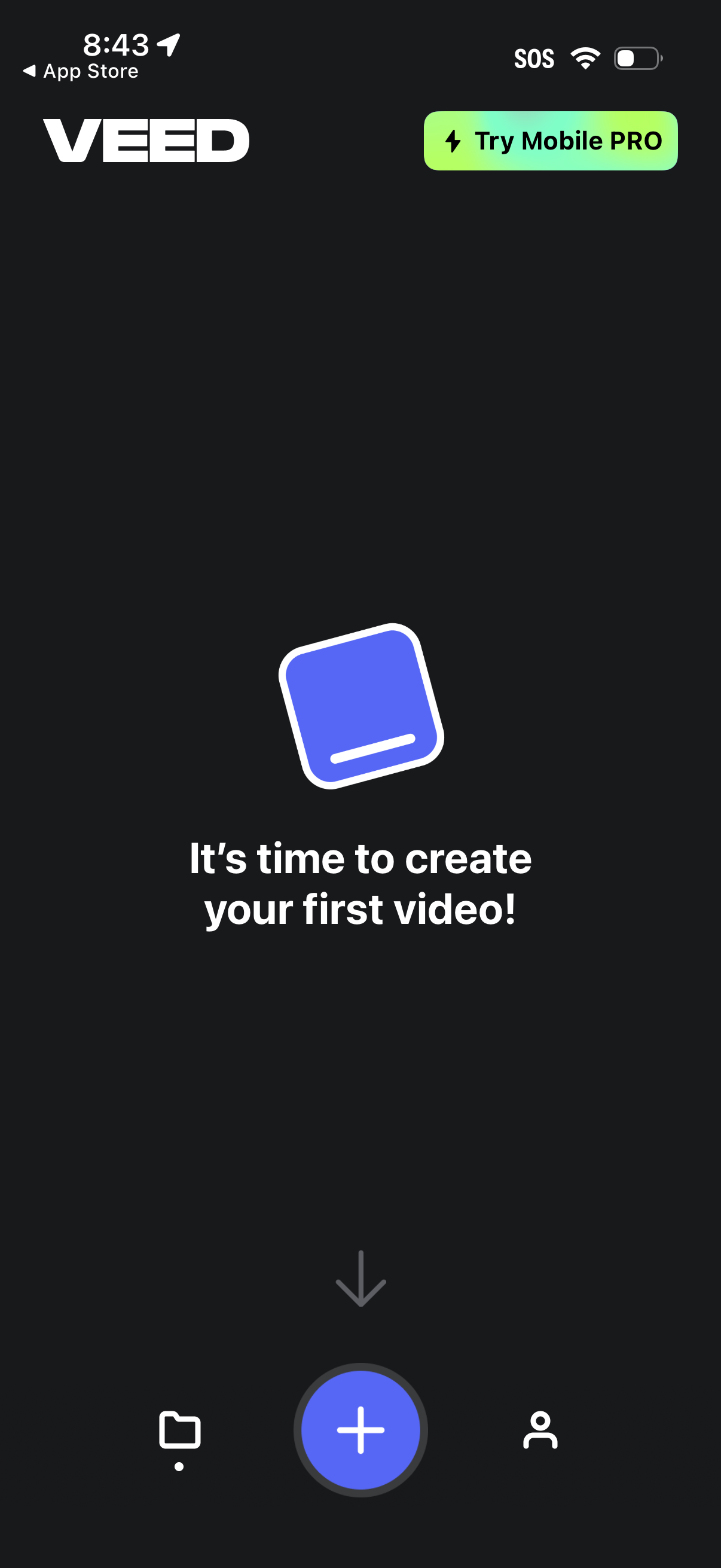
Home/empty state screen for a mobile video editor prompting the user to create their first video, with a prominent floating plus button to start a new project. Includes a top callout to try a mobile PRO upgrade and a bottom navigation bar to switch between projects/library, create, and profile/account.
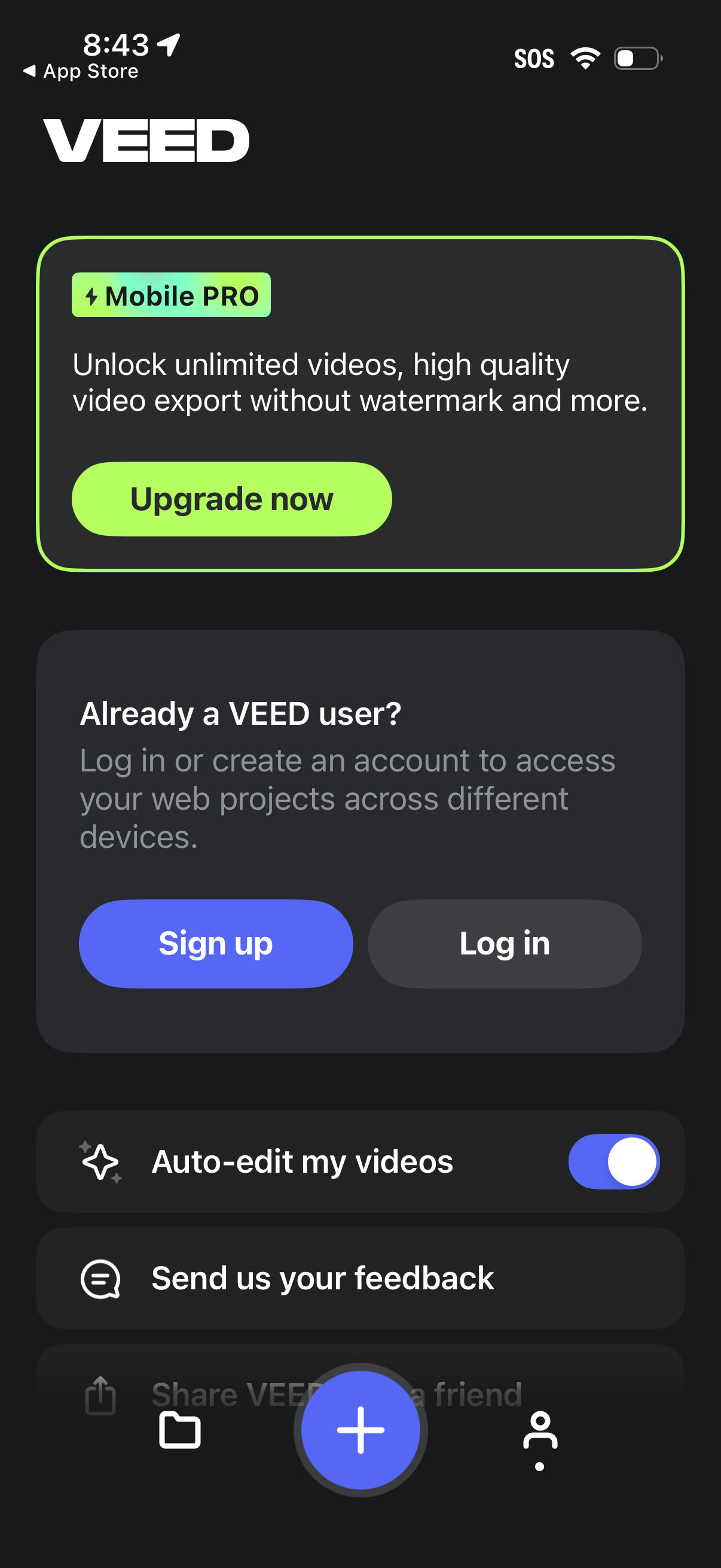
Account and subscription upsell screen for a video editing app, promoting a Mobile PRO plan with an “Upgrade now” button for unlimited exports and watermark-free high-quality video. Below, users can sign up or log in to sync projects across devices, toggle an auto-edit videos feature, and access a feedback option.
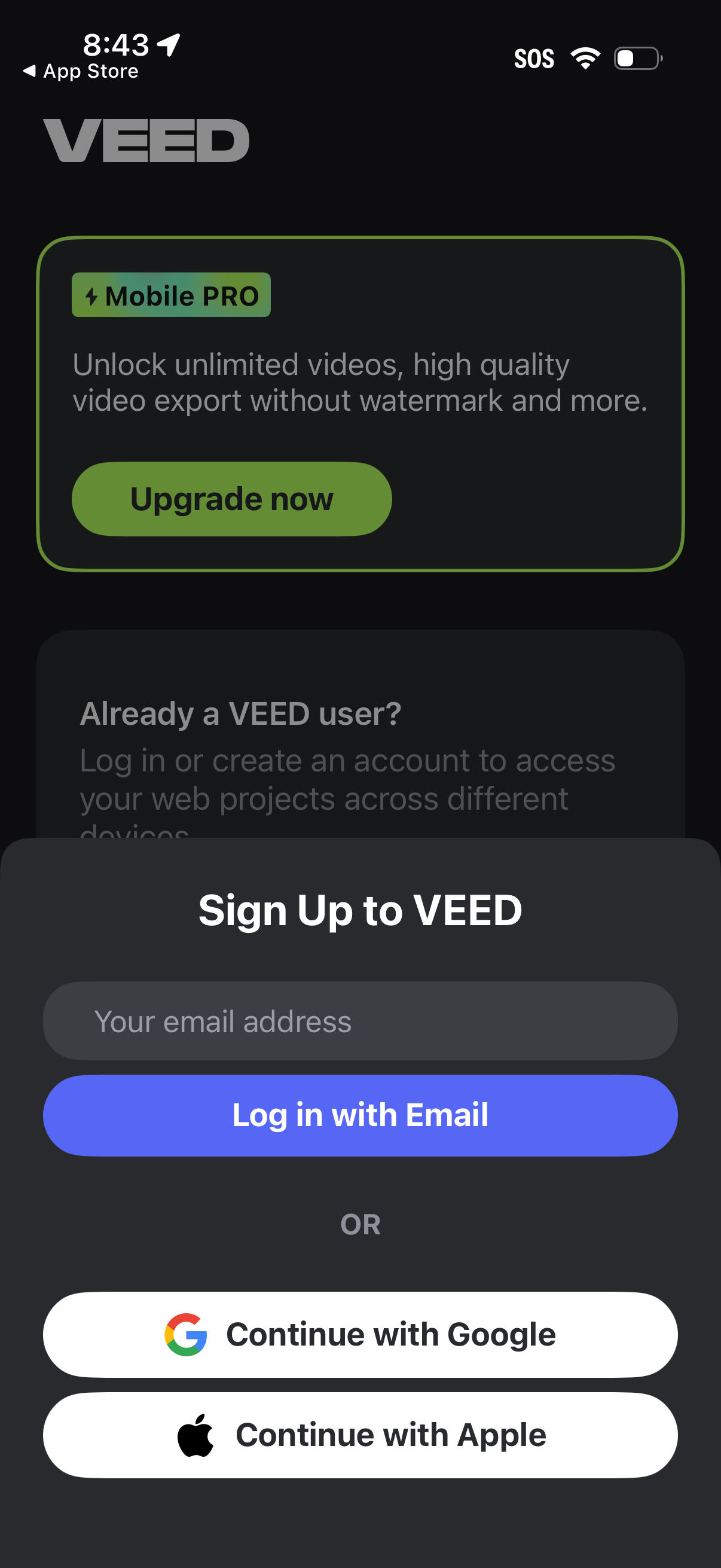
Sign up/login screen for a video editing app showing a Mobile Pro upgrade upsell and a modal to create an account by entering an email or continuing with Google or Apple, with a primary “Log in with Email” CTA. The page supports onboarding and subscription conversion by highlighting premium benefits like unlimited videos and watermark-free exports.