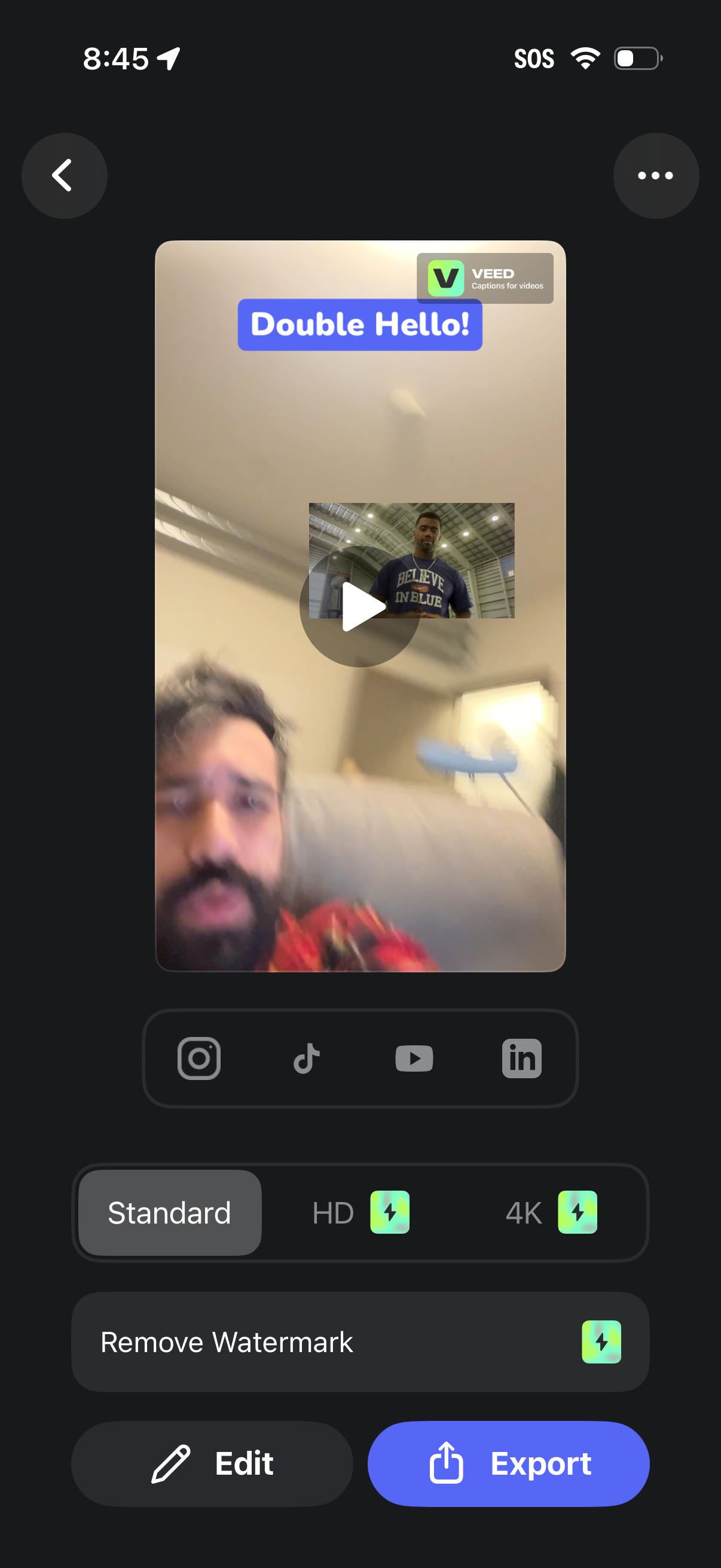
Video preview screen in a captions-for-video editor showing a playback thumbnail with overlaid text caption and a watermark, with options to share to social platforms. Users can choose export quality (Standard/HD/4K), remove watermark, edit the video, or export/share via a primary Export button.
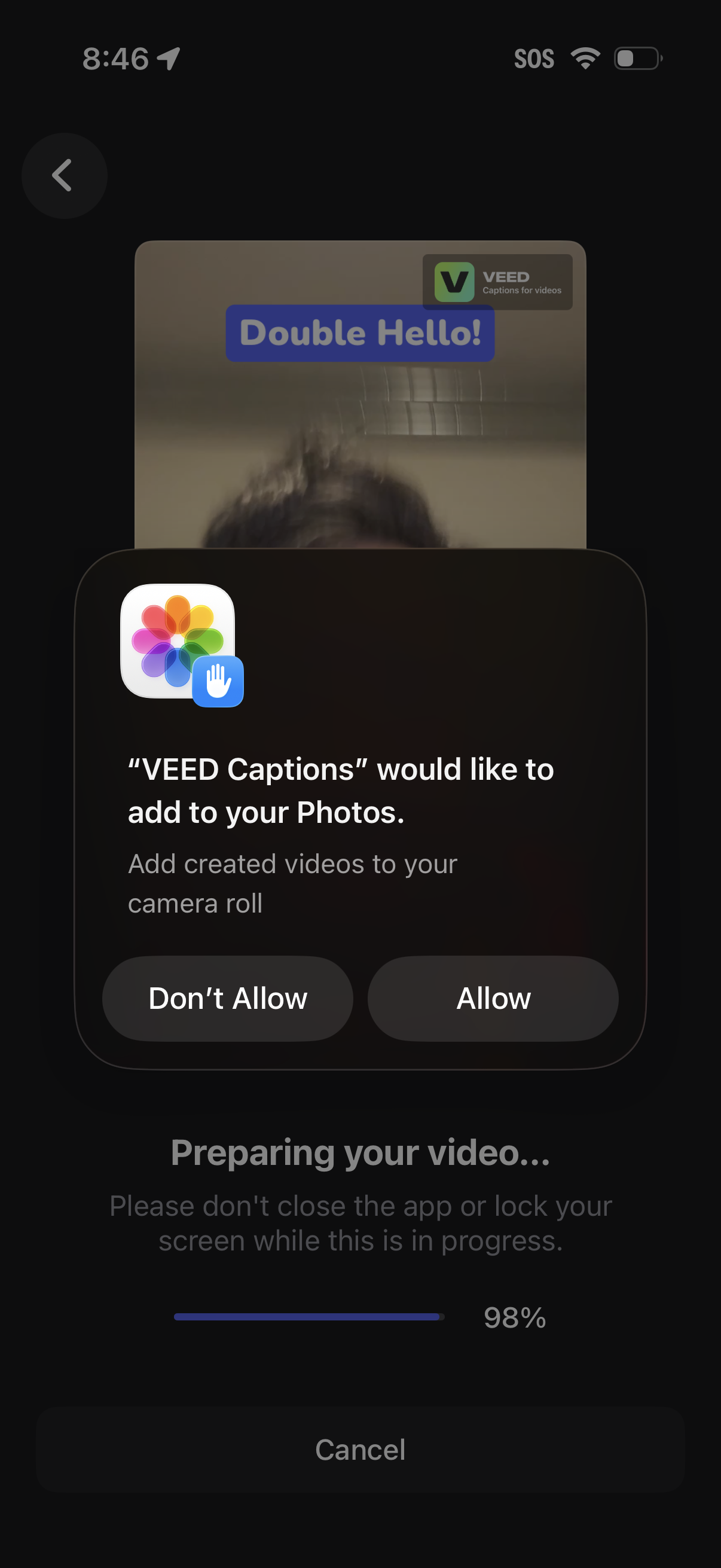
iOS system permission dialog asking to allow a captions/video editing app to add created videos to the Photos camera roll, with primary actions Allow or Don’t Allow. The underlying screen shows a video being prepared/exported with a progress bar and cancel option.
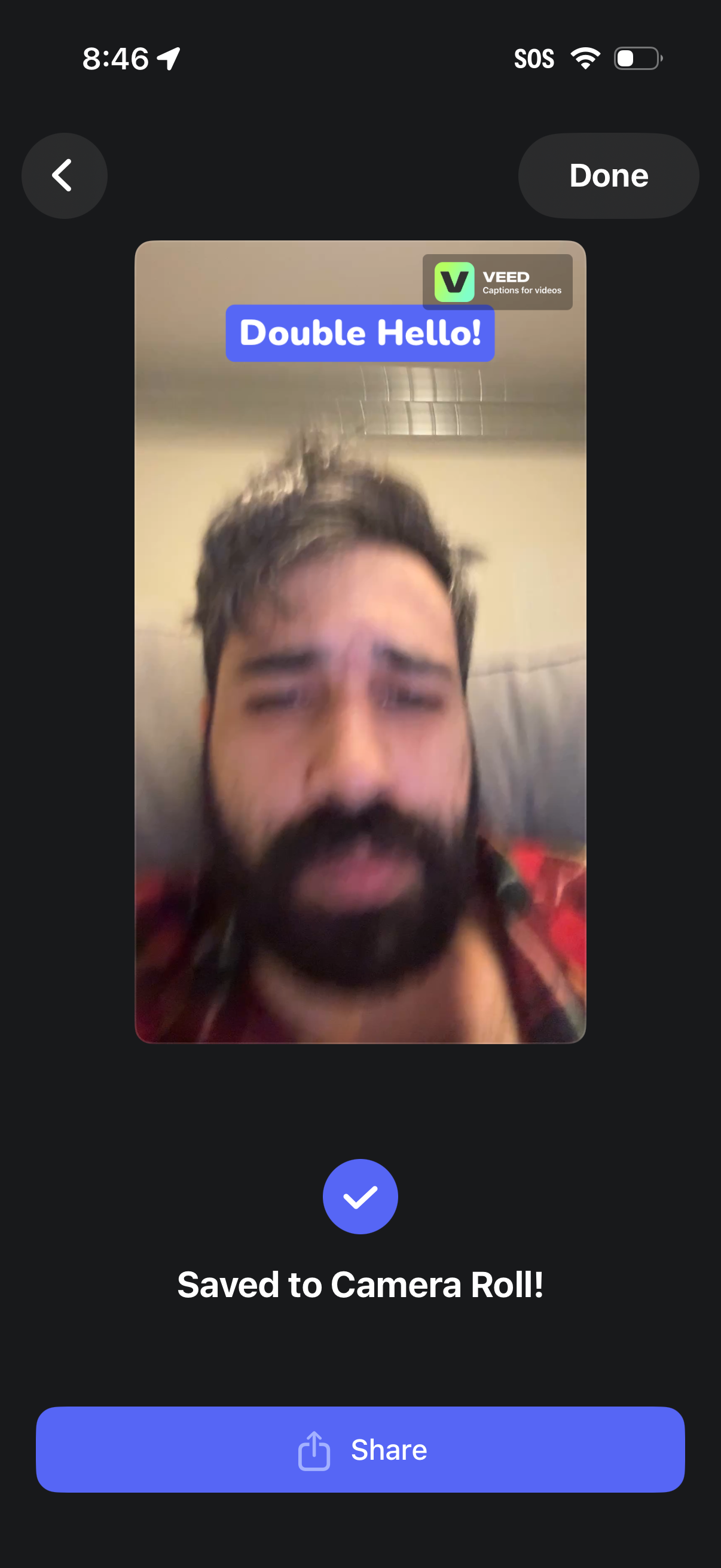
Video export confirmation screen showing a preview of the created video with captions, indicating it was “Saved to Camera Roll. ” Primary actions include sharing the video, tapping Done to exit, or using the back arrow to return.