1
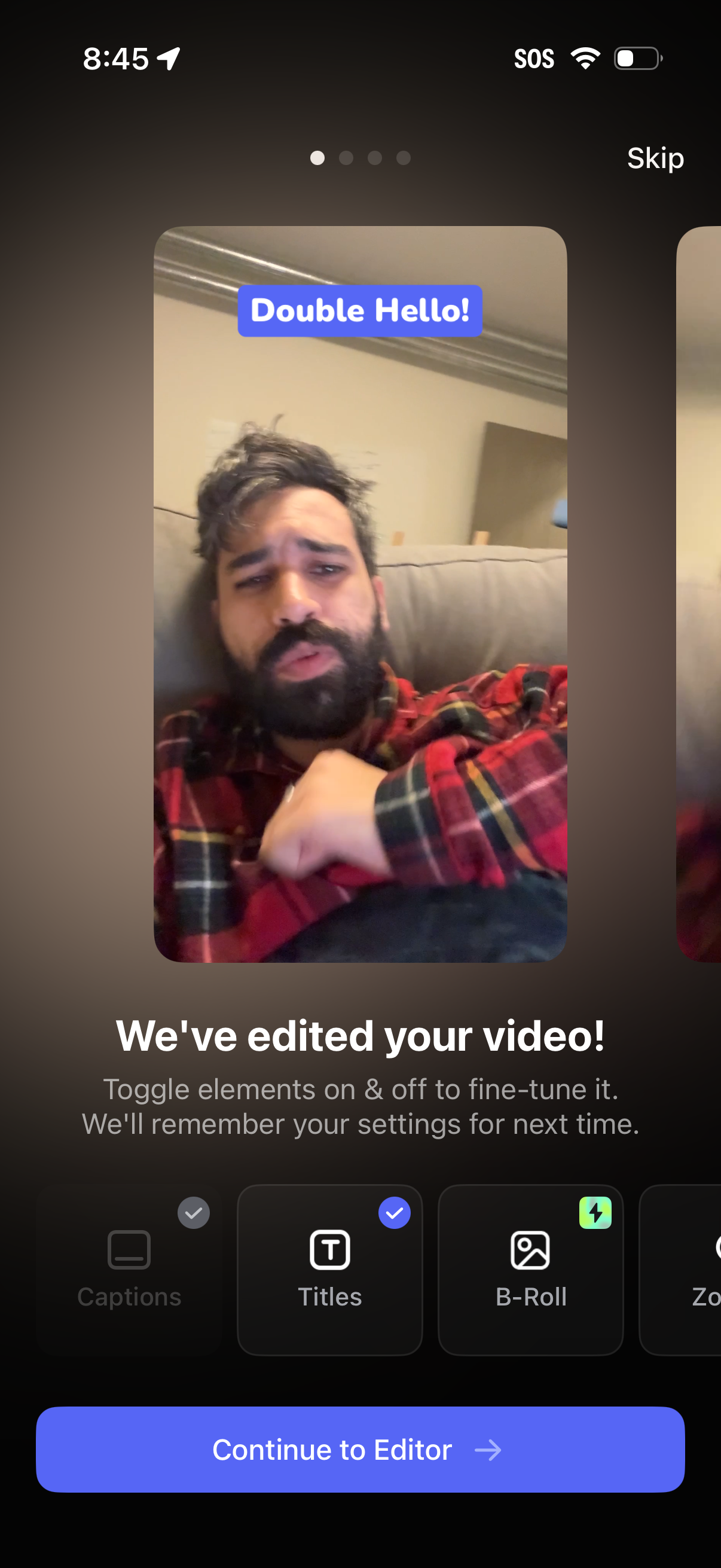
Video editing confirmation screen showing a preview with an auto-added title overlay and a message that the video has been edited, prompting users to toggle editing elements on/off like captions, titles, and B-roll. Includes a “Continue to Editor” primary CTA and a skip option to bypass the guided setup.
2
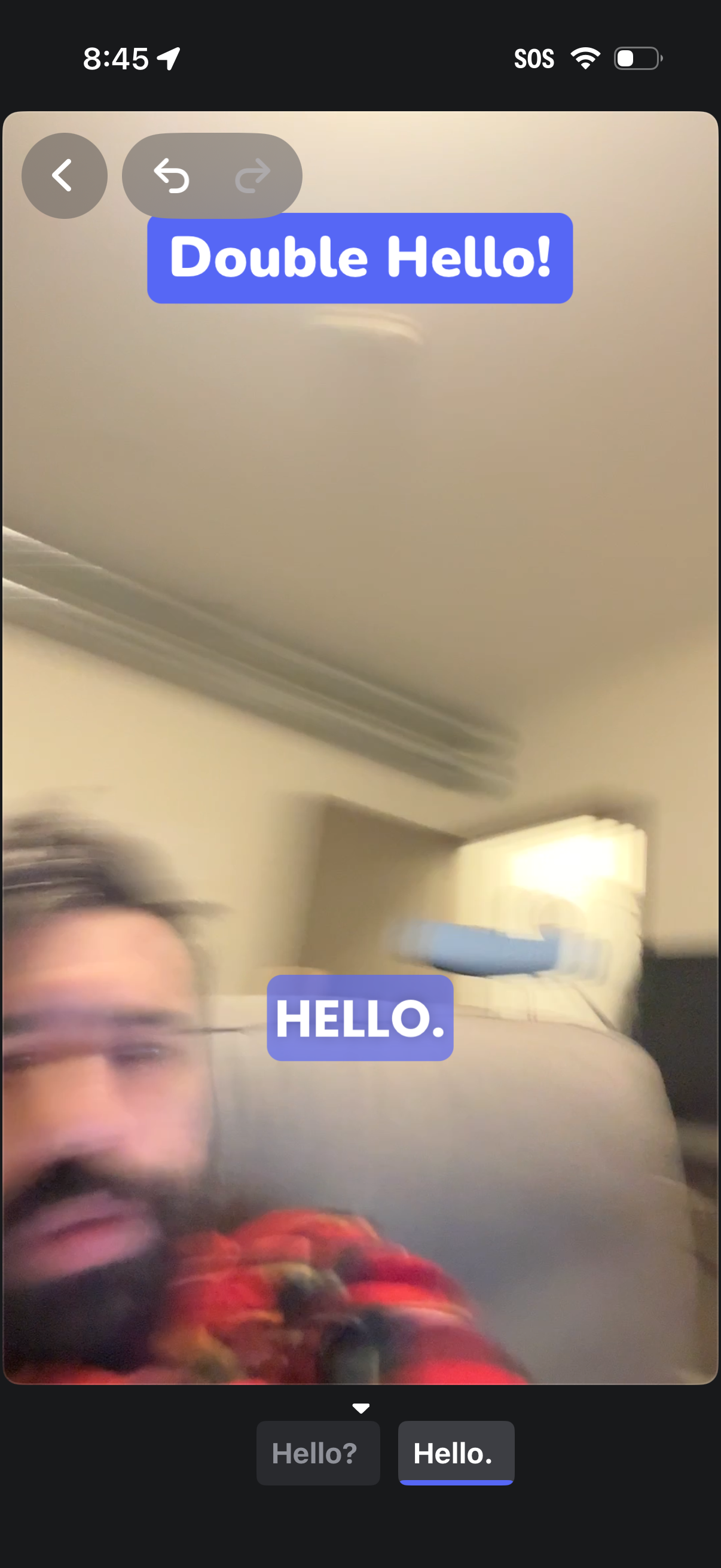
Video or selfie capture preview with overlaid chat-style text stickers, showing a large “Double Hello! ” title and a smaller “HELLO.
3
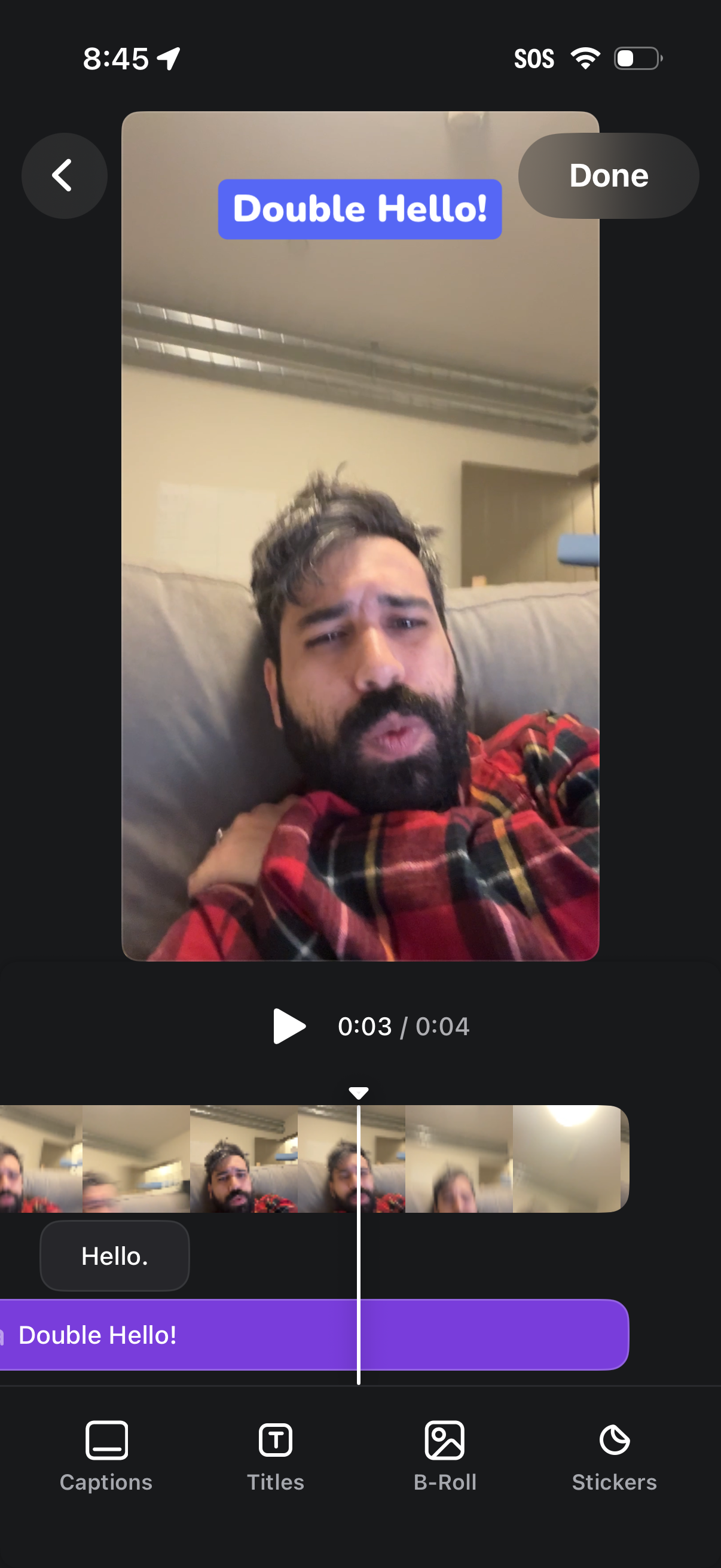
Video editing screen for a short clip with a timeline scrubber and thumbnail strip, showing a selected title/text overlay (“Double Hello! ”) on the preview.