auto generate captions
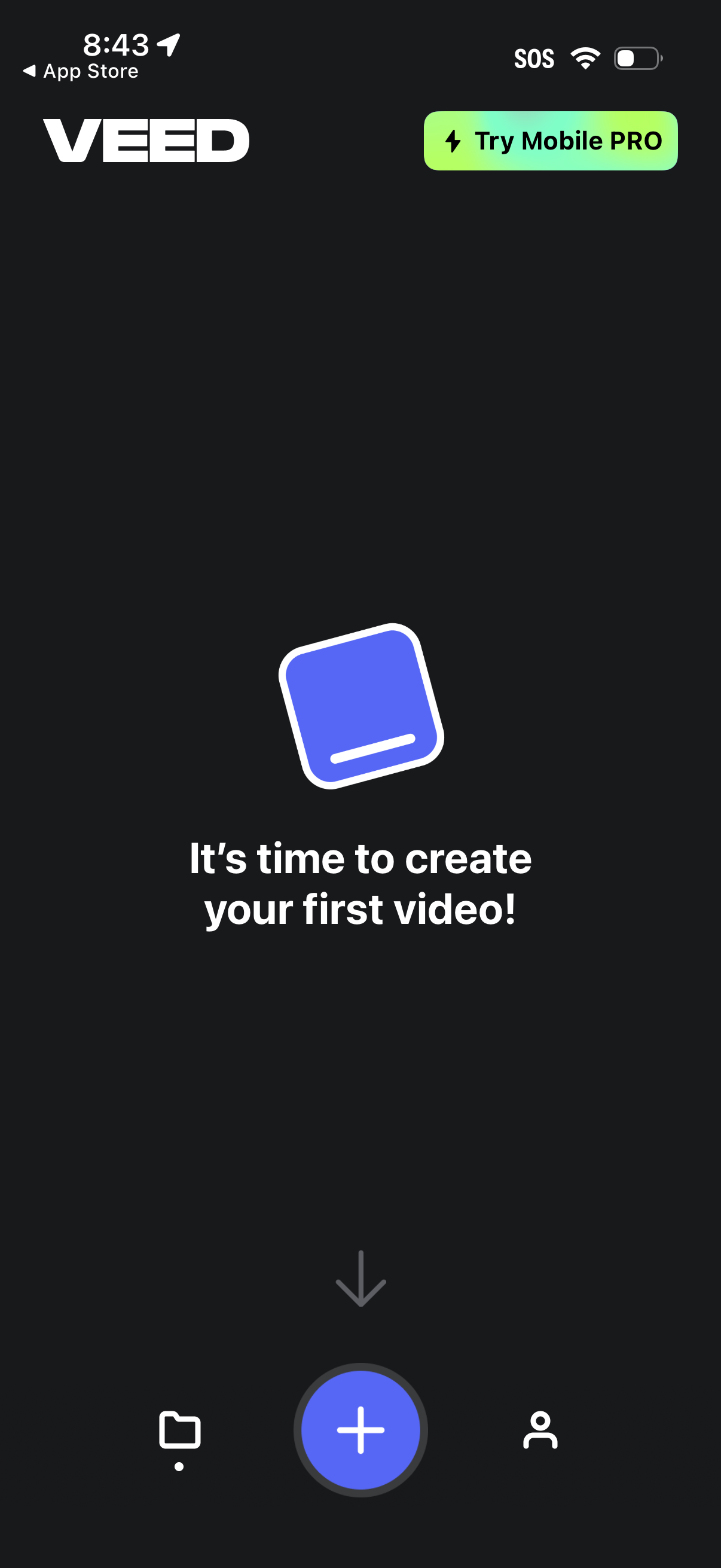
Home/empty state screen for a mobile video editor prompting the user to create their first video, with a prominent floating plus button to start a new project. Includes a top callout to try a mobile PRO upgrade and a bottom navigation bar to switch between projects/library, create, and profile/account.
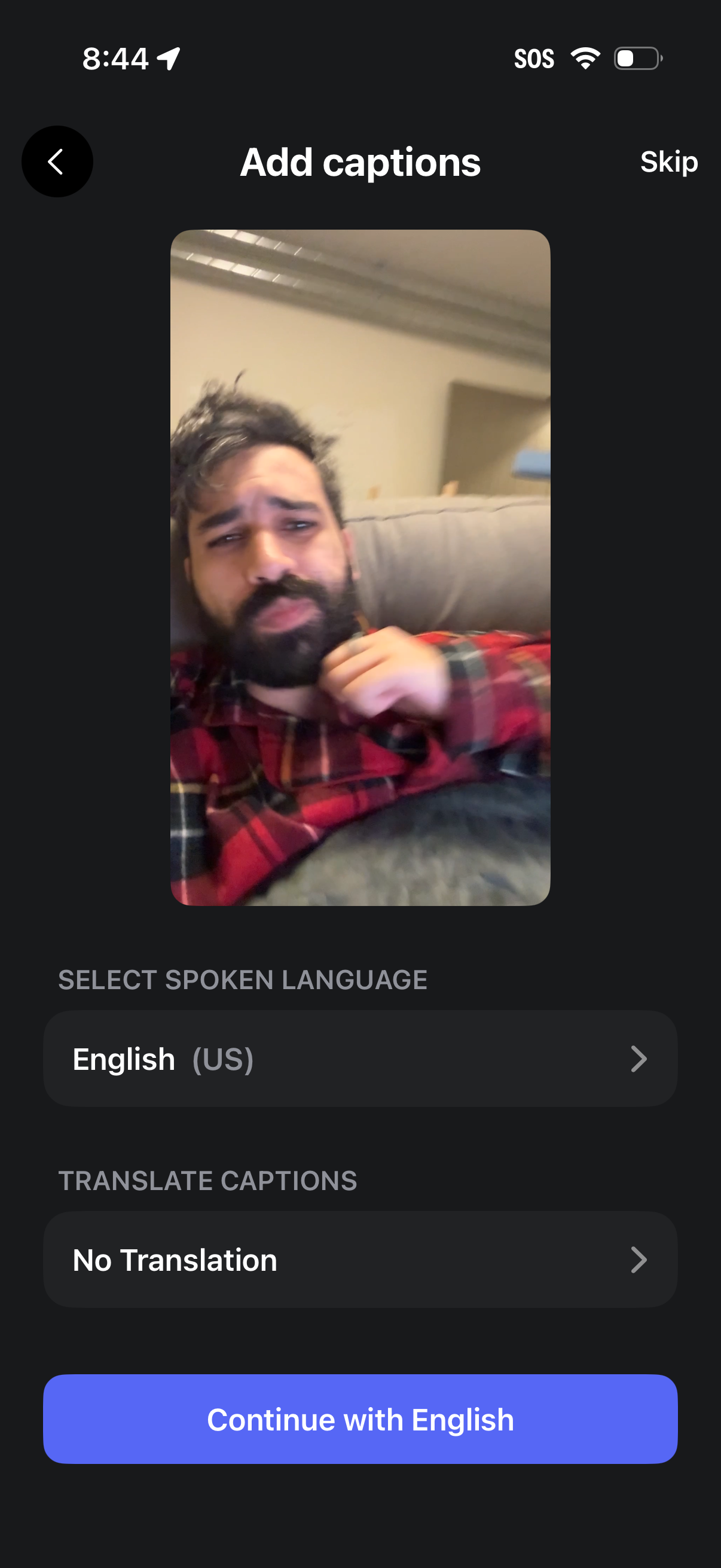
Video posting setup screen for adding auto-captions, showing a preview of the video and options to select the spoken language and choose a caption translation language. Users can skip captioning or continue with the selected language via a primary CTA button.
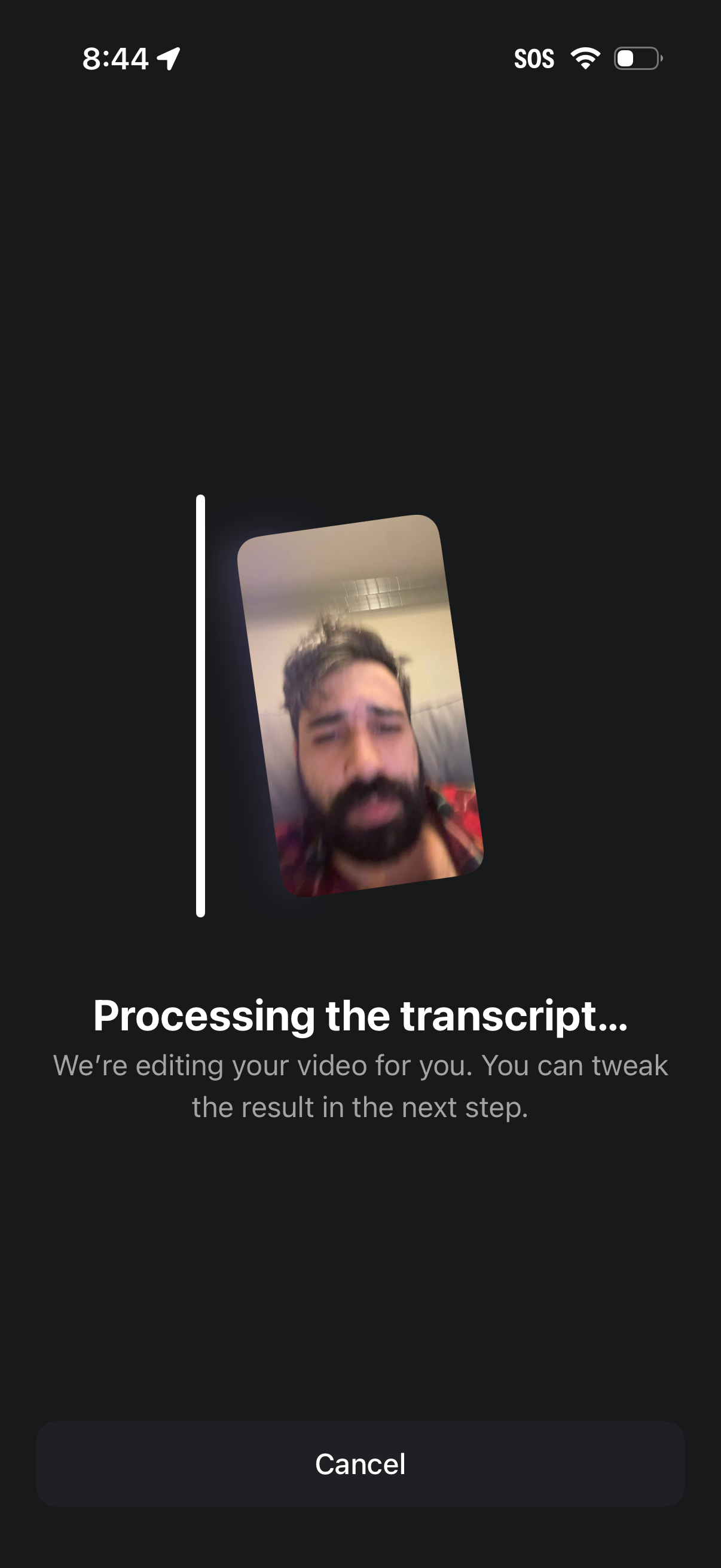
Video editing processing screen showing a preview thumbnail and a progress indicator while the app generates and processes a transcript for an uploaded video. Includes explanatory loading text and a prominent Cancel button to stop the transcription/editing task.
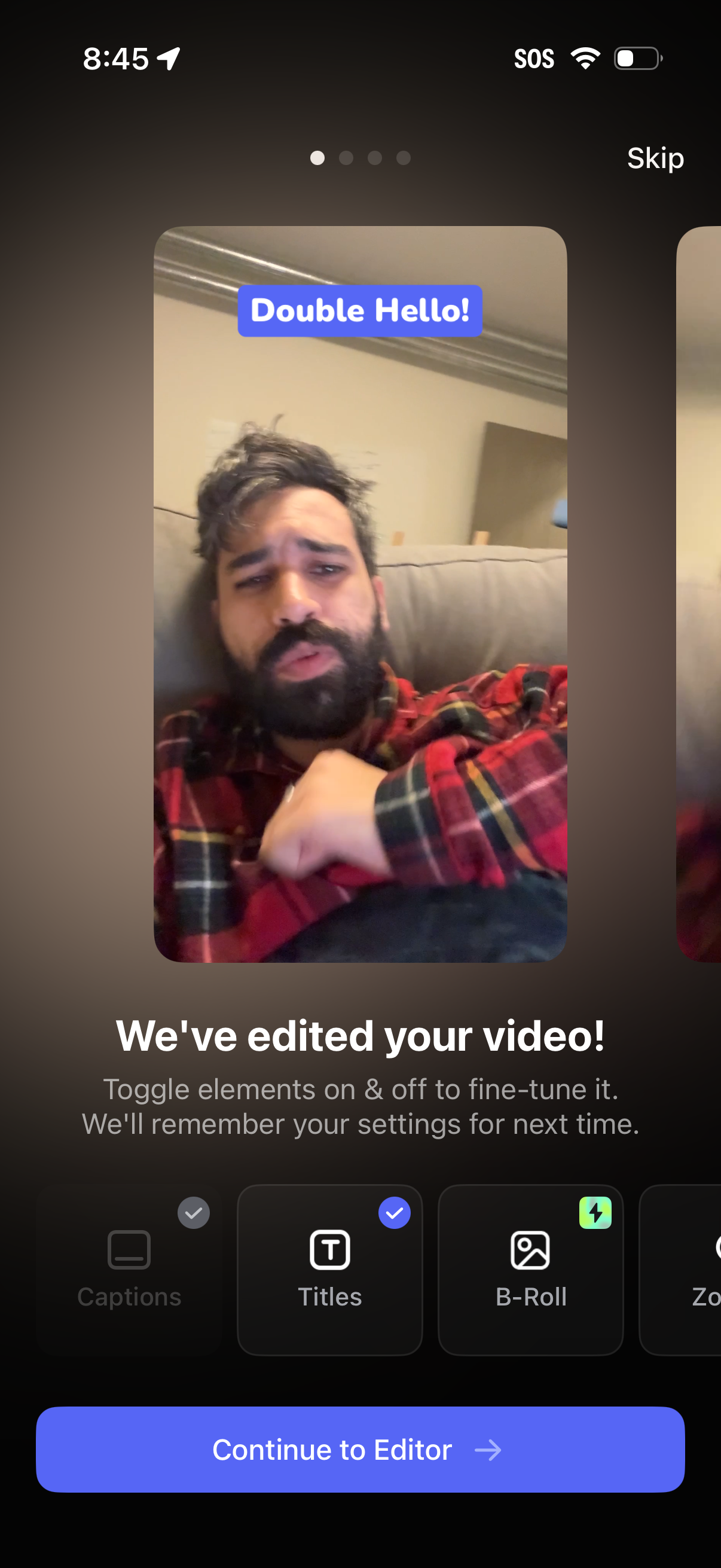
Video editing confirmation screen showing a preview with an auto-added title overlay and a message that the video has been edited, prompting users to toggle editing elements on/off like captions, titles, and B-roll. Includes a “Continue to Editor” primary CTA and a skip option to bypass the guided setup.