Customer Details
1
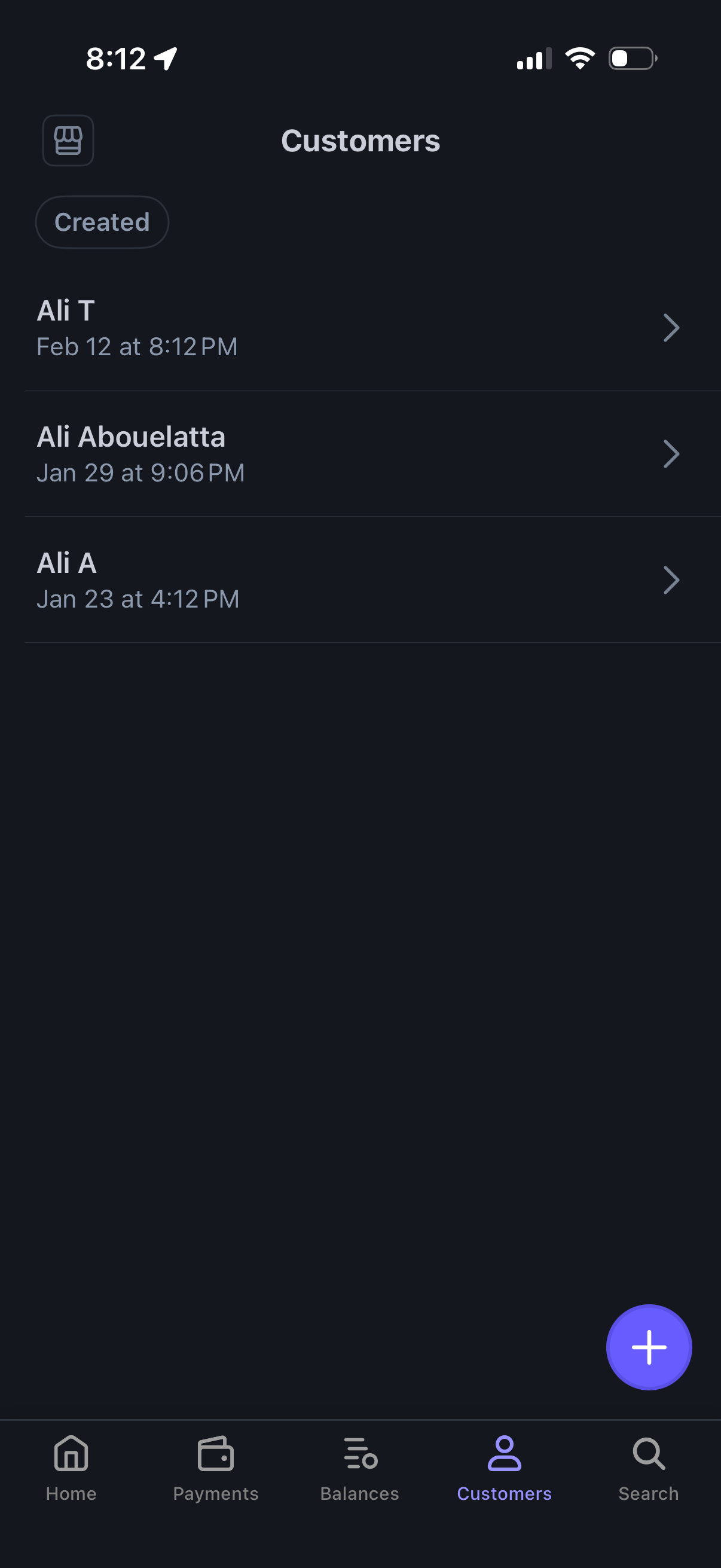
Customer management list screen showing saved customers with name and creation date/time, sortable by “Created” and tappable rows to open customer details. Includes a floating plus button to add a new customer and a bottom tab bar for navigating to Home, Payments, Balances, Customers, and Search.
2

Customer profile/details screen in a payments app showing customer ID, created date, and total spend, with sections for subscriptions, payments, cards, and invoices that can be added via plus buttons. A primary CTA at the bottom lets the user create a payment for this customer.