Add Card to Customer

Customer profile/details screen in a payments app showing customer ID, created date, and total spend, with sections for subscriptions, payments, cards, and invoices that can be added via plus buttons. A primary CTA at the bottom lets the user create a payment for this customer.
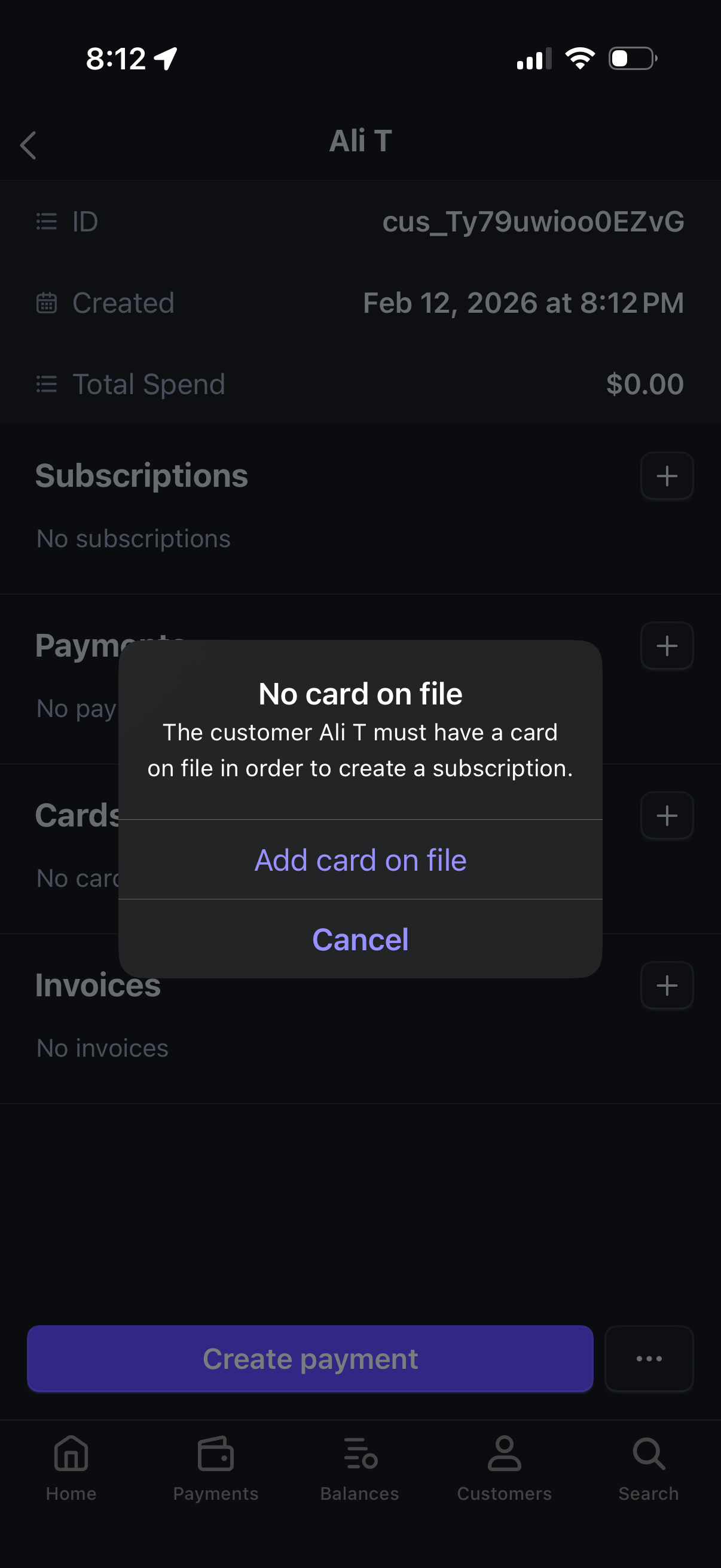
Customer details screen in a payments app showing customer ID, creation date, total spend, and sections to manage subscriptions, payments, saved cards, and invoices with add (+) actions. A modal alert states “No card on file” and prompts the user to add a card on file or cancel before creating a subscription, with a primary “Create payment” button in the background.

Customer profile and billing screen showing account details, total spend, subscriptions, and payments, with a bottom-sheet modal to add a payment card. The add card form supports scanning a card, entering card number/expiry/CVC and billing address (country and ZIP), and saving the card on file.