Create Payment Link
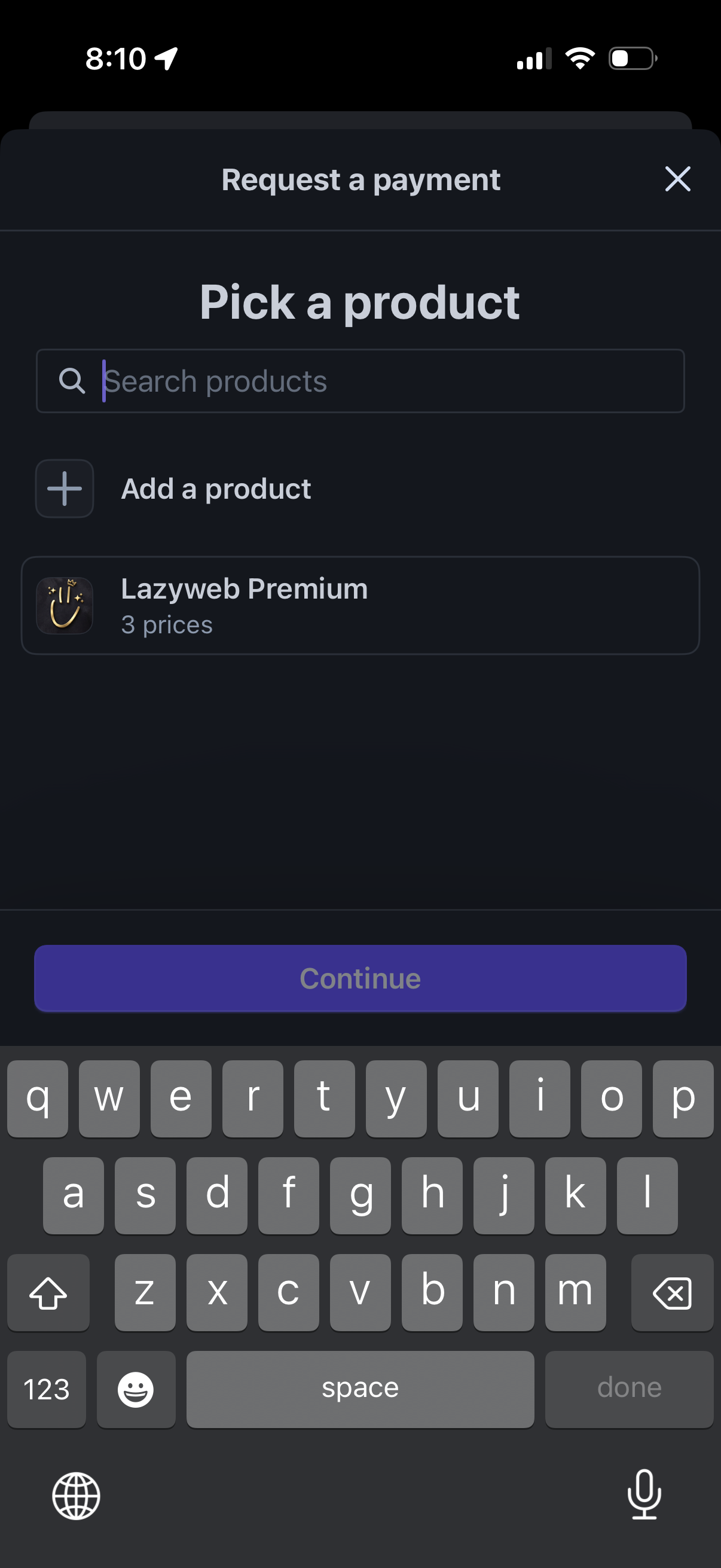
Payment request flow screen prompting the user to pick a product before continuing, with a search field to find products, an option to add a new product, and a selectable product list item showing available price options. A primary Continue button advances after selecting a product, with a close icon to dismiss the modal.

Modal flow for requesting a payment where the user searches or adds a product, selects a product from a list, then picks a subscription price option (monthly, quarterly default, or yearly) before tapping Done to confirm. Includes close buttons to dismiss the sheets.

Payment request flow where the user picks a product and then selects a subscription price tier, with search and add-product options plus an edit product action. The price picker shows multiple billing intervals, lets the user choose a default price, adjust quantity, remove an item, and confirm with a Done button.
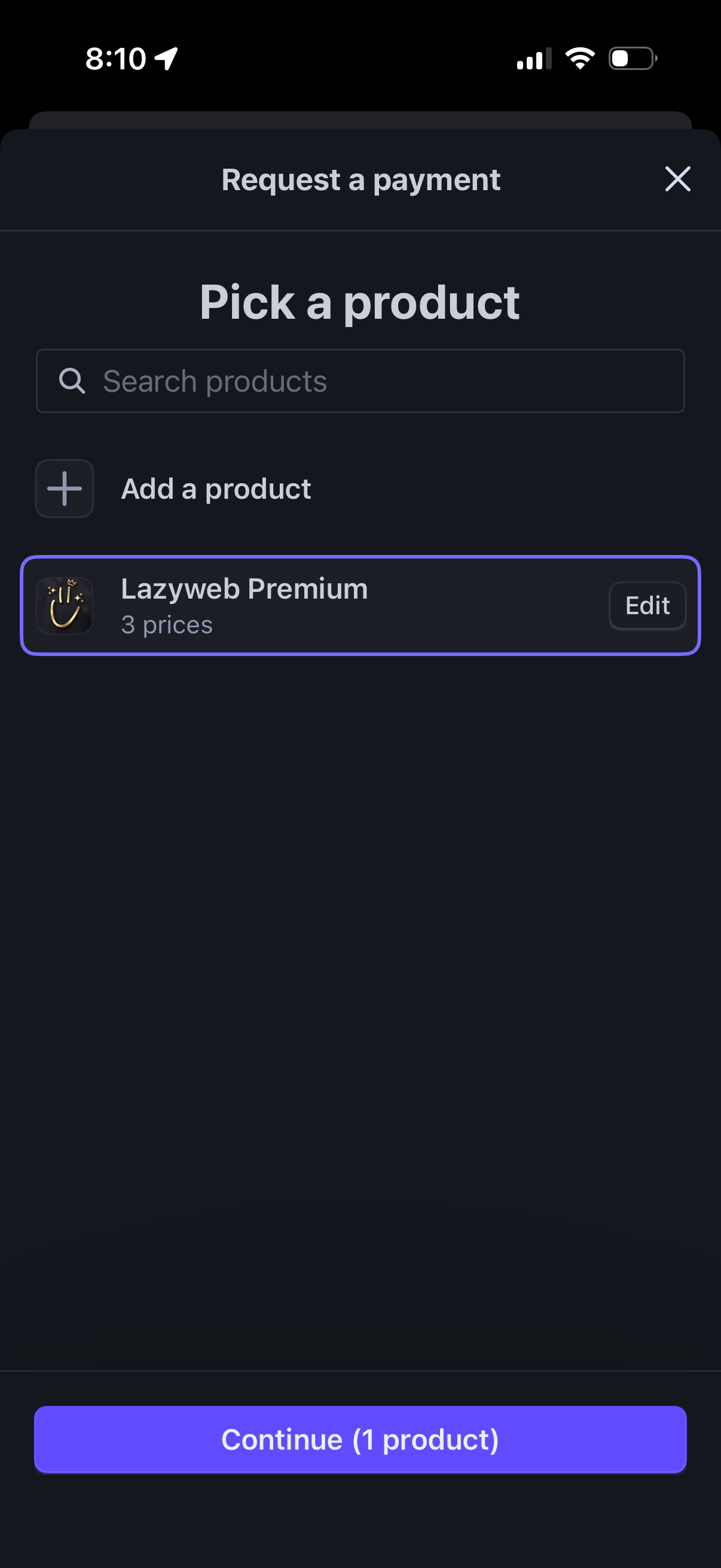
Payment request flow screen for picking a product to charge for, with a search field, option to add a new product, and a selectable product card with an Edit action. A bottom CTA lets the user continue after selecting one product, with a close icon to dismiss the modal.
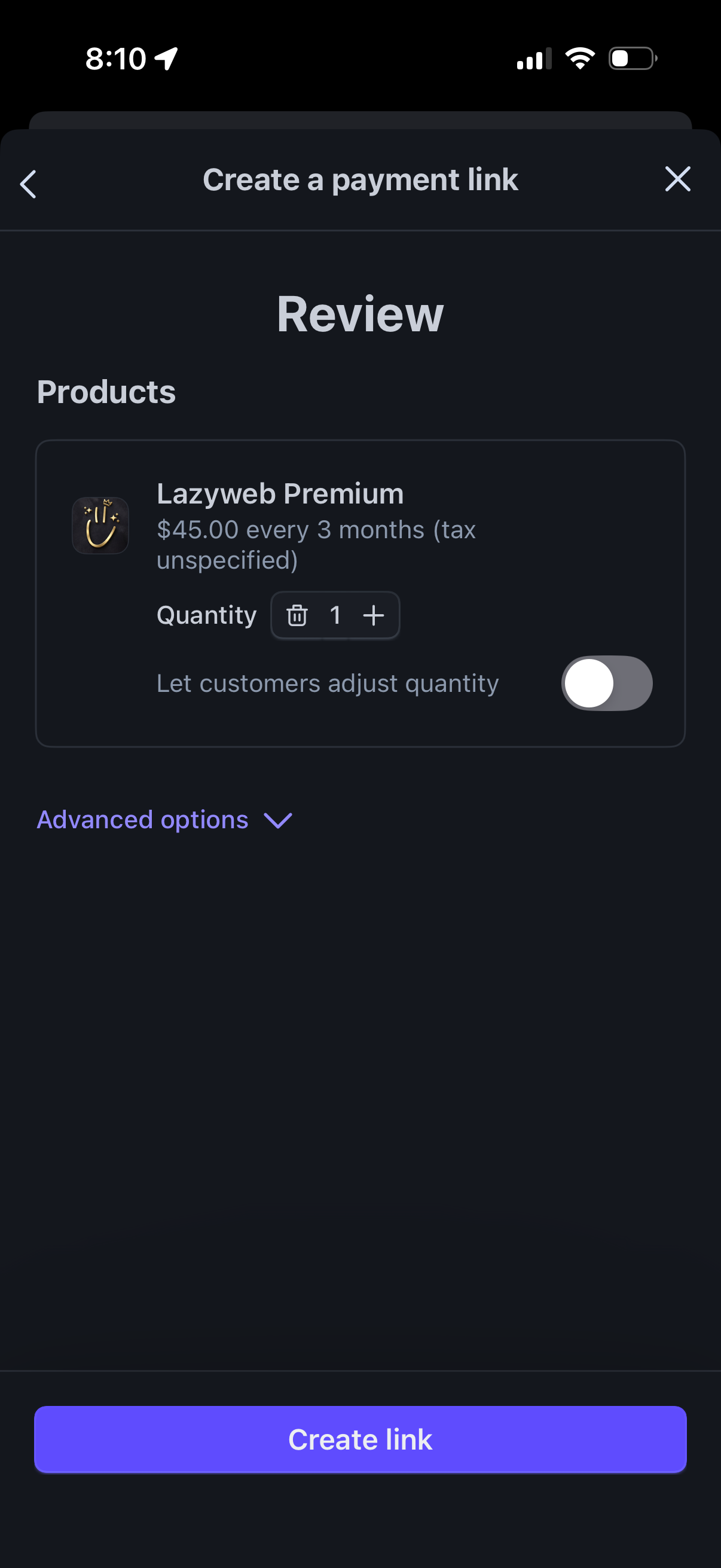
Review step for creating a payment link, showing the selected product/subscription with price and billing interval, quantity controls, and a toggle to let customers adjust quantity. Includes an Advanced options dropdown and a primary “Create link” call-to-action with back/close navigation.

Confirmation screen for creating a payment link, indicating the link is ready to share so you can get paid by anyone. Provides primary action to copy the link and options to share via QR code or other sharing methods, with a close button to dismiss.