set up child profile

Onboarding feature highlight screen promoting saving and sharing favorite stories with family and friends, emphasizing safety and security. Includes pagination dots, a primary Continue CTA, secondary Sign In button, back navigation, and a sound toggle.
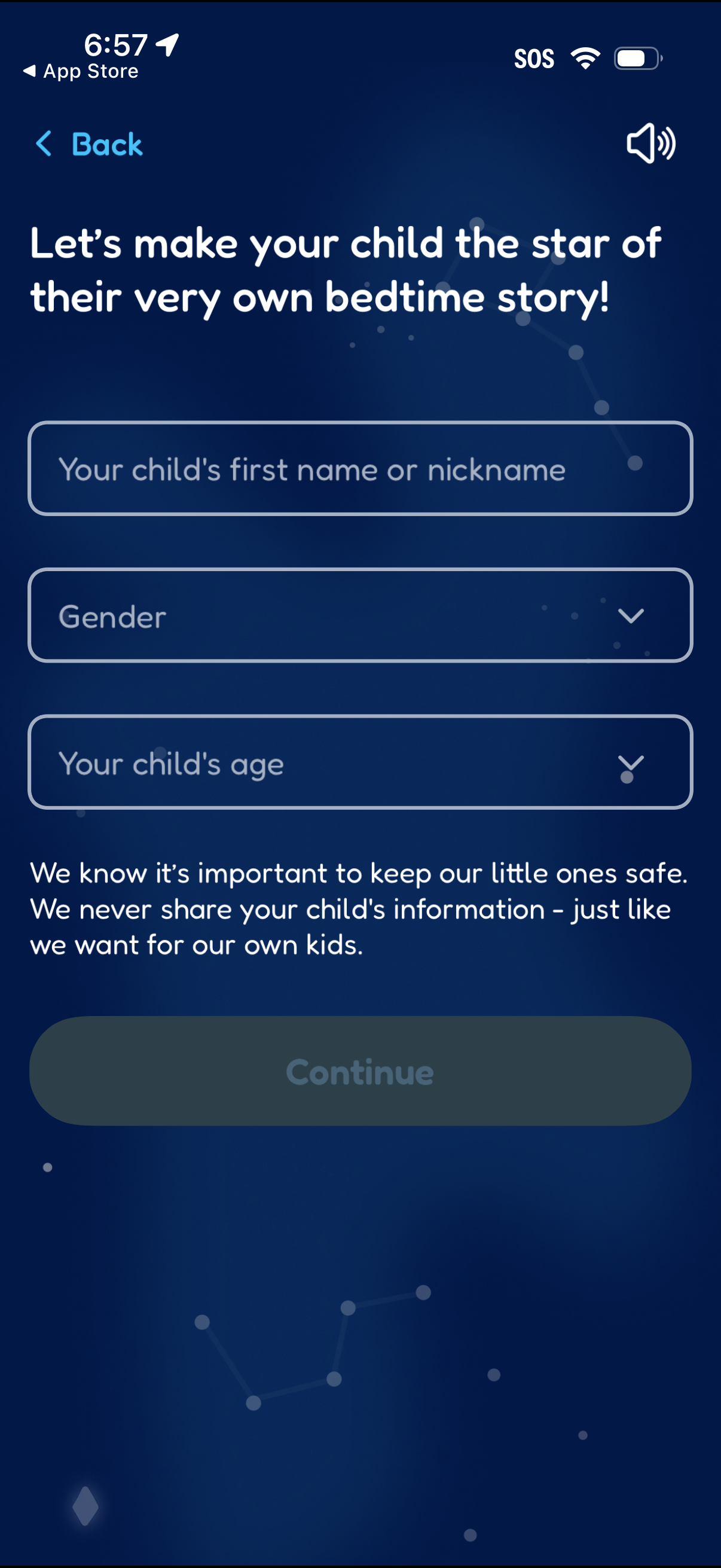
Onboarding form for creating a personalized kids bedtime story, prompting the parent to enter the child’s first name/nickname, select gender, and choose age via dropdown fields. Includes a privacy reassurance message and a disabled “Continue” button until the required details are provided.
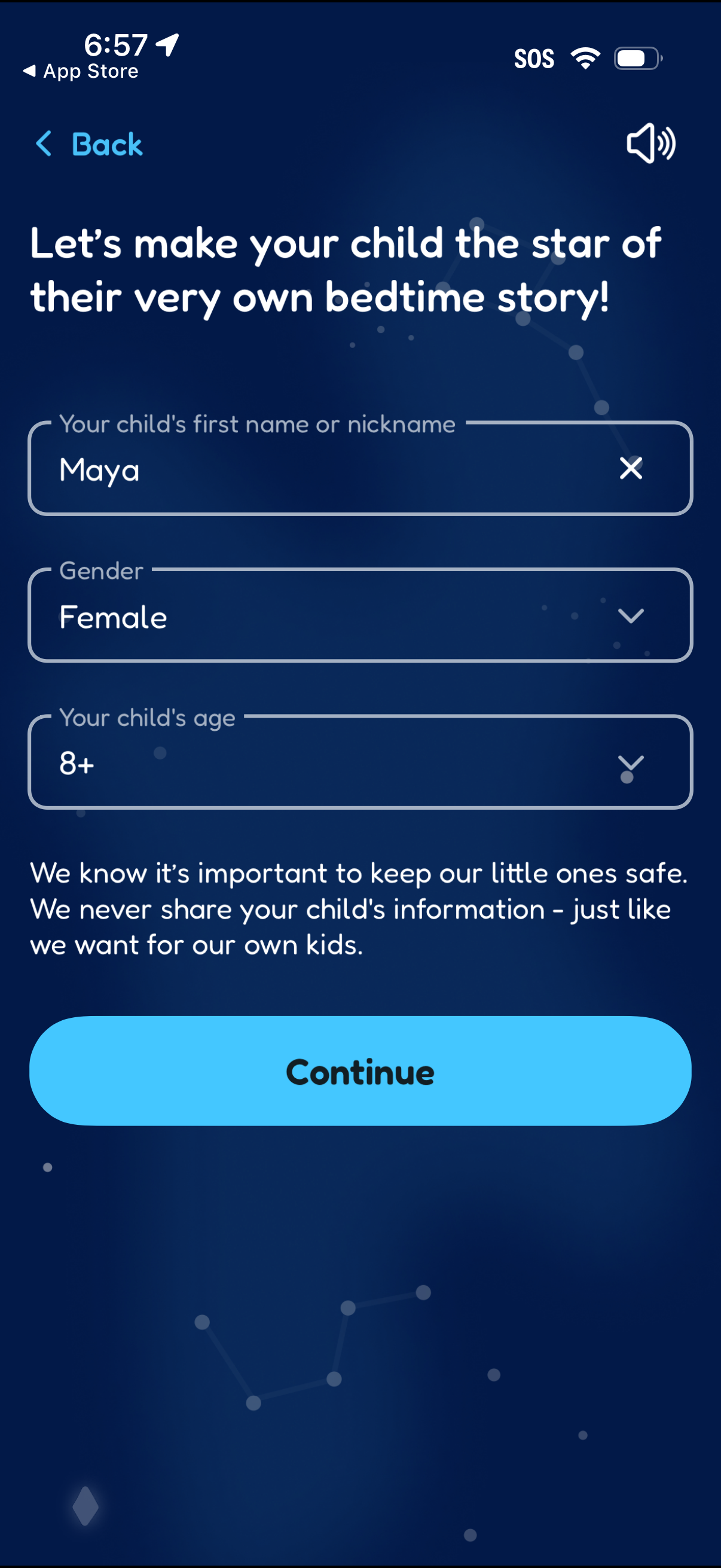
Onboarding form screen for a personalized children’s bedtime story app where a parent enters the child’s first name or nickname and selects gender and age from dropdowns. Includes a privacy reassurance message and a primary “Continue” button to proceed.
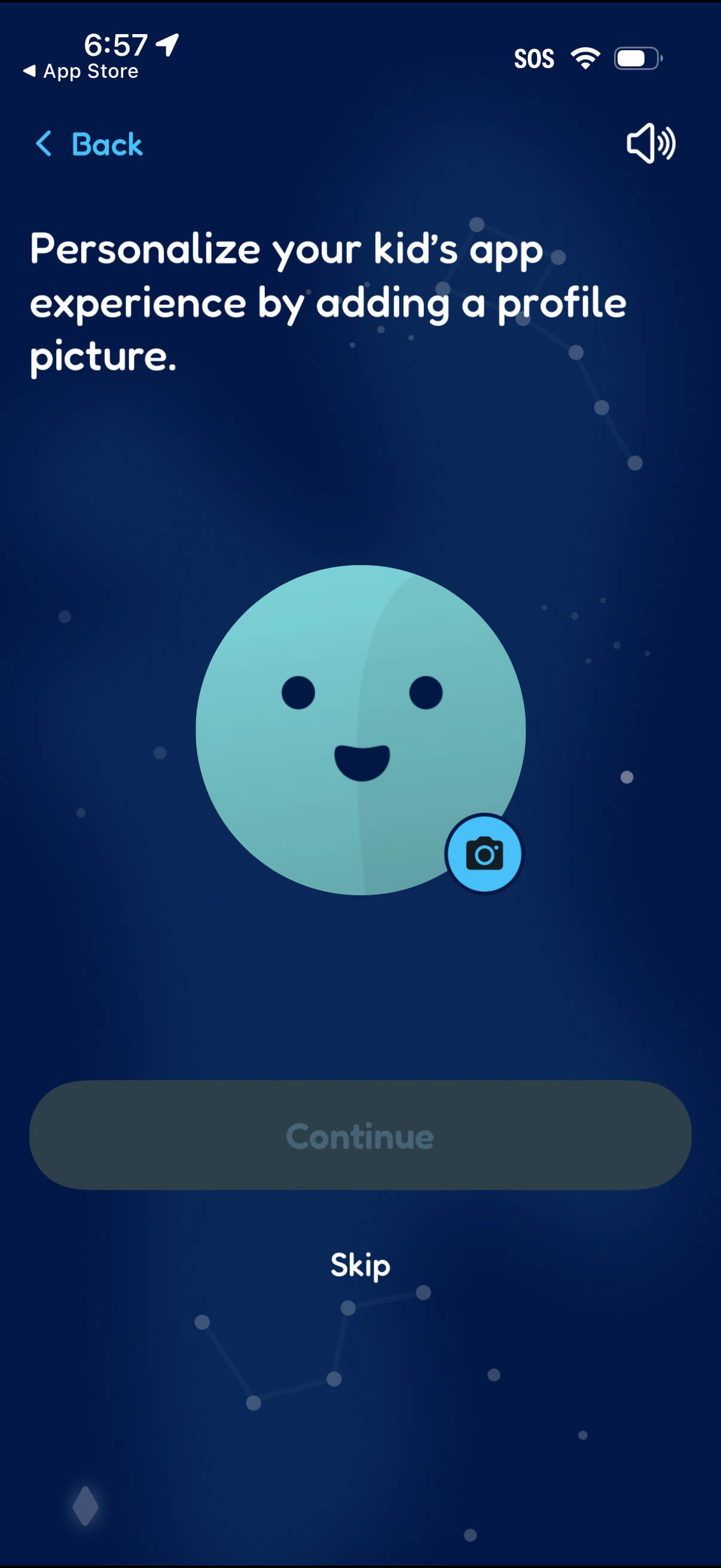
Onboarding/profile setup screen prompting parents to personalize a kid’s app by adding a profile picture, with an avatar preview and camera upload button. Includes primary action to continue and an option to skip, plus a back navigation control.
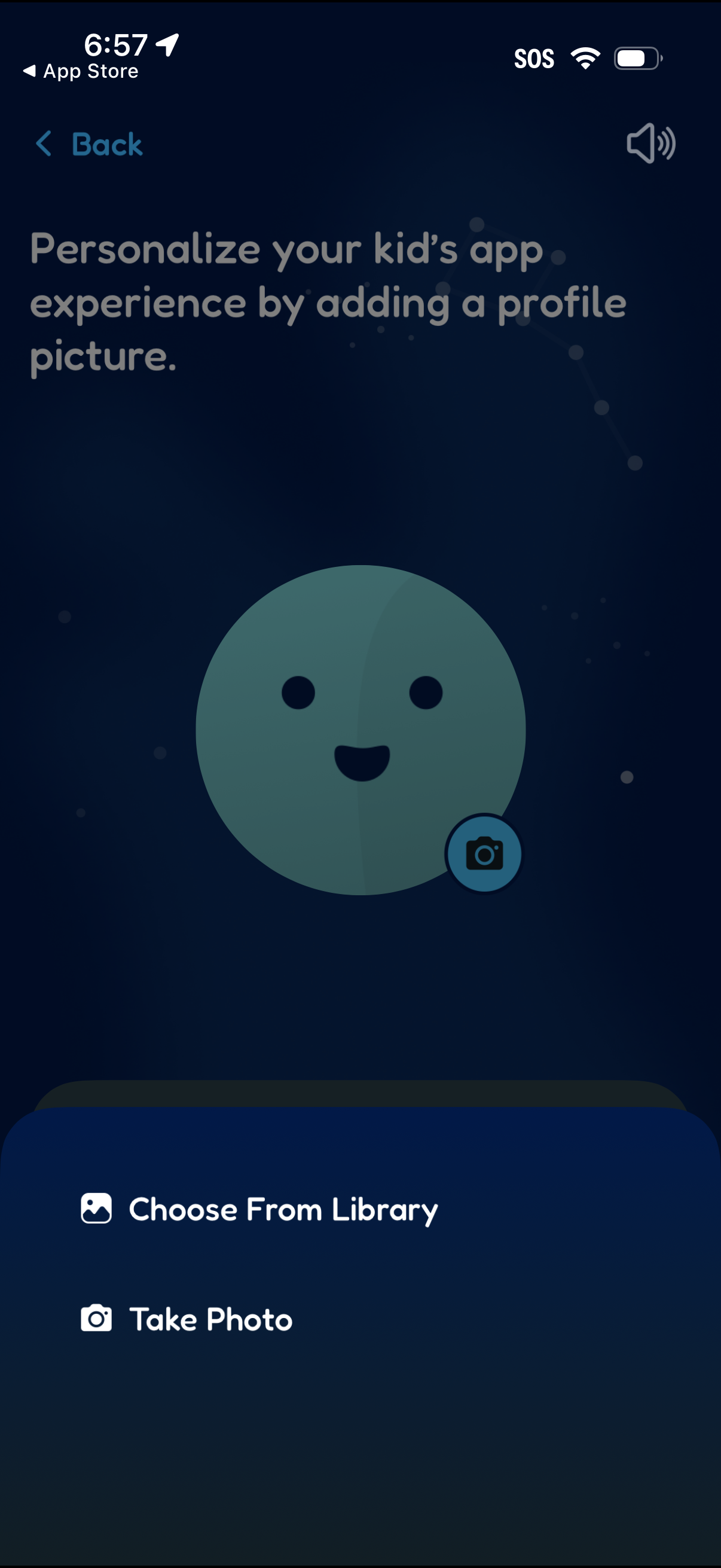
Profile picture setup screen for a kids app that prompts users to personalize the experience by adding an avatar photo. Users can choose an image from the photo library or take a new photo, with a back navigation option and a camera edit icon on the avatar preview.
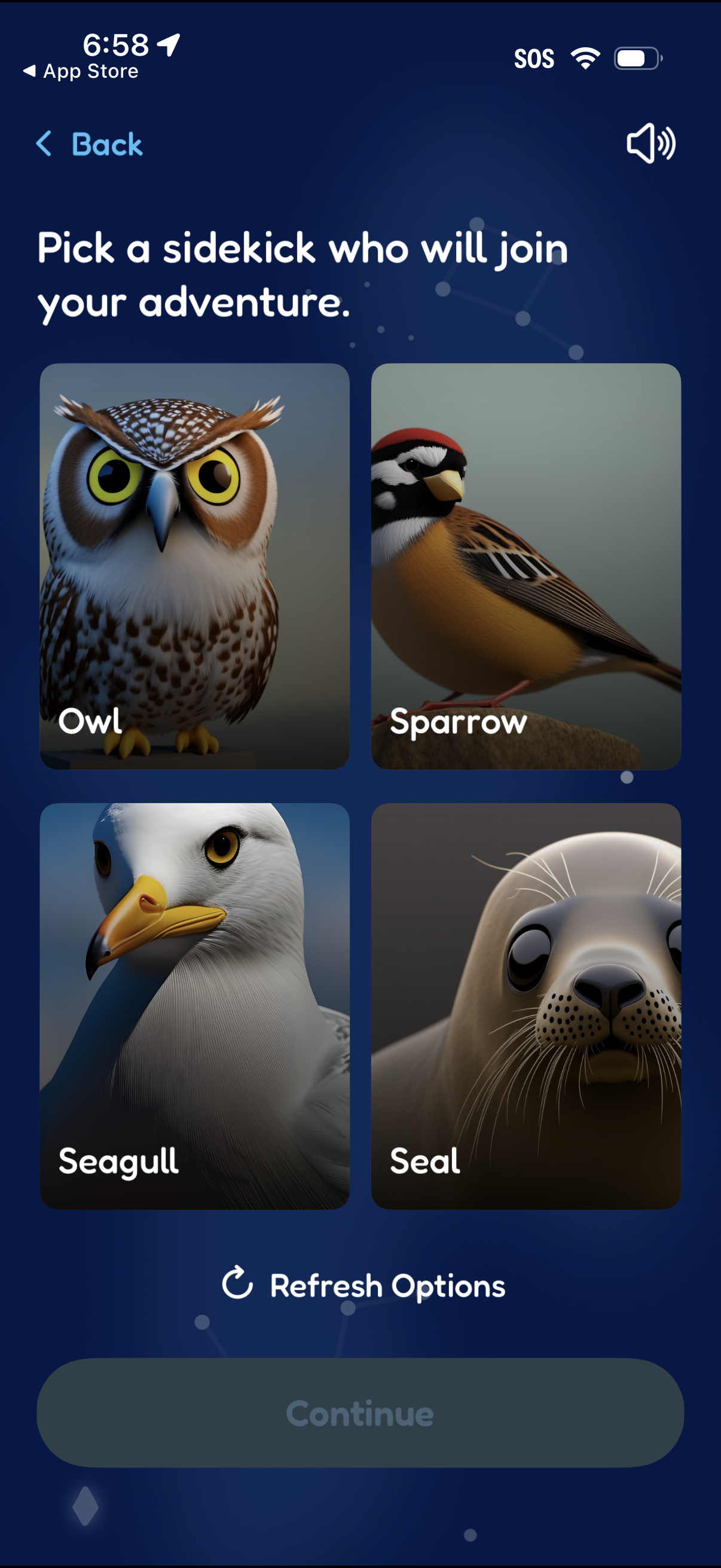
Avatar/companion selection screen that asks the user to pick a “sidekick” for their adventure, showing a grid of animal cards (e. g.
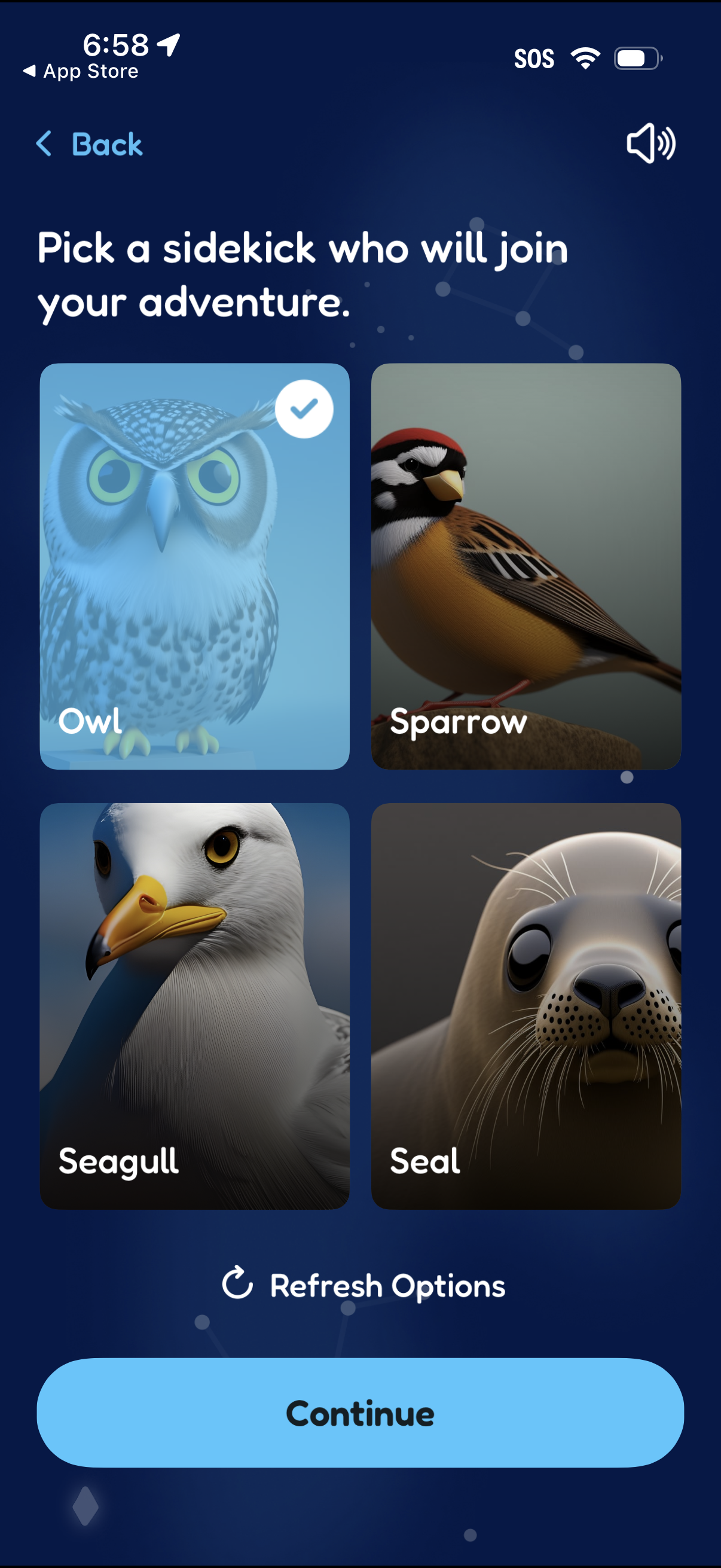
Character/companion selection screen asking the user to pick a sidekick for an adventure, showing a grid of animal cards with a selected state checkmark. Users can refresh options to see different choices and tap Continue to confirm their selection, with a back button and sound toggle in the header.