manage account settings
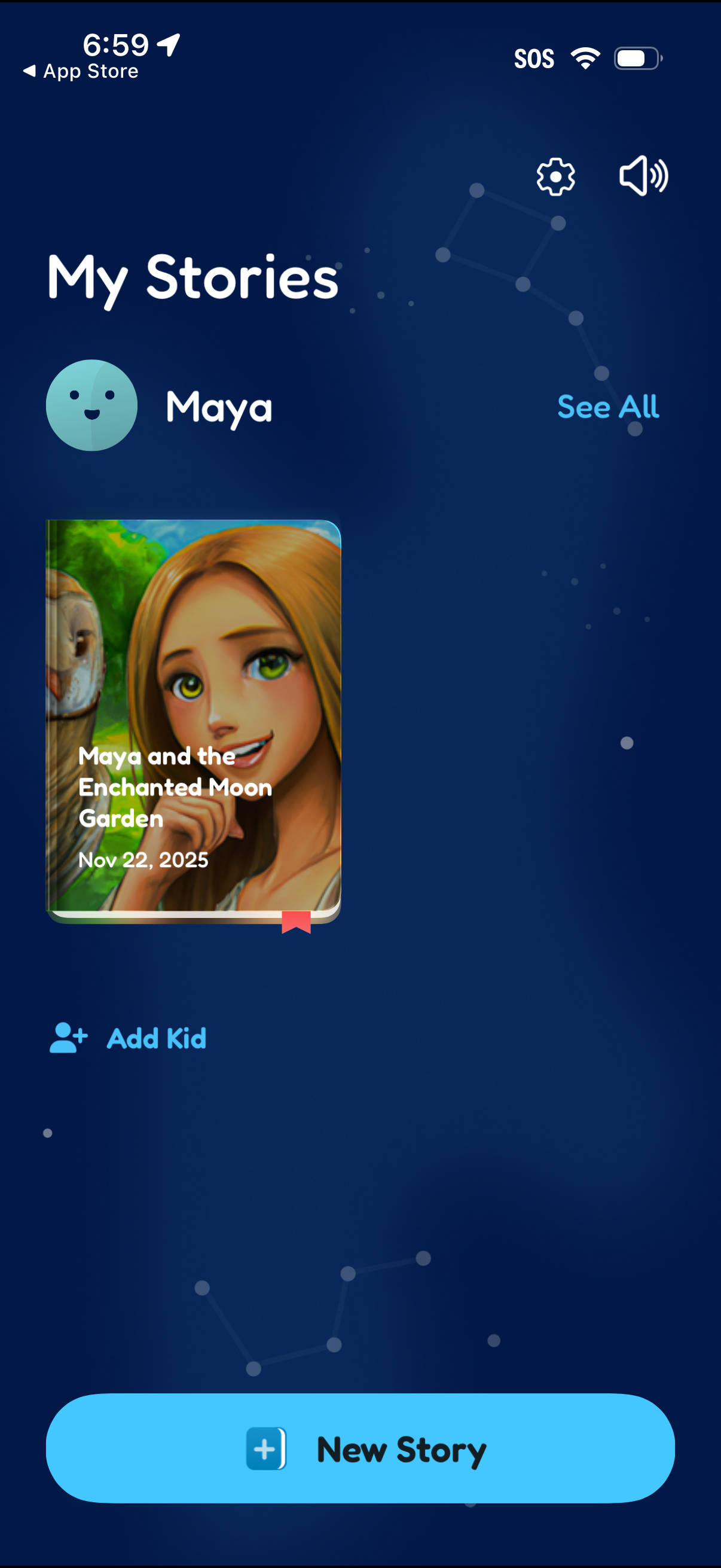
Kids storytelling library screen showing “My Stories” for a selected child profile, with a story cover card and date plus a “See all” link to view the full list. Primary actions include creating a “New Story,” adding another kid profile, and accessing settings and sound controls.
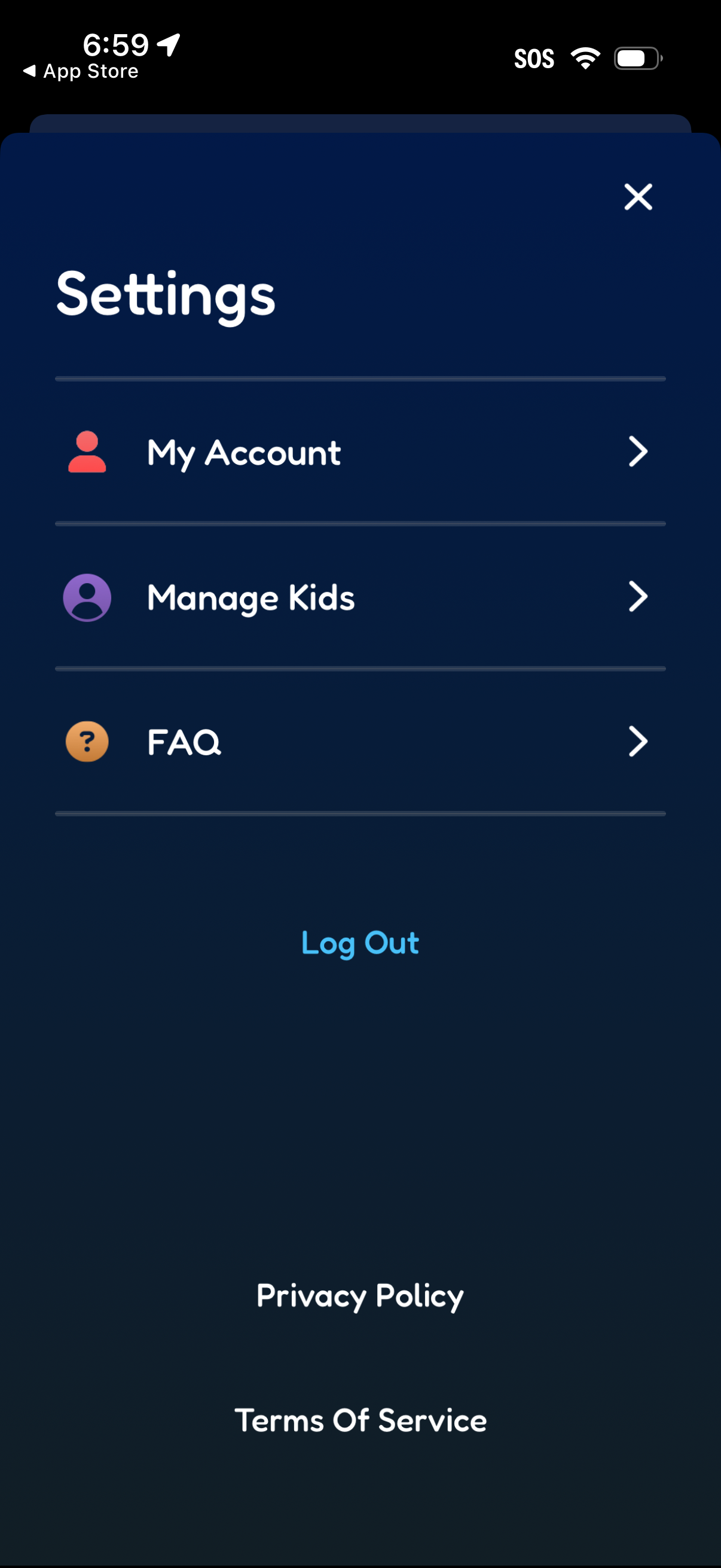
Settings menu screen with navigation links to My Account, Manage Kids (parent/child profiles), and FAQ, each opening a detail page. Includes actions to log out and access legal documents like Privacy Policy and Terms of Service, with a close button to dismiss the modal.
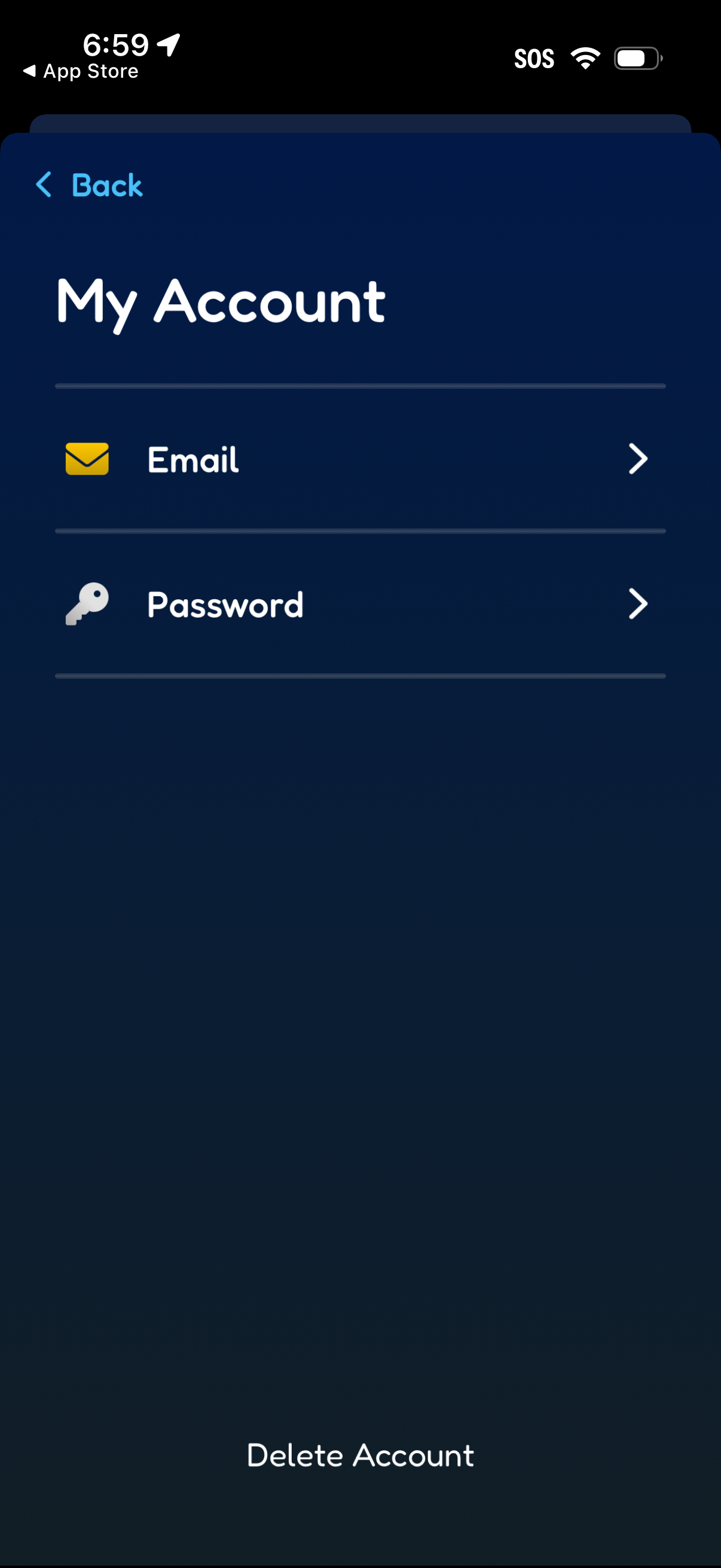
Account settings screen titled “My Account” with navigation options to manage Email and Password via list rows with chevrons. Includes a prominent “Delete Account” action at the bottom for account removal.
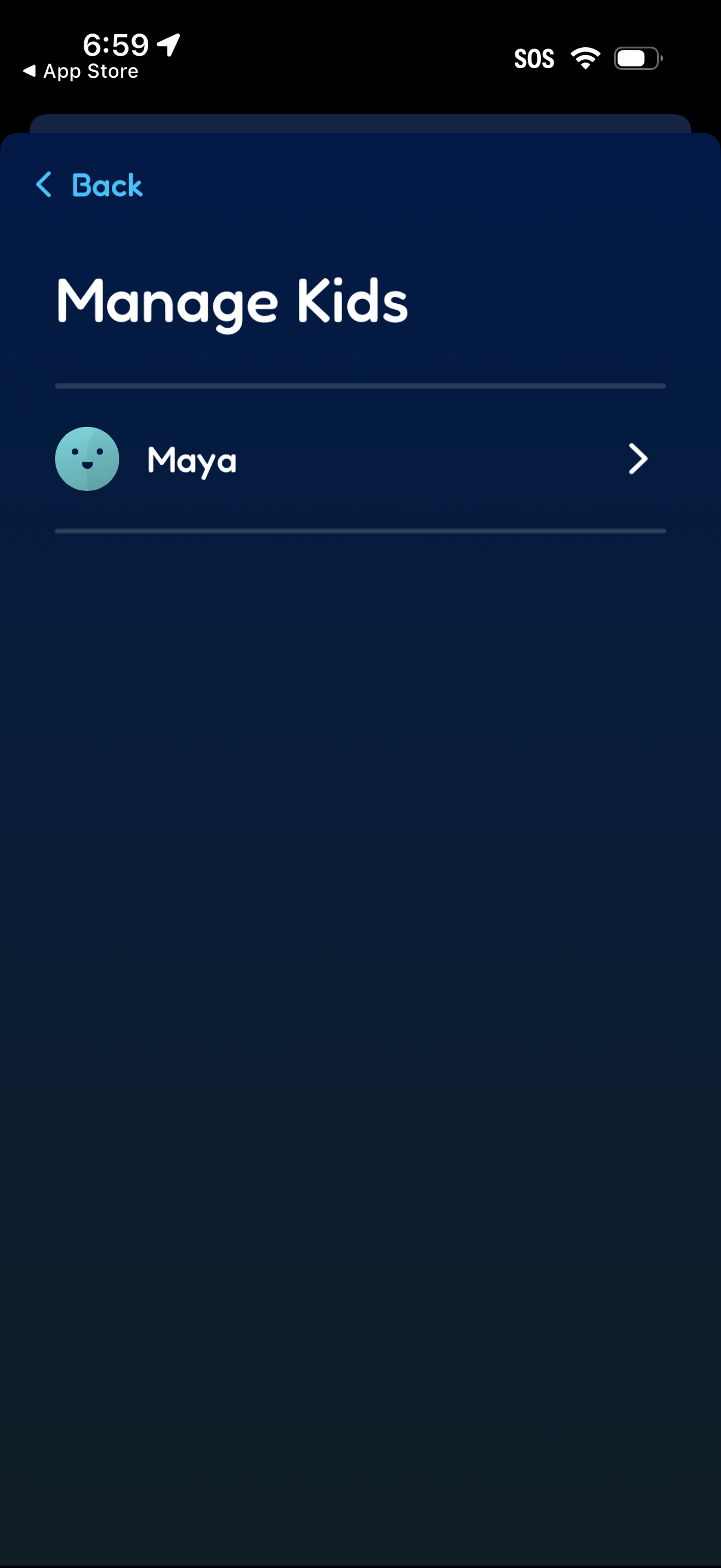
Parental profile management screen titled “Manage Kids” showing a list of child profiles with avatar and name. Users can tap a child row to open that kid’s settings or details, with a back navigation control.