view file and open
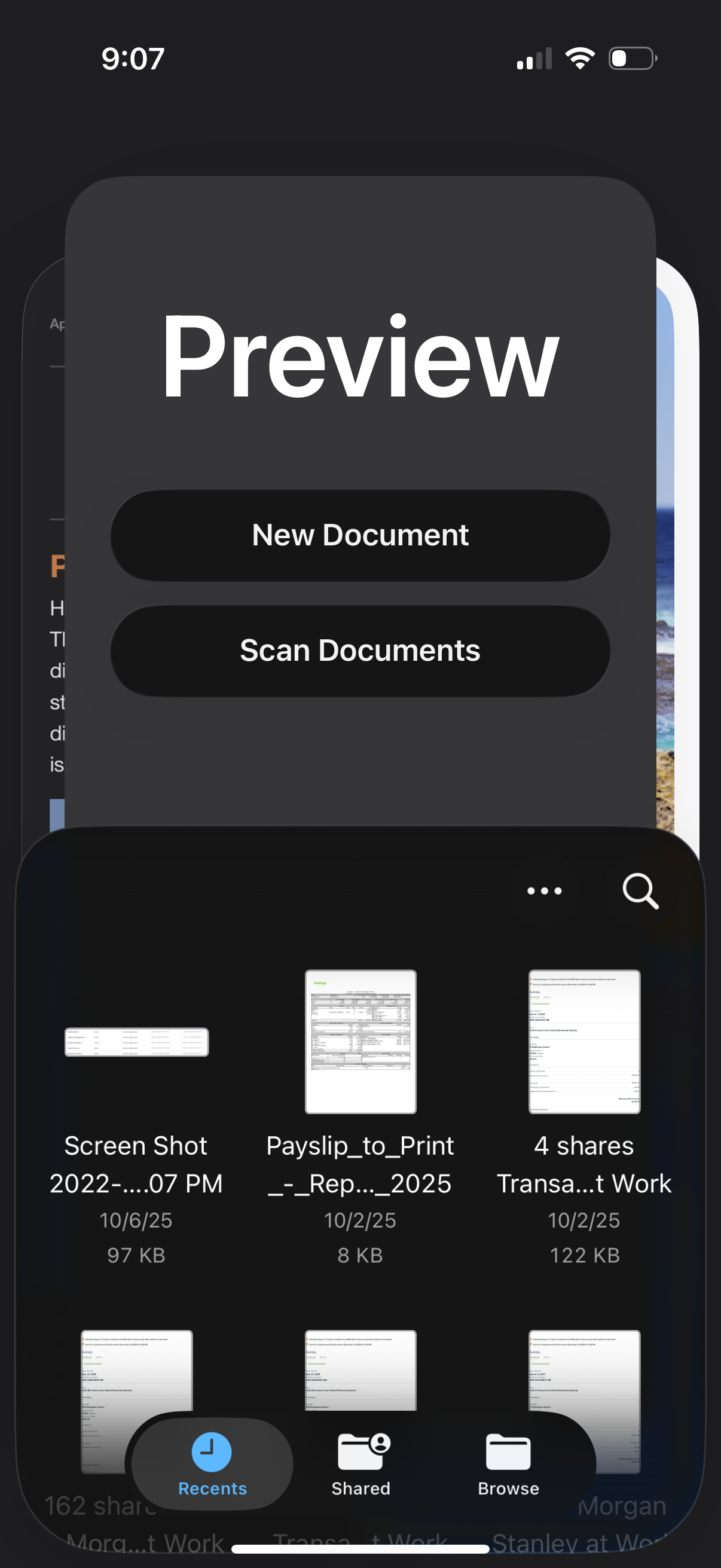
Mobile document management app home/recents screen showing a grid of recent files with search and overflow options plus bottom navigation for Recents, Shared, and Browse. A large preview modal overlays the screen with primary actions to create a New Document or Scan Documents.
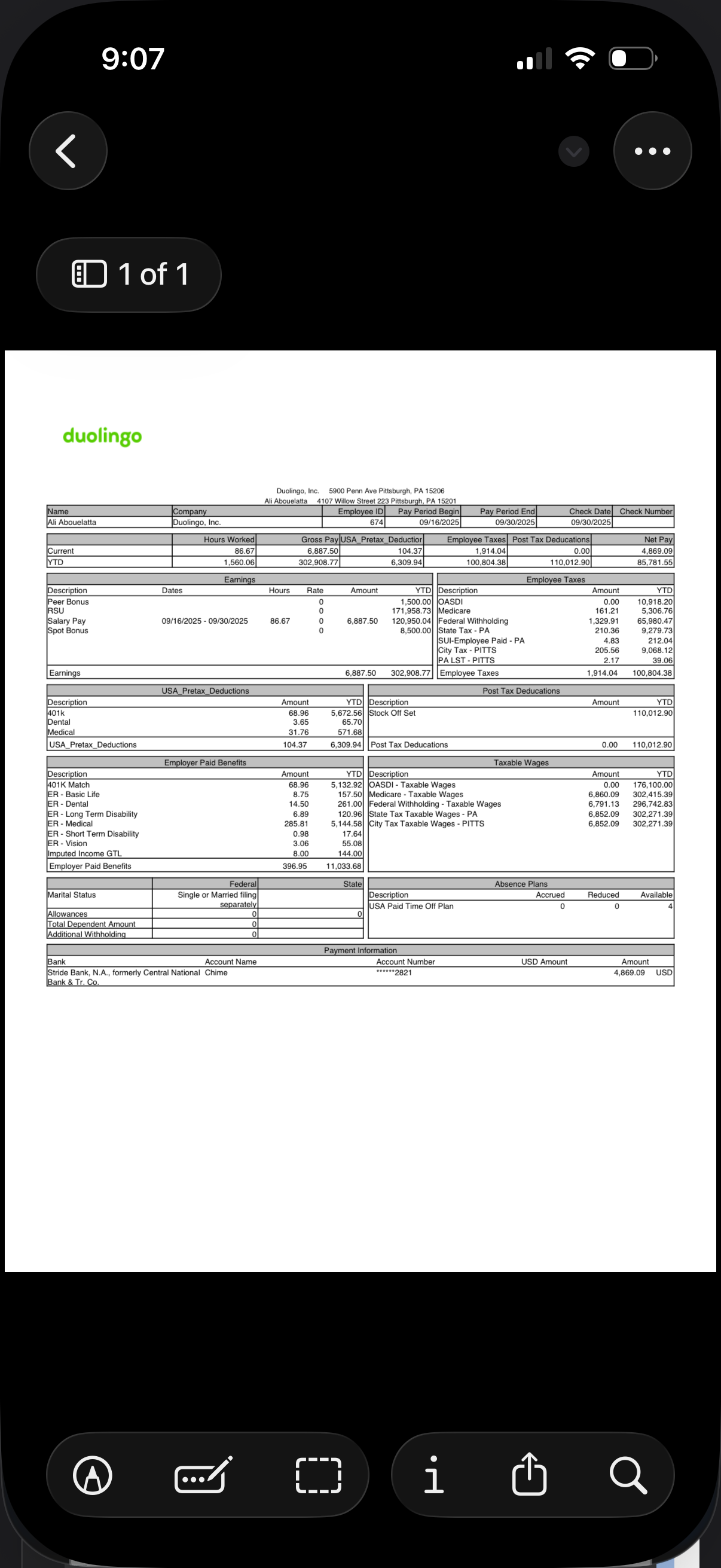
A mobile document/PDF viewer showing a payroll pay stub with detailed earnings, hours worked, taxes, deductions, benefits, and net pay tables. The screen includes navigation back, an overflow menu, page count, and bottom actions to edit/markup, crop, view info, share/export, and search within the document.
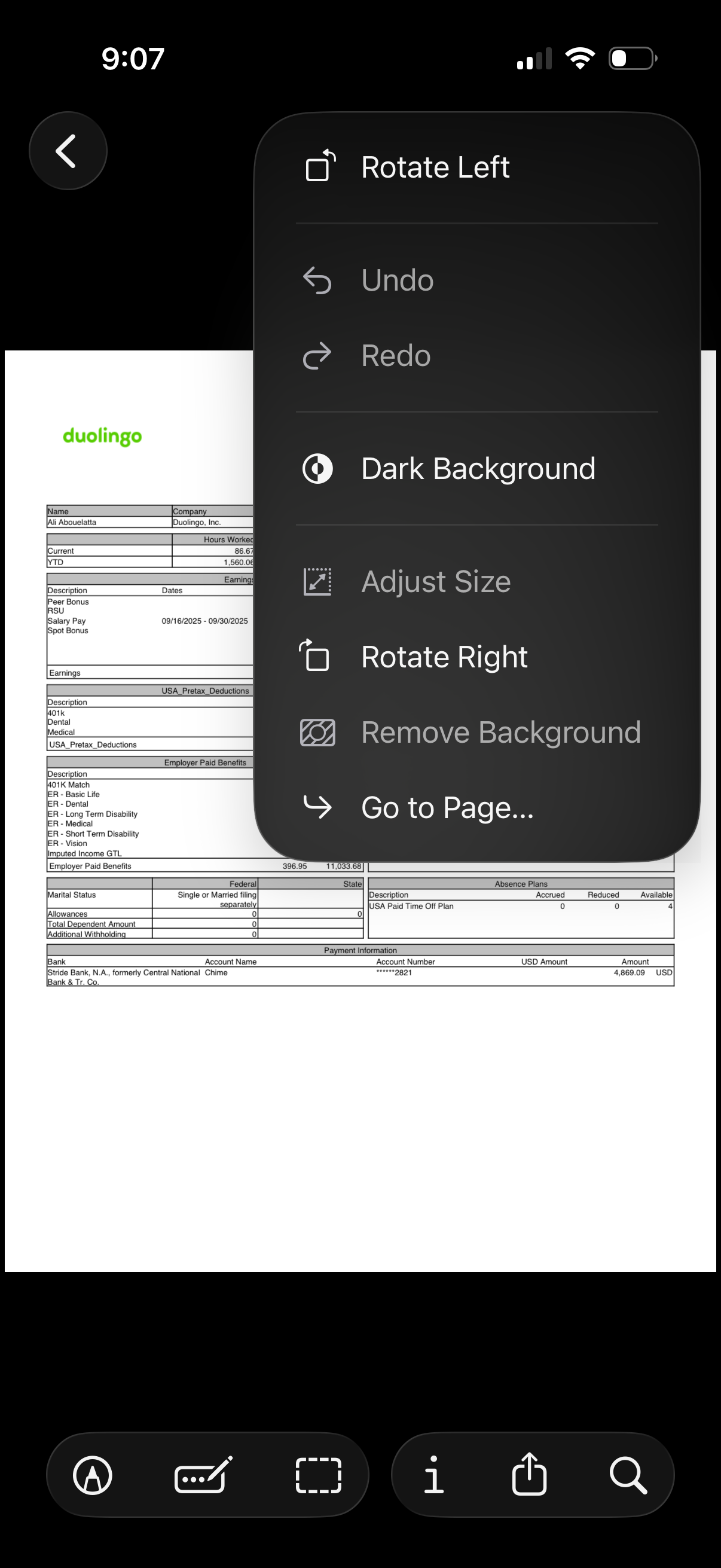
Document/PDF preview screen with an overflow edit menu for page formatting actions like rotate left/right, toggle dark background, adjust size, remove background, undo/redo, and jump to a specific page. Bottom toolbar provides markup/annotation, crop, info/details, share/export, and search tools.
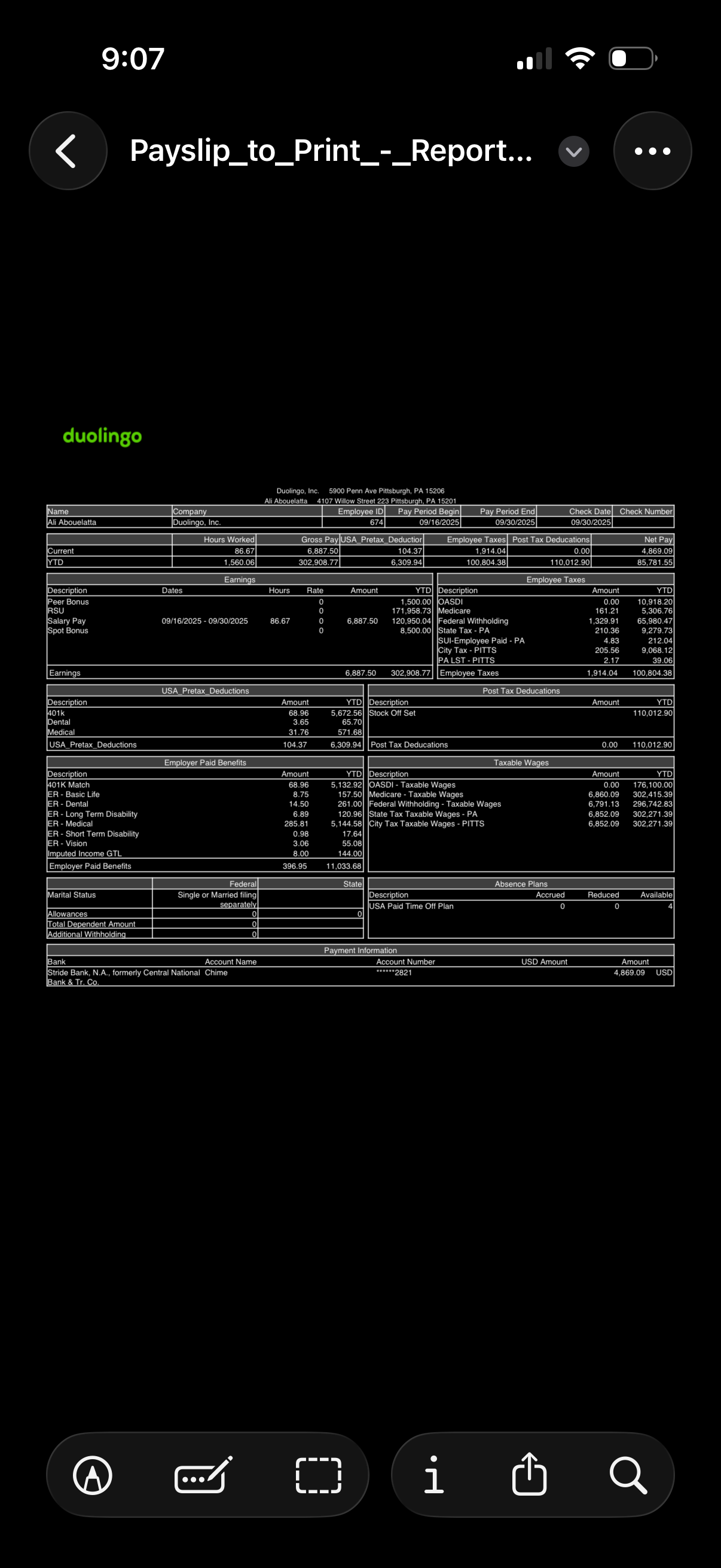
Mobile document/PDF viewer displaying a paystub report with detailed payroll breakdown including pay period dates, hours worked, earnings, pretax and post-tax deductions, taxes, benefits, and net pay. Top navigation provides back and more options, while bottom controls allow annotation/markup, cropping, viewing file info, sharing/exporting, and searching within the document.
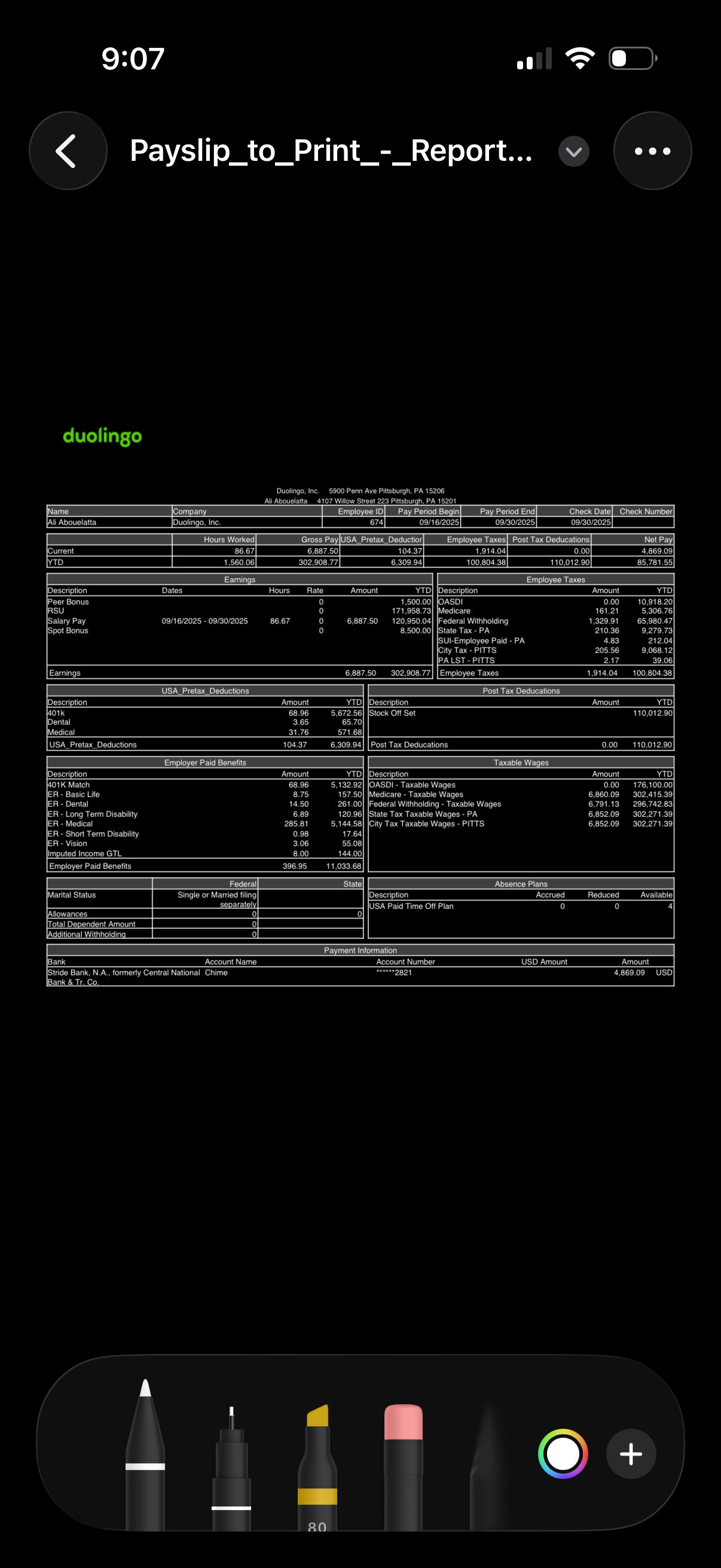
Document viewer screen showing a downloadable payslip/payroll report PDF with detailed earnings, hours worked, taxes, deductions, benefits, and payment information in a table layout. Top navigation includes back, file actions (more menu), and a dropdown, indicating options to share, save, or manage the document.