create new empty image
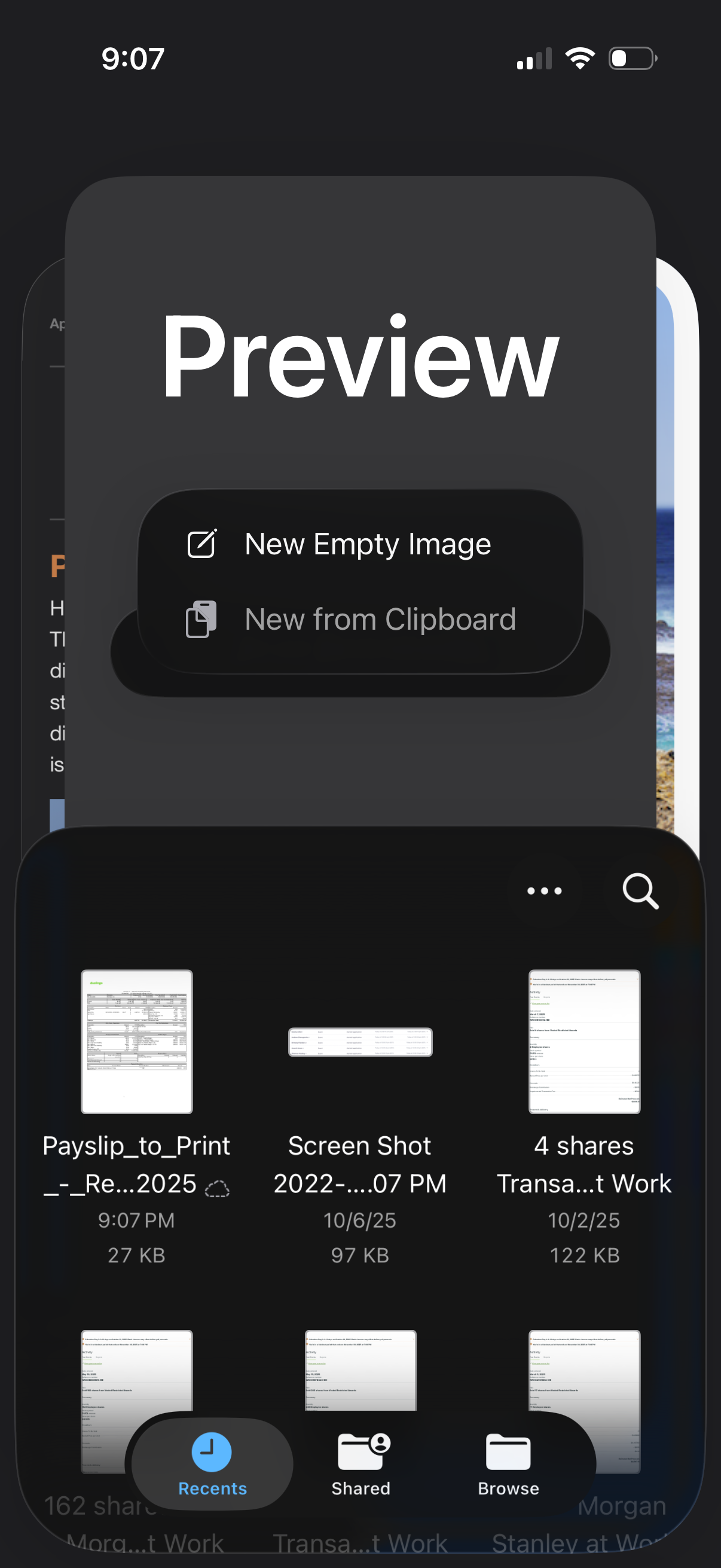
iOS Quick Look preview screen with an action sheet to create a new empty image or create from clipboard. A bottom thumbnail picker shows recent files with tabs for Recents, Shared, and Browse plus search and overflow menu for finding and selecting documents.
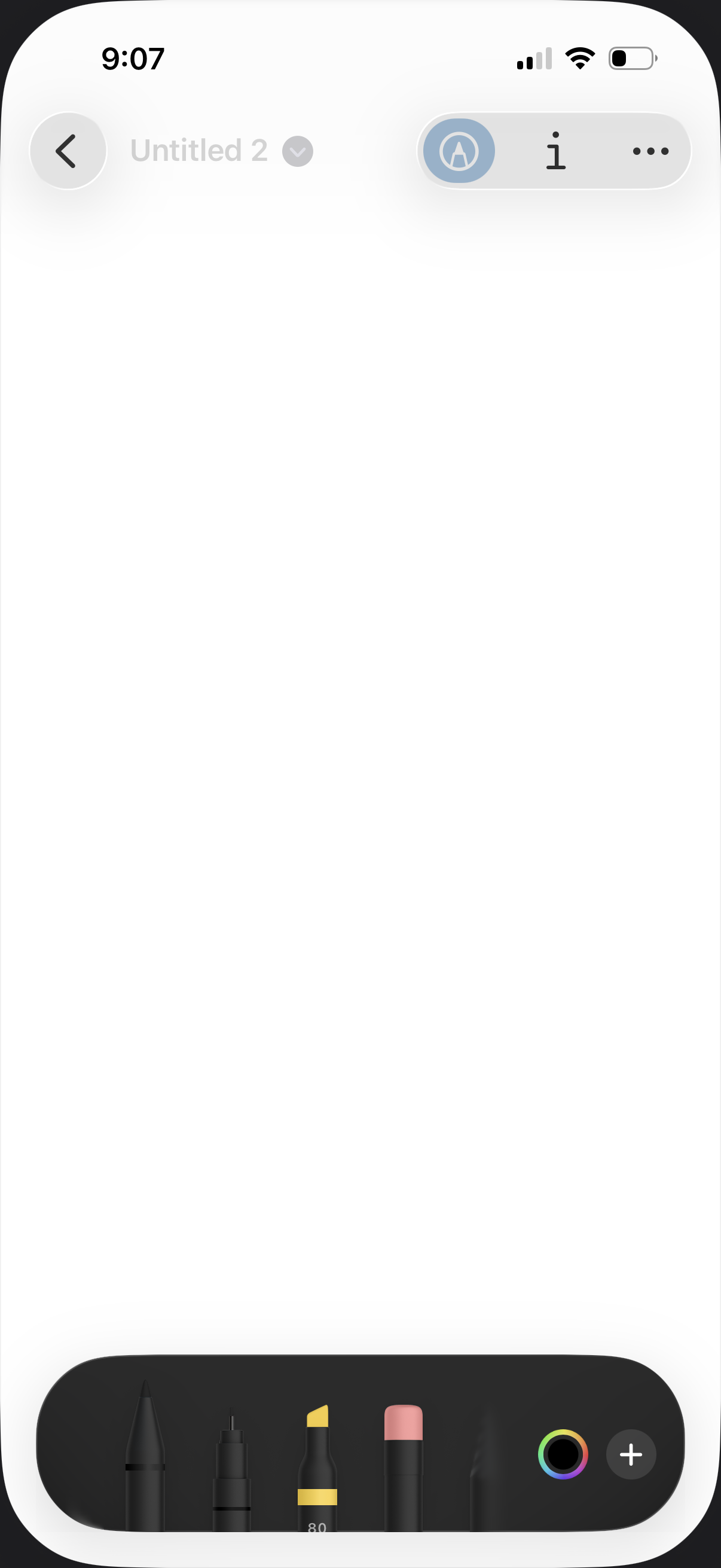
A blank drawing canvas screen for creating a sketch note, with a back button, editable note title dropdown, and a toolbar for pen/marker/eraser tools plus color picker and add options. Users can select drawing tools and colors to start illustrating or annotating on the page.
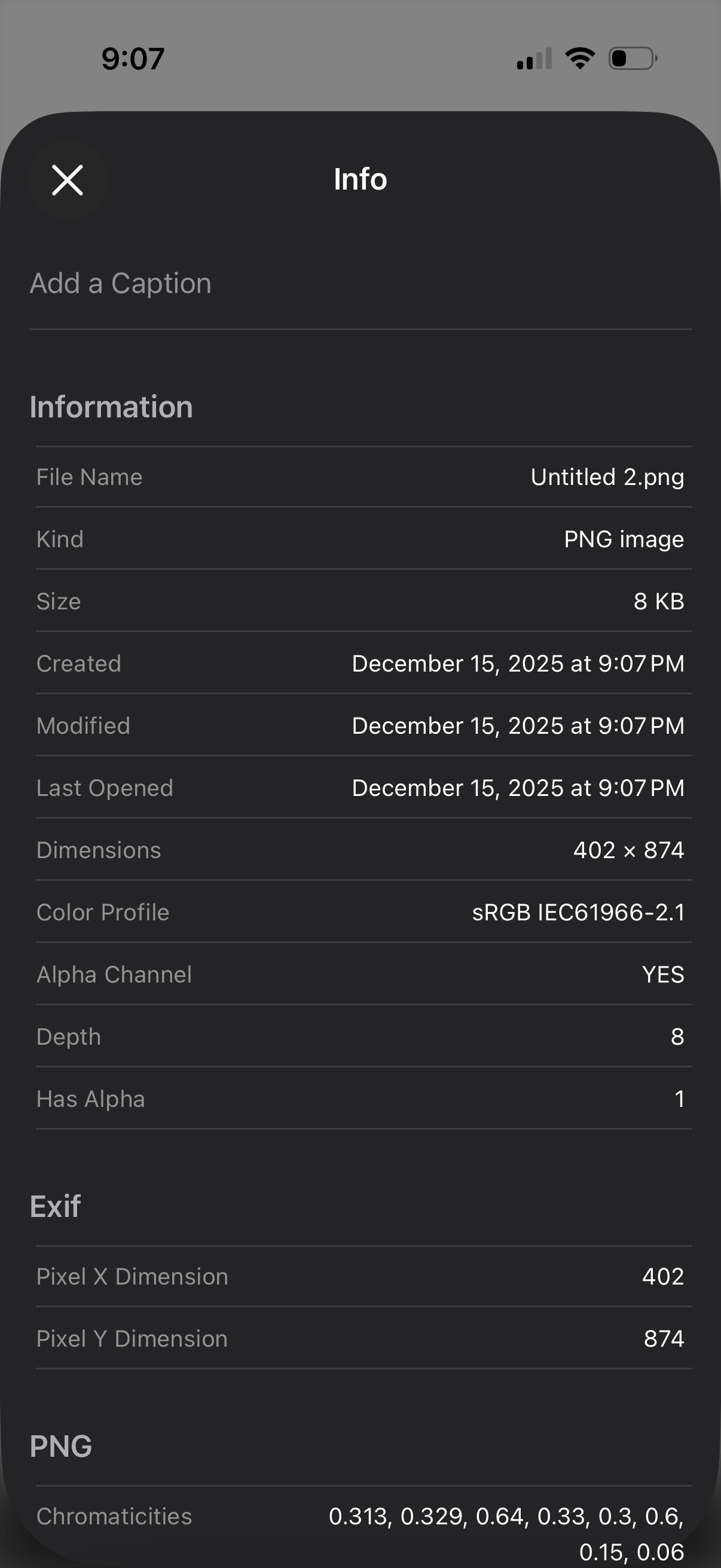
File info details modal for an image, with an optional field to add a caption and a close button. Displays metadata such as file name, type, size, created/modified/last opened dates, dimensions, color profile, alpha channel, and EXIF pixel dimensions.
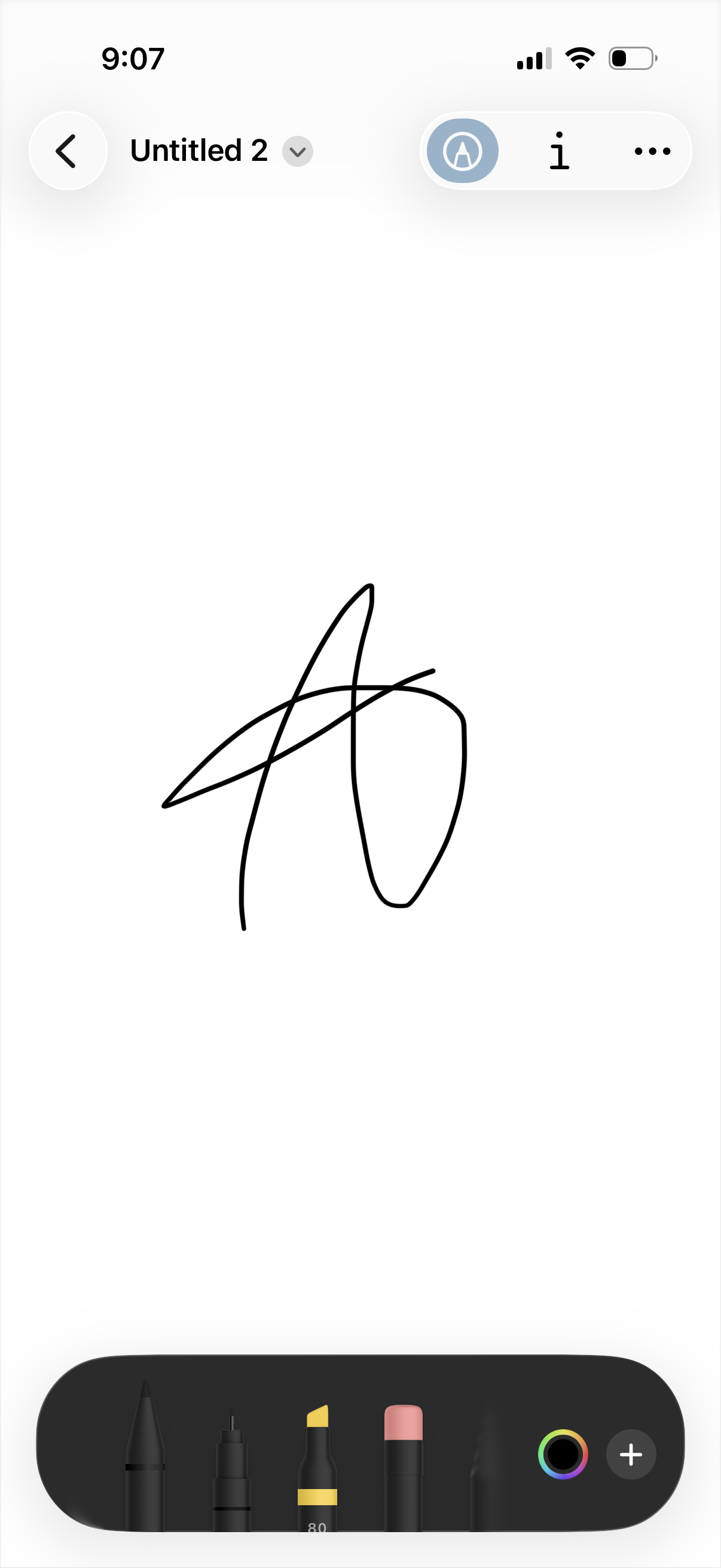
Digital sketching canvas for a note titled with a dropdown, showing a blank page with a drawing and top controls for back navigation, pen tool selection, text insertion, and more options. A bottom toolbar provides drawing tools (pen, marker, highlighter, eraser), a color picker, and an add button to insert additional elements.